Photography portfolios, architecture studios, and ecommerce lookbooks all share the same UX expectation: click a thumbnail, expand it fullscreen, swipe to the next shot without leaving the page. Framer ships a native Lightbox effect on images, but it stops at basic expand-and-close — no masonry auto-layout, no CMS grouping, no zoom sliders, and no mixed image-and-video grids. A dedicated framer image gallery lightbox component handles grid math, keyboard navigation, and lazy loading so you spend time on curation instead of overrides.
This list ranks ten gallery and lightbox components from the Framer marketplace in 2026. Every pick has a live listing, identifiable creator, and working preview — six paid and four free, spanning masonry grids, CMS collections, video lightboxes, and bento-style visual layouts.

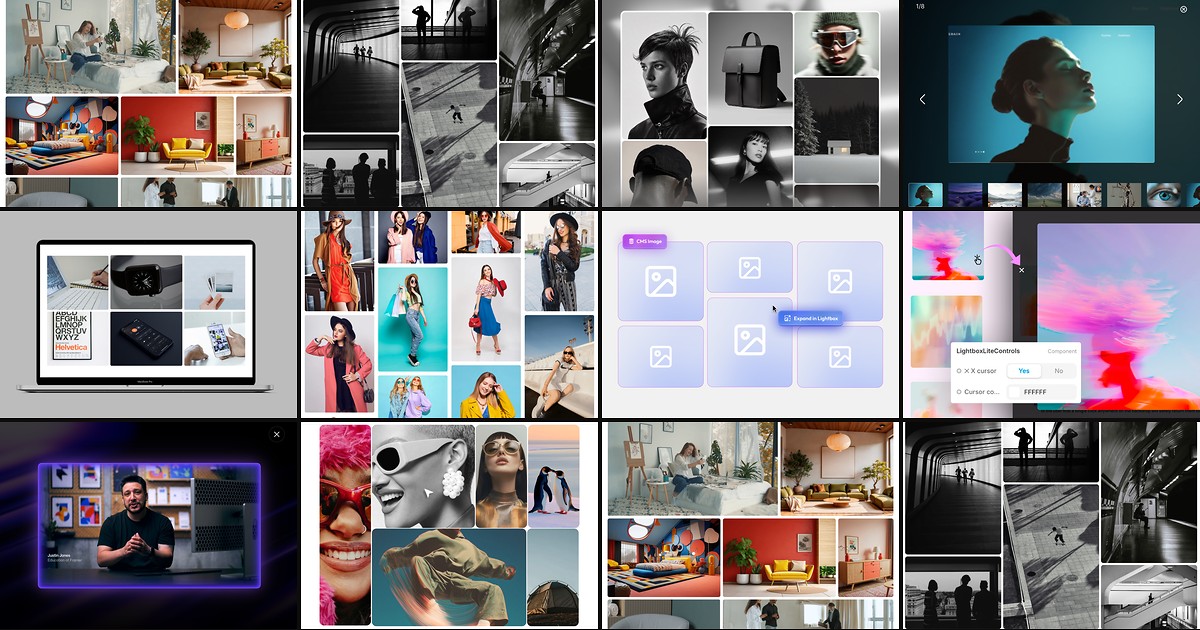
LightboxPro — Masonry grid with per-item sizing, YouTube embeds, and cinematic lightbox controls
LightboxPro is the most flexible masonry lightbox on this list: upload unlimited images and videos, paste YouTube URLs, then set individual height, width, aspect ratio, and column span for each item while the grid auto-balances around your choices. The lightbox layer adds slider navigation, zoom in and out, reset view, auto-play slideshow, and toggles to disable any control you do not want exposed. At 8 USD it replaces the typical stack of a masonry grid component, separate lightbox overlay, and manual video embed frames.
- Best for
- Brand catalogs and mixed-media showcases that need custom dimensions per tile plus zoom and slideshow inside the viewer
Affiliate link — we may earn a commission at no extra cost to you.
CMS Lightbox Gallery — CMS-bound fullscreen viewer with FrameRate embeds, captions, and thumbnail strip
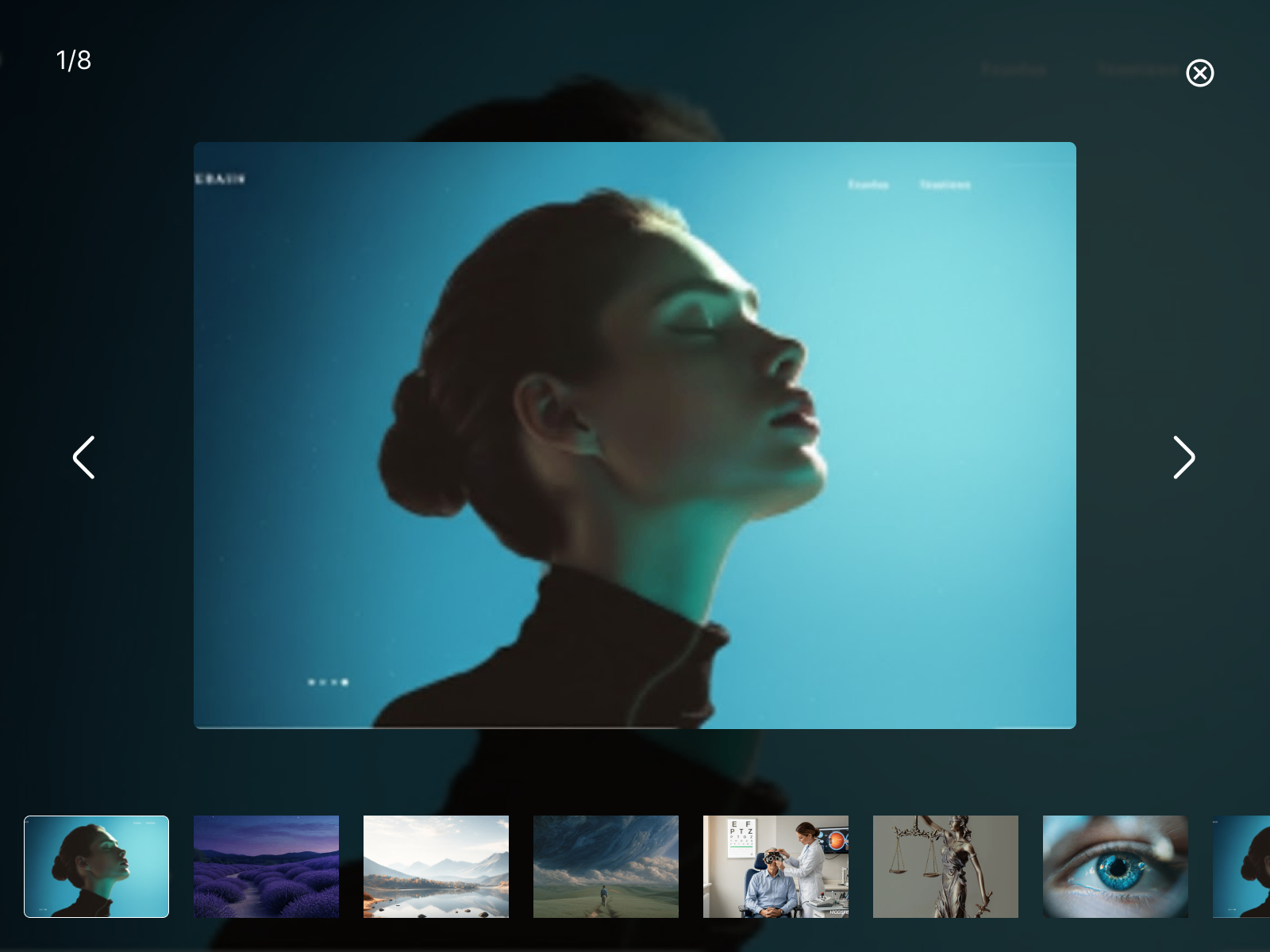
CMS Lightbox Gallery turns collection items into a polished fullscreen experience — bind image, video, FrameRate embed, caption, and title fields, then group related rows with a shared Gallery ID so one click opens the entire set. Swipe, keyboard arrows, on-screen controls, and an optional thumbnail strip keep navigation accessible, while lazy loading and static-renderer-safe video previews protect performance on long archive pages. At 19 USD it is the premium pick when the gallery must stay synced to Framer CMS without rebuilding layouts per project.
- Best for
- Blog galleries, case-study pages, and any CMS collection where images, uploaded video, and embeds share one grouped lightbox
Affiliate link — we may earn a commission at no extra cost to you.

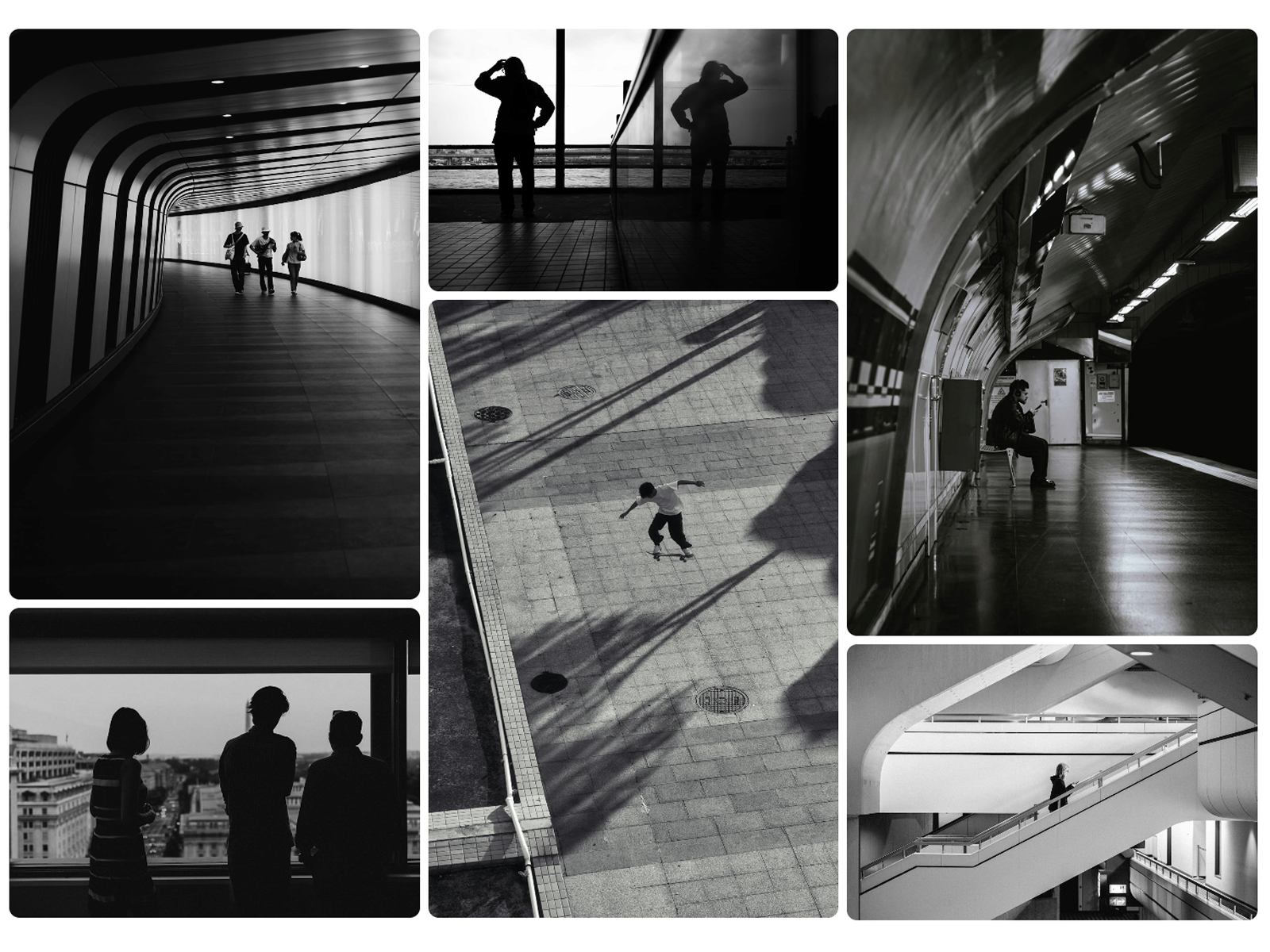
Masonry Lightbox — Filterable masonry grid with zoom, pan, and slideshow inside the lightbox
Masonry Lightbox arranges images and videos in a performance-tuned masonry layout, then opens a full-screen viewer with zoom, pan, keyboard navigation, and hands-free slideshow mode. A built-in media filter lets visitors isolate photos or clips without duplicating the component, and lazy loading keeps large collections from blocking first paint. At 15 USD it suits editorial sites where the grid itself is part of the art direction, not just a thumbnail strip leading to a popup.
- Best for
- Content-heavy portfolios that mix portrait photography and landscape video in one responsive masonry wall
Affiliate link — we may earn a commission at no extra cost to you.
LightboxGallery — Grid, golden-ratio bento, or inline viewer with smart-fit and SEO alt prefixes
LightboxGallery packs three layout personalities into one install — uniform grid, auto-calculated golden-ratio bento, or an inline no-click viewer embedded in the page flow. Smart-fit logic keeps tall portrait shots inside the viewport, a cap setting shows a blurred ”+ More” counter when folders exceed your initial thumbnail count, and global alt-prefix fields hook into Framer’s native image descriptions for SEO. At 11 USD it is the strongest choice when layout variety matters as much as the lightbox transition itself.
- Best for
- Real-estate, interior design, and agency portfolios that need editorial bento layouts plus accessible alt-text control
Affiliate link — we may earn a commission at no extra cost to you.
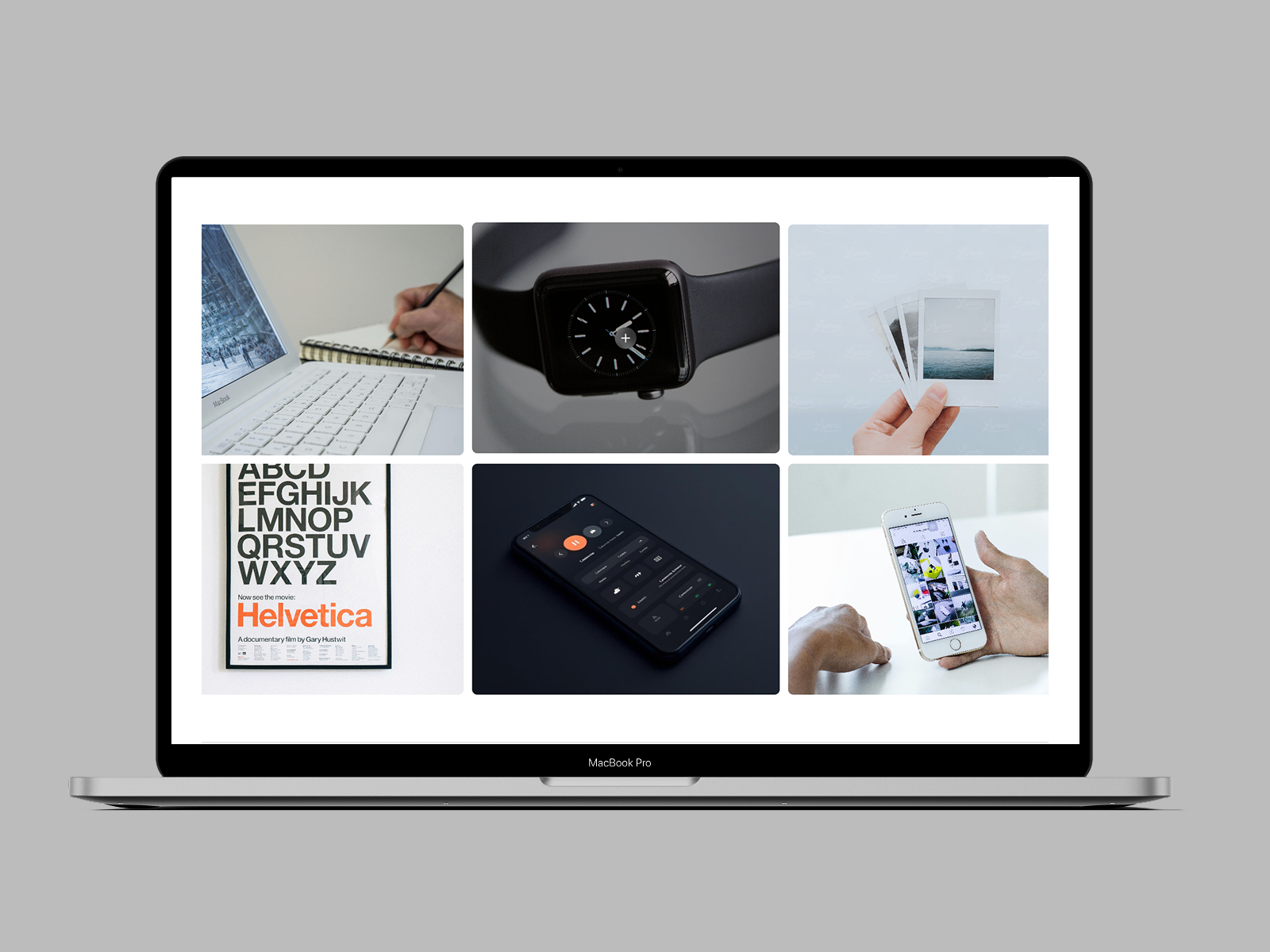
Lightbox Masonry — Switchable grid or masonry with captioned popups and mixed image-video support
by EvolveHub
Lightbox Masonry from EvolveHub lets you flip between grid and masonry modes, then style overlay icons, caption typography, shadow intensity, and hover animations per tile before opening a clean popup with arrows and zoom. Images and videos auto-detect their media type inside the viewer, lazy loading keeps scroll smooth, and slide transitions support zoom, fade, slide, or none. At 12 USD it balances visual polish and property-panel depth for product and lifestyle galleries that cannot look like a default photo grid.
- Best for
- Ecommerce and blog galleries that need overlay icons, custom captions, and hover effects on every tile
Affiliate link — we may earn a commission at no extra cost to you.

Lightbox Gallery — Auto-responsive masonry with zoom, slideshow, and unlimited manual uploads
Lightbox Gallery is Mamun Hossain’s entry-level masonry lightbox: upload unlimited images in any orientation, let the grid auto-fill without cropping, then open a dimmed overlay with slider navigation, zoom controls, reset view, auto-play slideshow, and keyboard support. It covers the core gallery workflow — masonry arrangement plus a capable viewer — without per-item sizing or video embeds. At 4 USD it is the budget pick when the brief is a polished photo wall rather than a mixed-media catalog.
- Best for
- Photography and moodboard pages that need Pinterest-style flow at the lowest paid price on this list
Affiliate link — we may earn a commission at no extra cost to you.
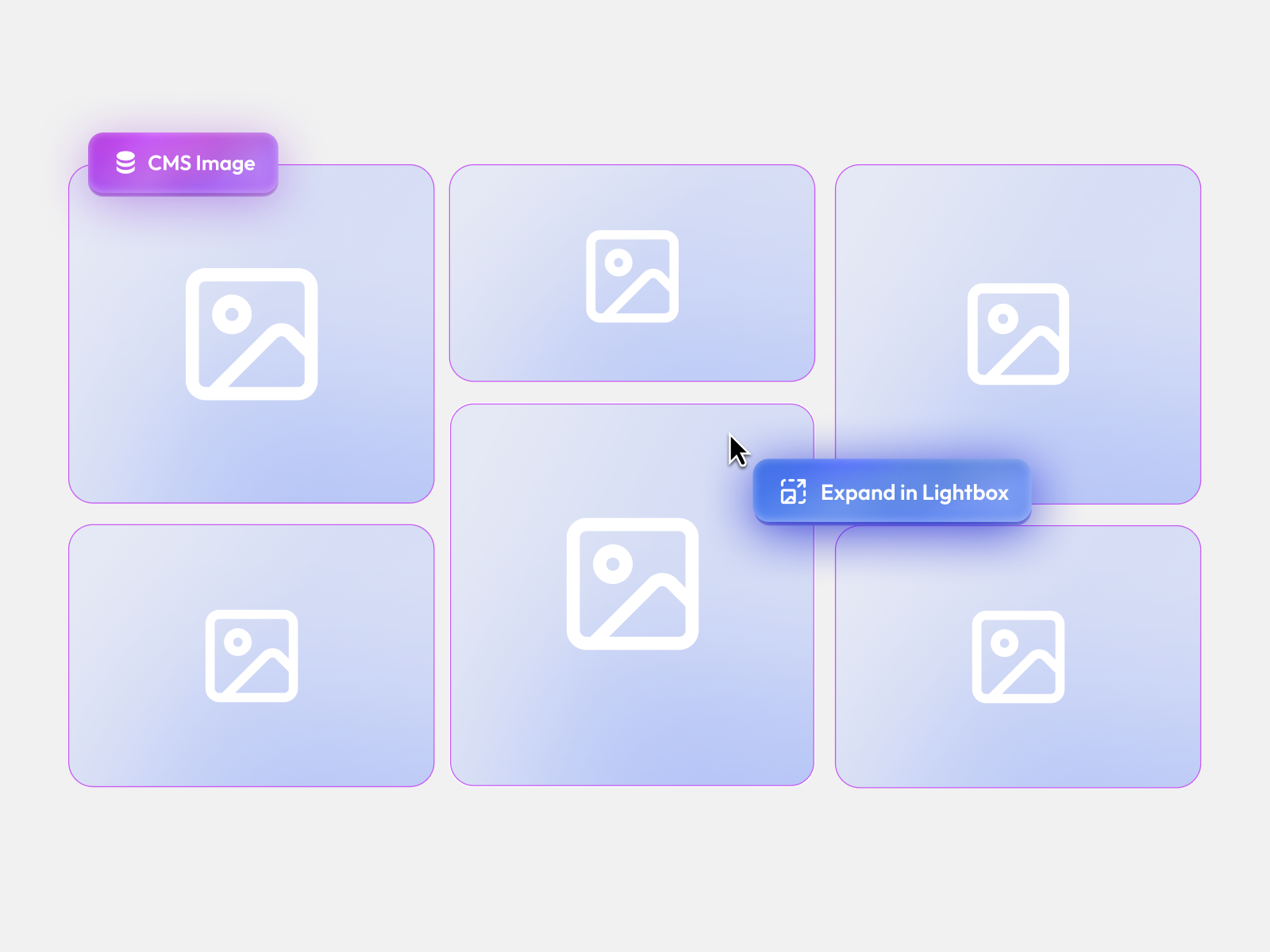
CMS Masonry Lightbox — Pinterest-style CMS masonry with parallax, hover scale, and grouped lightbox
by Product Dude
CMS Masonry Lightbox connects directly to collection lists or Gallery fields, extracts images automatically, and arranges them in a responsive masonry grid with optional parallax and hover scale. The lightbox layer adds arrow navigation, keyboard shortcuts, pre-loading, and click-outside-to-close — column counts adapt from two on mobile to four or more on desktop. At 7 USD it is the mid-tier CMS option when you want masonry rhythm without Riccardo Fala’s FrameRate embed complexity.
- Best for
- Team showcases, real-estate listings, and event photo walls driven entirely by Framer CMS collections
Affiliate link — we may earn a commission at no extra cost to you.
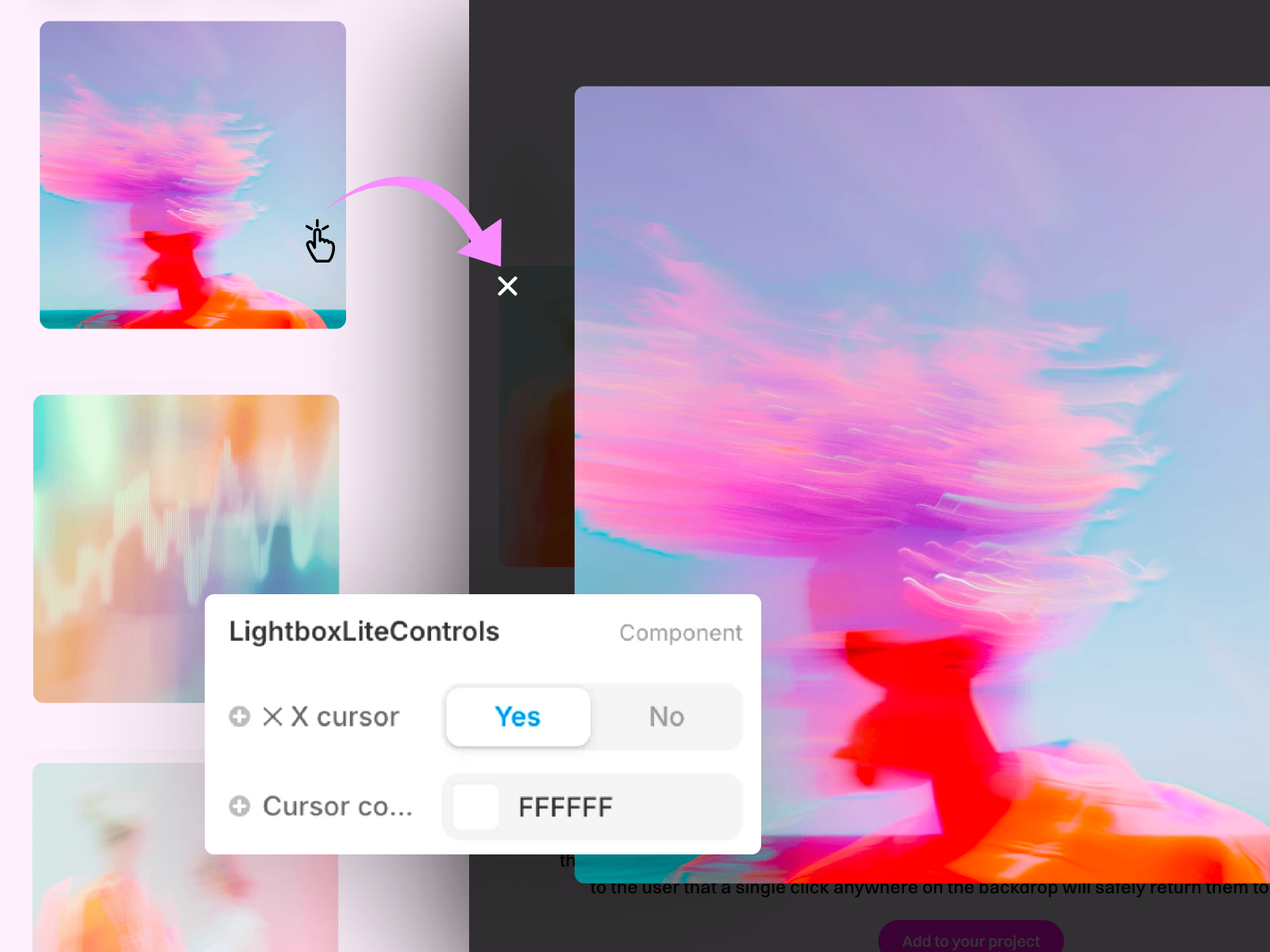
Lightbox Lite — Adds a clear exit cue to Framer's native Lightbox effect
Lightbox Lite solves a specific UX gap: Framer’s native Lightbox looks great but gives visitors no obvious way to exit fullscreen, which raises bounce rates on photography pages. Drop the component absolute on any page with native Lightbox enabled and it injects a professional close interaction in under thirty seconds — no gallery rebuild required. Install it free when the grid layout already works and you only need clearer exit affordances; upgrade to Riccardo’s Lightbox Pro when you want backdrop blur and custom close buttons.
- Best for
- Sites already using native Lightbox that need an obvious close interaction without rebuilding the gallery
Affiliate link — we may earn a commission at no extra cost to you.

Video Glow Lightbox — Cinematic video lightbox with glow, CMS triggers, and YouTube support
Video Glow Lightbox wraps uploaded files, external URLs, and YouTube sources in a responsive player with customizable glow, shadow, overlay blur, and pause-dim effects that make the frame feel powered on or off. Trigger mode lets any card, button, or hero section open the viewer on click, and CMS variables bind dynamic sources for case-study archives. Nostromo Studio publishes it free, making it the go-to when your gallery is really a video showcase with thumbnail art direction.
- Best for
- Dark-themed showreels and product demo pages where video — not stills — is the primary gallery medium
Affiliate link — we may earn a commission at no extra cost to you.

Bento Gallery — Visual-first bento grid with row-column span and optional lightbox
Bento Gallery targets visual-first work — photography, UI shots, and artwork — through a Workshop-built grid where individual cards span rows and columns for emphasis without manual breakpoint hacks. Enable lightbox mode and visitors open any tile fullscreen with full keyboard navigation, while radius, overlay, border, and hover styling stay in the property panel. KIBERU YAHAYA ships it free, which makes it the fastest way to prototype bento gallery layouts before committing to a paid masonry component.
- Best for
- UI portfolios and creative studios that want spanning bento compositions with keyboard-navigable lightbox on click
Affiliate link — we may earn a commission at no extra cost to you.
Quick comparison
| Resource | Price | Type | Best for |
|---|---|---|---|
| LightboxPro | 8 USD | Component | Mixed media masonry with per-item sizing |
| CMS Lightbox Gallery | 19 USD | Component | CMS collections with video and embeds |
| Masonry Lightbox | 15 USD | Component | Filterable image-and-video masonry walls |
| LightboxGallery | 11 USD | Component | Grid, bento, or inline layout modes |
| Lightbox Masonry | 12 USD | Component | Captioned popups with overlay styling |
| Lightbox Gallery | 4 USD | Component | Budget masonry with zoom and slideshow |
| CMS Masonry Lightbox | 7 USD | Component | CMS-driven Pinterest-style grids |
| Lightbox Lite | Free | Component | Clear exit cue for native Lightbox |
| Video Glow Lightbox | Free | Component | Cinematic video lightbox with glow effects |
| Bento Gallery | Free | Component | Spanning bento grids with optional lightbox |
How to choose the right Framer image gallery lightbox
Start with content source. Manual-upload components like LightboxPro, Masonry Lightbox, and Lightbox Gallery suit fixed portfolios where you curate every tile in the panel. CMS-bound picks — CMS Lightbox Gallery and CMS Masonry Lightbox — pay off when blog posts, projects, or listings change weekly and the grid must rebuild itself from collection data.
Match media type to component. Still-photo walls need masonry and zoom — LightboxPro and Masonry Lightbox lead there. Mixed image-and-video catalogs should prioritize LightboxPro or CMS Lightbox Gallery, which handle uploads and embeds in one viewer. Video-first showreels belong on Video Glow Lightbox even if the page has no traditional photo grid.
Budget free first, then buy layout depth. Bento Gallery, Video Glow Lightbox, and Lightbox Lite cover bento layouts, video popups, and native Lightbox UX fixes at zero cost. Spend on CMS Lightbox Gallery when FrameRate embeds and grouped CMS galleries are non-negotiable, or on LightboxGallery when golden-ratio bento and inline viewer modes replace a full redesign.
Test keyboard and mobile exit paths. Every paid component here supports keyboard navigation; verify swipe and close behavior on real devices before launch. Lightbox Lite exists because native Lightbox alone often fails the “how do I get back?” test — do not skip that check on photography-heavy pages.
Our top pick for most Framer builders
If you need one component that handles masonry layout, mixed media, and a full-featured lightbox viewer, LightboxPro at 8 USD delivers the best balance of control and price. For CMS-driven sites where collection items include video and FrameRate embeds, CMS Lightbox Gallery at 19 USD is worth the premium. On a zero budget, pair Bento Gallery for layout experimentation with Lightbox Lite to fix native Lightbox exit UX on pages that already work.
Browse Framer templates on yoframer for portfolio and agency layouts that pair well with gallery sections, or read our carousel components roundup when product shots need motion beyond static grids. More resource roundups live on the Resources hub.
Updated July 2026. We refresh this list as notable gallery and lightbox components ship, reprice, or go stale.