Default Framer routing is fast, which is great for UX metrics and terrible for brand tone when every internal link feels like a tab swap. A dedicated framer page transition component intercepts navigation, plays a full-screen overlay or scroll-driven handoff, and only then loads the next route so multi-page portfolios, CMS blogs, and agency sites feel choreographed.
This list ranks eight transition tools verified on the Framer marketplace and Academy in August 2026. Every pick has a working link, identifiable creator, and live preview. Four are paid marketplace or creator-shop installs and four are free, spanning click overlays, scroll triggers, curtain reveals, and native Page Effects when you want zero third-party code.
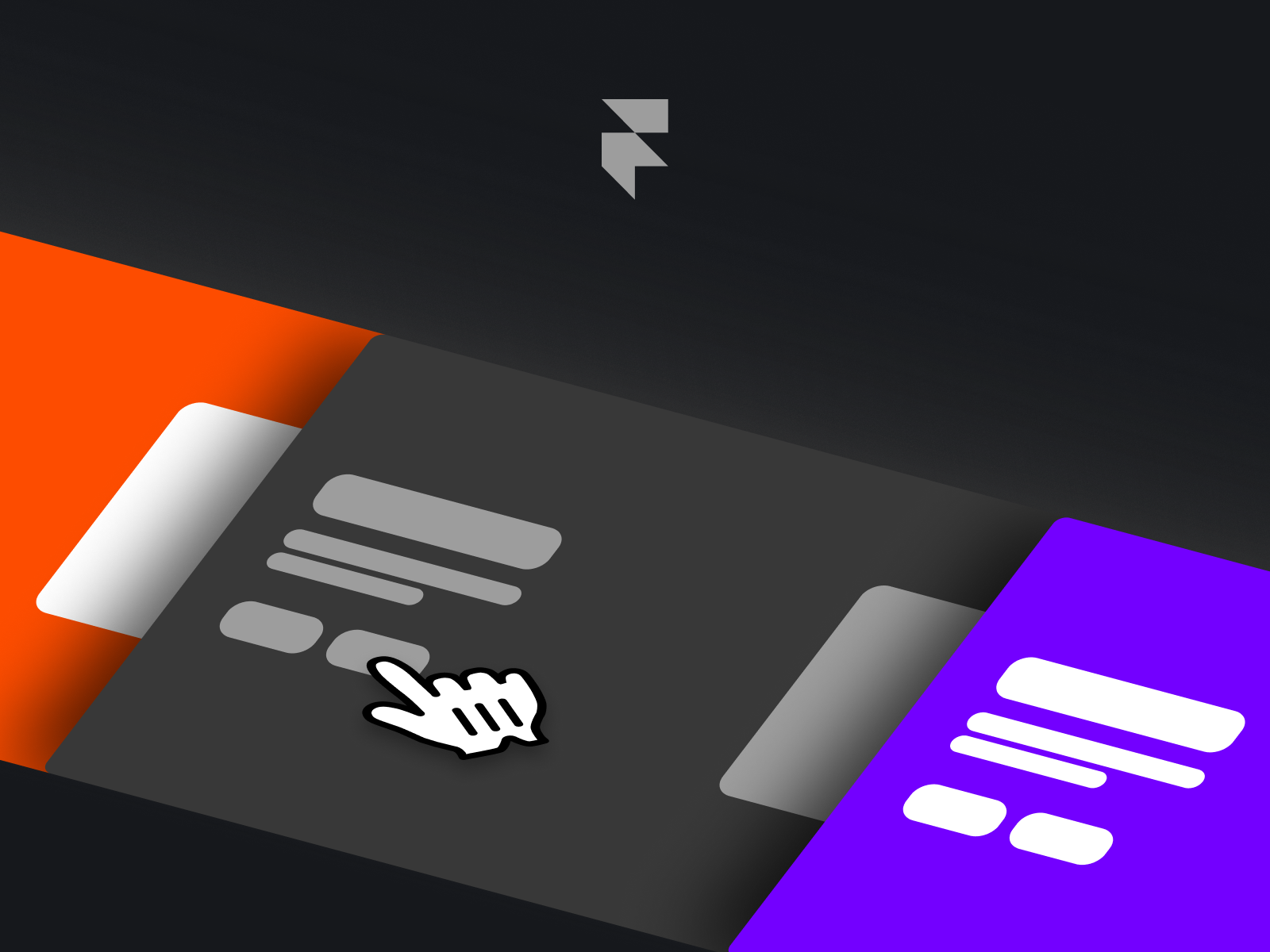
Page Transition — Click-intercepted Arrow, Linear, and Pixels navigation overlays
by Otvos
Page Transition from Otvos intercepts internal clicks and only fires when the destination route actually changes, which prevents accidental animation on same-page anchors. Choose Arrow, Linear, or Pixels presets, each tuned for responsive viewports, then publish knowing the overlay handles the exit beat before Framer loads the next page. At 15 USD it is the most complete click-triggered pack when you want preset variety instead of one locked-in wipe direction. Skip it if your site is a single long scroll page or you already committed to native Page Effects site-wide.
- Best for
- Multi-page marketing sites that need three distinct transition styles without wiring separate components
Affiliate link — we may earn a commission at no extra cost to you.

Next Page On Scroll — Scroll-driven CMS preview with zoom, progress line, and cinematic wipe
Next Page On Scroll from Daniyal Habib turns the page footer into a sticky scroll stage: background zoom, darkening overlay, sliding copy, and a progress line build tension before GSAP hands off to the next route. Bind CMS next-item fields for title, image, and link so editorial sites auto-chain articles without manual wiring per post. The purchase includes a remix project for inspecting CMS structure. At 6 USD it is the editorial pick when transitions should reward scrolling, not clicking. It needs generous page height (150vh minimum) at the bottom of each template, so skip it on compact landing pages with nowhere to scroll.
- Best for
- Blog archives, case-study collections, and portfolio CMS flows where the next item should feel like a continuation
Affiliate link — we may earn a commission at no extra cost to you.

Transition Square — Fixed curtain overlay with layered blocks and optional scroll lock
Transition Square from Rafael Chiqueti slides layered blocks across a full-viewport fixed overlay on navigation, with optional background cover and scroll locking while the animation runs. Duration, direction, and background color all live in the property panel, and Rafael Chiqueti documents the fixed 100% width and viewport height setup so the curtain actually covers content on publish. At 10 USD it solves the scroll-jank complaints people hit with native transitions on heavy pages. You must paste identical settings on every route; missing one page breaks the illusion when users cross that link.
- Best for
- Creative studios and portfolio sites that want a premium curtain without custom GSAP setup
Affiliate link — we may earn a commission at no extra cost to you.
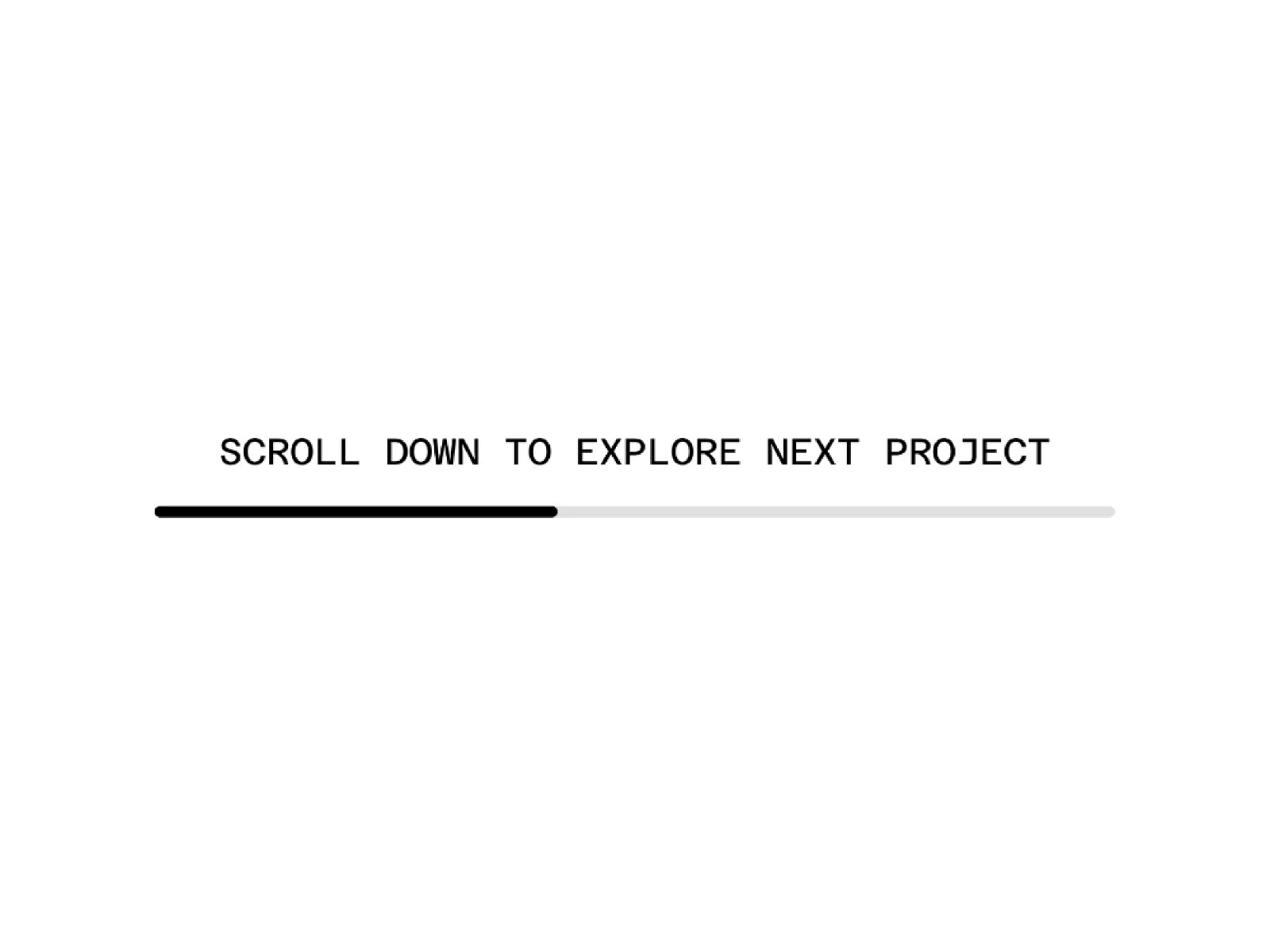
Next Page Trigger — Automatic route change after a scroll threshold with CMS looping
Next Page Trigger from THE DESIGN FUTURIST watches scroll depth and automatically navigates once the reader crosses your threshold, with Normal mode for fixed destinations like Pricing or Contact and CMS mode for infinite next-item loops through a collection. Customize the progress bar, dim overlay, and label typography from the panel so the handoff matches brand chrome. At 8 USD it increases dwell time on long-form product stories where manual next buttons feel like friction. Skip it on docs or support sites where unexpected route changes would disorient people trying to copy text near the page bottom.
- Best for
- Story-driven sites that want passive page advances without forcing a footer click
Affiliate link — we may earn a commission at no extra cost to you.
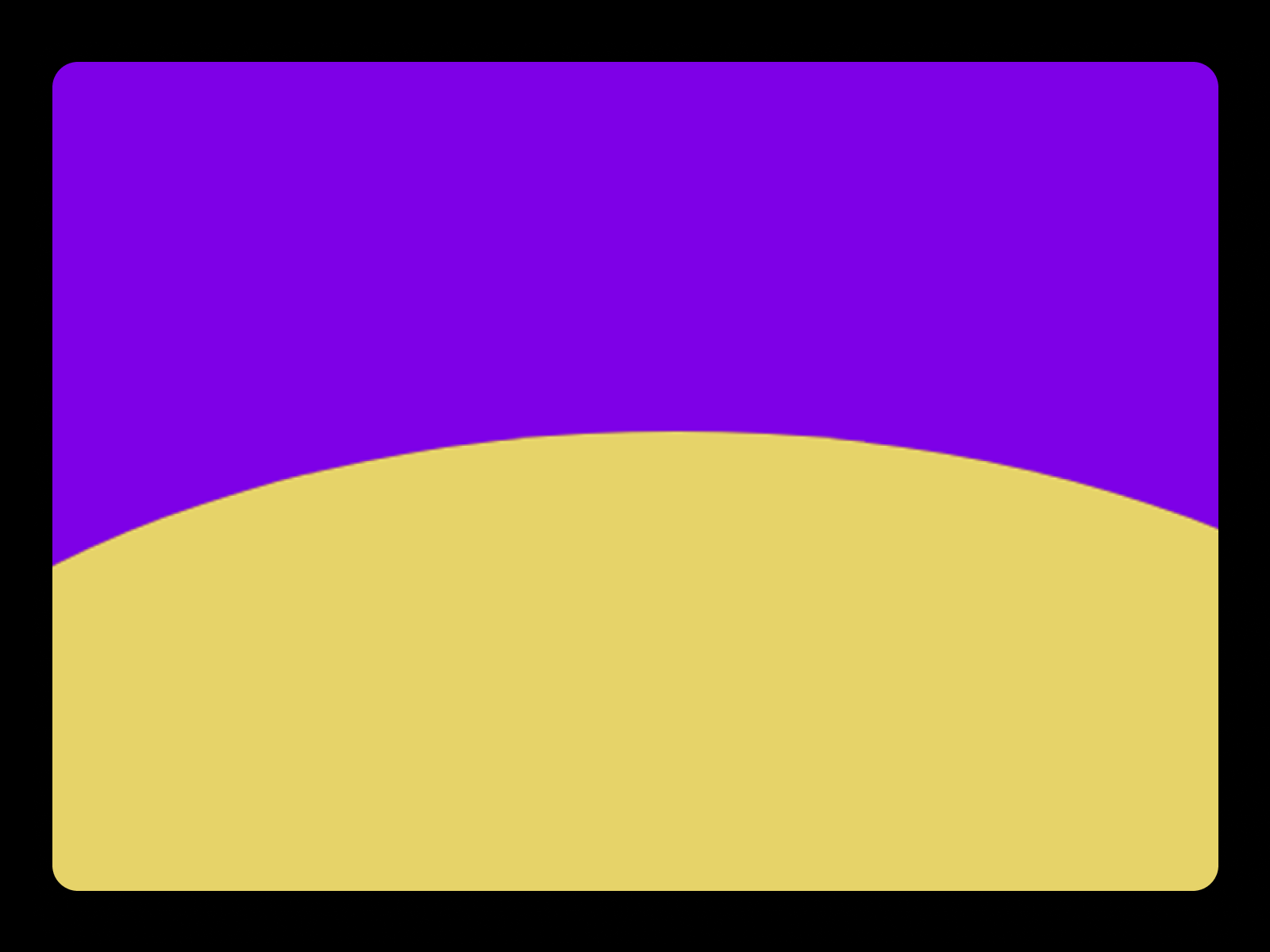
LayerTransition — Liquid ellipse clip-path curtain reveal with dual color layers
by RAMDIN SINGH
LayerTransition from RAMDIN SINGH animates two pseudo-element layers through elliptical clip-path keyframes, producing a liquid wave that expands from the bottom before handing off to page content. The effect reads cinematic on black backgrounds with high-contrast accent colors, and RAMDIN SINGH prices it at 5 USD as a lightweight alternative to full navigation interceptors. Use it for intro screens, route-entry moments, or dramatic section reveals rather than sitewide link overlays. It does not intercept anchor clicks across your whole site, so pair it with Page Transition or native Page Effects when every nav link needs motion.
- Best for
- Hero intros and section transitions where a wave-like curtain beats a flat wipe
Affiliate link — we may earn a commission at no extra cost to you.
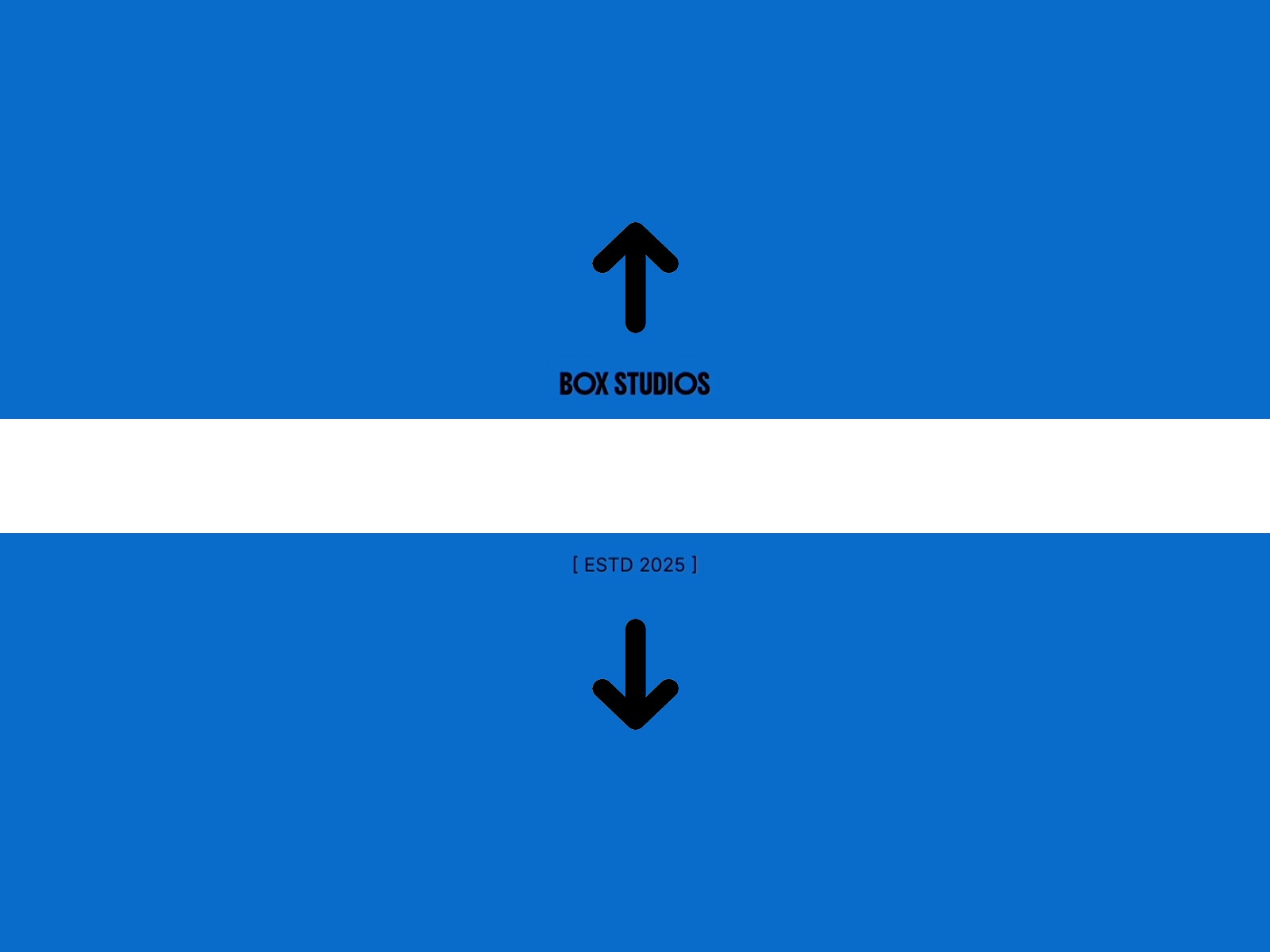
Box Page Reveal — Center-split rows that open top and bottom before content appears
by Eddie Mj
Box Page Reveal from Eddie Mj splits the viewport with two animated rows that peel from the center, holds your name and subtext for about 0.6 seconds, then reveals the site underneath. Both rows accept independent colors for two-tone reveals, and Eddie Mj reminds you to set pointer events to none so underlying links stay clickable after the animation. As a free utility it is the fastest branded intro when you do not need link interception across every route. It plays on load, not on internal navigation, so it will not replace click-triggered overlays between pages.
- Best for
- Personal brands and studios that want a name-and-tagline beat on first paint
Affiliate link — we may earn a commission at no extra cost to you.

Preload — Two-second upward curtain with swappable image sequence
Preload from Alireza Sinaei runs a sequential upward curtain over roughly two seconds, exposing the page through a smooth staggered motion with three size presets and fully replaceable image frames. Alireza Sinaei targets both preloaders and lightweight page transitions, which makes it useful on campaign landings where the reveal itself carries logo or product art. Swap the image stack from the panel to match seasonal campaigns without touching overrides. The animation is short and single-pass, so skip it when you need scroll locking, session memory, or link-triggered overlays across a multi-page site.
- Best for
- Landing pages that need a quick branded veil before hero content shows
Affiliate link — we may earn a commission at no extra cost to you.
Framer Page Effects — Native View Transitions API presets: wipe, crossfade, circular mask, blinds, and more
by Framer
Framer Page Effects built on the View Transitions API let you assign crossfade, wipe, circular mask, blinds, zigzag, and inset presets from the Effects panel without marketplace code. Target all pages for a consistent default, or layer page-pair rules so blog posts wipe while marketing pages fade. The Academy lesson walks through direction, duration, and mask width controls plus persistent layout templates so headers stay fixed during transitions. Start here when budget is zero and your transitions are standard presets, not custom SVG paths or scroll-driven CMS handoffs. You will outgrow native effects when you need scroll lock, custom overlay art, or GSAP-timed editorial sequences.
- Best for
- Teams that want sitewide transitions without pasting an overlay component on every page
Affiliate link — we may earn a commission at no extra cost to you.
Quick comparison
| Resource | Price | Type | Best for |
|---|---|---|---|
| Page Transition | 15 USD | Component | Three click-triggered overlay presets |
| Next Page On Scroll | 6 USD | Component | CMS scroll handoff with preview stage |
| Transition Square | 10 USD | Component | Fixed curtain overlay with scroll lock |
| Next Page Trigger | 8 USD | Component | Automatic scroll-threshold route change |
| LayerTransition | 5 USD | Component | Liquid clip-path intro curtain |
| Box Page Reveal | Free | Component | Center-split name reveal on load |
| Preload | Free | Component | Quick upward image curtain |
| Framer Page Effects | Free | Tutorial | Native sitewide View Transitions presets |
How to choose the right Framer page transition component
Click vs scroll vs load. Page Transition and Transition Square intercept link clicks and belong on every page in a layout template with native transitions set to None. Next Page On Scroll and Next Page Trigger reward scroll depth at page bottoms, ideal for CMS editorials. Box Page Reveal and Preload cover first paint or campaign intros, not sitewide nav overlays.
Native vs marketplace code. Framer Page Effects is the zero-install baseline: fast to ship, easy to maintain, limited to preset masks. Paid overlays add scroll lock, custom colors, CMS next-item binding, and effects native presets cannot replicate. Prototype with Page Effects first, then buy when stakeholders reject the stock wipe.
CMS editorial sites. Next Page On Scroll and Next Page Trigger both support collection next links, but On Scroll builds a full preview stage while Trigger fires a faster automatic handoff. Test mobile scroll length: both need real content below the fold to feel intentional.
Budget path. Enable Page Effects free, add Box Page Reveal or Preload on the homepage template for a branded open, then spend 5–15 USD on Transition Square or Page Transition when every internal link needs the same cinematic language.
Our top pick for most Framer builders
Enable Framer Page Effects free site-wide first. It covers 80% of multi-page sites without pasting overlays on every route. When the brief outgrows presets, Transition Square at 10 USD is the balanced paid overlay for studio portfolios, and Next Page On Scroll at 6 USD is the CMS editorial upgrade when blog or case-study pages should chain through scroll instead of footer buttons.
Browse free Framer templates on yoframer for multi-page starting points, read our preloader roundup when the problem is first-load flash rather than route-to-route motion, and explore more resource roundups on the Resources hub.
Updated August 2026. We refresh this list as page transition components ship breaking changes, reprice, or go stale.


