A framer social media feed should feel like part of the page — not a boxed iframe that breaks responsive layouts or forces visitors off-site. Framer does not ship native Instagram, TikTok, or YouTube sync out of the box, so builders rely on marketplace plugins, code components, or embed services that pull live posts and keep them current after publish.
This list ranks eight tools you can install or connect today. Every pick has a working link, identifiable creator, and a clear path to live content — four paid marketplace plugins and components, two subscription platforms, and two free-tier options for testing before you commit.
RevuKit Instagram Feed — Native Instagram grid, slider, and profile layouts with lightbox modals
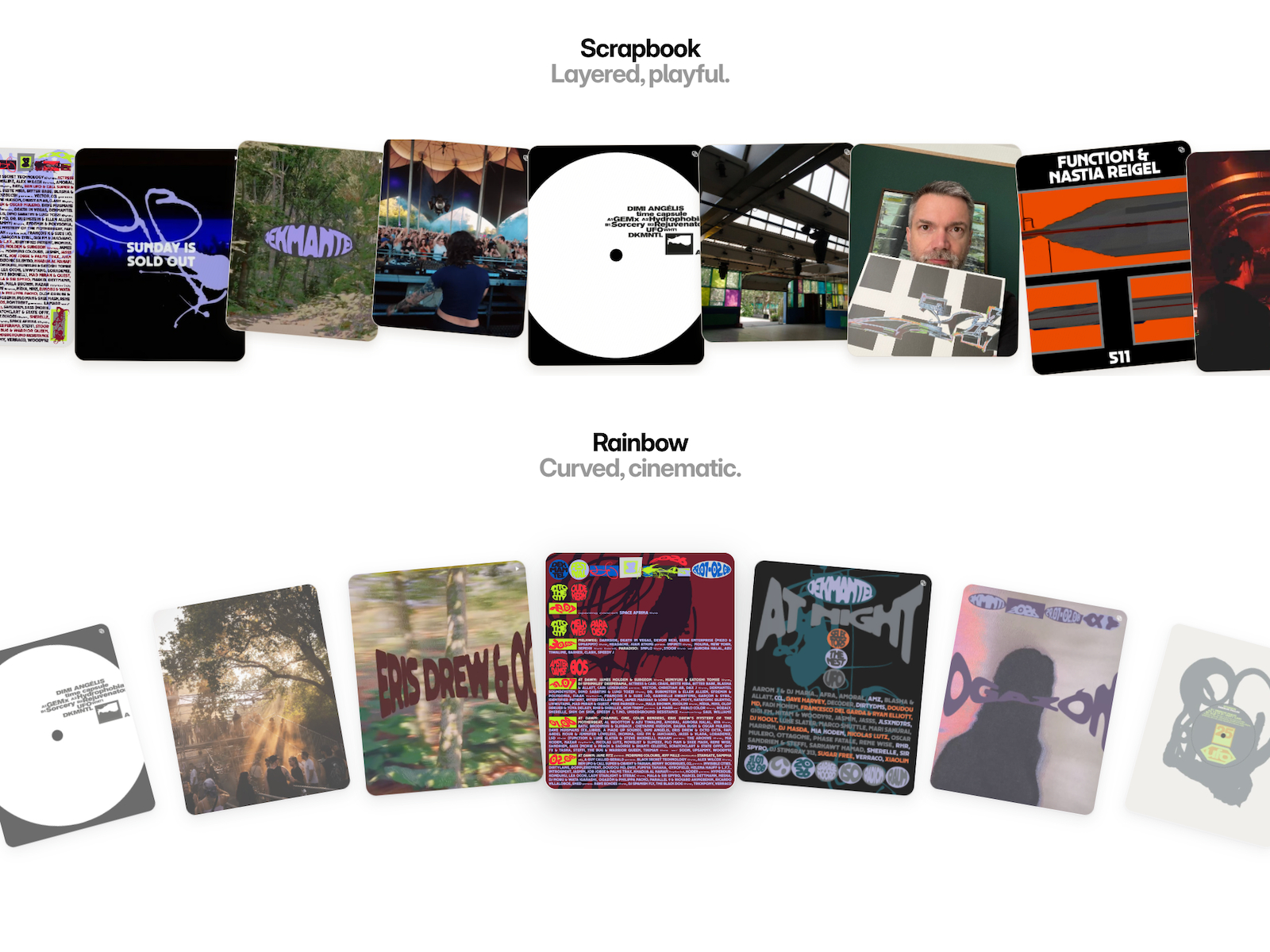
RevuKit Instagram Feed is the strongest single-platform Instagram pick on this list: paste a public handle, preview up to twelve posts inside the plugin panel, and insert a native Framer code component that renders on canvas and on the published site. Grid, slider, and profile templates ship with Instagram-style lightboxes — captions, relative timestamps, and video playback — so social proof stays on your domain instead of sending traffic to the app. Plans start at 9 USD per month after a seven-day trial, with automatic refresh every twenty-four to thirty-six hours depending on tier. Choose RevuKit when Instagram is the primary feed and you want marketplace-native workflow quality.
- Best for
- Brand and agency sites that need a polished Instagram section without API keys or iframe embeds
Affiliate link — we may earn a commission at no extra cost to you.
RevuKit TikTok Feed — Search a TikTok handle and insert a live native feed component
RevuKit TikTok Feed mirrors the Instagram plugin workflow for short-form video: search any public handle, preview the grid in the plugin panel, and insert a responsive component directly onto the canvas — no iframes, no API keys, no manual video URLs. Backend sync and caching keep published pages current when TikTok media links rotate, which is the failure mode that breaks most DIY embeds. Starter covers one connection and ten thousand monthly views; Growth and Pro scale connections and view limits for agency client work. At 9 USD per month with a seven-day trial, it is the clearest TikTok-specific install when motion-friendly social proof belongs above the fold.
- Best for
- Creator portfolios and launch pages that showcase vertical TikTok content in a responsive grid
Affiliate link — we may earn a commission at no extra cost to you.
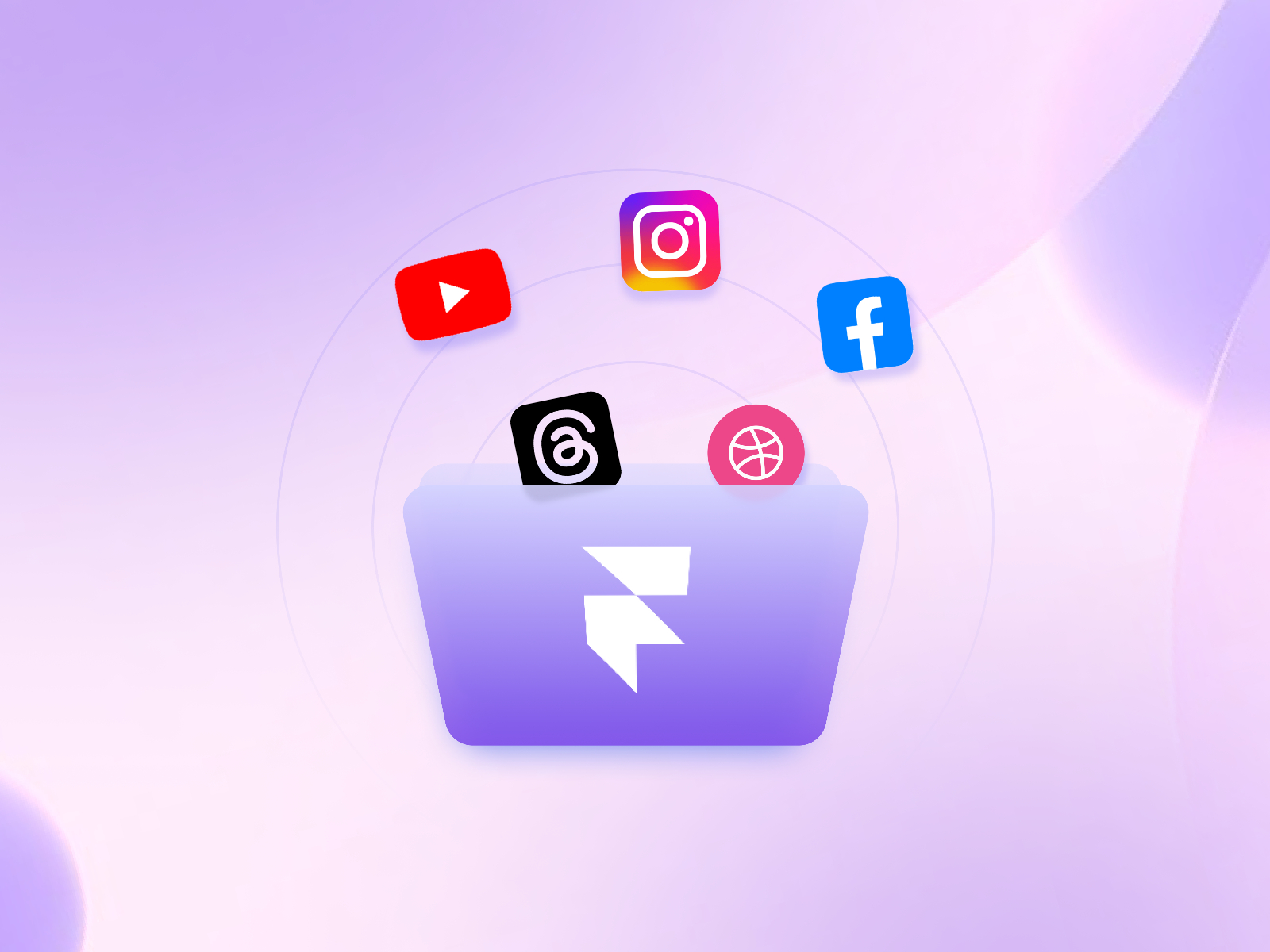
Social Hampster — Multi-platform feeds for Instagram, YouTube, Facebook, Threads, and Dribbble
by 7 Seers
Social Hampster is the best multi-platform native plugin when Instagram alone is not enough. Connect Instagram, YouTube, Facebook, Threads, or Dribbble from a single dashboard, pick grid, masonry, slider, or channel-profile layouts, and drop components onto the canvas without writing embed code. The free tier includes three thousand monthly views with twenty-four-hour auto-sync; paid Personal and Business plans expand site connections, refresh frequency down to hourly, and unlock the full component library. Install Social Hampster when you want breadth across platforms inside Framer rather than a separate service per network.
- Best for
- Framer builders who need one plugin for several social channels on personal or client sites
Affiliate link — we may earn a commission at no extra cost to you.
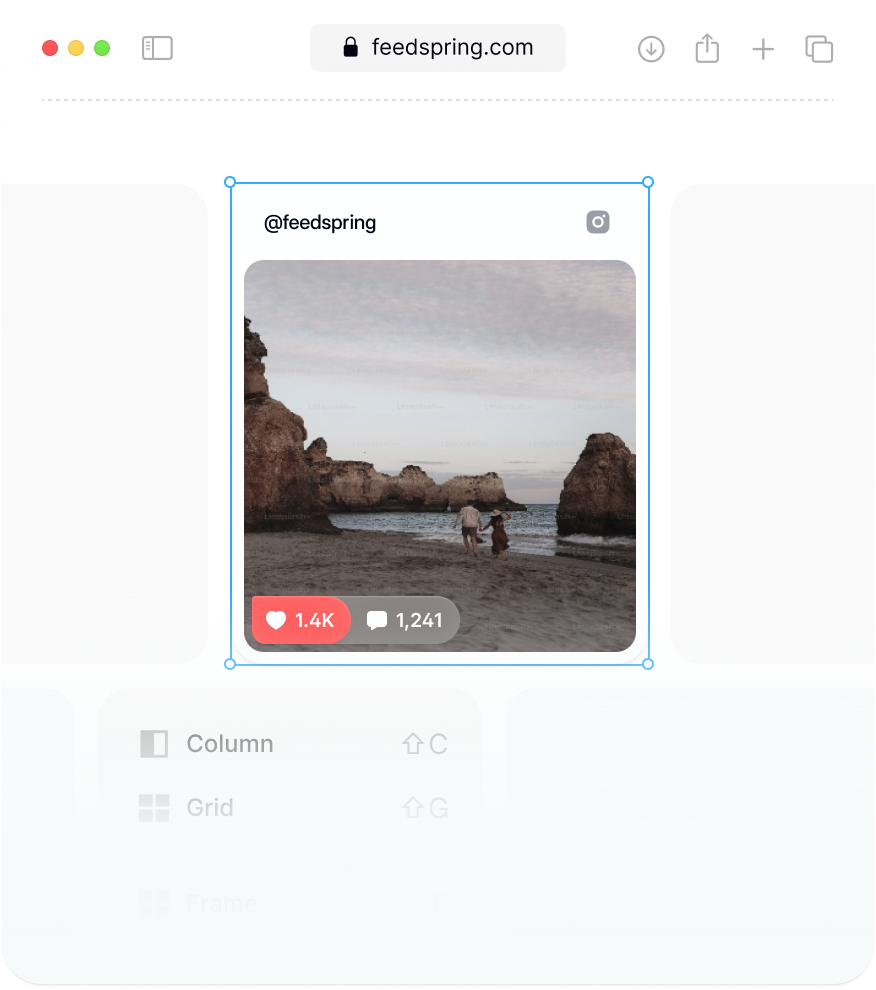
FeedSpring — Purpose-built Framer components for Instagram, TikTok, Google Reviews, and Dribbble
by FeedSpring
FeedSpring is built specifically for Framer and Webflow: create a feed in the dashboard, copy a starter component URL, paste it onto the canvas, and connect your FeedSpring ID so posts populate through native property controls. Pre-made layouts cover Instagram image grids, TikTok carousels, Google Reviews, and Dribbble shots — all editable for typography, spacing, and breakpoint-specific layouts without leaving the editor. A free tier lets you validate the workflow before upgrading for higher volume or additional sources. Pick FeedSpring when canvas-level styling matters as much as live sync and you prefer component paste over a plugin panel workflow.
- Best for
- Designers who want to customize feed layout entirely inside Framer property panels
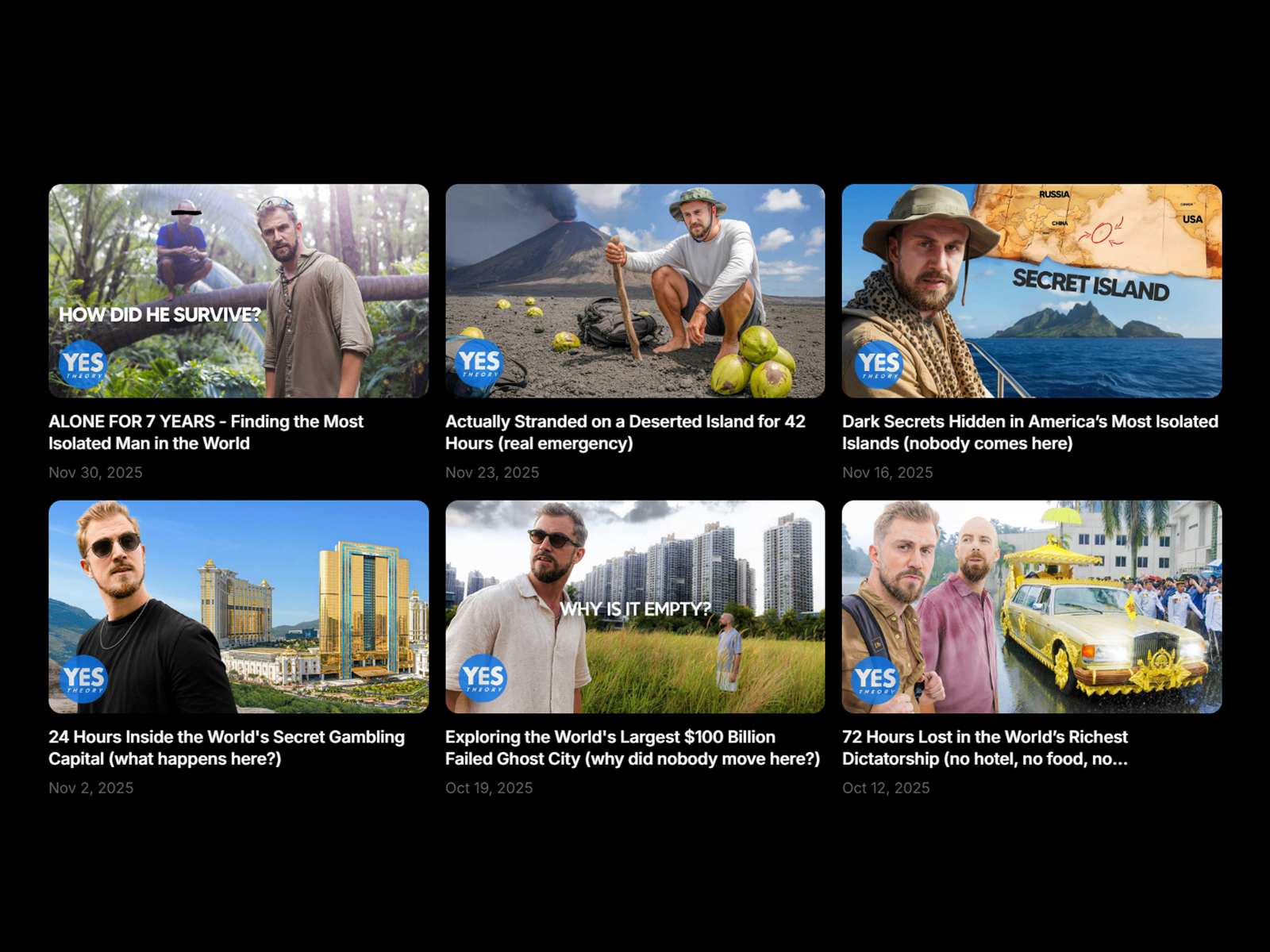
YouTube Video Grid — RSS-powered channel grid with theater popup and subscribe button
by Frame Craft
YouTube Video Grid pulls your latest uploads through YouTube public RSS — no API key required — and renders a customizable grid with shimmer skeleton loaders, gradient hover overlays, and an optional theater popup for autoplay viewing. A stylable subscribe button links directly to your channel, which makes this component stronger for conversion-focused creator pages than a bare embed list. Property controls cover columns, spacing, typography, play-button styles, and close-button placement across breakpoints. At 15 USD one-time, it is the best YouTube feed component when visual polish and subscriber CTAs matter alongside automatic uploads.
- Best for
- YouTube creators and SaaS teams that need an auto-updating video gallery with premium hover motion
Affiliate link — we may earn a commission at no extra cost to you.
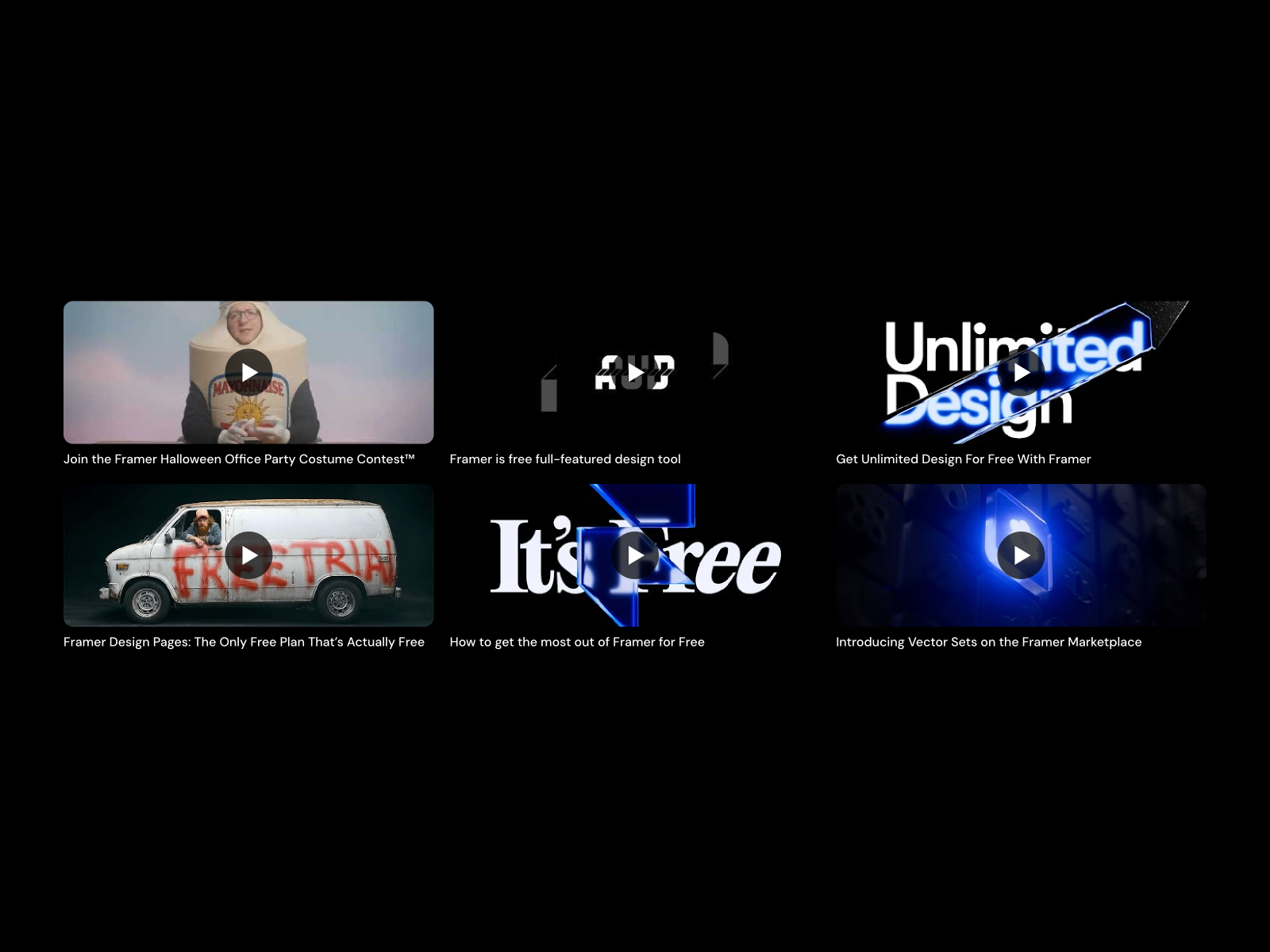
YouTube Feed Grid — Lightweight auto-updating channel grid from a Channel ID
by Daniel Eloma
YouTube Feed Grid from Daniel Eloma focuses on the essentials: enter a Channel ID, set max videos and column count, and the component refreshes with new uploads without manual edits. Modal playback, title and metadata typography, and color controls cover most marketing-page needs without the theater-mode complexity of larger gallery components. At 10 USD it is the budget-friendly YouTube pick when you want RSS-driven auto-sync and a clean grid — not cinematic hover effects or subscribe funnels. Copy the remix frame, paste into your project, and publish the same day.
- Best for
- Tutorial sites and vlog landing pages that need a simple latest-videos section on a budget
Affiliate link — we may earn a commission at no extra cost to you.
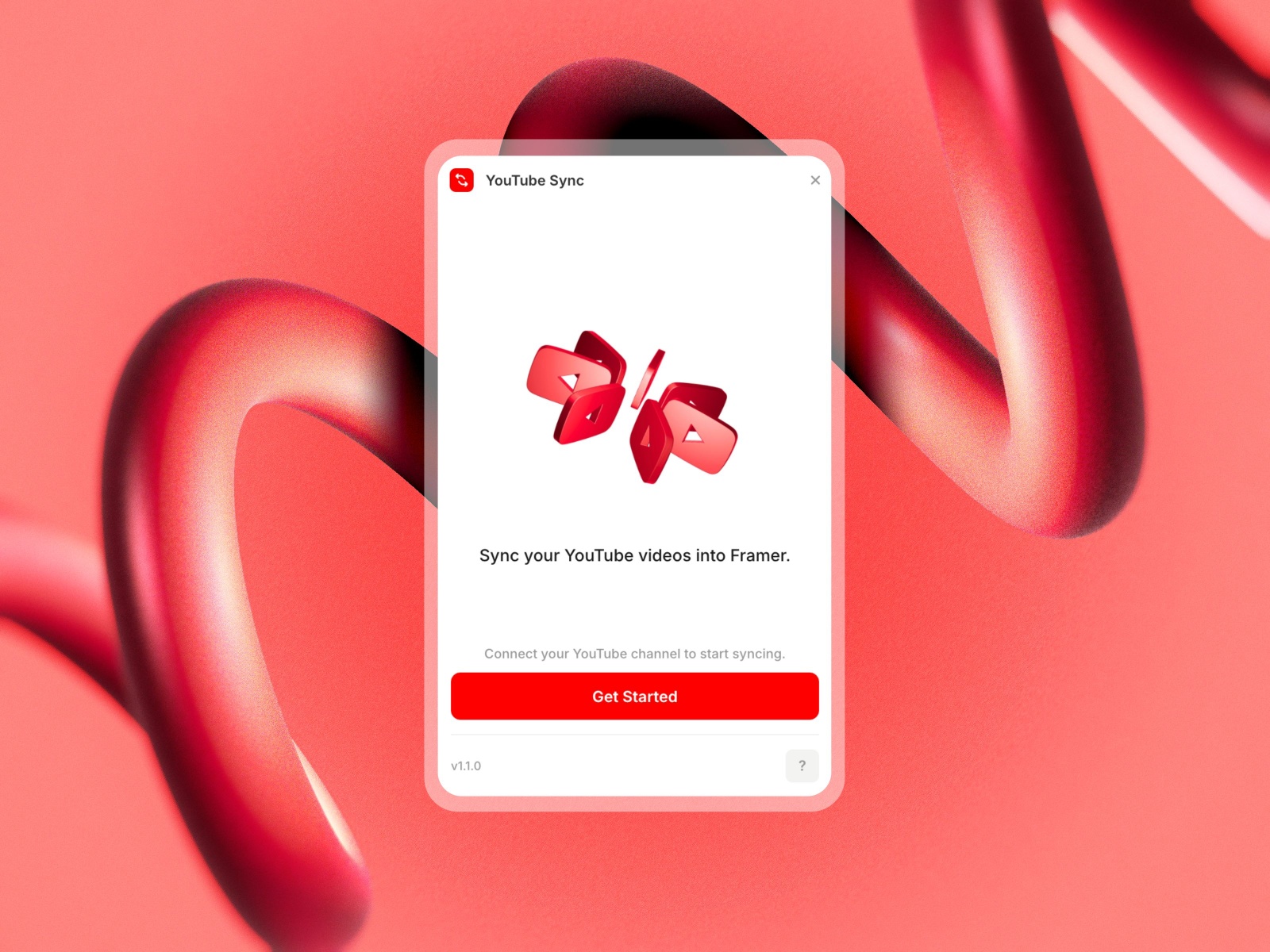
YouTube Sync — Sync channel videos into Framer CMS collections with one click
by Fred Moon
YouTube Sync bridges YouTube and Framer CMS: connect a channel with a free YouTube Data API key, hit Sync, and videos land as collection items with title, description, thumbnail, publish date, and URL fields ready for custom layouts. Full Sync adds, updates, and removes stale entries; Add Only mode preserves manual CMS edits across re-syncs. The free tier syncs up to five videos for testing; a 99 USD one-time license unlocks unlimited videos per project. Choose YouTube Sync when your framer social media feed workflow is CMS-first — blog-style video indexes, filtered category pages, or hand-designed cards bound to collection data rather than a fixed grid component.
- Best for
- Teams that design video pages from CMS data and need structured metadata on every upload
Affiliate link — we may earn a commission at no extra cost to you.
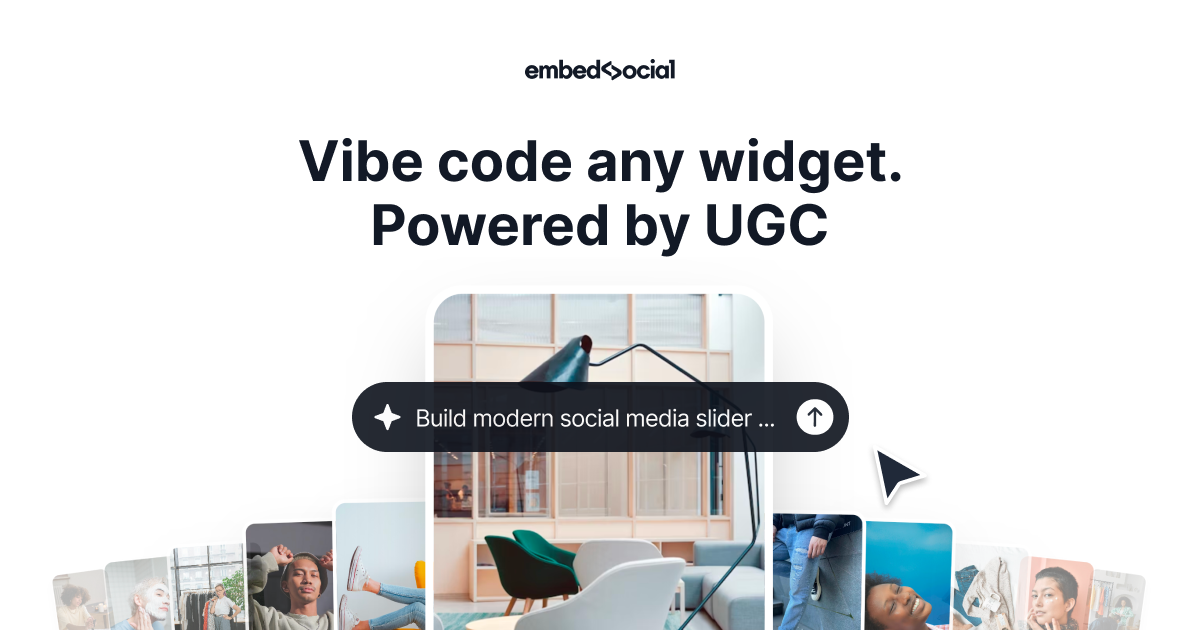
EmbedSocial — Multi-platform social wall, reviews, and shoppable UGC via JavaScript embed
by EmbedSocial
EmbedSocial is the enterprise-grade embed path when one plugin per platform is not enough. Connect Google Reviews, Instagram, TikTok, YouTube, Facebook, and testimonial sources from a single dashboard, customize layouts with AI-assisted styling, and paste a lightweight JavaScript snippet into Framer Embed or Custom Code components. Reviews sync roughly every ten minutes and social feeds update continuously — faster refresh than most native plugins on this list. Plans start around 29 USD per month with a free tier limited to a Google review badge. Install EmbedSocial when compliance, moderation, shoppable UGC tags, or cross-platform social walls outweigh the simplicity of a single-network marketplace plugin.
- Best for
- Marketing teams that need Google Reviews plus Instagram, TikTok, and YouTube on one Framer site
Quick comparison
| Resource | Price | Type | Best for |
|---|---|---|---|
| RevuKit Instagram Feed | from 9 USD/month | Plugin | Native Instagram grids and lightboxes |
| RevuKit TikTok Feed | from 9 USD/month | Plugin | Live TikTok handle search and canvas insert |
| Social Hampster | Free tier; from 10 USD/month | Plugin | Five platforms from one Framer plugin |
| FeedSpring | Free tier; paid plans | Component | Framer-native layout control per breakpoint |
| YouTube Video Grid | 15 USD | Component | Premium YouTube grid with theater popup |
| YouTube Feed Grid | 10 USD | Component | Budget RSS channel grid |
| YouTube Sync | Free (5 videos); 99 USD | Plugin | CMS-bound YouTube metadata |
| EmbedSocial | from 29 USD/month | Widget | Multi-platform social wall and reviews |
How to choose the right Framer social media feed tool
Start with the platform that drives your proof. Instagram-heavy brand sites should install RevuKit Instagram Feed or FeedSpring first. TikTok-first creator pages need RevuKit TikTok Feed. YouTube tutorial hubs benefit from YouTube Video Grid or YouTube Feed Grid when a fixed gallery layout is enough, or YouTube Sync when every video page is CMS-driven.
Decide plugin versus embed. Marketplace plugins — RevuKit, Social Hampster — keep workflow inside Framer and insert real code components. EmbedSocial trades that for breadth: one script covers reviews, Instagram, TikTok, and YouTube with faster sync intervals and moderation tools. Pick plugins for design control; pick embeds when marketing ops owns multiple channels and compliance.
Match refresh needs to plan tier. Free and starter tiers often refresh every twenty-four to thirty-six hours, which is fine for portfolio social proof. Campaign landing pages or e-commerce sites with shoppable UGC should budget for hourly sync — Social Hampster Business or EmbedSocial paid plans — so new posts appear without republishing Framer.
Test free before buying components. Social Hampster, FeedSpring, and YouTube Sync all offer free tiers or trials. Validate handle connection, mobile layout, and publish behavior on a staging URL before purchasing one-time components like YouTube Video Grid at 15 USD.
Our top pick for most Framer builders
If Instagram is your primary social proof channel, RevuKit Instagram Feed at 9 USD per month is the fastest native install with the strongest in-editor preview. Teams juggling Instagram, YouTube, and Threads on client sites should start with Social Hampster on the free tier, then upgrade when view limits bite. YouTube creators who want a polished gallery without CMS work should grab YouTube Video Grid at 15 USD; CMS-heavy video hubs should pair YouTube Sync with custom collection layouts.
Browse Framer templates on yoframer for agency and creator landing pages with social-proof sections, or read our logo marquee components roundup when client logos sit alongside live feeds on the same homepage. More curated lists live on the Resources hub.
Updated July 2026. We refresh this list as notable social feed plugins ship, reprice, or stop syncing reliably.