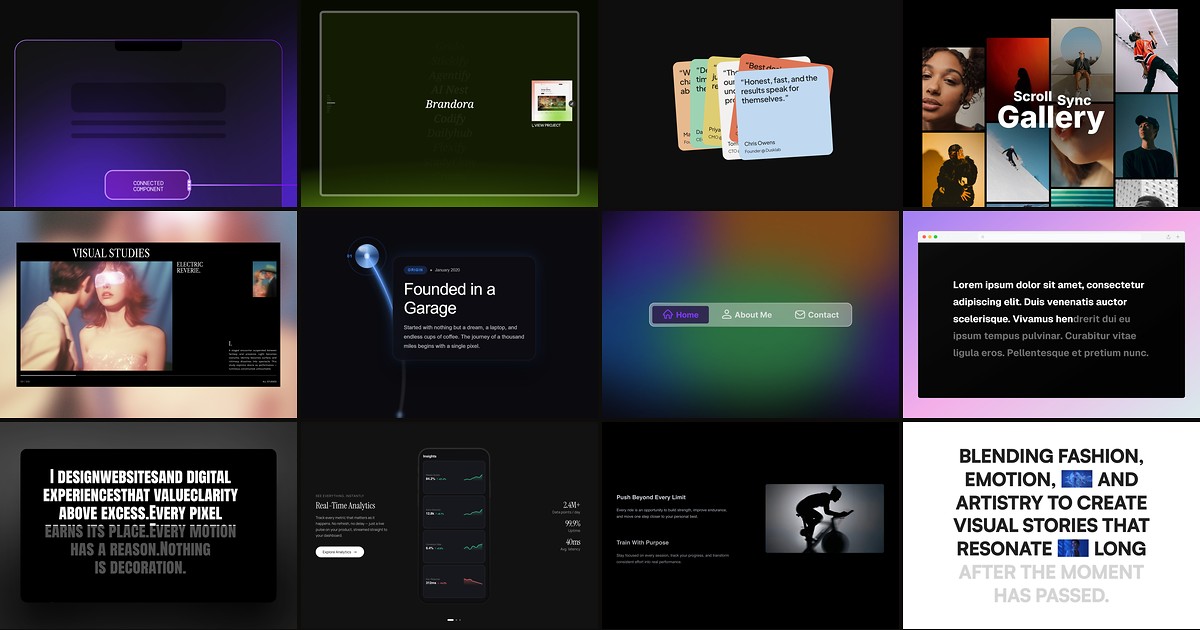
Apple-style feature pages, studio portfolios, and launch narratives all depend on one trick: something stays put while the rest of the page moves. A framer sticky scroll component handles that wiring for you, pinning nav bars, phones, galleries, or copy blocks to the viewport and syncing sibling content as visitors scroll.
This list ranks twelve sticky and scroll-synced components verified on the Framer marketplace in August 2026. Every pick has a working listing, identifiable creator, and live preview. Five are free and seven are paid, spanning general sticky wrappers, project showcases, stacked card decks, and scroll-driven typography.
Smart Sticky — Scroll-aware sticky wrapper with Always and Constrain pin modes
by Farhan Malik
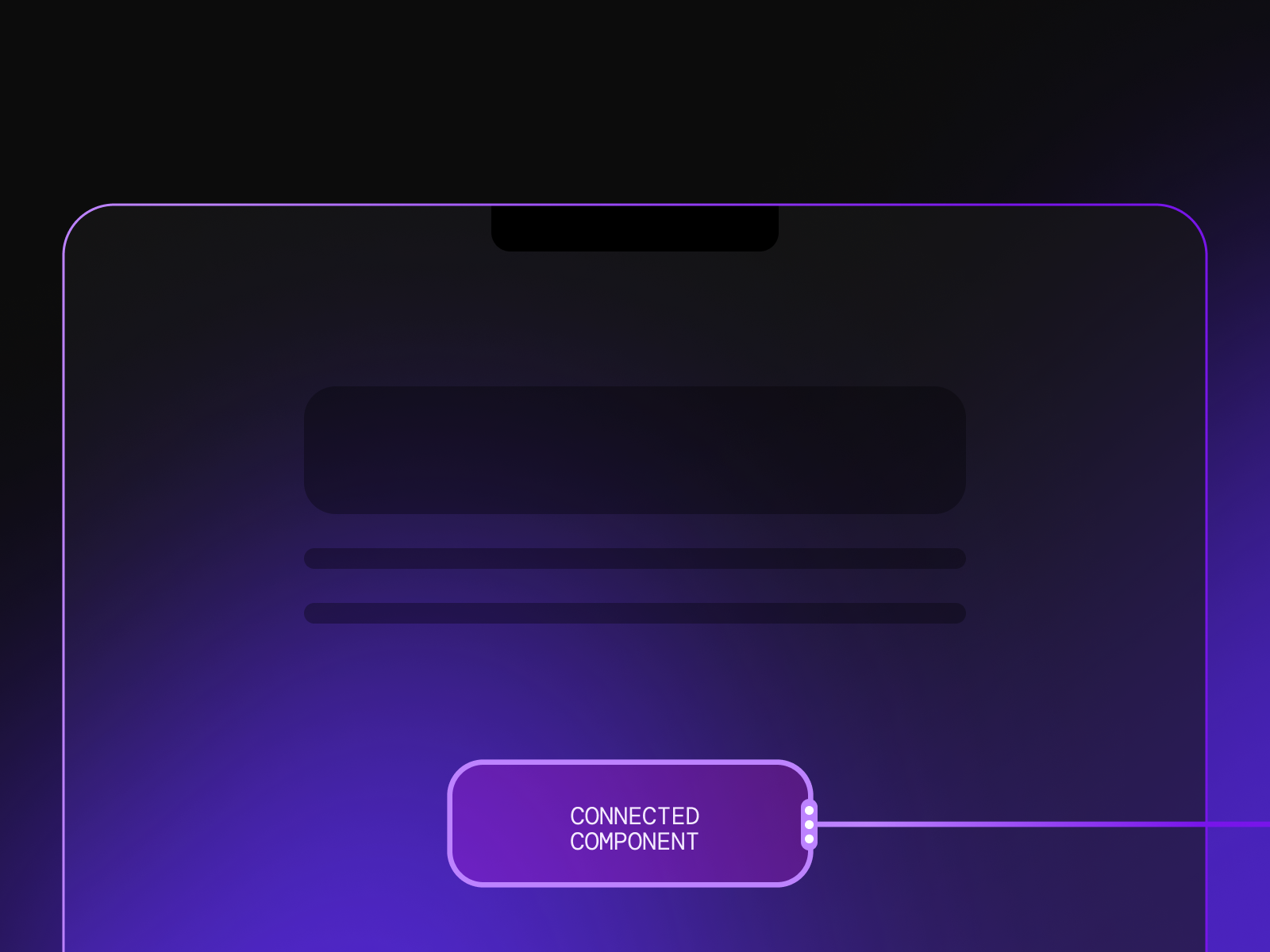
Smart Sticky from Farhan Malik is the utility layer most sticky layouts need before you buy a bespoke showcase component. Always mode glues content to the top or bottom of the viewport for the whole session, while Constrain mode pins only while a parent section is visible so CTAs disappear when context changes. Slide and fade animations, direction controls, and property-panel setup mean no scroll-variant choreography for basic pin behavior. Skip it if you want a full two-column feature section with synced imagery; pair it with Sticky Projects or Sticky Phone Scroll when the brief is editorial, not chrome.
- Best for
- Floating CTAs, sticky nav bars, and section-bound buttons that need slide or fade enter/exit
Affiliate link — we may earn a commission at no extra cost to you.
Sticky Projects — Scroll-driven project list with sticky preview and title transitions
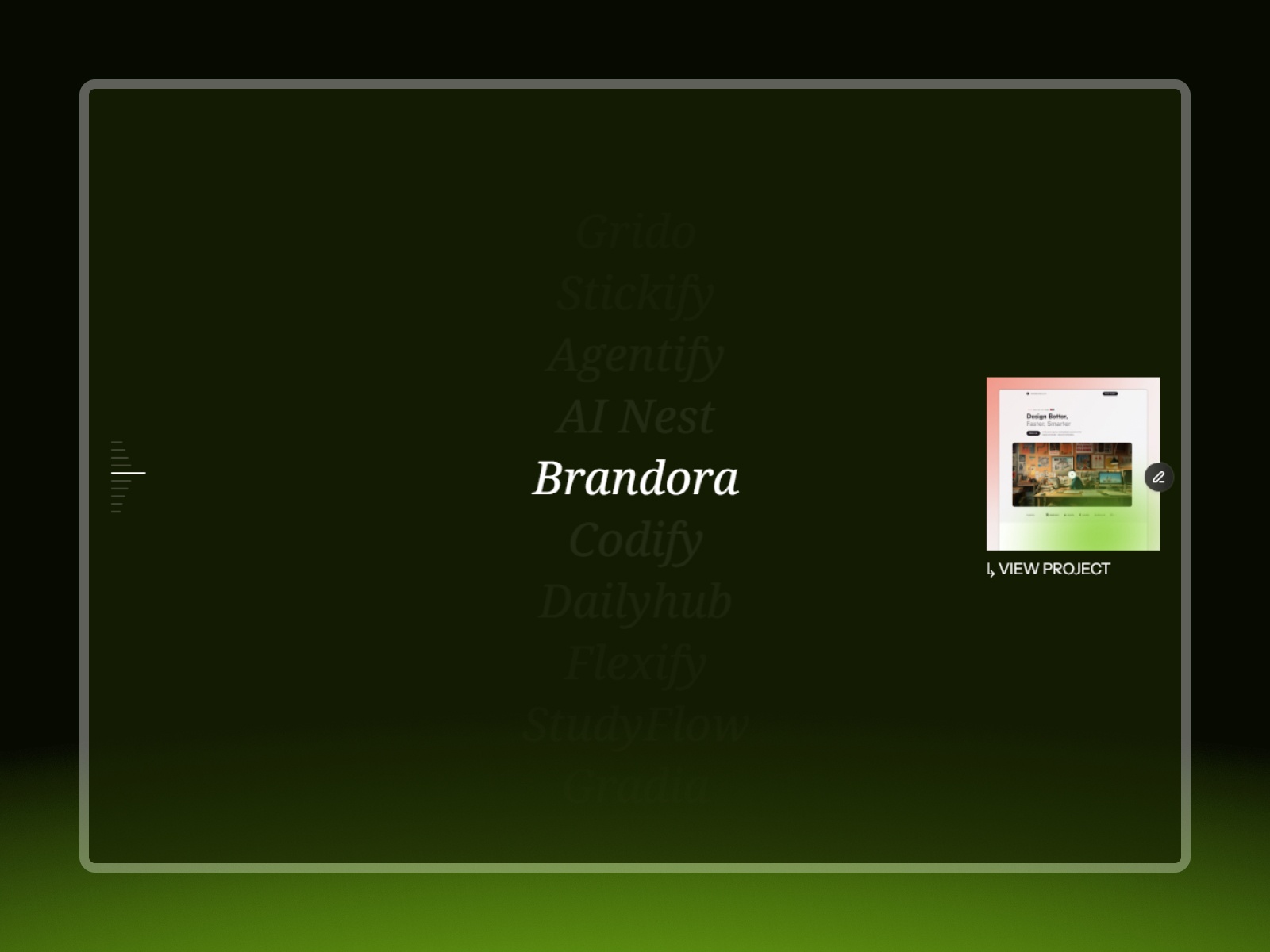
Sticky Projects from Dmytri Ivanov recreates the Darkroom-style showcase: project titles scroll in a column while an optional sticky preview and indicators update with smooth transitions. Typography, spacing, and preview sizing adapt across desktop, tablet, and mobile without separate breakpoint wiring. As a free component it is the fastest path to a credible studio portfolio when you already have project copy and hero shots. It expects a vertical project list, not a horizontal card grid, so skip it for ecommerce catalog layouts.
- Best for
- Agency portfolios and case-study indexes where one preview image should stay visible across multiple projects
Affiliate link — we may earn a commission at no extra cost to you.
Scroll Stack — Stacked cards that advance as visitors scroll through a tall section
by Adi Purdila
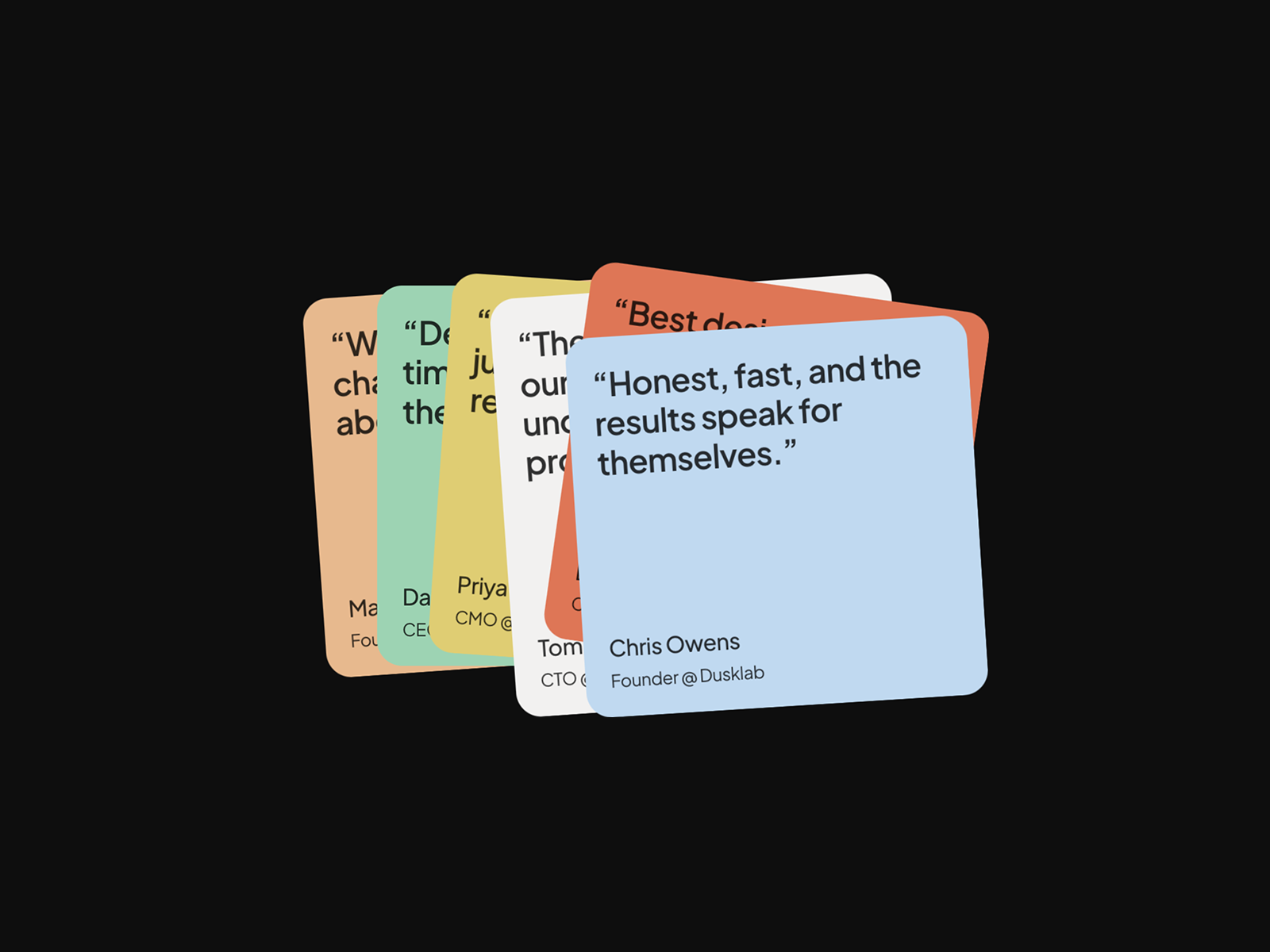
Scroll Stack from Adi Purdila converts vertical scroll progress into stepped card advances inside a pinned section, producing a deck-like story without manual scroll-variant triggers on every panel. Editor-safe defaults help marketing teams swap headlines between sprints, and the interaction reads clearly on first publish. At 12 USD it fits SaaS feature tours and onboarding flows that need discrete beats rather than one continuous horizontal scrub. You still need a tall parent section; compact landing pages with minimal scroll runway will finish the animation too quickly.
- Best for
- Product launch pages where each scroll step reveals the next horizontal card in a deck
Affiliate link — we may earn a commission at no extra cost to you.
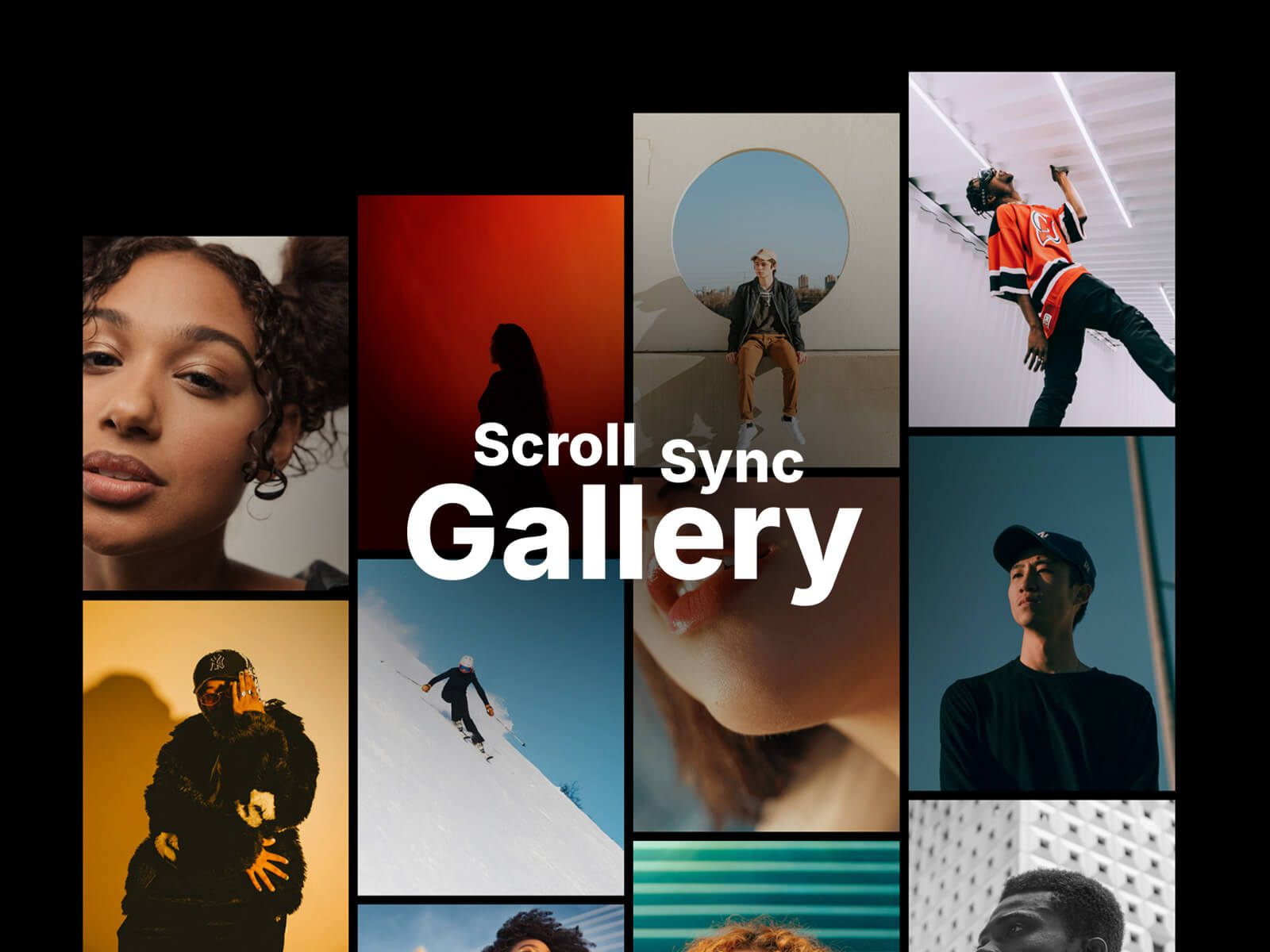
Scroll Sync Gallery — Multi-column gallery with independent scroll speeds that realign at the end
Scroll Sync Gallery from Nostromo Studio animates image and video columns at different scroll speeds, then realigns them for a clean finish. Column count, aspect ratio, gap, radius, and overflow toggles are configurable per breakpoint, with poster support and playback controls for mixed media grids. At 14 USD it is the cinematic gallery pick when static masonry feels flat. Columns need enough items to show speed differences; sparse grids look like ordinary stacks with extra JavaScript overhead.
- Best for
- Photography portfolios and editorial hero bands that need cascading column motion
Affiliate link — we may earn a commission at no extra cost to you.
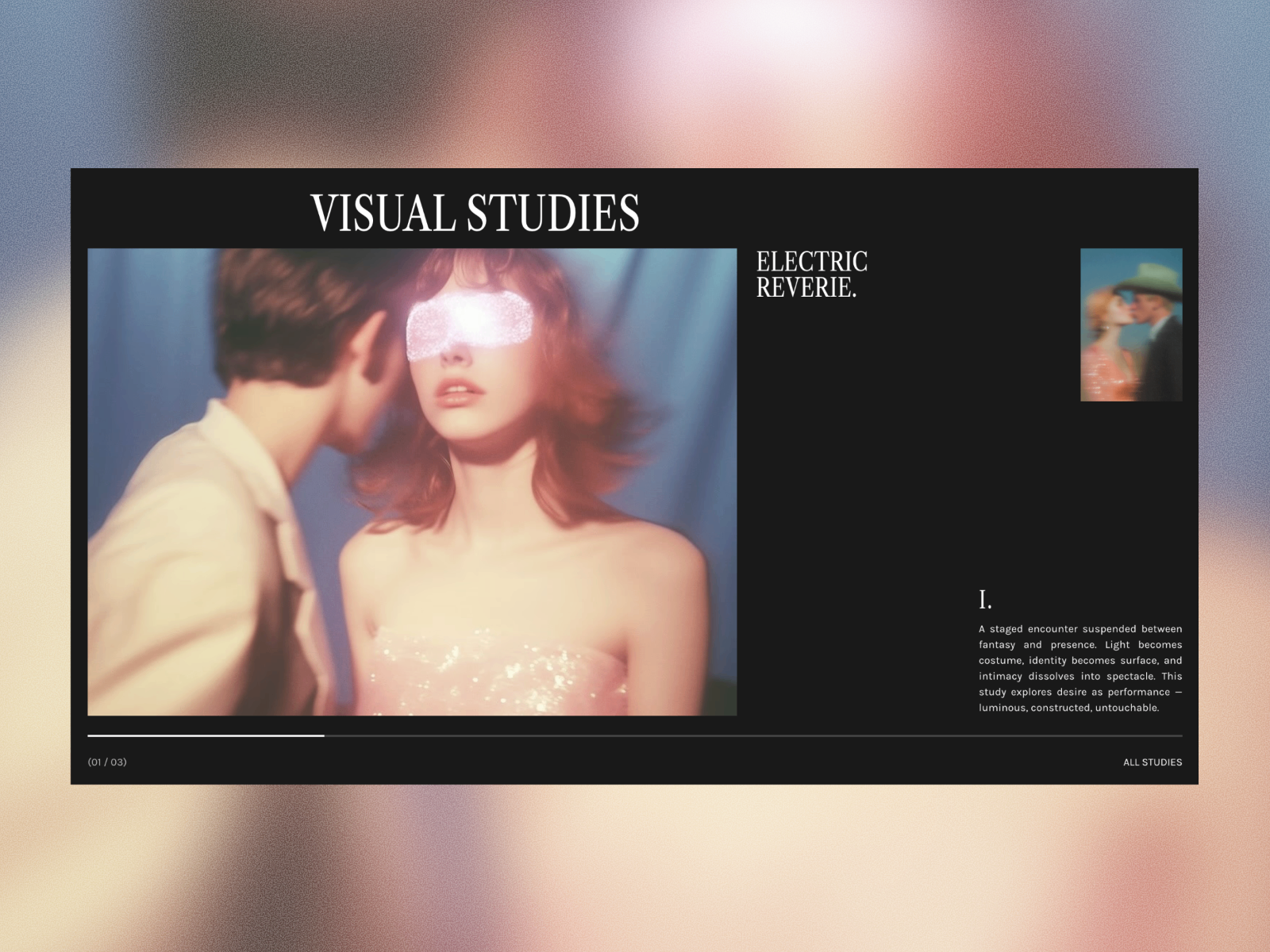
Sticky Section — Premium sticky section shell for scroll-synced two-column layouts
by Susana Nunes
Sticky Section from Susana Nunes packages the overflow-visible parent stack, sticky child frame, and scroll runway Framer requires for reliable pin behavior into one drop-in shell. That saves hours when native sticky positioning fails because a parent frame clips overflow or height is set wrong. At 10 USD it is the structural fix before you layer Scroll Stack or Sticky Phone Scroll inside. It is a layout scaffold, not a finished animation; you still supply content, variants, or sibling triggers for the synced half of the section.
- Best for
- Marketing teams that want a pre-built sticky frame without debugging overflow on parent stacks
Affiliate link — we may earn a commission at no extra cost to you.
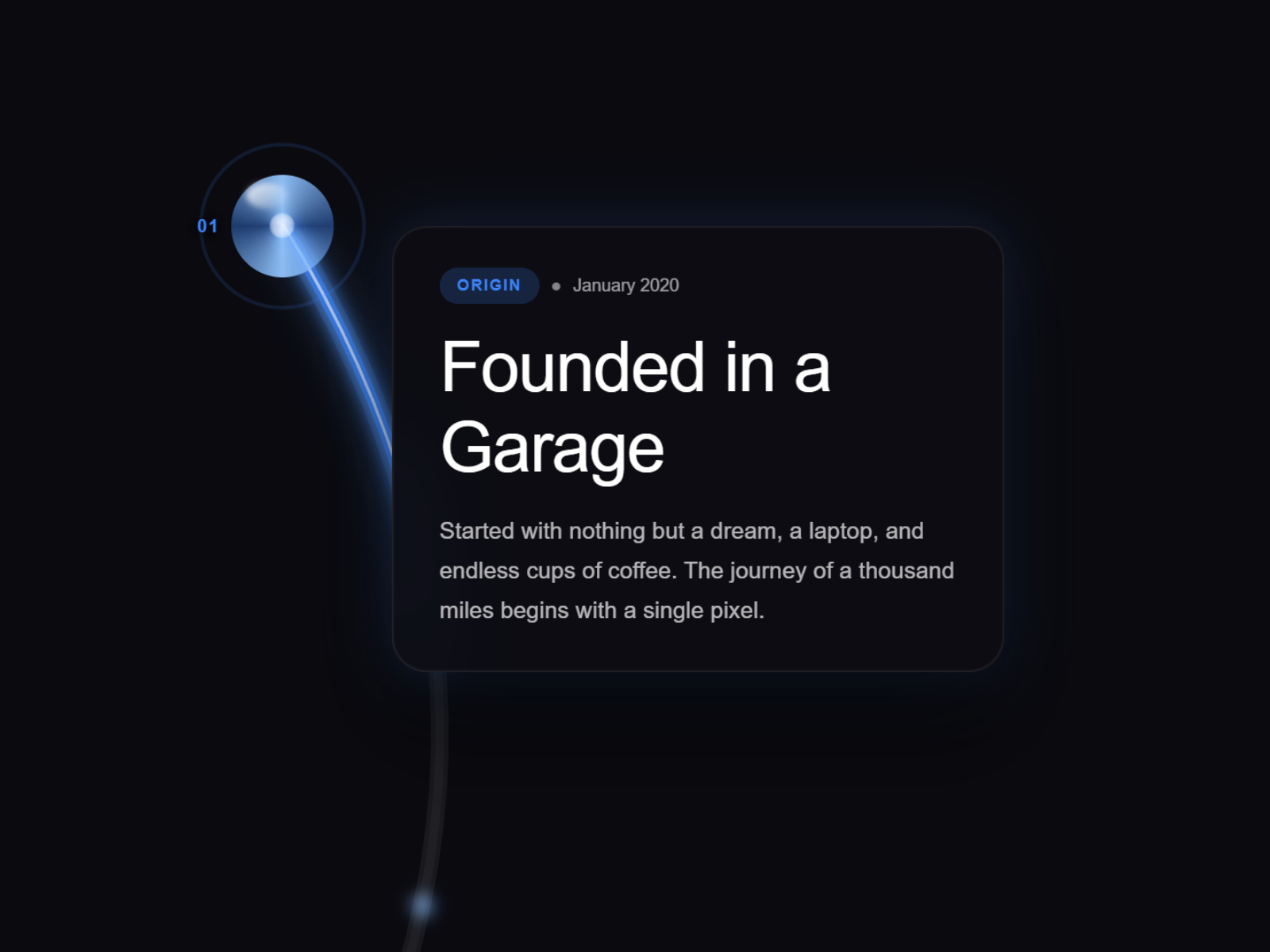
Timeline Scroll Pro — Scroll-triggered S-curve timeline with glowing path and milestone pins
by Aidan Looker
Timeline Scroll Pro from Aidan Looker keeps a scroll-driven S-curve path illuminated with progressive neon glow while milestone pins and content panels activate in sequence. Glass orb and diamond facet pin styles, five glow themes, and separate desktop and mobile variants ship demo milestones for rapid prototyping. At 14 USD it is the sticky timeline pick when About pages need spectacle, not a flat bullet list. The visual weight assumes dark backgrounds and generous vertical space; light minimal sites may feel over-designed without color tuning.
- Best for
- Company history pages and product roadmaps that need a pinned narrative spine
Affiliate link — we may earn a commission at no extra cost to you.

Scrollspy Navigation — Sticky onepager nav with sliding indicator and conditional visibility
Scrollspy Navigation from Lennart Ahlfeldt combines IntersectionObserver section detection with a smooth sliding indicator, optional icons, and start/end visibility bounds so the bar hides in hero and footer zones. Internal anchors and cross-page links are handled separately, with independent scroll offsets for activation versus show/hide triggers. At 4 USD it is the cheapest sticky chrome on this list when your page is one long scroll rather than a multi-route site. It tracks sections you label, not auto-generated CMS headings, so unstructured pages still need manual scroll-section setup.
- Best for
- Long landing pages and documentation sites that need section-aware sticky navigation
Affiliate link — we may earn a commission at no extra cost to you.
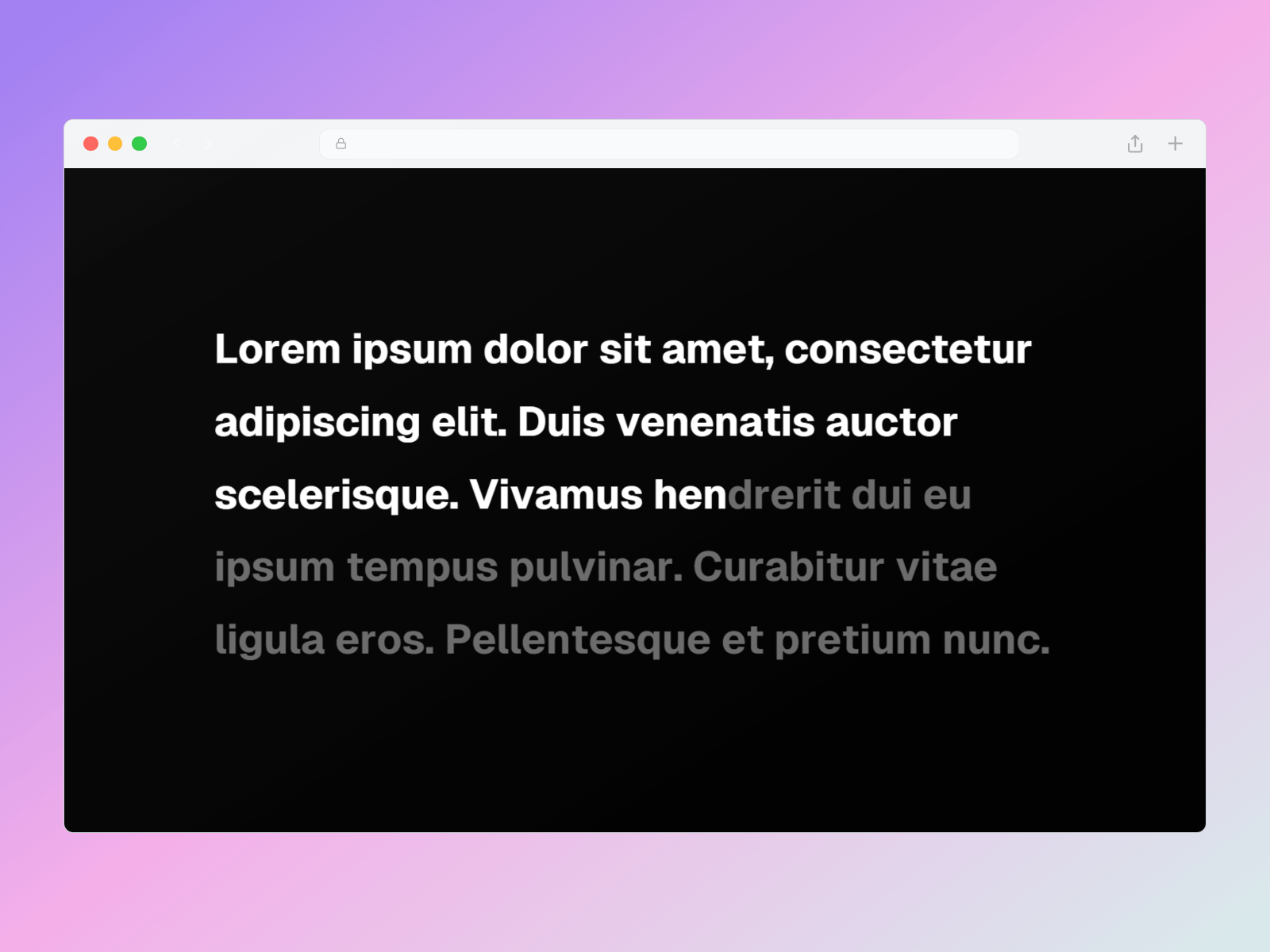
Sticky Text Reveal — Highlight, mask, or fade reveals inside a sticky 100vh stack
by Tamzid
Sticky Text Reveal from Tamzid expects the standard Framer sticky stack pattern: a 200vh-plus container with a 100vh sticky child, then Highlight, Mask, or Fade In modes animating by letter, word, or line. Delay and duration props map directly to viewport height so pacing stays tied to scroll distance, and optional blur adds depth without extra layers. Free and focused, it is the typography pick when FogType or Rich Scroll Reveal feel heavier than the copy warrants. You must build the sticky stacks correctly; drop it in a normal text frame and nothing interesting happens.
- Best for
- Editorial statements and mission copy that should animate letter-by-letter while pinned
Affiliate link — we may earn a commission at no extra cost to you.
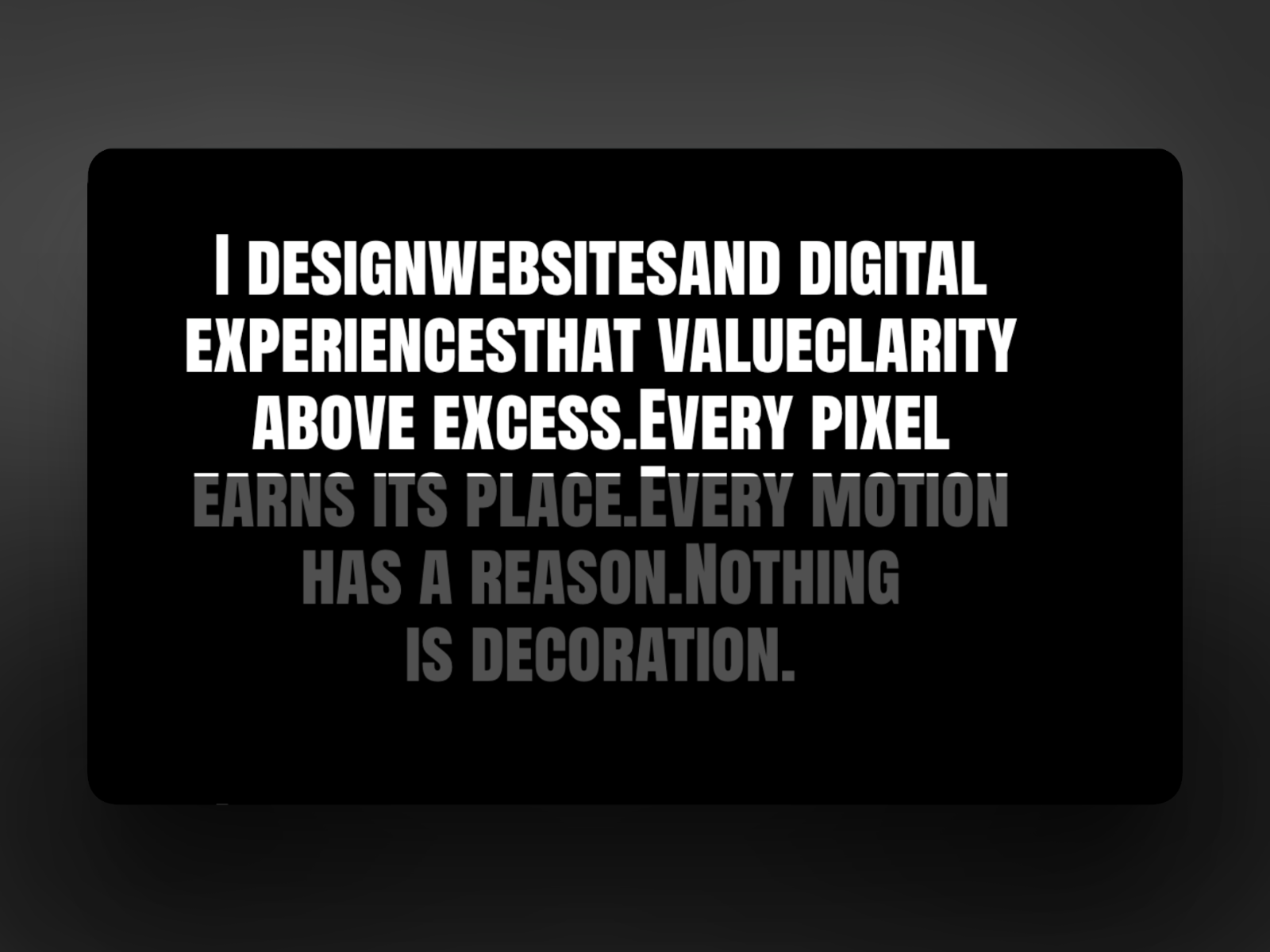
InkFill — Scroll-driven ink fill on split text inside sticky layouts
by Aman Qureshi
InkFill from Aman Qureshi paints headline characters with a scroll-linked fill inside sticky sections, pairing split-text structure with progressive color rather than blur or opacity fades. Property controls cover fill direction, speed, and base versus highlight colors so brand palettes stay consistent. As a free component it complements Sticky Text Reveal when the brief reads “ink spreading through type” instead of “words fading in.” It targets display headlines, not body paragraphs, and long sentences become hard to read mid-animation.
- Best for
- Headlines and quotes where color should flood characters as the reader scrolls
Affiliate link — we may earn a commission at no extra cost to you.
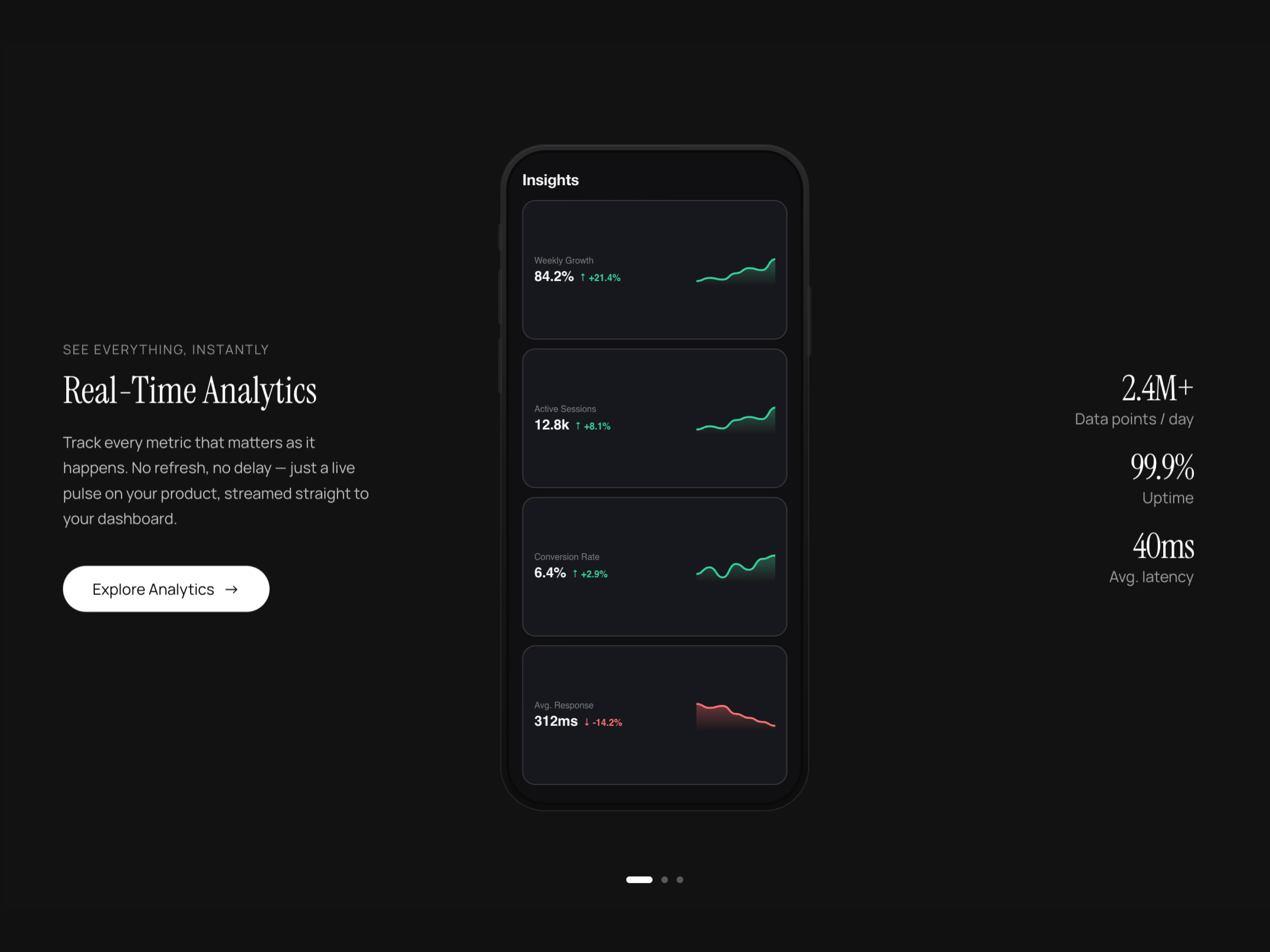
Sticky Phone Scroll — Pinned phone mockup with scroll-synced screen variants
by Ahmet Loca
Sticky Phone Scroll from Ahmet Loca keeps a phone frame pinned while scroll sections swap the screen content, mirroring the feature-section pattern Framer Academy teaches with native scroll variants but packaged as one install. Typography and spacing controls help the surrounding copy align with the device scale across breakpoints. At 8 USD it is the device-demo pick when your team lacks time to wire variants manually. It assumes a phone-centric layout; desktop software screenshots may need a different mockup ratio.
- Best for
- SaaS and app marketing pages that need Apple-style sticky device demos
Affiliate link — we may earn a commission at no extra cost to you.
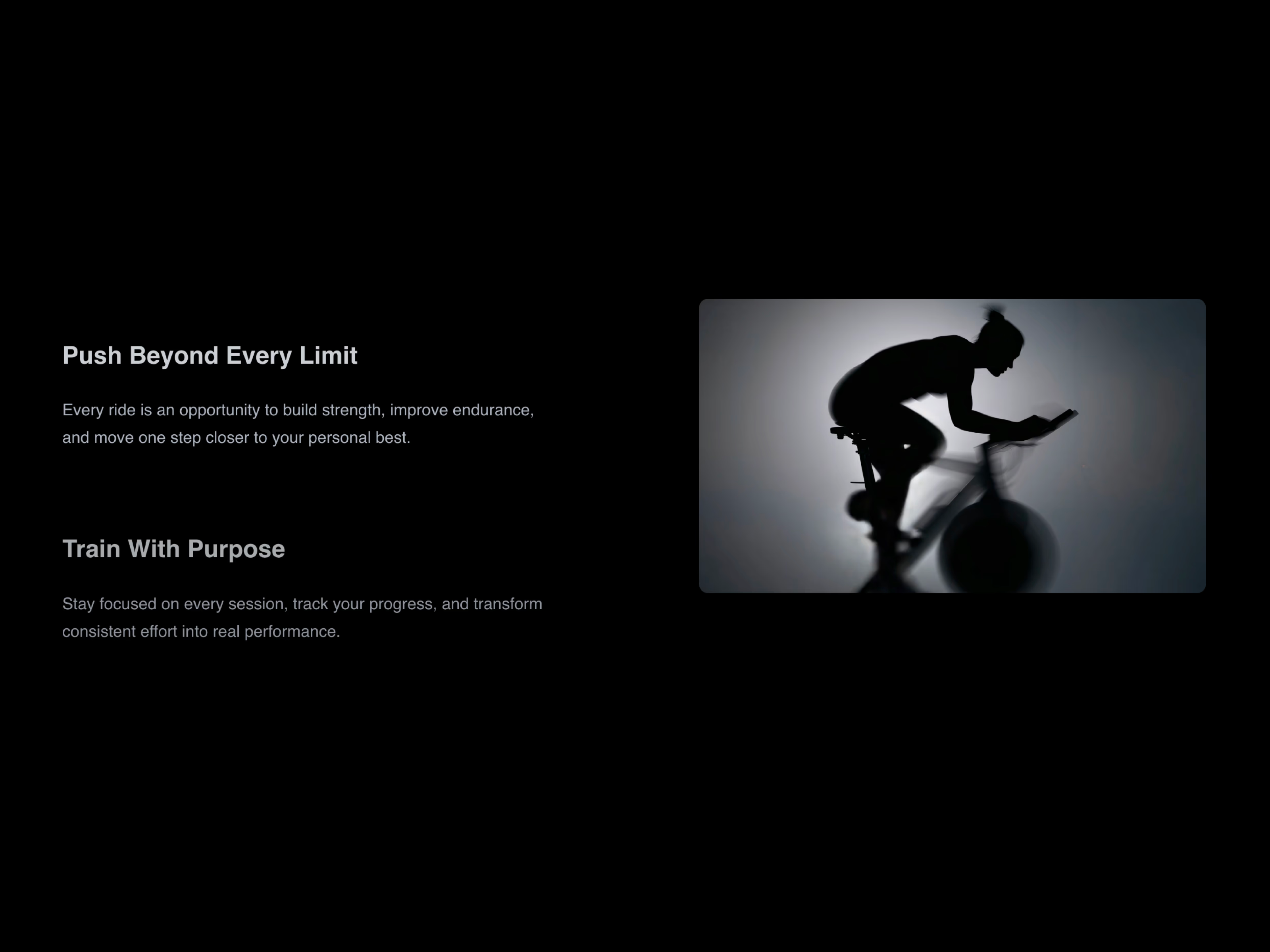
Sticky Scroll Reveal — Section-level sticky reveal with scroll-linked content swaps
by Ahmet Loca
Sticky Scroll Reveal from Ahmet Loca handles section-scale sticky behavior where content blocks reveal or swap as scroll progress crosses thresholds, useful when you want more structure than Smart Sticky but less spectacle than Timeline Scroll Pro. Ahmet Loca also ships Sticky Phone Scroll, so teams already using his device component get consistent interaction language across a site. Free and lightweight, it fits mid-size agency sites testing sticky storytelling before buying premium timeline tools. Treat it as a section helper, not a sitewide navigation or gallery replacement.
- Best for
- About pages and service breakdowns that need pinned panels with changing copy
Affiliate link — we may earn a commission at no extra cost to you.

Scroll Reveal — Premium scroll-linked typography reveal with sticky positioning support
by Hamim Reza
Scroll Reveal from Hamim Reza targets headline typography with scroll-scrubbed entrance timing, blur stages, and sticky-friendly layout defaults that keep lines centered while animation runs. Hamim Reza publishes consistently across the marketplace, so the component inherits the same panel clarity as his video and animation tools. At 15 USD it is the paid typography capstone when free Sticky Text Reveal and InkFill are not enough polish for a launch page. It optimizes for short copy blocks; paragraph-length manifestos need tighter line counts or the scroll runway becomes exhausting.
- Best for
- Hero statements and brand manifestos that need polished scroll typography without building Motion overrides
Affiliate link — we may earn a commission at no extra cost to you.
Quick comparison
| Resource | Price | Type | Best for |
|---|---|---|---|
| Smart Sticky | Free | Component | Sticky nav, floating CTAs, constrained pins |
| Sticky Projects | Free | Component | Portfolio project lists with sticky preview |
| Scroll Stack | 12 USD | Component | Stepped card decks on scroll |
| Scroll Sync Gallery | 14 USD | Component | Cascading multi-column media grids |
| Sticky Section | 10 USD | Component | Reliable sticky section scaffolding |
| Timeline Scroll Pro | 14 USD | Component | Glowing scroll timelines and roadmaps |
| Scrollspy Navigation | 4 USD | Component | Section-aware sticky onepager nav |
| Sticky Text Reveal | Free | Component | Pinned highlight, mask, or fade typography |
| InkFill | Free | Component | Scroll-driven ink fill on split headlines |
| Sticky Phone Scroll | 8 USD | Component | Sticky phone mockup with screen swaps |
| Sticky Scroll Reveal | Free | Component | Section sticky reveals with content swaps |
| Scroll Reveal | 15 USD | Component | Premium sticky scroll typography |
How to choose a sticky scroll component
Match the component to what actually stays pinned. Smart Sticky and Scrollspy Navigation solve chrome problems (nav bars, floating buttons, section trackers). Sticky Projects, Scroll Stack, Scroll Sync Gallery, and Sticky Phone Scroll solve storytelling problems where one visual anchor carries the section while copy or cards change around it.
Free picks (Smart Sticky, Sticky Projects, Sticky Text Reveal, InkFill, Sticky Scroll Reveal) cover most agency portfolios and launch pages if you accept manual content setup. Paid components earn their price when scroll-sync logic, device mockups, or timeline glow would take a day of variant wiring to replicate natively.
Before buying, confirm parent frames use overflow visible and the section is tall enough for the animation runway. Sticky failures in Framer are almost always layout issues, which is why Sticky Section exists as a paid shortcut.
For scroll-driven motion beyond pinning, browse our scroll parallax components roundup. When the sticky section needs a full site skin, start from free Framer templates and swap in the component that matches your narrative structure. The full component grid lives on /resources/.


