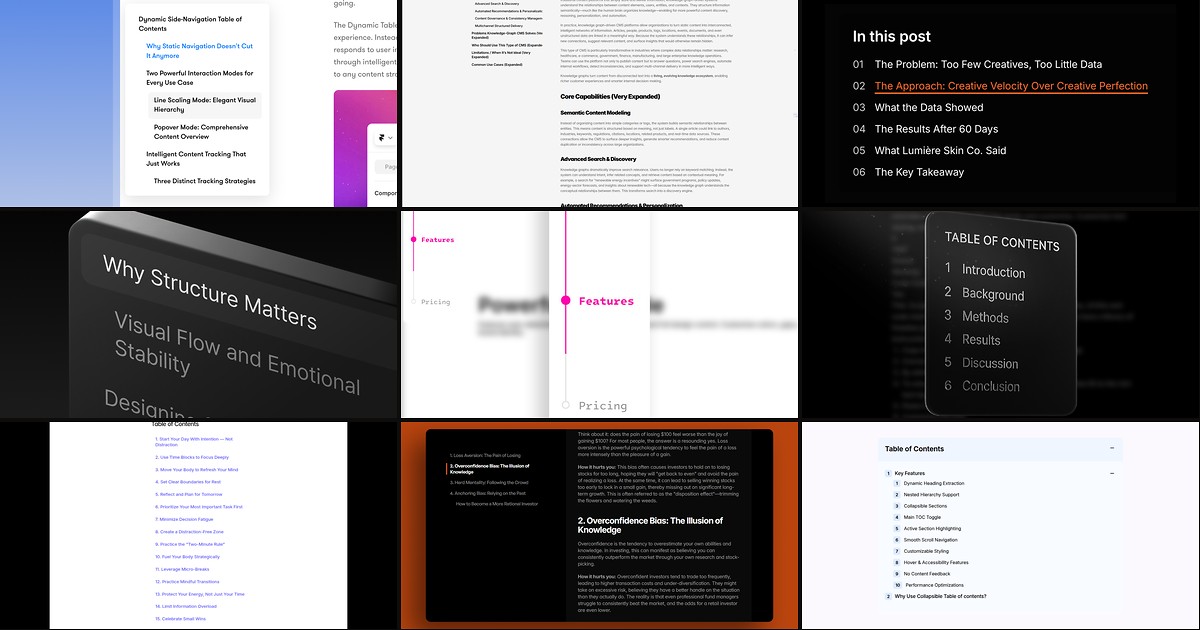
Readers bail on long Framer articles when they cannot jump to the section they need. A framer table of contents component scans your CMS Rich Text or formatted text field, builds anchor links from real H1 through H6 tags, and keeps a sticky sidebar in sync as the page scrolls. Without one, documentation and blog templates feel like one endless wall of copy.
Most TOC tools share the same core job: point the component at a content container ID, choose heading levels, set a scroll offset for your fixed header, and style active states. Where they diverge is CMS binding depth, collapsible nested sections, popover vs sidebar layouts, and whether offset math is built in or hacked with spacer frames. This list ranks nine components verified live in August 2026 with working marketplace links, identifiable creators, and clear pricing.
Blog Side Nav - TOC — Three TOC modes with CMS-bindable labels and heading filters
by Dan Marek
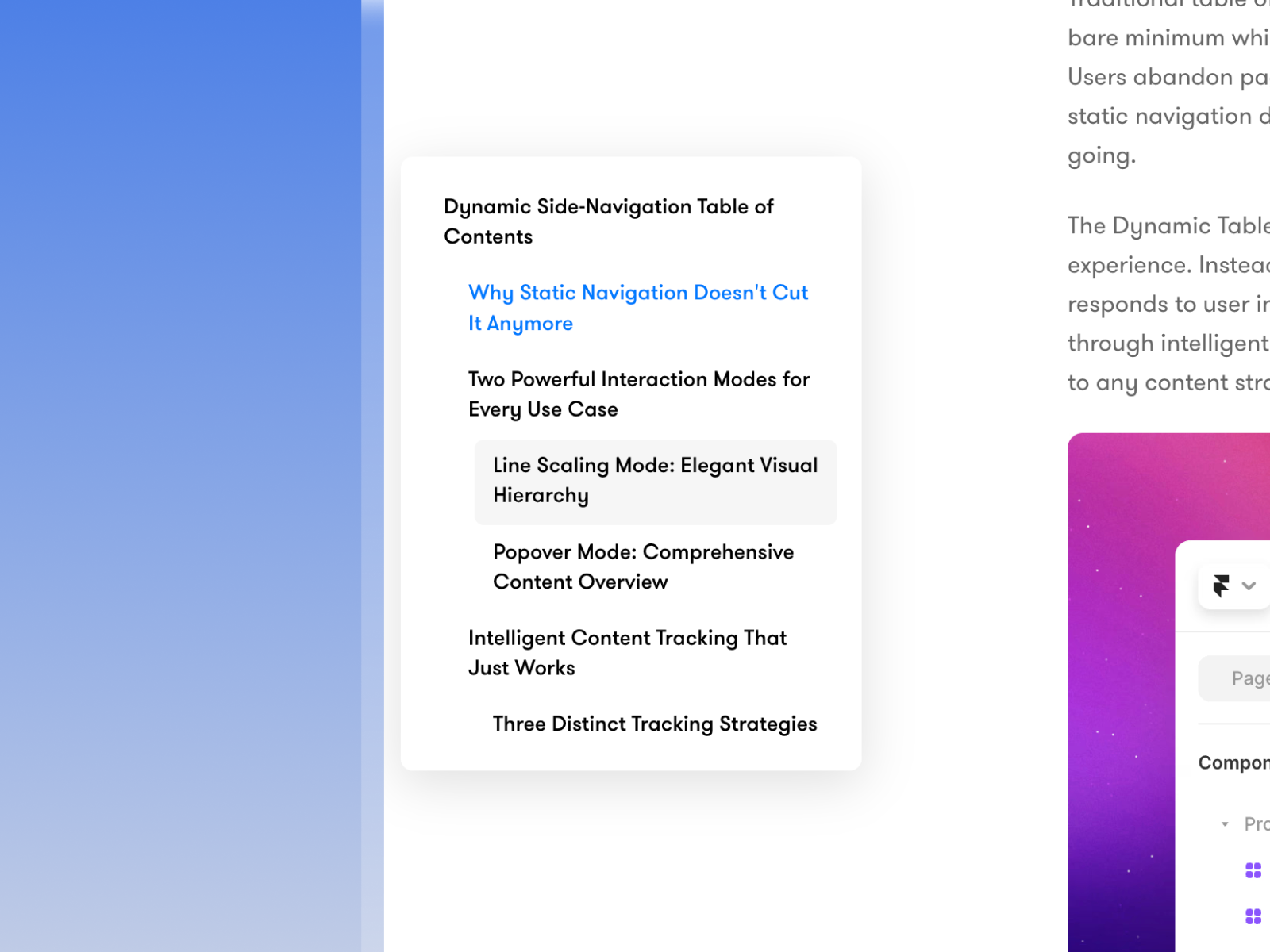
Blog Side Nav - TOC from Dan Marek is the most layout-flexible TOC on this list. Switch between Click Menu, Popover, and Animated Lines modes so the same component reads like Substack, Notion, or Stripe depending on the page. Custom heading ranges let you track H2 through H4 while skipping the article title and footer clutter, and exclude selectors hide headings inside .no-toc wrappers. CMS-bindable label overrides mean each article can rename TOC items without touching the component. At 8 USD it is the default pick when stakeholders want more than a plain sidebar list. Skip it if you only need a minimal inline TOC with no interaction modes.
- Best for
- Editorial blogs and help centers that need Substack-style click menus or Notion-style popovers
Affiliate link — we may earn a commission at no extra cost to you.
TableOfContent_v1 — Nested TOC with scroll spy, deep links, and keyboard-friendly markup
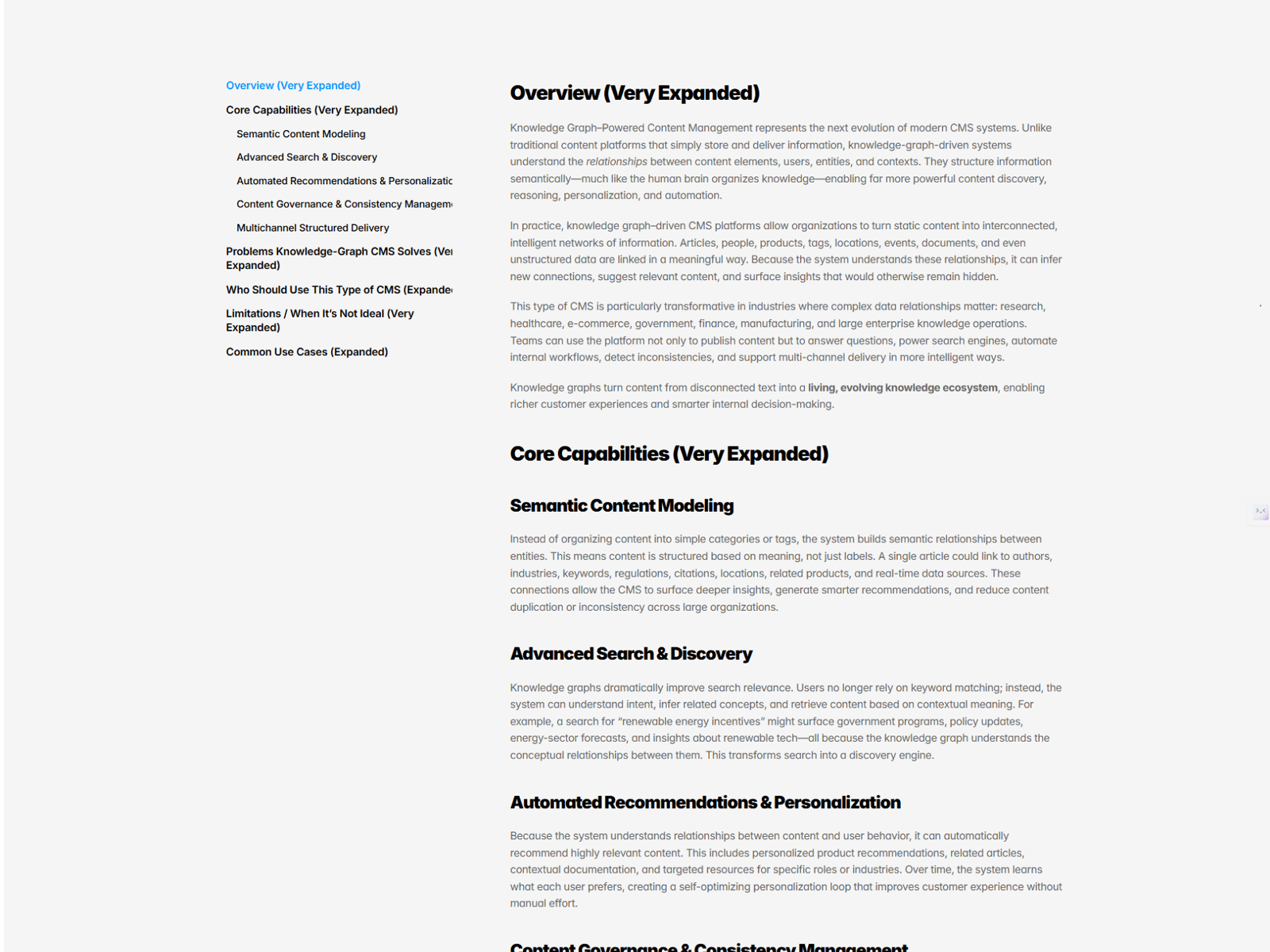
TableOfContent_v1 from Vladyslav Romaniuk auto-detects semantic H1 through H6 tags inside any content container and builds a nested navigation tree with live active-section highlighting. Optional URL hash updates give readers deep links that survive the back button, and the markup uses nav/list structure with aria-current for keyboard users. Scroll offset controls account for fixed headers so the highlight state switches at the right scroll position. At 7 USD it beats hand-rolling Intersection Observer overrides for technical docs. The tradeoff is visual simplicity: you get structure and accessibility, not popover chrome or animated line effects.
- Best for
- Documentation sites that need nested heading hierarchy and shareable section URLs
Affiliate link — we may earn a commission at no extra cost to you.
Offset TOC — Auto-detect headings with built-in sticky navbar offset
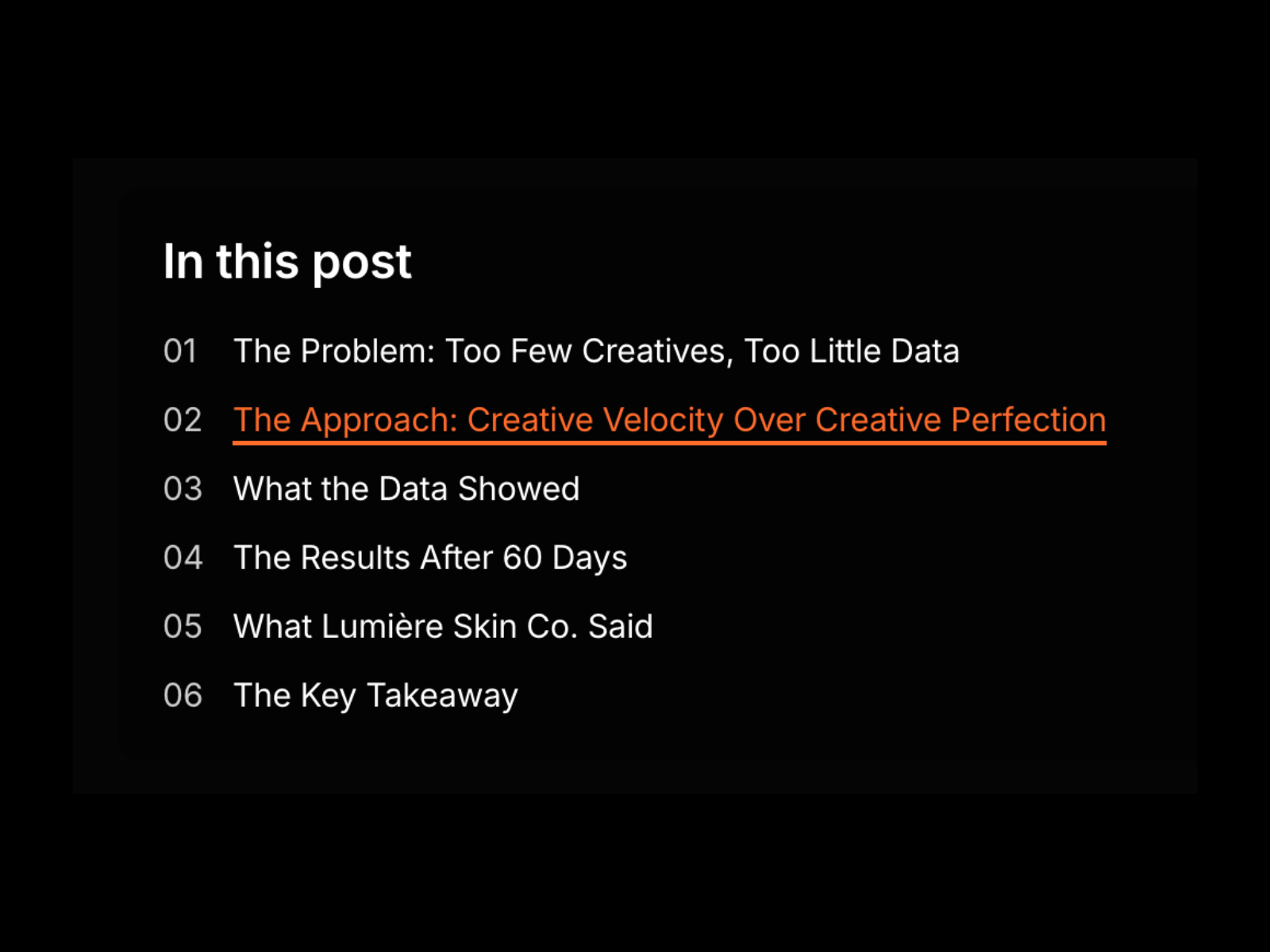
Offset TOC from Abdullah Ahmed solves the most common TOC frustration in Framer: headings that scroll behind sticky navbars. Assign a Section ID to your CMS Rich Text wrapper, enter the same ID in the component, and it auto-generates links from every H1 through H6 with configurable offset so targets land in the visible viewport. Vertical and horizontal layouts, optional numbering, and active heading detection ship in the free package. Reach for it first on any sticky-header blog before you buy a premium TOC. It will not give you collapsible nested sections or CMS label overrides like Blog Side Nav.
- Best for
- Framer blogs with fixed headers where anchor links keep landing under the nav bar
Affiliate link — we may earn a commission at no extra cost to you.

CMS TOC Kit — CMS-connected TOC with position, numbering, and shadow controls
by Molly Hung
CMS TOC Kit from Molly Hung targets teams that want a turnkey CMS blog sidebar, not just a component file. Purchase includes a remix link with the component pre-wired plus a step-by-step connection guide for CMS formatted text fields. Property controls cover left, center, or right alignment, menu width, heading level filters, optional section numbering, container borders, shadows, highlight radius, and scroll offset for sticky headers. At 19 USD it costs more than single-purpose TOCs, but the bundled tutorial saves billable setup time on client handoffs. Skip it if you already know how to bind Rich Text fields and only need a 7 USD auto-detect component.
- Best for
- Agencies handing off CMS blog templates that need a documented setup remix
Affiliate link — we may earn a commission at no extra cost to you.
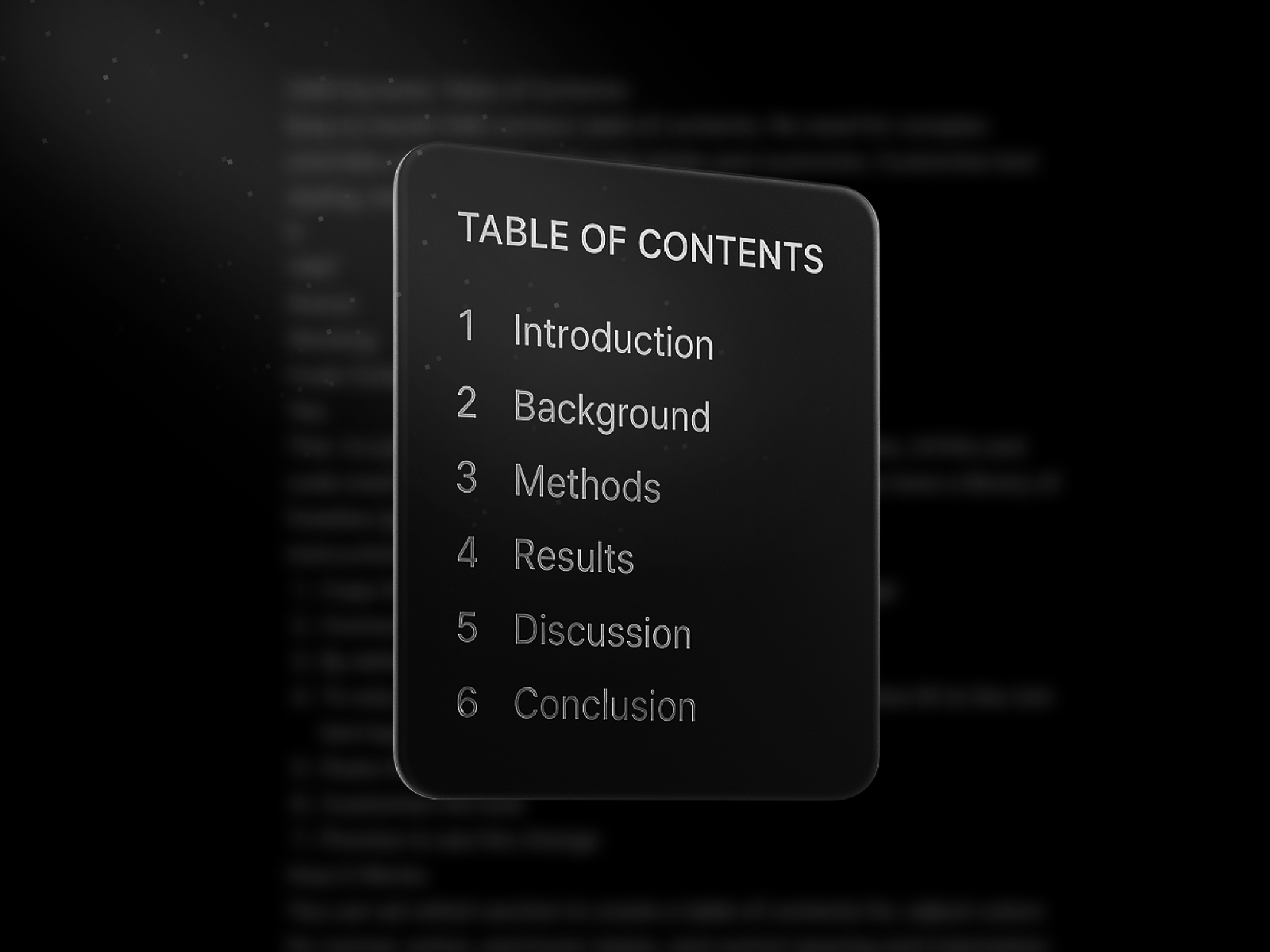
Table of Contents — CMS Rich Text TOC with per-level typography and scroll offset
by Nabeel
Nabeel’s Table of Contents component connects directly to CMS Rich Text on detail pages without overrides. Paste it on the template, point it at the Rich Text layer (optionally scoped with a section ID), and it lists every heading on the page with separate font controls per heading level plus normal, hover, and active colors. Indentation, spacing, and y-offset tuning keep the sidebar aligned with your article column. Nabeel ships reliable CMS utilities across the marketplace, so this is a safe pick when you trust the creator more than a flashy interaction mode. It lacks collapsible nested menus and popover layouts found in Blog Side Nav or Collapsible TOC.
- Best for
- Framer CMS blog detail pages where editors publish in a single Rich Text field
Affiliate link — we may earn a commission at no extra cost to you.
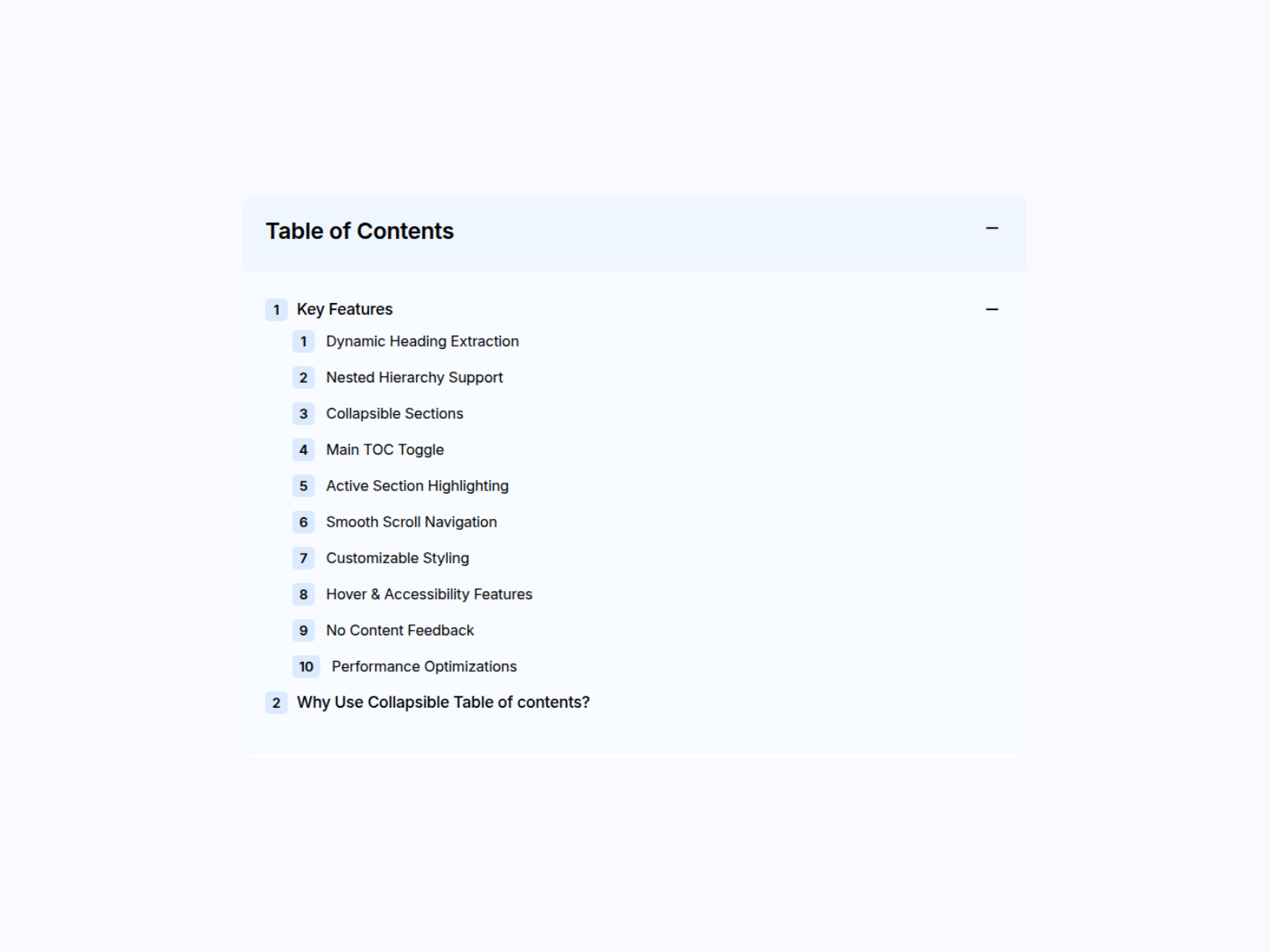
Collapsible TOC — Nested collapsible sections with a main TOC toggle
by Kai Studio
Collapsible TOC from Kai Studio organizes long pages into expandable sections. H2 headings act as parent items with toggle icons, H3 children nest underneath, and a main title bar collapses the entire TOC when readers need full-width content. Smooth scroll, configurable scroll offset, and customizable plus or Lucide toggle icons keep the interaction polished on docs and portfolio case studies. At 14 USD it is the right buy when flat sidebar lists become unreadable on 3,000-word guides. It assumes properly nested heading tags; flat H2-only articles will not benefit from the collapse logic.
- Best for
- Deep documentation pages where H3 items should tuck under H2 parents
Affiliate link — we may earn a commission at no extra cost to you.
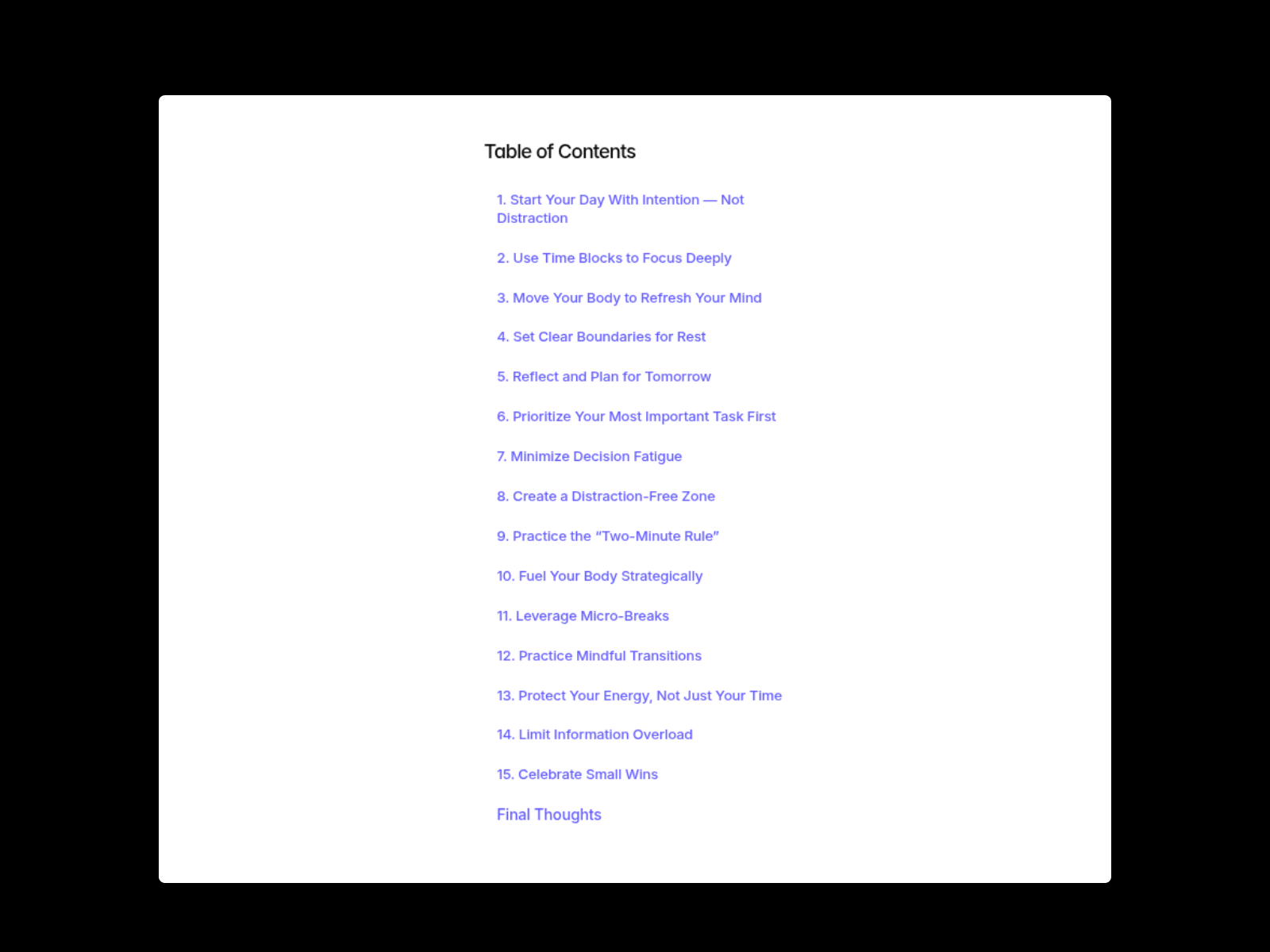
Table of Content Pro — Lightweight auto-scan of H1 through H4 formatted text headings
by Kai Studio
Table of Content Pro from Kai Studio is the lighter sibling to Collapsible TOC. Drop it on a CMS detail page, connect a Formatted Text field, and it auto-detects H1 through H4 headings with smooth scroll and scroll offset for sticky nav. Layout, font, color, spacing, and indent controls live in the property panel without code. At 12 USD it suits teams that want Kai Studio polish without paying for collapsible nesting or a bundled remix tutorial. Choose Collapsible TOC or Blog Side Nav when the page hierarchy runs three or more levels deep.
- Best for
- Marketing blogs and landing page articles that need a simple clickable TOC list
Affiliate link — we may earn a commission at no extra cost to you.
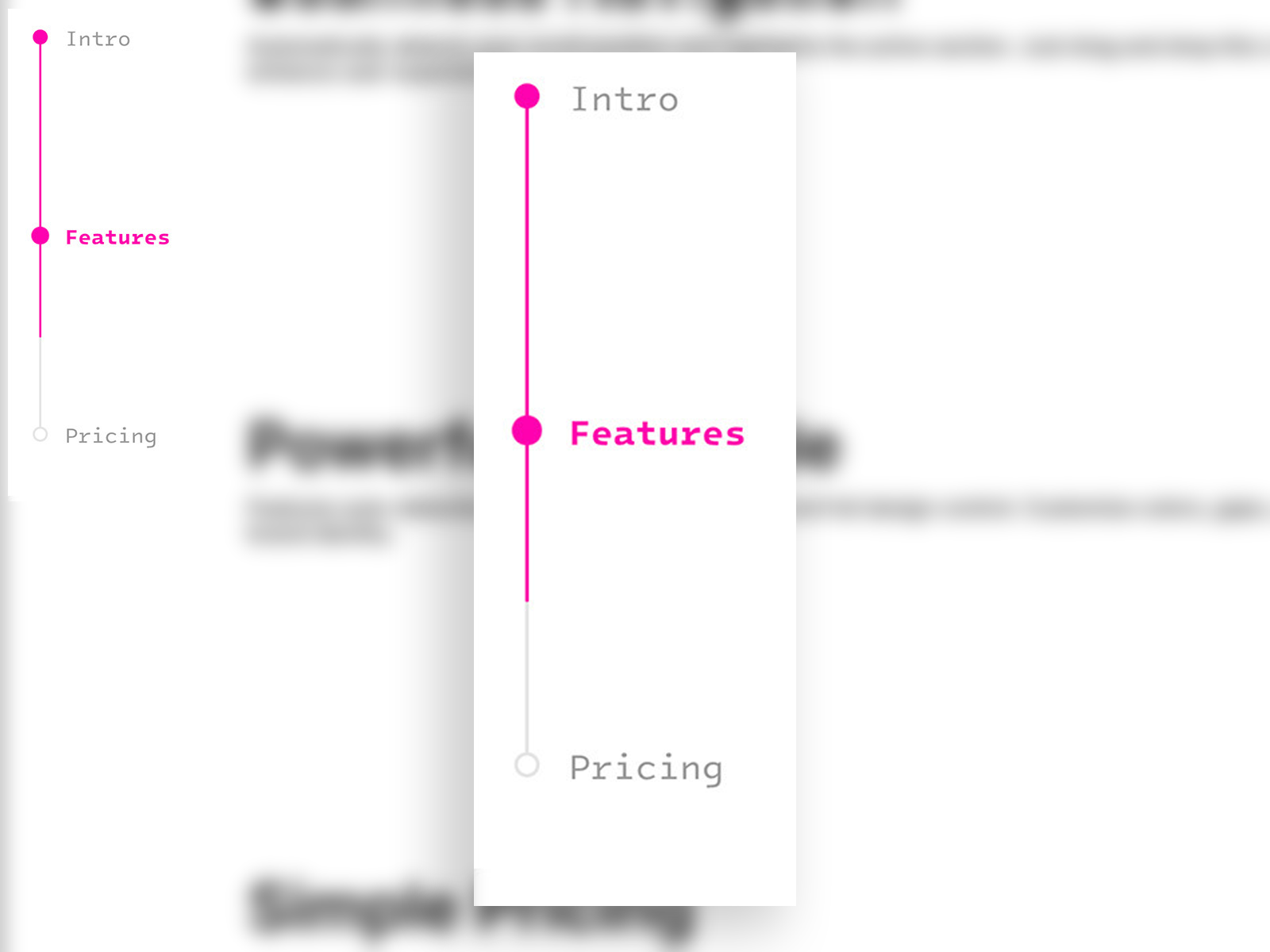
Scroll Spy Nav — Manual section IDs with scroll spy and viewport-center smooth scroll
by Minjoo Kim
Scroll Spy Nav from Minjoo Kim targets a different workflow than auto-detect TOCs. Add Scroll Section IDs to page frames, wire each menu item to a Target ID, set position sticky, and the component highlights the active section while smooth-scrolling clicked items to the center of the viewport instead of the top edge. Vertical sidebar and horizontal top-bar layouts ship with dot indicators and separate normal vs active styling. At 6 USD it is the budget pick for one-page marketing sites where sections are frames, not Rich Text headings. Skip it on CMS blog templates unless you are willing to maintain manual ID lists per article.
- Best for
- Long landing pages built from Framer frames rather than CMS Rich Text headings
Affiliate link — we may earn a commission at no extra cost to you.
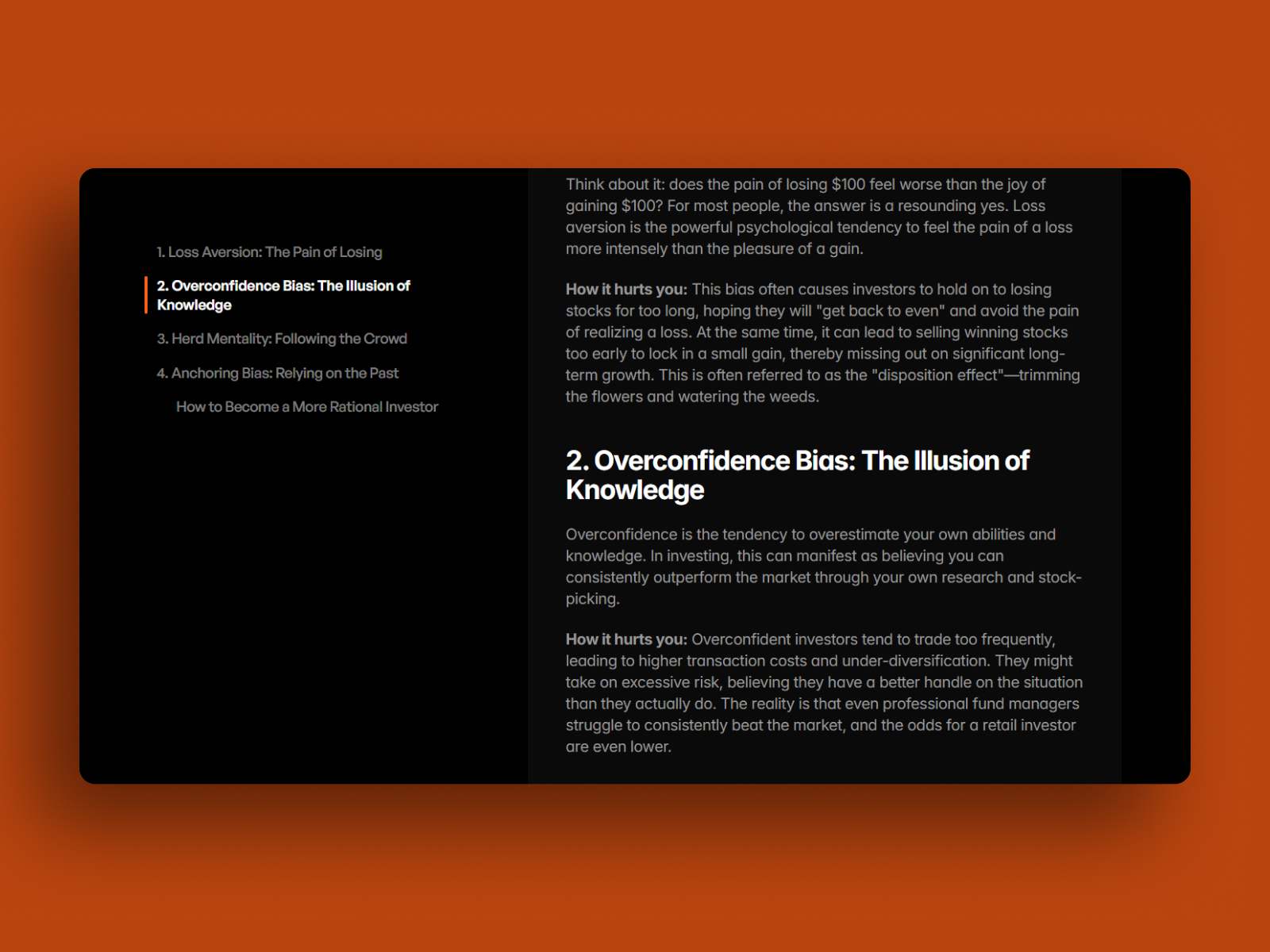
ToC CMS free — Minimal auto-generated TOC with active section highlight
by Jan Kadrnka
ToC CMS free from Jan Kadrnka is a minimalist auto-generated table of contents for CMS blog articles. Choose which heading levels to include, set the scroll position where active highlighting kicks in, and tune colors, fonts, padding, indicator shape, and animation speed from the property panel. It covers the essentials (detect headings, highlight on scroll, smooth anchor jumps) without popover modes, collapsible nesting, or CMS label overrides. Install it when Offset TOC feels too styled or you want a second free option to compare on the same template. Production docs sites with sticky nav offset headaches should still start with Offset TOC.
- Best for
- Side projects and MVPs that need a clean TOC without a marketplace budget
Affiliate link — we may earn a commission at no extra cost to you.
Quick comparison
| Resource | Price | Type | Best for |
|---|---|---|---|
| Blog Side Nav - TOC | 8 USD | Component | Multi-mode blog side nav with CMS label overrides |
| TableOfContent_v1 | 7 USD | Component | Nested docs with deep links and keyboard-friendly markup |
| Offset TOC | Free | Component | Sticky navbar offset without spacer hacks |
| CMS TOC Kit | 19 USD | Component | Agency handoffs with bundled CMS setup remix |
| Table of Contents | 15 USD | Component | CMS Rich Text blogs with per-level typography |
| Collapsible TOC | 14 USD | Component | Deep docs with expandable H2/H3 nesting |
| Table of Content Pro | 12 USD | Component | Simple formatted-text TOC on marketing blogs |
| Scroll Spy Nav | 6 USD | Component | Frame-based landing pages with center-scroll spy |
| ToC CMS free | Free | Component | Minimal free TOC for MVPs and side projects |
How to choose the right Framer table of contents component
Auto-detect vs manual sections. CMS blog templates with Rich Text headings should use auto-detect components like Blog Side Nav, TableOfContent_v1, Offset TOC, or Nabeel’s Table of Contents. One-page landing sites built from named frames belong on Scroll Spy Nav where you control section IDs directly.
Sticky header offset first. If fixed navigation hides anchor targets, start with Offset TOC (free) or any component with explicit scroll offset controls. Test on mobile with your real header height before you publish.
Interaction depth vs simplicity. Blog Side Nav and Collapsible TOC add popover, animated line, or expandable nesting when flat lists feel cramped. Table of Content Pro and ToC CMS free stay lightweight when a clickable list is enough.
Budget and handoff. CMS TOC Kit costs more but includes a documented remix for client delivery. Scroll Spy Nav and TableOfContent_v1 sit at 6 to 7 USD when you just need scroll spy without premium chrome.
Our top pick for most Framer builders
Install Offset TOC on every sticky-header blog first. It is free and solves the navbar offset problem that breaks most anchor links. Upgrade to Blog Side Nav - TOC or TableOfContent_v1 when you need popover layouts, nested collapsible sections, or shareable section URLs on documentation sites.
Browse free Framer templates on yoframer for CMS blog starting points, pair navigation with our scroll progress components roundup when the brief also needs a reading-time bar, and explore more resource roundups on the Resources hub.
Updated August 2026. We refresh this list as table of contents components ship breaking changes, reprice, or go stale.


