Company histories, product roadmaps, and conference schedules all share the same UX challenge: visitors need to scan dates quickly while feeling pulled through the story. Framer does not ship a native timeline block — you either wire scroll transforms by hand or install a dedicated framer timeline component that handles progress lines, milestone cards, and responsive layouts from the property panel.
This list ranks ten timeline components from the Framer marketplace in 2026. Every pick has a live listing, identifiable creator, and working preview — seven paid and three free or low-cost, spanning cinematic scroll paths, flip-card reveals, CMS collections, and lightweight editorial layouts.
Timeline Scroll Pro — Scroll-triggered S-curve path with neon glow and media-rich milestone panels
by Aidan Looker
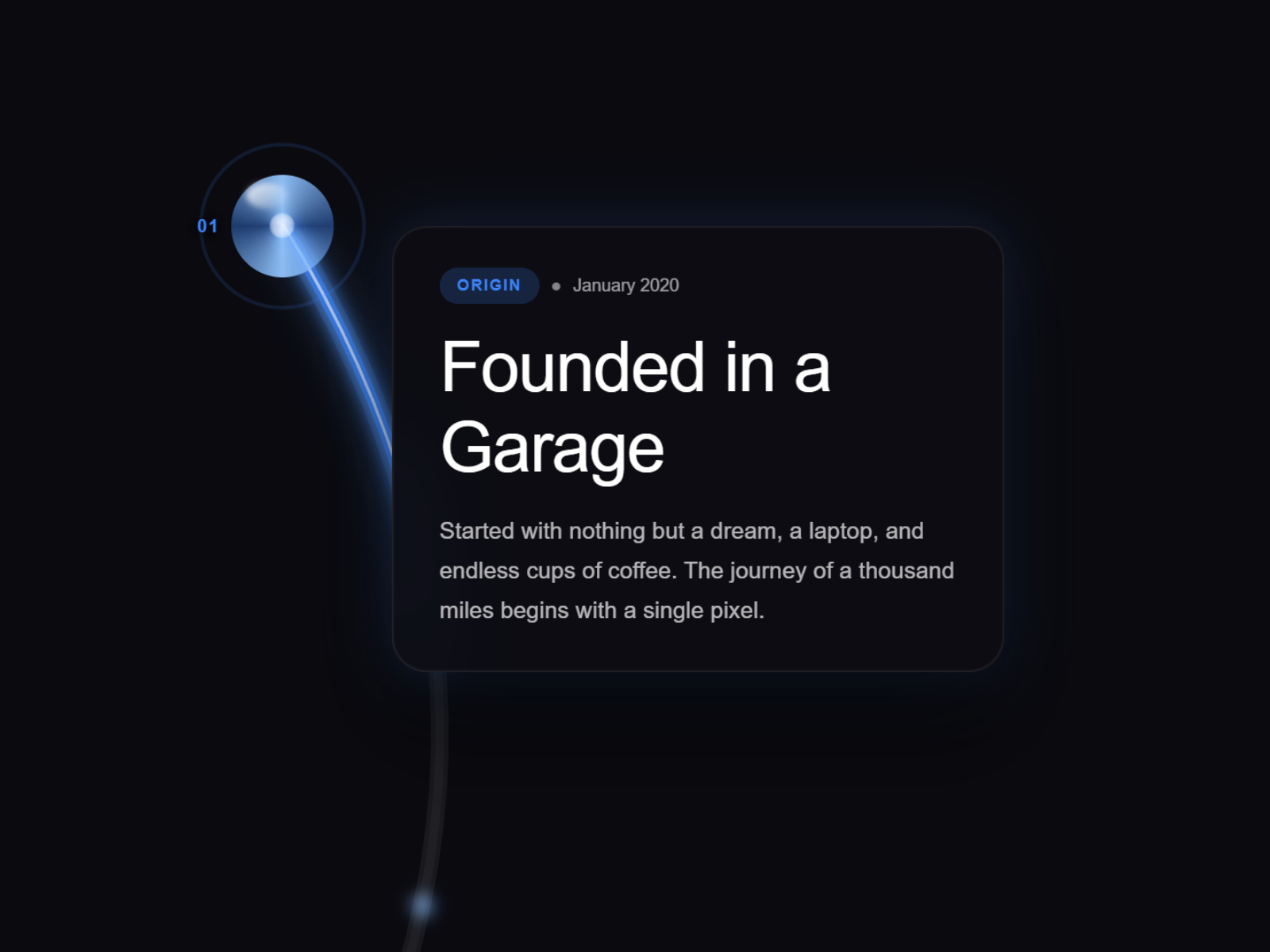
Timeline Scroll Pro turns a chronological list into a visual journey: as visitors scroll, an animated S-curve path illuminates with a customizable neon glow, milestone pins bloom with glass-orb or diamond styles, and content panels accept images or MP4/WebM video per step. Five preset glow themes, separate desktop and mobile layout variants, and demo mode with seven sample milestones make prototyping fast before you swap in real dates. At 14 USD it is the strongest pick when the timeline is the hero section, not a sidebar on an About page.
- Best for
- Founder origin stories and product launch pages that need a cinematic scroll journey with image and video panels
Affiliate link — we may earn a commission at no extra cost to you.
Timeline Milestones — Scroll-animated progress line with 3D flip cards and cursor glow
by Aidan Looker
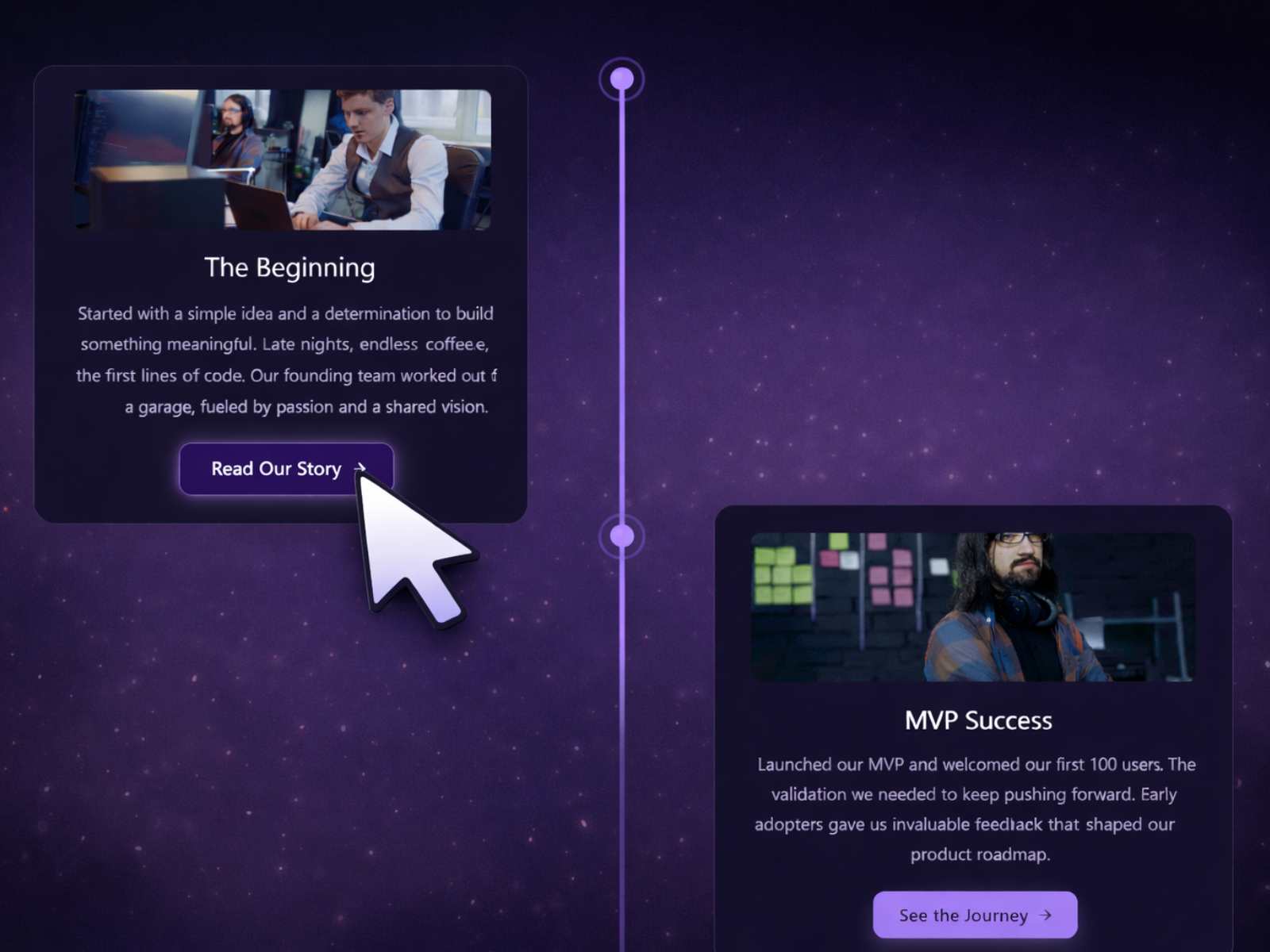
Timeline Milestones pairs a scroll-driven progress line with interactive flip cards — 3D tilt, cursor-following glow, and pulsing node rings keep attention on each step without overwhelming the layout. Cards flip on click or hover with an optional auto-flip-back, and glow intensity plus gradient fade on the connector line adapt to dark or light brand palettes. Desktop and mobile variants ship together, so the same component works on responsive About templates. At 14 USD it is the best interactive pick when milestones need a second layer of content behind the headline date.
- Best for
- Agency portfolios and startup pitch pages where each milestone should reveal extra detail on click or hover
Affiliate link — we may earn a commission at no extra cost to you.
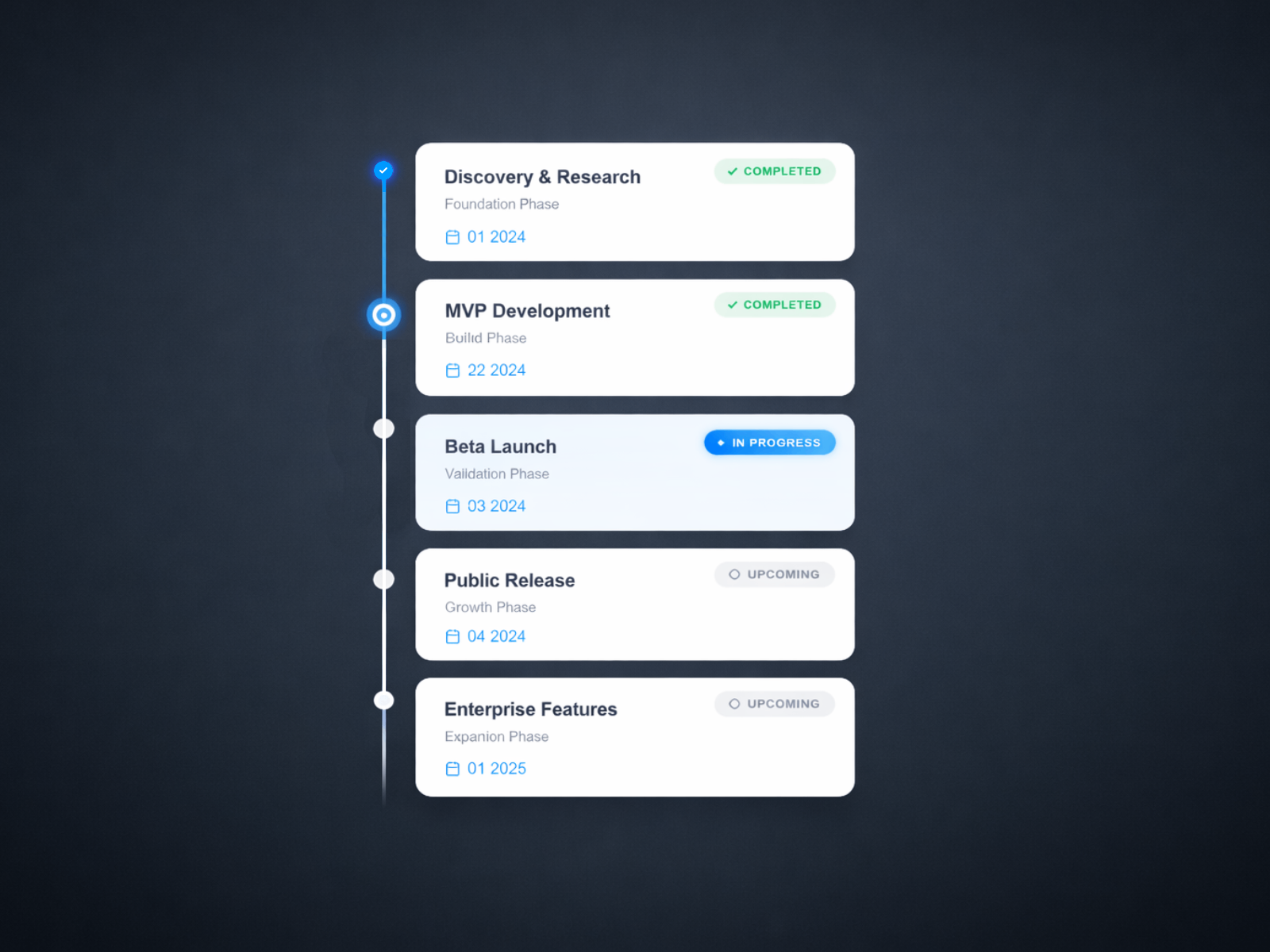
Timeline Animated — Scroll-driven progress fill with status badges and four demo presets
by Aidan Looker
Timeline Animated fills a vertical progress line continuously as users scroll, activating milestone nodes and card accents along the way. A demo-data toggle loads four preset story modes — product roadmap, project phases, company history, and release notes — so you can preview structure before editing the milestones array with title, subtitle, date, description, and status fields. Node size, card spacing, progress speed, and badge visibility all live in the property panel without code. At 14 USD it is the most versatile paid install when the same site needs both a public roadmap and an internal phase tracker with shared styling.
- Best for
- SaaS roadmaps and release-note pages that need status labels like shipped, in progress, or planned
Affiliate link — we may earn a commission at no extra cost to you.
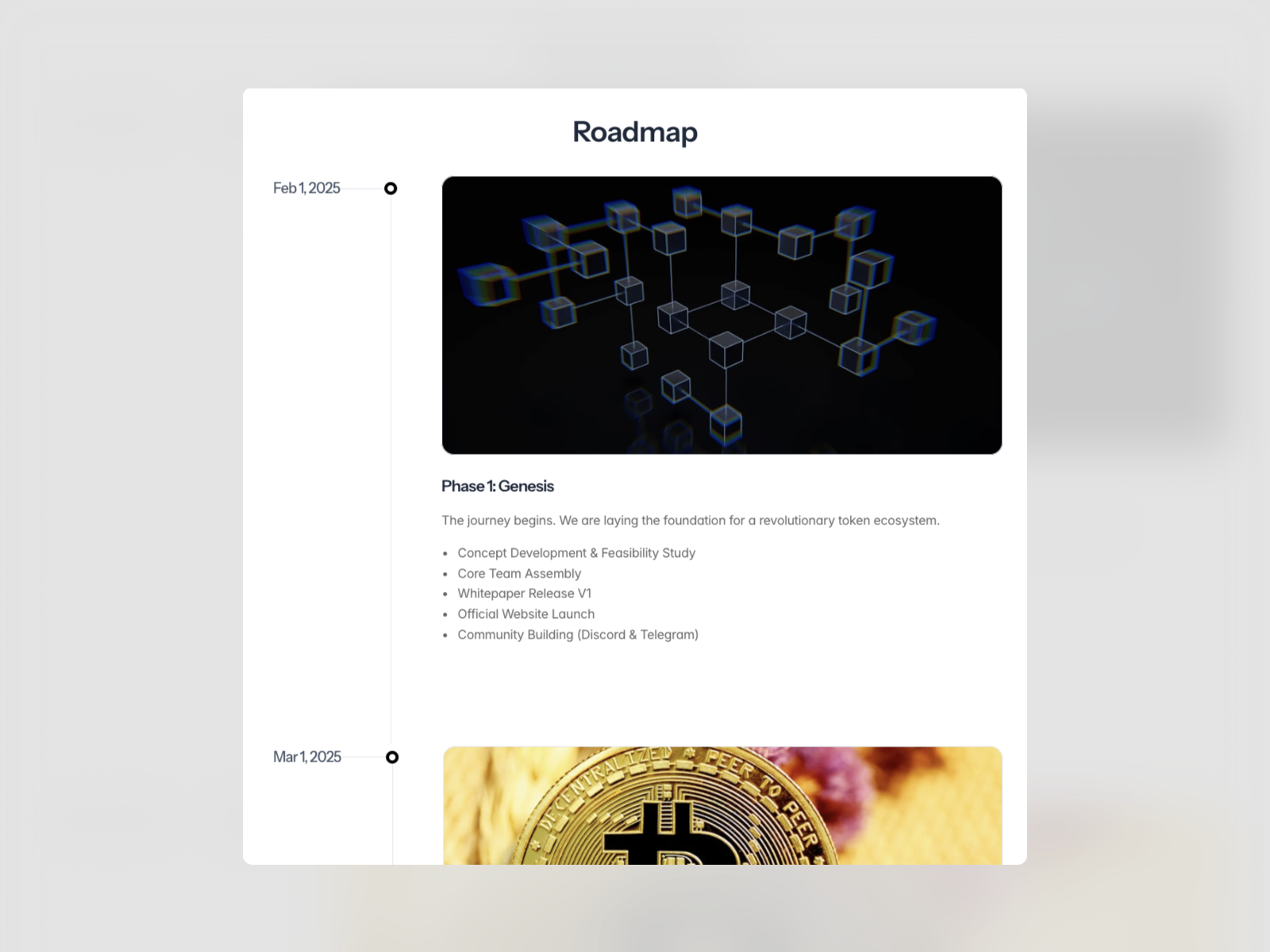
CMS Powered Timeline — Framer CMS collection binding for dynamic milestone rows
by Rashid Iqbal
CMS Powered Timeline connects milestone content to a Framer CMS collection so dates, titles, and descriptions update from the content panel instead of hard-coded property arrays. That workflow suits product marketing sites where releases ship weekly and the public roadmap must stay current without a designer in the loop. The component renders a clean vertical timeline layout with fields mapped to collection items, making it the only pick on this list built primarily for editorial velocity rather than one-off storytelling pages. At 20 USD it earns its premium when timeline data changes often and non-designers own the updates.
- Best for
- Marketing teams that update roadmap entries in CMS without reopening the canvas for every release
Affiliate link — we may earn a commission at no extra cost to you.
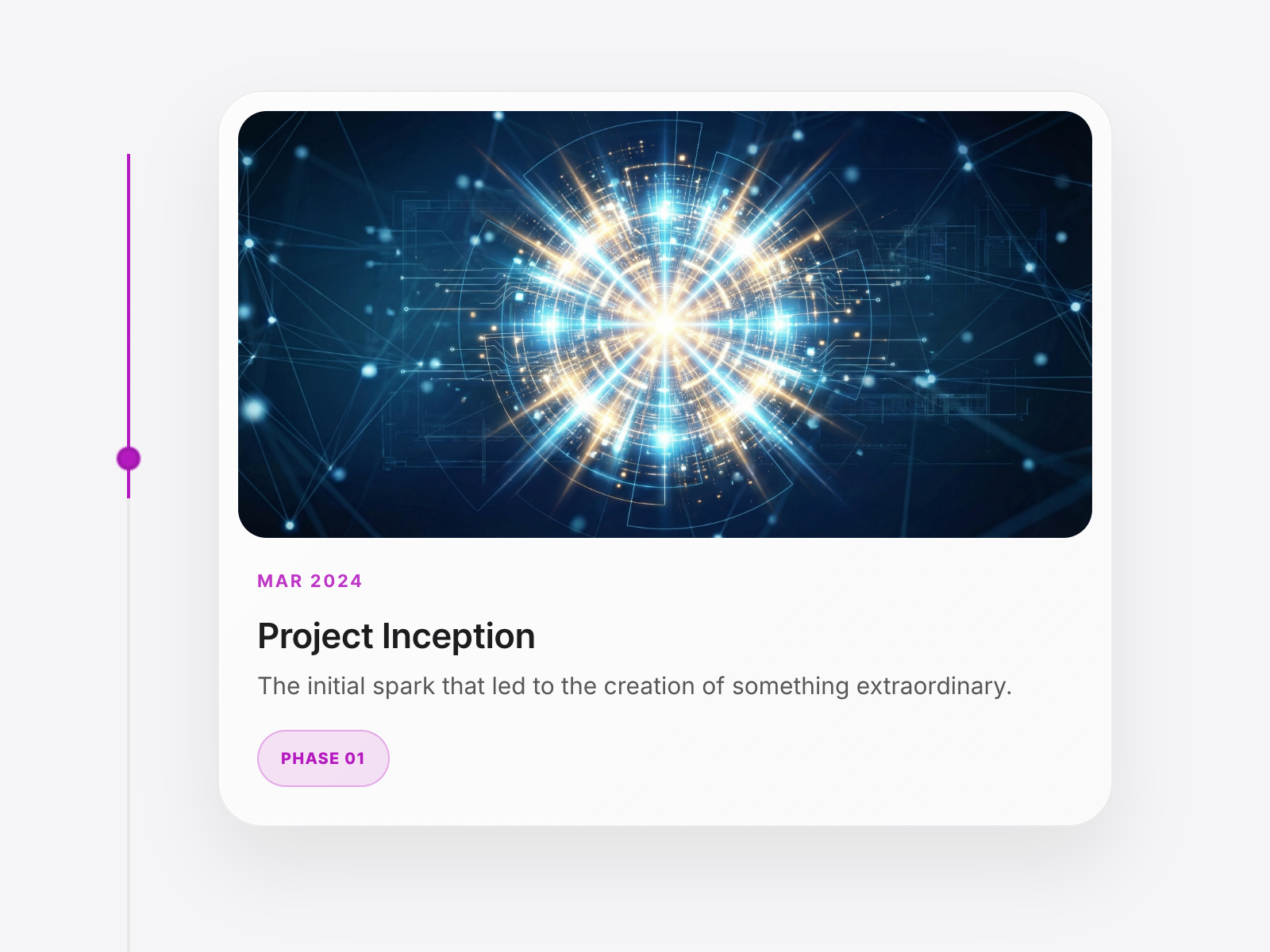
Continuum Timeline — Scroll-synced connector line with staggered spring entry animations
by Puskal Kafle
Continuum Timeline focuses on refined motion: a connector line draws itself in sync with scroll, milestone cards cascade in with organic spring animations, and the layout collapses to a vertical stack on mobile without a separate variant file. Typography, spacing, and line weight stay fully customizable, which makes it a strong fit for design-led studios presenting career progression or multi-step service processes. At 12 USD it sits between budget vertical timelines and Aidan Looker’s premium interaction suite — ideal when you want scroll-synced polish without neon effects or 3D card flips.
- Best for
- Brand About pages and process walkthroughs that need elegant motion without flip-card complexity
Affiliate link — we may earn a commission at no extra cost to you.
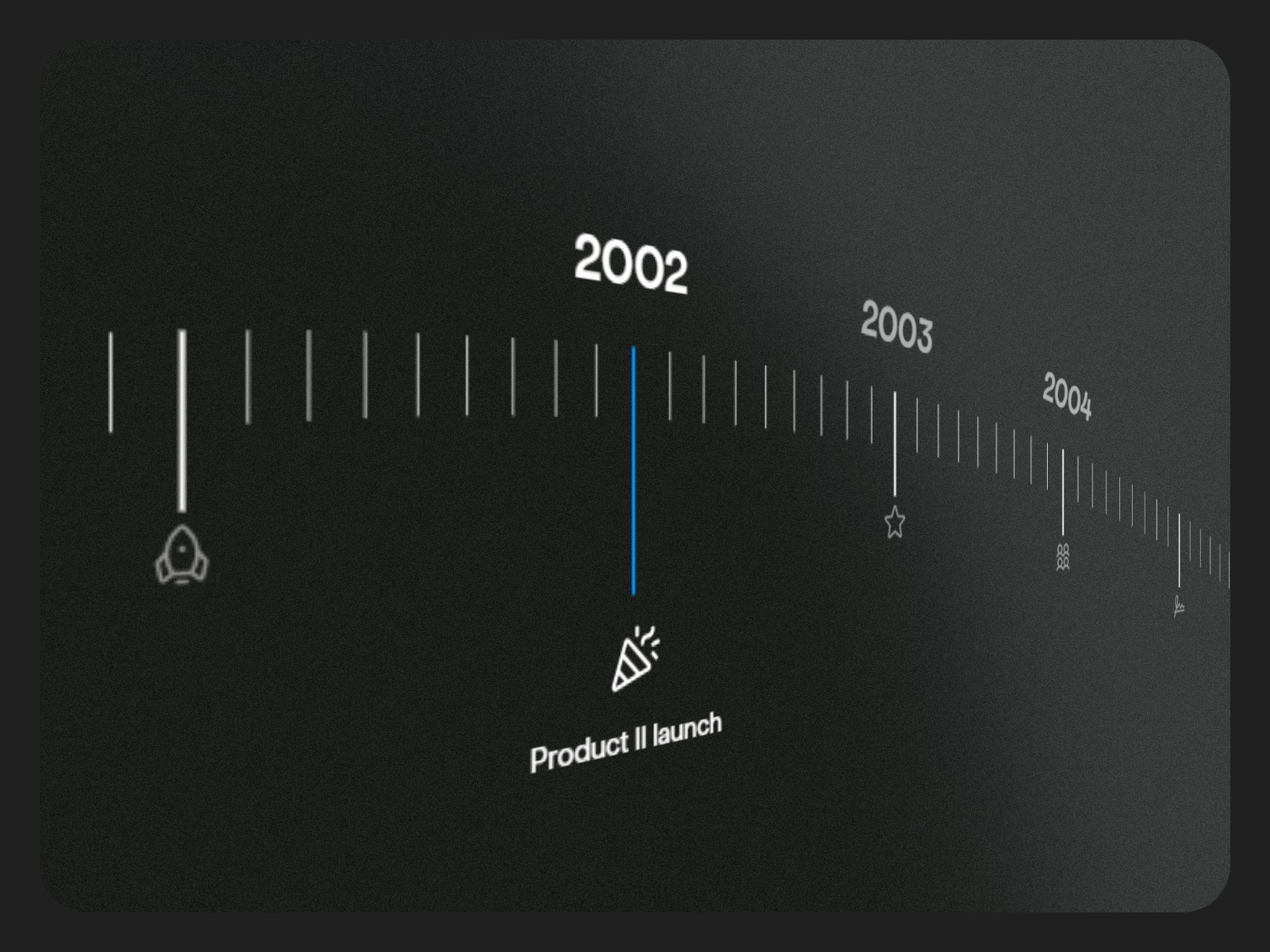
Milestone Timeline — Structured milestone cards with scroll-linked emphasis
Milestone Timeline from Aviral Lakhanpaul packages chronological storytelling into a structured card system with scroll-linked emphasis on the active milestone. The layout reads clearly on long About pages where each entry needs equal visual weight — dates, titles, and body copy stay scannable while scroll position highlights the current step. At 19 USD it targets teams that want a premium, presentation-ready timeline without the gamified flip interactions of Timeline Milestones, making it a strong choice for B2B and fintech sites where restraint matters.
- Best for
- Investor updates and agency case-study pages that highlight funding rounds or project phases in a formal layout
Affiliate link — we may earn a commission at no extra cost to you.
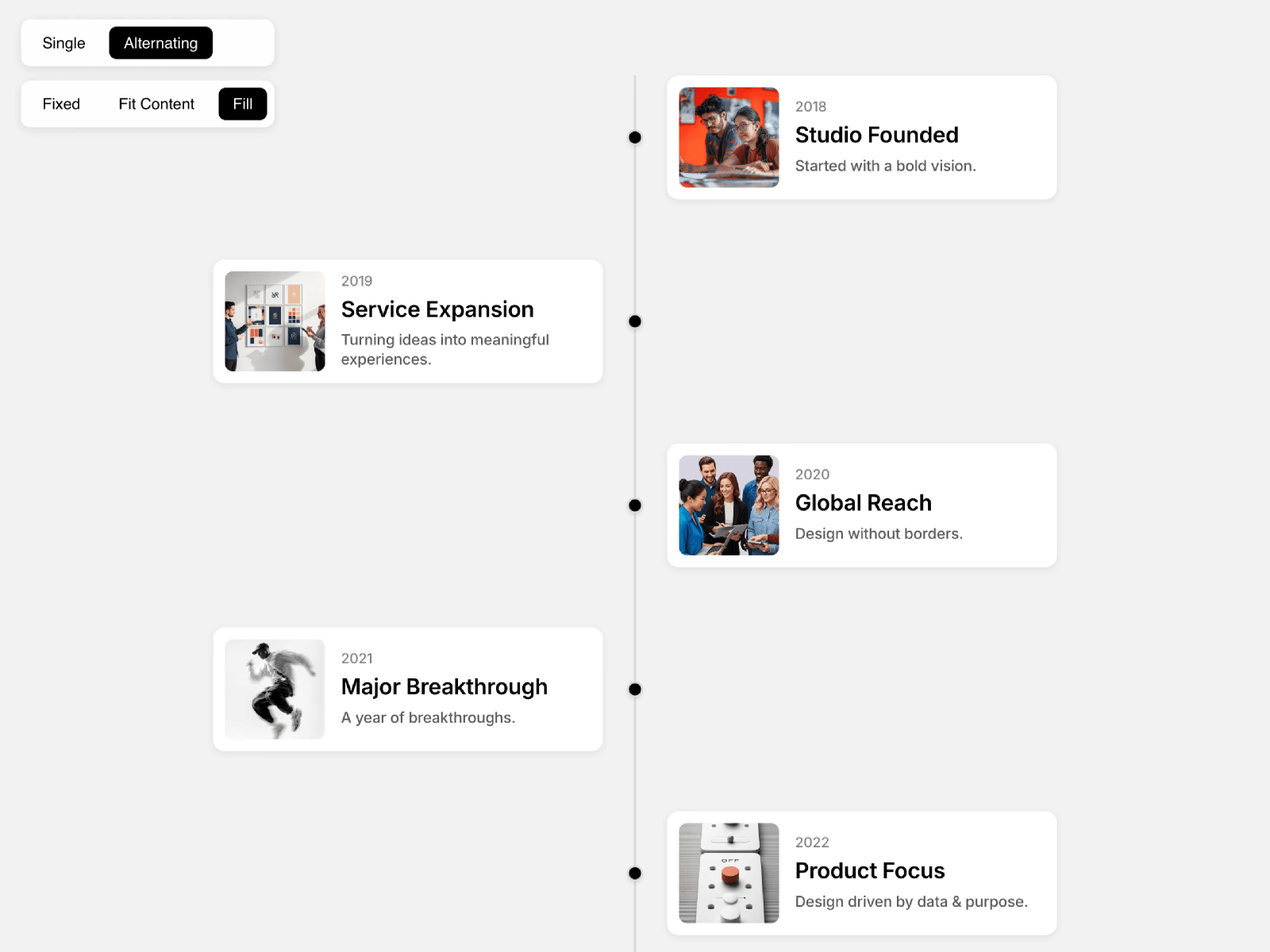
Vertical Timeline — Alternating or single-column layout with scroll-activated card animations
Vertical Timeline Pro adds unlimited items through the property panel, with optional icons or images per step, alternating or single-column layouts, and scroll-triggered fade-up or slide-right animations. Line style controls cover color, thickness, and dotted versus solid connectors, while badge toggles highlight featured milestones without redesigning the whole section. At 5 USD it delivers the best value on this list for straightforward vertical stories — company history, event schedules, or onboarding journeys — when you do not need CMS binding or S-curve theatrics.
- Best for
- Personal portfolios and startup evolution pages on a tight component budget
Affiliate link — we may earn a commission at no extra cost to you.
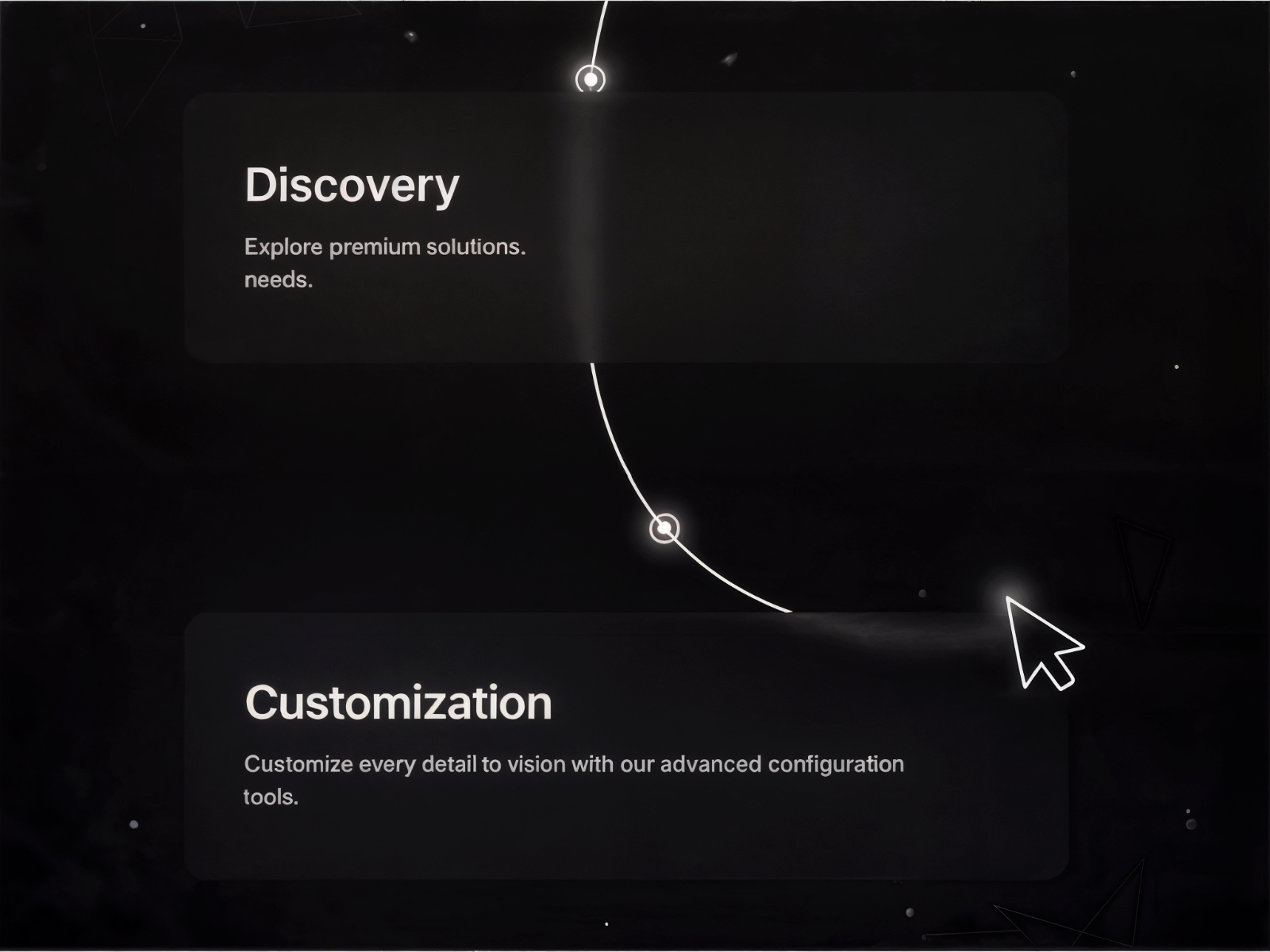
Premium Timeline — Minimal vector line that animates behind cards as users scroll
by Samba SYLLA
Premium Timeline from Samba SYLLA keeps the visual language minimal: a smooth white vector line animates vertically behind cards, each revealing title and description with subtle curves and premium transitions as scroll progresses. Colors and fonts adapt to brand palettes without exposing a crowded control surface, which suits designers who want narrative structure with almost no configuration overhead. At 5 USD and over 1K installs, it is the understated pick when your timeline should feel like a magazine layout rather than a product roadmap dashboard.
- Best for
- Luxury and fashion portfolios where a thin animated line should feel editorial, not technical
Affiliate link — we may earn a commission at no extra cost to you.
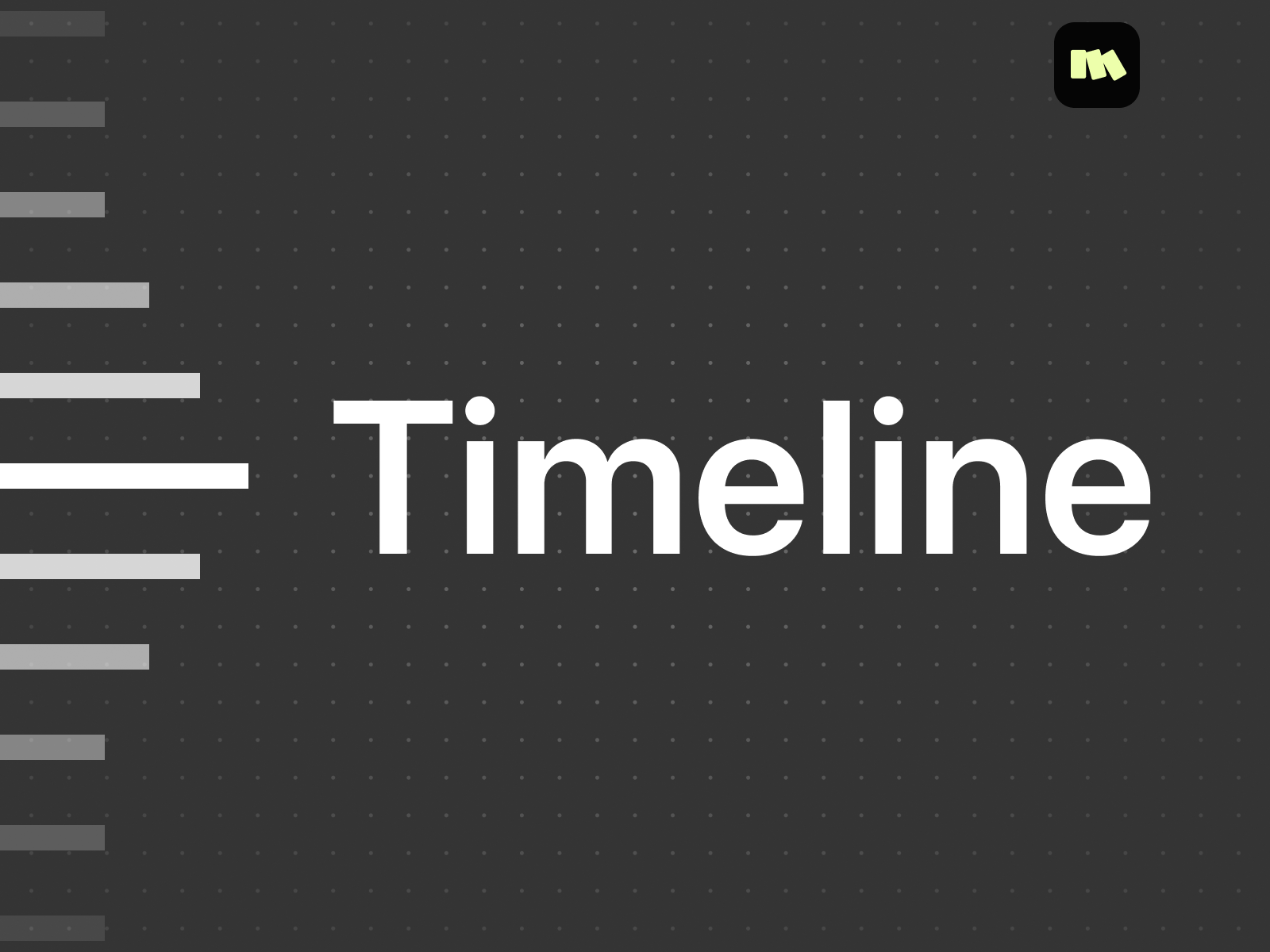
Timeline — Section-aware scroll ruler that highlights the active story beat
by Motiondrops
Timeline from Motiondrops works differently from card-based roadmaps: it auto-detects page sections by layer name and renders a sleek visual ruler that highlights whichever block is in view as visitors scroll. Position controls place the ruler left or right, size presets scale it to the layout, and typography stays fully editable — making it ideal for narrative product pages where milestones are full-width sections rather than compact cards. At 4 USD it is the lowest-priced paid option when your timeline is really a scroll-spy navigation aid for storytelling sites.
- Best for
- Long-scroll product showcases where timeline labels should track page sections by layer name
Affiliate link — we may earn a commission at no extra cost to you.
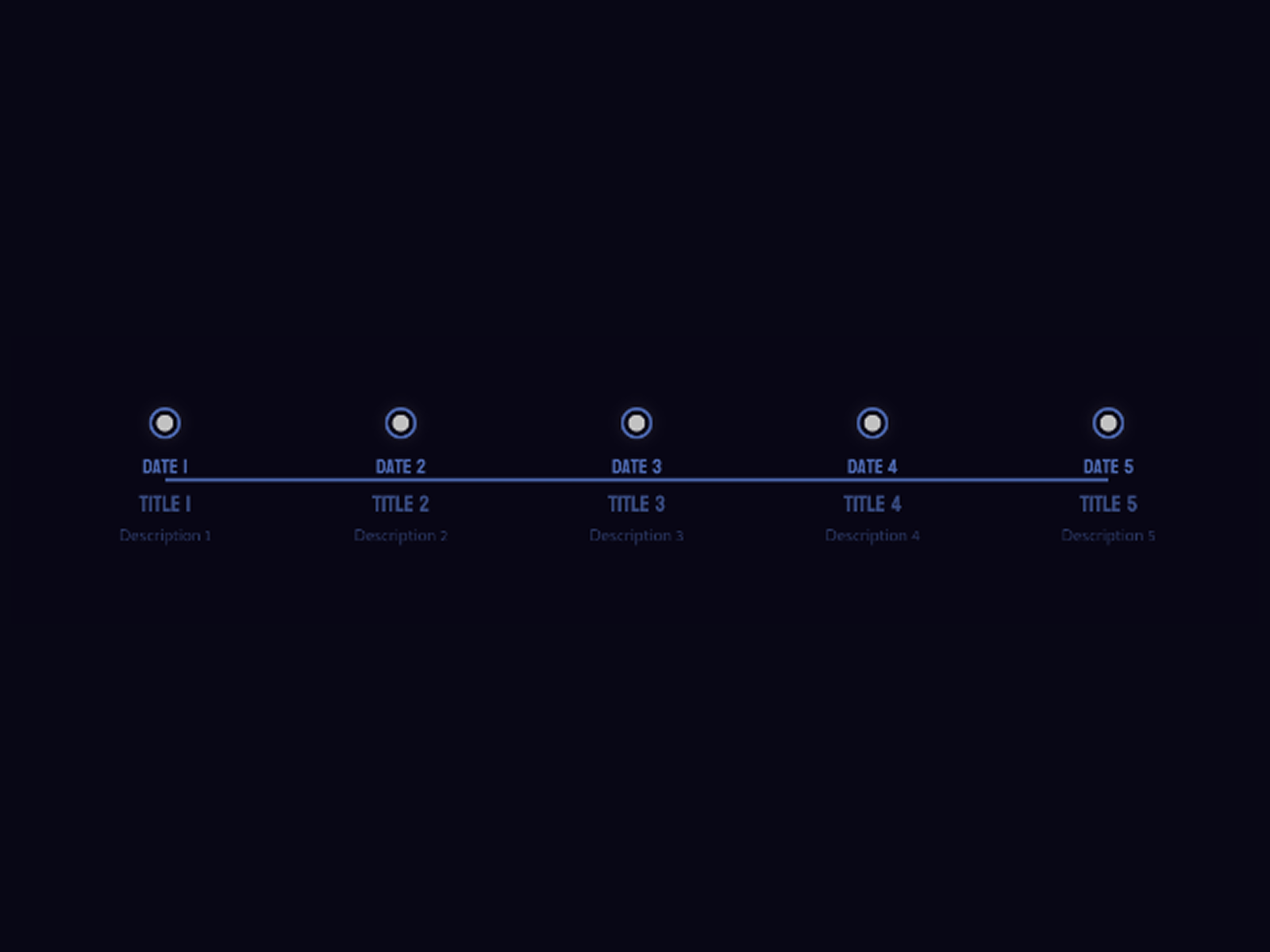
Simple Timeline — Five-point minimal timeline with editable dates and responsive layout
Simple Timeline ships five editable milestone points out of the box — dates, titles, and descriptions all update from the property panel, with colors, fonts, and spacing tuned to match your brand. The layout stays minimal and responsive across mobile, tablet, and desktop without alternate variant files or glow effects. Martina Gazenova publishes it free, making it the right first install when you need to validate content structure on a client site before upgrading to scroll-synced or CMS-bound components.
- Best for
- Conference schedules and MVP roadmaps that need a clean timeline before investing in scroll animations
Affiliate link — we may earn a commission at no extra cost to you.
Quick comparison
| Resource | Price | Type | Best for |
|---|---|---|---|
| Timeline Scroll Pro | 14 USD | Component | Cinematic S-curve paths with media panels |
| Timeline Milestones | 14 USD | Component | 3D flip cards and cursor glow |
| Timeline Animated | 14 USD | Component | Status badges and roadmap demo presets |
| CMS Powered Timeline | 20 USD | Component | CMS-driven milestone updates |
| Continuum Timeline | 12 USD | Component | Elegant scroll-synced connector line |
| Milestone Timeline | 19 USD | Component | Formal investor or case-study layouts |
| Vertical Timeline | 5 USD | Component | Budget alternating vertical stories |
| Premium Timeline | 5 USD | Component | Minimal editorial vector-line motion |
| Timeline | 4 USD | Component | Section-aware scroll ruler navigation |
| Simple Timeline | Free | Component | Lightweight conference or MVP schedules |
How to choose the right Framer timeline component
Match interaction depth to page role. Hero-level origin stories benefit from Timeline Scroll Pro or Timeline Milestones where scroll motion is the experience. Sidebar or mid-page About sections often need Continuum Timeline, Vertical Timeline, or Premium Timeline — enough polish without stealing focus from surrounding content.
Decide if content updates frequently. Static launch timelines can use property-panel arrays in Timeline Animated or Vertical Timeline. Marketing sites that publish new releases weekly should prioritize CMS Powered Timeline so editors update milestones without touching the canvas.
Pick card style before buying. Flip-card interactivity — Timeline Milestones — suits portfolios where each step hides detail. Status-badge roadmaps — Timeline Animated — fit SaaS release pages. Formal B2B layouts — Milestone Timeline — work when flip effects would feel too playful.
Budget free first, then upgrade motion. Simple Timeline validates dates and copy at zero cost. Upgrade to Vertical Timeline or Premium Timeline at 5 USD when scroll animations matter, then to Timeline Scroll Pro at 14 USD when the timeline becomes the centerpiece section.
Our top pick for most Framer builders
If the timeline anchors an About or launch page and should feel cinematic on scroll, Timeline Scroll Pro at 14 USD is the best starting point. Teams that update roadmap entries from CMS should look at CMS Powered Timeline at 20 USD. On a zero budget, Simple Timeline covers conference schedules and early client MVPs without sacrificing responsive layout.
Browse Framer templates on yoframer for About and SaaS layouts that pair well with timeline sections, or read our scroll progress components roundup when long timeline pages also need a reading bar at the top. More resource roundups live on the Resources hub.
Updated July 2026. We refresh this list as notable timeline components ship, reprice, or go stale.