Framer sits in an awkward spot for new builders: the canvas feels like a design tool, but publishing, breakpoints, and CMS collections behave like a website platform. Framer tutorials for beginners that actually work in 2026 skip the feature tour and put you inside a real project — adjusting stacks, wiring navigation, and publishing before you touch scroll effects or code overrides.
This list ranks ten tutorials verified live in June 2026. Nine are free (official Academy courses, marketplace lessons, and a long-form YouTube build). One paid masterclass covers client-ready workflows with mentoring if you want structured accountability. Every pick has an identifiable creator, a working link, and a clear outcome — not a teaser clip that ends at a paywall.

Framer Fundamentals — Official four-hour course from interface to launch
by Framer
Framer Fundamentals is the canonical starting point: roughly four hours of modular lessons that walk from the interface and frame anatomy through stacks, responsive breakpoints, components, and pre-launch checks. Because Framer maintains it, UI updates (Agents, branching, CMS changes) get patched in with notes when panels move. Treat it as your baseline — finish the layout and component modules before chasing animation tutorials.
- Best for
- Complete beginners who want a structured path through layout, components, and publishing
Affiliate link — we may earn a commission at no extra cost to you.
Build a Site That Looks Pro (2026) — Two-and-a-half-hour full-site build from blank canvas
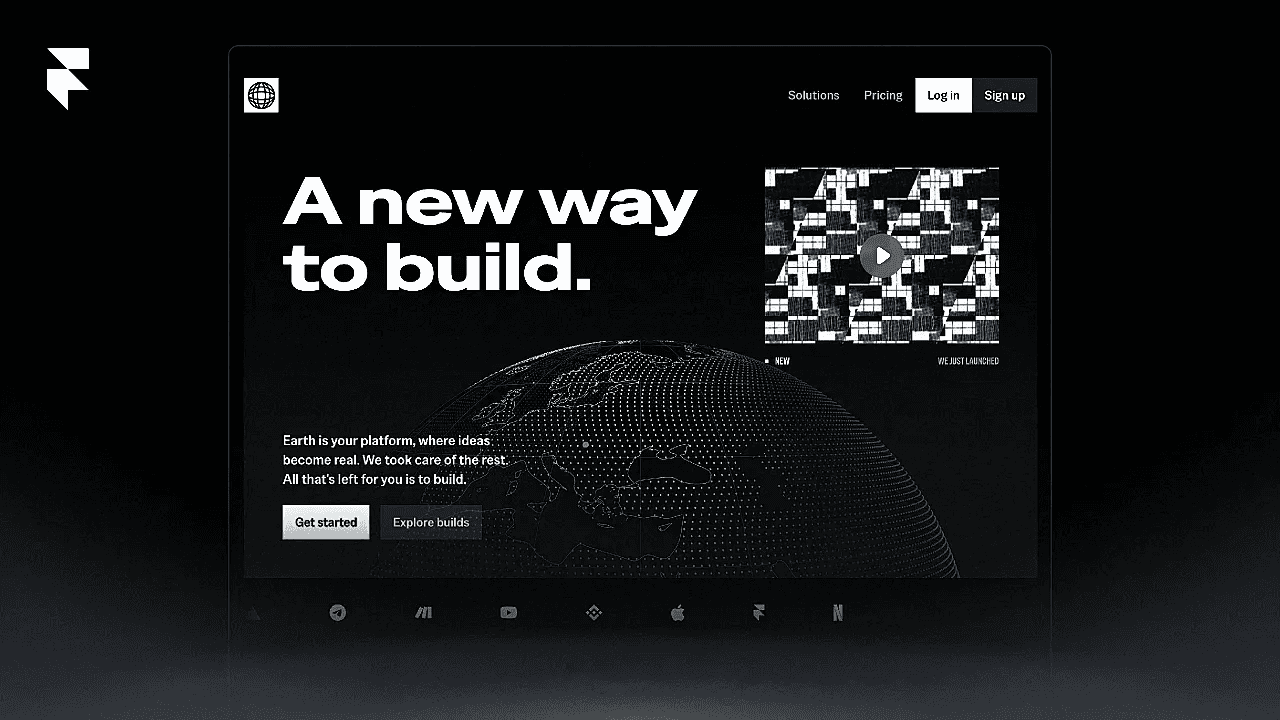
Framer University’s 2026 flagship lesson builds an entire marketing site from scratch in about two and a half hours — hero typography, button components with variants, section architecture, a code-component globe, video blocks, and mobile navigation. The lesson page includes chapter timestamps and a remix file so you can compare your layers against the instructor’s. Pair it with the YouTube version if you prefer watching in a second monitor while building in Framer.
- Best for
- Visual learners who retain more from one long project than scattered short lessons
Framer Masterclass 2.0 — 27 hours of video, two real projects, and eight weeks of mentoring
by Flux Academy
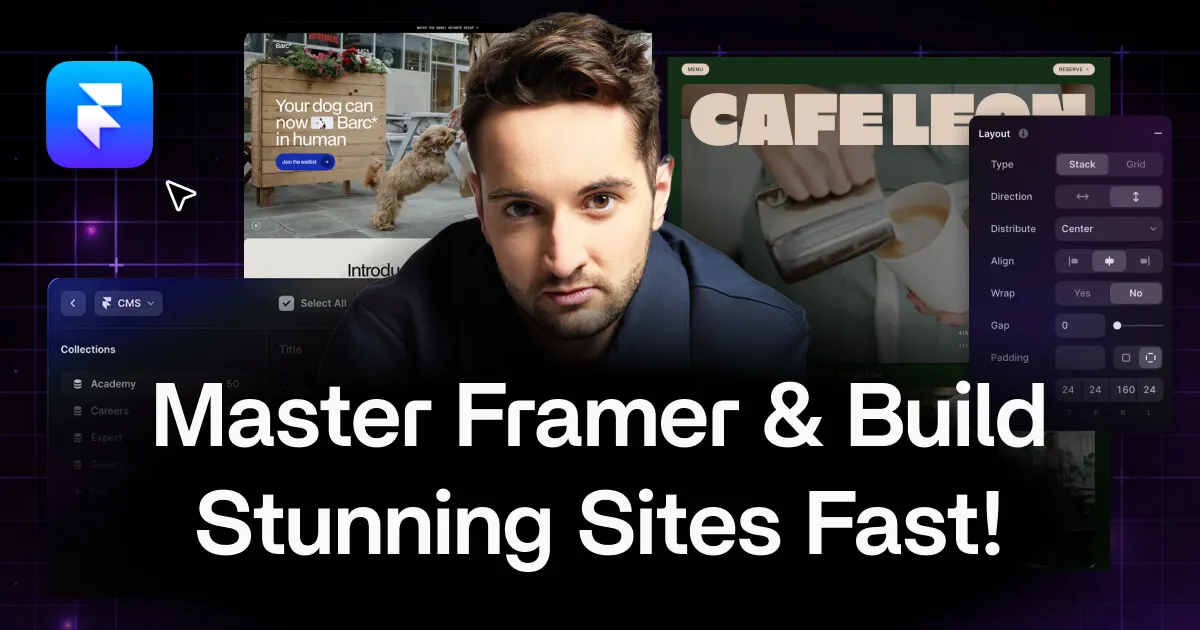
Flux Academy’s Framer Masterclass is the deepest paid option on this list: 27 hours across beginner and advanced modules, two portfolio-worthy projects (a local business site and a product showcase), plus eight weeks of mentor support and a private community. Matt Jumper teaches layout, CMS, animations, code overrides, and Figma handoff in a sequence designed for billing clients — not just remixing templates. List price runs higher; check the course page for current promotional pricing before enrolling.
- Best for
- Freelancers and agency designers who want client-ready Framer skills with feedback and community

Framer Crash Course — Thirty-minute fundamentals video on the Framer Marketplace
by Matt Jumper
The Framer Crash Course packs styles, layout, components, navigation, and responsive states into a single 31-minute marketplace video hosted by Matt Jumper. It is the fastest way to confirm Framer fits your workflow before opening the four-hour Academy track or a paid masterclass. Watch it first if you are coming from Webflow or Squarespace and need to see how Framer handles pages versus components differently.
- Best for
- Designers with one free lunch break who want a honest taste before committing hours
Affiliate link — we may earn a commission at no extra cost to you.
Build Your First Framer Site — Fifty-two-minute blank-canvas project walkthrough
by Framer
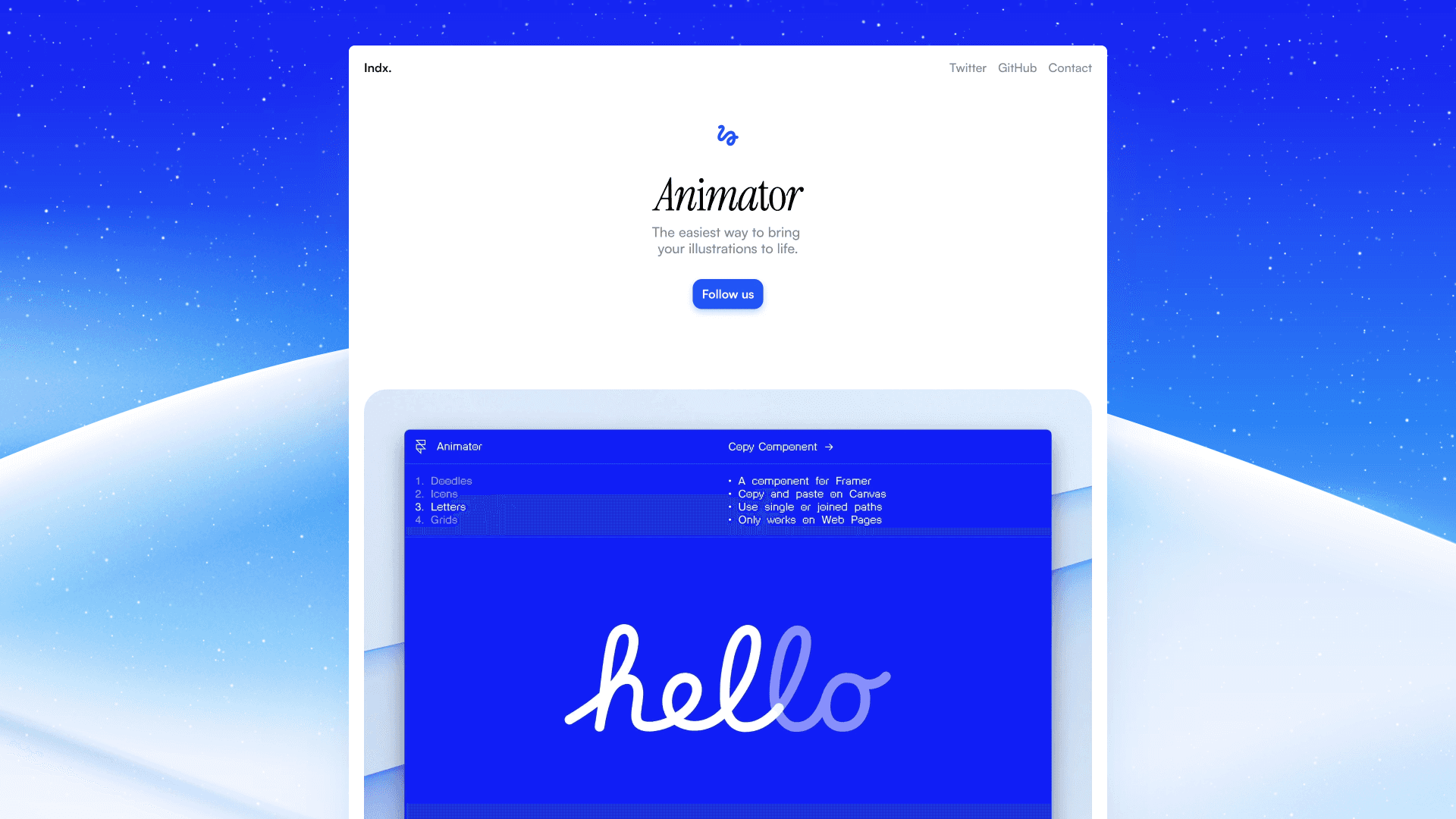
This standalone Academy lesson walks from an empty canvas to a finished multi-section site in 52 minutes — a tighter alternative to the full Fundamentals course when you learn best by copying a single project start to finish. It predates some 2026 UI changes, but the core concepts (frames, stacks, text styles, publish flow) still map directly to today’s editor. Use it as a weekend sprint, then backfill gaps with the modular Fundamentals lessons.
- Best for
- Beginners who want one continuous build instead of jumping between short Academy modules
Affiliate link — we may earn a commission at no extra cost to you.

Master Layouts FAST — Frames, stacks, sticky positioning, and responsive wrap explained clearly
by Matt Jumper
Master Layouts FAST isolates the topic that causes most beginner frustration: how frames, stacks, fixed and sticky positioning, and wrap behave across breakpoints. Matt Jumper teaches the mental model for translating a flat Figma mockup into a Framer layout that survives real content lengths. Watch this before your second project — it saves hours of nudging absolute-positioned layers on mobile.
- Best for
- Builders whose designs break on tablet because stacks and positioning still feel fuzzy
Affiliate link — we may earn a commission at no extra cost to you.

Framer Basics — Marketplace intro covering core tools and everyday workflows
by Ryan Hayward
Ryan Hayward’s Framer Basics tutorial on the marketplace covers the everyday workflow — inserting elements, managing the layers panel, applying styles, and previewing across breakpoints — in a pace suited to designers migrating from Figma. It complements Framer Fundamentals with a creator-led voice and marketplace-native format, which helps if official docs feel too reference-heavy on day one.
- Best for
- Designers who want a community creator's perspective alongside official Framer docs
Affiliate link — we may earn a commission at no extra cost to you.

Beginner Mistakes — Common first-project errors and how to fix them early
Carlos Geronimo’s Beginner Mistakes tutorial names the patterns that silently wreck first Framer projects — mis-sized stacks, breakpoint overrides done in the wrong order, unlinked text styles, and component edits that do not propagate. It is best watched after you have spent an hour in the canvas and hit at least one frustrating bug. Fixing these habits early prevents rebuilding entire pages when a client asks for a CMS collection later.
- Best for
- Builders halfway through their first site who keep fighting the same layout bugs
Affiliate link — we may earn a commission at no extra cost to you.

Framer Interface — Canvas, layers, components, and the properties panel demystified
by Adam Sebesta
Adam Sebesta’s Interface tutorial maps the Framer workspace for people who opened a template and got lost — where the canvas, layers tree, assets panel, and right-hand properties panel connect, and how components and site-wide styles differ from one-off frame edits. It is shorter than a full course but more practical than reading tooltips. Start here if your first action was remixing a template rather than creating a blank project.
- Best for
- Template remixers who need to understand where everything lives before customizing a marketplace file
Affiliate link — we may earn a commission at no extra cost to you.

Build a Portfolio — Remix a free template into a job-ready portfolio and publish
by Sadman Alam
Sadman Alam’s Build a Portfolio tutorial walks through remixing a free marketplace template, swapping content on project detail pages, and publishing to a live Framer subdomain — the shortest path from zero to a URL you can put on a resume. It covers the CMS-backed project structure most portfolio templates use, so you learn content editing and publish flow in a context that matters for job hunting. Expect to finish in an afternoon if you already have project copy ready.
- Best for
- Students and career switchers who need a live portfolio URL this week, not next month
Affiliate link — we may earn a commission at no extra cost to you.
Quick comparison
| Resource | Price | Type | Best for |
|---|---|---|---|
| Framer Fundamentals | Free | Official course | Structured path from interface to launch |
| Build a Site That Looks Pro (2026) | Free | Long-form project | One complete site build with remix file |
| Framer Masterclass 2.0 | 278 USD | Paid course | Client-ready skills with mentoring |
| Framer Crash Course | Free | Short video | Fast taste test in under 35 minutes |
| Build Your First Framer Site | Free | Academy project | Single continuous blank-canvas build |
| Master Layouts FAST | Free | Layout deep-dive | Stacks, positioning, and responsive wrap |
| Framer Basics | Free | Marketplace intro | Creator-led fundamentals alongside docs |
| Beginner Mistakes | Free | Troubleshooting | Fixing common first-project habits |
| Framer Interface | Free | Workspace tour | Template remixers learning the panels |
| Build a Portfolio | Free | Portfolio project | Live published portfolio in one session |
How to choose the right Framer tutorial
Match format to how you learn. If you need structure and official accuracy, start with Framer Fundamentals and treat marketplace videos as supplements. If you only learn by building, jump to Build a Site That Looks Pro (2026) or Build Your First Framer Site and pause to fix layout issues with Master Layouts FAST when breakpoints break.
Free vs paid. Every free pick here is genuinely usable without a credit card. Framer Masterclass 2.0 earns its price if you plan to sell Framer sites to clients and want mentor feedback, community accountability, and a certification — not if you are making a personal portfolio once. Watch Framer Crash Course before spending on any paid option.
Skill level and timing. Absolute beginners should do Framer Interface or Framer Basics first if they remixed a template; go straight to Framer Fundamentals if they started blank. Save Beginner Mistakes for after your first frustrating hour. Build a Portfolio is the right capstone when you need a published URL quickly.
Our top pick for most beginners
Start with Framer Fundamentals for the official foundation, then follow Build a Site That Looks Pro (2026) to cement the concepts in one long project. If you are freelancing within 90 days, budget for Framer Masterclass 2.0 — the mentoring and second advanced project close the gap between “I can remix templates” and “I can deliver client work.”
Browse Framer templates on yoframer for remix-ready starting points, or see our template roundups for niche-specific picks. More curated resource lists live on the Resources hub.
Updated June 2026. We refresh this list when major courses ship new modules or links go stale.


