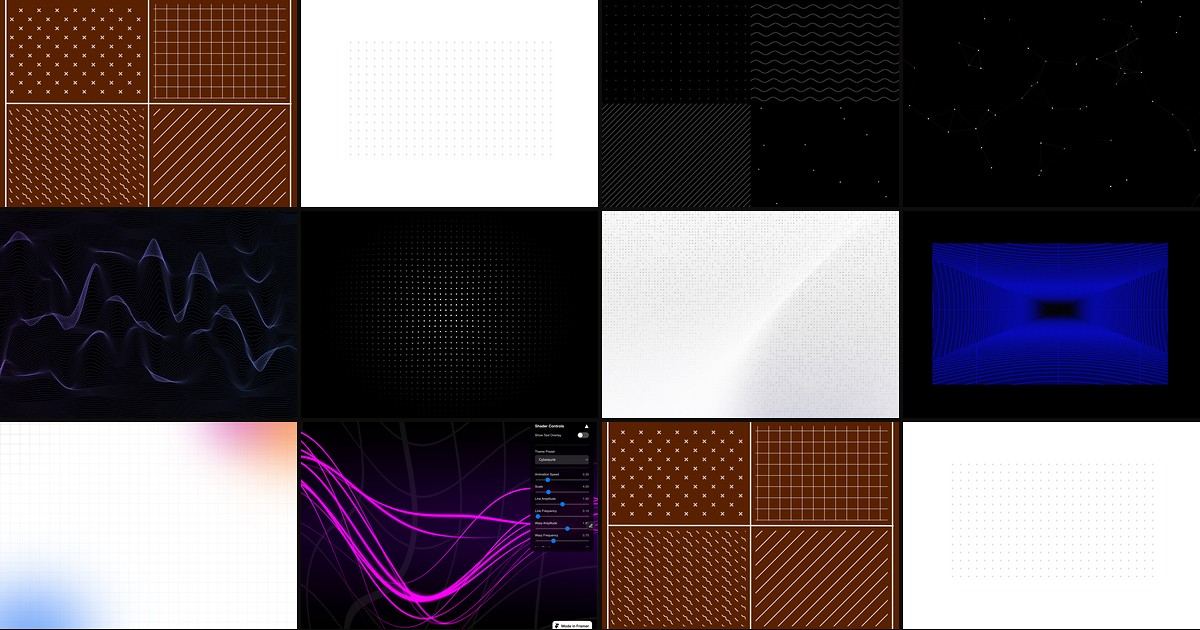
SaaS heroes, agency portfolios, and product landing pages all need texture behind the headline without stealing focus from copy. Framer frames handle solid fills and native gradients, but dot grids, crosshatch lines, SVG chevrons, and animated canvas fields usually mean custom code or repeated override stacks. A dedicated framer background pattern component ships those textures with property-panel controls so you drop a layer, tune density, and move on.
This list ranks ten background pattern components on the Framer marketplace in 2026. Every pick has a live listing, identifiable creator, and working preview. We prioritized breadth of pattern types, responsive layout behavior, and performance on large sections over full glassmorphism or mesh-gradient kits covered elsewhere. Five free and five paid.
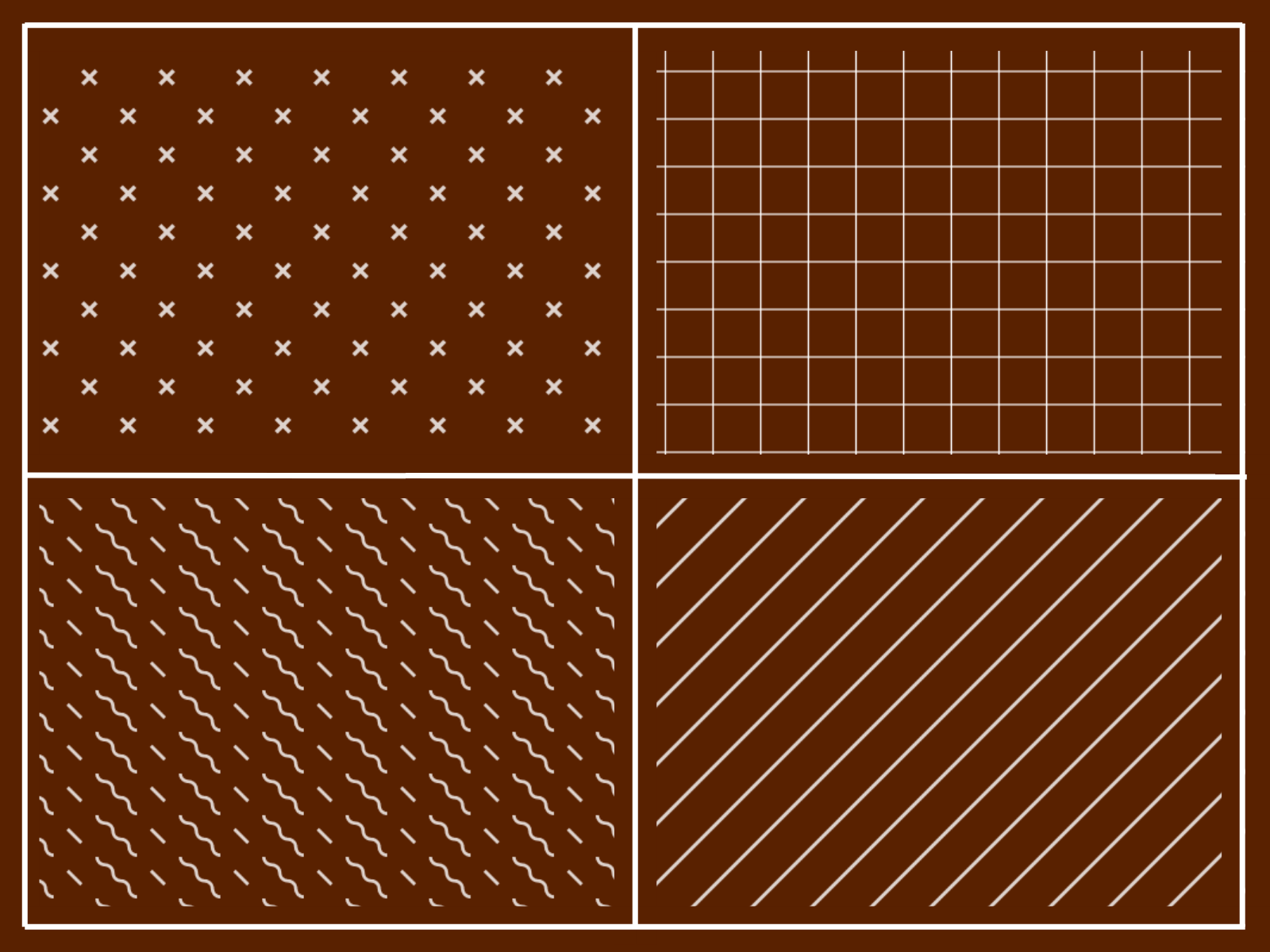
Background Pattern — 22 SVG pattern styles with live color, stroke, and fade controls
by Soyeb
Background Pattern is the widest static library on this list. Soyeb packs 22 SVG pattern types (grid, dots, cross, zigzag, waves, hexagons, checkerboard, and more) into one component with panel controls for color, stroke width, dot spacing, opacity, and edge fade. Swap pattern styles on card backgrounds, hero sections, or section dividers without hunting separate marketplace files. It stays lightweight because patterns render as SVG, not canvas loops. Grab it free while the listing remains no-cost; Soyeb has signaled a future paid tier, so install early on client projects you may revisit later.
- Best for
- Marketing sites that need grid, dot, hex, or wave textures without animation overhead
Affiliate link — we may earn a commission at no extra cost to you.
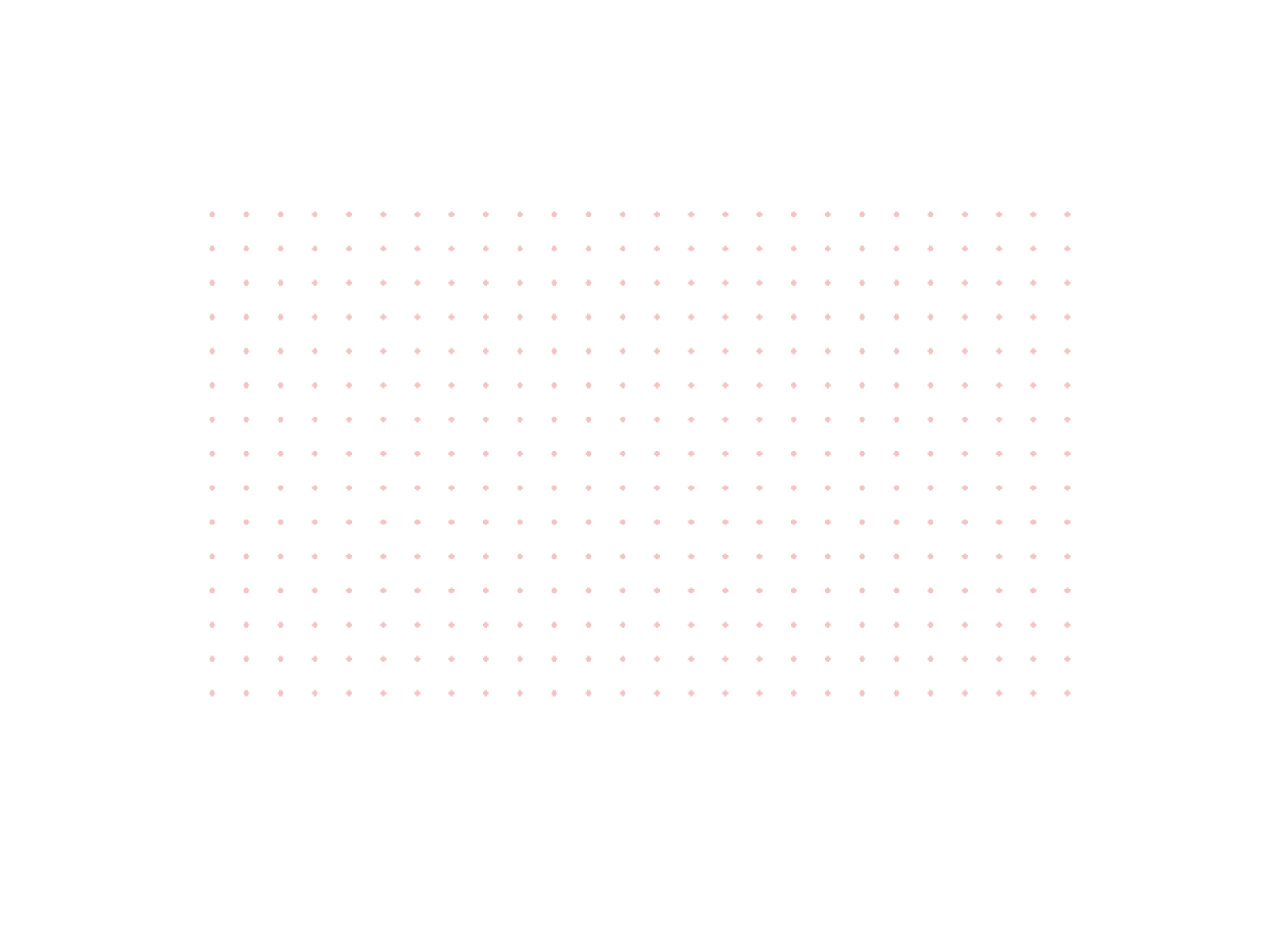
multiGrid Background — Responsive dots, crosses, and line grids with blend-mode compositing
by Kai Studio
multiGrid Background from Kai Studio targets the builder who needs a clean engineering grid, not decorative illustration. Choose dots, crosses, or lines, then drive density from a column count that adapts to container width or lock a fixed cell size for pixel-perfect UI mockups. Blend modes (Multiply, Screen, Overlay, Soft Light, Difference) composite the pattern over brand color fills without exporting PNG tiles. Fine-tune dot size, offset, and opacity entirely from the panel. It will not animate or react to cursor input; pair it with a motion component from our scroll parallax roundup when the brief asks for both structure and movement.
- Best for
- Design systems that want one grid component scaling from mobile cards to full-width heroes
Affiliate link — we may earn a commission at no extra cost to you.
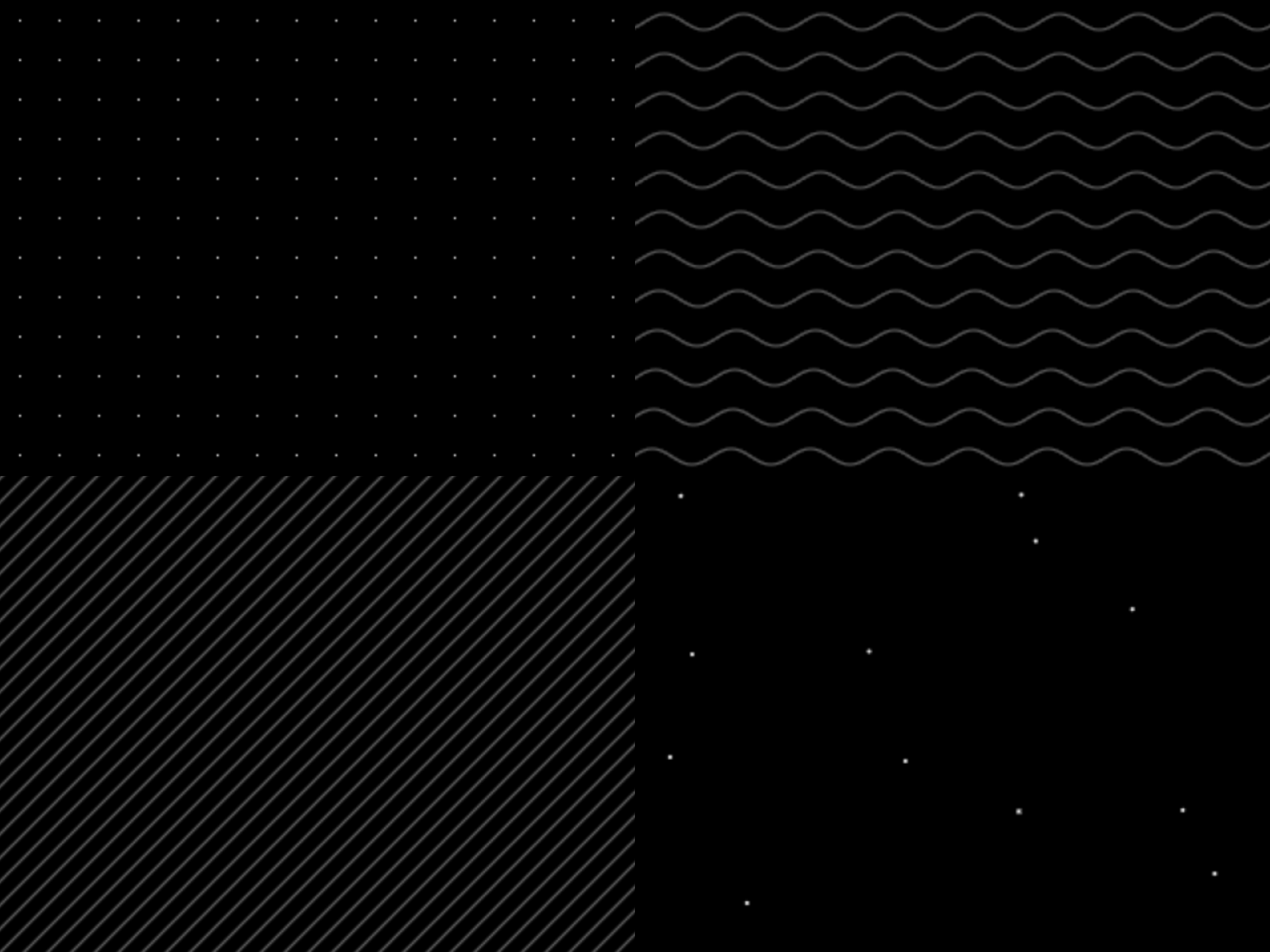
Subtle Patterns — Real-time pattern generator with lines, dots, crosshatch, waves, and mesh modes
Subtle Patterns turns pattern selection into a generator instead of a fixed SVG library. Anton Radionov exposes lines, dots, crosshatch, waves, mesh, and related modes with live controls for scale, line width, angle, distortion, opacity, and separate background and foreground colors. Toggle animated styles when the section needs gentle GPU motion, or keep patterns static for documentation pages. At 8 USD it earns its slot when Background Pattern’s preset catalog feels too rigid and you want to iterate density and angle without leaving Framer. Skip it when the client already approved one exact SVG tile and free Background Pattern covers that look.
- Best for
- Agencies that prototype multiple texture directions on one hero before locking art direction
Affiliate link — we may earn a commission at no extra cost to you.
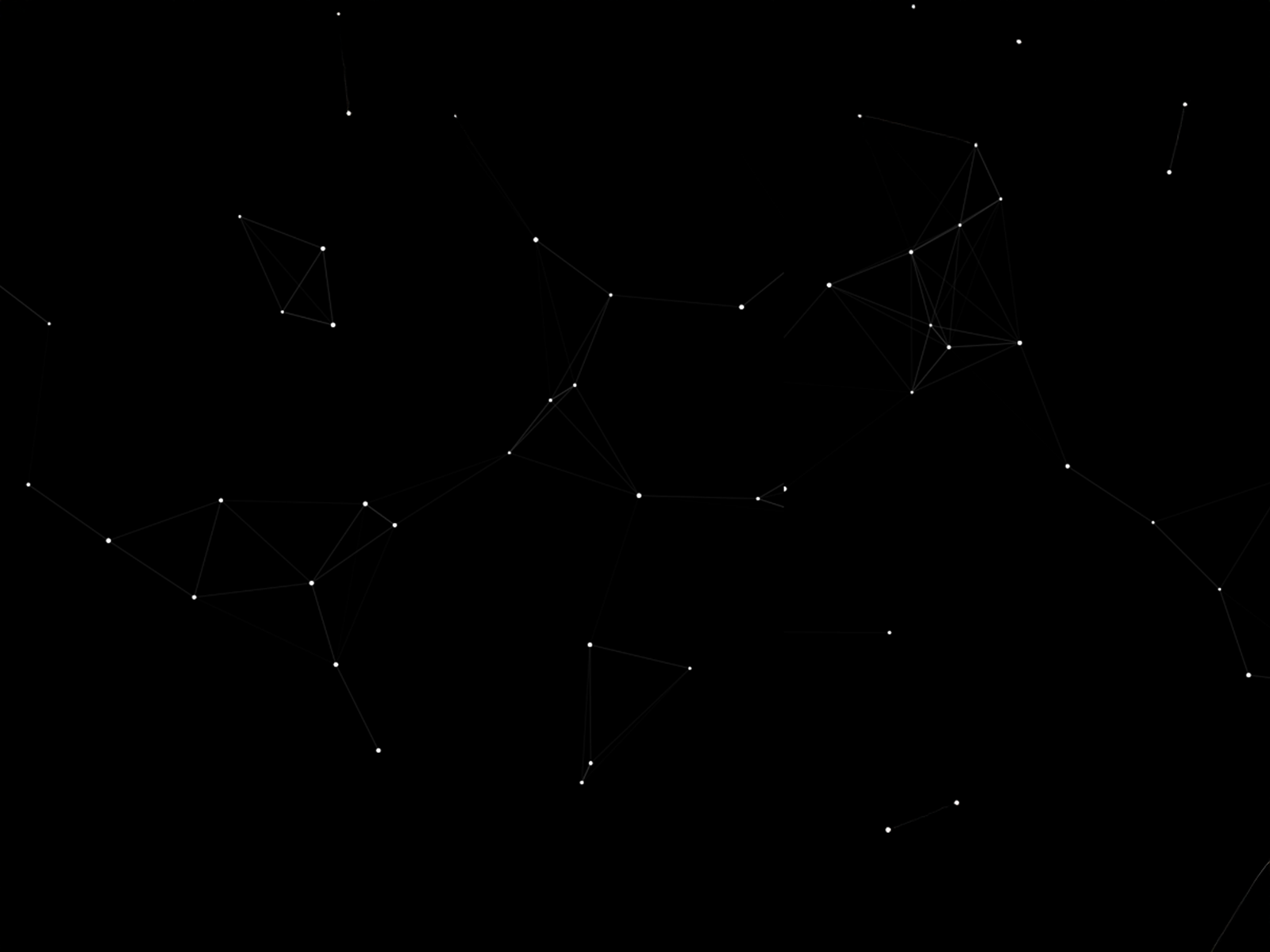
Dot Field Background — Canvas dot-and-link field with drift, orbit, and cursor repel or attract
by Rajat Hooda
Dot Field Background renders a responsive canvas of dots connected by proximity links, with drift or orbit motion and optional cursor repel or attract. Rajat Hooda defaults tracking to Global so buttons and links above the layer stay clickable, which matters on hero sections where a local-capture background would break the primary CTA. Tune density, link distance, dot size, speed, and colors from the panel; reduce density on very tall sections to keep frame rates smooth. Free and lightweight relative to WebGL shader backgrounds. It reads more “network graph” than architectural grid; choose multiGrid or Background Pattern when the brief calls for crisp orthogonal lines only.
- Best for
- Tech landing pages that need living grid motion without blocking clicks on foreground CTAs
Affiliate link — we may earn a commission at no extra cost to you.
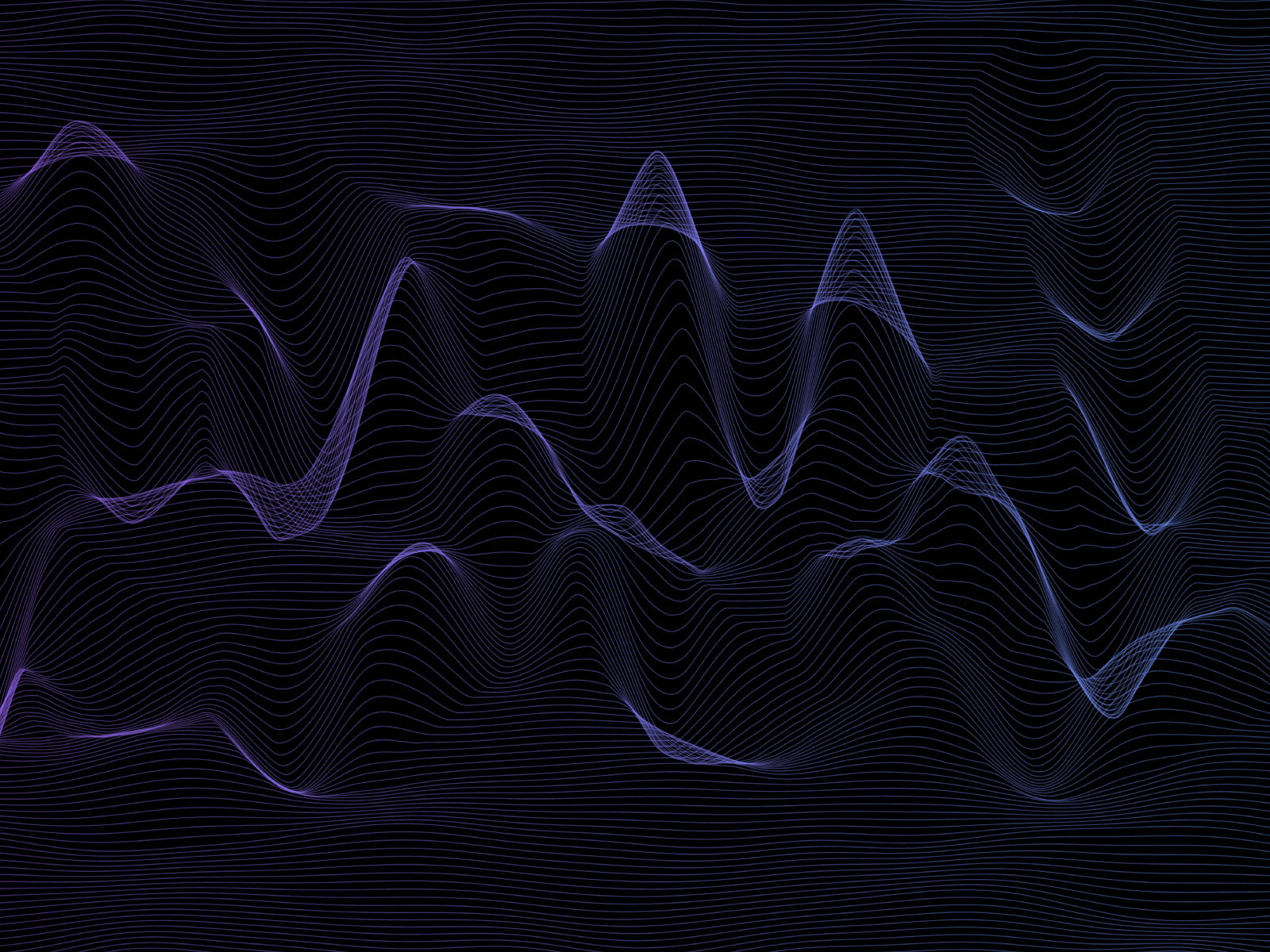
Topographic Lines — Paintable contour-line texture for map-inspired section backgrounds
Topographic Lines from Hatim Dossaji adds map-contour linework as a section background you paint and tune from the property panel. The effect reads organic and editorial compared with square dot grids, which helps outdoor, climate, and analytics brands differentiate hero sections without stock photography. Controls stay approachable for designers who do not want canvas physics. It is a static or lightly configurable texture, not an interactive particle field. Skip it on strict minimal SaaS dashboards where orthogonal grids signal product UI; Background Pattern’s grid mode is the cleaner fit there.
- Best for
- Outdoor brands, data viz landing pages, and editorial layouts that want terrain-style linework
Affiliate link — we may earn a commission at no extra cost to you.
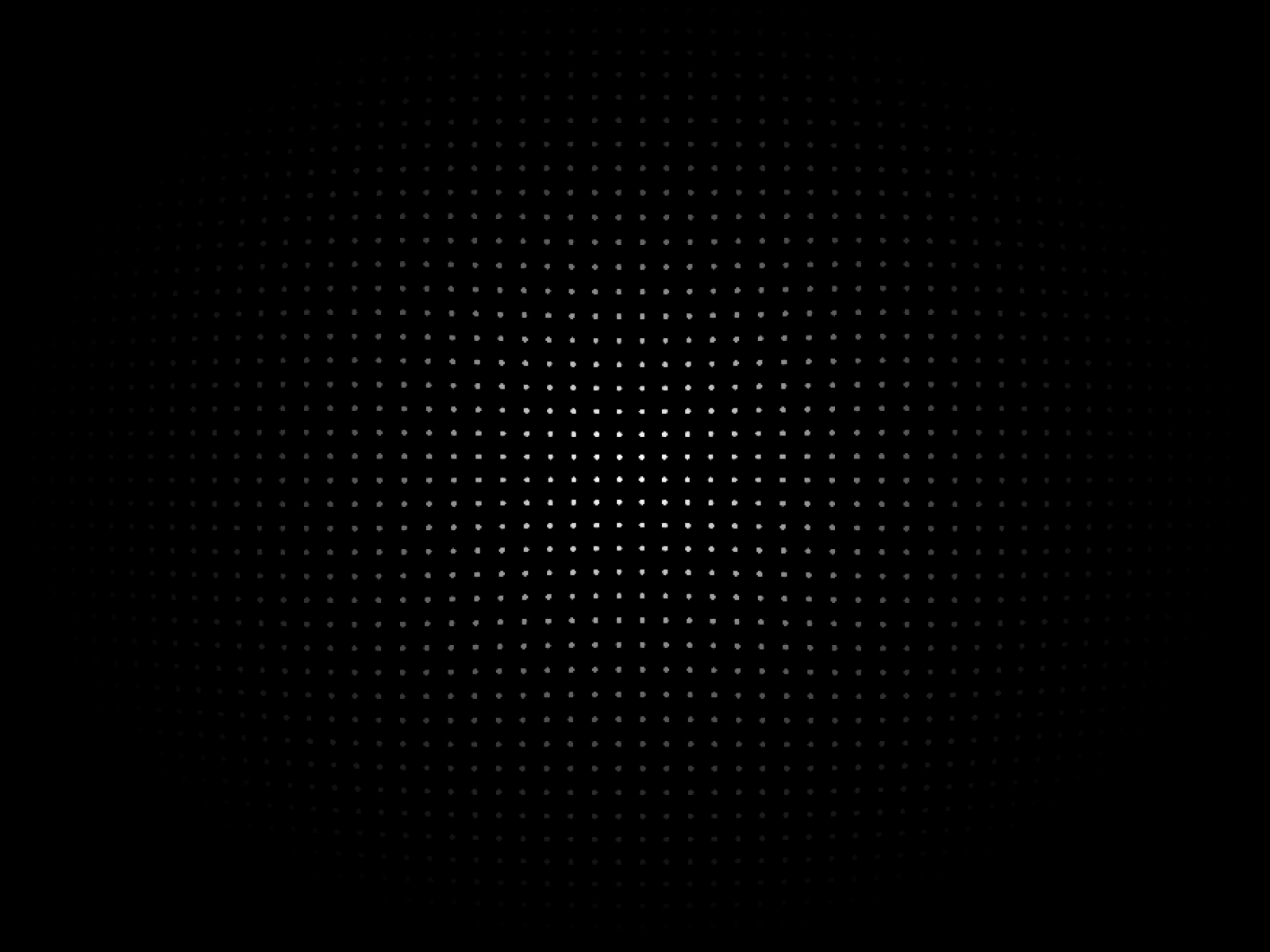
DotRippleGrid — Animated dot grid with ripple, glow, vignette, and mouse interaction
DotRippleGrid is Chris Lacorte’s polished take on animated dot grids: ripple waves, glow highlights, vignette shading, and mouse-driven motion on a configurable lattice. Density, dot size, stroke, opacity, and effect intensity all live in the panel, so you can push a dramatic tech hero or dial everything down for a subtle texture behind cards. At 5 USD it sits between free canvas fields and heavier WebGL picks. The motion stack costs more GPU than static SVG patterns; use it on one hero per viewport, not on every section down a long scroll page.
- Best for
- Creative agency heroes and product launches that need premium motion on a dot grid
Affiliate link — we may earn a commission at no extra cost to you.

Flickering Grid BG1 — Canvas grid with squares, dots, lines, plus signs, and character cells that flicker in and out
by Plaiter
Flickering Grid BG1 from Plaiter generates atmospheric grid backgrounds where cells subtly fade in and out on canvas. Switch between squares, circles, lines, dots, plus signs, or character glyphs, then mask the field with radial or directional fades so motion concentrates behind headline copy. Opacity and spacing controls keep the effect readable on long pages when you resist the urge to max flicker intensity. At 10 USD it is the paid pick for ambient motion without pointer interaction. Pair lower opacity with minimal foreground typography; busy grids plus dense copy fight each other fast.
- Best for
- Dark-mode tech sites and launch pages that want ambient grid motion without cursor tracking
Affiliate link — we may earn a commission at no extra cost to you.
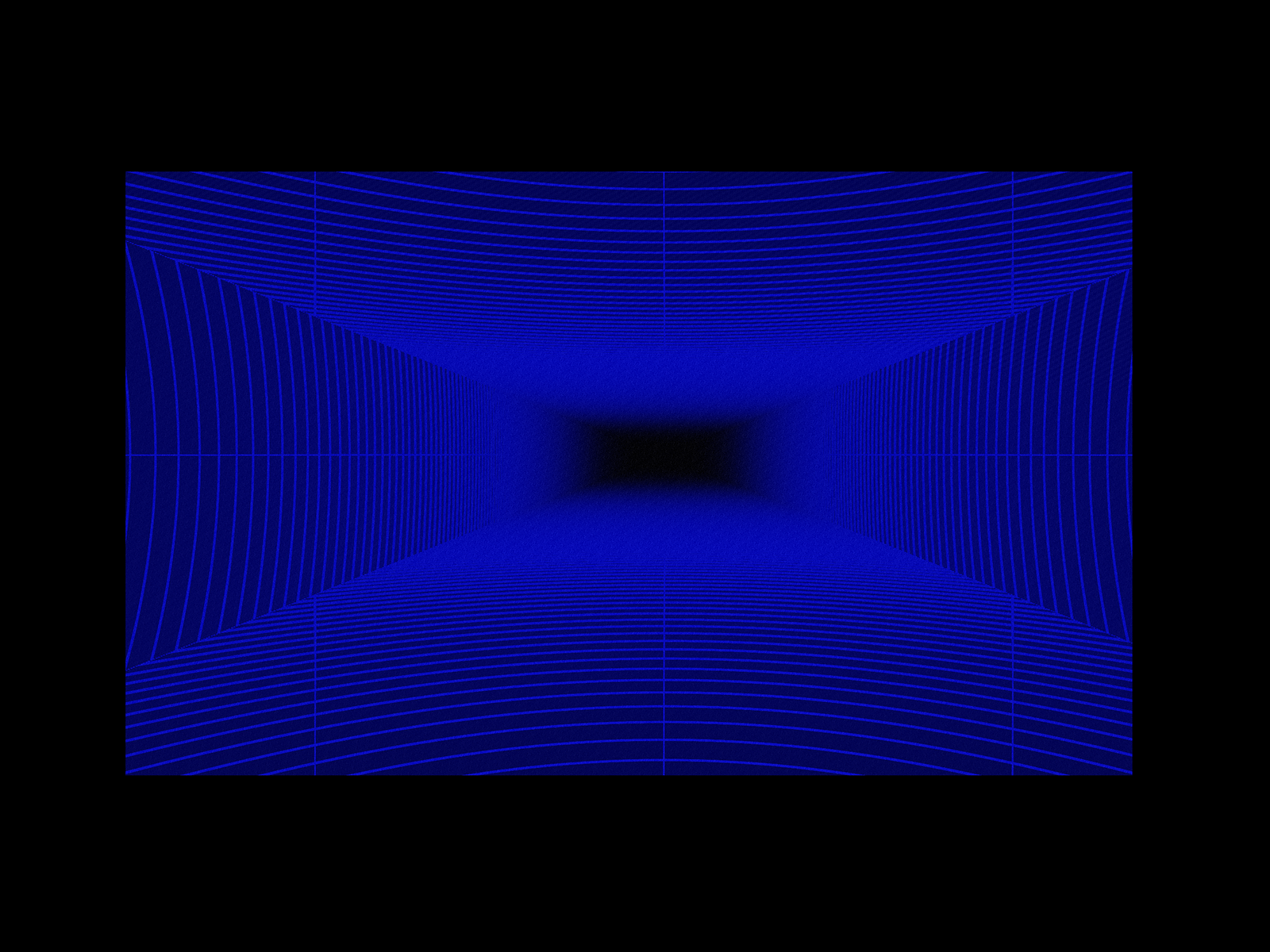
Grid Scan FX — WebGL perspective grid with scan-line sweep and six grid geometries
Grid Scan FX delivers a WebGL raymarched grid with 3D perspective, animated scan-line sweeps, and six geometry modes (square, hexagon, triangle, diamond, radial, and cross). Francisc Toth adds mouse tilt, click-triggered rescans, bloom, and chromatic aberration for launch-page drama that static SVG patterns cannot touch. At 5 USD it is the best value premium motion grid when the brief says “sci-fi dashboard” or “AI infrastructure.” It is heavier than canvas dot fields; reserve it for a single above-the-fold hero and use free multiGrid or Background Pattern on lower sections to protect mobile performance.
- Best for
- Futuristic SaaS and AI product pages that need cinematic grid motion in one hero
Affiliate link — we may earn a commission at no extra cost to you.
Infinite GridX — Infinite scrolling grid with perspective depth and customizable line styling
by Hamim Reza
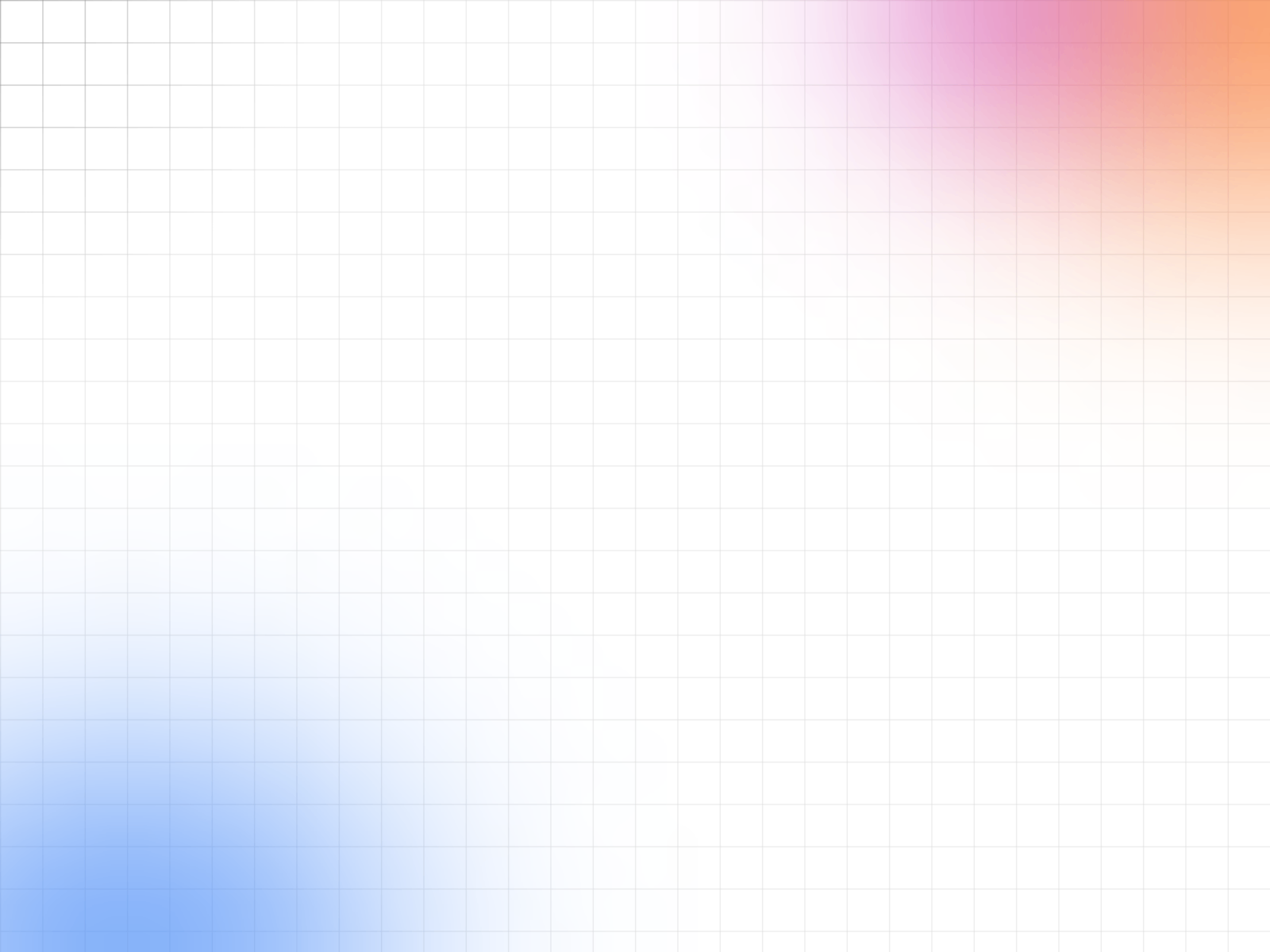
Infinite GridX from Hamim Reza builds a perspective grid that scrolls or animates toward infinity, with panel control over line weight, color, speed, and depth cues. Hamim Reza’s marketplace line consistently ships clear property labels, which speeds client handoffs on deadline builds. At 10 USD it targets the specific “infinite floor grid” aesthetic popular on AI and devtool sites. The effect dominates the viewport visually; skip it when the hero already carries photography, video, or a dense illustration. Static grids from Kai Studio or Soyeb stay readable longer on content-heavy homepages.
- Best for
- Developer-tool and Web3 landing pages that want a receding grid tunnel behind the headline
Affiliate link — we may earn a commission at no extra cost to you.
G-Bars — Vertical bar stripe pattern with adjustable spacing and color
by Iqtidar Tara
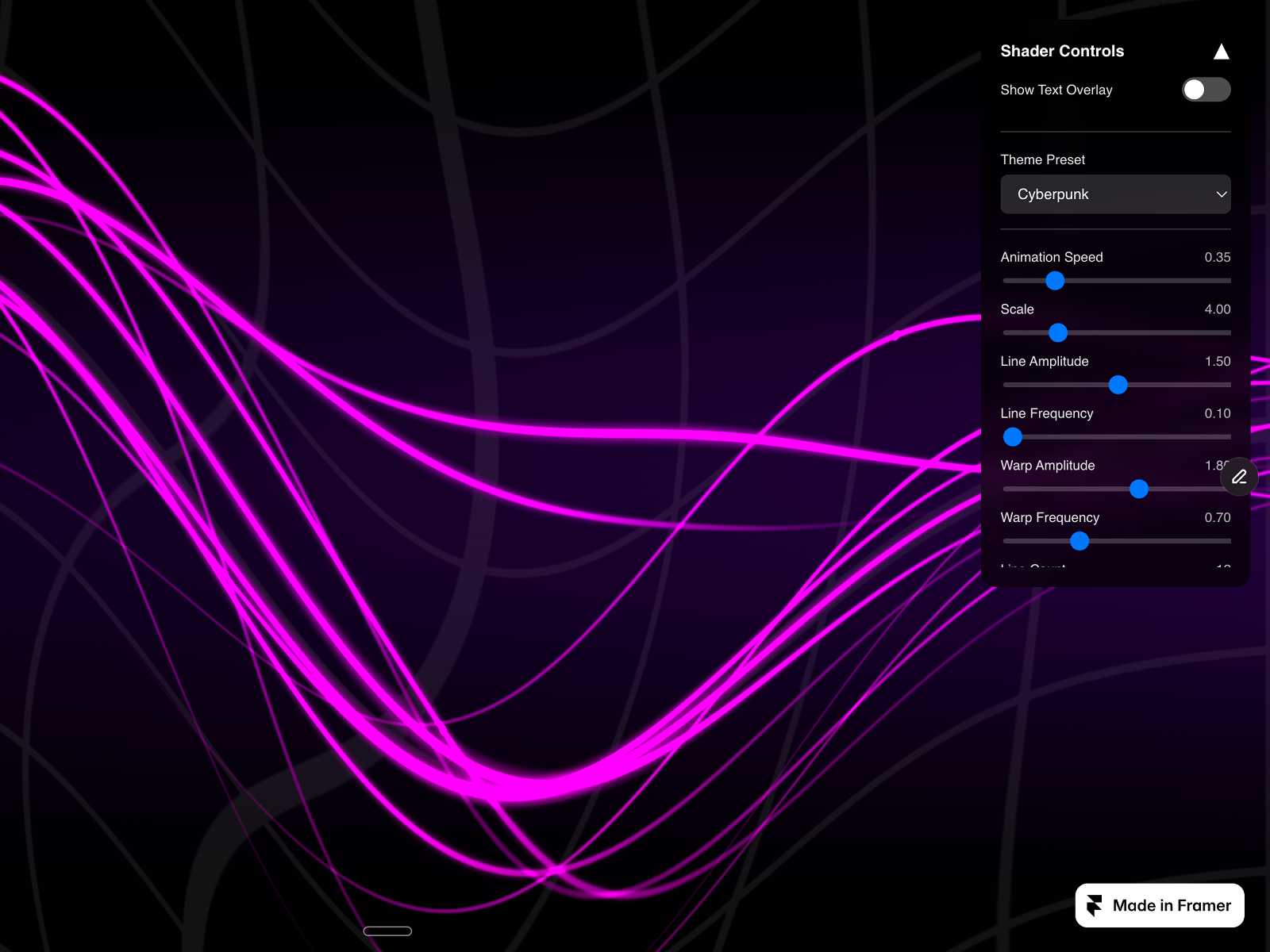
G-Bars from Iqtidar Tara is the list’s bar-stripe pattern: vertical lines you tune for spacing, thickness, and color to add rhythm behind typography or product shots. It breaks the dot-and-grid monotony on sites where every competitor hero uses the same pinstripe field. Free and lightweight, it installs fast as a section divider or card backdrop. It offers one pattern family, not a full library; reach for Background Pattern when the brief needs hexagons, waves, or crosses in the same project. Keep contrast low so headline copy stays WCAG-friendly on striped backgrounds.
- Best for
- Brutalist layouts, music sites, and editorial sections that want rhythm without dot grids
Affiliate link — we may earn a commission at no extra cost to you.
Quick comparison
| Resource | Price | Type | Best for |
|---|---|---|---|
| Background Pattern | Free | Component | 22 static SVG pattern styles |
| multiGrid Background | Free | Component | Responsive dots, crosses, and lines |
| Subtle Patterns | 8 USD | Component | Real-time pattern generator |
| Dot Field Background | Free | Component | Animated dot-and-link canvas field |
| Topographic Lines | Free | Component | Contour-line map texture |
| DotRippleGrid | 5 USD | Component | Ripple and glow dot grid motion |
| Flickering Grid BG1 | 10 USD | Component | Ambient flickering grid cells |
| Grid Scan FX | 5 USD | Component | WebGL scan-line perspective grid |
| Infinite GridX | 10 USD | Component | Infinite receding grid tunnel |
| G-Bars | Free | Component | Vertical bar stripe texture |
How to choose the right Framer background pattern component
Decide static versus animated first. Background Pattern, multiGrid Background, Topographic Lines, and G-Bars stay visually stable and perform best on long pages with many patterned sections. Dot Field Background, DotRippleGrid, Flickering Grid BG1, Grid Scan FX, and Infinite GridX animate continuously and belong in heroes or single high-impact bands.
Match pattern geometry to brand tone. Orthogonal dots and lines signal product UI and SaaS credibility. Topographic Lines and G-Bars skew editorial or outdoor. Grid Scan FX and Infinite GridX read futuristic and work on AI or developer-tool launches when used sparingly.
Budget free layers before premium motion. Five picks here cost nothing. Spend paid licenses when static SVG or canvas dots cannot deliver the brief: Subtle Patterns for generative iteration, DotRippleGrid for interactive ripples, Flickering Grid for ambient flicker, Grid Scan FX for scan-line theater, Infinite GridX for perspective tunnels.
Protect foreground readability. Lower pattern opacity on any animated canvas pick. Busy grids behind small body copy fail accessibility reviews fast. Pair textured heroes with clean solid sections lower on the page, similar to how our mesh gradient roundup treats full-bleed atmospheres.
Our top pick for most Framer builders
Start free with Background Pattern when you need multiple SVG styles in one install, then add multiGrid Background for responsive engineering grids with blend modes. For motion, Dot Field Background covers cursor-reactive dot networks at no cost. When the hero must feel premium, Grid Scan FX at 5 USD delivers the strongest cinematic grid motion per dollar.
Browse free Framer templates on yoframer for landing pages with hero-ready layouts, or open the full Resources hub for more plugin and component roundups. Need glass blur instead of linework? See our blur and backdrop roundup.
Updated August 2026. We refresh this list as notable background pattern components ship, reprice, or go stale.


