
Framer’s native Form element handles email, Sheets, and webhooks well. It still cannot accept file attachments. That gap breaks job applications, creative briefs, support tickets with screenshots, and wholesale order forms where a PDF or ZIP is the whole point.
A Framer file upload form tool fills that hole. This list ranks ten options you can install or embed today: native marketplace plugins, paid components with bundled storage, and free embed backends. Every pick has a working link, an identifiable creator, and a clear upload path (hosted links, your cloud bucket, or a searchable inbox). Skip anything that only promises uploads in a roadmap thread.
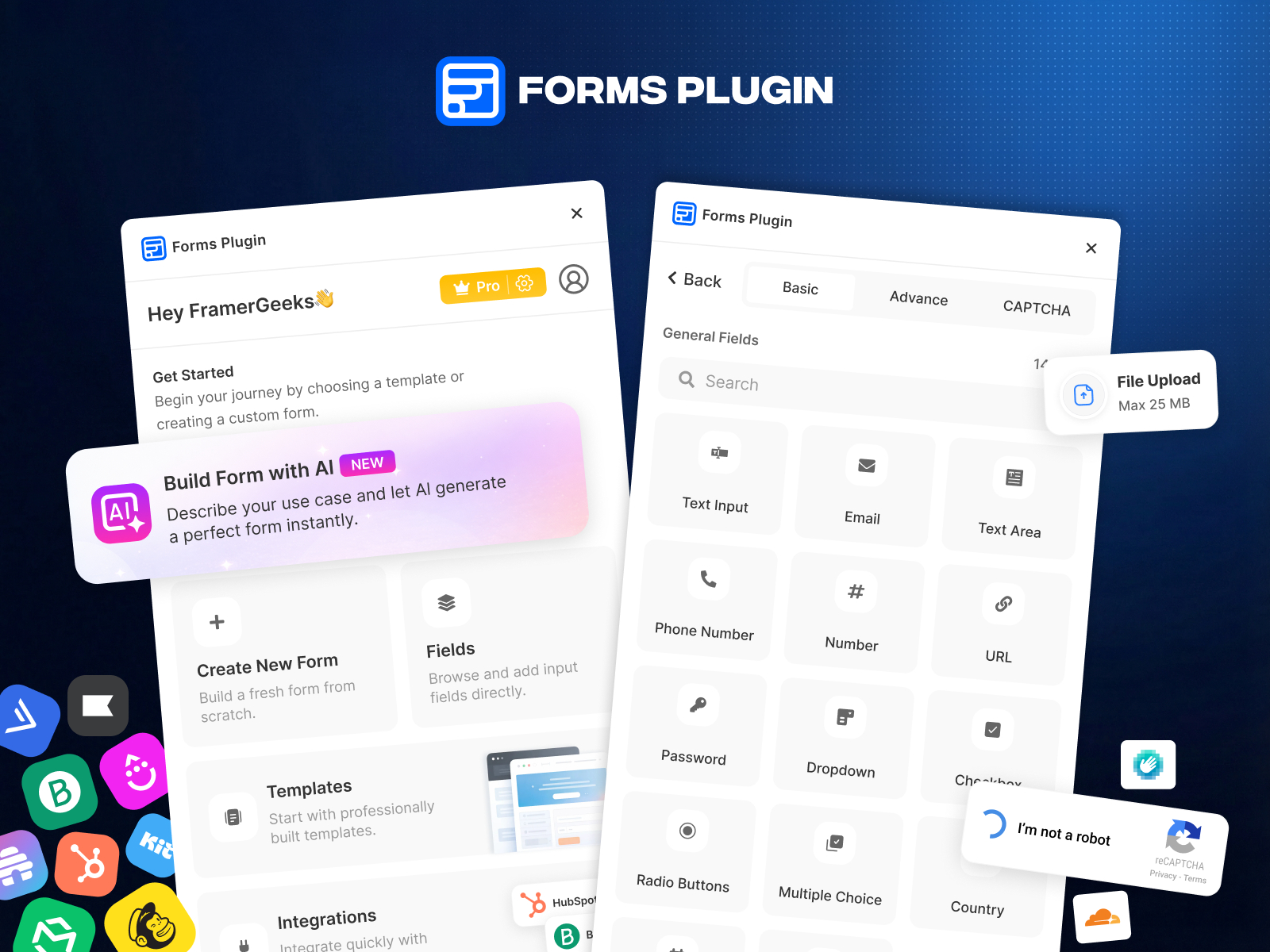
Forms Plugin — Native upload fields up to 50 MB with hosted download links
by Framer Geeks
Forms Plugin is the most complete native answer when attachments must live inside Framer. Drop File Upload, Image Upload, Audio Upload, or Video Upload fields onto single-step or multi-step forms, restrict MIME types per field, and cap size up to 50 MB on Pro and Scale plans. Submissions store signed download URLs you can route to email, webhooks, or nine built-in CRM connectors. The free Basic tier covers core fields but reserves multi-step flows and the largest upload limits for paid plans, so budget for Pro if uploads are non-negotiable.
- Best for
- Agencies that want canvas-native uploads without Cloudinary accounts or iframe embeds
Affiliate link — we may earn a commission at no extra cost to you.
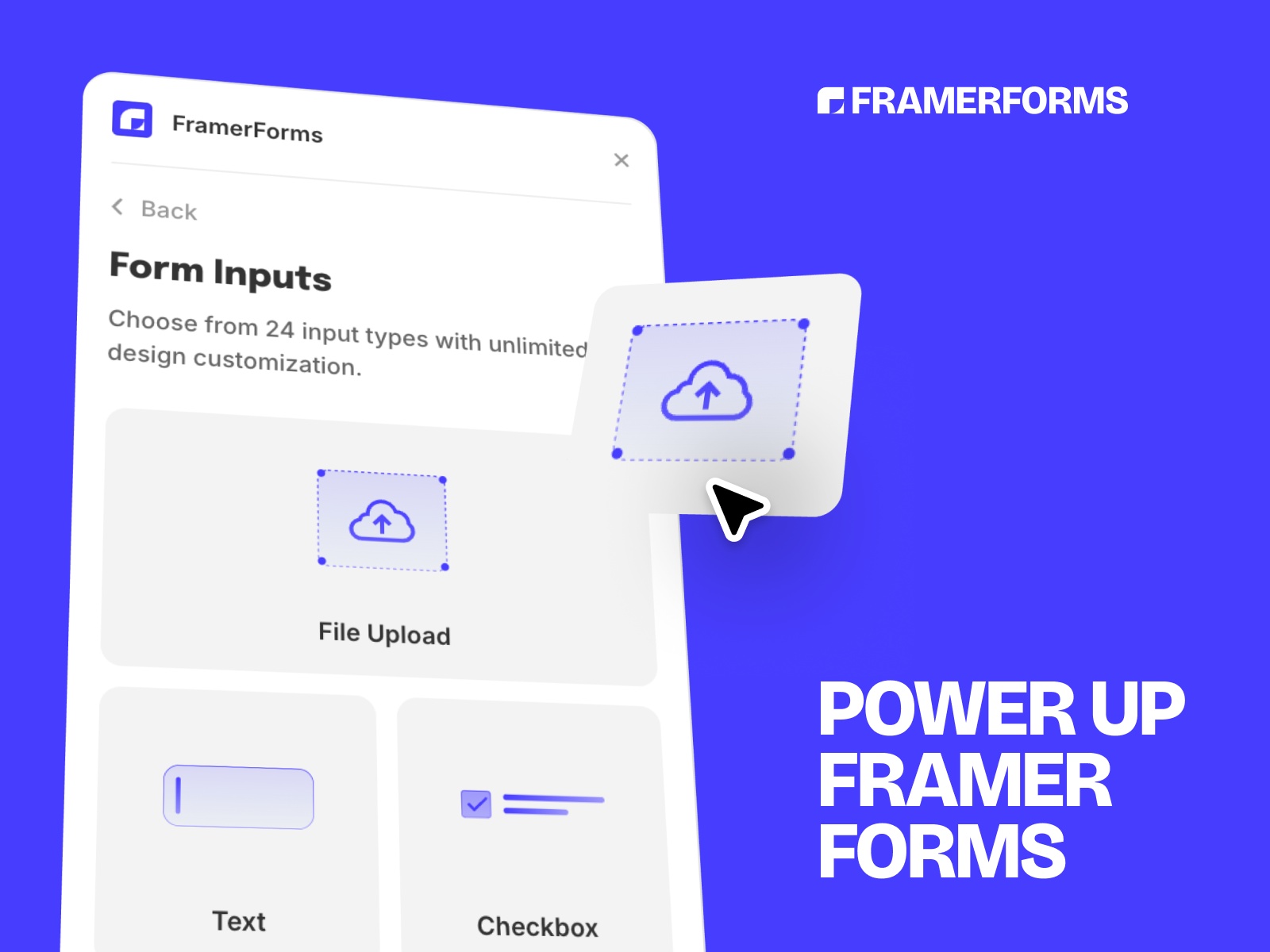
FramerForms — Typeform-style steps with 25 MB file fields on Pro
by Insert Frame
FramerForms extends Framer’s native submission pipeline with multi-step navigation, conditional logic, and a drag-and-drop File Upload component on the Pro plan (119 USD one-time, often discounted). Accept documents and images up to 25 MB, style the drop zone like any other canvas element, and send files through as secure download URLs rather than email attachments. One file per field is the practical limit, and EU teams should read Insert Frame’s GDPR notes before collecting personal documents. Still the benchmark when your form is already a FramerForms project and you only need uploads switched on.
- Best for
- Marketing funnels that already use FramerForms for branching and need one-file uploads per field
Affiliate link — we may earn a commission at no extra cost to you.

Proofly Forms — Visual builder with file uploads, signatures, and calculated fields
by Proofly.ae
Proofly Forms packs file uploads alongside signature pads, star ratings, calculated pricing fields, and repeater groups for line items. The free tier covers ten essential field types; the 69 USD Pro unlock adds File Upload plus the full 30+ field library across unlimited projects. Build in a visual step editor, insert onto the canvas, and push JSON webhooks to Zapier or Make when you outgrow email delivery. File upload sits behind Pro, so do not install expecting attachments on the free tier alone.
- Best for
- Service businesses collecting contracts, quotes, and attachments in one native form
Affiliate link — we may earn a commission at no extra cost to you.
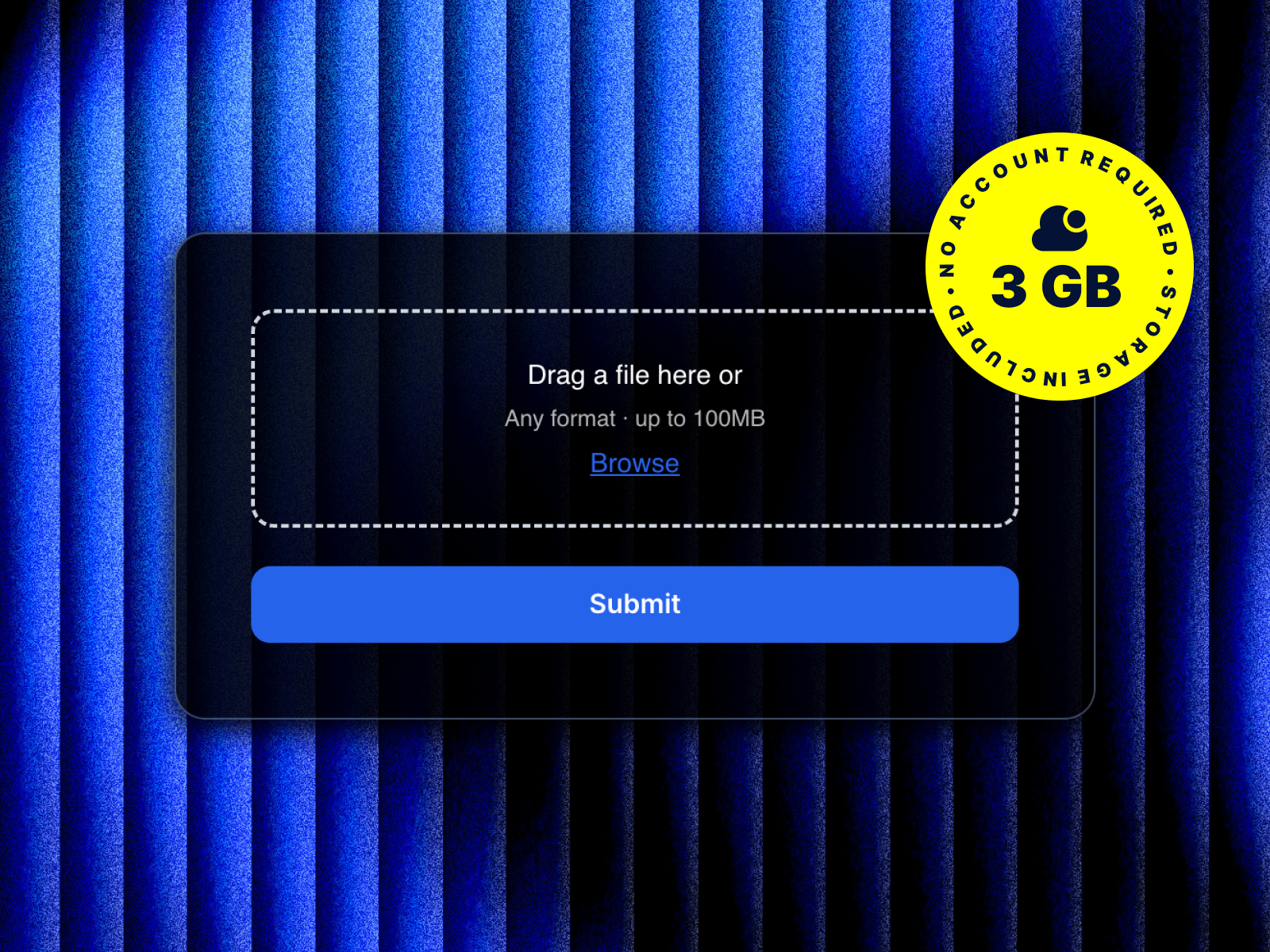
File Upload Pro — Drop-in uploader with 3 GB hosted storage included
by Prettifyweb
File Upload Pro is a marketplace component built for Framer’s native Form element. Paste a Lemon Squeezy license key, set the field name, and publish: drag-and-drop, multi-file reorder, per-file progress bars, image previews, and configurable min/max counts. Three gigabytes of hosted storage ships with the purchase (FIFO eviction when full or after twelve months). At 19 USD it undercuts most plugins when you only need uploads on an otherwise native form. Weakness: you are on Prettifyweb’s storage pool, not your own S3 bucket, unless you pair it with a separate backend.
- Best for
- Designers who want a single purchase, a license key, and no Cloudinary console
Affiliate link — we may earn a commission at no extra cost to you.
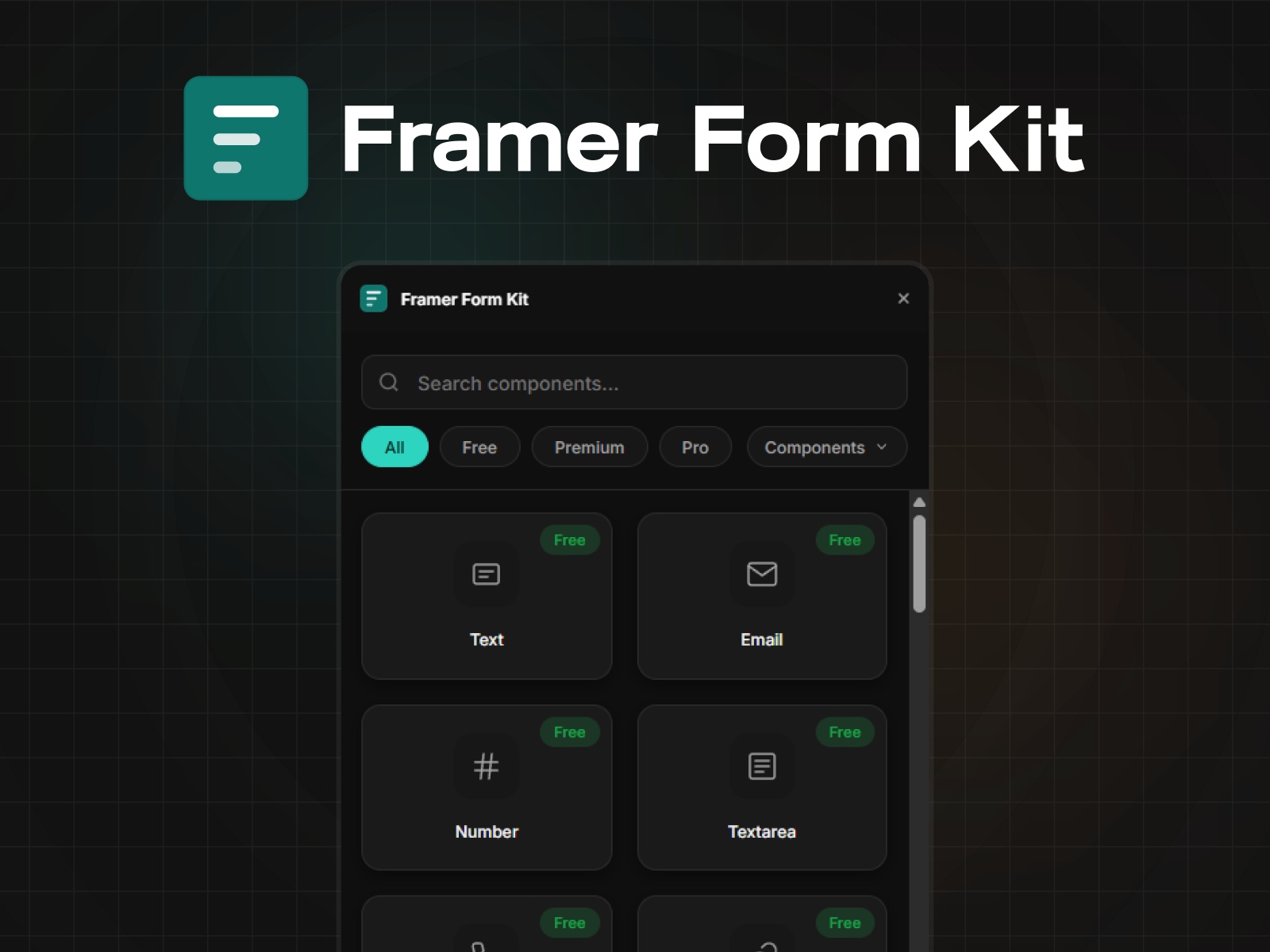
Framer Form Kit — Validated file upload component inside Framer's Form element
by FramerHub.io
Framer Form Kit is a component system, not a separate form SaaS. Insert its File Upload field inside Framer’s native Form, set validation and styling from the Properties panel, and keep email or webhook routing Framer already provides. Premium (69 USD one-time) unlocks file uploads plus 35+ validated inputs, multi-step helpers, and conditional show/hide logic. Choose Form Kit when uploads are one field in an otherwise standard Framer form and you do not want a second submission backend. The free tier omits upload components entirely.
- Best for
- Builders who rely on Framer's built-in submission handling and need upload validation rules
Affiliate link — we may earn a commission at no extra cost to you.

File Uploader — Cloudinary-backed uploads with drag-and-drop inside Framer Forms
by Kai Studio
Kai Studio’s File Uploader component stores files on your Cloudinary account. One-time setup: create an unsigned upload preset, paste Cloud Name and preset into the Properties panel, and cap file size (10 MB for images and PDFs, up to 100 MB for video). Also bundled inside the Essential Components plugin if you buy the wider kit. More flexible than File Upload Pro for video-heavy workflows, but you manage quotas and PDF delivery toggles yourself. Skip it if “no third-party dashboard” was the brief.
- Best for
- Teams already on Cloudinary who want full control over presets and delivery rules
Affiliate link — we may earn a commission at no extra cost to you.

Tally Forms — Embed Notion-style forms with file blocks via URL
by Tally
Tally’s official Framer plugin pastes any published form URL into your canvas. Add a file upload block in Tally with /file, connect Zapier or Notion on Tally’s side, and embed in Framer without iframe hacking. The free Tally plan allows uploads up to 10 MB per file; larger assets need Tally Pro. Trade-off: the form logic lives outside Framer, so pixel-perfect native styling takes a back seat to speed and integration breadth. Strongest zero-cost path when attachments are occasional and 10 MB is enough.
- Best for
- Teams that already build forms in Tally and only need a responsive Framer embed
Affiliate link — we may earn a commission at no extra cost to you.

PlumSpace Form Builder — Drag-and-drop builder with file uploader and Mailchimp hooks
by PlumSpace
PlumSpace Form Builder is one of the cheaper paid native builders on the marketplace. Drag fields including a file uploader into multi-page contact, RSVP, or wholesale flows, connect Mailchimp or MailerLite, and customize entirely on canvas. A seven-day trial covers build time; publishing typically requires a one-time fee around 9 USD depending on the PlumSpace app variant. Less field depth than Forms Plugin or Proofly, but hard to beat on price when the whole form fits on one plugin invoice.
- Best for
- Small businesses that want multi-page registration forms with attachments at a flat price
Affiliate link — we may earn a commission at no extra cost to you.
Forminit — HTML embed with 25 MB uploads and a searchable inbox
by Forminit
Forminit is not a Framer marketplace plugin. Paste an AI-generated or hand-written HTML form into Framer’s Embed element, point fields at Forminit’s backend, and collect uploads up to 25 MB across 50+ MIME types on the free plan. Files land in Forminit’s dashboard beside text answers with direct download links, plus Slack, Discord, and Zapier routing. Best when native plugins feel overkill and you want multi-step plus uploads without a marketplace purchase. Weakness: you maintain the embed snippet when Framer or Forminit changes field naming conventions.
- Best for
- Developers comfortable pasting a custom embed who want files stored with the submission record
FramerSend — Stream uploads to your S3, Google Drive, or Supabase bucket
by FramerSend
FramerSend routes native Framer form data through a server-side connector so API keys never sit in published JavaScript. Add its File Upload code component inside a form, link a storage connection in the dashboard, and stream attachments to Google Drive, AWS S3, or Supabase while mapping file URLs into HubSpot, Salesforce, or 100+ other destinations. Pricing starts at 19 USD per year for a single connector. Overkill for a portfolio contact page; essential when compliance requires files in the client’s bucket and CRM property in one submission.
- Best for
- CRM-heavy stacks that must store files in the client's own cloud, not a plugin vendor pool
Quick comparison
| Resource | Price | Type | Best for |
|---|---|---|---|
| Forms Plugin | Free tier; Pro from 79 USD | Plugin | Native 50 MB uploads with CRM routing |
| FramerForms | from 119 USD one-time | Plugin | Multi-step funnels with 25 MB fields |
| Proofly Forms | Free; Pro 69 USD | Plugin | Signatures plus attachments in one builder |
| File Upload Pro | 19 USD one-time | Component | License-key setup with 3 GB hosted storage |
| Framer Form Kit | Free; Premium from 69 USD | Plugin | Validated upload inside native Framer forms |
| File Uploader | 25 USD one-time | Component | Cloudinary-backed uploads you control |
| Tally Forms | Free; Pro for larger files | Plugin | Fast embed when logic lives in Tally |
| PlumSpace Form Builder | from 9 USD one-time | Plugin | Budget multi-page forms with uploader |
| Forminit | Free tier | Embed backend | Custom HTML forms with 25 MB inbox storage |
| FramerSend | from 19 USD/year | Component | Uploads to your cloud plus CRM mapping |
How to choose a Framer file upload form tool
Native plugin vs component vs embed is the first fork. Forms Plugin, FramerForms, Proofly Forms, and PlumSpace keep everything on the Framer canvas. File Upload Pro and Kai Studio’s File Uploader drop a single field into Framer’s native Form. Tally and Forminit host logic elsewhere and embed via URL or HTML. Pick native when design consistency and performance matter most.
Match storage to compliance. Plugin-hosted links (Forms Plugin, FramerForms, Proofly) are fastest to ship. File Upload Pro bundles three gigabytes. Cloudinary and FramerSend suit teams that need files in infrastructure they audit. If GDPR or client IT asks where bytes live, decide that before picking a drag-and-drop UI.
Free vs paid follows file size, not quality. Tally free handles 10 MB files. Forminit free handles 25 MB via embed. Paid tiers unlock 25 to 50 MB native fields and multi-step flows. Pay when a résumé PDF, raw mockup set, or screen recording exceeds free caps.
Count fields, not just uploads. One attachment on a contact form? File Upload Pro or Form Kit Premium. Entire onboarding with signatures and calculators? Proofly or Forms Plugin Pro. CRM plus your own S3 bucket? FramerSend on top of a native form shell.
Our top pick for most Framer builders
If you need one Framer file upload form install today, start with Forms Plugin on Pro when you want the fullest native field library and fifty-megabyte hosted links. Add File Upload Pro when the rest of the form is already Framer-native and you only need a nineteen-dollar uploader. Use Tally or Forminit when speed beats canvas control and ten to twenty-five megabytes per file is enough.
Pair upload-heavy landing pages with free Framer templates on yoframer, or browse our form tools roundup for submission routing beyond attachments. More resource lists live on the Resources hub.
Updated September 2026. We refresh this list when upload limits, pricing, or marketplace listings change materially.


