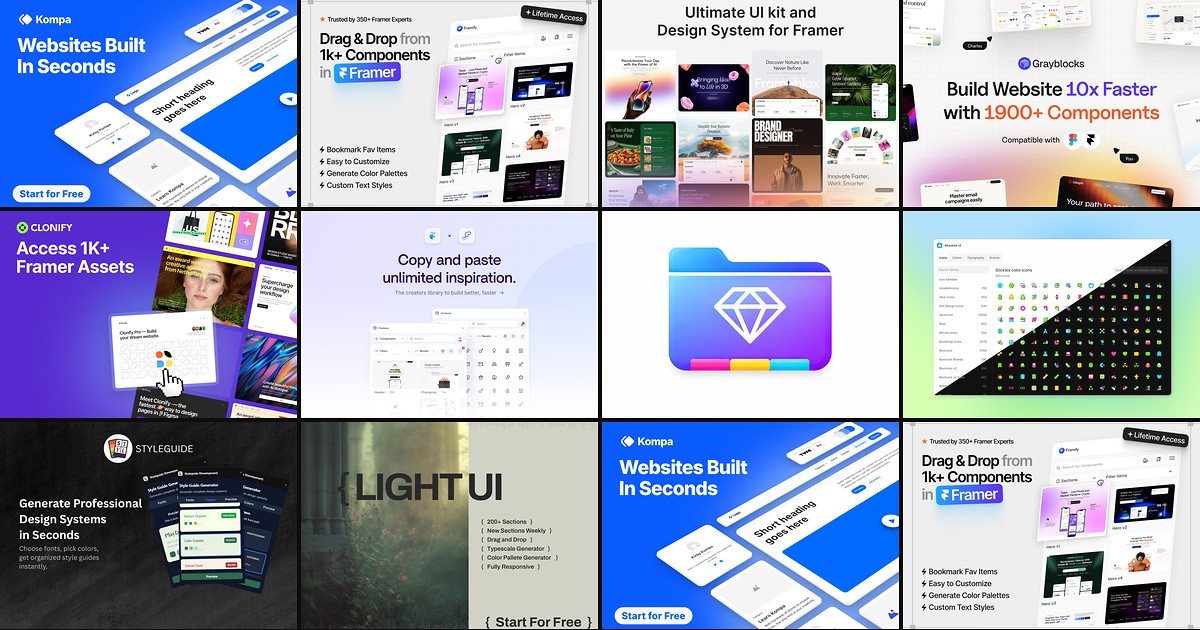
A framer component library plugin sits in the editor sidebar and drops prebuilt sections onto your canvas: heroes, pricing grids, footers, CMS blocks, and the micro-layouts that eat half a client sprint. Remix files help for full-site starting points, but day-to-day agency work usually needs searchable insert panels that respect your type styles and color tokens without a full project import.
This list ranks ten component library plugins on the Framer marketplace in 2026. Every pick has a live listing, identifiable creator, and working preview. We prioritized library depth, brand-sync tooling, and insert speed over single-purpose utilities covered elsewhere in our free Framer plugins roundup. Five paid lifetime or subscription libraries lead the list; five free plugins round out the stack for teams testing workflow before a purchase.
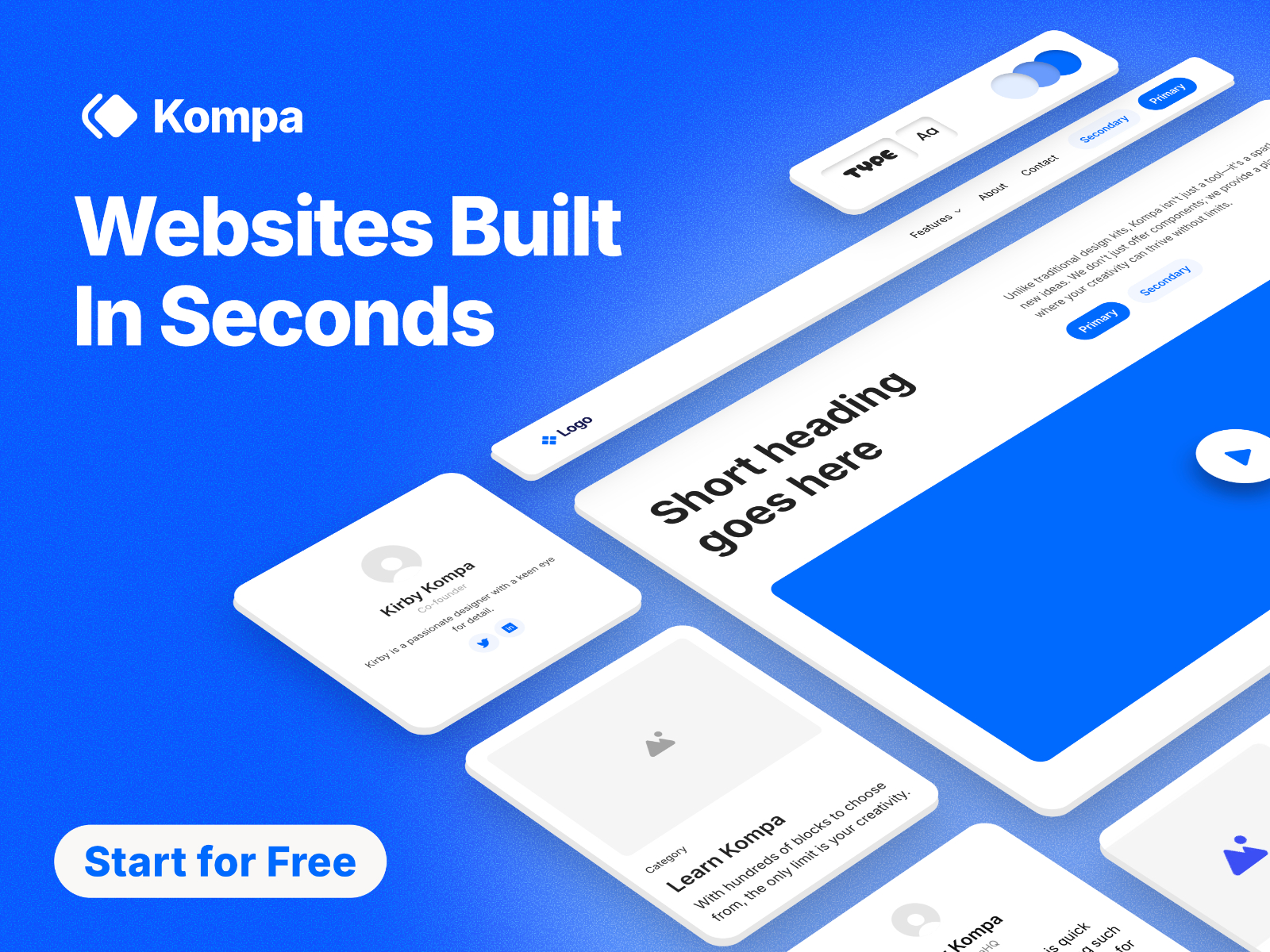
Kompa — 950+ responsive sections with brand-sync color and type generators
by Kompa
Kompa is the deepest native design system plugin on this list: 950+ responsive components and sections, weekly drops, and generators that map your color system and typography onto every insert. The Framer sales team reportedly uses it for enterprise demos, which tracks with the polish level on nav, pricing, and CMS-bound grids. At 129 USD one-time it is not impulse pricing, and the catalog can feel overwhelming until you bookmark your go-to section families. Start with one page type (SaaS landing or portfolio) before browsing the full index.
- Best for
- Agencies shipping client sites weekly who need SEO-tagged, accessible blocks that inherit project styles
Affiliate link — we may earn a commission at no extra cost to you.
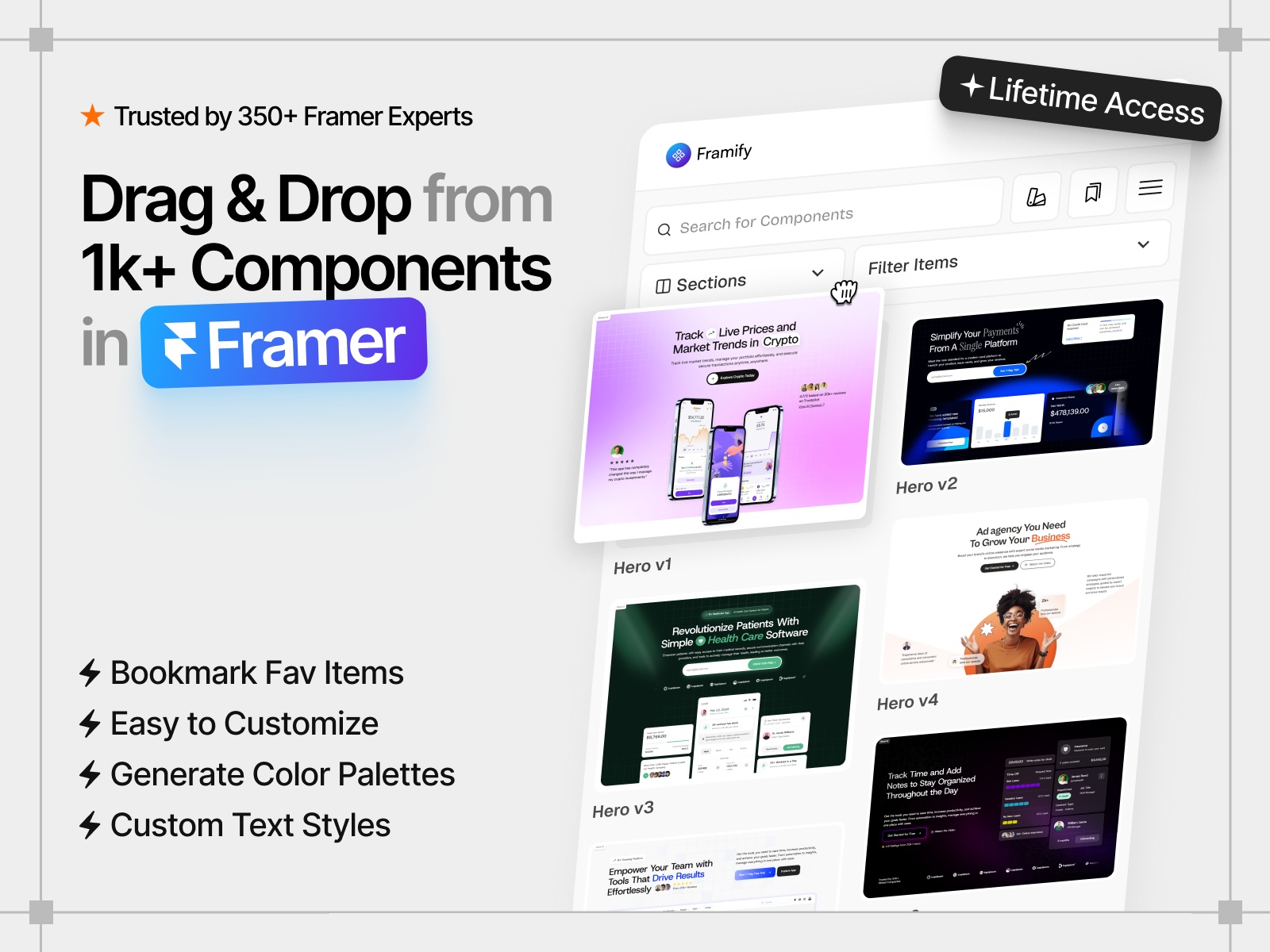
Framify — 1,600+ sections, templates, and code components in one panel
by Framify
Framify optimizes for raw volume: 1,150+ premade sections, 320+ components, 100+ starter pages, and 23 full templates inside one plugin with drag-and-drop and one-click insert. Dark mode variants, CMS sections, and bundled Figma files make it a common pick for creators who resell Framer templates. Lifetime tiers start around 64 USD on promotion. The tradeoff is curation: you will scroll past dated layouts unless you lean on bookmarks and the code-component subset for functional blocks like skeleton loaders and carousels.
- Best for
- Template sellers and high-volume builders who need the largest insert catalog with CMS-ready blocks
Affiliate link — we may earn a commission at no extra cost to you.
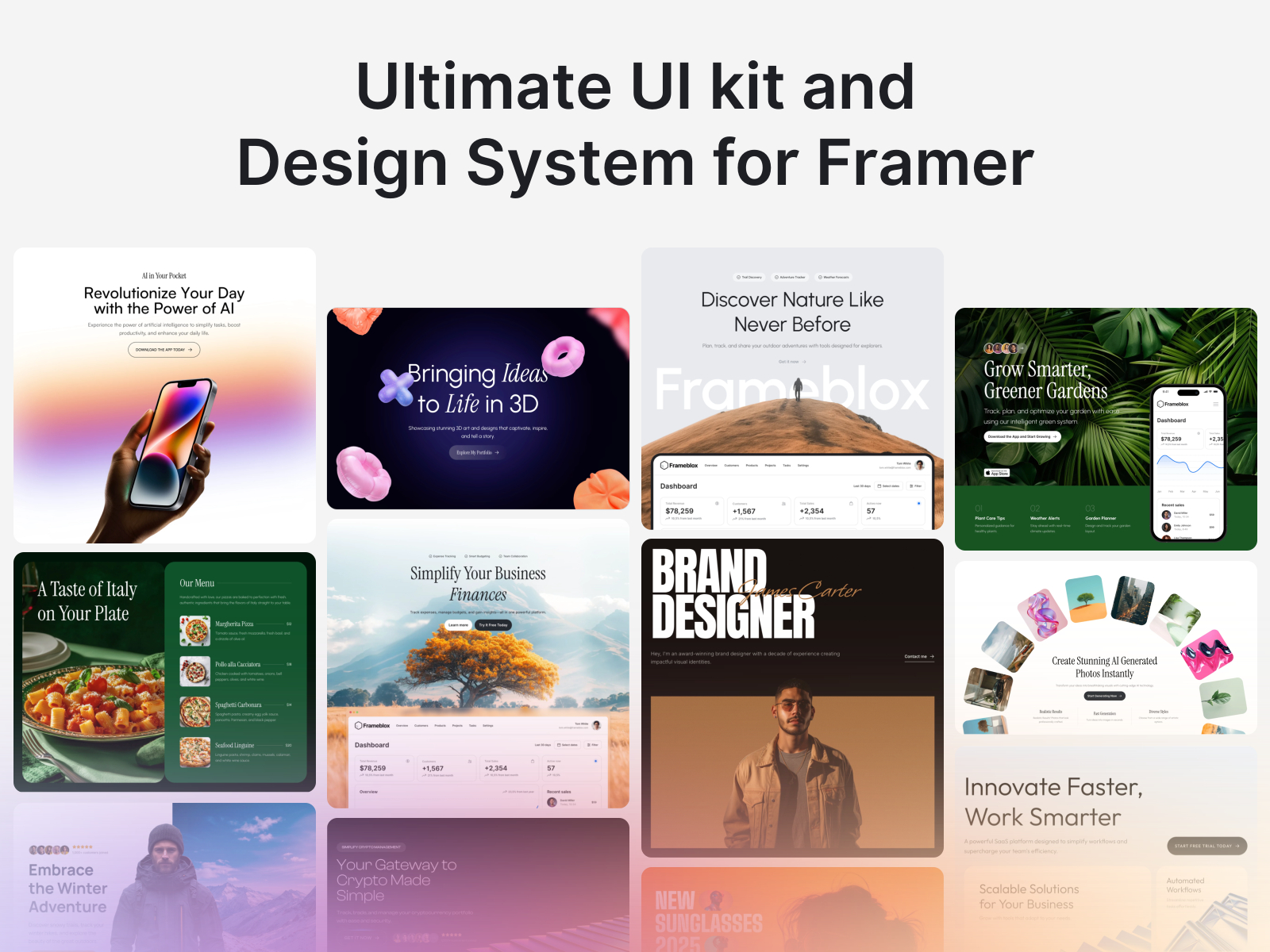
Frameblox — 1,400+ assets with an automated style generator for brand mapping
by Solt Wagner
Frameblox pairs a 1,400+ component library with its Automated Style Generator, which maps your global palette and typography onto blocks as they land on the canvas. That saves hours versus hand-restyling every hero and pricing row from a generic kit. Solo licenses start at 49 USD lifetime with daily component updates from the Frameblox team. Skip it when you only need a handful of sections and Flowbase’s free tier already covers your patterns; Frameblox pays off on multi-page builds with strict brand guidelines.
- Best for
- Rebrand-heavy client work where global colors and type must propagate to every inserted section
Affiliate link — we may earn a commission at no extra cost to you.
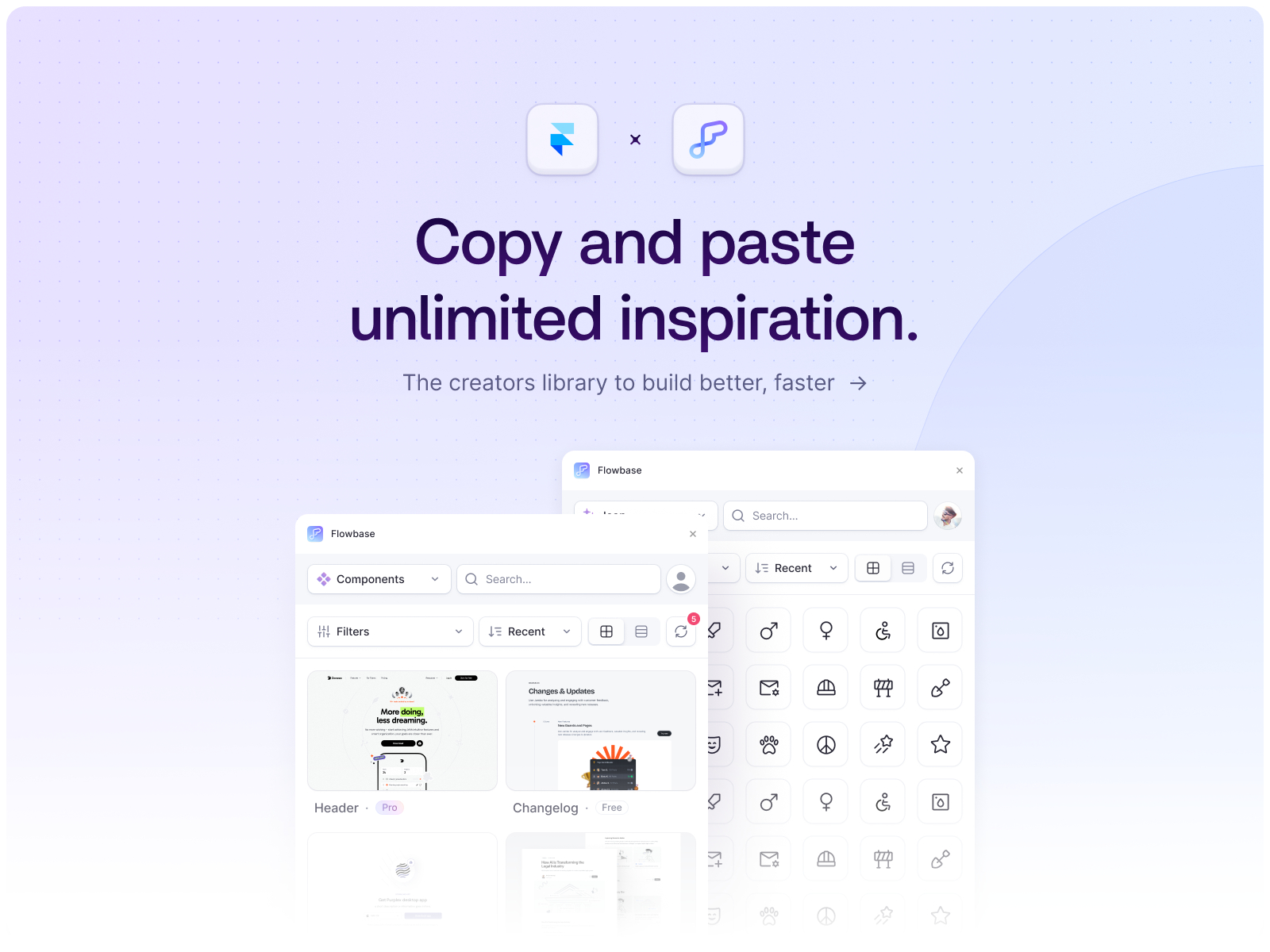
Flowbase — 3,500+ components, wireframes, icons, and illustrations
by Flowbase
Flowbase remains the default free framer component library plugin for breadth: marketing components, wireframes, illustrations, and thousands of open-source icons searchable from a native panel. The free tier is usable on client sites, not a three-block teaser, which is why it also tops our free UI kits list. Pro unlocks the full catalog and Boosters (functional code components). Weakness: style consistency is on you unless you establish project styles first; inserts do not auto-sync to brand tokens the way Kompa or Frameblox do.
- Best for
- Freelancers who want the broadest free insert library before committing to a paid design system
Affiliate link — we may earn a commission at no extra cost to you.
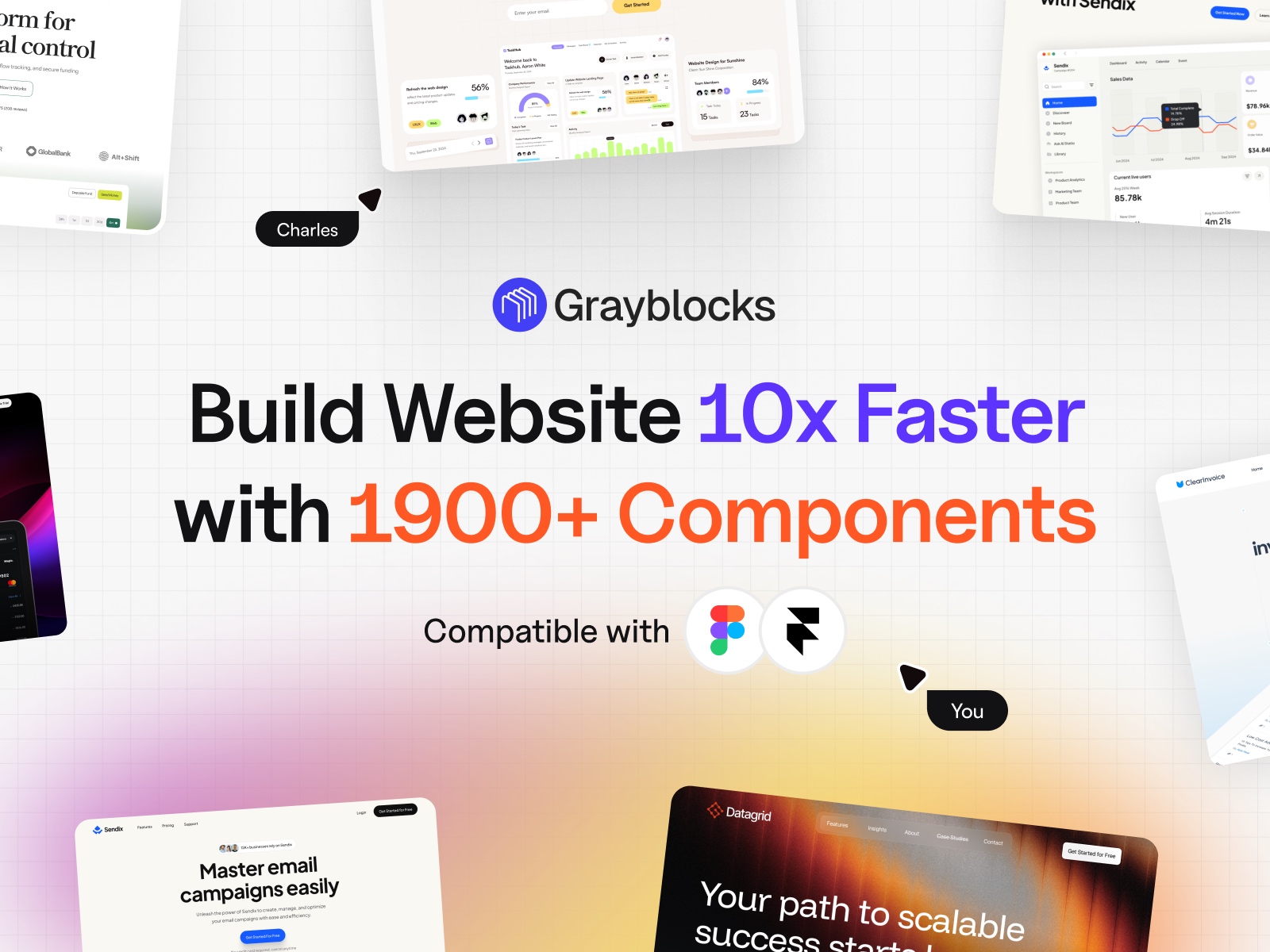
GrayBlocks — 5,600+ cross-platform components with Framer plugin access
by Framebite
GrayBlocks from Framebite ships 5,600+ components across Figma, Framer, and Webflow with plugin access on the 59 USD Power plan. Copy-paste and panel insert both work, which helps hybrid teams that wireframe in Figma and publish in Framer. The library skews toward clean marketing UI rather than experimental motion. If you live entirely inside Framer and never touch Figma, Kompa or Framify’s Framer-native depth may feel more focused than a tri-platform catalog.
- Best for
- Teams split across Figma, Framer, and Webflow who want one component subscription
Affiliate link — we may earn a commission at no extra cost to you.
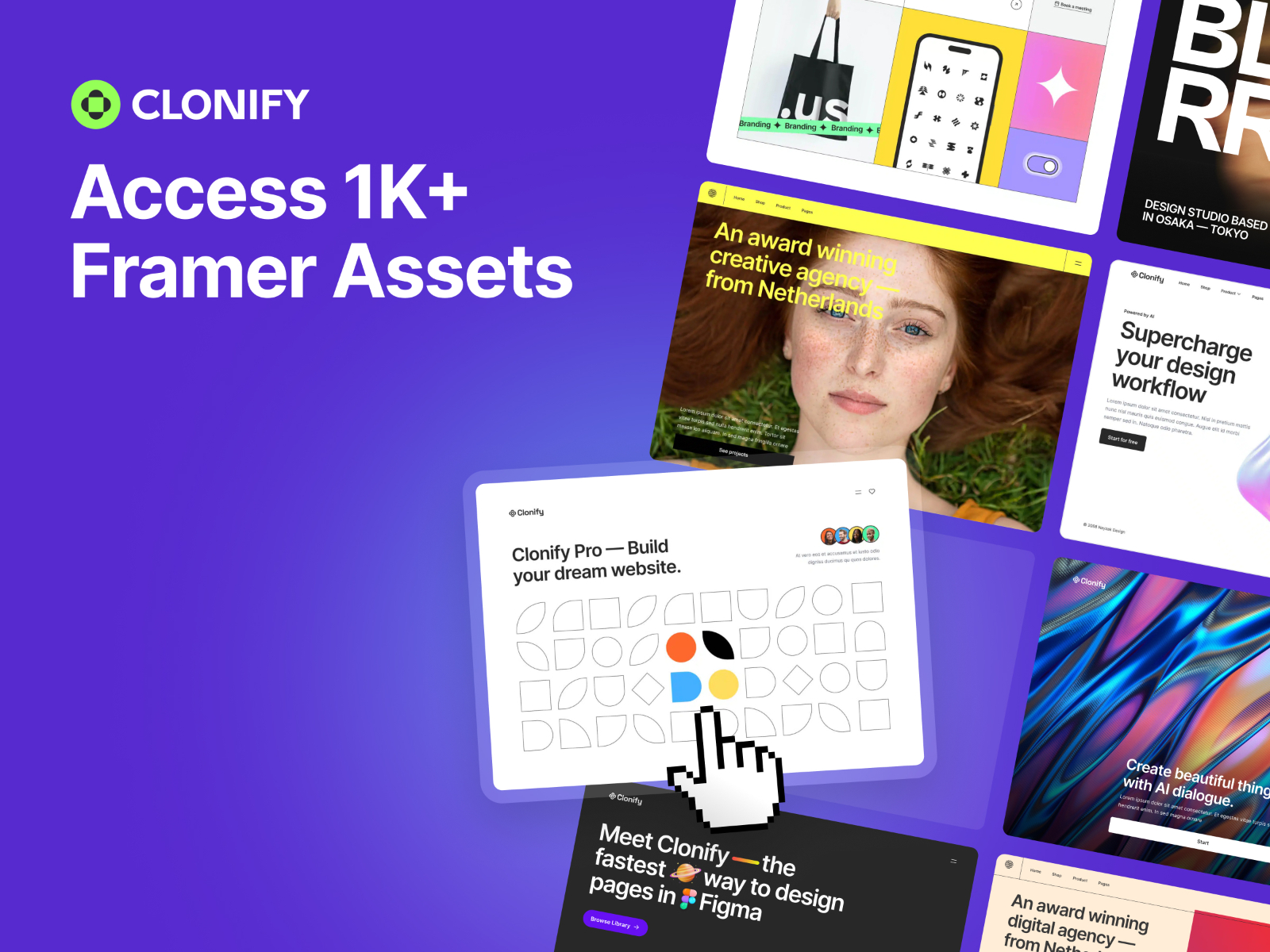
Clonify — Modular SaaS sections built for snap-together landing pages
by Clonify
Clonify treats Framer like Lego: modular SaaS sections you snap together for heroes, feature grids, and conversion blocks with consistent spacing logic. The Framer Pro tier at 129 USD per year unlocks the plugin and asset library (Figma bundles sit on parallel plans). Quality is high on marketing patterns, but the subscription model stings if you only open the panel twice a year. Pair it with a free foundation plugin like Absolute UI for icons and type before buying the yearly seat.
- Best for
- SaaS marketers who assemble pages from interchangeable blocks rather than full templates
Affiliate link — we may earn a commission at no extra cost to you.
UI Vault — Named hero, pricing, testimonial, and ecommerce section inserts
by Meetanshi
UI Vault packages the sections clients ask for by name: heroes, navbars, feature grids, pricing, testimonials, and ecommerce rows as free canvas inserts. The library is smaller than Flowbase or Framify, but search-to-insert is fast when you are finishing a page before review, not bootstrapping a design system. It will not replace a paid mega-library on a ten-page build, and some blocks need manual spacing tweaks on tablet breakpoints.
- Best for
- Quick landing-page assembly when project styles exist and you need one polished block
Affiliate link — we may earn a commission at no extra cost to you.
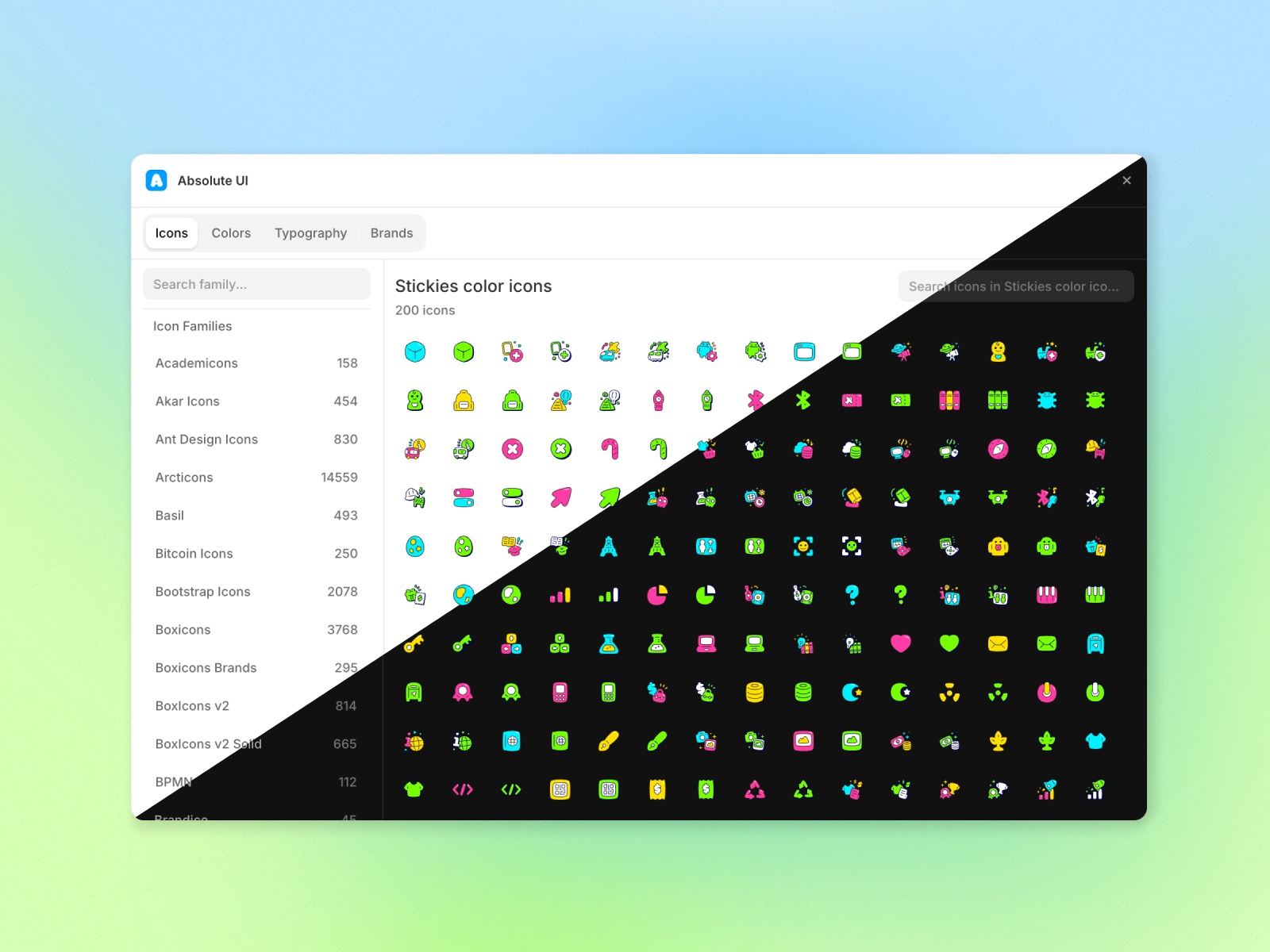
Absolute UI — Icons, palettes, logos, and type scales before you insert sections
Absolute UI is the free foundations layer: 100+ icon families, structured color palettes, brand logos, and type hierarchy blocks entirely free on the marketplace. Install it before Kompa or Frameblox when your bottleneck is consistency, not missing heroes. It is not a full section catalog on its own, so you still need Flowbase or a paid library for pricing tables and long-form layouts.
- Best for
- Teams establishing tokens and icon coverage before pulling in heavy section libraries
Affiliate link — we may earn a commission at no extra cost to you.
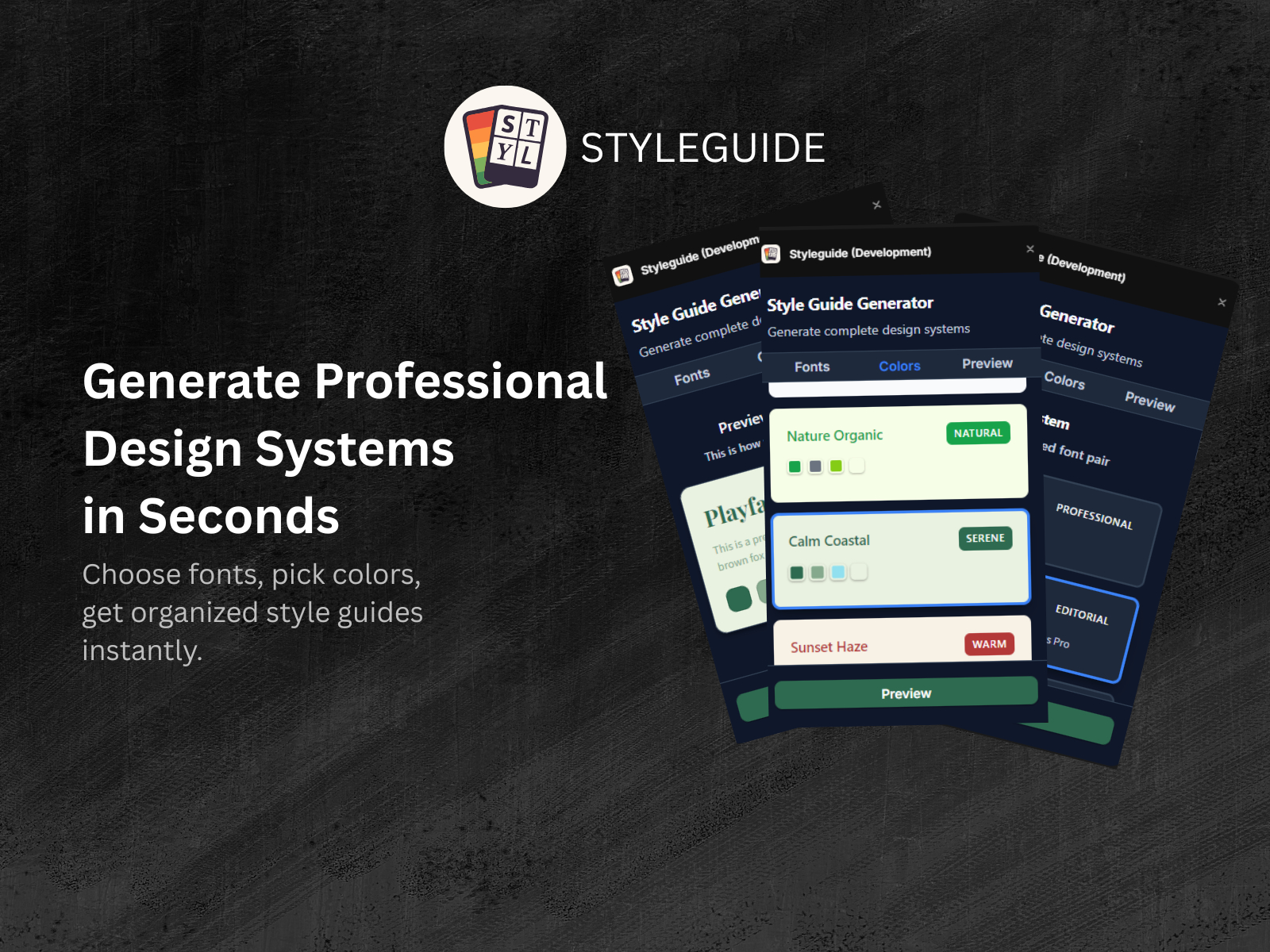
Styleguide — Automated typography and color style generation inside Framer
Styleguide automates typography scales and color style creation from a short brief, then keeps inserts aligned as you build. Think of it as the style engine that makes downstream library plugins look on-brand faster. It complements section libraries rather than replacing them: you will still insert heroes from Flowbase or UI Vault, but spend less time fixing mismatched text styles afterward. Power users with rigid Figma tokens may prefer importing styles manually instead.
- Best for
- Designers who want project styles generated before browsing third-party sections
Affiliate link — we may earn a commission at no extra cost to you.
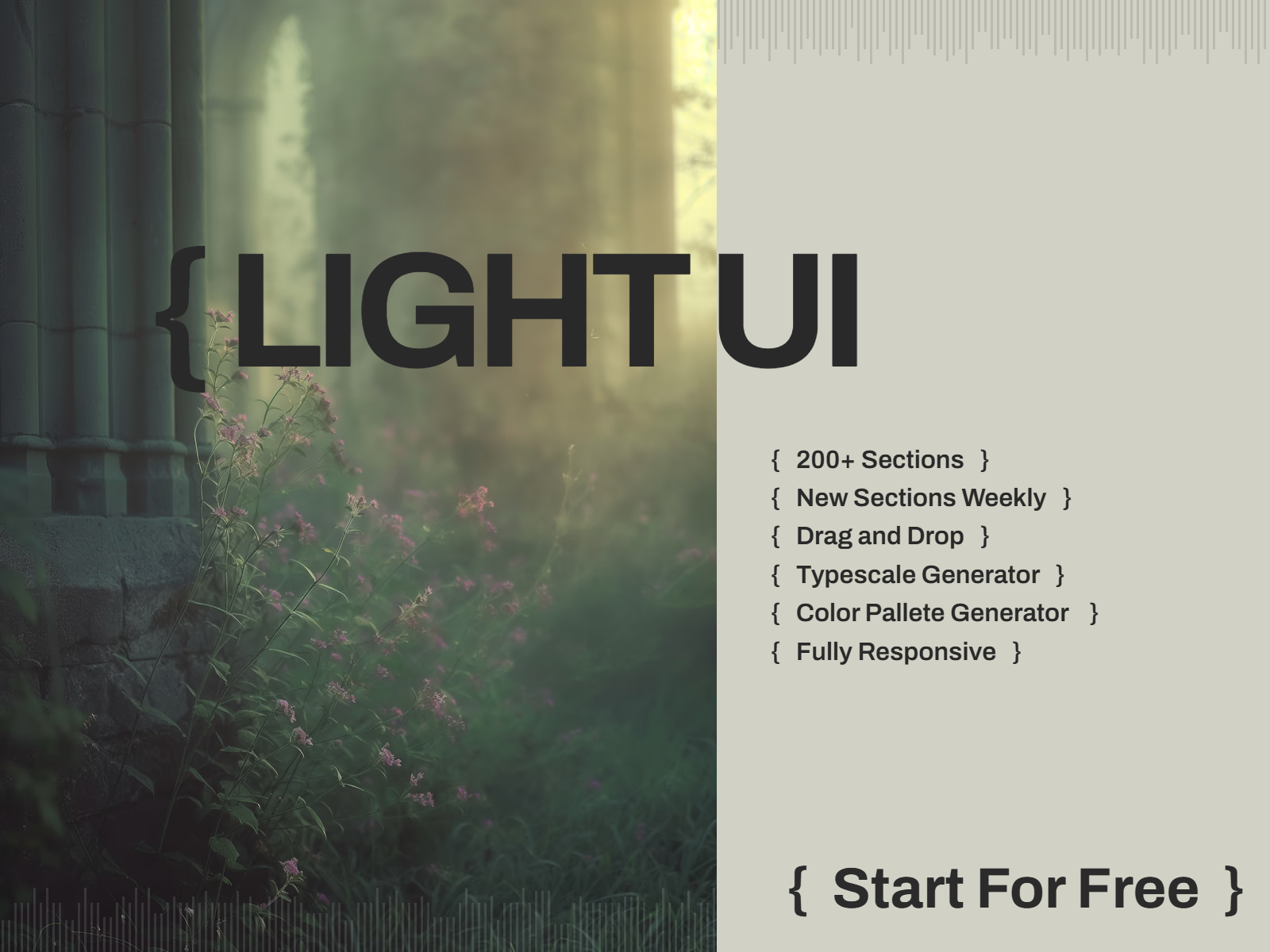
{ Light UI } — Minimal component set for fast, lightweight marketing pages
by Abdelhamid
Light UI targets builders who want a small, curated component set instead of an infinite scroll of lookalike heroes. Abdelhamid’s free plugin covers essentials with a minimal aesthetic that pairs well with custom type and tight performance budgets. It will not win on catalog size against Framify or Kompa, and advanced CMS or ecommerce patterns are outside its scope. Reach for it when page count is low and visual noise should stay low too.
- Best for
- Indie launches and MVPs that need clean blocks without a 1,000-item search index
Affiliate link — we may earn a commission at no extra cost to you.
Quick comparison
| Plugin | Price | Type | Best for |
|---|---|---|---|
| Kompa | 129 USD one-time | Plugin | Brand-synced design system at scale |
| Framify | From 64 USD one-time | Plugin | Largest section and template catalog |
| Frameblox | From 49 USD one-time | Plugin | Auto-mapped brand styles on insert |
| Flowbase | Free | Plugin | Broadest free component and wireframe library |
| GrayBlocks | From 59 USD one-time | Plugin | Figma + Framer + Webflow shared library |
| Clonify | 129 USD/year | Plugin | Modular SaaS landing assembly |
| UI Vault | Free | Plugin | Fast named section inserts |
| Absolute UI | Free | Plugin | Icons, palettes, and type foundations |
| Styleguide | Free | Plugin | Generated typography and color styles |
| Light UI | Free | Plugin | Minimal pages without catalog bloat |
How to choose a component library plugin
Paid vs free first. Flowbase, UI Vault, Absolute UI, Styleguide, and Light UI cover most solo launches at zero cost. Buy Kompa, Framify, or Frameblox when client volume justifies a lifetime license and you need depth plus brand automation. GrayBlocks and Clonify fit hybrid or SaaS-specific workflows; treat Clonify’s yearly fee as a marketing-seat expense, not a one-time tool.
Brand sync vs raw volume. Frameblox and Kompa invest in mapping inserts to your tokens. Framify and GrayBlocks win on sheer count. If your pain is restyling every block, prioritize sync tools; if your pain is missing section types, prioritize volume.
Plugin vs remix kit. Component library plugins keep you inside an active client file. Official remix kits (see our free UI kits roundup) still make sense for greenfield SaaS pages. Many teams run Styleguide or Absolute UI plus Flowbase free, then add one paid library when retainer work repeats the same section patterns.
Our top pick for most Framer builders
Install Flowbase free for daily inserts, add Absolute UI for icons and palettes, and upgrade to Frameblox or Kompa when client work outgrows hand-restylized sections. Framify is the volume play for template creators who need CMS sections and starter pages in one subscription.
Browse free Framer templates for full-site remix starting points, or explore template roundups for niche shortlists. More plugin and component lists live on the Resources hub.
Updated August 2026. We refresh this list when major libraries change pricing, go inactive, or stop maintaining marketplace previews.


