Video is the heaviest asset on most Framer launches — a single YouTube iframe can add hundreds of kilobytes of blocking JavaScript before anyone presses play. Native Framer video works for simple MP4 hero loops, but agency builds quickly outgrow it when clients need branded controls, multi-source embeds, scroll-synced playback, or Core Web Vitals scores that survive stakeholder audits. A purpose-built framer video component from the marketplace closes those gaps without custom React overrides.
This list ranks ten video components and one plugin installable from the Framer marketplace today. Every pick has a live listing, a working demo or preview, and an identifiable creator — four free options for performance and hero layouts, plus six paid picks when you need full player customization or cinematic multi-video sections.
LazyLoad Video — YouTube, Vimeo, and CDN embeds that load only when needed
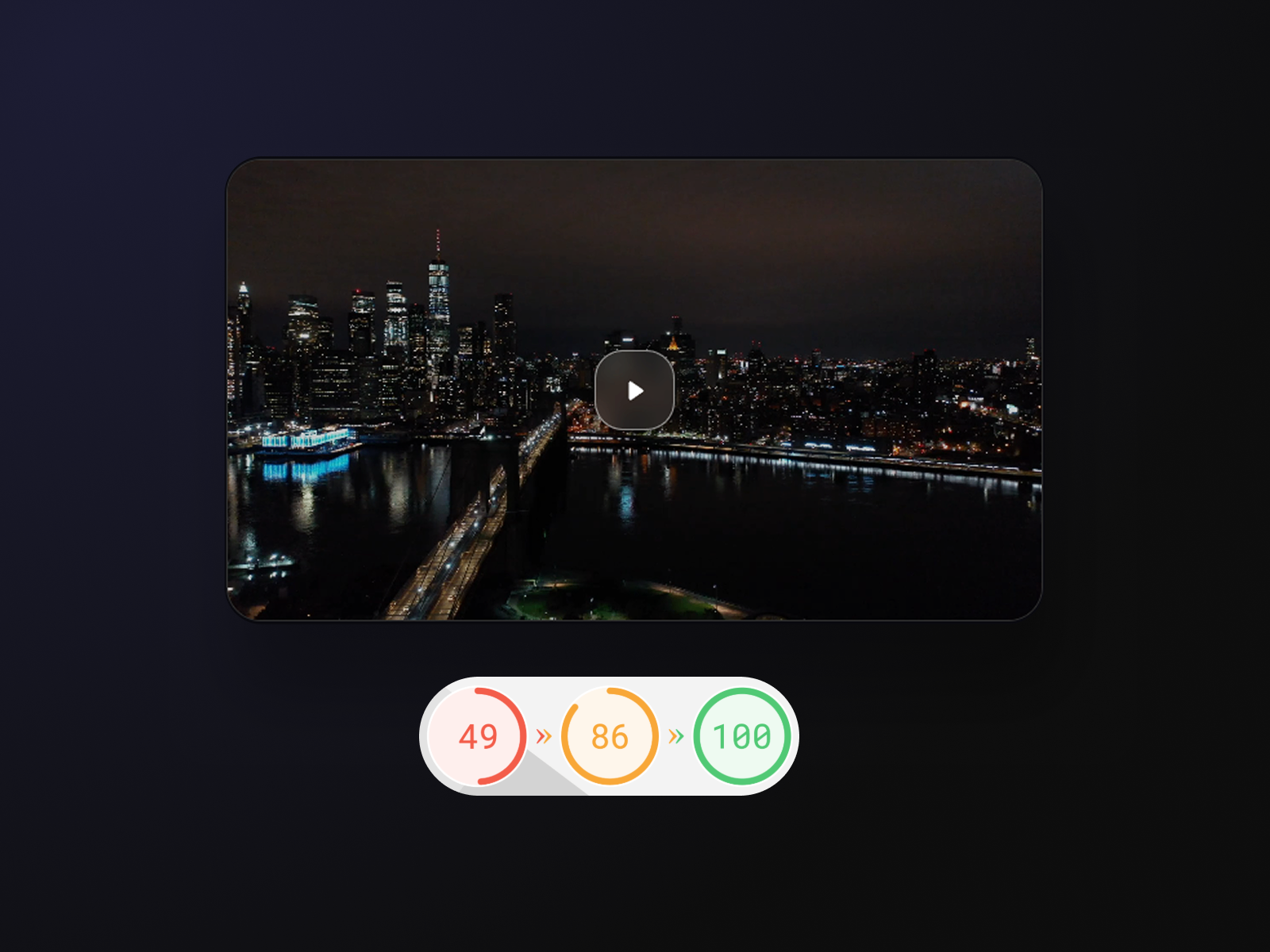
LazyLoad Video replaces the default iframe-on-paint pattern with a lightweight thumbnail and IntersectionObserver listener — the heavy player loads only when the video enters the viewport or the visitor clicks play. It accepts YouTube, Vimeo, direct CDN URLs, and uploaded files with glassmorphism controls and zero layout shift. On pages with three or more embeds, the total page-weight savings often reach several megabytes. Install this first on any client site where video is decorative rather than the primary conversion path.
- Best for
- Marketing sites with multiple embeds where Lighthouse scores matter
Affiliate link — we may earn a commission at no extra cost to you.
VideoFrame — Drag-and-drop custom video player builder for MP4, YouTube, and Vimeo
by Insert Frame
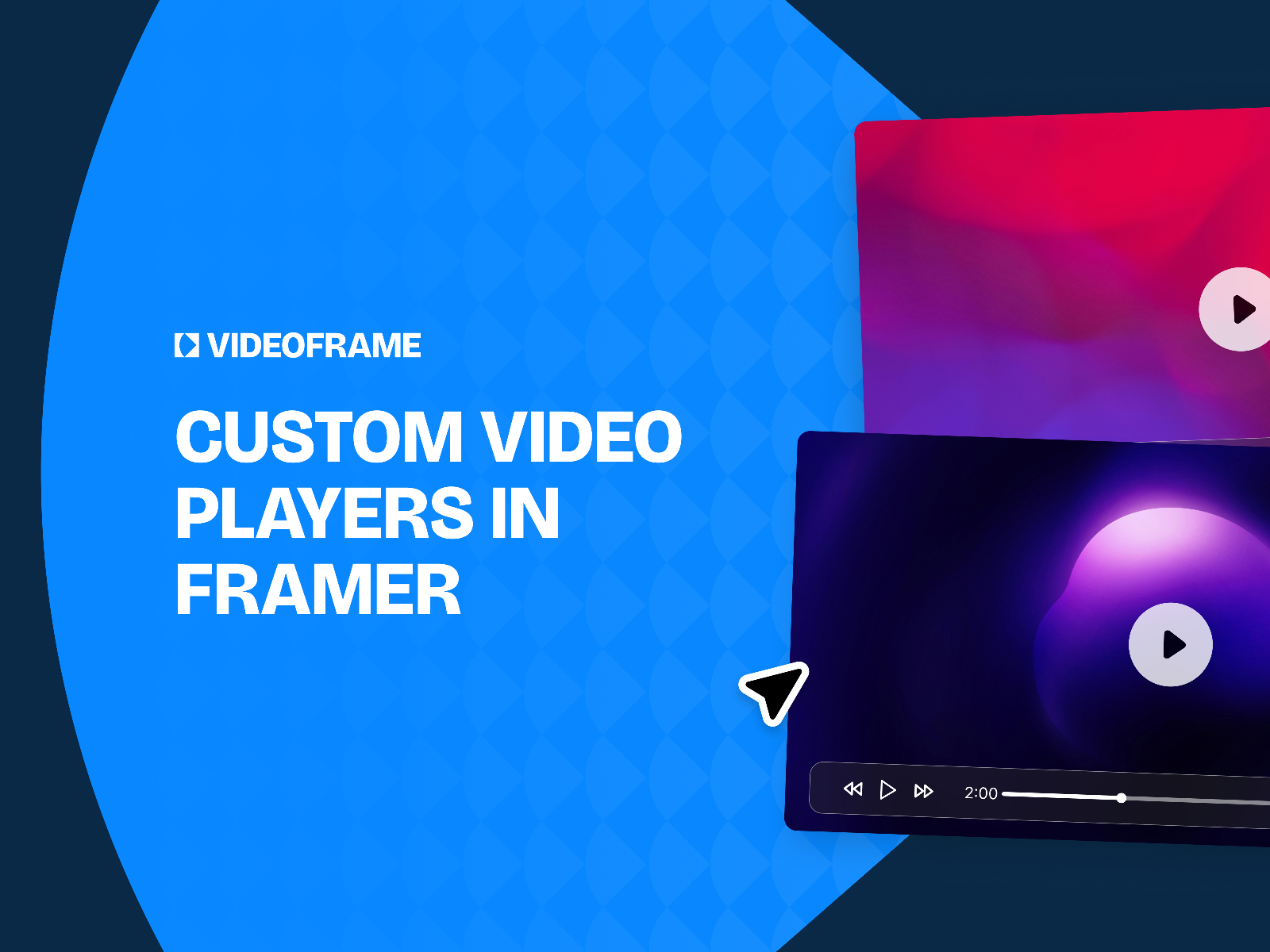
VideoFrame is the most complete video customization system in Framer — a plugin that drops modular player elements onto the canvas so you design progress bars, time labels, play buttons, and fullscreen toggles visually. It handles uploaded MP4s, HTML video, YouTube, and Vimeo in one workflow, connects to Framer CMS for dynamic sources, and ships SEO-friendly markup. The one-time license replaces monthly embed SaaS fees, and the commercial tier covers unlimited client projects. Choose VideoFrame when native Framer video styling is too limited and free components cannot match your brand system.
- Best for
- Agencies that need on-brand controls across multiple client sites without writing code
Affiliate link — we may earn a commission at no extra cost to you.

Framer Video Pro — Universal player with 50+ controls and CMS binding
by Dan Marek
Framer Video Pro accepts local files, arbitrary URLs, YouTube, and Vimeo — then lets you wire any Framer layer as the play button, timeline, or background effect. Chapter markers with hover previews, keyboard shortcuts, viewport-triggered play/pause, picture-in-picture with loop memory, and speed controls cover use cases free players skip. CMS binding works without overrides, which matters when video URLs live in collection fields. At 25 USD it is the best value when you need one premium player that handles both hero loops and 20-minute walkthroughs.
- Best for
- Tutorial sites, product demos, and long-form content that needs chapter markers
Affiliate link — we may earn a commission at no extra cost to you.

CAA Video Player — One component for MP4, Mux, YouTube, Vimeo, Twitch, TikTok, and Spotify
by Cem Atahan
CAA Video Player consolidates the widest source list in this roundup — MP4, WEBM, Mux, YouTube, Vimeo, Wistia, Spotify, Twitch, and TikTok — behind a single property panel. Autoplay, loop, mute, preload behavior, poster images, and border radius all live in Framer controls without platform-specific overrides. The 10 USD price point makes it the pragmatic pick when a client needs TikTok or Twitch alongside a self-hosted brand film and you do not want three different embed patterns in one project.
- Best for
- Content-heavy sites that mix hosted files with platform embeds on the same page
Affiliate link — we may earn a commission at no extra cost to you.
LumaReel — Multi-video hero with thumbnail navigation and progress bar
by Hamim Reza
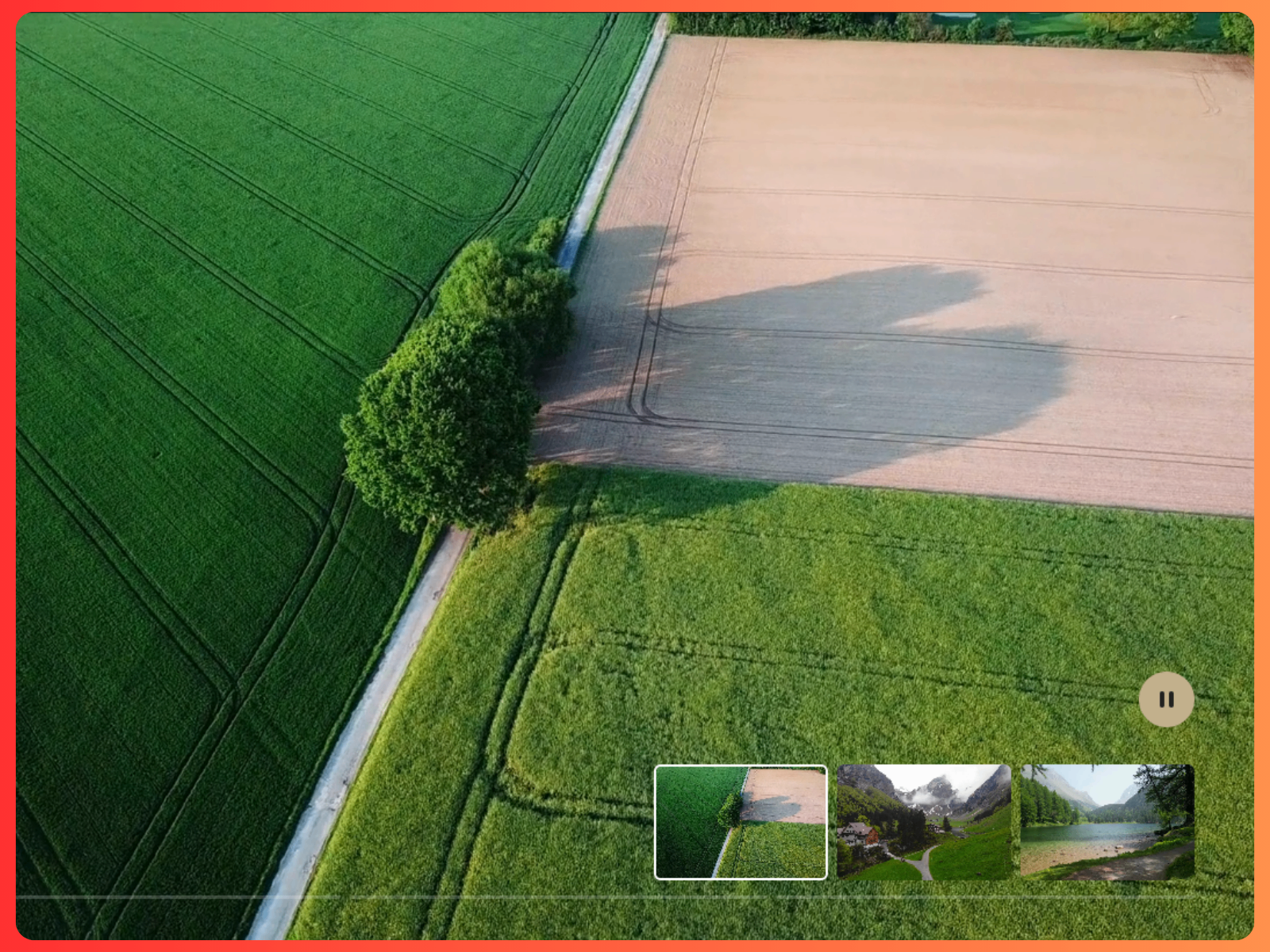
LumaReel plays up to six videos sequentially with fade or slide transitions, clickable thumbnail navigation, and a progress bar that shows playback duration. Autoplay mode loops the reel infinitely; manual mode lets visitors jump between clips. Overlay title and caption text, container radius, and thumbnail sizing all adjust from the property panel. It is the right install when a single hero MP4 feels static but a full carousel plugin would be overkill — think product variant films or campaign mood boards that need cinematic pacing.
- Best for
- Agency landing pages and product launches that rotate through several hero clips
Affiliate link — we may earn a commission at no extra cost to you.

Ambient Video Player — Video player with a dynamic ambient glow synced to frame colors
by Felix Dorner
Ambient Video Player samples the dominant color of the current video frame and updates a surrounding glow in real time — blur, intensity, and spread are all adjustable. The effect reads as premium on dark backgrounds without adding a separate animation layer. It is free, lightweight, and a strong fit when the video itself is the hero but you want the section to feel alive rather than flat. Pair it with muted autoplay loops on SaaS landing pages where subtle motion sells the product without demanding interaction.
- Best for
- Dark-mode product pages and music or media sites that want atmospheric depth
Affiliate link — we may earn a commission at no extra cost to you.

Cinematic Video — Full-bleed hero video with animated typographic overlay
by Launchly
Cinematic Video displays a full-bleed clip with large typographic overlay that animates between play and pause states — the text can fade out after playback starts so the footage takes over. A built-in bottom gradient preserves readability, and loop, mute, and fade timing all live in the property panel. It is free and purpose-built for hero sections where motion and type share the frame. Use it when a client wants film-trailer energy without commissioning custom motion design.
- Best for
- Brand films, campaign landers, and editorial intros with dramatic play/pause text
Affiliate link — we may earn a commission at no extra cost to you.
Sleek Video Player — Glassmorphic controls with auto-fading UI and smart aspect ratio
by Chaman Verma
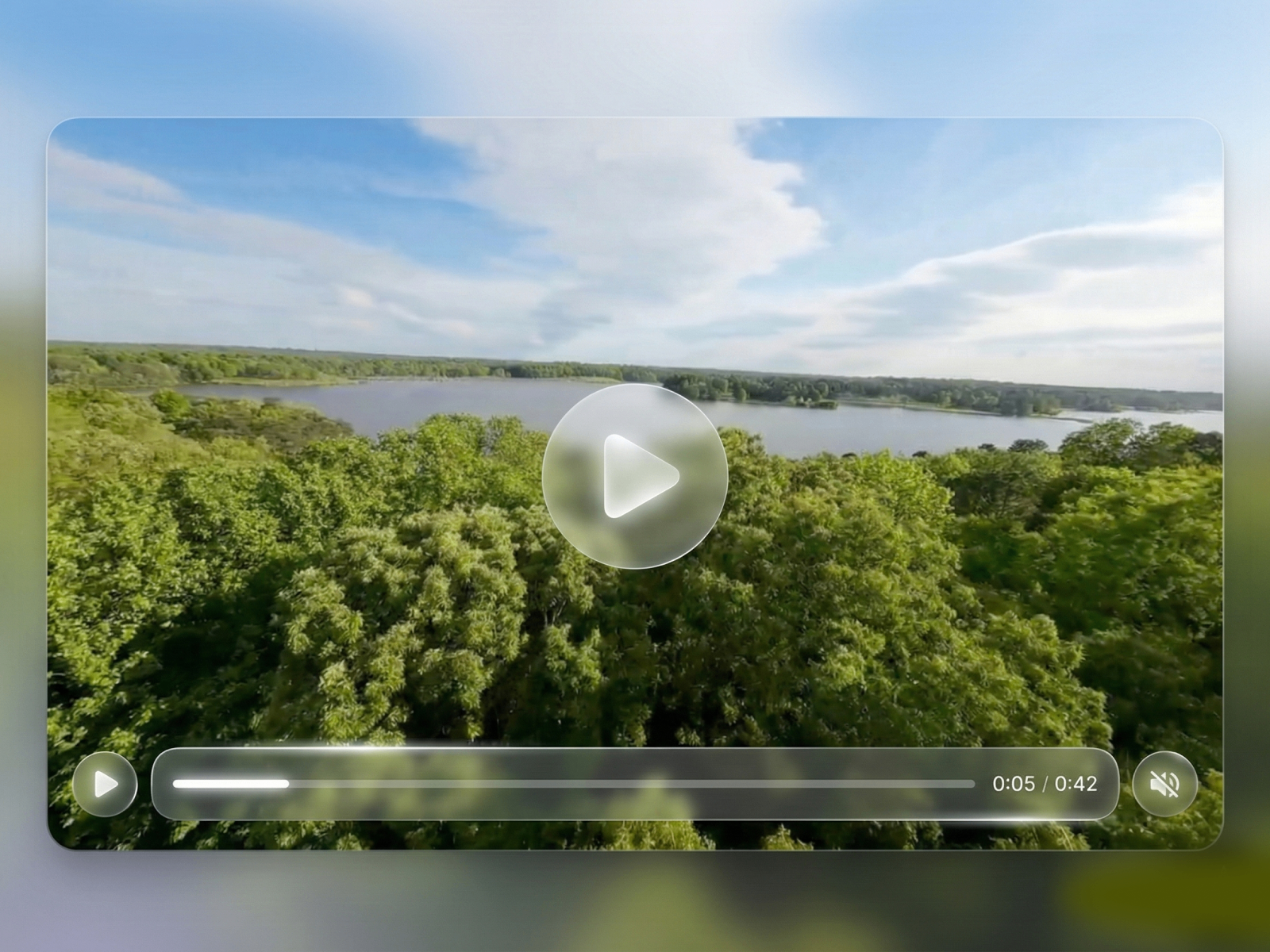
Sleek Video Player replaces browser-default controls with frosted-glass UI that fades when idle, a center play button, and a custom scrubber. It supports uploaded files and external MP4 URLs, auto-detects aspect ratio when height is set to Auto, and exposes autoplay, loop, mute, poster, and object-fit controls. At 12 USD it is the fastest path to a premium self-hosted player when VideoFrame’s full plugin workflow is more than the project needs.
- Best for
- Premium SaaS and portfolio sites that need polished self-hosted playback
Affiliate link — we may earn a commission at no extra cost to you.
Futured Video Player — Ensures only one video plays at a time across a page
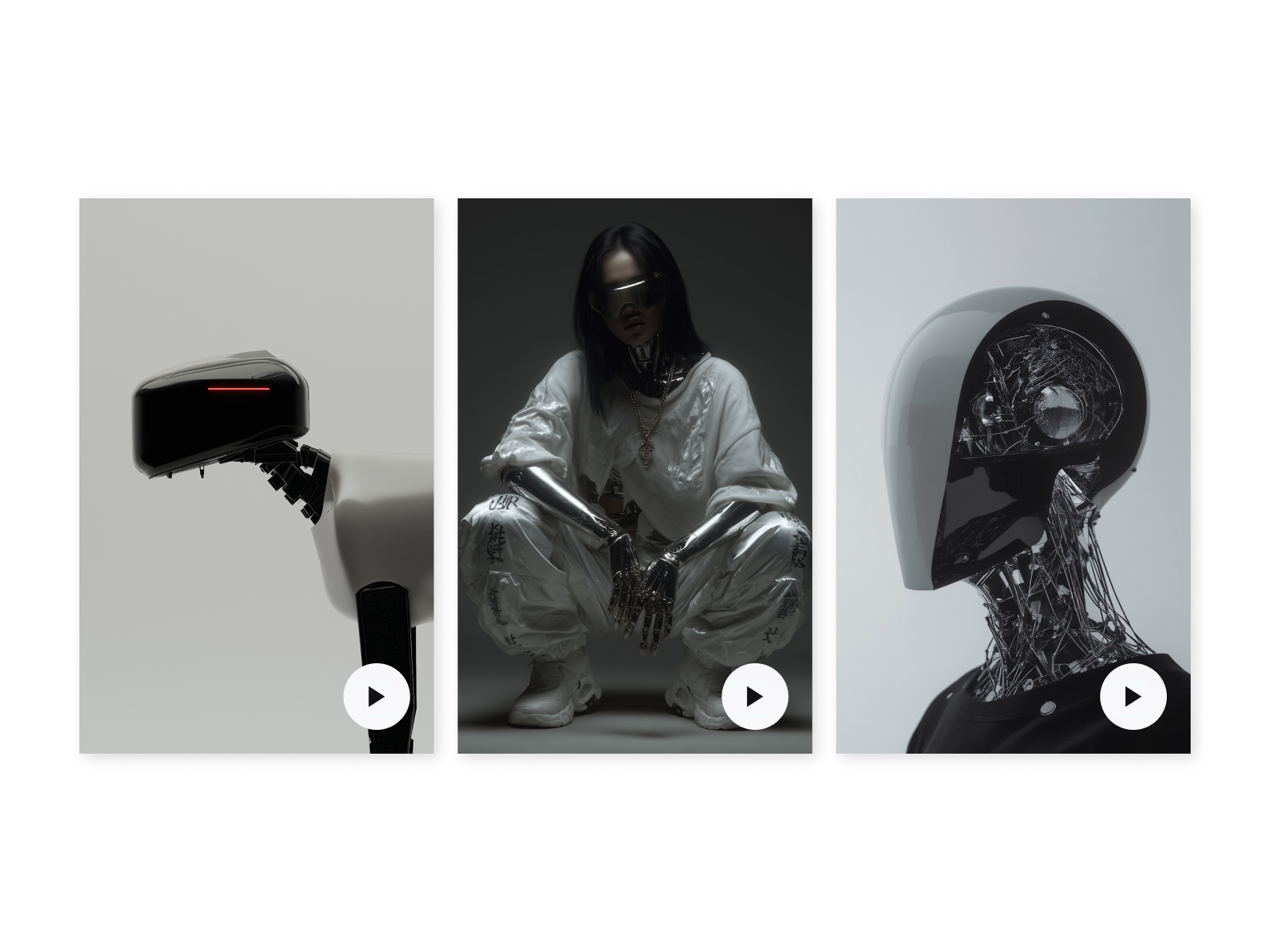
Futured Video Player solves a common Framer pain point: multiple autoplay or click-to-play videos on one page fighting for attention and bandwidth. It pauses other instances when a new clip starts, keeping playback orderly on tutorial indexes and product comparison layouts. Custom controls, poster support, and responsive sizing round out the feature set. Install it when your layout has more than two video blocks and overlapping audio would ruin the experience.
- Best for
- Course pages, feature grids, and FAQ sections with multiple clips side by side
Affiliate link — we may earn a commission at no extra cost to you.
TiltVideo — 3D tilt showcase with glowing borders and hover motion
by Modex Studio
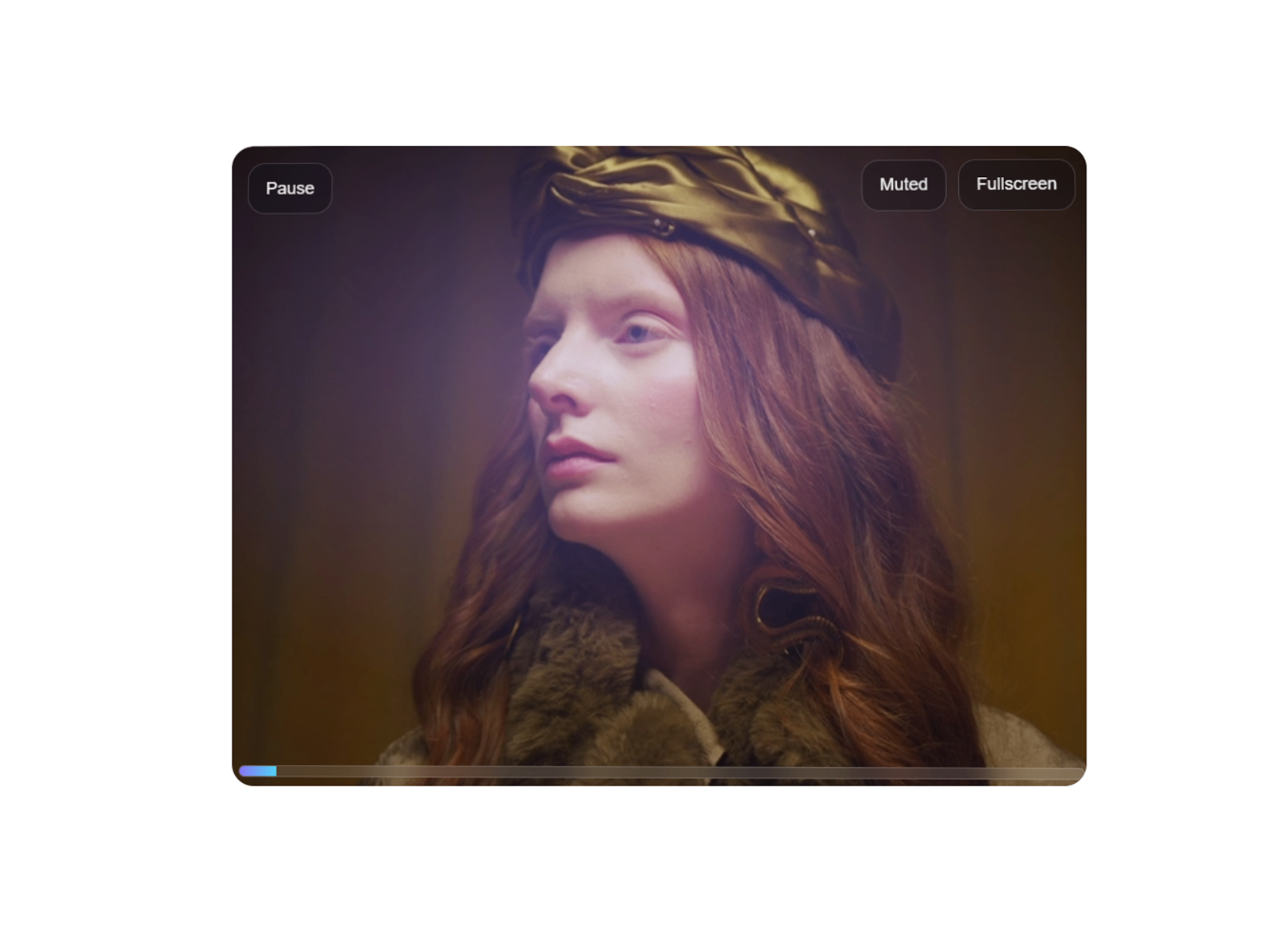
TiltVideo wraps a playable clip in a 3D tilt interaction with animated glow borders, hover depth, and built-in autoplay, mute, loop, and fullscreen support. The free component targets creative portfolios and SaaS pages where the video frame itself should feel interactive — not just the content inside it. It is a strong finishing touch on case-study sections where motion design credibility matters as much as the footage.
- Best for
- Agency portfolios and creative landers that need interactive video presentation
Affiliate link — we may earn a commission at no extra cost to you.
Quick comparison
| Resource | Price | Type | Best for |
|---|---|---|---|
| LazyLoad Video | Free | Component | Performance-first YouTube and Vimeo embeds |
| VideoFrame | 99 USD one-time | Plugin | Fully custom branded players across sources |
| Framer Video Pro | 25 USD | Component | Long-form content with chapter markers |
| CAA Video Player | 10 USD | Component | Mixed platform sources on one page |
| LumaReel | 15 USD | Component | Multi-video cinematic hero sections |
| Ambient Video Player | Free | Component | Dynamic glow effects on dark layouts |
| Cinematic Video | Free | Component | Typographic hero overlays on brand films |
| Sleek Video Player | 12 USD | Component | Glassmorphic self-hosted playback |
| Futured Video Player | 15 USD | Component | Pages with multiple clips that must not overlap |
| TiltVideo | Free | Component | Interactive 3D tilt video showcases |
How to choose the right Framer video component
Start with performance. If the page has more than one YouTube or Vimeo embed, install LazyLoad Video before anything else — default iframes load third-party scripts on paint and tank Lighthouse scores. Self-hosted MP4 heroes on a single above-the-fold slot can stay on native Framer video unless you need custom controls.
Match source breadth to workflow. CAA Video Player covers the widest platform list at the lowest paid price. VideoFrame and Framer Video Pro justify their cost when every control must match a design system or when CMS fields drive dynamic video URLs across dozens of pages.
Separate hero motion from player utility. LumaReel, Cinematic Video, Ambient Video Player, and TiltVideo solve layout and atmosphere — not granular scrubber design. Pair a hero component with LazyLoad Video or Framer Video Pro in lower-page tutorial sections rather than forcing one component to do both jobs.
Test mobile autoplay early. Muted autoplay behaves differently across iOS and Android. Components with poster fallbacks and explicit mute defaults (Cinematic Video, Ambient Video Player) reduce surprises before client UAT.
Our top pick for most Framer builders
If you install one video component, make it LazyLoad Video on any site with external embeds — the performance win is immediate and free. When a client budget allows one paid install, Framer Video Pro at 25 USD delivers the deepest control per dollar for mixed source types and CMS-driven pages. Agencies standardizing player design across accounts should invest in VideoFrame once and reuse the plugin components on every project.
Browse Framer templates on yoframer for launch-ready starting points, or read our carousel components roundup for sliders that pair well with video hero sections. More resource roundups live on the Resources hub.
Updated June 2026. We refresh this list as notable video components ship, reprice, or go stale.


