TL;DR. On November 3, 2026, Framer added Agent support and country-based triggers to Convert. You can ask the Agent to create, edit, and analyze funnels and A/B tests, or to add and edit triggers. Country triggers show overlays for a visitor’s country or region. Framer’s example: visitors in Spain see a banner for an event in Barcelona.
Framer’s official note is four sentences. This yoframer guide stays inside that scope, then points at free Framer templates you can remix when you want a homepage and a signup path to practice on. Convert itself is the add-on Framer describes for funnels, A/B testing, and triggers, set up manually or with agents. The November 3 change is the Agent path plus country overlays, not a new analytics product with a published changelog table.
Framer Convert at a glance
| Area | Before this note | Convert update (November 3, 2026) |
|---|---|---|
| Funnels and A/B tests | No Agent path in this note’s predecessors | Agent can create, edit, and analyze them |
| Triggers | Not described as Agent-edited here | Agent can add and edit triggers |
| Country or region | Firewall can block or redirect | Country triggers show overlays and leave the page up |
| Worked example | Not in prior yoframer coverage | Spain visitors see a Barcelona event banner |
| Release shape | Longer CMS and hosting posts ship tables | This note has no bug list and no video |
What changed in Framer Convert
1. The Agent can create, edit, and analyze funnels and A/B tests
Framer’s sentence is specific: ask the Agent to create, edit, and analyze funnels and A/B tests. That is the useful part for a marketer who already knows the question (“does this hero get more signups?”) and does not want to rebuild the variant by hand.
The Convert product page describes the surfaces those tests sit on: a visual funnel from landing toward checkout, and page variants for headlines, styles, or layouts. The November 3 note does not publish a new metric, a required sample size, or which model the Agent must use. Treat “analyze” as Framer’s word for reading the test, not as a promise of a particular chart.
A separate November 2 post, Harness 2, rebuilds the Agent runtime. Framer did not say the Convert note depends on it. Keep the two posts apart when you write a client update.
2. The Agent can add and edit triggers
Framer’s Convert page describes triggers as real-time reactions: overlays, and conditions that can switch variants. This note adds an Agent path: you can ask it to add and edit triggers, not only the funnel and the test.
Do not collapse “triggers” and “country triggers” into one feature. Country or region is the condition the November 3 note spells out, and the action it spells out is an overlay. The note does not restate every other condition, so this article is not a full trigger catalog.
3. Country and region triggers show overlays
The geo piece is narrow and practical. A trigger can show an overlay based on country or region. Framer’s only example is regional marketing, not compliance: people in Spain see a banner for an event in Barcelona.
That is a different job from Firewall. Firewall decides whether the request is blocked or redirected. A Convert overlay assumes the visitor still gets the page, then sees an extra message. If a market is not allowed to use the product, an overlay is the wrong tool. If a market is allowed and you want a local event, a deadline, or a translated offer, the overlay is the tool this note describes.
Framer does not say how country is detected, whether a region means a city, or what happens when a VPN disagrees with billing country. Test with someone actually in the region before you promise the banner in a campaign recap.
How to use Convert Agent and country triggers
Framer did not publish a new settings breadcrumb in this note. Do not invent one. The practical path is the Convert add-on you already open for funnels and tests, plus the in-project Agent.
- Confirm the project has Convert. Framer packages funnels, A/B testing, and triggers as that add-on. Check pricing before you scope it for a client.
- Ask the Agent to create or edit a funnel or an A/B test, or to analyze one that is already running. Name the page, the change, and the conversion you care about.
- Ask the Agent to add or edit a trigger when the message should depend on a condition. For the new geo case, name the country or region and the overlay.
- Publish, then check two audiences: someone inside the region (overlay appears) and someone outside it (overlay stays hidden).
- Keep blocks and redirects on Firewall if the visit itself should stop. Do not stack a block and a banner and expect both to explain themselves.
No walkthrough video shipped with this note. If you want a sandbox with a real hero and a signup path, start from the SaaS shortlist or the landing page shortlist instead of experimenting on a live client domain first.
Three workflow recipes to try this week
One homepage headline, one signup goal
You suspect the hero promise is the leak, and you do not want a full redesign inside the test.
- Ask the Agent to create an A/B test on Home that changes the hero headline and the supporting line, with completed signup as the goal.
- Leave pricing, nav, and imagery alone so a win is about the sentence, not a new layout.
- Ask the Agent to analyze the test before you keep a winner. This note does not publish a sample-size rule, so do not invent one.
A regional event overlay
A Barcelona event should reach visitors in Spain without rewriting the global homepage.
- Ask the Agent to add a country trigger that shows an overlay for visitors in Spain, using Framer's own banner example as the brief.
- Put the date, city, and one action in the overlay. Keep the default hero readable for every other country.
- Check from outside Spain that the page still loads with no banner. This is an overlay, not a Firewall redirect.
Read the funnel before you restyle
Paid traffic lands and then thins out before signup or checkout.
- Ask the Agent to analyze the funnel from the landing step toward signup, and to name where people drop.
- Edit one step it flags, or add one trigger, instead of swapping the whole template mid-campaign.
- Rehearse the prompt on a remix from the free template hub if the production project is shared with a client.
Who this helps
- Founders who can describe a test in a sentence and would rather the Agent draft the variant than duplicate a frame by hand.
- Lifecycle marketers running a regional event, a local deadline, or a country-specific offer on an otherwise global page.
- Agencies that need a clean line between “show a banner” (Convert) and “stop or redirect the visit” (Firewall) in the statement of work.
- Anyone waiting on a long changelog. This one is short on purpose. If your question is CMS cursors, localization opt-in, or the Agent harness, those are different posts.
Free Framer templates for conversion tests
These free Framer templates are sandboxes, not proof that Convert is enabled on a remix. You still need the add-on on the project where the test runs. They are here because each one has a page worth changing: a hero, a pricing route, or a proof path.
 Live Preview
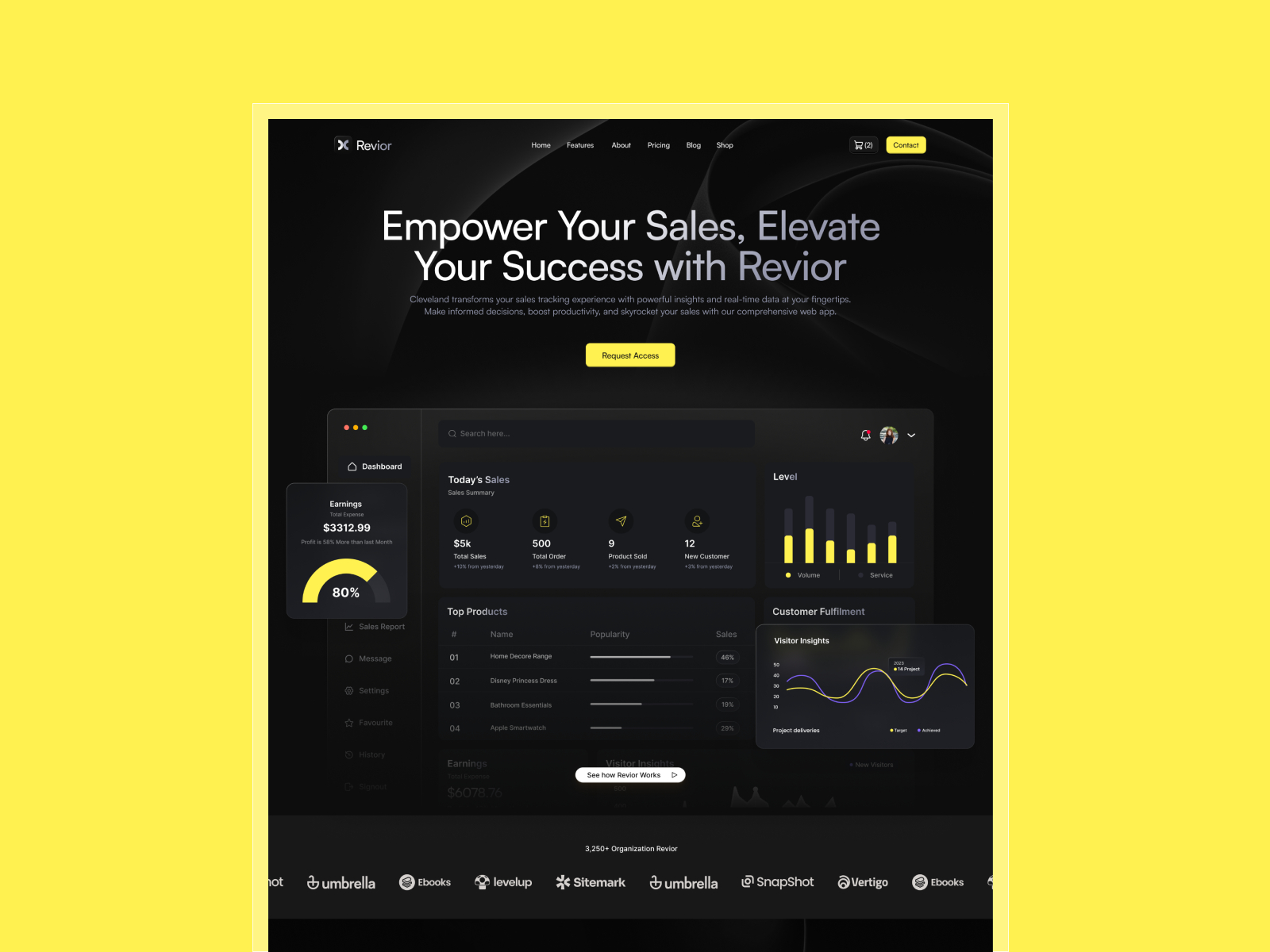
Revior · Five-page SaaS site with pricing and a CMS blog
by OneFramer
Revior gives you Home, About, Feature, Pricing, and a CMS blog, which is enough surface for a headline test and a signup goal without a docs wiki getting in the way. Skip it if the brief needs a changelog, careers, or a long help center. Five routes run out fast once the test graduates into a content program. Pair it with the SaaS shortlist if you want a bigger map next.
- Best for
- A single homepage or pricing test before you touch a larger client project
 Live Preview
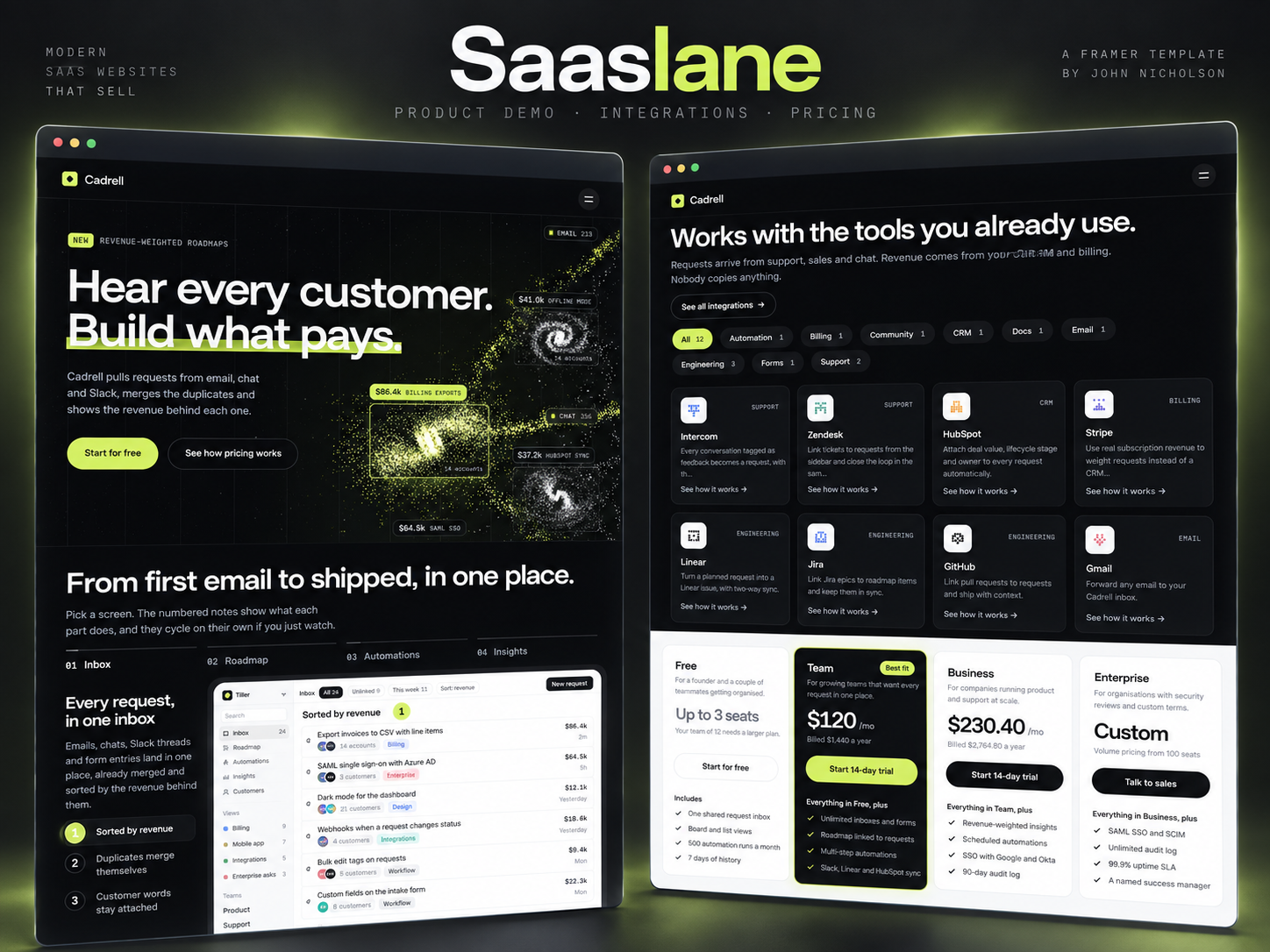
Saaslane · Eight static SaaS routes, including Product and Pricing
by Unknown
Saaslane splits Home, Product, Pricing, Integrations, Customers, Blog, Changelog, and Contact into static pages, so an A/B test is a canvas edit you can see immediately. Skip it if editors need CMS case studies, legal pages, or a weekly blog they will not paste by hand. The honest limit: every losing variant is a duplicate you clean up yourself. Jet is the deeper SaaS file when this sitemap feels thin.
- Best for
- Headline and layout tests when you do not want CMS collections in the variant
 Live Preview
B2bizz · Eleven-page B2B system with case studies and a contact form
by Salim
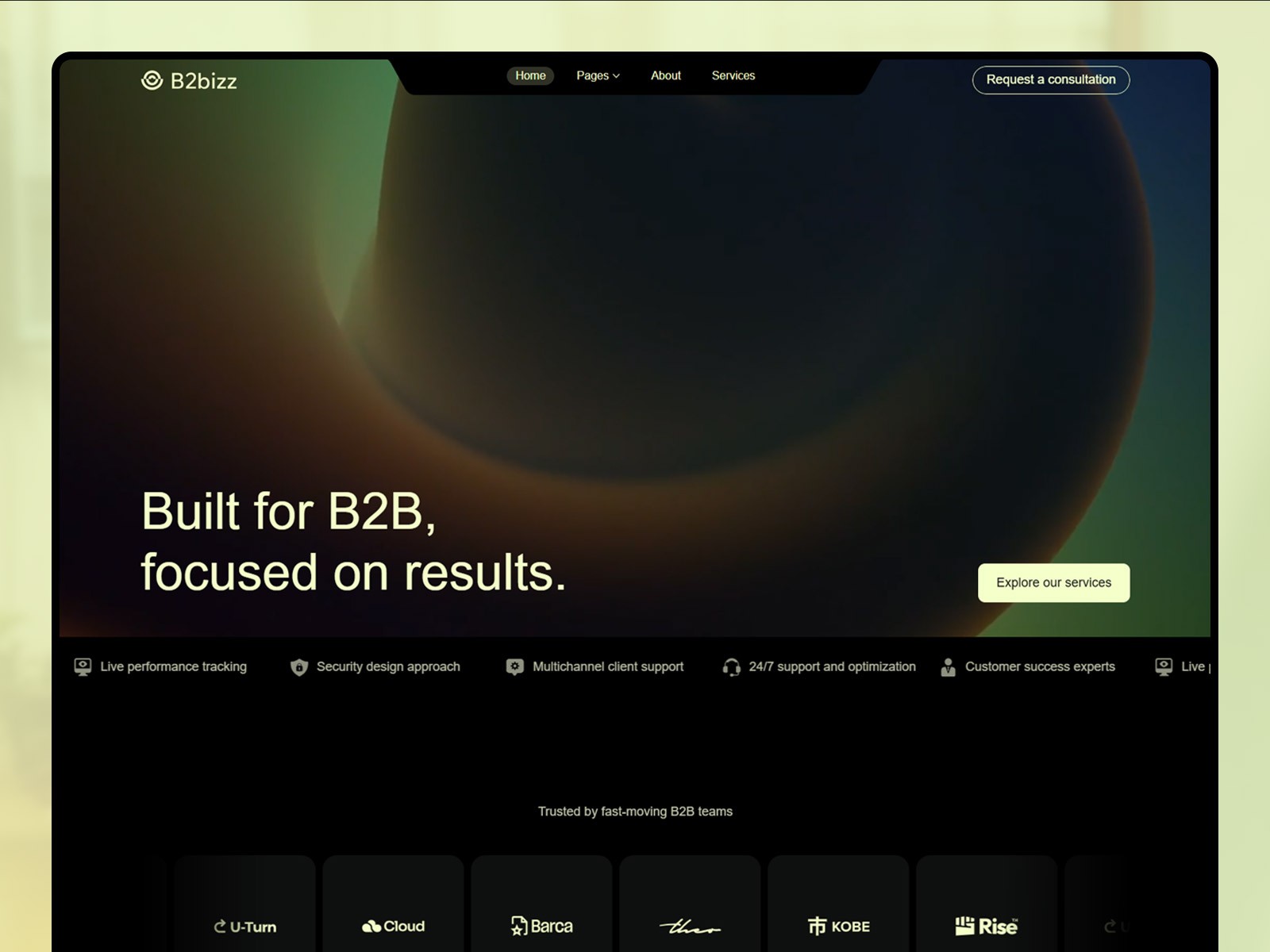
B2bizz is the wide file: services, CMS case studies, blog, contact, privacy, and a 404, eleven pages in all. Ask the Agent to analyze a funnel here when the drop is between proof and the form, not when you only want to twitch a headline. Skip it for a one-screen waitlist. Too many routes makes a sloppy test. Start narrower with Revior or browse the full grid on /templates/.
- Best for
- Funnels that cross services, proof, and a lead form rather than one hero
Official sources and where to go next
- Convert update, November 3, 2026: the only canonical note for Agent support and country triggers.
- Convert product page: funnels, A/B tests, and triggers as an add-on, manual or with agents.
- Framer pricing: confirm the add-on before you sell the workflow.
- Harness 2: November 2 Agent runtime post. Related, not the same release.
- Firewall on yoframer: block or redirect, which this overlay update does not replace.
- All yoframer Framer updates and the free template hub.
The bottom line
Convert’s November 3 update is a workflow change, not a mystery feature drop. The Agent can create, edit, and analyze funnels and A/B tests, and it can add and edit triggers. The new geo behavior shows an overlay for a country or region. It does not, on the text Framer published, block a country or pick a winner for you after a set number of visits.
Write the test as one change and one goal. Write the overlay as one region and one message. If the visit should never happen, use Firewall. If you need a page to practice on, remix from the free Framer templates hub, then open Framer when the add-on is actually in the project.