TL;DR. On October 27, 2026, Framer shipped CMS multiplayer cursors so teams see who is editing formatted text in the CMS and on the Canvas. The same drop refreshes Canvas cursors, adds website embeds and Vimeo to formatted text Insert menus, and lets you filter collections by reference and multi-reference fields, plus a wide Added / Fixed / Improved batch across item editors and tables.
Framer’s official post is the source of truth for every changelog line below. This yoframer guide focuses on when live presence actually prevents merge conflicts, how reference filters speed catalog QA, and which free Framer templates give you long-form CMS fields worth editing with a second person in the room.
Framer CMS multiplayer cursors at a glance
| Area | Before | Multiplayer CMS update (October 27, 2026) |
|---|---|---|
| Formatted text in CMS | Easy to overwrite a teammate’s paragraph | Multiplayer cursors show who is editing and where |
| Formatted text on Canvas | Same blind spot on bound rich text | Shared presence on Canvas formatted text fields |
| Canvas cursor chrome | Heavier default cursors | Compact, higher-contrast collaborator cursors |
| Rich media in CMS text | Limited insert options | Website embeds and Vimeo via updated Insert menu |
| Reference-heavy collections | Scroll and search only | Filter by reference / multi-reference in CMS view |
| Temp items | Unclear discard path | Menu actions to edit, open, and discard temporary items |
What’s new in Framer CMS multiplayer editing
1. Multiplayer cursors in formatted text (CMS and Canvas)
The headline change is collaborative editing with visible cursors inside formatted text fields in the CMS item editor and on formatted text layers on the Canvas. If your team splits work between a strategist in the table and a designer on the page, you finally get the same live presence long-form tools expect, without leaving Framer.
This is not a replacement for branching (still the right tool for risky schema work). It is the day-to-day guardrail when two people polish the same launch post or pricing FAQ at once.
2. Refreshed Canvas collaborator cursors
Framer also refreshed Canvas cursors to be more compact and higher contrast. That matters when three collaborators stack on a dense marketing page: names stay legible and the cursor footprint stops covering the sentence you are trying to edit.
3. Website embeds and Vimeo in CMS formatted text
Formatted text fields now accept website embeds and a Vimeo component through an updated Insert menu. That closes a common gap where teams pasted raw links in the CMS while the Canvas showed a proper embed. Keep embed count modest on list-heavy pages so table performance stays snappy (Framer also improved image loading in formatted text in this release).
4. Reference and multi-reference filters in the CMS view
Editors can filter collections by reference and multi-reference fields directly in the CMS view. Use this when you maintain author → posts, product → features, or category → articles graphs and need to audit orphans before publish.
5. Temporary item menu actions
Framer added menu actions to edit, open, and discard temporary items, part of a broader Improved handling of unfinished CMS items theme in the changelog. Pair with CMS 3.1 quick-add rows when your team creates drafts faster than they clean them up.
Changelog annotated
Framer groups the October 27 drop into Added, Fixed, and Improved. Below is the same scope with yoframer context; treat Framer’s tables as authoritative if you are chasing a specific bug during QA.
Added (with context)
| Framer line | Why it matters |
|---|---|
| Collaborative editing with multiplayer cursors in formatted text | Stops silent overwrites during parallel copy edits |
| Filters for reference and multi-references in the CMS view | Faster audits on linked catalogs |
| Menu actions for temporary items | Clearer lifecycle for unfinished rows |
| Vimeo component in CMS formatted text | Native video embeds without custom code |
| Website embeds in CMS formatted text | Embeds match Canvas expectations |
Fixed (highlights)
Reference, slug, and folder bugs in duplicated collections, missing CMS content in detail page image exports, and duplicated formatted text after merging branches are the merge-conflict class of fixes. Layout fixes include detail pages breaking when pasting a breakpoint, video poster images in formatted text, and wrong collection opening after reordering. Keyboard and UI polish covers inline code shortcuts on international keyboards, Insert menu focus, Save flagging autosaved text, and / menu placement after scrolling.
Improved (highlights)
Framer improved on-page editing controls, formatted text inside components, multi-reference pickers, CMS table selection and toolbars, performance of item editors and large tables, Agent feedback for Lists and new items, and the formatted text Insert menu overall. If you already use CMS List fields, this release is the polish layer on top of repeating rows.
How to use multiplayer cursors and rich-text embeds
- Update Framer to a current build (web or desktop) so you and collaborators share the same CMS chrome.
- Open a CMS collection with formatted text fields (blog body, FAQ answer, legal summary) or select a Canvas layer bound to formatted text.
- Invite a teammate to the same project (or work on a branch if you are changing schema, not just copy).
- Watch for named cursors while both of you edit; pause when you overlap the same paragraph instead of racing to Save.
- For embeds, place the caret in formatted text, open the Insert menu, and choose website embed or Vimeo; publish after staging checks embed previews (Framer fixed several embed popover flashes in this release).
- For reference audits, open the CMS view, apply a reference or multi-reference filter, and fix stragglers before you wire new Canvas bindings.
No beta flag is required for the features Framer lists in the October 27 post.
Launch-week copy with two editors
Marketing and design both touch the same blog post body hours before publish.
- Open the post in the CMS table while your teammate edits the bound Canvas text block.
- Use visible cursors to split sections (intro vs pricing callout) instead of editing the same paragraph.
- Run a quick read-through after embeds land via the Insert menu, then publish from the main branch.
Reference filter before a catalog migration
You duplicated a collection and need to confirm every product still points at the right category.
- Filter the products collection by multi-reference category field in CMS view.
- Spot empty or stale links without exporting to a spreadsheet.
- Fix references, then re-run filters after Framer duplicate-collection fixes from this release.
Rich-text embeds without autosave surprises
You are adding Vimeo walkthroughs to support articles stored in CMS formatted text.
- Insert Vimeo from the formatted text Insert menu on a staging branch.
- Confirm popovers close cleanly after embed removal (a Fixed item in this changelog).
- Merge when Save no longer flags legit autosaved text incorrectly.
Framer templates for collaborative CMS editing
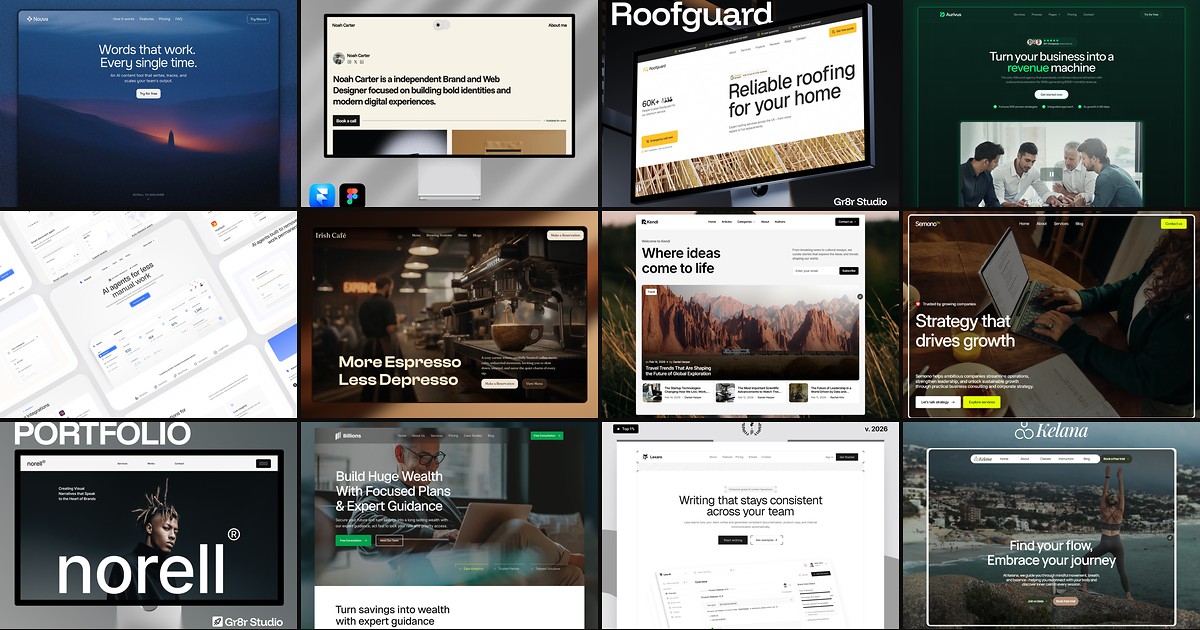
These free Framer templates ship enough CMS long-form and FAQ-shaped fields to rehearse multiplayer cursors and embed inserts with a teammate before client launch week.
 Live Preview
Revior · Dark SaaS marketing with pricing and feature hierarchy
by OneFramer
Revior’s SaaS-shaped sections mirror the pages where two editors collide: hero subcopy, pricing footnotes, and FAQ answers stored as formatted text. Weakness: five routes, not a full docs wiki, so keep encyclopedic help centers in a dedicated collection.
- Best for
- Teams co-editing launch copy in formatted text while design tweaks bound Canvas blocks
 Live Preview
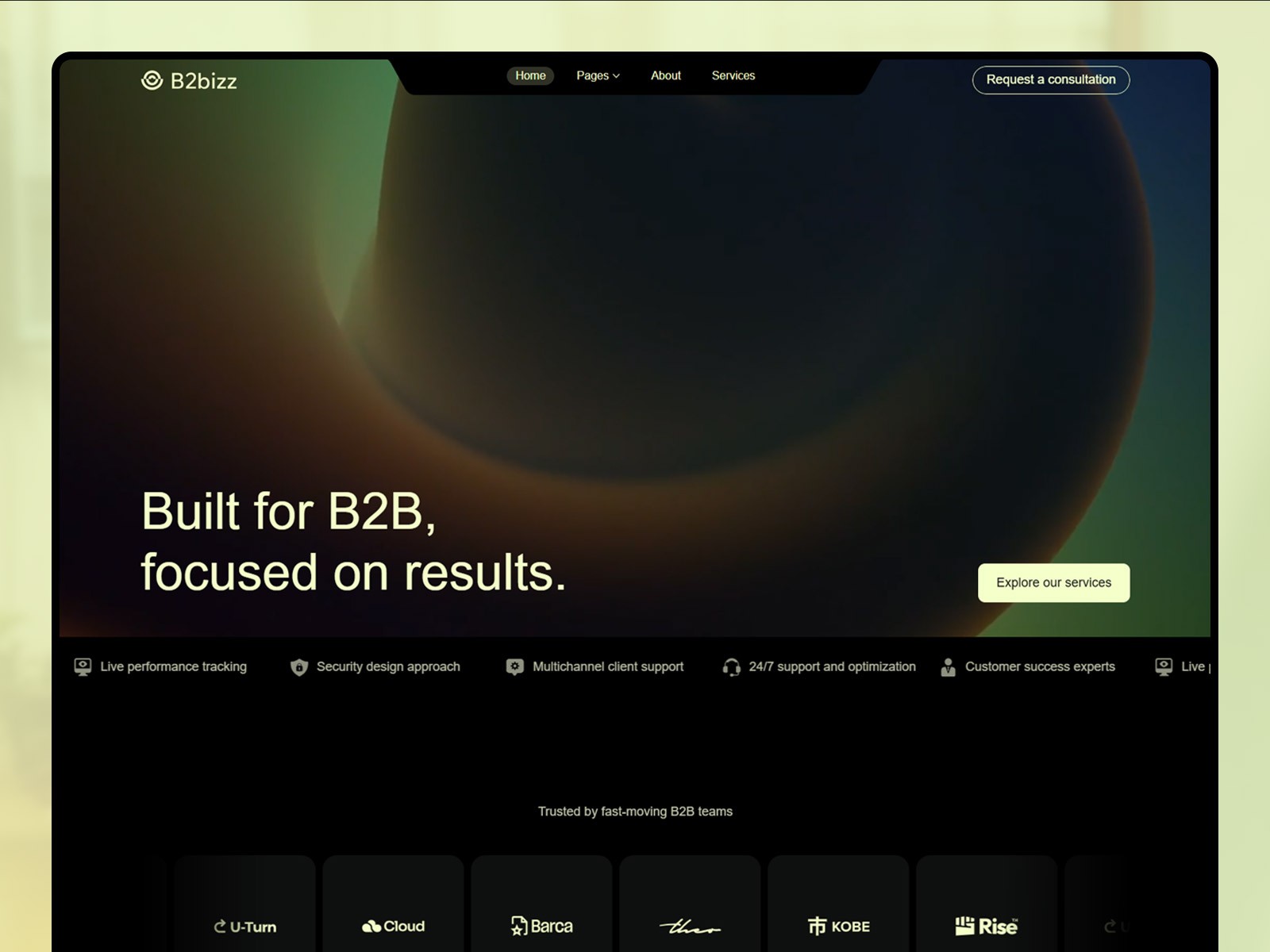
B2bizz · B2B landing system with CMS-friendly marketing blocks
by Salim
B2bizz reads like a pipeline marketing site, which makes it a believable sandbox for multiplayer editing drills before you touch a paid client remix. Weakness: you may still retune industry copy and logos after collaborative passes.
- Best for
- Sales-led sites where marketing owns CMS paragraphs and design owns layout on the same branch
 Live Preview
Cumix · Multi-section SaaS home with room for repeating content bands
by Pentaclay
Cumix gives you enough vertical sections to see how Vimeo embeds behave when two people edit neighboring CMS fields. Weakness: dense hero motion can distract from CMS QA, so test multiplayer sessions on a calmer inner page first.
- Best for
- Founders testing embed-rich formatted text in support sections without breaking table performance
 Live Preview
Fincare · Finance marketing template with trust and FAQ-shaped sections
by Elements Library
Fincare suits FAQ experiments where two reviewers need visible cursors instead of chat ping-pong about which paragraph is locked. Weakness: finance-specific copy needs replacement for other verticals even when the CMS schema stays.
- Best for
- Regulated niches where compliance and design both touch FAQ formatted text before publish
Browse the full grid on /templates/ or start from the free Framer templates hub when you want a different niche baseline.
Official Framer resources worth bookmarking
- CMS multiplayer cursors release notes: canonical October 27, 2026 announcement and full changelog.
- Framer CMS product page: collections, localization, and plugins overview.
- CMS 3.0 table redesign: baseline spreadsheet workflow this update polishes.
- Agent Skills: reusable CMS instructions when you automate embed or List migrations.
- All Framer updates: adjacent releases including Framer MCP and Firewall.
More reading on yoframer
- Framer updates hub: editorial coverage of each major Framer release.
- CMS List fields: repeating rows inside an item, improved again in this changelog.
- CMS Plugins in the sidebar: integrations in the same CMS chrome multiplayer editors use daily.
The bottom line
Framer CMS multiplayer cursors (October 27, 2026) bring live presence to formatted text in the CMS and on Canvas, tighten collaborator cursor UI, expand rich-text embeds, and add reference filters for serious catalogs. Rehearse on a free Framer template, keep schema-risky work on branches, and treat Framer’s changelog as the final word on Fixed lines you hit during QA.