TL;DR — Framer’s January editor release adds Instant Font Previews in the Font Picker: hover a font and see how it reads on your selected layer before you commit. The same drop introduces Find actions in the component and vector menus, improves multi-SVG import reliability, and closes a wide batch of layout, gradient, OpenType, and Ticker bugs that slow typography-heavy QA.
Framer published the update on January 22, 2026. This yoframer guide lives at /framer-updates/framer-instant-font-previews-update/ and translates Framer’s official post into decisions you can make on client work today — when hover previews save the most time, how Find speeds component hygiene, and which remix-friendly templates give you realistic type scales to stress-test.
Font previews at a glance
| Lens | What shipped | Why it matters on client sites |
|---|---|---|
| Headline | Instant Font Previews on hover | Compare faces on real layer copy without apply-and-undo loops |
| Navigation | Find in component and vector menus | Jump to related assets instead of scrolling the layer tree |
| Hygiene | Improved unused component deletion | Cleaner libraries before handoff |
| Assets | More reliable multi-SVG import | Icon sets and vector packs land without silent failures |
| Polish | Insert Panel search, Safari/Firefox context menus | Less friction during discovery and cross-browser QA |
| Stability | Stack→Grid, Ticker, OpenType, gradient fixes | Typography choices survive layout and breakpoint passes |
What Framer Instant Font Previews change
1. See type on your layer before you apply it
The Font Picker has always been a commitment step: pick a family, apply, decide it is wrong, undo, repeat. Hover previews shrink that loop by rendering the candidate font against your current selection — headline width, body line length, and weight context included. That is especially valuable when you are choosing between near-identical grotesks or tuning display versus text cuts on the same hero.
2. Find actions that respect how large files are organized
Find in the component menu and vector menu is a navigation upgrade, not a visual effect. When a project accumulates dozens of local components or imported vector sets, hunting the source layer burns time. Find pairs with Framer’s improvements to surfacing local components as cursors and locating external vector sets so system cleanup stays inside the editor instead of spreadsheet audits.
3. Import and discovery fixes that unblock icon-heavy builds
Multi-SVG import reliability matters the moment a client hands you a full icon folder. Combined with better Insert Panel search results, the January drop reduces the friction between “I know this asset exists” and “it is on the canvas where I need it.”
4. A fix batch that protects typography decisions downstream
Several January fixes directly affect how type renders after you pick a font: OpenType features on sites, gradient stops with Color Styles, Text Truncation removal, and layout animations for images inside Ticker Effects. Treat Framer’s changelog as authoritative if you are chasing a specific bug ID — the list is long enough to matter during pre-launch QA.
Changelog annotated (January 2026)
| Category | Official item | Why it matters |
|---|---|---|
| Added | Instant font previews on hover | Faster Font Picker decisions on real layer context |
| Added | Find action in component menu | Quicker jumps when auditing design systems |
| Added | Find action in vector menu | Less layer-tree scrolling for icon and illustration sets |
| Improved | Deletion of unused components | Leaner libraries before client handoff |
| Improved | Finding local components as cursors | Reuse beats rebuilding similar frames |
| Improved | Finding external vector sets | Imported packs stay discoverable |
| Improved | Multi-SVG import reliability | Batch icon uploads fail less often |
| Improved | Context menus in Safari and Firefox | Cross-browser editing parity |
| Improved | Insert Panel search results | Faster asset discovery |
| Fixed | Stack → Grid layout collapse | Layout refactors do not destroy structure |
| Fixed | OpenType features on sites | Typography fidelity on published pages |
| Fixed | Ticker Effects in breakpoints | Motion layouts survive responsive QA |
| Fixed | Gradient stops with Color Styles | Tokenized color systems stay consistent |
How to use Instant Font Previews in Framer
- Select the text layer you want to evaluate — headline, nav label, or body block with real copy, not placeholder lorem.
- Open the Font Picker from the typography panel as you normally would.
- Hover candidate families and weights; watch the preview on your selection before clicking to apply.
- When a project feels heavy, use Find from the component or vector menu to locate related assets before duplicating frames.
- Run a quick multi-SVG import if your build relies on icon sets — confirm the January reliability improvements hold for your pack.
- Re-check OpenType, truncation, and Ticker routes on a staging URL before handoff.
You do not need a beta flag — update Framer, open any project, and work in the editor as usual.
Brand type exploration without undo churn
You are tuning a marketing site hero and need to compare three display families on the same headline string.
- Drop final-ish headline copy into the hero text layer — previews are only useful with real word lengths.
- Open the Font Picker and hover candidates without applying until one reads clearly at desktop and mobile sizes.
- Lock the winner as a Text Style so downstream pages inherit the same decision.
- Preview on a second route that reuses the style to confirm hierarchy still holds.
Component library cleanup with Find
An agency file accumulated duplicate nav and card components during a fast sprint.
- Use Find from the component menu to jump between related instances instead of scrolling the layer panel.
- Delete unused components with Framer's improved cleanup flow once you confirm nothing references them.
- Re-test local components surfaced as cursors on key templates.
- Document which components are canonical before handing CMS keys to the client.
Icon set import and Insert Panel pass
A product site needs a consistent stroke icon set imported from a client SVG folder.
- Import multiple SVGs in one batch and confirm each lands where you expect.
- Use Insert Panel search to pull vectors onto button and feature rows without hunting folders.
- Pair icons with the font you chose via hover previews so stroke weight matches type weight.
- Publish staging and verify OpenType and truncation fixes on the heaviest content page.
Who benefits most
- Agencies comparing display faces on real client copy during brand refreshes.
- Design system leads auditing components and vector sets before handoff.
- Portfolio and editorial builders who live in the Font Picker across dozens of text layers.
- Mixed-browser teams that felt context-menu friction in Safari and Firefox during reviews.
Framer templates for typography-forward sites
These free templates ship editorial, portfolio, or multi-page marketing structures where font decisions show up on every route — useful sandboxes for hover previews and Find-driven cleanup.
 Live Preview
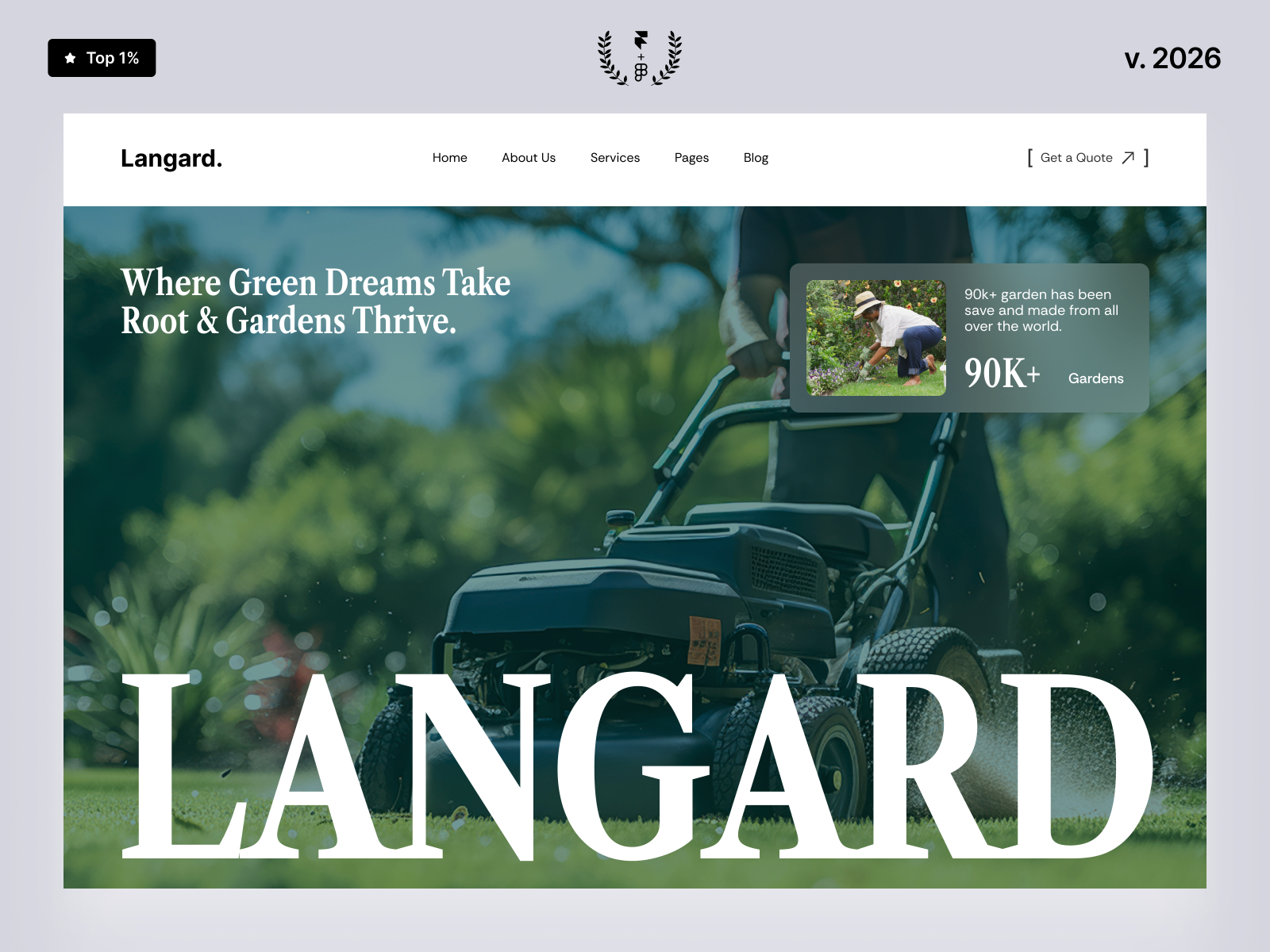
Langard · Portfolio-forward layout where display and body type carry the first impression.
by Tanjim
Langard centers a portfolio narrative with enough text layers across home and project surfaces to make Font Picker hover previews worthwhile — you can compare display cuts on real section headings without rebuilding frames.
- Best for
- Creatives comparing headline families on project and about routes.
 Live Preview
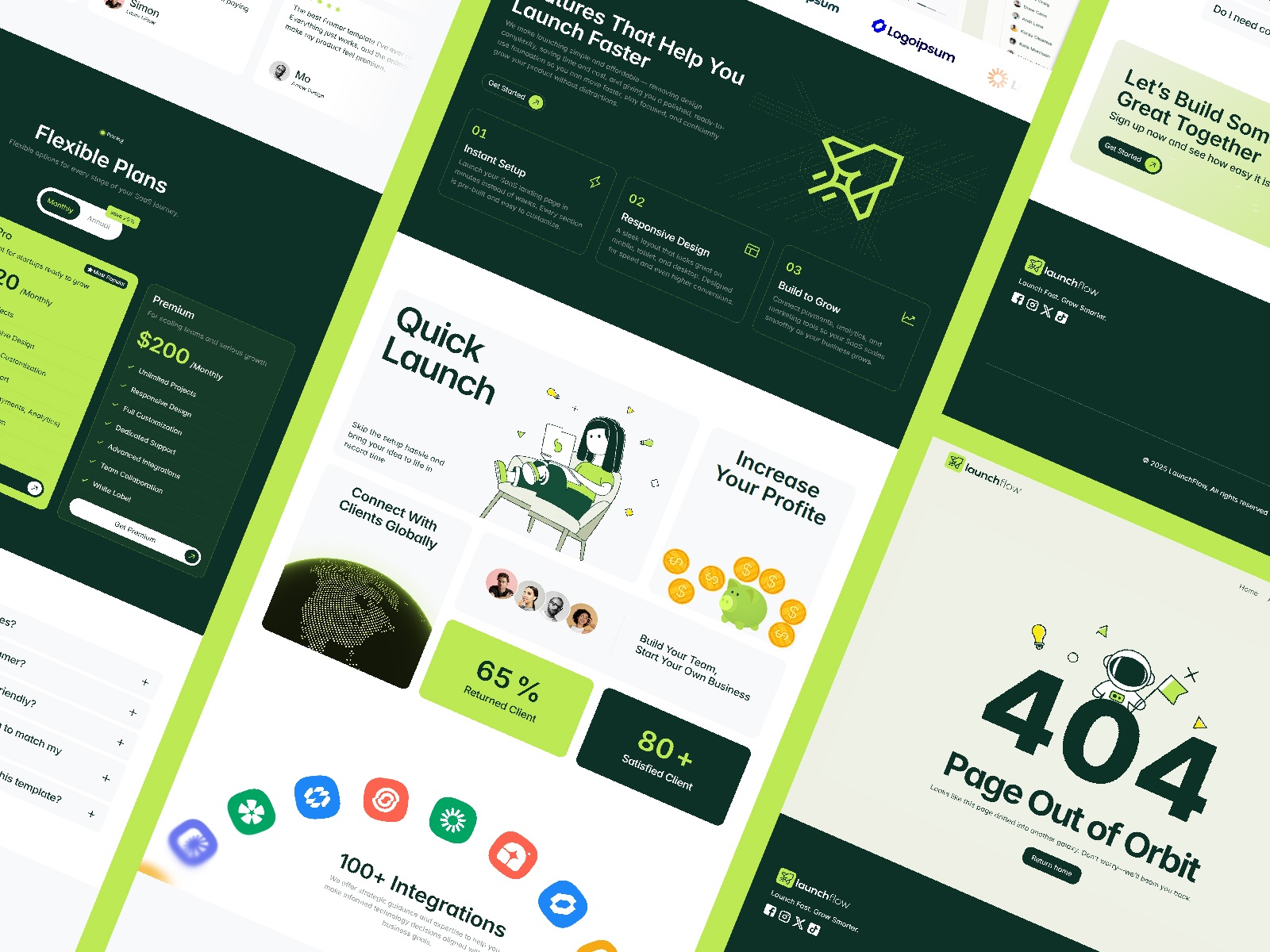
LaunchFlowX · SaaS-style marketing pages with blog CMS — good for hierarchy tuning.
by Md
Launchflowx pairs marketing sections with blog CMS routes — a realistic map for testing how a display face chosen via hover previews holds up on editorial index and detail templates.
- Best for
- Product teams balancing hero display type with readable body copy.
 Live Preview
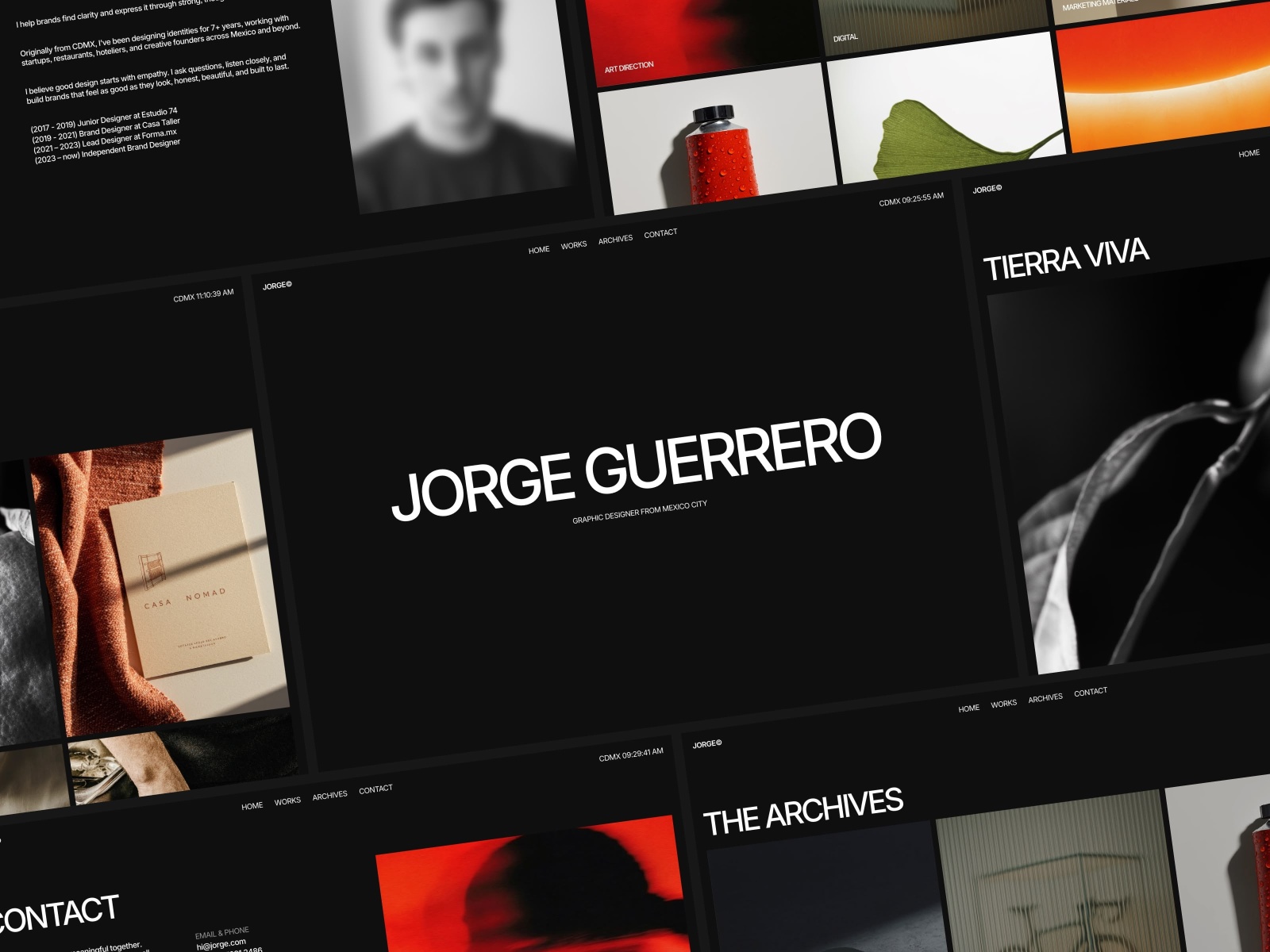
JORGE · Agency-grade marketing template with dense section typography.
by Ludovic Losco
Jorge’s section density gives you multiple heading levels and body blocks in one remix — ideal for a quick hover preview pass before you lock Text Styles for the rest of the site.
- Best for
- Studios that want a polished type scale before client handoff.
Official resources and internal links
- Framer January 2026 update — Font Previews — canonical changelog for this release.
- All Framer updates — adjacent platform releases including Flow Effect and CMS font previews and Bento grids.
- Browse Framer templates on yoframer — remix files to stress-test typography and component hygiene.
- Framer template roundups — curated lists when you need a faster starting point than search.
The bottom line
Instant Font Previews remove the guesswork from the Font Picker: hover, compare on your actual layer, commit once. Pair that with Find for component and vector navigation and the January stability fixes, and typography-heavy projects spend less time in undo loops and more time shipping. If your next build includes a brand refresh, icon import, or design-system cleanup, open Framer, walk through the checklist above, and remix a template from yoframer’s directory before you lock type across every page.
Ready to try it in your own project? Start with Framer.