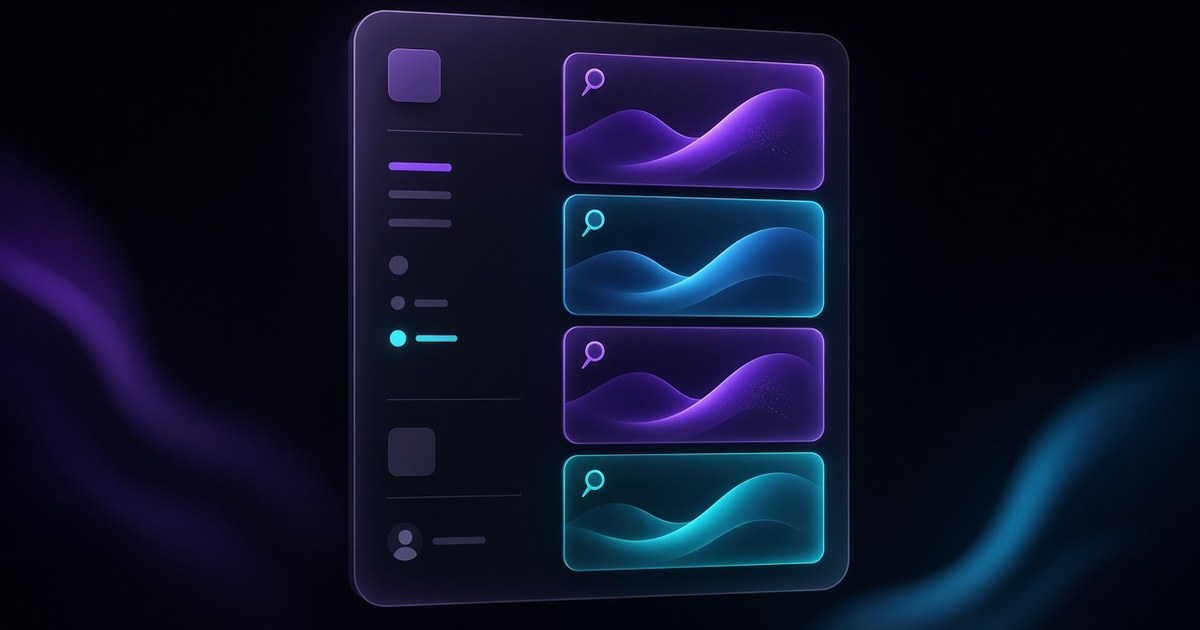
TL;DR — On September 14, 2026, Framer shipped Pinned Projects so you can pin projects to the dashboard sidebar, drag pins into your preferred order, and open active work without scrolling a growing workspace. Pins are private to your account, stored per workspace, and meant for the sites you touch daily: client retainers, a flagship marketing site, and the remix you keep cloning for experiments.
If you juggle more than a handful of Framer files, this is a small feature with outsized daily payoff. Framer’s official post is short and authoritative; this yoframer guide adds how agencies and solo builders should stack pins so the sidebar stays useful after your project count doubles.
Pinned projects at a glance
| Area | Before | Pinned Projects (September 14, 2026) |
|---|---|---|
| Finding active work | Search or scroll the full project grid | Pinned strip in the dashboard sidebar |
| Ordering | Grid sort only | Drag and drop pin order you control |
| Privacy | N/A | Per user, not shared with teammates |
| Scope | One mixed list per login | Per account and workspace pin lists |
| Best fit | Occasional editors | Power users with many live or draft sites |
What’s new in Pinned Projects
1. Sidebar pins for projects you reopen constantly
Framer adds a pin action on dashboard projects (via right-click). Pinned entries live in the sidebar, so your “open every Tuesday” client site, internal design system, and personal portfolio sit one click away instead of buried under newer experiments.
2. Drag to reorder your personal command center
Order is intentional: pin first, then drag pins until the sidebar matches your real priority stack. Retainer sites at the top, archived launches lower, sandbox remixes last. Framer persists that order for you across sessions.
3. Workspace-scoped, private lists
Pins are not a team-wide curated folder. Each teammate maintains their own list, scoped to the workspace you are in. That matches how agencies actually work: the strategist pins analytics landing variants while the developer pins the integration-heavy branch, without overwriting anyone else’s shortcuts.
How to pin and reorder Framer projects
- Open the Framer dashboard and select the workspace that owns the project.
- Right-click the project tile or row and choose Pin (wording matches Framer’s UI on the release page).
- Confirm the project appears in the sidebar pin list.
- Drag pins up or down until the order reflects how you switch context during the week.
- Right-click again to unpin when a launch ships or a client offboards.
Team note: Because pins are private, do not treat them as shared documentation. Keep client codes in your PM tool; use pins for your repeat entry points.
Three workflow recipes to try this week
Agency retainer stack
You support four active clients plus an internal showcase site, and you bounce between them daily.
- Pin each retainer production project and your internal showcase at the top of the sidebar.
- Order pins by stand-up priority: blockers first, waiting-on-client last.
- Unpin within 24 hours of offboarding so the sidebar never looks like a graveyard of old logos.
Founder plus experiments
One public marketing site matters, but you also keep two remix sandboxes for pricing tests.
- Pin the live marketing project first so you never open a draft by muscle memory.
- Pin sandboxes below with names that scream "draft" in the project title itself.
- Reorder once a quarter when a sandbox graduates to production or gets archived.
Launch-week command center
You are shipping a campaign site, a CMS blog, and a staging clone reviewers bookmark.
- Pin staging and production separately so reviewers and you never confuse URLs.
- During launch week, drag production to the top pin slot on go-live morning.
- After launch, keep production pinned and unpin staging unless another sprint starts within two weeks.
Framer templates worth keeping pinned
When a pinned slot is precious, fill it with remix-friendly files you actually reuse. Browse the full free Framer templates hub, or open these CMS-ready starting points and keep them pinned while you fork client variants.
 Live Preview
Designhaus · Agency-grade structure you can pin as your house-style remix.
by Nasir
Designhaus reads like a real studio site out of the box. Pin it as your internal master remix, duplicate for each new client vertical, and swap brand tokens without hunting the marketplace every Monday. Weak spot: you still need to rename projects aggressively or every duplicate looks identical in the grid.
- Best for
- Studios that want a polished client shell to duplicate every time a retainer expands.
 Live Preview
Flexfolio · Portfolio depth for the project you personally reopen to test CMS tweaks.
by Gr8r
Flexfolio gives you enough CMS-driven case studies to stress-test content edits after platform updates. Keep it pinned while you iterate on layout, then unpin once your public portfolio stabilizes. Weak spot: the visual style is strong; budget time to differentiate client forks so they do not all feel like the same template family.
- Best for
- Designers who pin one personal portfolio plus several client sites.
 Live Preview
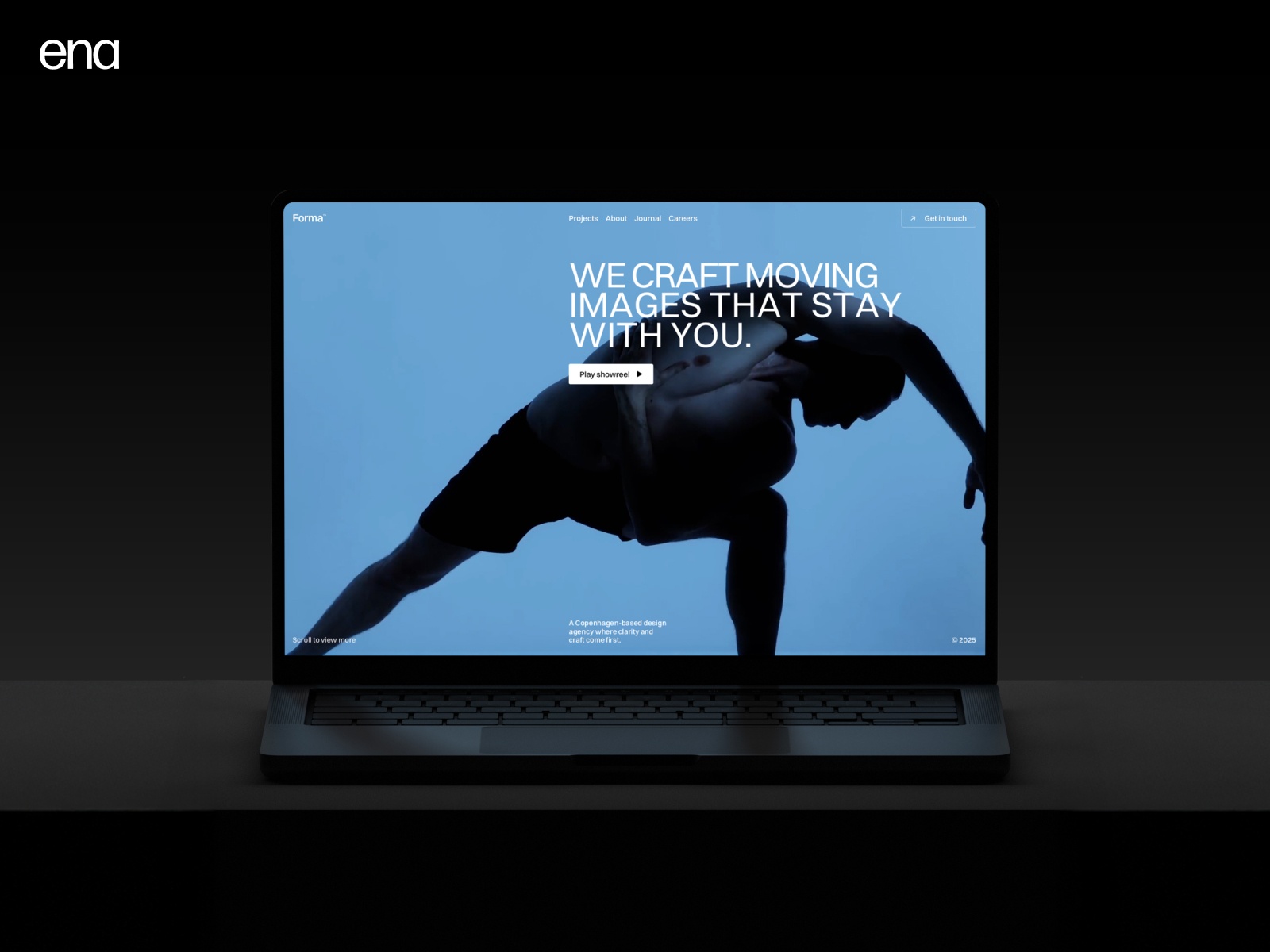
Forma Studio · Clean studio marketing layout for fast stakeholder reviews.
by ena
Forma Studio is the pin you open when a client asks for a quick visual reference without loading a messy work-in-progress file. Remix, strip to essentials, and share. Weak spot: lighter page count than mega-agency packs, so skip it if the client expects a dozen service subpages on day one.
- Best for
- Teams that pin a stakeholder-friendly demo site alongside heavier client builds.
 Live Preview
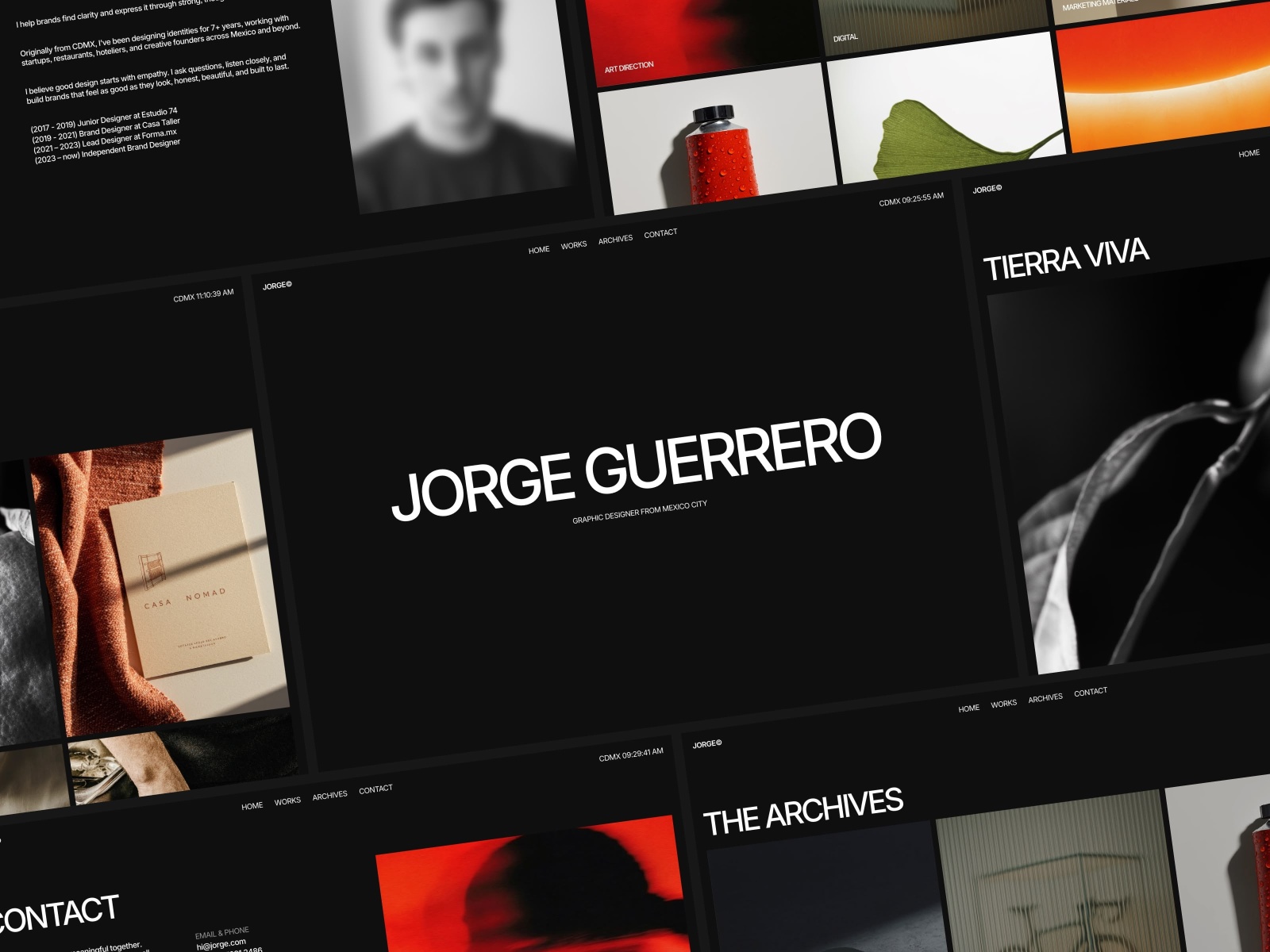
JORGE · Editorial portfolio tone for personal brand work you revisit often.
by Ludovic Losco
Jorge is yoframer’s density benchmark for a reason: rich sections, honest structure, and room to practice typography before you touch client files. Pin it while learning new Framer releases, then graduate to a client-specific remix. Weak spot: the aesthetic is distinctive; it is a mentor file, not a silent white-label base.
- Best for
- Solo builders who pin one personal site and iterate copy weekly.
Official resources and where to go next
- Pinned Projects release notes — canonical feature description (September 14, 2026).
- All Framer updates — adjacent releases including CMS List fields and Agents 3D Transforms.
- More yoframer Framer Updates — practical write-ups when Framer ships editor, CMS, or Agent changes.
- Full template directory — filter thousands of free remixes when a pinned starter goes stale.
The bottom line
Pinned Projects will not replace good naming hygiene or workspace permissions, but it does remove the ten-second tax of finding the same five files every day. Spend ten minutes once to order pins the way you actually context-switch, then treat the sidebar like a personal launchpad. When you need a fresh remix to pin, start from free Framer templates and open Framer to pin the projects that matter this quarter.