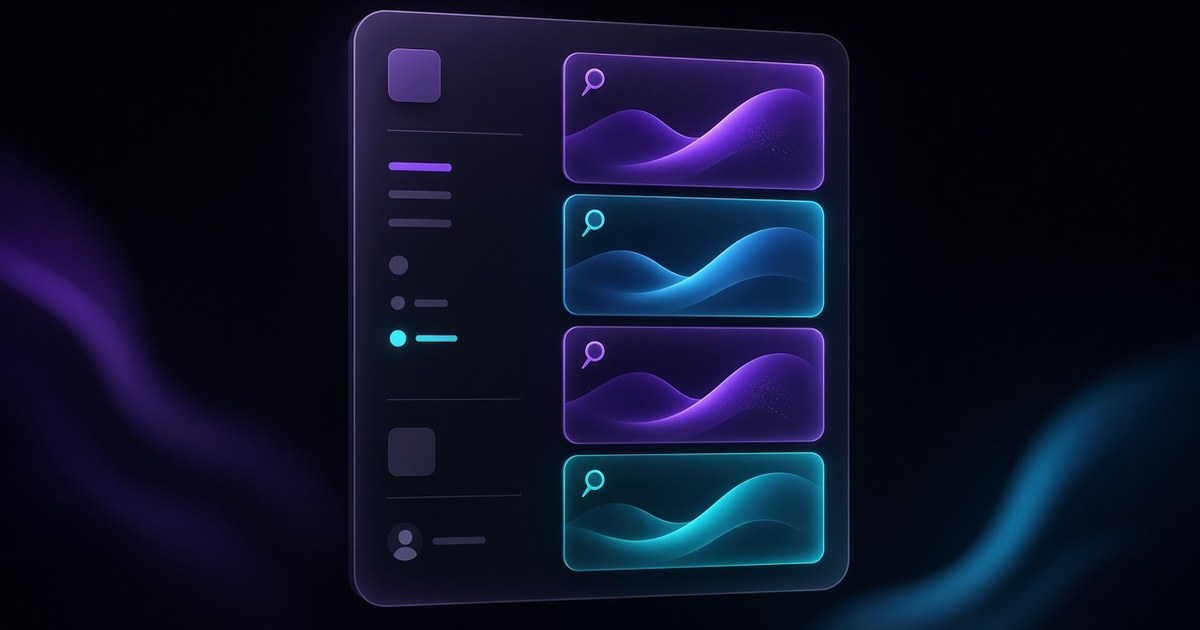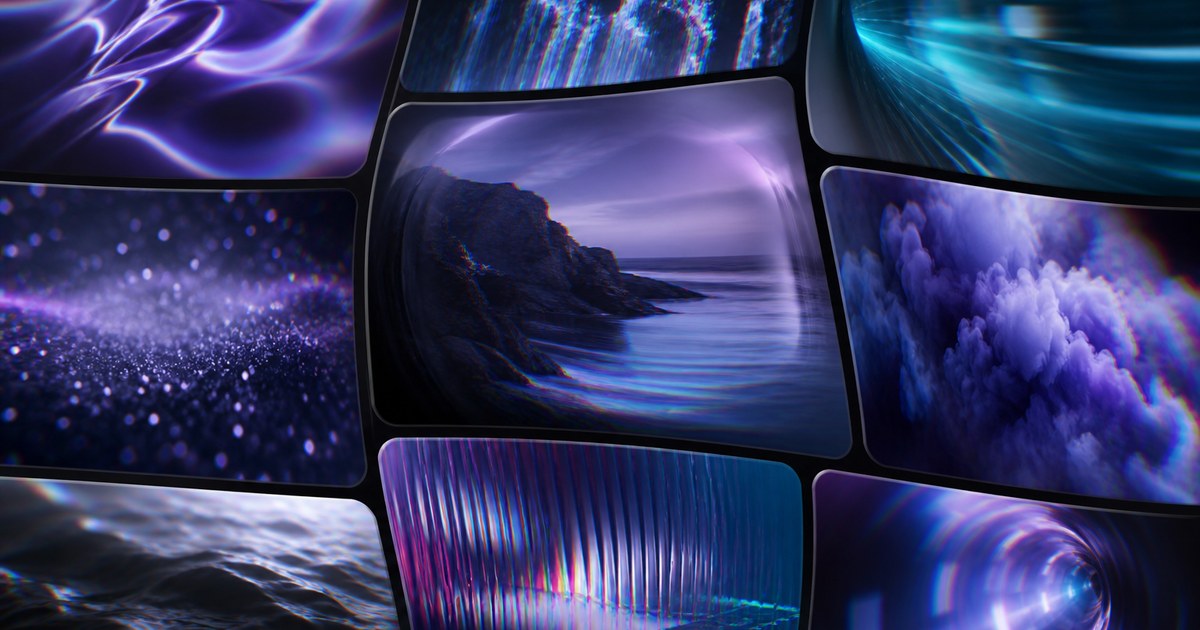
TL;DR — On September 1, 2026, Framer added full 3D Transform support to Agents — Rotate XYZ, Perspective, Origin, Depth, Backface, and the rest of the property stack Agents need for dimensional effects. Framer’s differentiator: 3D layers stay selectable and editable on Canvas after the Agent finishes, built from normal Frames and Effects rather than a locked render. Framer’s showcase logo animation used Opus 5 Fast with light reasoning.
If you have been hand-keyframing perspective on logo marks while wishing Agents could reach the same panel, this release closes that gap. The sections below translate Framer’s announcement into what to prompt, which model settings Framer demonstrated, and how to keep 3D work remix-friendly on client files.
Agents 3D transforms at a glance
| Property cluster | What Agents can set | Practical use |
|---|---|---|
| Rotate XYZ | Rotation on all axes | Logo flips, card tilts, subtle hero parallax |
| Perspective | Scene depth and vanishing read | Product mockups that feel dimensional, not flat |
| Origin | Transform pivot point | Spins that hinge from a corner or center mark |
| Depth / Z translation | Layer separation in 3D space | Stacked UI cards, floating badges, layered type |
| Backface | Visibility of reverse sides | Flip animations and reveal loops |
| Canvas editability | Layers remain selectable post-Agent | Client revisions without rerunning the whole prompt |
| Prior release | How 3D Agent support extends it |
|---|---|
| Reasoning and Fast Mode | Framer’s demo pairs Opus 5 Fast + light reasoning for creative 3D iteration |
| Opus 5 in Agents | Opus-class planning quality when 3D must align across nav-heavy sites |
| Logo Shaders | Shader-driven logo polish plus native 3D transforms on Frames when you need both |
| July canvas capabilities | Agents already touch Page Effects and overlays; 3D transforms add another motion lever |
What Agents 3D transforms change
1. Full 3D Transform coverage in Agent prompts
Before September 1, dimensional work often meant manual property edits or shader shortcuts while Agents handled flatter layout tasks. Framer now documents all 3D Transform properties as in scope for Agents, including the axes and scene controls designers already know from the Canvas inspector.
That matters for creative agencies and product marketing teams who want Agent speed on logo loops, hero cards, and launch teasers without surrendering fine control after the first pass.
2. Editable Canvas layers, not a black box
Framer stresses a workflow detail competitors often skip: 3D layers remain selectable and customizable on Canvas. The September 1 logo animation example is built from fully editable Frames and Effects. You can nudge Origin after the Agent run, duplicate a layer for a second variant, or restyle fills without regenerating from scratch.
For retainers, that editability is the difference between shipping and opening a ticket to rerun the Agent.
3. Proof point: logo animation with Opus 5 Fast
Framer’s release page shows a logo treatment built in Framer using Agents. The documented stack: Opus 5 Fast with light reasoning. That is a signal for scoped creative prompts (one mark, one hero, one component variant), not a mandate for every 3D task.
When a 3D pass spans multiple routes or shared components, consider higher reasoning on a branch and compare staging quality before you merge.
How 3D transforms fit the Agents stack
Framer’s 2026 Agent arc moved from breadth (July canvas capabilities) to control (August reasoning and Fast Mode) to creative depth (September 3D transforms):
- July 29 canvas expansion — Page Effects, overlays, CMS video, richer summaries.
- August 12 reasoning + Fast Mode — planning depth and Opus 5 acceleration in the picker.
- September 1 3D transforms — Agents can wire native dimensional properties on Frames and Effects.
Read together, Framer is pushing Agents from layout assistant toward motion-capable co-designer, while keeping Canvas as the source of truth you can still hand-edit.
How to use Agents for 3D transforms
- Branch the project — never benchmark 3D Agent output on production main.
- Scope one focal treatment — logo lockup, hero product stack, or pricing card tilt; avoid “make everything 3D” prompts.
- Start with Opus 5 Fast + light reasoning for creative loops, matching Framer’s documented demo pairing.
- Name the properties you care about — e.g. “Rotate Y on hover, Perspective 1200, Origin bottom center” — so the Agent does not guess pivots.
- Inspect layers on Canvas after the run; tweak Origin and Depth manually before requesting a second Agent pass.
- Stage and performance-check — preview on mobile; reduce simultaneous animated 3D layers above the fold if scroll stutters.
- Merge only after human QA — Agent depth is fast to iterate, but client brands still deserve a final eye on motion timing.
Three workflow recipes to try this week
Logo mark tilt loop at light reasoning
A client wants a subtle 3D flip on their SVG logo for a launch teaser — one component, no sitemap changes.
- Branch, select Opus 5 Fast with light reasoning (Framer's documented demo pairing).
- Prompt: add a slow Rotate Y loop on the logo Frame only — set Perspective and Origin bottom-center; do not change nav or footer.
- Scrub Origin and Depth on Canvas after the run; merge when the loop reads clean at mobile width.
Hero product card stack with Depth
A SaaS homepage needs three feature cards separated in Z space with a shared perspective scene.
- Branch and scope the hero section only — reference existing card Frames by name if possible.
- Prompt: apply shared Perspective to the hero container; translate each card on Z with slight Rotate X; preserve copy and CMS bindings.
- Review backface visibility and shadow overlap in staging before merging to main.
Compare Agent 3D vs manual before client review
You already hand-built a 3D hero; the client asks for a faster variant for A/B staging.
- Duplicate the hero Frame group on a branch; run a light-reasoning Agent pass with explicit Rotate and Perspective targets.
- Toggle between manual and Agent variants in staging; note which layers stayed editable without rerunning the prompt.
- Ship the variant that needs fewer manual Origin fixes — document the winning prompt for the retainer playbook.
Framer templates for 3D Agent experiments
These remix-friendly files give Agents strong hero and brand surfaces without inventing a sitemap from scratch. Open one on a branch when you want to stress-test Perspective and Rotate XYZ on real marketing layout.
 Live Preview
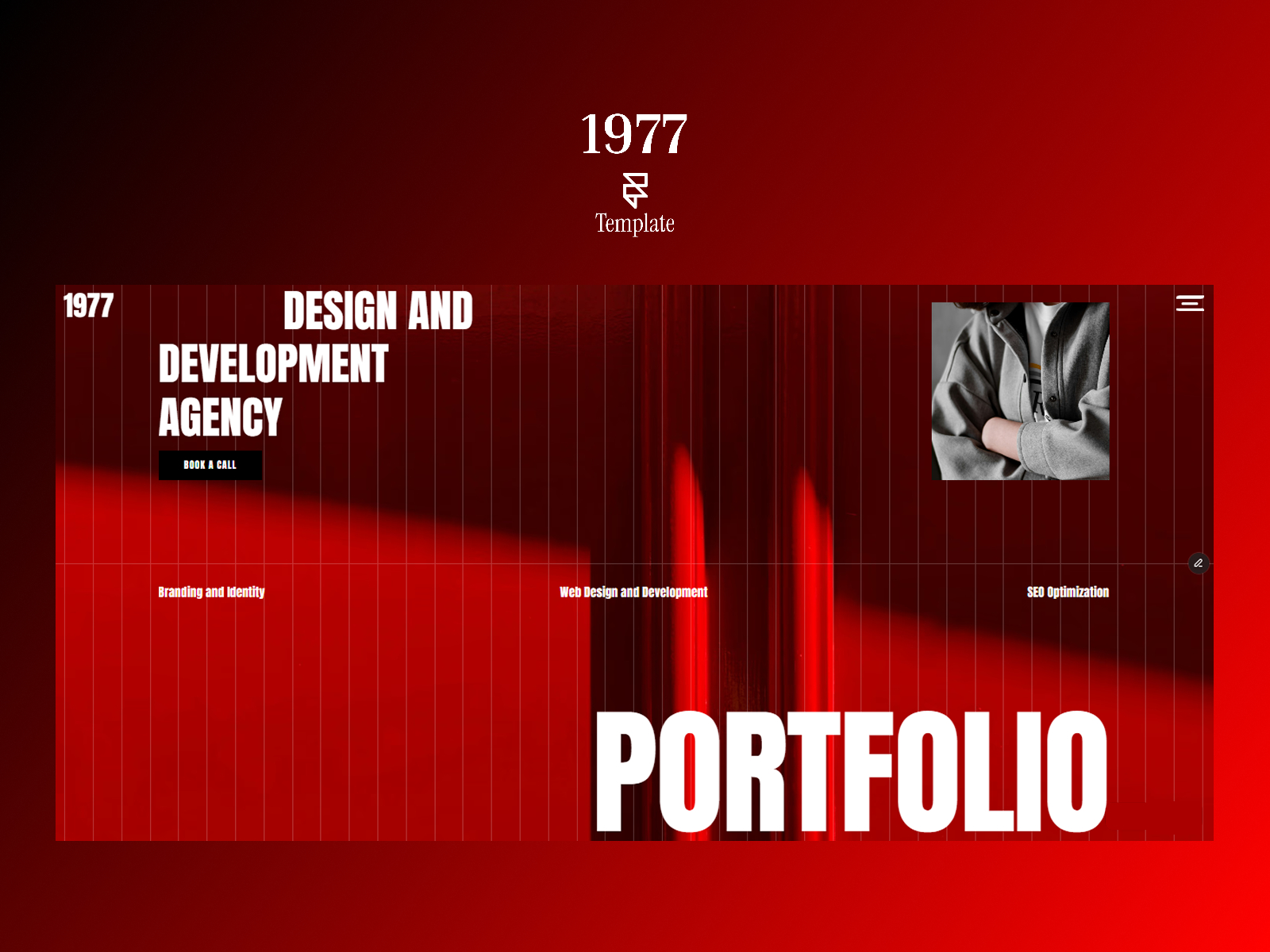
1977 · Bold creative agency home with CMS work index
by EStora
1977’s confident presentation layer is a natural canvas for Agent-built logo depth — the kind of motion creative buyers notice in the first scroll. Skip it if you need a dense multi-product SaaS map; the file stays intentionally tight at three routes.
- Best for
- Logo-forward agency heroes where a dimensional mark treatment sells the studio craft
 Live Preview
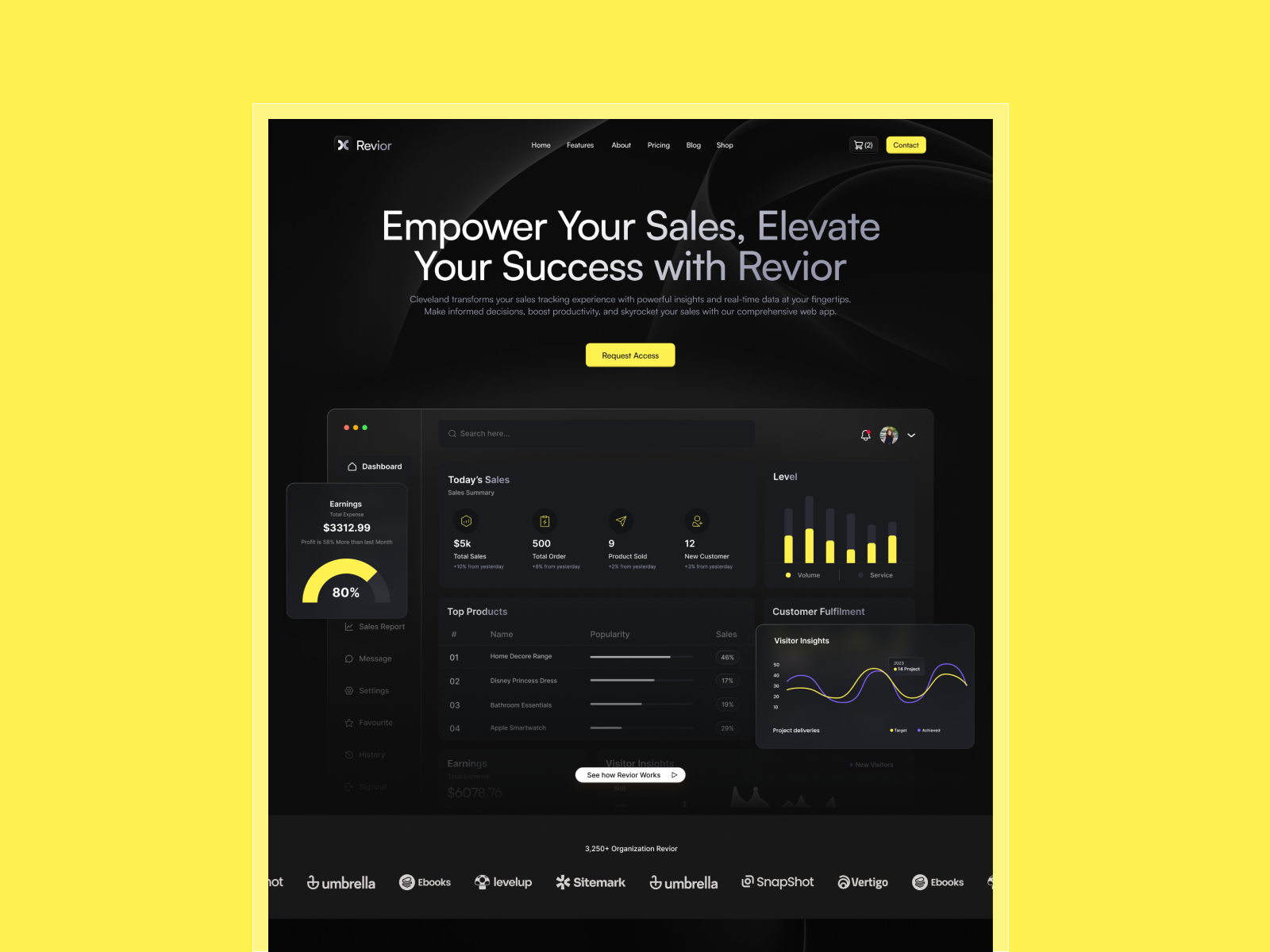
Revior · Dark SaaS hero with pricing and feature hierarchy
by OneFramer
Revior’s hero hierarchy mirrors SaaS launch pages where one 3D card stack can carry the whole above-the-fold story. The five-page scope keeps Agent experiments bounded so you are not debugging depth across a dozen routes.
- Best for
- Product card stacks and feature tiles that benefit from Perspective and Z separation
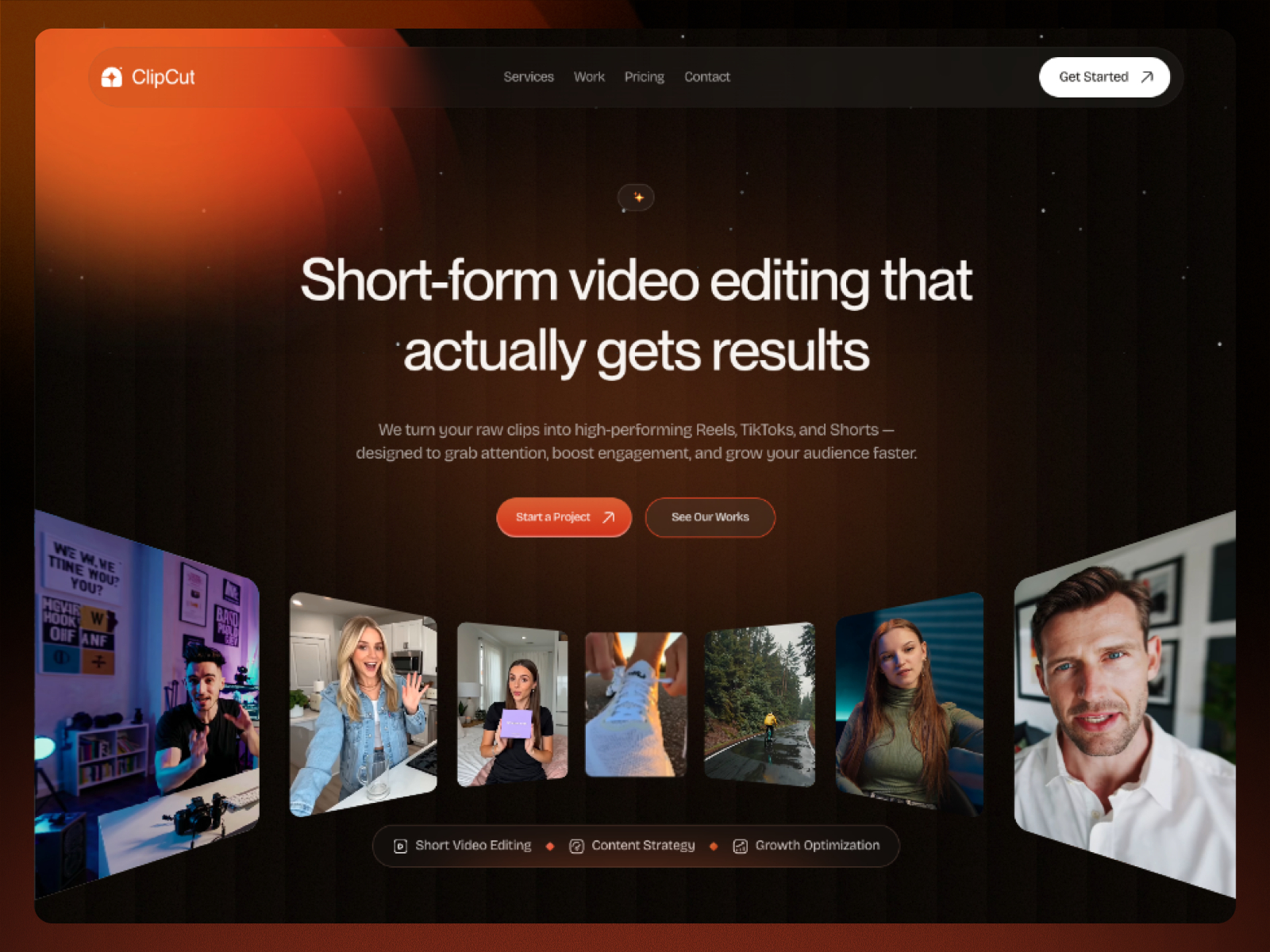 Live Preview
Abstrakt · Creative portfolio with work and about routes
by sabbir
Abstrakt trades CMS depth for creative portfolio angles, which fits early 3D hero sketches on a branch. You will outgrow it if the brief needs a blog CMS on day one, but it is cheap to remix for motion experiments.
- Best for
- Freelancers prototyping dimensional portfolio heroes before client-facing polish
Browse more in the template directory or start from the free Framer templates hub when you want a different niche baseline.
Official Framer resources worth bookmarking
- Agents 3D Transforms release notes — canonical announcement (September 1, 2026).
- Framer Agents product page — task examples and onboarding.
- Opus 5 in Framer Agents — model context for Fast Mode demos.
- Reasoning and Fast Mode — control pairing for creative vs planning-heavy prompts.
- All Framer updates — adjacent releases including Logo Shaders and Video Shaders.
More reading on yoframer
- Framer updates hub — editorial coverage of each major Framer release.
- Agents branching workflow — keep 3D experiments off production main.
- Submit a template or resource — if you ship Agent-friendly motion starters.
The bottom line
Framer Agents gained native 3D Transform support on September 1 — Rotate XYZ, Perspective, Origin, Depth, Backface, and the rest of the dimensional stack, with Canvas layers you can still edit after the run. Framer’s demo pairs Opus 5 Fast and light reasoning for scoped creative loops; scale up reasoning when 3D must align across routes. Branch first, scope one focal treatment, hand-tweak Origin on Canvas, then merge when staging performance holds.