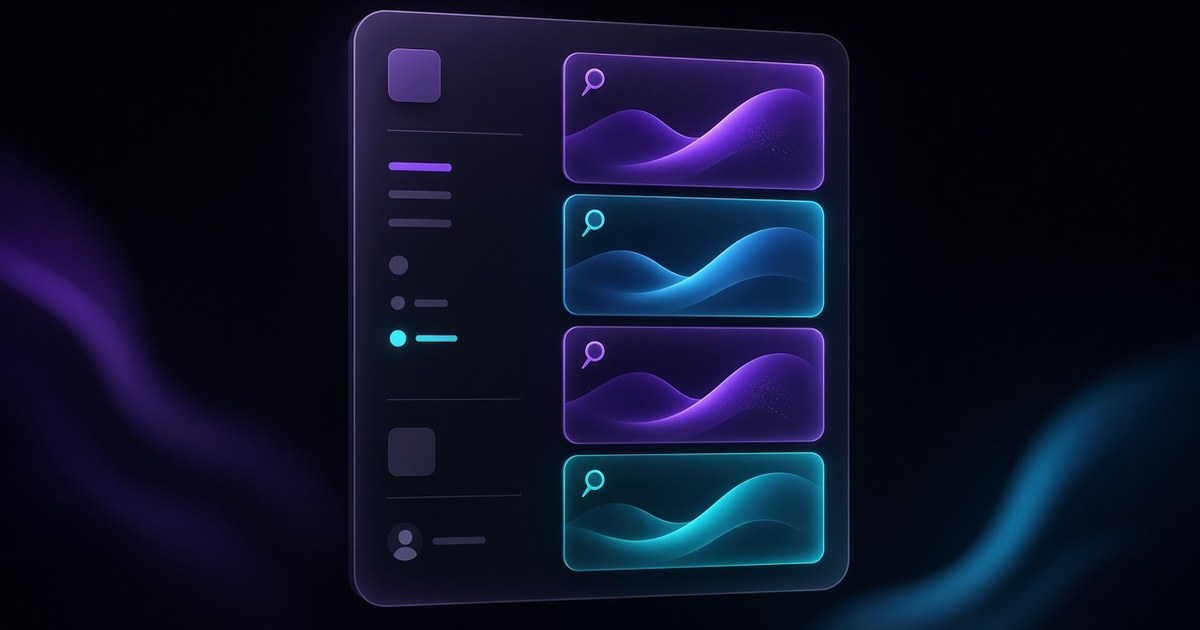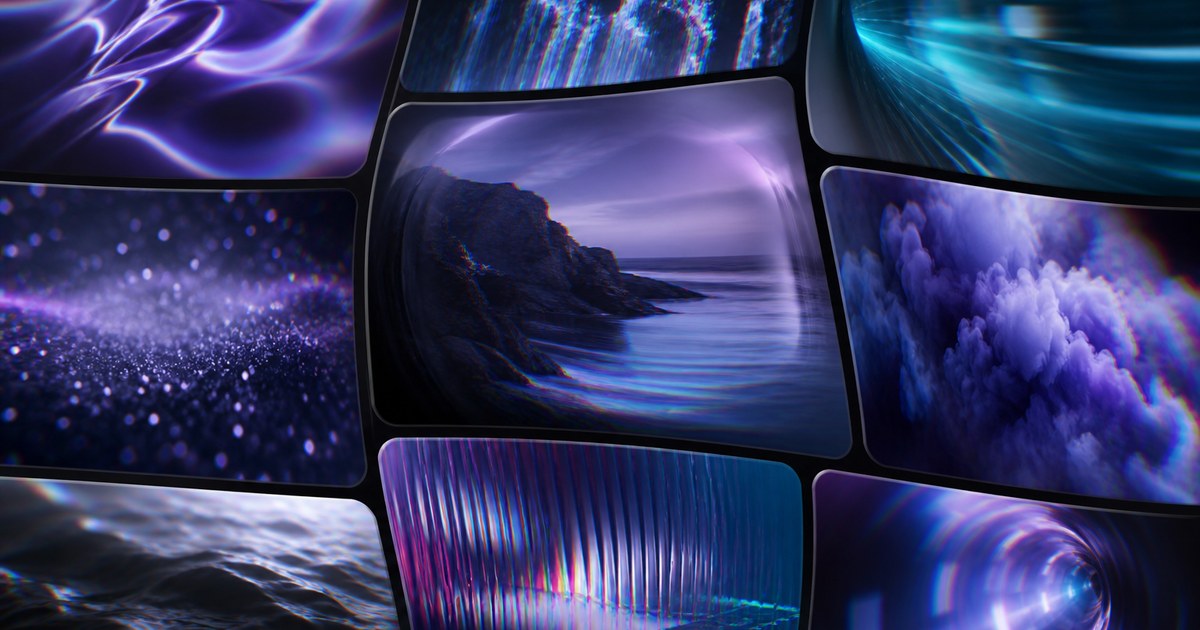
TL;DR — On August 11, 2026, Framer shipped Video Shaders: shaders now accept images and video under Insert → Media. Chromatic Aberration leads the rollout with realtime video preview while you edit, plus glass-like curvature and dispersion controls — high-fidelity lens effects on moving footage without leaving the canvas.
Framer’s shader library started with still-image heroes — gradients, holographic planes, and RGB split on photography. Video Shaders closes the gap between launch loops and static art direction: you can now run Chromatic Aberration on looping footage, watch properties update while the clip plays, and publish web-ready effects in seconds. The sections below translate the release into when video beats stills, how curvature and dispersion read on motion, and which remix-friendly templates give you a credible media hero to test against.
Video shaders at a glance
| Lens | What shipped | Why it matters on client sites |
|---|---|---|
| Input type | Images and video under Media in Insert | One shader workflow for hero loops and still campaigns — no round-trip to motion tools for basic lens character |
| Lead shader | Chromatic Aberration with video support | Extends the March image release to moving brand moments |
| New controls | Glass-like curvature and dispersion | Adds optical depth beyond flat RGB split — reads premium on product reels and fashion loops |
| Editor UX | Realtime video preview while tuning properties | Art direction happens on motion, not from a frozen frame guess |
| Publish path | Web-ready effects from the same canvas | Marketing can ship cinematic heroes without a separate WebGL or After Effects pass |
| Prior shader release | How Video Shaders extend it |
|---|---|
| Chromatic Aberration (images) | Same shader family — now accepts video fills plus curvature and dispersion |
| Shaders Insert panel | Media grouping clarifies image vs video inputs in one library surface |
| Holo Shader | Holo stays gradient-class; Video Shaders target footage and photography under Media |
What video shaders change
1. Media replaces image-only mental models
Framer now groups images and video shader inputs under Media in the Insert panel. That naming shift matters for teams who treated shaders as hero still tools — the same Chromatic Aberration you auditioned on photography can sit on a looping background or product reel without switching effect stacks.
2. Chromatic Aberration leads with video-native controls
The August 11 update starts with Chromatic Aberration — sensible, because RGB split and lens fringe already had a clear art-direction language on stills. The addition of glass-like curvature and dispersion pushes the look toward premium optics rather than flat channel offset. On video, subtle curvature can sell depth; dispersion can echo anamorphic or prismatic briefs without rebuilding the hero in a motion suite.
3. Realtime preview while footage loops
Framer emphasizes that videos play in realtime as you edit shader properties. That is the practical unlock: distortion that reads fine on a poster frame can smear product detail once motion starts. Tuning while the loop runs catches edge cases — pulsing fringe, readable typography windows, and moments where the subject needs a calmer still.
4. High fidelity without a separate publish pipeline
Framer positions the release as high-fidelity effects, web-ready, published in seconds. For many marketing sites, that means one Framer project carries layout, CMS, and shader-treated video — valuable when launch timelines cannot absorb a round-trip export from Premiere or After Effects for a single hero band.
5. Changelog in designer language
| Theme | Paraphrased capability | Practical takeaway |
|---|---|---|
| Inputs | Images + video under Media | Pick footage when the brief demands motion; keep stills when performance or clarity wins |
| Lead effect | Chromatic Aberration on video | Start from modes you know on images — then tune curvature and dispersion for motion |
| Controls | Glass curvature, dispersion | Document approved ranges so client editors do not chase “more lens” into unreadable product shots |
| Editor | Live preview on video | Review three loop cycles minimum before sign-off — fringe behaves differently frame to frame |
| Library | First video-capable shader in the rollout | Watch Insert → Media for additional shaders — do not assume the whole library accepts video yet |
How video shaders fit the shader library
If you are mapping Framer’s visual-effects timeline, treat Video Shaders as the motion layer on top of an already mature Insert → Shaders story. Logo Shaders animate marks; Holo paints iridescent planes; Chromatic Aberration split channels on stills. August 11 adds footage to that last lane — and reframes Chromatic Aberration with curvature and dispersion that read differently when pixels move.
For teams shipping shader-heavy launches, pair this release with our Shaders Insert panel guide so new editors know where Media lives relative to gradient and logo classes.
How to try video shaders from the Insert panel
- Open a project with a hero video — short loop, large fill, minimal competing effects.
- From Insert, open Media (or the shader path Framer groups under Media) and apply Chromatic Aberration to the video layer.
- Let the clip loop while you adjust curvature and dispersion at low strength — note readability on product edges and faces.
- Cycle familiar distortion modes from the image release if exposed — confirm which settings survive motion without smearing the subject.
- Preview desktop and mobile published views; if phones stutter, reduce simultaneous shader instances or swap to a calmer still on narrow breakpoints.
New to Framer? Start free on Framer and remix one of the templates below so you are not inventing a launch layout from scratch.
Three workflow recipes to try this week
Cinematic hero loop for a product drop
Marketing wants a looping reel behind headline and CTA, with lens character that feels premium—not a broken export.
- Place Chromatic Aberration on a short hero loop under Insert → Media.
- Tune curvature and dispersion while the clip plays; pause when product silhouettes stay readable for three loops.
- Keep typography on a darkened or blurred backing so RGB fringe does not compete with the headline.
Fashion or editorial reel with glass dispersion
A creative director references prismatic glass and anamorphic fringe on moving lookbook footage.
- Start dispersion low and increase until fringe hugs edges without washing skin tones.
- Pair with restrained type scales so motion and shader energy carry the first screen.
- Document approved curvature ranges in component notes for client editors.
Performance-aware fallback for mobile
Desktop can carry full video plus shader; mobile budgets need a credible compromise.
- Ship the richest curvature and dispersion only on desktop breakpoints.
- On narrow viewports, crossfade to an undistorted still frame or lighter dispersion.
- Avoid stacking Video Shaders with Holo or Logo Shaders in the same viewport.
Who benefits most
- Product marketers refreshing launch pages where looping hero video replaces static key art.
- Brand and motion designers who previously exported lens treatments from other tools just to place them on web heroes.
- Creative agencies standardizing Media shader presets across remix files — curvature and dispersion give clients clearer vocabulary than “more RGB.”
- Portfolio and studio sites where showreel loops deserve the same shader polish as still case-study photography.
Framer templates for video-shader launches
These files already lean on bold heroes or media-forward sections — useful sandboxes for Video Shaders without rebuilding page scaffolding.
 Live Preview
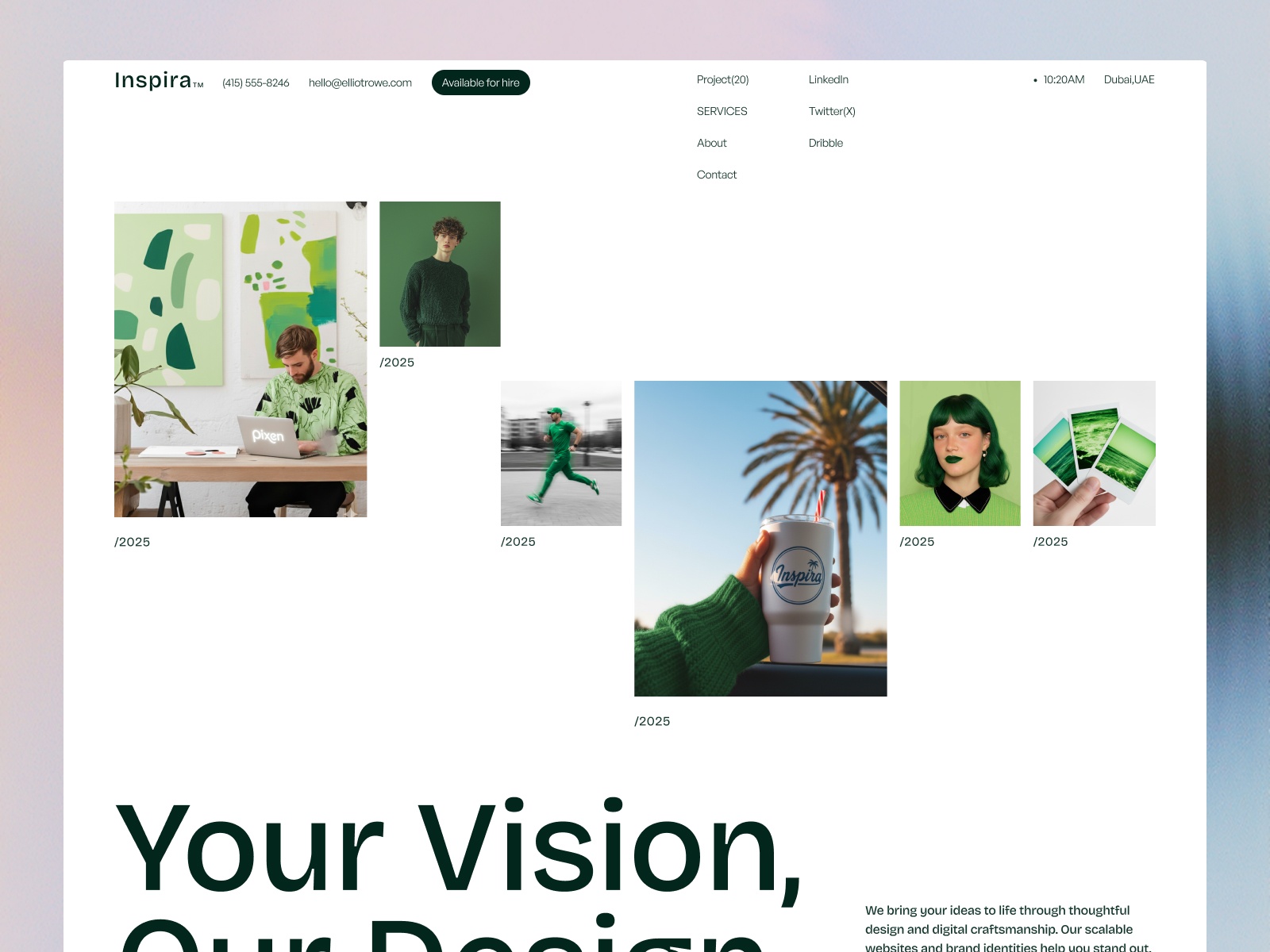
Inspira · Creative portfolio with confident media frames
by AirDokan
Inspira’s portfolio-first layout gives you wide media frames behind restrained type — ideal for testing Chromatic Aberration on looping work samples without destabilizing CMS-driven project grids below the fold.
- Best for
- Freelancers and studios that need a credible showreel or case-study hero while shader experiments stay on-brand
 Live Preview
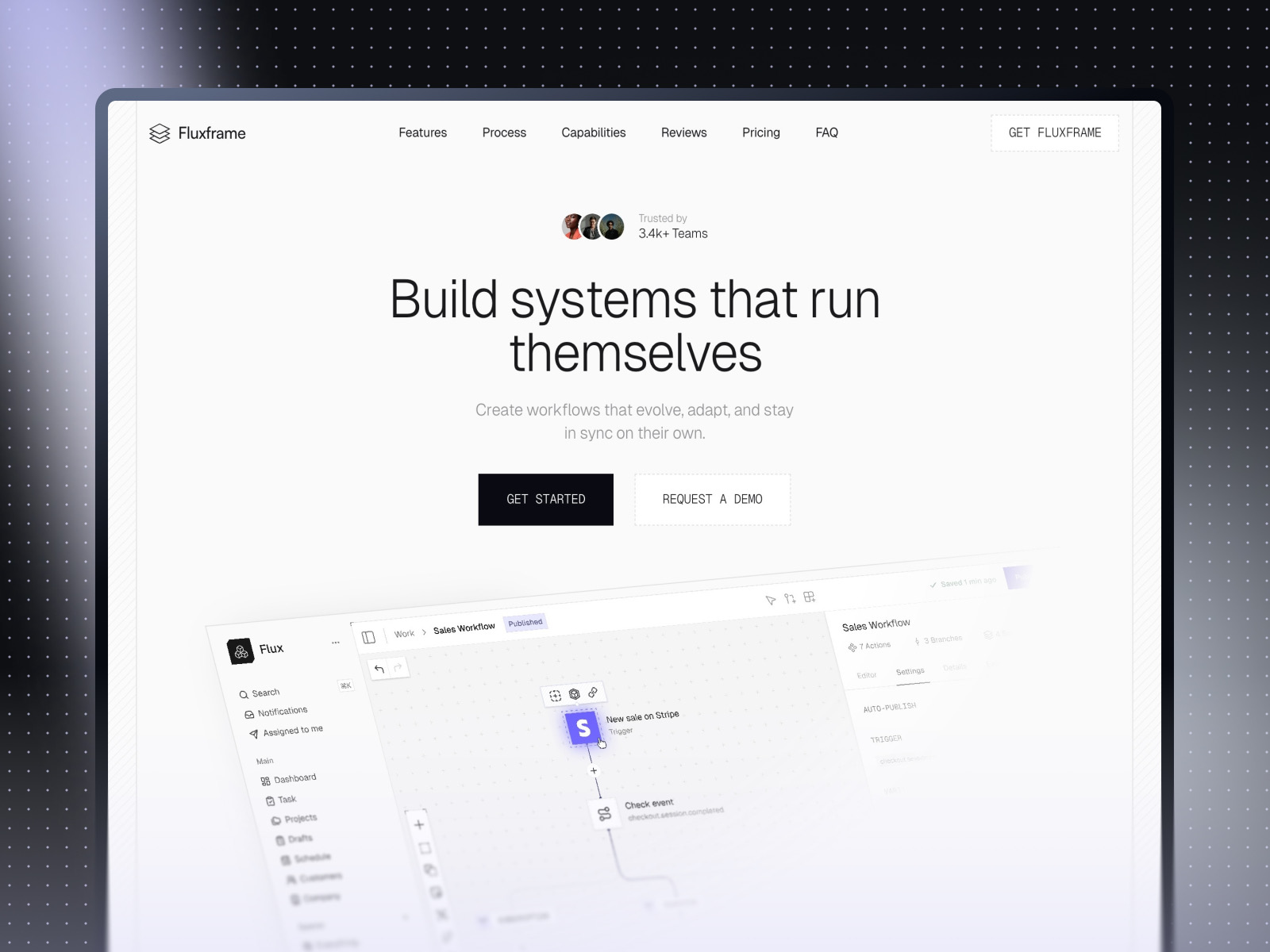
Fluxframe · Two-page SaaS landing built for motion
by Brice Deguigne
Fluxframe’s motion-first hero philosophy pairs naturally with video shader inserts — use Media → Chromatic Aberration on a hero loop while scroll interactions stay the narrative spine.
- Best for
- Product launches that lean on scroll choreography and animated hero bands
 Live Preview
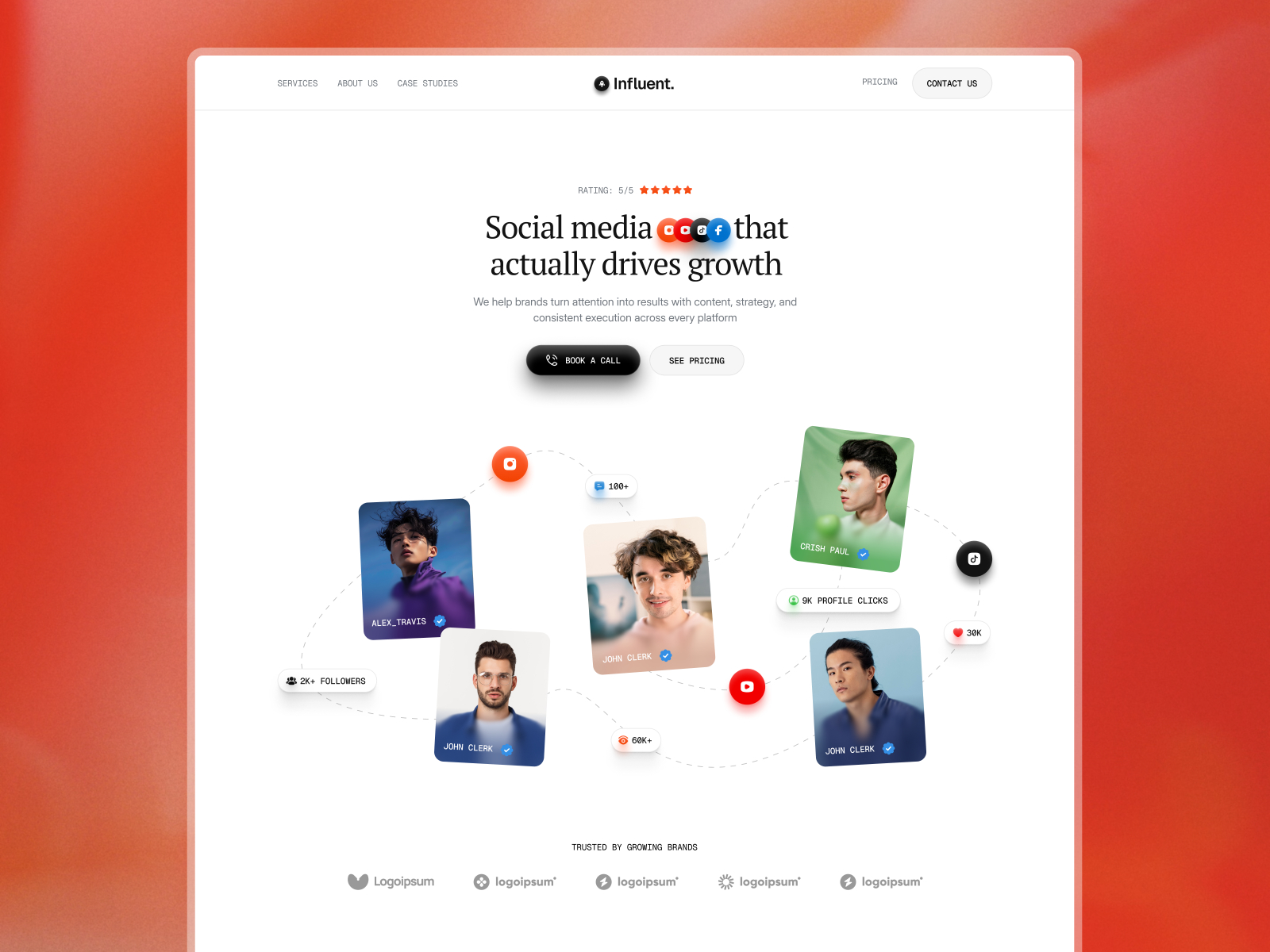
Influent · Agency-ready social and campaign storytelling
by Arini
Influent’s high-contrast, media-flexible sections suit campaign loops with dispersion and curvature — test shader intensity against client logos before you ship the full case-study grid.
- Best for
- Digital-native agencies pitching motion grabs and campaign reels to social-first clients
Hungry for more curated starting points? Browse Framer template roundups or open the full template directory.
Official Framer resources worth bookmarking
- Framer Video Shaders release notes — canonical feature description from Framer (August 11, 2026).
- All Framer updates — adjacent releases including Agents reasoning and Fast Mode and Plugins 4.1.
- Framer developers changelog — pair with product updates when you ship custom components alongside shader-heavy pages.
More reading on yoframer
- Framer updates hub — editorial breakdowns of major Framer releases.
- Framer Chromatic Aberration (images) — baseline modes and image-only workflow before you add video.
- Resources hub — kits and components that extend motion and visual systems.
The bottom line
Video Shaders extend Framer’s Media lane so Chromatic Aberration runs on moving footage — with realtime preview, glass-like curvature, and dispersion you tune while the loop plays. Treat video shaders as hero media tools: keep subjects readable, test on real devices, and remix templates that already expect motion-forward storytelling.