TL;DR — On July 1, 2026, Framer added Sonnet 5 to the Agents model lineup — Anthropic’s latest Sonnet tuned for co-design on the canvas. Framer’s early testing says it beats Sonnet 4.6 on layout, visual direction, font selection, and considered copy, with eval accuracy up from 72% to 90% while using fewer credits. It runs at 0.6× the credit cost of GPT 5.5, with introductory pricing from Anthropic through August 31, 2026.
Framer’s note is brief; this article adds workflow context for teams already running Agents on the canvas — when Sonnet 5 earns its slot in the model picker, what to expect from the slightly more deliberate pacing Framer describes, and how to test it on real projects without burning credits on empty files.
Sonnet 5 at a glance
| Dimension | Sonnet 4.6 (prior) | Sonnet 5 (new) |
|---|---|---|
| Layout and visual direction | Capable baseline for Agent edits | Framer reports stronger original design instincts |
| Typography | Adequate font swaps | Sharper font picks and more considered type treatment |
| Copy and images | Generic rewrites common | More purposeful image use; sharper design questions before big edits |
| Framer eval accuracy | 72% | 90% |
| Credit efficiency vs GPT 5.5 | — | 0.6× GPT 5.5 credit usage per Framer |
| Pacing | Faster first response | Slightly more upfront thinking, strong net efficiency in Framer’s tests |
| Task type | Good Sonnet 5 fit | Consider Opus / heavier GPT instead |
|---|---|---|
| Hero layout variants on a branch | ✓ | Multi-page information architecture from scratch |
| Font and Text Style refresh across a template | ✓ | Deep code-component refactors with edge cases |
| CMS collection copy pass | ✓ | Long-running audit spanning dozens of SEO fields |
| Image-forward section with art direction | ✓ | Novel interaction logic requiring extended reasoning |
What Sonnet 5 changes in Framer Agents
1. Design partnership, not just execution speed
Framer frames Sonnet 5 as a stronger partner for original design work — not merely a faster autocomplete for layers. That shows up in sharper questions before large edits: the model probes layout intent, hierarchy, and brand constraints instead of flattening everything into a generic SaaS hero.
For agencies, that matters on client-facing branches where a bad Agent pass still costs review time even when production stays untouched.
2. Typography and copy quality
Two pain points in early Agent workflows were font roulette and marketing copy that sounded templated. Framer specifically calls out better font selection and more considered writing on Sonnet 5.
Pair this with Instant Font Previews in the manual editor: run Sonnet 5 for an Agent-driven type scale pass, then validate hover previews yourself before merge.
3. Purposeful image use
When prompts reference photography, illustrations, or hero media, Sonnet 5 is more deliberate about images — placement, crop logic, and when not to drop stock clutter. That pairs well with shader-forward hero work in the Holo Shader and Insert panel Shaders library releases, where art direction and performance both matter.
4. Accuracy and credit math
Framer published internal eval numbers: 90% accuracy on Sonnet 5 versus 72% on Sonnet 4.6, with lower credit cost than 4.6 despite the quality lift. Against GPT 5.5, Sonnet 5 uses 0.6× the credits — meaningful for teams running daily Agent sessions across client sites.
Anthropic’s introductory pricing (33% off through August 31, 2026) adds a window to benchmark Sonnet 5 on production-shaped projects before standard rates apply.
5. Who benefits most
- Agencies running Branching for client layout experiments
- Founders iterating hero and pricing sections without hiring a copywriter for every pass
- Designers who want an Agent that asks better questions before overwriting components
- Teams watching AI credits who need GPT-class output at sub-GPT burn
How to select Sonnet 5 in Framer
- Open a project with real pages — Sonnet 5 shines on credible structure, not empty files.
- Launch Agents from the Framer 3.0 editor chrome (Agents product page for UI reference).
- Open the model picker and select Sonnet 5 (alongside Sonnet, Opus, and GPT options Framer already exposes).
- Spin up a branch if the prompt will touch multiple pages — keep
mainclean until you review the staging URL. - Write a scoped prompt — one section, one collection, or one responsive breakpoint — so you can judge accuracy without a credit-heavy site-wide rewrite.
- Compare against Sonnet 4.6 or GPT 5.5 on the same prompt once; Framer’s eval gap is most visible on typography and layout tasks.
- Merge or discard from the branch changelog when the staging preview matches client expectations.
If you automate outside the app, External Agents can still participate — but Sonnet 5 availability applies to Framer’s in-app Agent stack per the July 1 release notes.
Three workflow recipes to try this week
Typography scale refresh on a branch
A SaaS marketing site mixes three font families after months of Agent and manual edits — you need consistency before launch.
- Create a branch and select Sonnet 5 in the Agent model picker.
- Prompt: audit Text Styles on Home and Pricing, propose one display + one body pairing, apply to those pages only.
- Review staging, then manually spot-check with Font Previews before merging to main.
Hero layout iteration with sharper questions
Your client wants three hero directions for a product launch — copy, layout, and image placement all move together.
- Remix a template with a strong hero (see picks below) and branch before prompting.
- Ask Sonnet 5 for two layout variants that keep the same headline intent but change hierarchy and media placement.
- Screenshot staging URLs for async client review — discard branches that feel generic before you merge a winner.
CMS blog copy pass without flattening voice
Ten draft CMS rows read like placeholder lorem — you need a considered tone pass before publishing.
- Open CMS 3.0 table view and note collection field names the Agent should respect.
- Run Sonnet 5 on a branch: rewrite excerpts and titles for rows in Draft only, preserve slug fields.
- Publish staging, read aloud for robotic phrasing, then merge if the voice matches brand guidelines.
Framer templates to stress-test with Sonnet 5
These remix-friendly files give Sonnet 5 real pages and CMS hooks — the fastest way to feel the accuracy lift Framer reports versus Sonnet 4.6.
 Live Preview
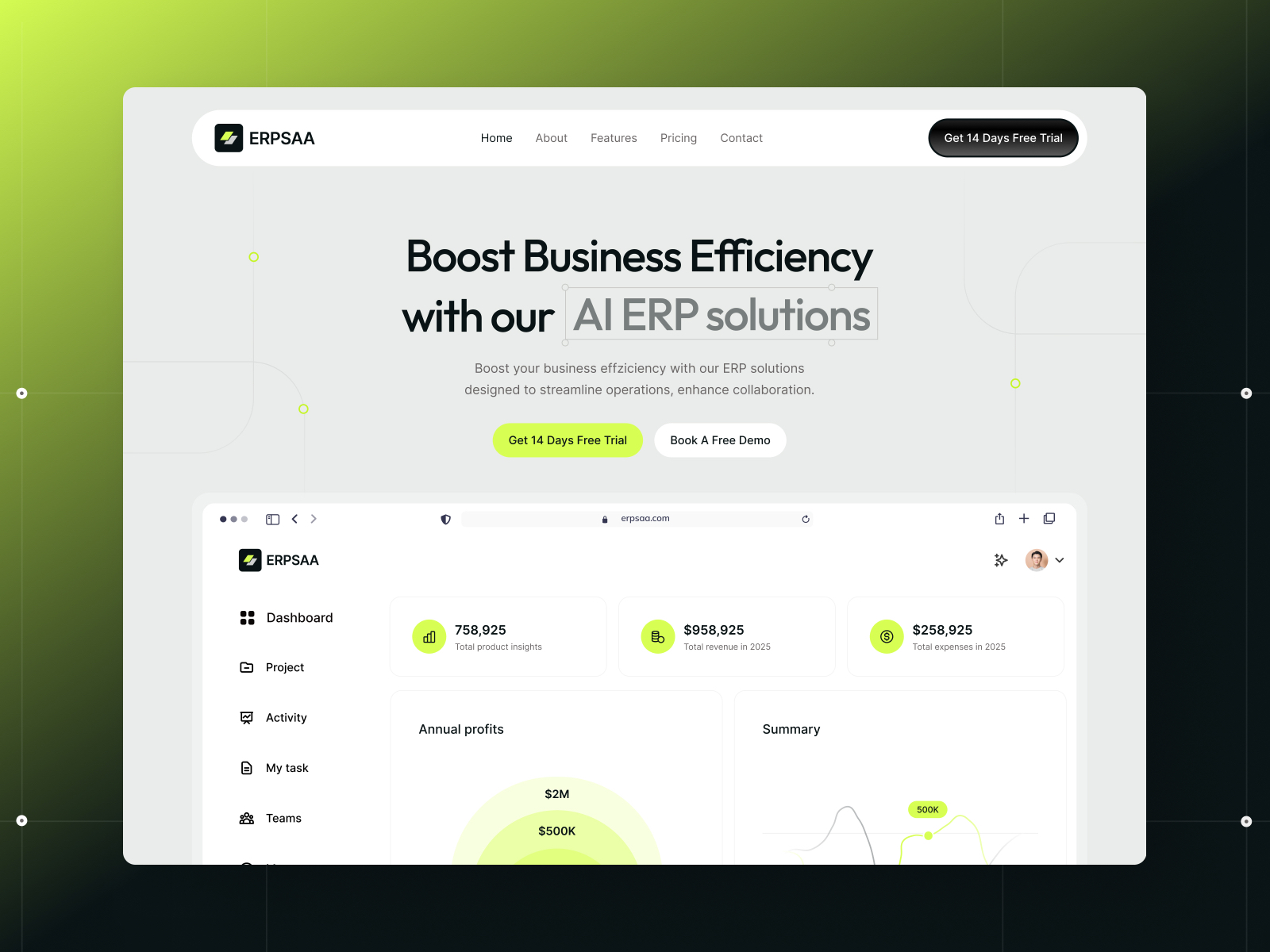
ERPSAA · Sixteen-route SaaS file with CMS blog
by Gr8r
ERPSAA ships home, pricing, features, blog, and integration routes with CMS collections — enough structure for Sonnet 5 to practice scoped section rebuilds without a blank canvas.
- Best for
- Teams benchmarking Sonnet 5 on multi-page layout and CMS-aware prompts
 Live Preview
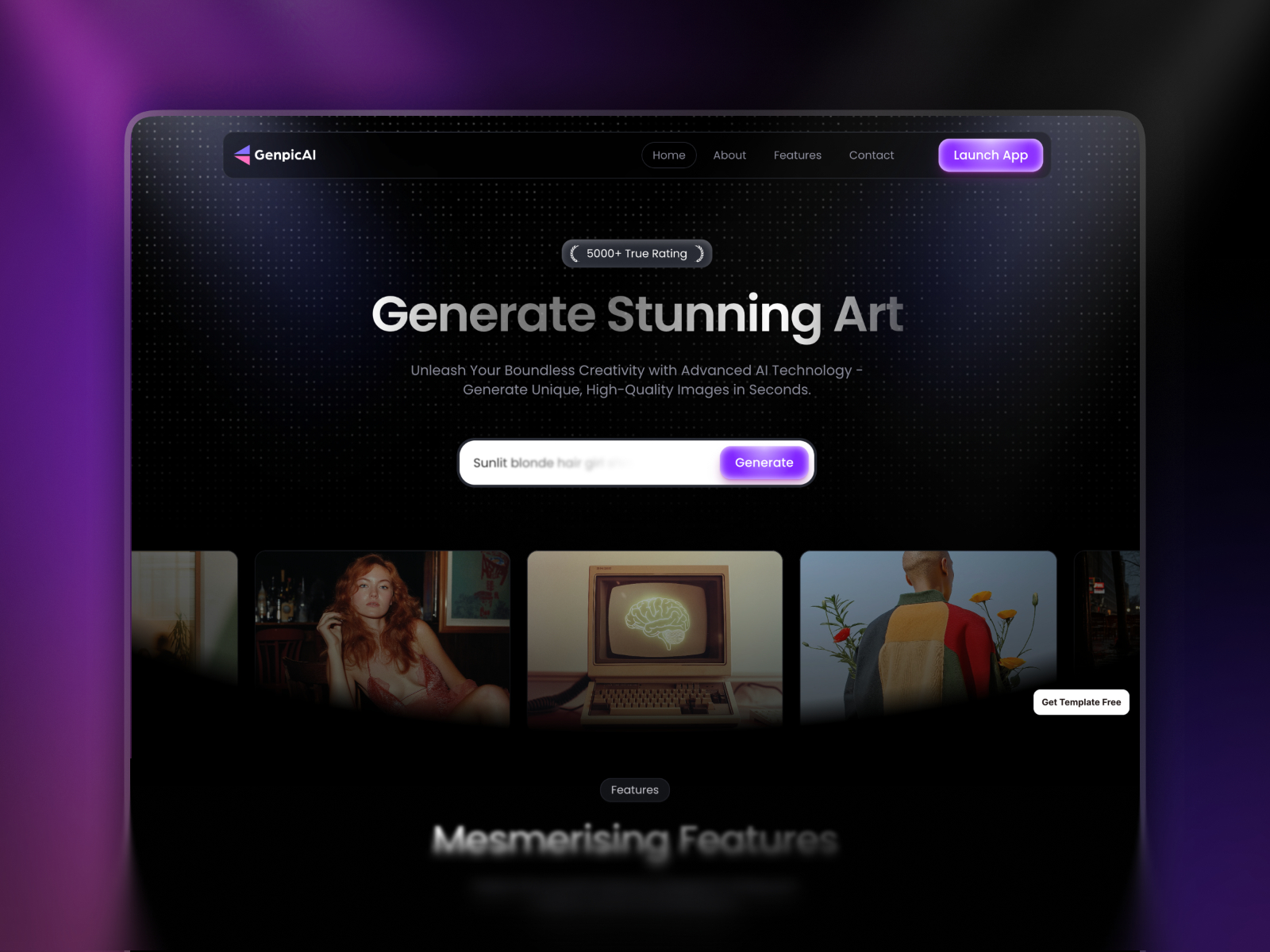
GenpicAI · Lean AI product site in six pages
by Jitu
GenpicAI concentrates positioning on a small sitemap — ideal when you want Sonnet 5 to iterate hero narrative and type treatment quickly while credit burn stays predictable.
- Best for
- Founders testing hero copy, font picks, and visual direction on a tight AI SaaS shell
 Live Preview
Genesy · Agency site with blog and waitlist
by Marso
Genesy’s agency-shaped routes plus blog and waitlist pages mirror client delivery — pair Sonnet 5 with Branching when you need a content refresh staging link, not direct-to-main edits.
- Best for
- Studios running Agent copy passes on service pages before client review
Browse more in the template directory or our best free SaaS Framer templates in 2026 roundup.
Official Framer resources worth bookmarking
- Sonnet 5 release notes — canonical announcement (July 1, 2026).
- Anthropic Sonnet 5 news — introductory pricing through August 31, 2026.
- Framer Agents — task examples and model picker context.
- AI credits and pricing — plan changes tied to Agent usage.
- All Framer updates — adjacent releases including Framer 3.0 Agents.
More reading on yoframer
- Framer updates hub — editorial coverage of each major Framer release.
- Framer CMS 3.0 deep dive — table editing Sonnet 5 can assist on CMS-heavy prompts.
- Submit a template or resource — if you ship Agent-friendly starter files.
The bottom line
Sonnet 5 is Framer’s bid to make daily Agent work cheaper and more design-native — higher accuracy, lower credits than the prior Sonnet, and noticeably better instincts on layout, type, and copy. Switch the model picker once, run a scoped branch experiment on a real template, and compare staging output to your Sonnet 4.6 baseline. If the questions get sharper and the merges get rarer, keep Sonnet 5 as your default co-design model.