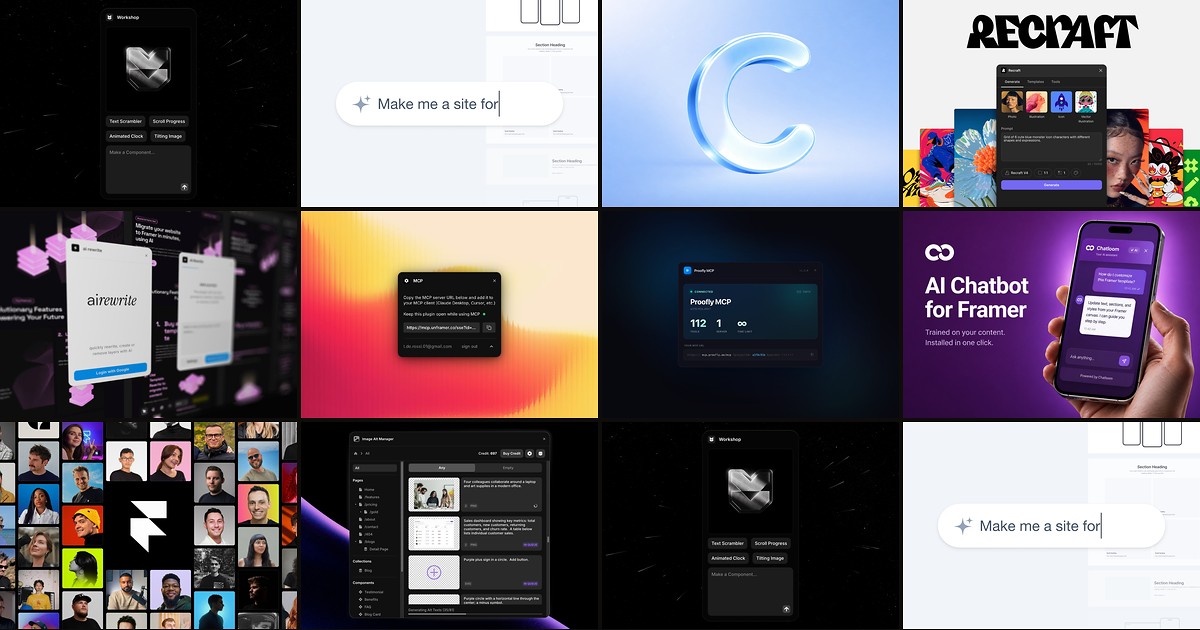
Framer builders in 2026 face a familiar bottleneck: the design is done, but copy is still placeholder, CMS collections are empty, and the client wants a chatbot by Friday. A dedicated framer ai plugin from the marketplace closes those gaps inside the editor — generating components from chat, filling text layers in bulk, or wiring external AI agents to your real project structure.
This list ranks ten AI plugins you can install from the Framer marketplace today. Every pick is actively maintained, has a working install link and identifiable creator, and fits a real workflow — six free or freemium entry points and four paid tools when you need unlimited generations, production chatbots, or design-to-code handoffs.
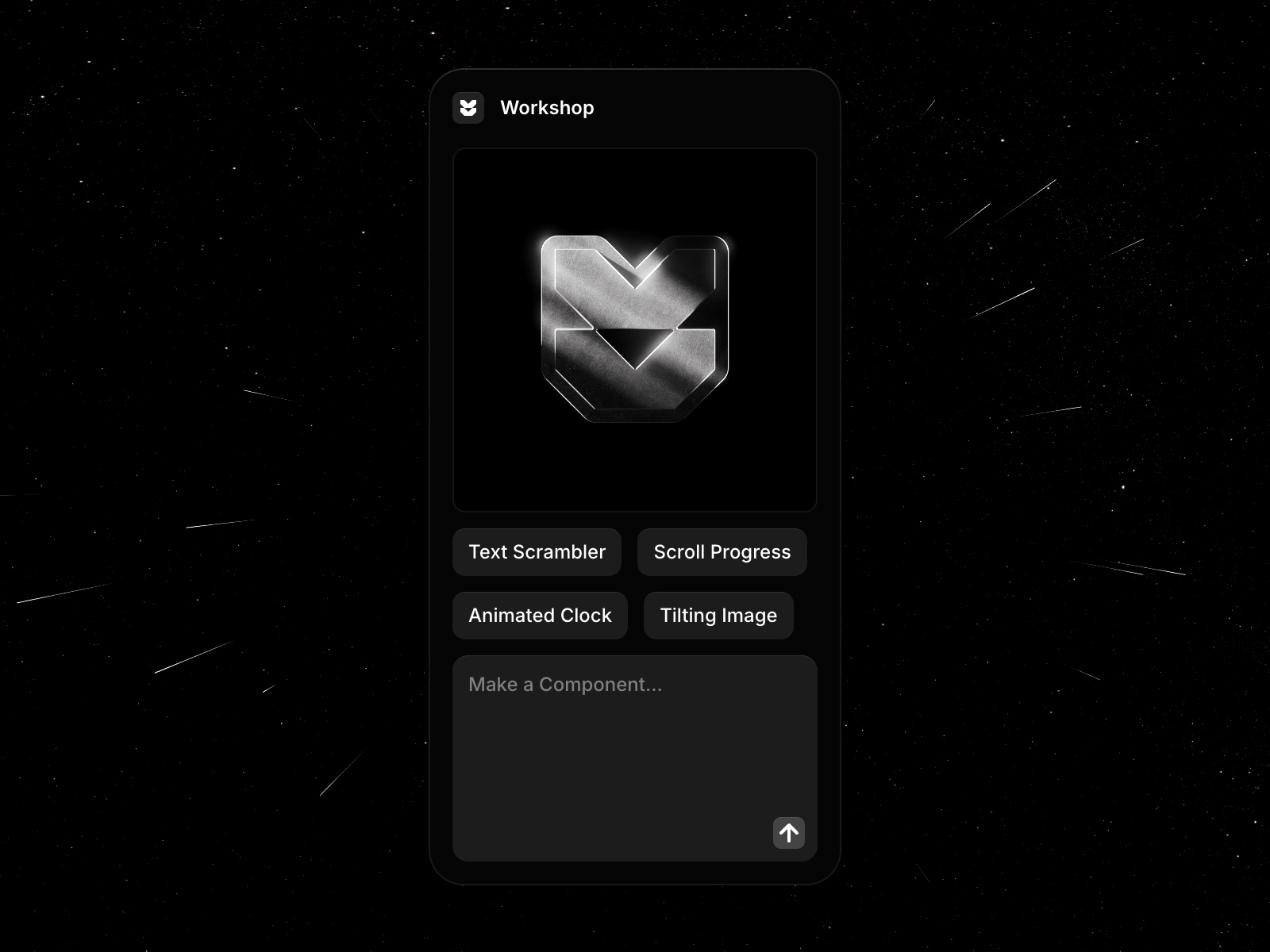
Workshop — Official AI assistant that turns chat prompts into custom Framer components
by Framer
Workshop is Framer’s own AI component builder and the highest-signal free framer ai plugin on the marketplace. Describe what you need in conversation — a pricing calculator, cookie banner, image comparison slider — and Workshop generates a working code component with property controls you can restyle like any native block. With 132K+ installs and weekly changelog updates, it is the default starting point when AI should produce reusable canvas objects rather than one-off copy edits.
- Best for
- Teams that need interactive components — calculators, quizzes, WebGL effects — without writing code
Affiliate link — we may earn a commission at no extra cost to you.
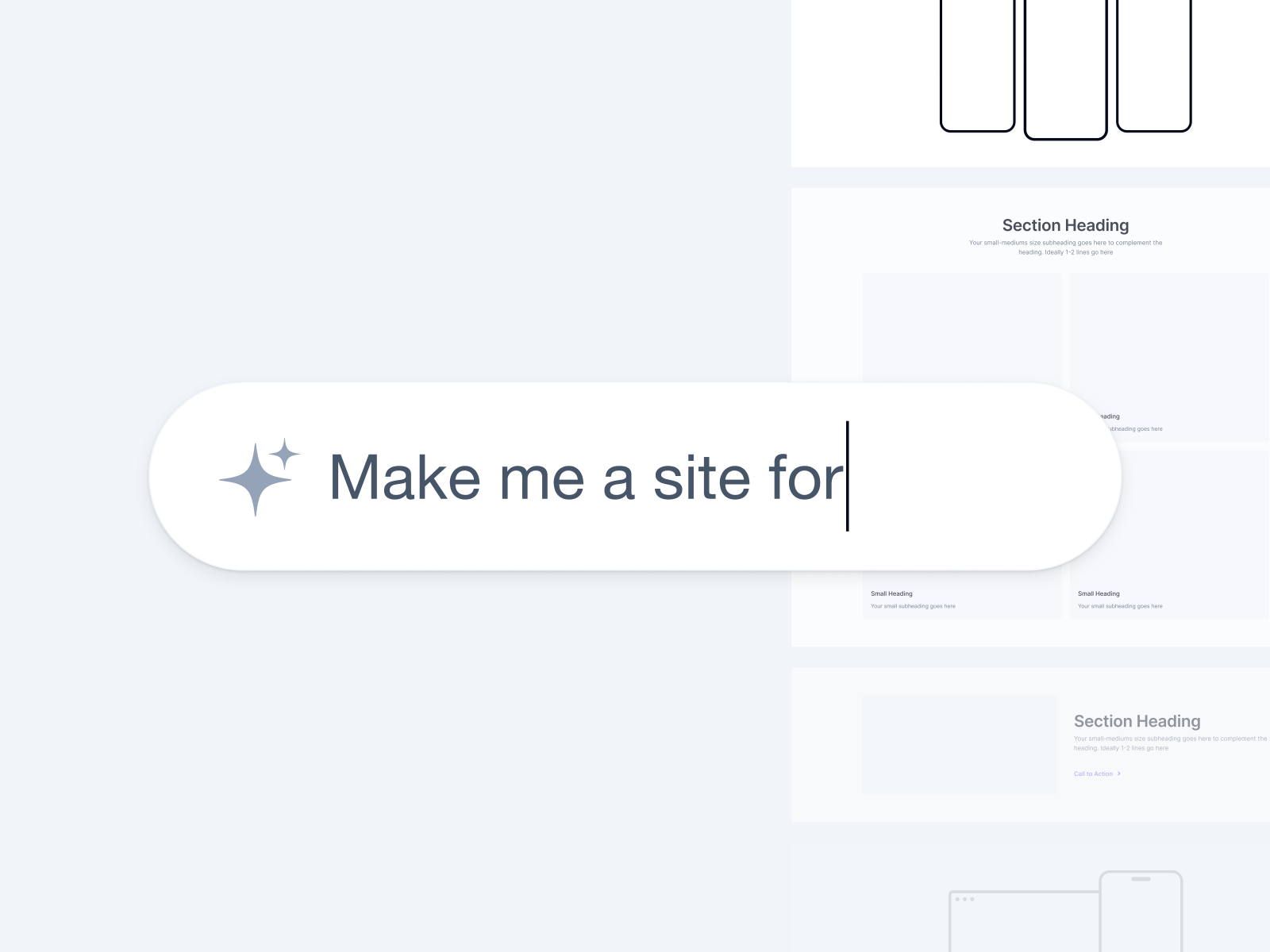
AI Frame — AI site builder, bulk text generation, and conversion copy audits
by Nabeel
AI Frame combines three jobs most teams otherwise split across tools: generate full page sections from a prompt or reference URL, rewrite selected text layers in bulk, and audit existing copy for clarity and conversion impact. The free tier includes 15 generations; Pro at 14 USD per month unlocks unlimited runs plus agent mode and site audit workflows. For client sites where placeholder copy blocks sign-off, AI Frame is the fastest path from wireframe to persuasive final text without leaving Framer.
- Best for
- Agencies launching landing pages fast and polishing client copy before handoff
Affiliate link — we may earn a commission at no extra cost to you.

ContentPilot — Context-aware copy for text layers and entire CMS collections
by Launchly
ContentPilot targets the CMS automation gap directly: select a text layer for a one-off headline rewrite, or point it at a collection and generate varied entries for every field in seconds. It runs on a bring-your-own-key model — connect OpenAI, Anthropic Claude, Google Gemini, or Mistral and pay only your provider’s API rates. Keys stay encrypted locally, which matters on client projects with confidentiality requirements. If your AI workflow is mostly filling databases and replacing dummy copy, ContentPilot beats general-purpose chat tools that cannot see your Framer field structure.
- Best for
- Template creators and CMS-heavy builds that need realistic content without Lorem Ipsum
Affiliate link — we may earn a commission at no extra cost to you.
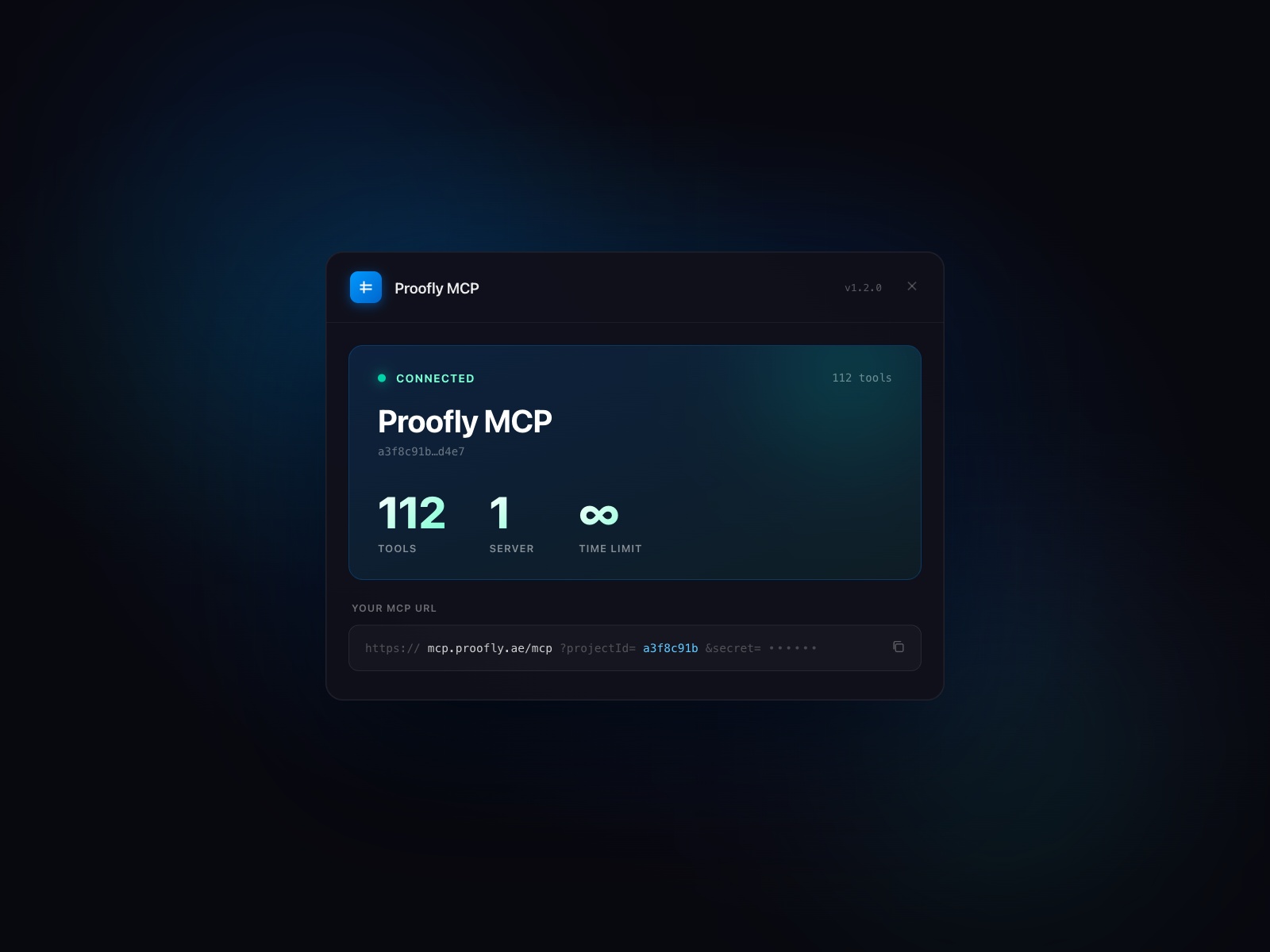
Proofly MCP — 112-tool MCP bridge that gives Claude or Cursor live access to your Framer project
by Proofly.ae
Proofly MCP is the deepest free agent integration available for Framer in 2026. Paste one URL into Claude Desktop, Cursor, or any MCP-compatible client and your AI can read the canvas, inspect rich text per character, run WCAG and SEO audits, create frames, update CMS collections, apply animations, and export to React — not from screenshots, from the actual project. The full tool suite ships free with no trial cap. Choose Proofly MCP when your bottleneck is AI that understands project structure, not AI that writes marketing paragraphs.
- Best for
- Developers and power users who want AI agents editing canvas, CMS, and design systems directly
Affiliate link — we may earn a commission at no extra cost to you.
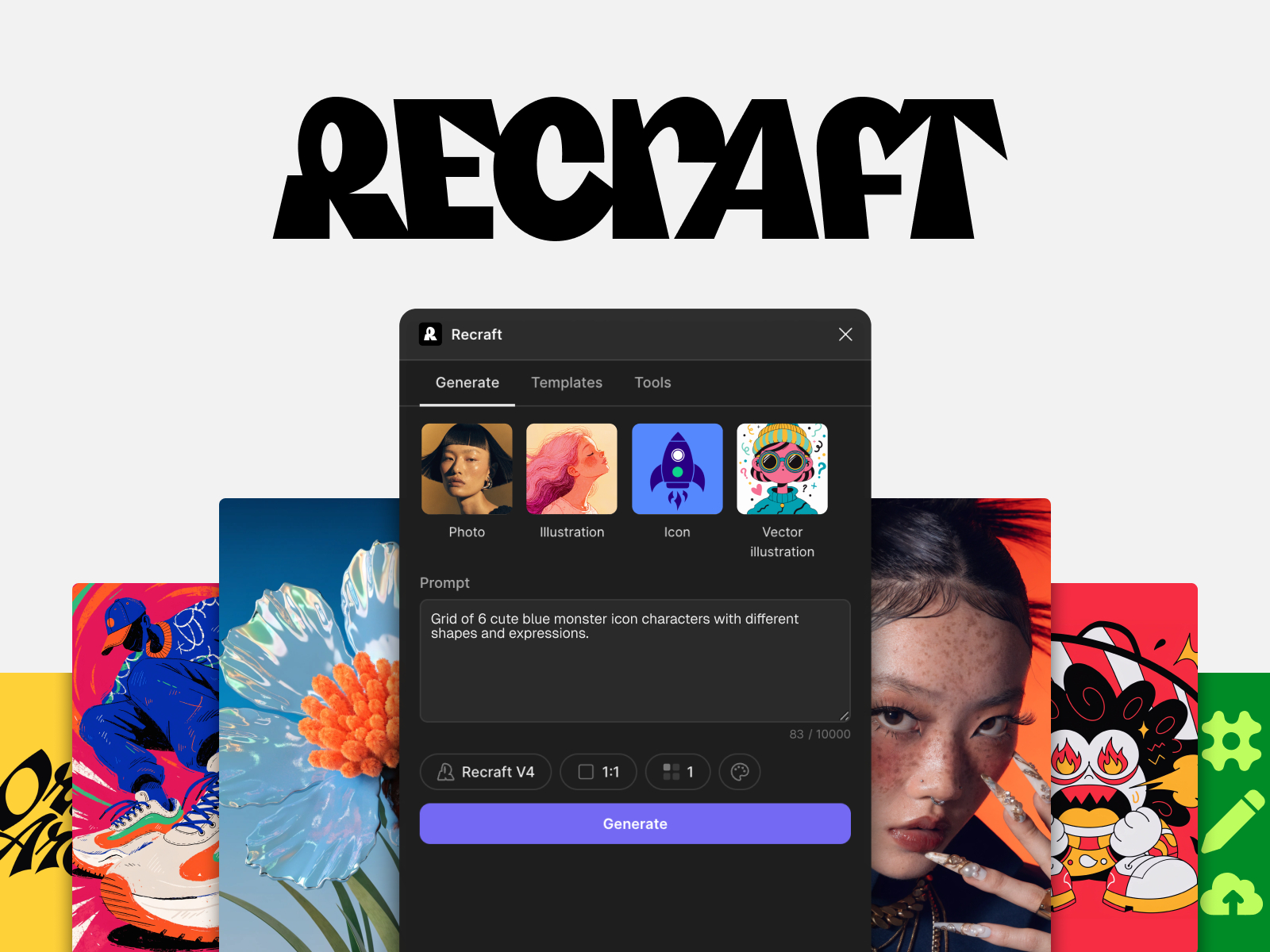
Recraft — Generate and edit raster images, vectors, icons, and logos on canvas
by Recraft
Recraft brings production-grade image generation into Framer’s asset workflow: photorealistic scenes, illustrations, SVG vectors, background removal, and upscaling to 4K — all from the plugin panel. The free tier includes 30 daily credits, enough for iterative hero explorations on most client builds; paid Recraft plans unlock higher volume and advanced V4 models with stronger prompt adherence. When your AI need is visual rather than textual, Recraft replaces bouncing between Midjourney exports and manual imports.
- Best for
- Marketing sites and product pages that need custom visuals without stock-photo round trips
Affiliate link — we may earn a commission at no extra cost to you.
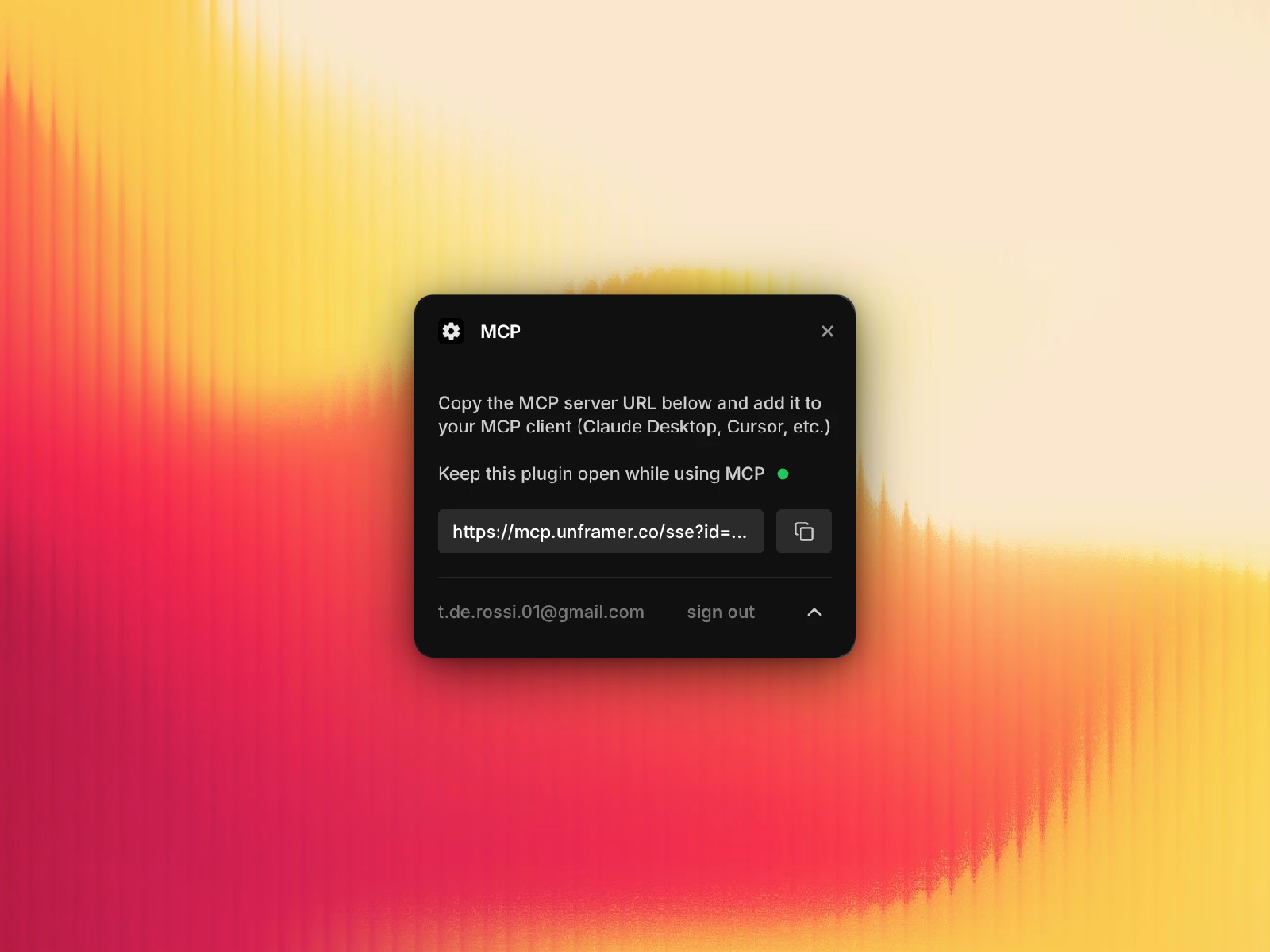
MCP — Lightweight Framer MCP server for connecting external AI coding tools
Tommy D. Rossi’s MCP plugin is the lean alternative in the agent category: install, copy the MCP endpoint, and connect your preferred AI client to read and manipulate Framer project data through the Model Context Protocol standard. It pairs naturally with the same creator’s AI Rewrite and React Export plugins if you already run an Unframer toolchain. Start here when you want MCP access with a smaller surface area than Proofly’s 112-tool suite, or when you are evaluating agent workflows before committing to a heavier integration.
- Best for
- Solo builders who want a minimal MCP setup without Proofly's full tool depth
Affiliate link — we may earn a commission at no extra cost to you.
AI Rewrite — Select layers and let AI update text, attributes, and structure in place
AI Rewrite focuses on surgical canvas edits: select one layer or an entire section, describe the change — shorten this hero, add a pricing tier, duplicate a feature row — and the plugin applies updates without rebuilding from scratch. It handles text, attributes, and structural duplication, which makes it stronger for iterating on live layouts than blank-slate generators. As a paid plugin from a prolific Framer toolmaker with 4K+ installs, it earns its place when you already have the design and need AI to adapt content in context rather than generate a new page from zero.
- Best for
- Design system maintenance and section-level copy refreshes across repeated components
Affiliate link — we may earn a commission at no extra cost to you.

Chatloom — RAG-trained chatbot with workflows, lead capture, and seven-channel deployment
by Can Girgin
Chatloom is a full AI chatbot platform packaged as a Framer plugin — train on crawled site content or uploaded docs, build visual support workflows, and deploy across web, WhatsApp, Telegram, Discord, and more from one dashboard. The free plan includes one chatbot and 100 messages per month with no credit card, enough to prototype on client sites before upgrading for white-label branding or higher volume. Confidence scoring and human handoff when the bot is unsure address the hallucination problem that sinks most embedded chat widgets on Framer marketing sites.
- Best for
- SaaS and service sites that need a support bot trained on their own content, not generic FAQ widgets
Affiliate link — we may earn a commission at no extra cost to you.

Design to AI — Convert any Framer component into an AI-ready prompt for Cursor, Claude, and v0
Design to AI solves the handoff gap between Framer design and production code: select a component, copy the generated prompt, and paste it into Cursor, Claude Code, Lovable, v0, or Bolt so the AI integrates that exact layout into your repo. At 19.99 USD per month with a five-day trial, it is a niche paid pick — but it replaces hours of manually describing component structure to an LLM. Install it when your workflow spans Framer prototyping and a separate React codebase, not when you publish directly from Framer without export.
- Best for
- Teams exporting Framer designs into React codebases with AI coding assistants
Affiliate link — we may earn a commission at no extra cost to you.
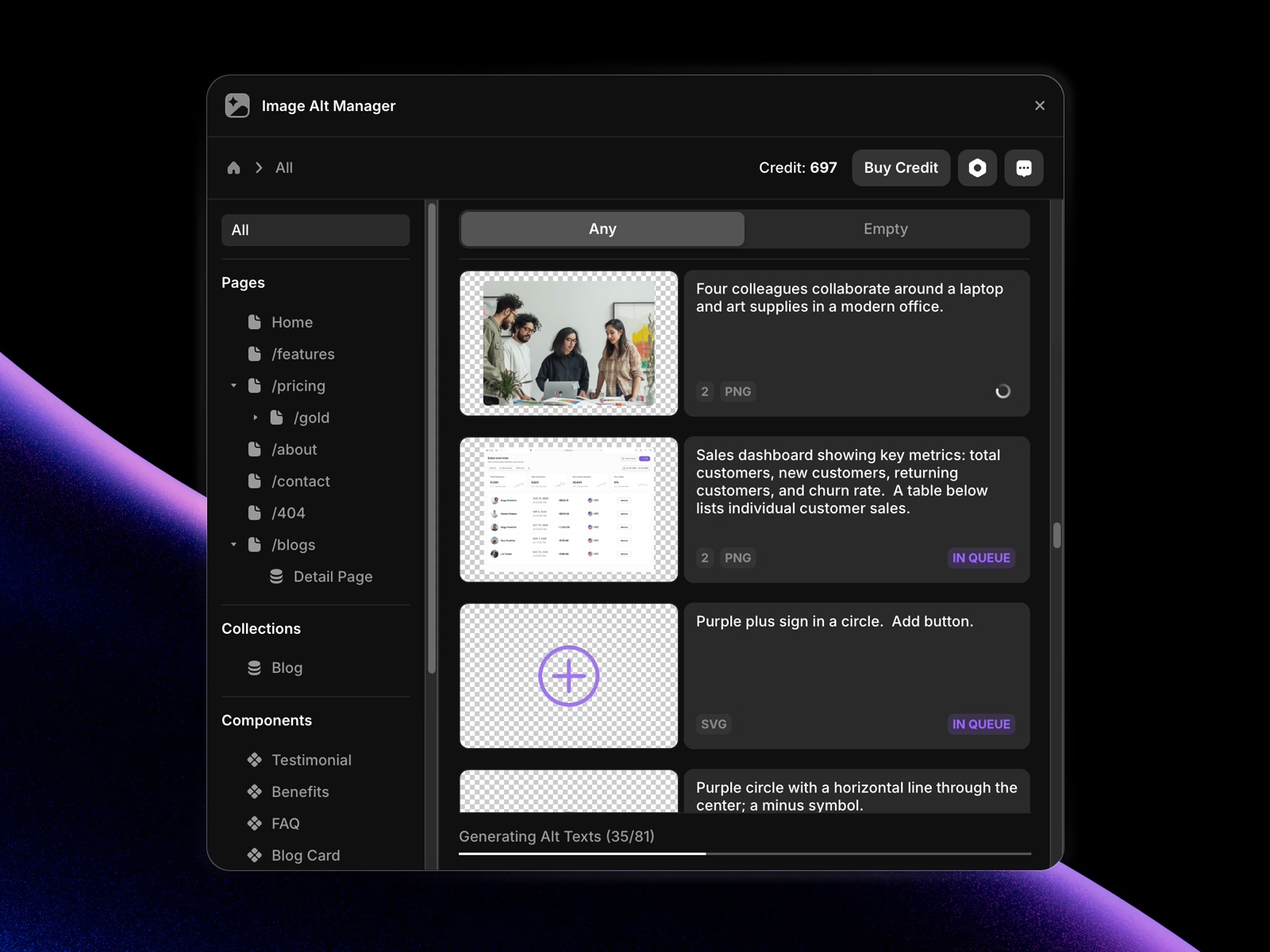
Image Alt Manager — Bulk AI alt text in 110+ languages across pages, CMS, and components
Image Alt Manager scans your entire project for missing alt text, filters empty images, and bulk-generates descriptions using GPT-4 multimodal models in 110+ languages. Manual editing is free forever; AI generation runs on a credit system with 25 free credits to start and no duplicate charges for repeated assets. It covers PNG, JPEG, WebP, and SVG across pages, collections, and component instances — making it the strongest dedicated AI accessibility plugin when Auto Alt Text’s simpler workflow is not enough for large CMS-driven galleries.
- Best for
- Accessibility and SEO passes on image-heavy sites before launch
Affiliate link — we may earn a commission at no extra cost to you.
Quick comparison
| Plugin | Price | Focus | Best for |
|---|---|---|---|
| Workshop | Free | Component generation | Custom interactive components from chat |
| AI Frame | Free trial; from 14 USD/month | Site building and copy audit | Full landing pages and conversion rewrites |
| ContentPilot | Free (BYOK) | CMS and layer copy | Populating collections with real content |
| Proofly MCP | Free | Agent / MCP bridge | Deep Claude or Cursor project access |
| Recraft | Free (30 daily credits) | Image generation | Custom visuals and vectors on canvas |
| MCP | Free | Agent / MCP bridge | Lightweight MCP for coding tools |
| AI Rewrite | Paid | In-place layer edits | Section refreshes and design system updates |
| Chatloom | Free plan; paid tiers | Site chatbot | RAG-trained support with workflows |
| Design to AI | 19.99 USD/month | Design-to-code prompts | Framer components into React via AI |
| Image Alt Manager | Free manual; paid credits | Alt text generation | Bulk accessibility on image-heavy sites |
How to choose the right Framer AI plugin
Match the plugin to the job, not the hype. Need custom interactive blocks? Workshop first. Need copy and page structure? AI Frame or ContentPilot. Need an agent that sees your project? Proofly MCP or MCP. Mixing three content generators on one site creates inconsistent tone — pick one writing tool and one visual tool at most.
Free vs paid follows volume, not capability. Workshop, Proofly MCP, MCP, ContentPilot (with your own API key), and Recraft’s daily credits cover most agency prototypes. Pay for AI Frame Pro when generation limits block client delivery, Chatloom when you need more than 100 bot messages per month, or Design to AI when Framer-to-React export is a weekly workflow.
Agent plugins require setup discipline. MCP endpoints expose real project data — connect only in trusted environments, rotate URLs if a team member leaves, and test destructive commands on a duplicate project before running them on a live client file.
Chatbots need content, not just installation. Chatloom and similar tools only perform when your site has crawlable pages or uploaded docs. Launch the bot after core content ships, not on a three-section placeholder site.
Our top pick for most Framer builders
If you install one framer ai plugin today, make it Workshop — Framer’s official component generator is free, actively updated, and solves the hardest AI use case (working interactive blocks) without external subscriptions. Pair it with ContentPilot when CMS collections need realistic copy, and add Proofly MCP when your team already lives in Cursor or Claude for development handoffs.
Browse Framer templates on yoframer for AI-ready starting points, or read our CMS plugins roundup for data workflows that pair well with ContentPilot. More resource roundups live on the Resources hub.
Updated June 2026. We refresh this list as notable AI plugins ship, reprice, or go stale.


