Framer CMS 3.0 made collections faster and more flexible, but the native editor still treats content one item at a time. When you are migrating a blog, syncing a Notion database, or scheduling fifty product launches, you need a dedicated Framer CMS plugin — not another spreadsheet export workaround.
This list ranks ten CMS plugins you can install from the Framer marketplace today. Every pick is actively maintained in 2026, has a working install link, and solves a real content-management problem: bulk editing, external sync, migration, frontend filtering, or automated publishing.
CMS Studio — Spreadsheet-style bulk editing inside Framer
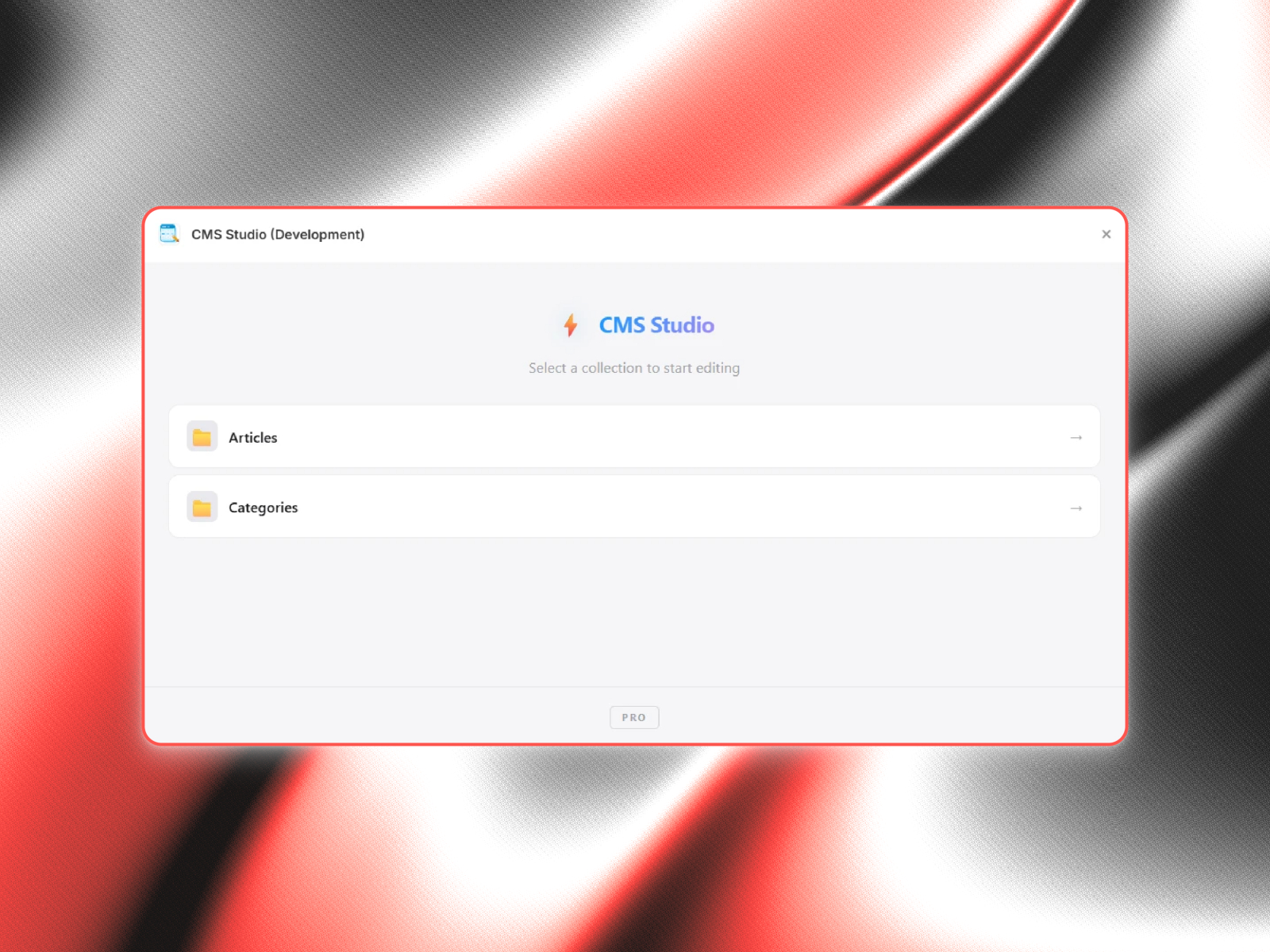
CMS Studio turns any Framer collection into a spreadsheet: every item is a row, every field is a column, and inline edits stay marked as drafts until you publish in one batch. Bulk fill, slug tools, text transforms, content audits, and snapshot rollback cover the workflows Framer’s item-by-item panel makes painful. If your bottleneck is editing existing CMS data at scale — not designing new pages — start here before adding another sync plugin.
- Best for
- Teams managing hundreds of CMS items who need find-and-replace, CSV import, and audit tools without leaving the canvas
Affiliate link — we may earn a commission at no extra cost to you.

Notion — One-click sync from Notion databases to Framer CMS
by Framer
Framer’s official Notion plugin maps database properties to CMS fields — rich text, images, dates, booleans, links, options, references, and galleries included. Connect once, map columns, then re-sync with a single click whenever the Notion side updates. It is the lowest-friction path when your editorial team lives in Notion and your site team lives in Framer, with no middleware or custom API work required.
- Best for
- Founders and marketers who already write and plan content in Notion
Affiliate link — we may earn a commission at no extra cost to you.
Airtable — Sync Airtable bases with reference field support
by Framer
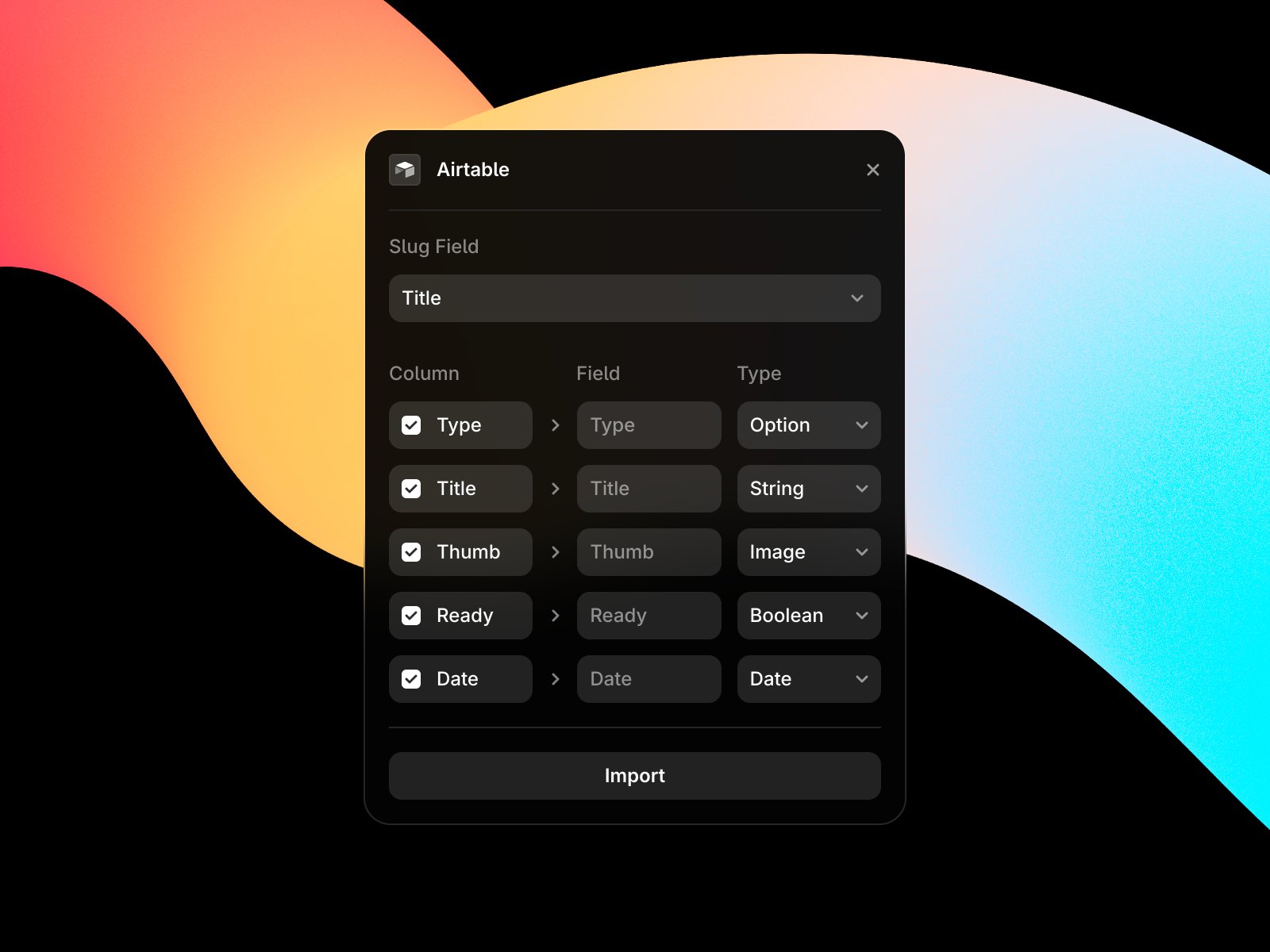
The Airtable plugin authenticates with your account, lets you pick a base and table, then maps fields to CMS columns — including references, multi-references, toggles, colors, numbers, images, files, links, dates, and galleries. After the first import, one-click sync from the CMS toolbar keeps Framer current. Choose this over Notion when your team relies on Airtable formulas, views, or client-facing bases rather than docs-style databases.
- Best for
- Agencies running client content in Airtable views and kanban boards
Affiliate link — we may earn a commission at no extra cost to you.

Google Sheets — Paste a sheet URL and map columns to CMS fields
by Framer
Google Sheets sync is the most approachable external source for Framer CMS: paste a sheet URL, map columns to field types (text, formatted text, toggles, colors, numbers, images, links, dates, files), and import. The plugin remembers the connection for one-click re-sync and field remapping later. It fits client handoffs where stakeholders refuse to learn a new tool but already update a shared spreadsheet weekly.
- Best for
- Non-technical clients who already maintain product or team data in spreadsheets
Affiliate link — we may earn a commission at no extra cost to you.
FramerSync — Notion, Airtable, and Google Sheets in one sync plugin
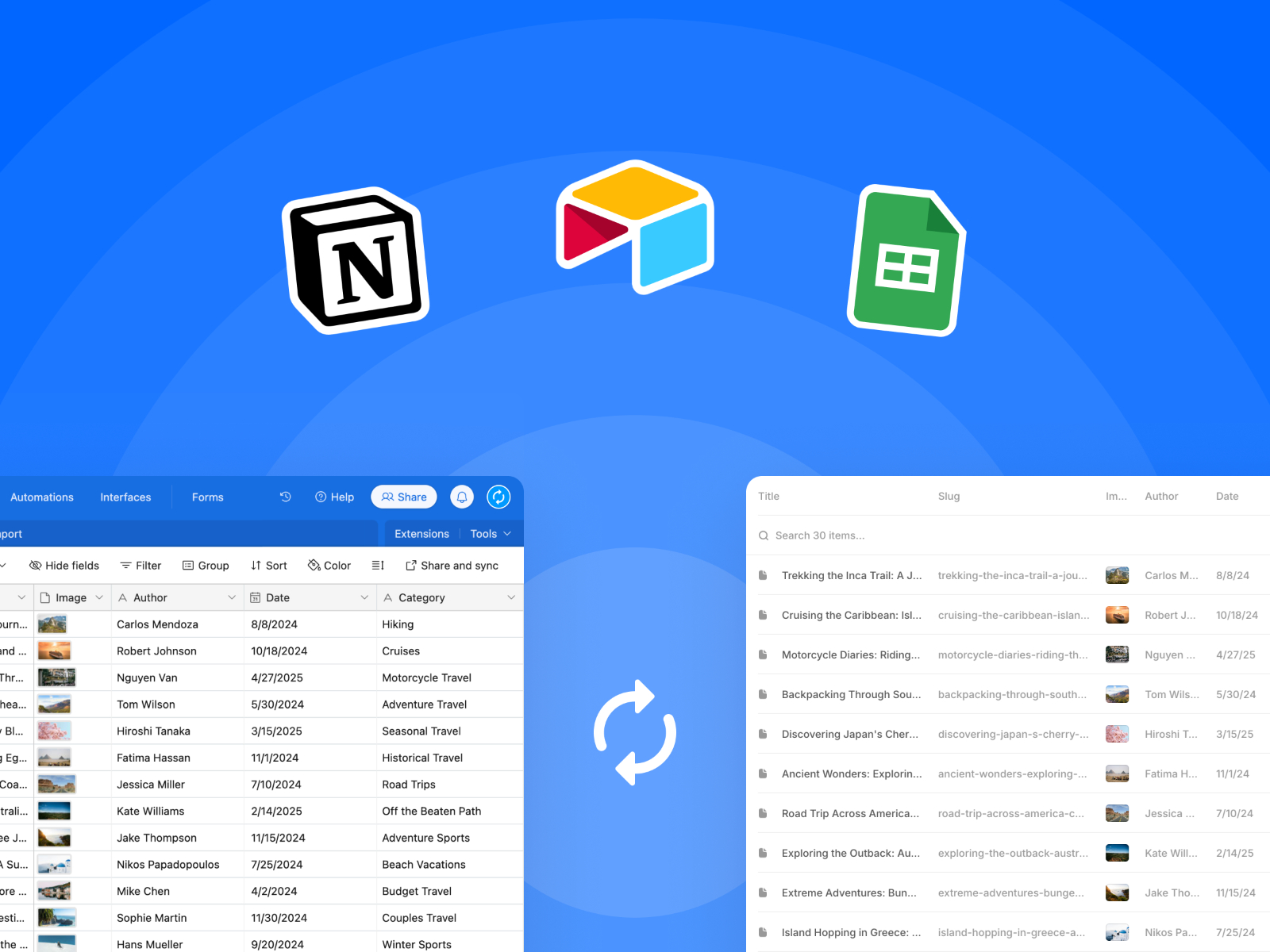
FramerSync consolidates the three most common external CMS sources — Notion, Airtable, and Google Sheets — into a single plugin with granular permission controls over which databases get shared. It imports page titles, body content, cover images, and multi-value fields, then re-syncs on demand from inside Framer. If you already use Framer’s official sync plugins, keep those; FramerSync shines when you want one workflow across mixed client stacks without retraining the team each project.
- Best for
- Studios that switch data sources per client and want one plugin to rule them all
Affiliate link — we may earn a commission at no extra cost to you.
Sanity Sync — Bridge Sanity.io document types into Framer collections
by Alexis Romo
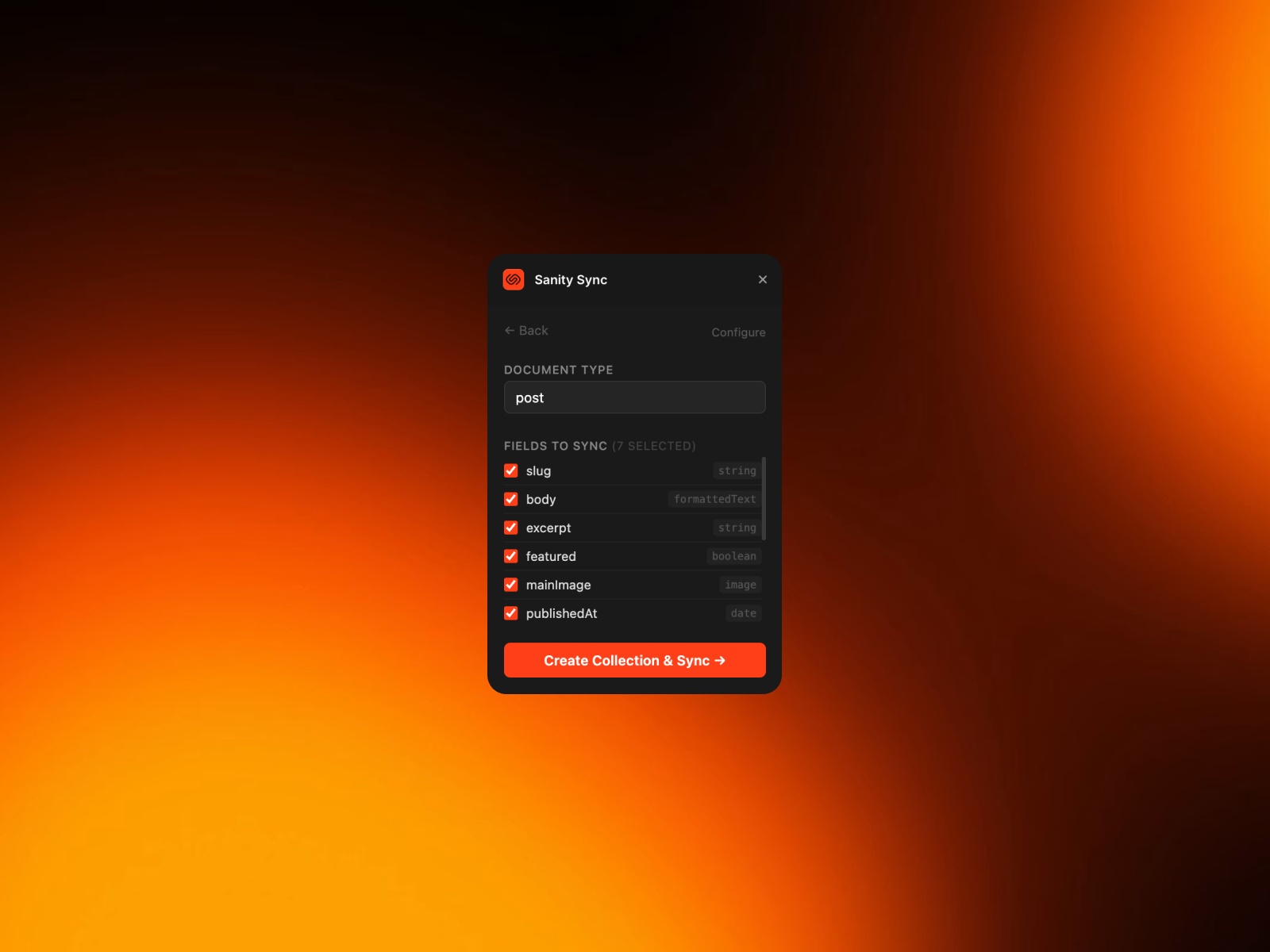
Sanity Sync connects your Sanity project ID and dataset, then maps document types and fields — including formatted text, slugs, references, and arrays — into Framer CMS collections. The free tier syncs up to 50 items per collection; Pro removes that cap and unlocks unlimited document types plus priority support. It is the right pick when engineering already standardized on Sanity but design wants Framer’s canvas for the public site.
- Best for
- Teams on Sanity who want Framer for the marketing site without rebuilding content models
Affiliate link — we may earn a commission at no extra cost to you.
CMS Data Sync — Sync Supabase, Postgres, Firebase, and custom APIs into CMS
by BuildShip
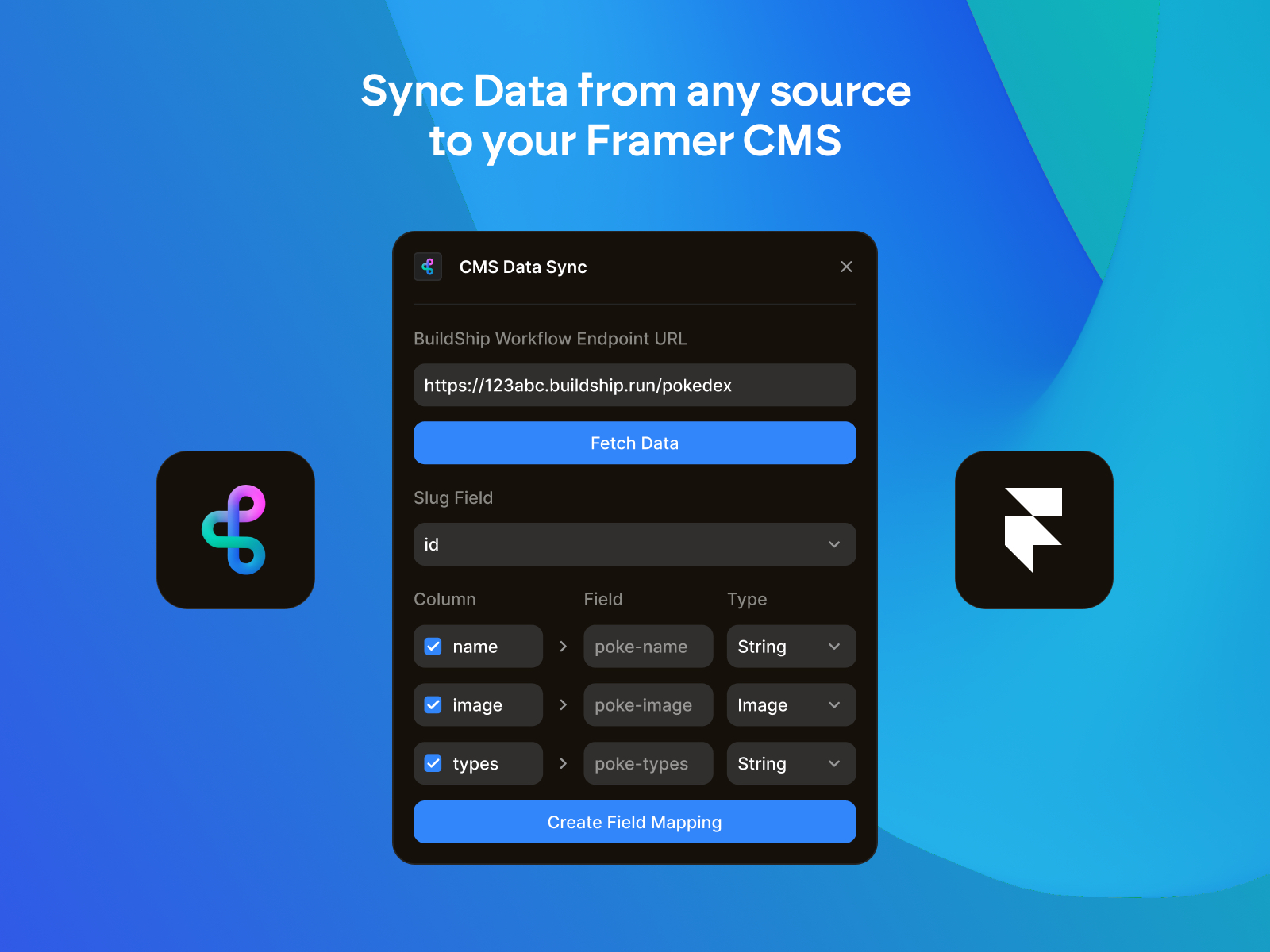
CMS Data Sync pairs Framer with BuildShip’s low-code workflow builder: connect Google Sheets, Airtable, Supabase, Firebase, Postgres, or any custom API, ship it as a webhook, then upsert changes into Framer CMS without overwriting untouched rows. It goes beyond spreadsheet sync when you need scheduled jobs, AI-generated entries, or database logic that Framer’s native importers cannot express. Expect a steeper setup than Notion or Sheets — the payoff is arbitrary data sources.
- Best for
- Builders pulling live data from databases, scrapers, or AI-generated content pipelines
Affiliate link — we may earn a commission at no extra cost to you.
Framer CMS Filter — Multi-condition search, sort, and filter for CMS lists
by FramerHub.io
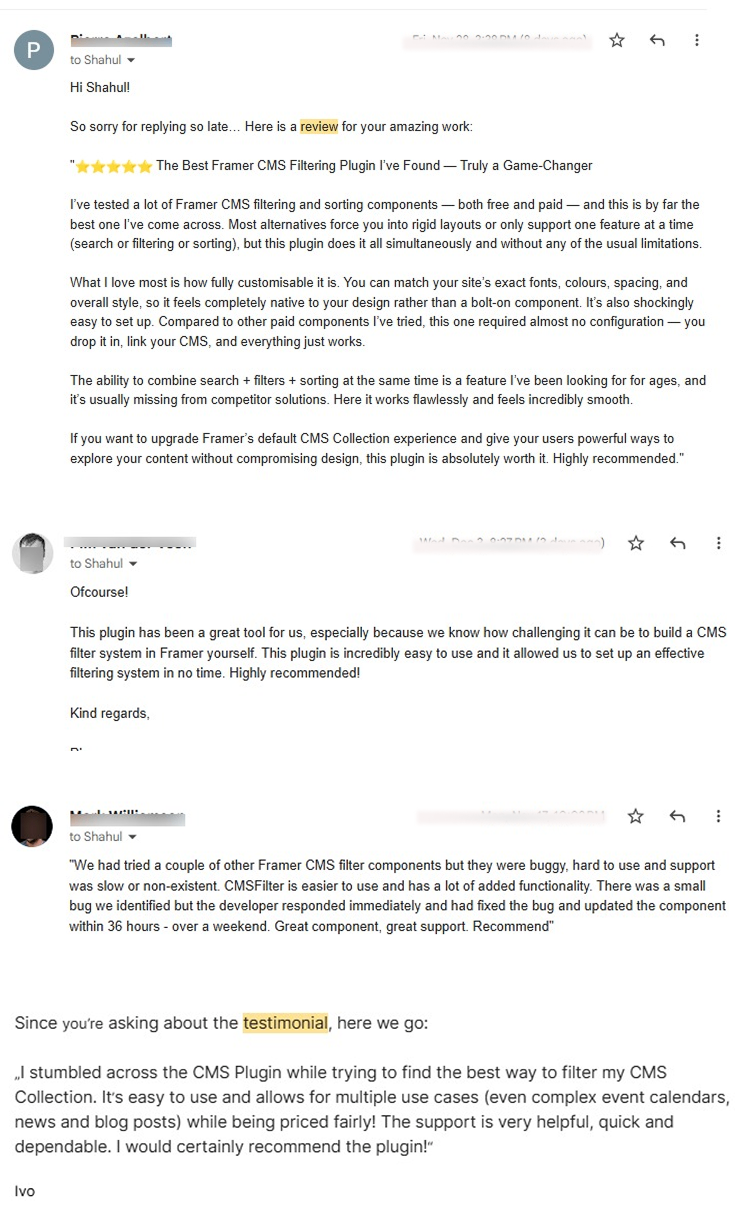
Framer CMS Filter adds 19+ filter components — multi-select, range sliders, search bars, and grouped conditions — that connect to any CMS collection without code overrides or variant hacks. Personal licenses start at 79 USD one-time for your own sites; Agency and Creator tiers cover client work with lifetime updates. If your project brief includes “filter by category, price, and location on the live site,” this is the purpose-built answer native CMS bindings do not ship.
- Best for
- Directory, marketplace, and portfolio sites where visitors need faceted CMS browsing
Affiliate link — we may earn a commission at no extra cost to you.
Quick comparison
| Plugin | Price | Type | Best for |
|---|---|---|---|
| CMS Studio | Free | Free | Bulk spreadsheet editing and CSV workflows |
| Notion | Free | Free | Notion-native editorial teams |
| Airtable | Free | Free | Structured bases with references |
| Google Sheets | Free | Free | Client-friendly spreadsheet handoffs |
| FramerSync | Free | Free | One plugin for Notion, Airtable, and Sheets |
| Sanity Sync | Free; Pro paid | Paid Pro | Sanity.io headless CMS bridges |
| CMS Data Sync | Free | Free | Databases, APIs, and AI pipelines |
| Framer CMS Filter | from 79 USD | Paid | Visitor-facing faceted CMS search |
| Publishr | Free tier; paid plans | Freemium | Scheduled CMS and full-site publishing |
| JSON Import & Export | Free | Free | Backups, migrations, and JSON tooling |
Publishr — Schedule CMS items and full-site releases
by 19.Studio
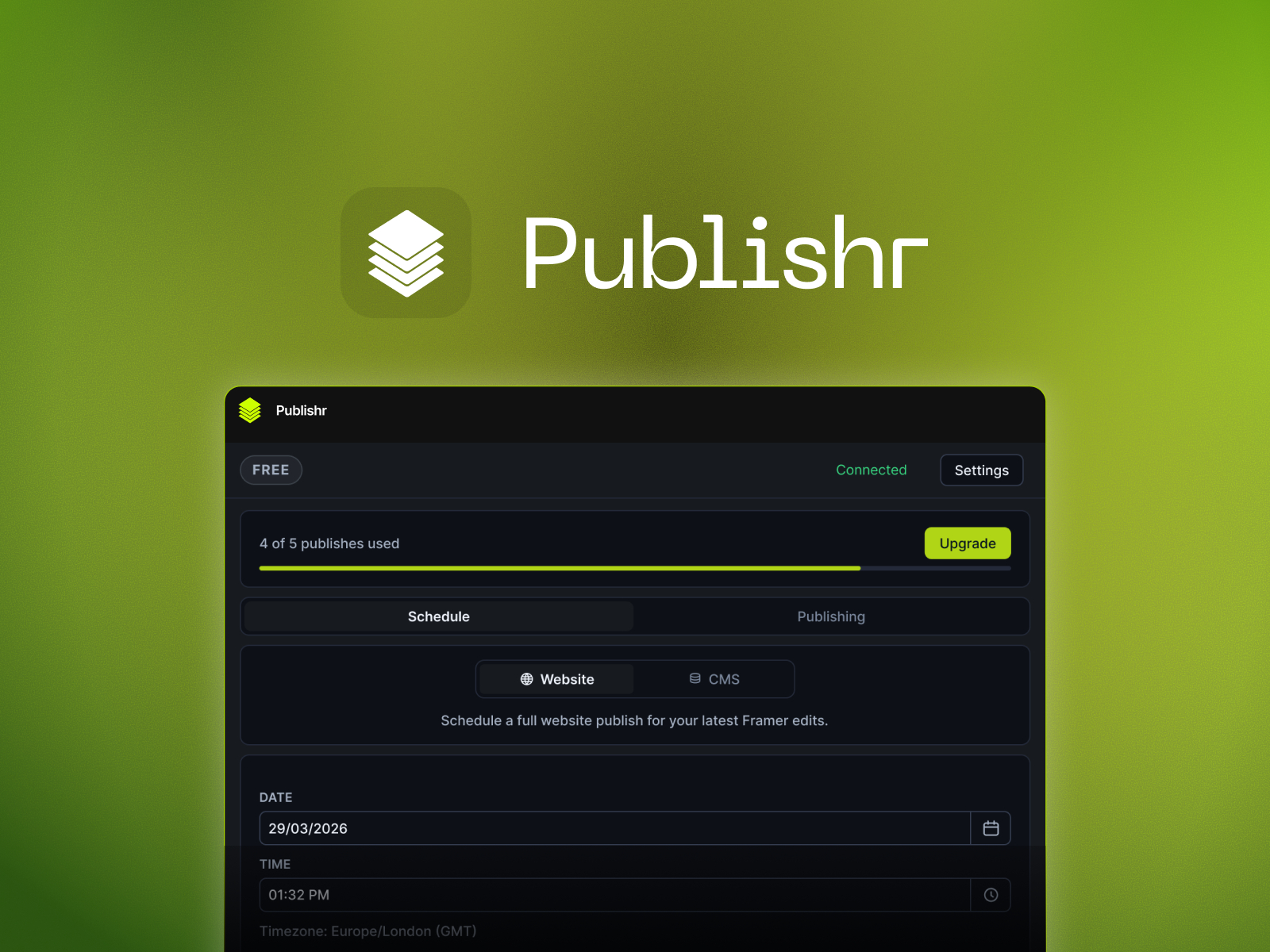
Publishr automates what Framer still leaves manual: picking a CMS item or full site update, setting a date and time, and letting the plugin publish and deploy on schedule. The free tier includes five publishes to test the workflow; Pro and Unlimited plans raise monthly publish limits for agencies running multiple client calendars. A dashboard tracks scheduled, publishing, published, and failed jobs so you know exactly what went live — or what needs a retry.
- Best for
- Marketing teams with editorial calendars who want timed go-live without midnight Publish clicks
Affiliate link — we may earn a commission at no extra cost to you.
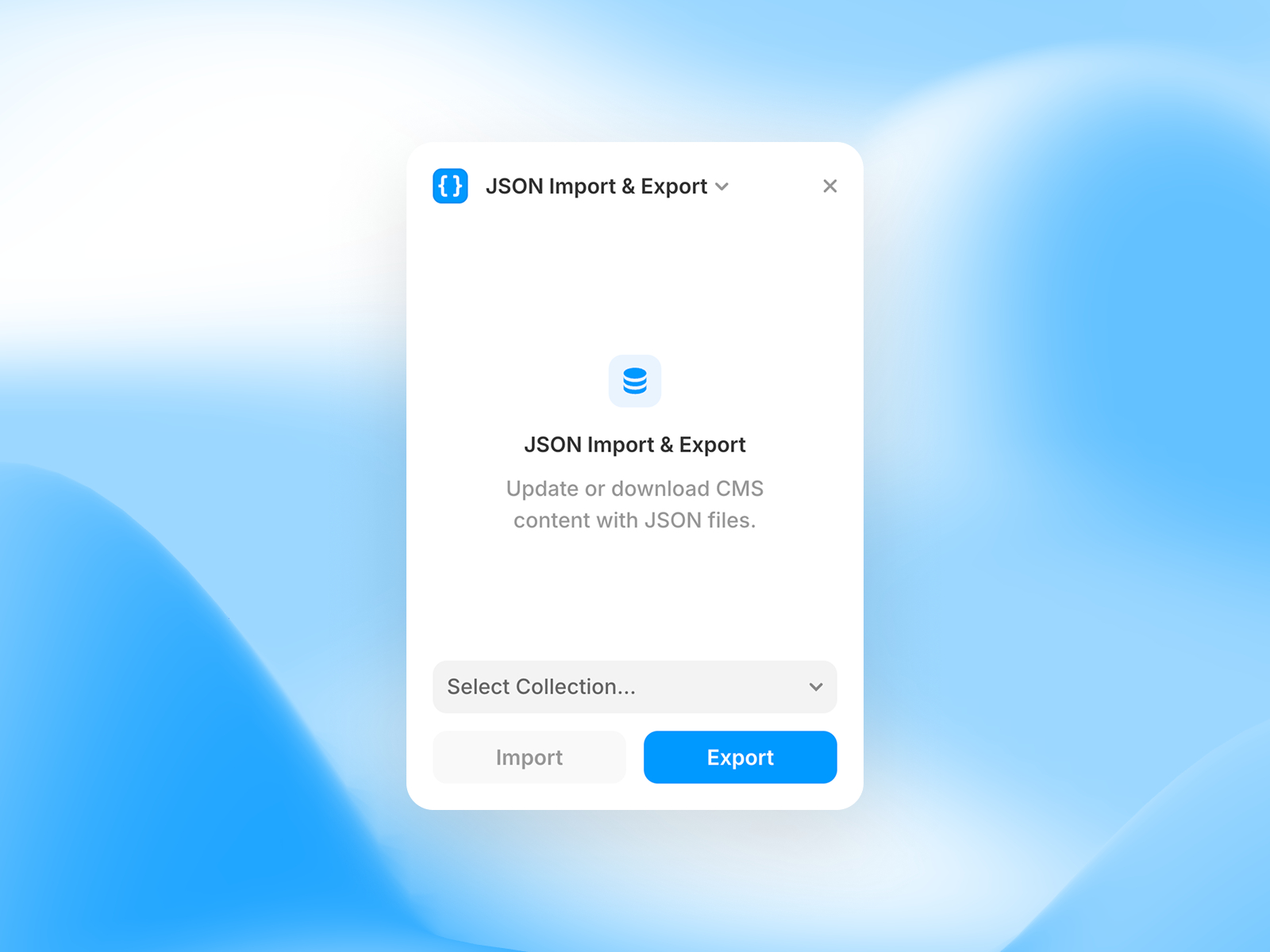
JSON Import & Export — Import, export, and migrate CMS collections as JSON
JSON Import & Export handles the migration path CSV sometimes breaks: drag-and-drop or paste JSON, resolve slug conflicts in a dedicated UI, and export full collections with image alt text intact across every field type. The plugin is open source on GitHub, which matters when you need to audit what leaves a client project before handoff. Pair it with Framer’s CSV Import plugin when stakeholders prefer spreadsheets for review but engineering wants structured JSON for staging merges.
- Best for
- Developers backing up collections or moving data between Framer projects
Affiliate link — we may earn a commission at no extra cost to you.
How to choose the right Framer CMS plugin
Match the plugin to where content already lives. If your team writes in Notion, Airtable, or Google Sheets, Framer’s official sync plugins are the fastest path — free, maintained by Framer, and wired into the CMS toolbar. Reach for Sanity Sync or CMS Data Sync only when content sits in a headless CMS or database that spreadsheets cannot represent.
Separate editor tools from visitor tools. CMS Studio, JSON Import & Export, and sync plugins help you manage data behind the scenes. Framer CMS Filter is for the published site — faceted search and sorting your end users interact with. Installing both layers is normal on directory and ecommerce builds.
Free vs paid is about scale, not quality. Official sync plugins and CMS Studio cost nothing and cover most agency workflows. Pay when you hit concrete limits: Sanity Sync’s 50-item free cap, Publishr’s publish quota, or Framer CMS Filter’s need for production-grade filtering components on client sites.
Schedule before you scale content. If you are launching a blog or product catalog with timed releases, add Publishr (or Framer’s Auto Publish plugin for draft-only scheduling) early — retrofitting editorial calendars after fifty manual publishes is painful.
Our top pick for most Framer builders
If you install one CMS plugin today, make it CMS Studio for day-to-day bulk editing — it saves more hours than any sync tool until your collection count justifies automation. For external content, pick Notion, Airtable, or Google Sheets based on where your team already works; all three are free and official. When the live site needs faceted browsing, Framer CMS Filter is the paid upgrade worth the one-time license.
Browse Framer templates with CMS-ready collections on yoframer, or read our free UI kits roundup for component libraries that pair well with CMS-driven pages. More resource roundups live on the Resources hub.
Updated June 2026. We refresh this list as notable CMS plugins ship, reprice, or go stale.


