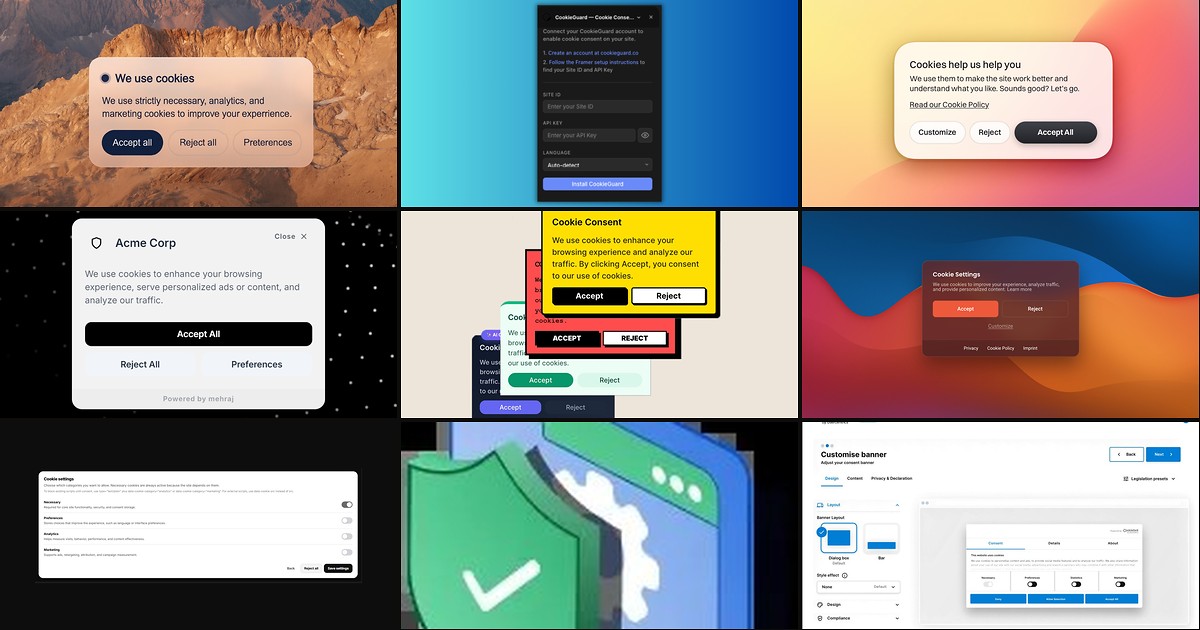
Publishing a Framer site with Google Analytics, Meta Pixel, YouTube embeds, or HubSpot forms means non-essential cookies load on first visit — and GDPR, ePrivacy, and similar laws require explicit consent before that happens. Framer’s built-in analytics is cookie-free, but the moment you add third-party scripts in Site Settings or custom code, you need a framer cookie consent layer that blocks tracking until visitors accept, offers granular categories, and records their choice.
This list ranks ten cookie consent tools you can deploy on Framer today. Every pick has a working install path, an identifiable creator or vendor, and a clear compliance use case beyond a decorative banner. Paid components with script loaders rank alongside managed CMPs and free marketplace installs where they genuinely solve the blocking problem.
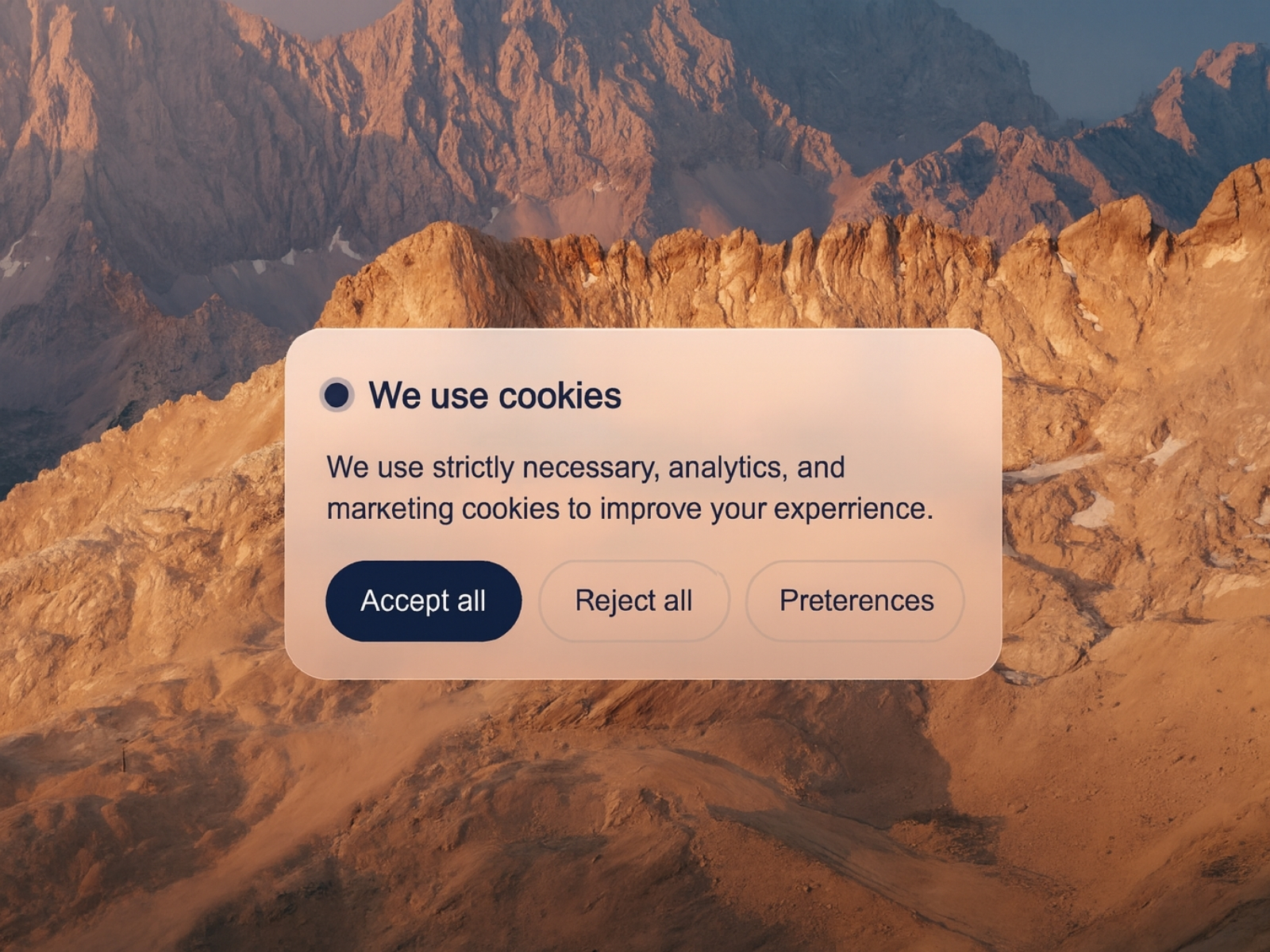
Cookie Banner Pro — Glass-style banner with built-in script loader for analytics and marketing tags
by Can Girgin
Cookie Banner Pro combines consent UI and enforcement in one canvas component: functional, analytics, and marketing toggles in a preferences panel, plus a script loader that fires URL or inline tags only after the matching category is accepted. Glass mode, typography controls, keyboard navigation, and SSR-safe rendering make it the strongest all-in-one paid banner when you want compliance and brand polish without pasting CMP snippets in Site Settings. At 12 USD it replaces wiring a free banner to manual conditional code blocks.
- Best for
- Agency builds that need on-canvas design control plus conditional script injection without a separate CMP subscription
Affiliate link — we may earn a commission at no extra cost to you.
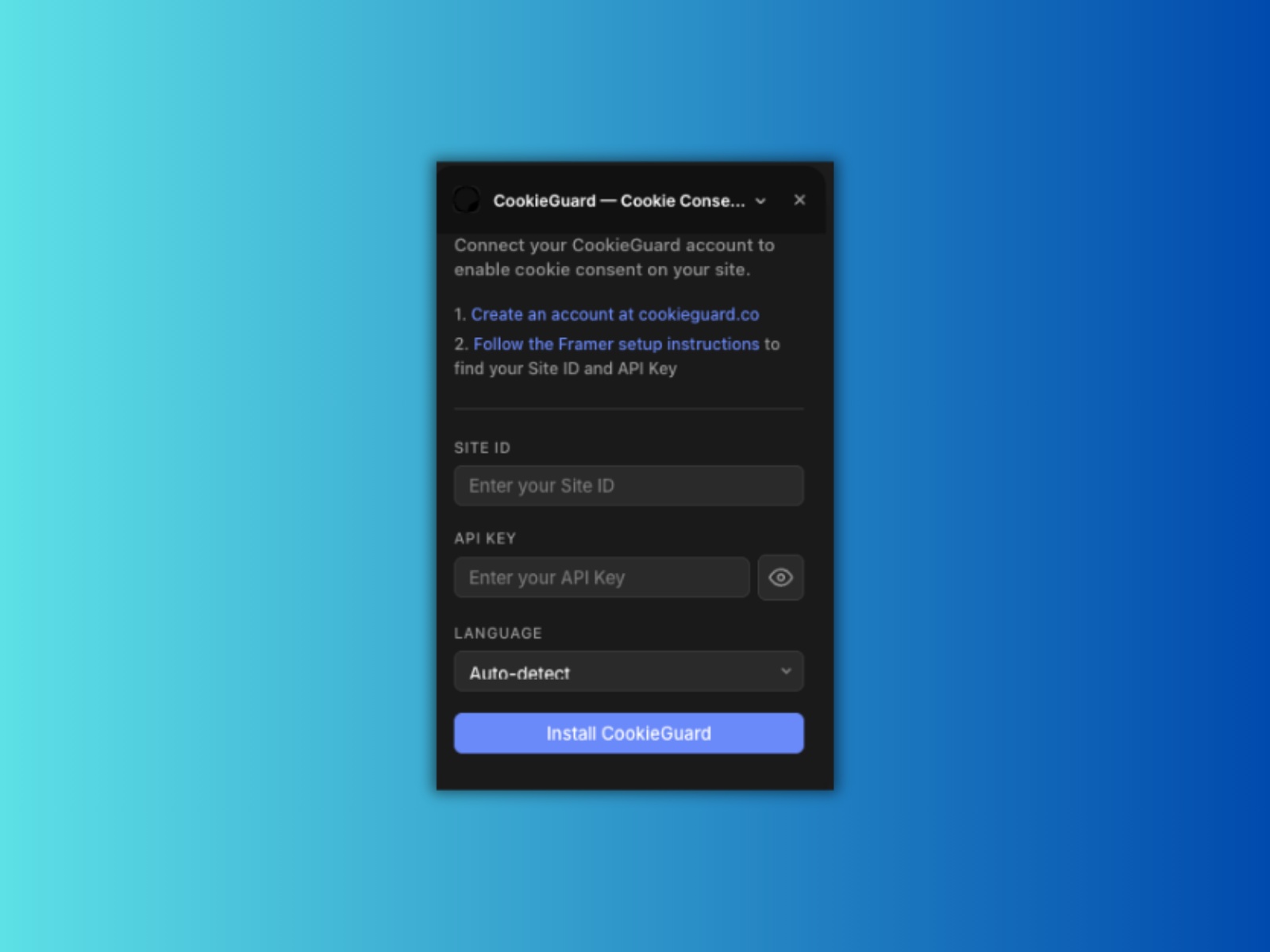
CookieGuard — Managed CMP with automatic cookie scanning and 11-regulation coverage
CookieGuard connects your Framer site to a hosted consent platform through a marketplace plugin — paste Site ID and Access Key, publish, and the banner injects automatically. The service scans cookies, supports GDPR, CCPA, LGPD, and eight other frameworks, and offers a visual banner editor in the CookieGuard dashboard. The plugin is free; paid plans start at 8 USD per month with a free tier for small sites. Choose CookieGuard when legal stakeholders want audit-ready consent records rather than a locally stored accept/reject flag alone.
- Best for
- Teams that want CookieGuard's dashboard scanning and consent logs without hand-pasting head scripts
Affiliate link — we may earn a commission at no extra cost to you.

CookieYes — Google-certified CMP with auto-blocking and Framer custom-code setup guide
by CookieYes
CookieYes is a full consent management platform with a documented Framer integration: copy the installation snippet from your CookieYes dashboard, paste it in Site Settings under Start of <head>, publish, and verify from the CookieYes console. The free plan covers scanning up to 5,000 pageviews with auto-blocking and GDPR, CCPA, and LGPD templates; paid tiers add geo-targeting, consent logs, and deeper customization. It is the best external CMP when your stack includes non-Google trackers and you need certified Consent Mode v2 signaling out of the box.
- Best for
- Marketing sites that need geo-targeted banners, cookie scanning, and Google Consent Mode v2 without building category logic in Framer
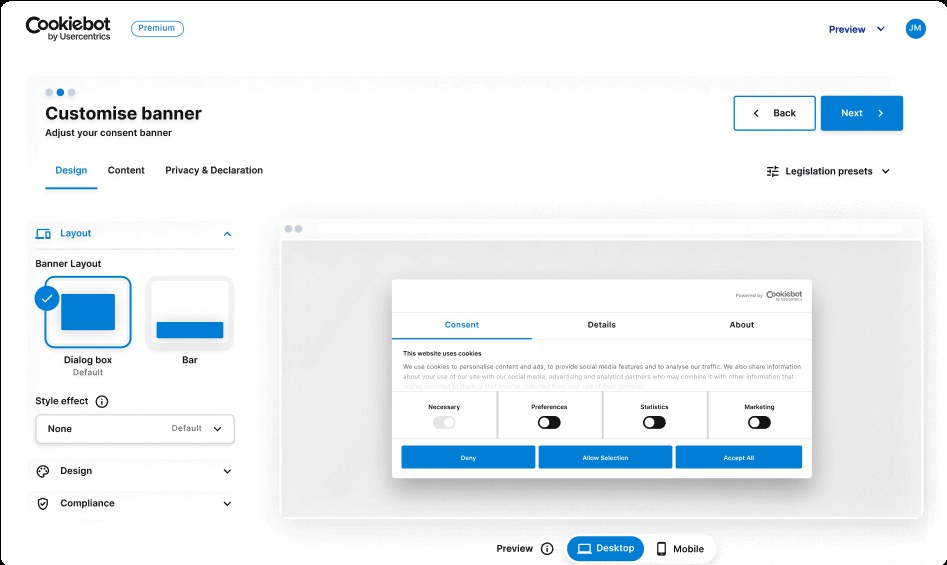
Cookiebot — Automatic cookie discovery with detailed categorization and Consent Mode support
Cookiebot by Usercentrics automatically scans your published Framer site, categorizes discovered cookies, and blocks scripts until visitors grant category-level consent. Integration follows the same custom-code pattern as other CMPs — paste the Cookiebot script in Site Settings head, load before analytics tags, and configure blocking rules in the Cookiebot admin. A free tier suits small sites; paid plans from 7 EUR per month unlock multi-domain management and deeper reporting. Pick Cookiebot when compliance reviews demand auto-detection rather than manually listing every third-party embed.
- Best for
- Enterprise and regulated industries that need thorough cookie audits and documented consent trails
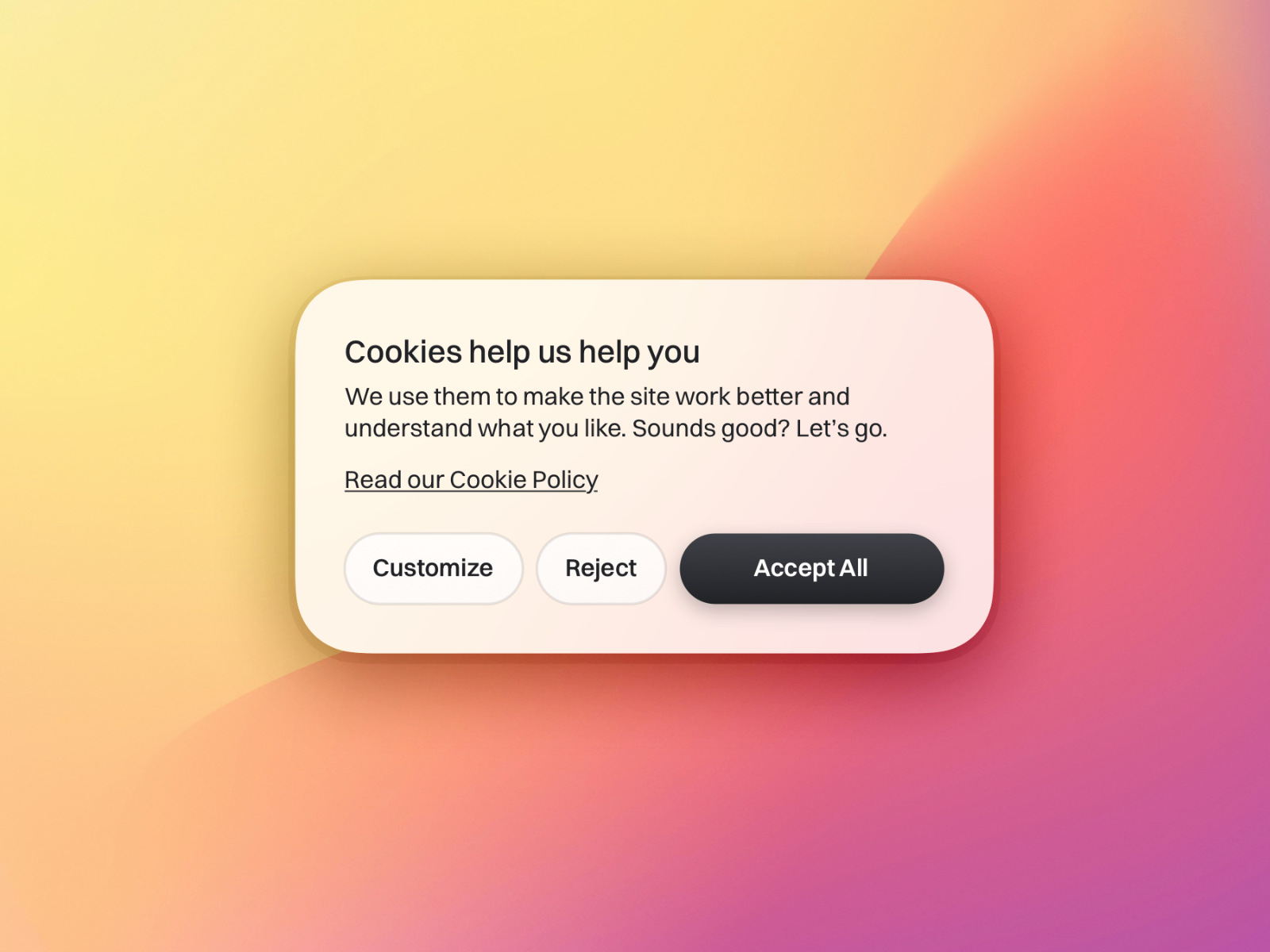
Cookie Banner — Design-first banner with cookie classification and preference triggers
ClearCut’s Cookie Banner prioritizes visual integration: adjust typography, colors, borders, shadows, and background blur directly on canvas, preview the banner inside the editor before publishing, and classify cookies with readable category descriptions. A preference trigger — text link or icon — lets visitors reopen settings after the first decision. At 10 USD it is the right pick when stakeholders care more about banner aesthetics than built-in script blocking, and you will pair it with conditional custom code or Google Tag Manager for enforcement.
- Best for
- Brand-heavy marketing sites where the banner must match typography, blur, and breakpoints pixel-perfect
Affiliate link — we may earn a commission at no extra cost to you.

Framer Cookie Banner Component — Native banner integrated with Google Consent Mode and Tag Manager
by Framer
Framer’s official Cookie Banner Component ships in the insert menu and runs a complete consent flow through Google Consent Mode — trigger Google services and custom scripts only after the proper consent state is recorded. You can block the page with a backdrop until consent, keep the banner open across navigations, set regional defaults, and link to separate cookie policies for EU and rest-of-world visitors. It costs nothing beyond your Framer plan and is the default starting point when your tracking stack lives inside Google Tag Manager.
- Best for
- Sites that primarily use Google Analytics, Ads, and GTM-managed tags with separate EU and non-EU behavior
Affiliate link — we may earn a commission at no extra cost to you.
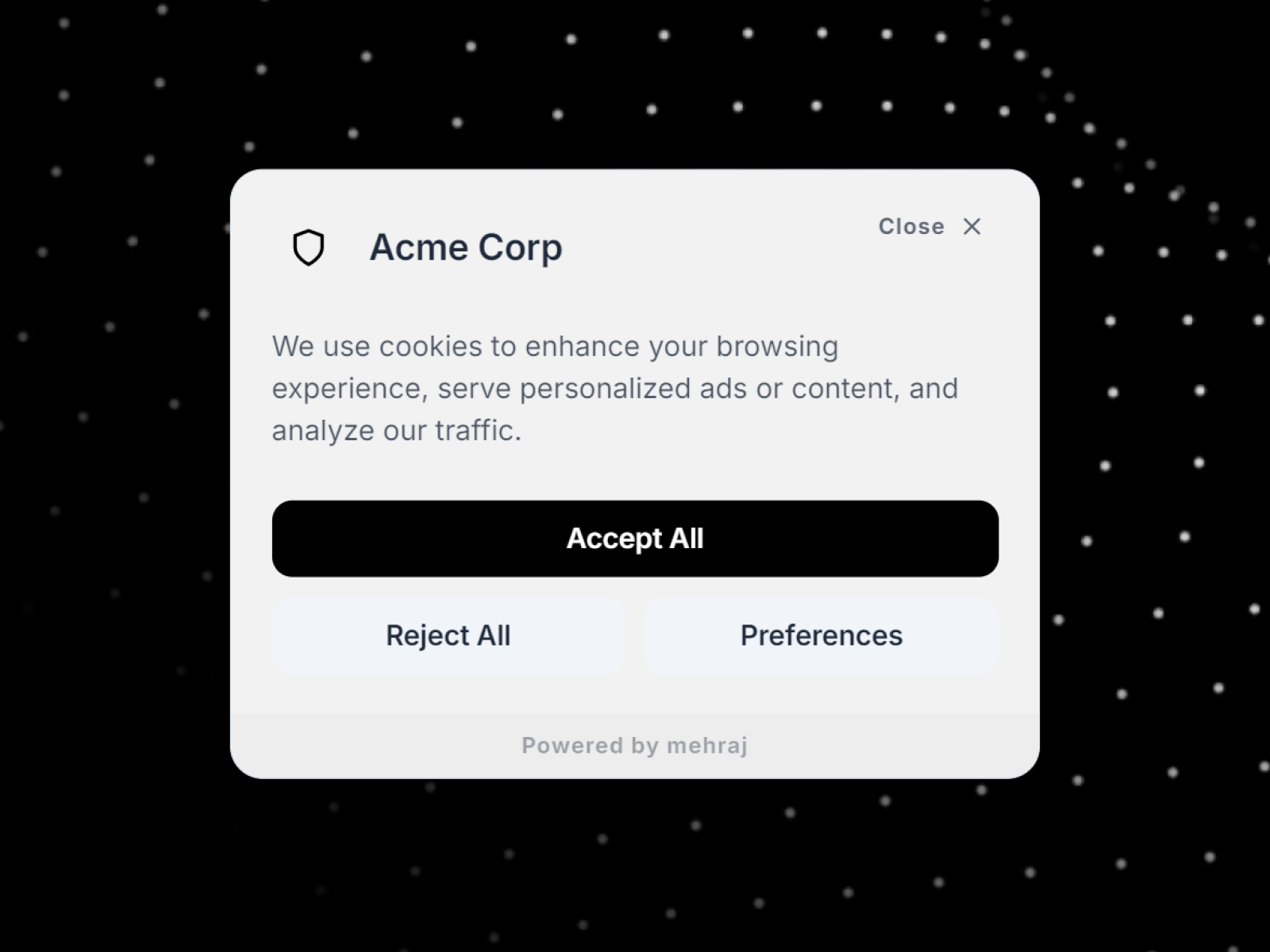
Cookie AI Banner — Preferences panel with unlimited categories and glassmorphism styling
by Mohd Mehraj
Cookie AI Banner delivers Accept All, Reject All, and Save Preferences flows with a detailed panel, unlimited custom categories beyond the essential/analytics/marketing trio, seven placement options plus center modal mode, and glassmorphism blur controls. Logo upload, typography overrides, and policy footer links help agencies ship branded compliance layers without a monthly CMP fee. At 10 USD it sits between Cookie Banner Pro’s script loader and ClearCut’s pure design focus — strong when category depth and visual polish matter equally.
- Best for
- Client sites that need granular category toggles and logo-branded consent UI on a mid-tier budget
Affiliate link — we may earn a commission at no extra cost to you.
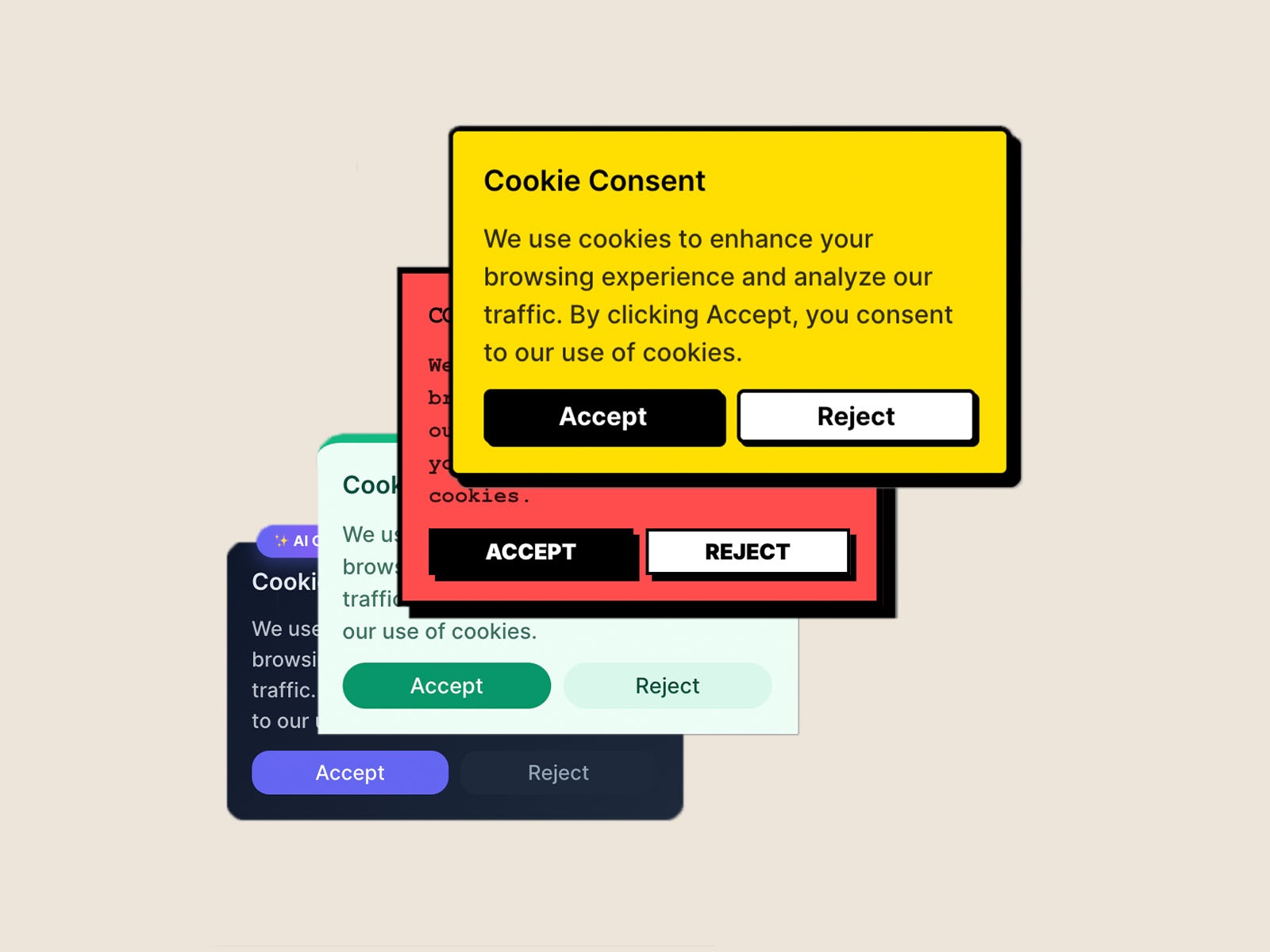
Cookie Consent — Lightweight accept/reject banner with local preference storage
This free marketplace plugin adds a customizable accept/reject banner with top, bottom, or center placement, editable copy, and background and button colors — all configured from the plugin panel without third-party dashboards. Choices persist locally so repeat visitors are not nagged. It runs entirely on-device with no external API calls, which keeps setup fast but means you must still conditionally load analytics scripts yourself. Install it when you need visible consent on a lean site and will handle script blocking through Framer’s native Cookie Banner or manual GTM rules.
- Best for
- Small sites and portfolios that need a simple consent UI without external accounts or subscriptions
Affiliate link — we may earn a commission at no extra cost to you.
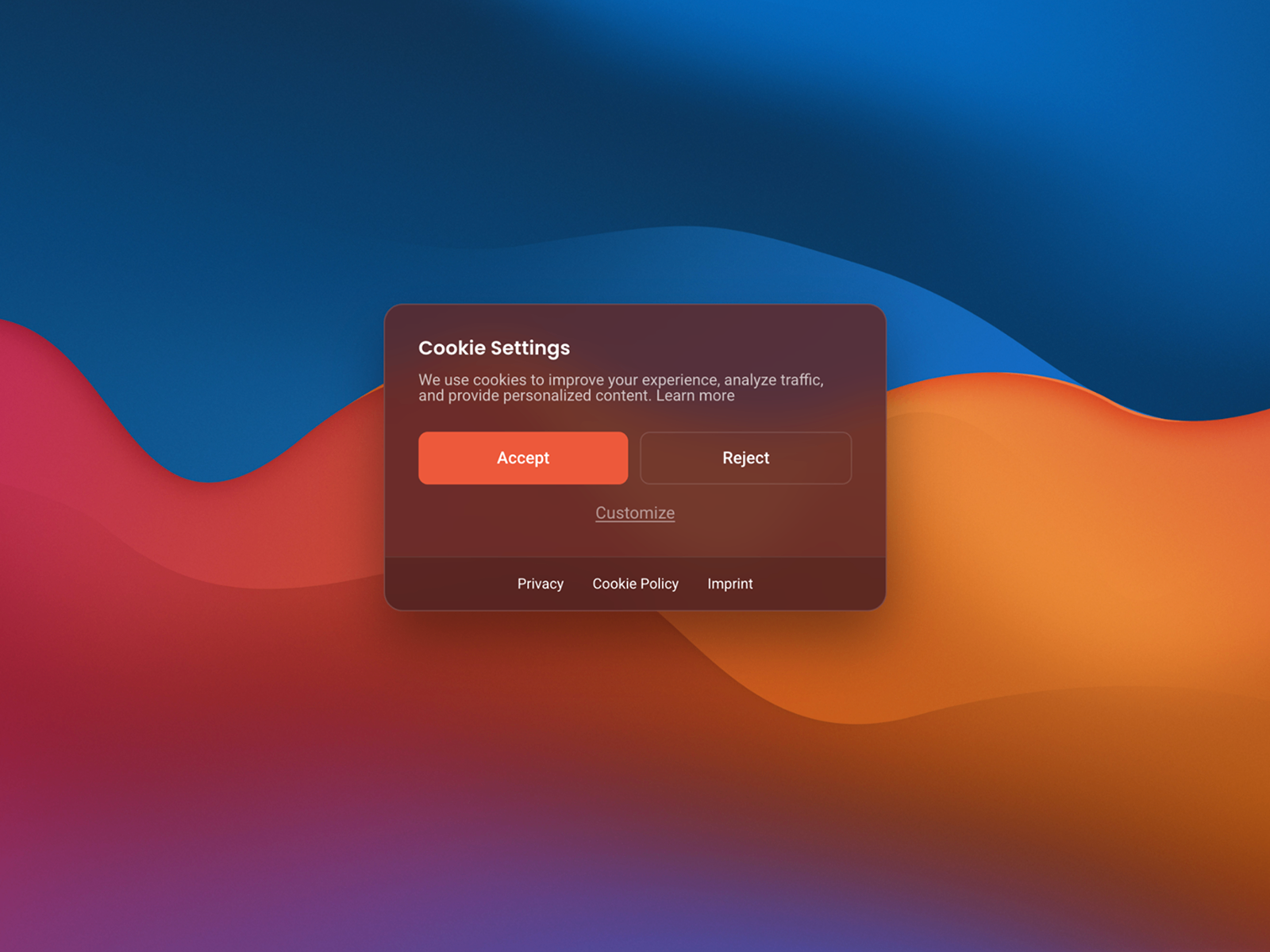
GDPR Cookie Banner — Free utilities component focused on GDPR-style accept and decline flows
by Ardit Neziri
Ardit Neziri’s free GDPR Cookie Banner is a marketplace component aimed at straightforward accept/decline interactions for European visitors. Drop it on your page, style it like any Framer layer, and publish without marketplace fees or recurring CMP billing. Pair it with conditional script loading or Framer’s Google Consent Mode component when analytics tags must stay blocked until acceptance — the banner handles notice and choice storage, not automatic third-party discovery.
- Best for
- EU-facing landing pages that need a no-cost banner component drop-in on a single campaign site
Affiliate link — we may earn a commission at no extra cost to you.
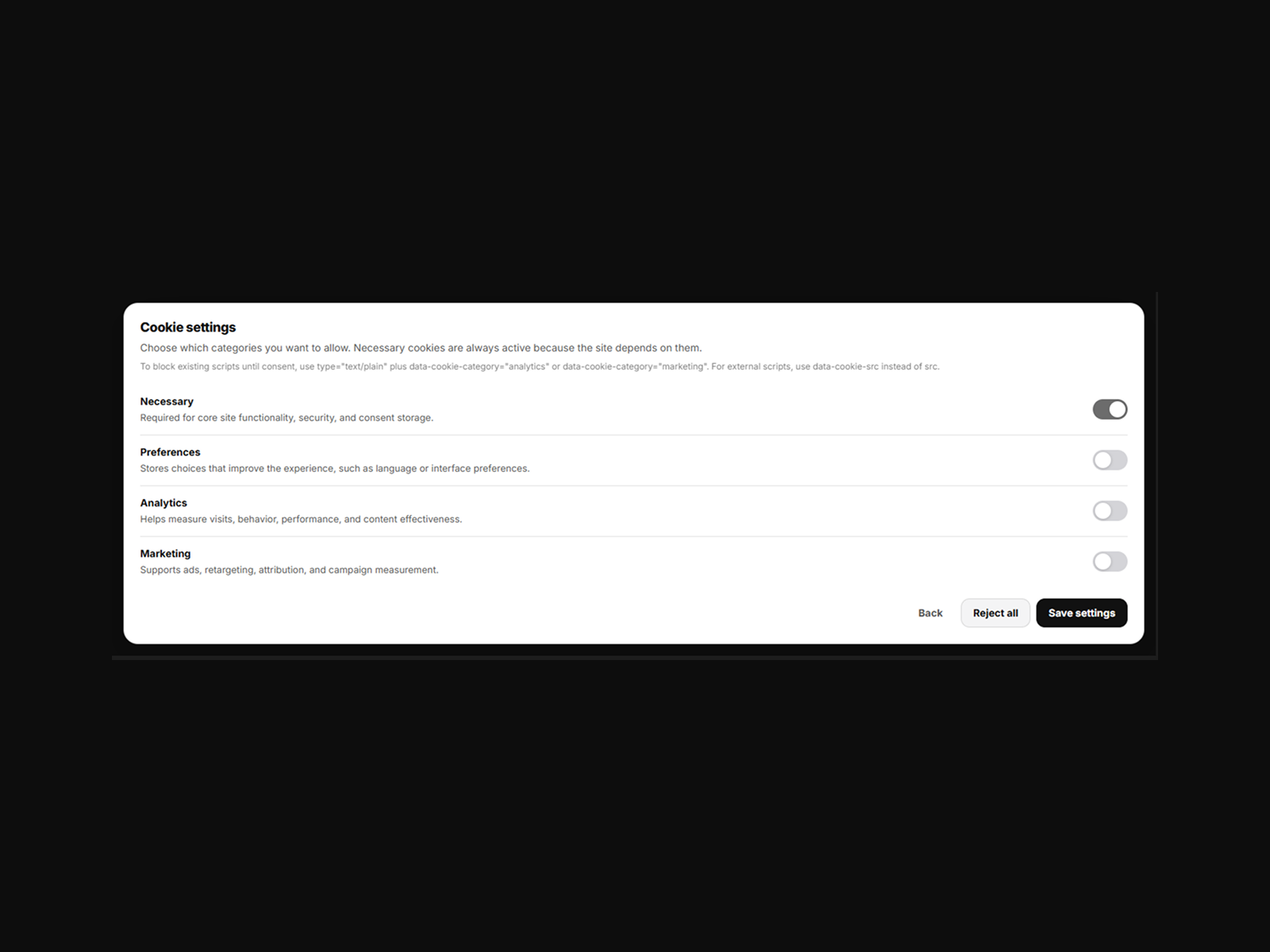
Free Cookie Consent — Interaction-ready free banner for quick consent messaging
Free Cookie Consent by Zlatko Marjanović is a zero-cost interactions component for teams testing a Framer launch who still need a consent surface on day one. Customize layout and copy on canvas, wire it into your page flow, and upgrade to Cookie Banner Pro or a hosted CMP when tracking complexity grows. It is a sensible last-resort free install when budget is zero and legal exposure is limited to a basic notice — not a substitute for auto-blocking on ad-heavy stacks.
- Best for
- Side projects and MVPs that need a visible cookie notice before upgrading to a managed CMP
Affiliate link — we may earn a commission at no extra cost to you.
Quick comparison
| Resource | Price | Type | Best for |
|---|---|---|---|
| Cookie Banner Pro | 12 USD | Component | Script loader plus glass UI on canvas |
| CookieGuard | Free plugin; from 8 USD/month | Plugin | Managed scanning and consent logs |
| CookieYes | Free tier; from 9 USD/month | CMP | Geo-targeted banners and Consent Mode v2 |
| Cookiebot | Free tier; from 7 EUR/month | CMP | Automatic cookie discovery and audits |
| Cookie Banner | 10 USD | Component | Brand-matched design and preference triggers |
| Framer Cookie Banner | Free | Component | Google Tag Manager and Consent Mode native flow |
| Cookie AI Banner | 10 USD | Component | Granular categories with glass styling |
| Cookie Consent | Free | Plugin | Simple accept/reject without external accounts |
| GDPR Cookie Banner | Free | Component | No-cost EU notice on campaign sites |
| Free Cookie Consent | Free | Component | MVP launches before CMP upgrade |
How to choose the right Framer cookie consent tool
Separate notice from enforcement. A banner that stores accept/reject locally satisfies visibility requirements but does not block HubSpot, Meta Pixel, or YouTube until you pair it with conditional script loading, Google Consent Mode, or a CMP auto-blocker. Cookie Banner Pro and hosted CMPs (CookieGuard, CookieYes, Cookiebot) handle enforcement; free components assume you wire blocking separately.
Match complexity to your tracker stack. Sites using only Google Analytics through Tag Manager should start with Framer’s free Cookie Banner Component. Mixed stacks with Meta, LinkedIn, Hotjar, or embedded widgets need CookieYes or Cookiebot scanning, or CookieGuard’s dashboard-driven blocking.
Budget vs audit trail. One-time marketplace components (10–12 USD) minimize recurring cost for single-client builds. Monthly CMPs justify their fee when legal teams require consent logs, cookie inventories, and geo-specific banner variants across multiple domains.
Custom code requires a paid Framer plan. External CMP snippets and some plugin injections load through Site Settings custom code, which Framer restricts to paid plans. Confirm your workspace tier before committing to a head-script integration path.
Our top pick for most Framer builders
If you want one paid install that covers UI and script blocking on canvas, Cookie Banner Pro at 12 USD is the strongest marketplace component. For audit-ready compliance without building category logic yourself, CookieYes or CookieGuard are the managed CMP defaults — CookieYes when you need Google-certified Consent Mode v2, CookieGuard when you prefer a native Framer plugin connection. On a zero budget with a Google-only stack, start with Framer’s Cookie Banner Component and add Cookie Consent or GDPR Cookie Banner only when you need a styled alternative.
Browse Framer templates on yoframer for launch-ready starting points, or read our analytics tools roundup for privacy-first tracking that pairs with these consent layers. More resource roundups live on the Resources hub.
Updated July 2026. We refresh this list as notable cookie consent tools ship, reprice, or go stale.


