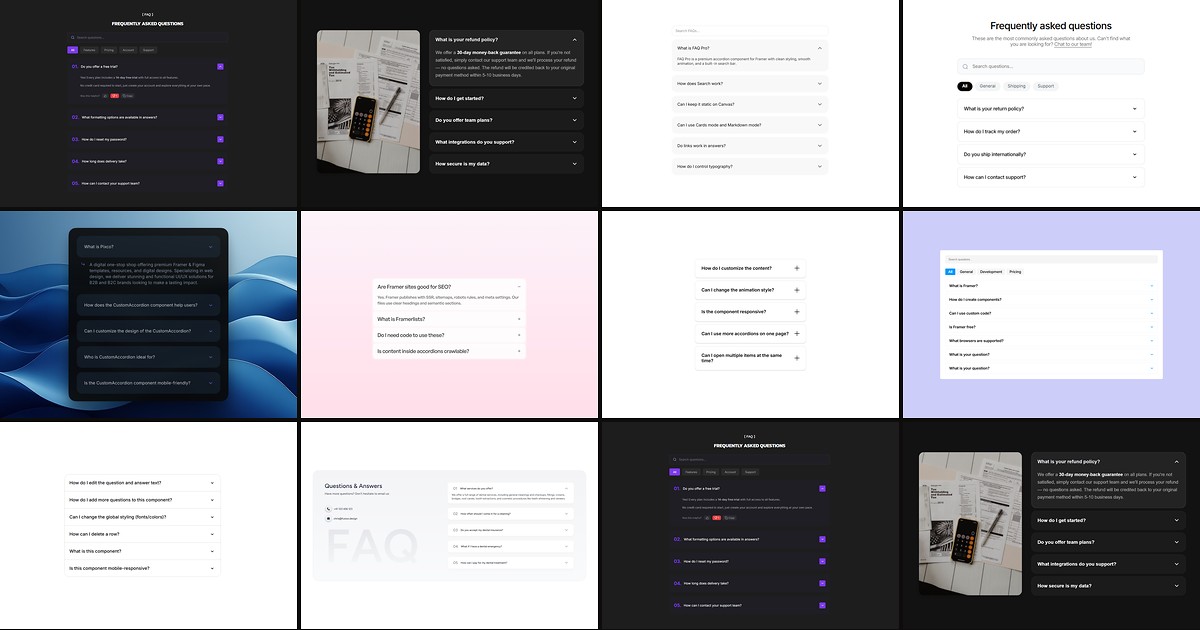
FAQ sections look simple until you ship them. A few stacked text layers work in a mockup, but real support pages need search that filters as visitors type, category tabs when you have thirty-plus questions, and FAQPage schema so Google can surface rich results. A dedicated framer faq accordion component from the marketplace handles expand/collapse motion, keyboard navigation, and SEO plumbing that native frames and manual overrides struggle to maintain.
This list ranks ten FAQ and accordion components available on the Framer marketplace today. Every pick works with current Framer in 2026, has a live demo, and comes from an identifiable creator — five free and five paid, so you can ship client help sections without a line-item budget and upgrade when a launch needs search, analytics, or synced media panels.
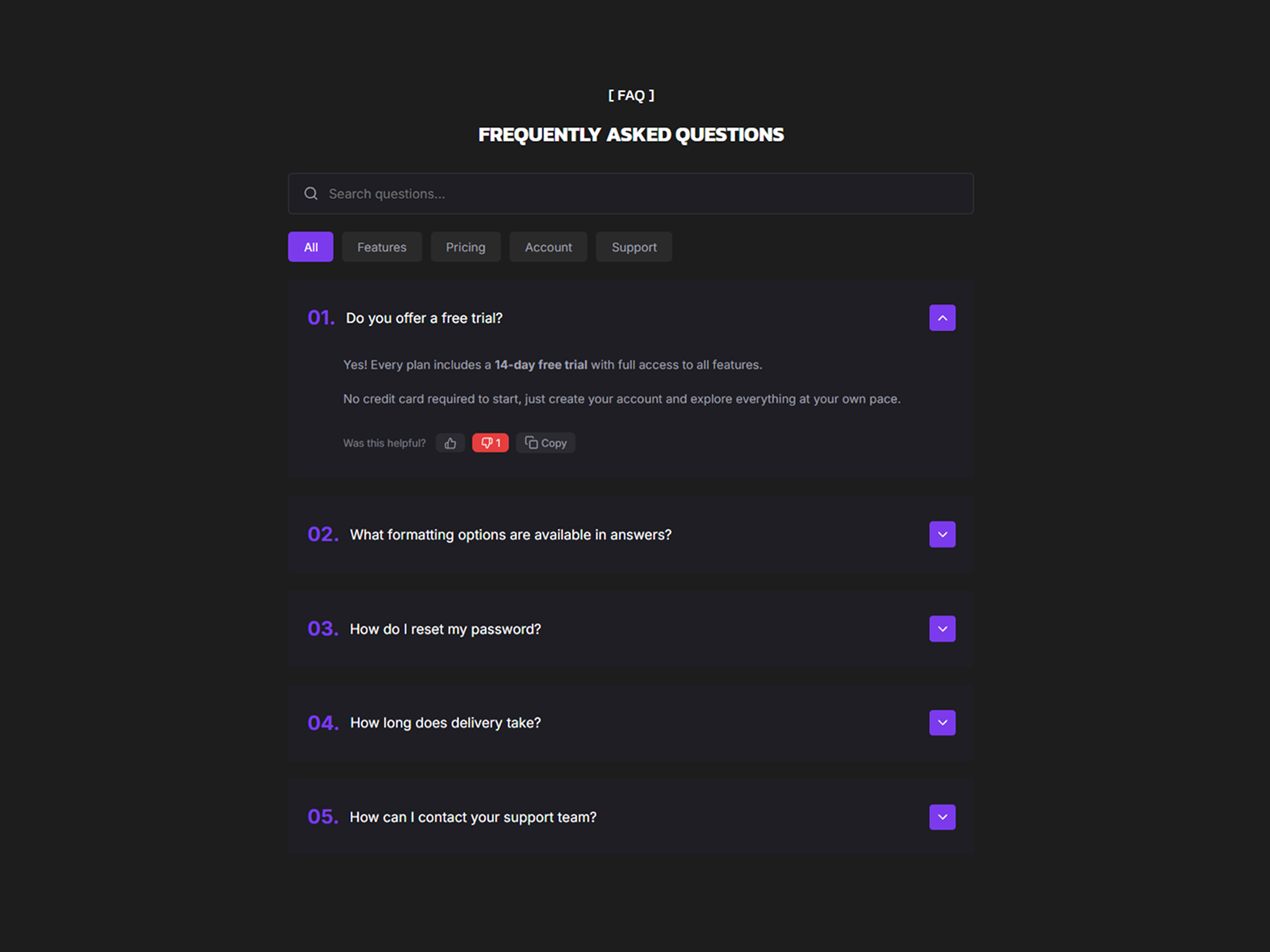
FAQ Pro - Accordion — Search, category tabs, GA reactions, and SEO schema in one accordion
FAQ Pro - Accordion is the strongest all-in-one pick when your FAQ block is a product surface, not a footer afterthought. Built-in search with highlighted matches, auto-generated category tabs, Markdown answers, copy-to-clipboard, and optional thumbs-up/down reactions tracked through Google Analytics give you a complete help experience inside one component. Cards and Dividers visual modes, full keyboard navigation, and toggleable FAQPage schema round out a five USD install that would take days to wire manually with overrides.
- Best for
- SaaS help centers that need searchable FAQs with analytics on which answers help
Affiliate link — we may earn a commission at no extra cost to you.
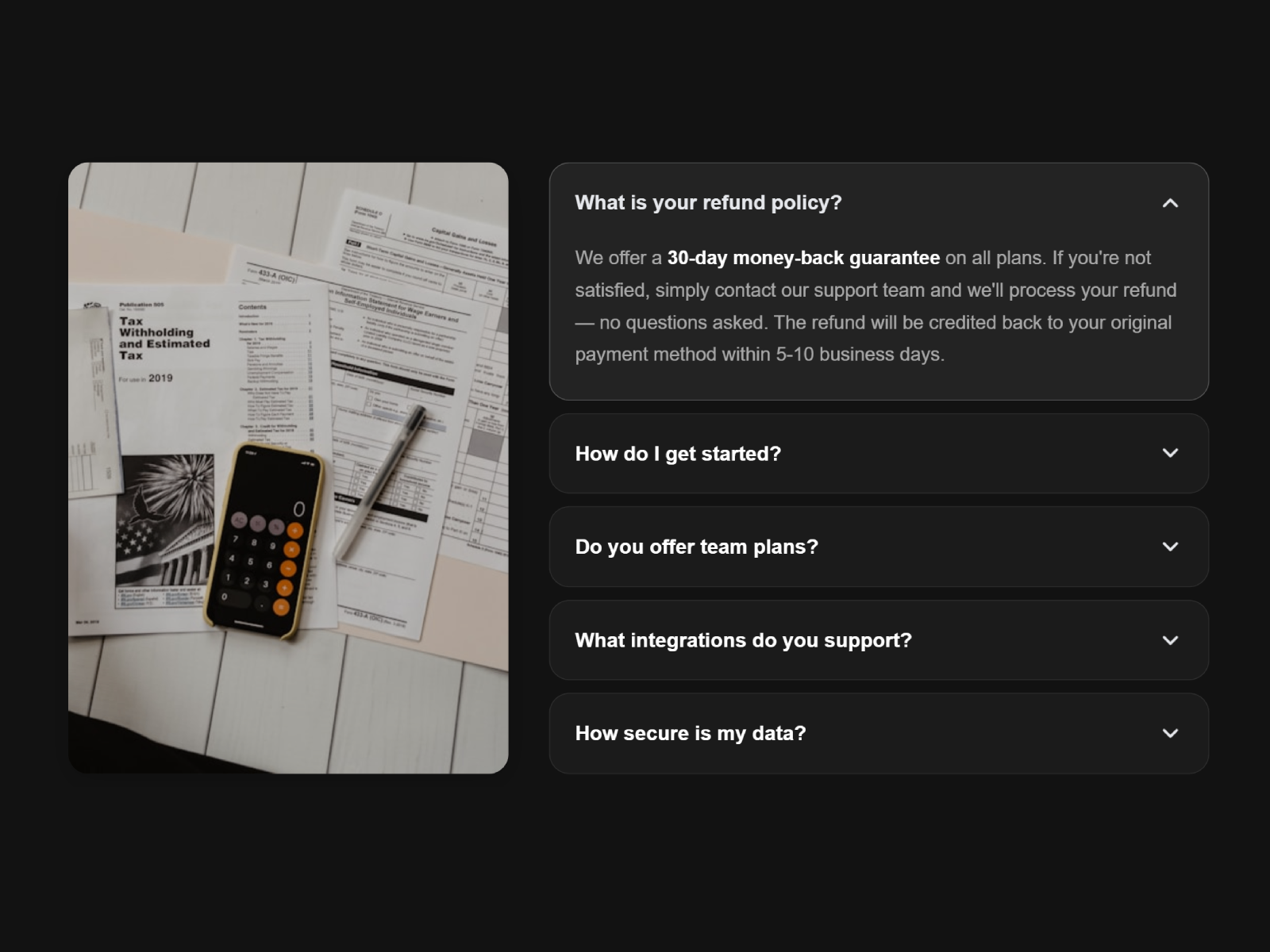
FAQ Image Accordion — Side-by-side accordion with dynamic image and video panel
by Aidan Looker
FAQ Image Accordion pairs an interactive Q&A list with a media panel that crossfades between images and videos as visitors expand each question. Desktop shows accordion and media side by side; mobile collapses to a clean full-width accordion. Five style presets, three layout modes (Cards, Dividers, Minimal), Markdown-rich answers, and toggleable FAQPage JSON-LD make it production-ready for SaaS feature explainers where text alone cannot carry the story.
- Best for
- Product marketing pages where each FAQ answer needs a visual or demo clip
Affiliate link — we may earn a commission at no extra cost to you.
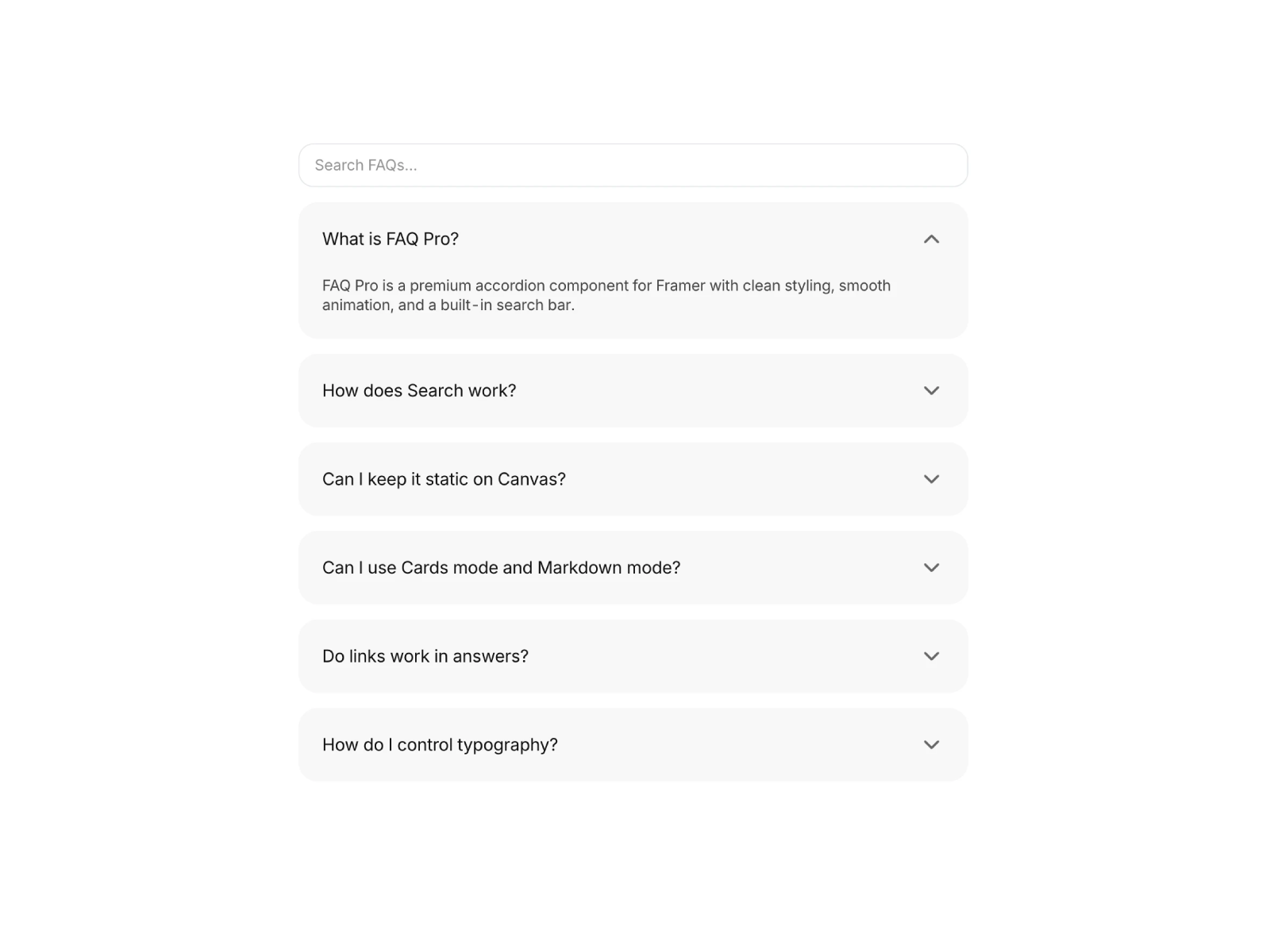
FAQ Pro — Searchable accordion with Cards or Markdown input modes
by Framer Lists
FAQ Pro from Framer Lists is the premium baseline for searchable FAQ sections on high-traffic Framer sites. Real-time search opens matching items automatically, Cards and Markdown modes cover both designer-friendly and developer-fed workflows, and extended font controls keep typography consistent with the rest of your design system. Optional FAQPage SEO schema and canvas toggles for static preview make it a dependable pick when you need one component that scales across client projects without relearning a new interface each time.
- Best for
- Template authors and agencies that publish FAQ-heavy landing pages at volume
Affiliate link — we may earn a commission at no extra cost to you.
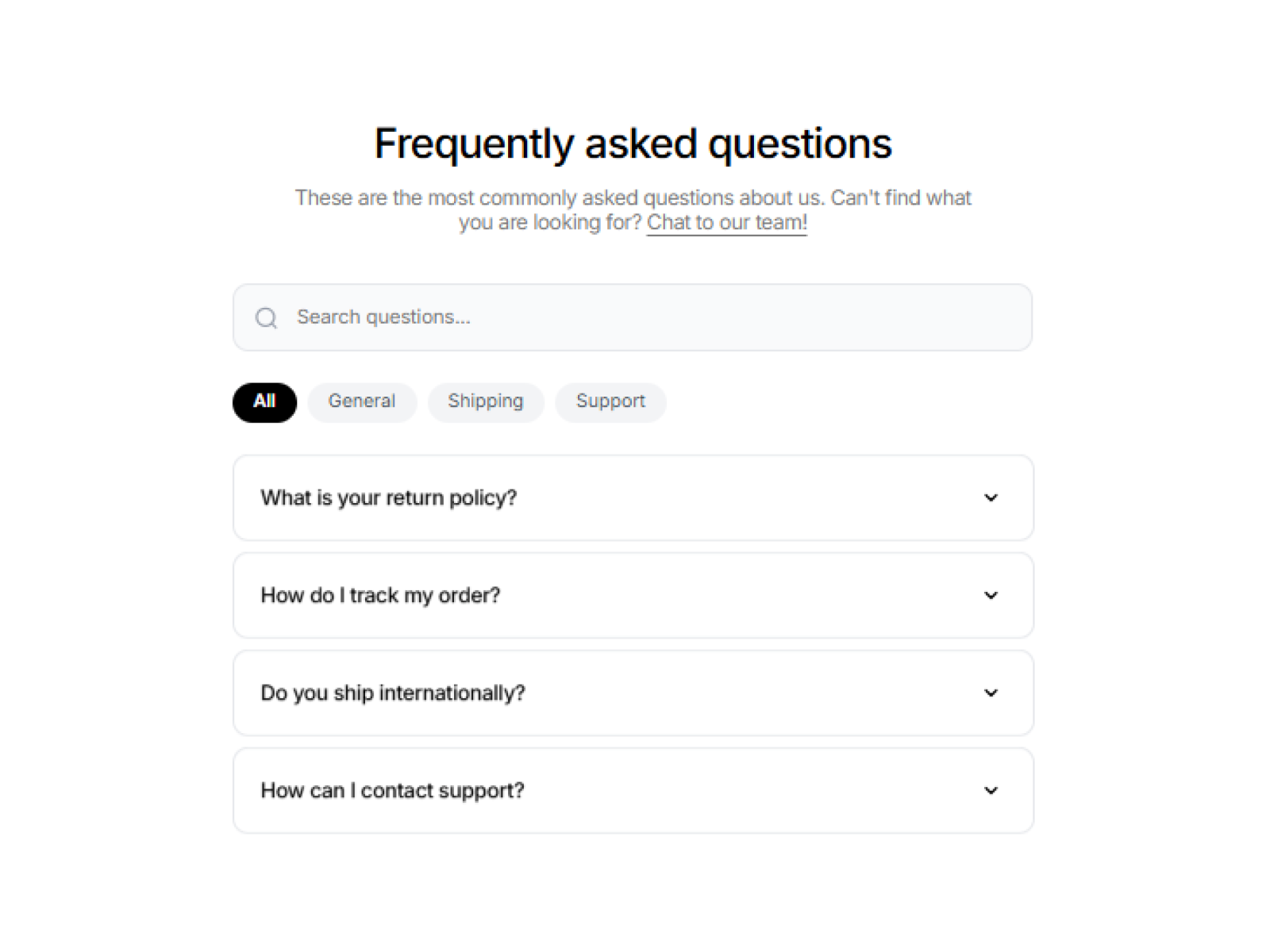
FAQ Accordion Search — Real-time search with optional category pills
FAQ Accordion Search delivers the highest feature-to-price ratio on this list. A real-time search bar filters questions as users type, optional category tabs let visitors jump between Billing, Product, and Account topics, and smooth Framer Motion height animations keep expand/collapse feeling polished. Full color, typography, radius, and spacing controls mean a two USD license still reads as bespoke — ideal when your client needs search and categories but not the full analytics stack of FAQ Pro - Accordion.
- Best for
- Help centers and docs pages where visitors need to filter questions by topic fast
Affiliate link — we may earn a commission at no extra cost to you.
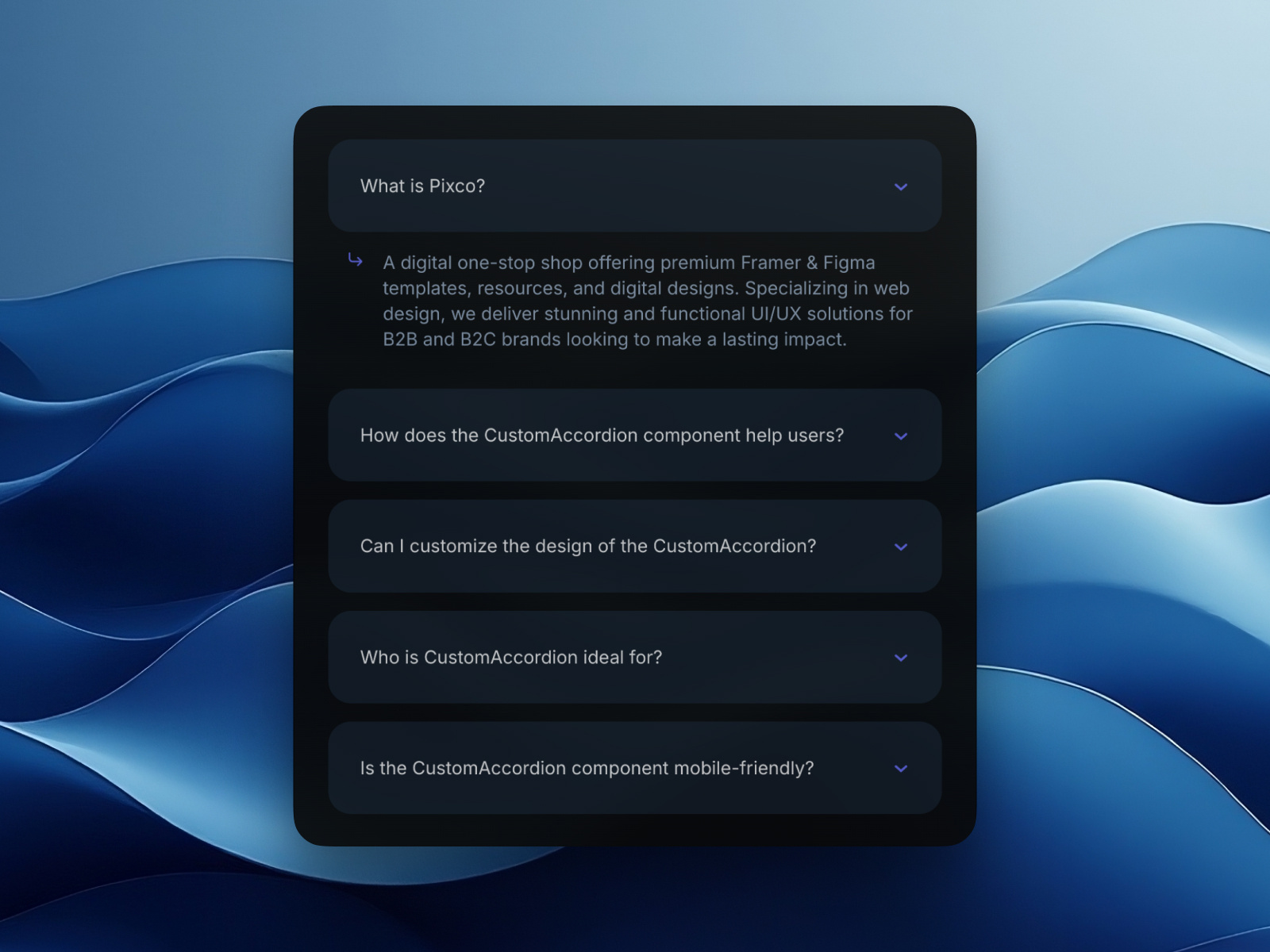
Custom FAQ Accordion — Unlimited FAQ items with automatic linking — no manual variant wiring
Custom FAQ Accordion from Pixco solves the most common Framer FAQ pain point: scaling item count without rebuilding component connections. Add as many questions and answers as you need from the property panel and the component handles linking automatically — no manual variant wiring or nested instance gymnastics. Icon animations, hover states, gap and padding controls, and a first-card-open toggle give you a polished accordion without requiring the person editing content to understand Framer’s component architecture.
- Best for
- Teams without deep Framer component experience who need to add questions quickly
Affiliate link — we may earn a commission at no extra cost to you.
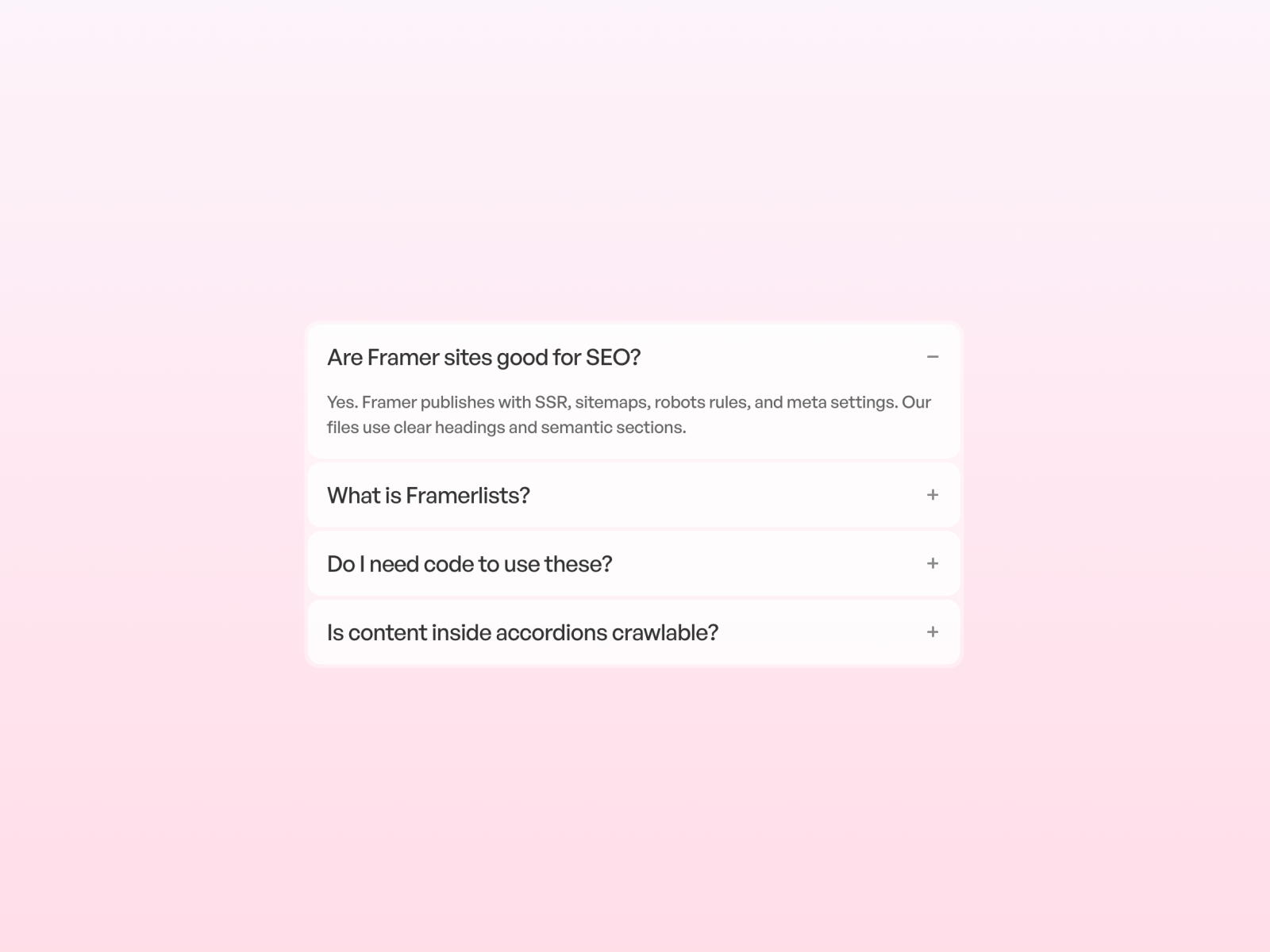
FQAs_accordian — Smooth single-open accordion with built-in FAQPage schema
by Framer Lists
FQAs_accordian is the best free pick when SEO matters as much as UX. Answers stay visible to crawlers while visitors get a smooth single-open accordion with auto-collapse, and built-in JSON-LD FAQPage schema helps Google surface rich results. Clean animation, full styling controls for fonts, colors, spacing, and icons, and zero license cost make it the default starting point before you upgrade to searchable paid components.
- Best for
- Landing pages that need SEO-friendly FAQs without a paid license
Affiliate link — we may earn a commission at no extra cost to you.
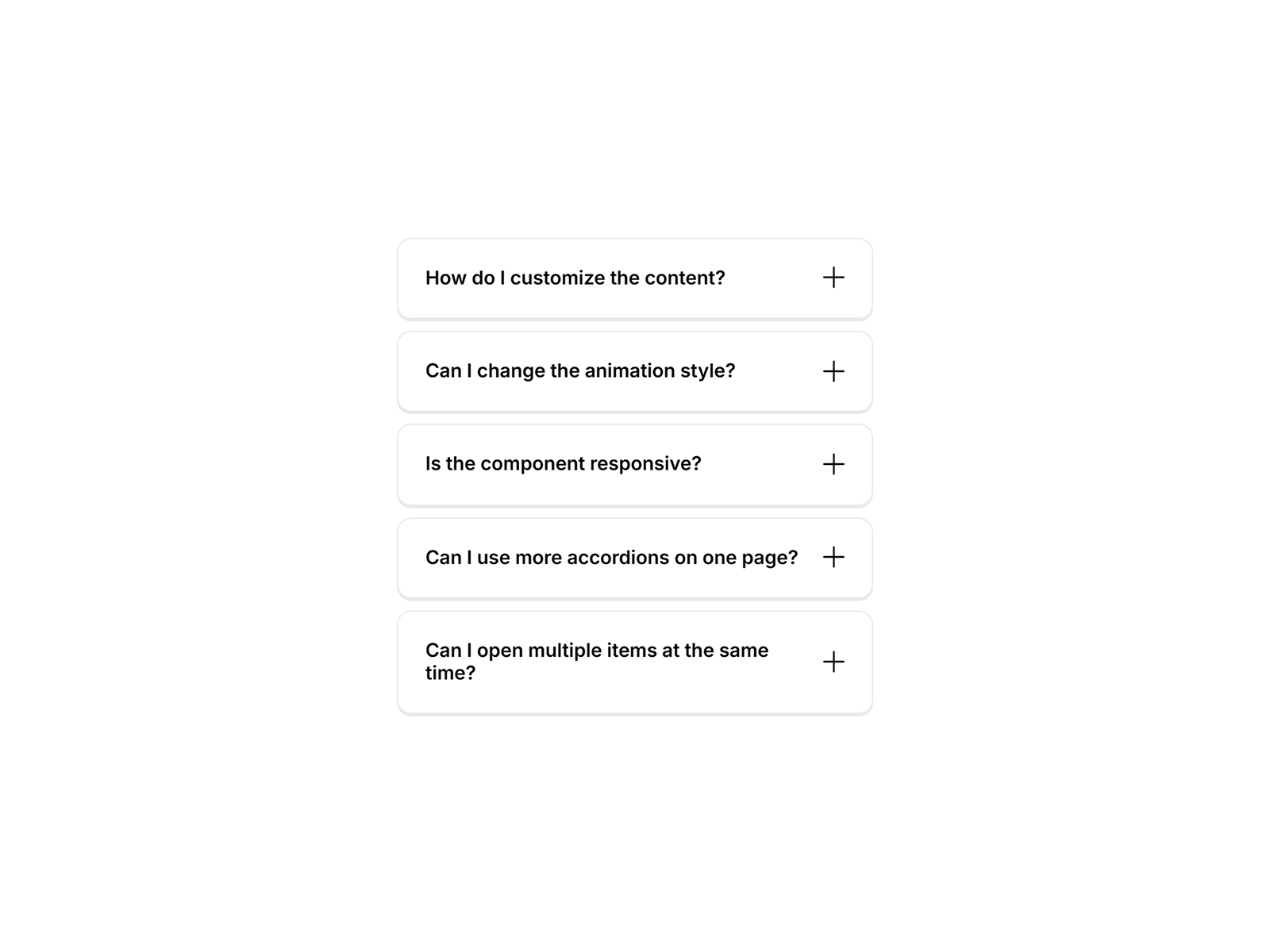
Modern FAQ Accordion — Spring-animated accordion with responsive layout controls
Modern FAQ Accordion focuses on the essentials: spring-based open/close motion, responsive layout, and organized property controls for spacing, typography, colors, borders, and icons. It is lightweight, performance-conscious, and easy for non-technical editors to update from the panel — a solid free alternative when your FAQ section is five to ten questions and search or categories would be overkill.
- Best for
- Marketing sites and portfolios that need a clean FAQ block with minimal setup
Affiliate link — we may earn a commission at no extra cost to you.
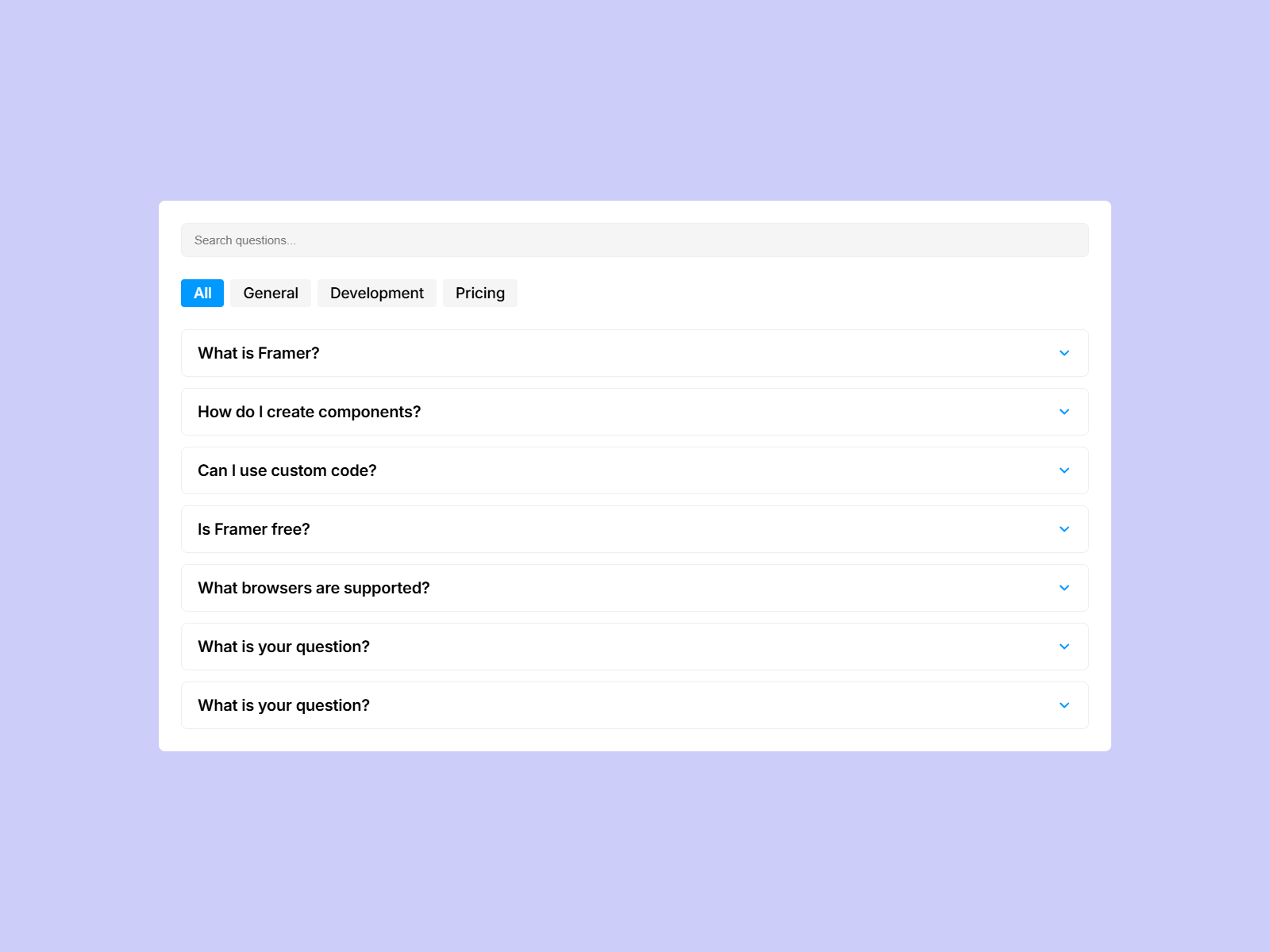
Smart FAQ — Structured FAQ section with editable Q&A rows
by Edi Priatama
Smart FAQ delivers a structured FAQ section component with editable question-and-answer rows, responsive behavior, and styling controls tuned for product and marketing pages. It trades advanced search and schema features for speed — drop it on the canvas, fill in your Q&A pairs, and publish. A practical free option when your FAQ lives mid-page on a landing site rather than in a dedicated help center.
- Best for
- Product pages and onboarding flows that need a scannable help block fast
Affiliate link — we may earn a commission at no extra cost to you.
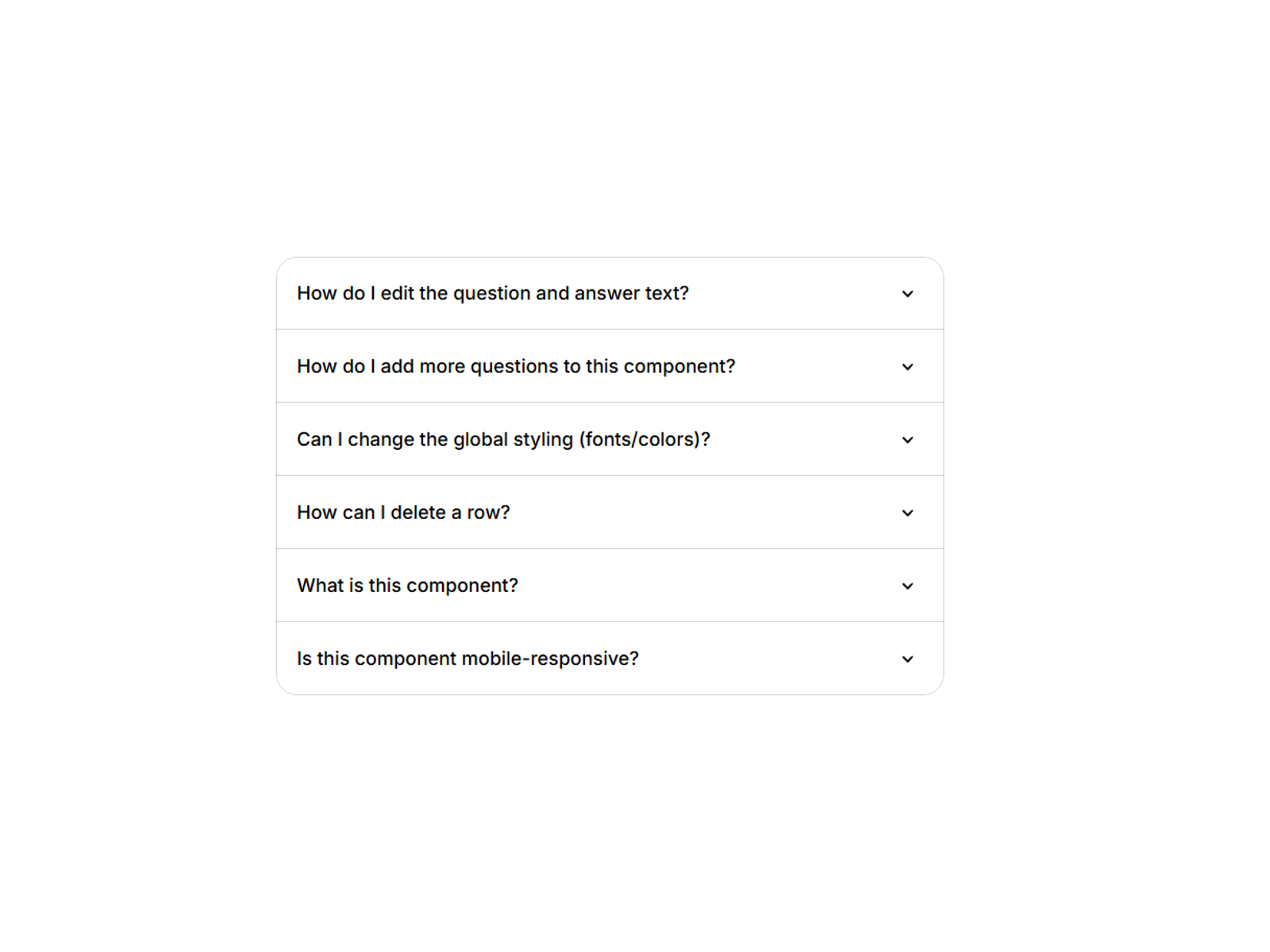
Basic FAQ Accordion — Minimal accordion for straightforward Q&A lists
by Jan S
Basic FAQ Accordion is intentionally minimal — a collapsible Q&A list with subtle interactions and property-panel editing, nothing more. That simplicity is the point: no search bar to configure, no schema toggles to explain to clients, just a reliable accordion for straightforward support questions. Use it on service sites, local business pages, and early-stage prototypes where a clean FAQ row beats a static text wall.
- Best for
- Small business sites and agency prototypes that need a no-frills FAQ block
Affiliate link — we may earn a commission at no extra cost to you.
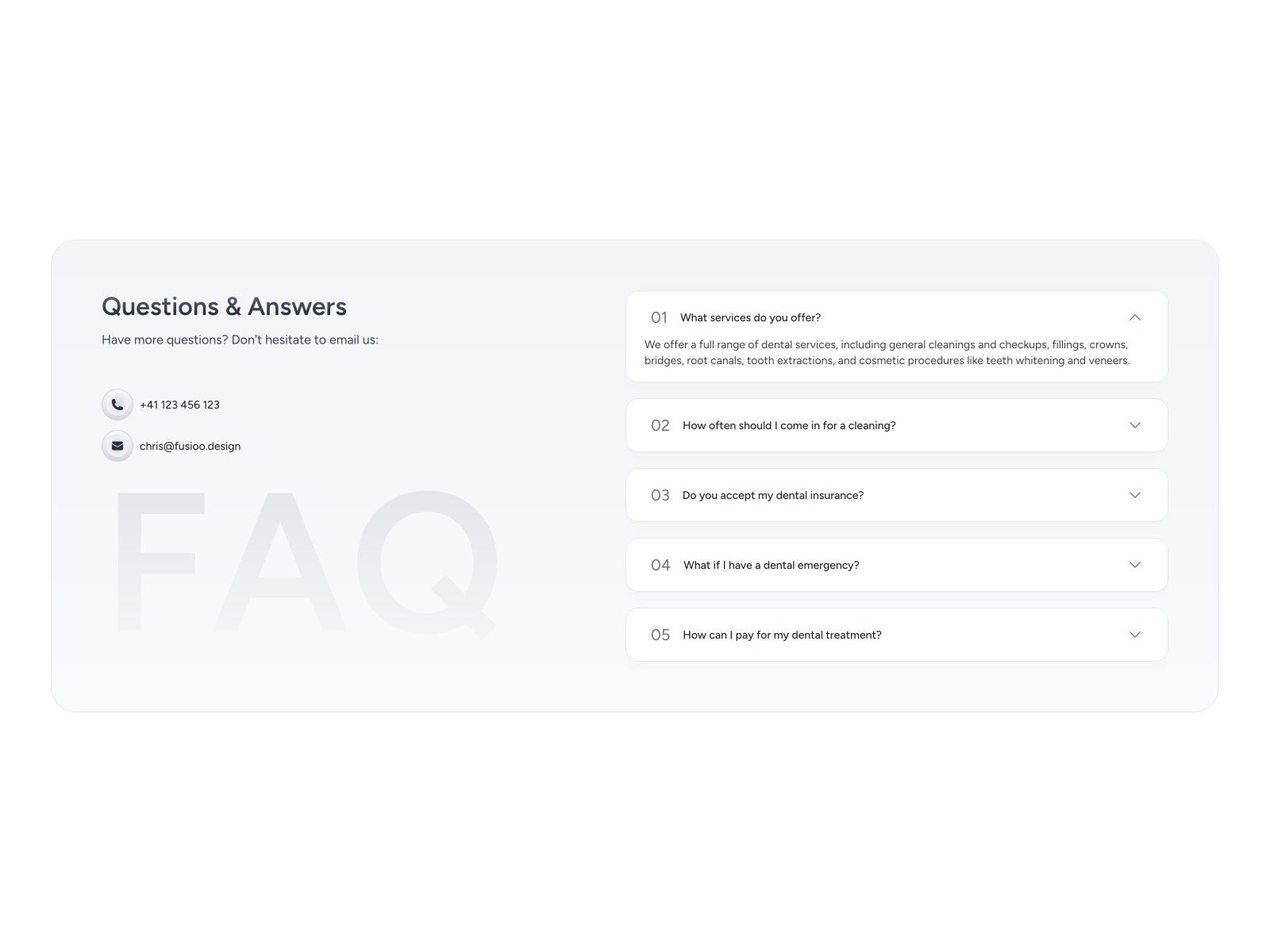
FAQ — Collapsible Q&A layout for help and onboarding pages
FAQ from Fusioo Design is a clean collapsible Q&A component built for help pages, product info sections, and onboarding flows. Fully responsive with easy content editing from the property panel, it handles the baseline accordion job when you want a recognizable marketplace listing with zero cost. Pair it with a dedicated help-page template when your FAQ section is one block in a larger support layout.
- Best for
- Help pages and product info sections that need a simple collapsible format
Affiliate link — we may earn a commission at no extra cost to you.
Quick comparison
| Component | Price | Type | Best for |
|---|---|---|---|
| FAQ Pro - Accordion | 5 USD | Component | Searchable FAQs with GA reactions and SEO schema |
| FAQ Image Accordion | 9 USD | Component | FAQ sections with synced image or video panels |
| FAQ Pro | 19 USD | Component | Premium searchable accordion for template authors |
| FAQ Accordion Search | 2 USD | Component | Budget search and category filtering |
| Custom FAQ Accordion | 10 USD | Component | Unlimited items without manual component linking |
| FQAs_accordian | Free | Component | Free accordion with FAQPage schema |
| Modern FAQ Accordion | Free | Component | Spring-animated marketing-site FAQs |
| Smart FAQ | Free | Component | Quick structured FAQ sections |
| Basic FAQ Accordion | Free | Component | Minimal no-frills Q&A lists |
| FAQ | Free | Component | Simple collapsible help-page layout |
How to choose the right Framer FAQ accordion component
Start with content volume. Five to ten questions on a landing page? Any free pick on this list works — FQAs_accordian if SEO schema matters, Modern FAQ Accordion if motion polish is the priority. Twenty-plus questions across billing, product, and account topics? Install search and category support from FAQ Pro - Accordion, FAQ Accordion Search, or FAQ Pro before launch day.
Decide whether media belongs in the FAQ. Product explainers where each answer needs a screenshot or demo clip should use FAQ Image Accordion — text-only accordions force visitors to scroll away from context. Service and agency sites rarely need synced media panels; save the nine USD license for SaaS feature pages.
Budget for maintenance, not just design. Custom FAQ Accordion pays off when non-Framer editors add questions weekly without breaking component links. JSON-fed or Markdown modes in FAQ Pro matter when your dev team owns FAQ content and pushes updates from a CMS or repo.
Test SEO before handoff. Toggle FAQPage schema on FQAs_accordian or FAQ Pro - Accordion, publish, and validate with Google’s Rich Results Test. Accordion components that hide answer text from crawlers will underperform in search regardless of how smooth the animation looks.
Our top pick for most Framer builders
If you install one paid FAQ component, make it FAQ Pro - Accordion at 5 USD — search, categories, Markdown answers, GA reactions, and SEO schema cover more real help-center scenarios than any single free pick. For zero-budget builds, FQAs_accordian is the free default that keeps answers crawler-visible while delivering smooth single-open motion. When your FAQ section is a visual product story, FAQ Image Accordion at 9 USD is the clearest upgrade path.
Browse Framer templates on yoframer for SaaS and product landing starting points, or read our pricing table components roundup for the tier cards that usually sit above FAQ sections on subscription pages. More resource roundups live on the Resources hub.
Updated July 2026. We refresh this list as notable FAQ accordion components ship, reprice, or go stale.


