Every Framer marketing site, SaaS dashboard mockup, and mobile UI block needs icons — but the default workflow of downloading SVGs, importing assets, and manually matching stroke weight kills momentum. A dedicated framer icon plugin keeps search, color tweaks, and one-click insertion inside the editor so icons stay native SVG layers you can restyle like any other element.
This list ranks ten icon plugins installable from the Framer marketplace today. Every pick has a working listing, an identifiable creator, and a clear install path — seven free or freemium tools plus three paid options when you need Pro libraries, unlimited searches, or curated vector packs beyond open-source sets.
Phosphor — Official 9,000+ icon kit with six weight styles and drag-and-drop insertion
by Framer
Phosphor is Framer’s own official icon plugin and the baseline every builder should install first. Search 9,000+ icons, pick from six styles — thin, light, regular, bold, fill, and duotone — and drop editable SVGs onto the canvas with drag-and-drop or one-click paste. Because Framer maintains the plugin, it stays aligned with platform updates and matches the built-in Phosphor set in the Insert menu. Start here when you want one dependable library before layering specialized aggregators on top.
- Best for
- Most Framer builds that need a consistent, production-ready icon system without installing anything extra
Affiliate link — we may earn a commission at no extra cost to you.
Power Icon — 100,000+ icons from Lucide, Tabler, Heroicons, Material, and more in one panel
by PowerBox
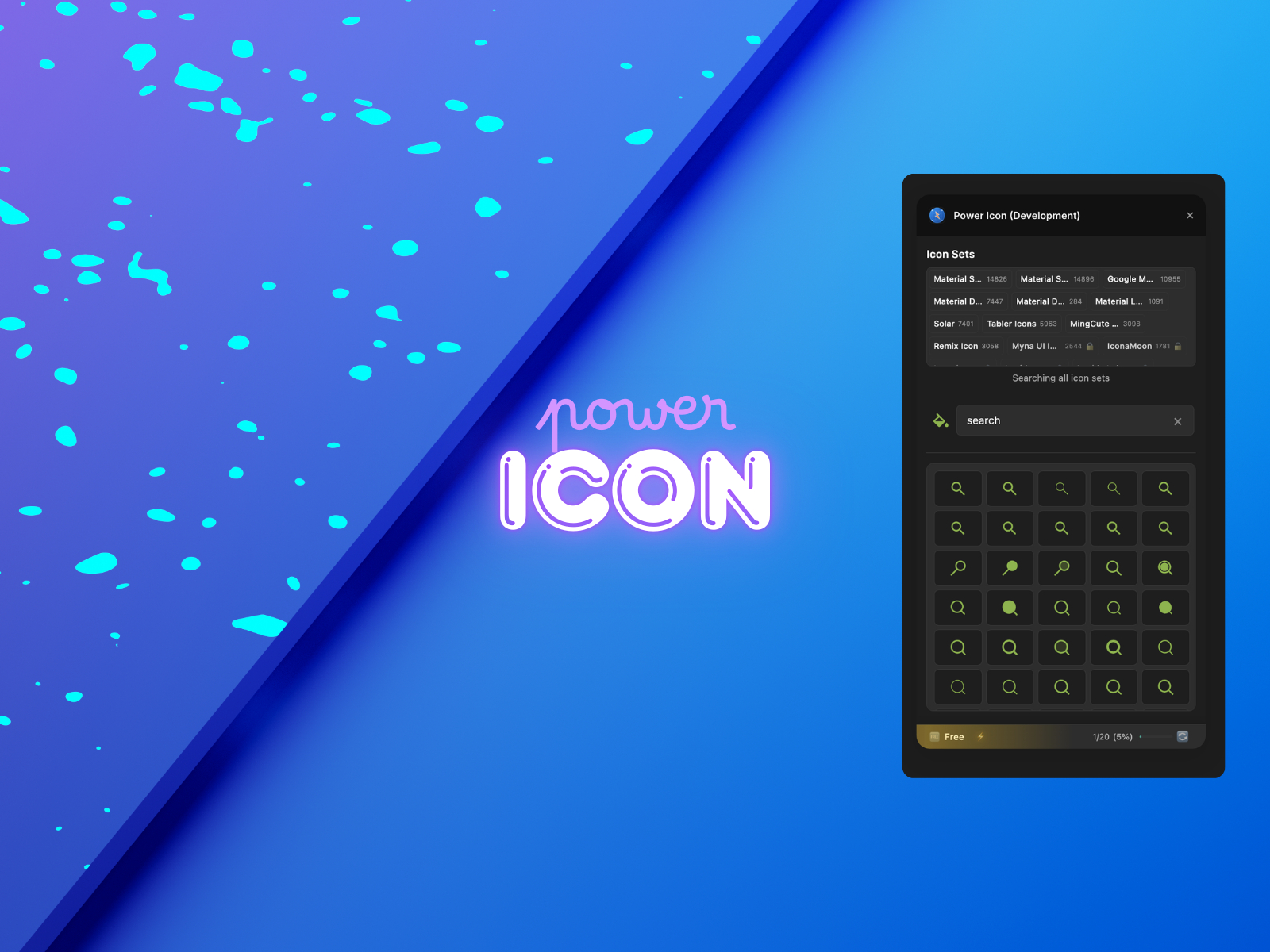
Power Icon aggregates the icon libraries Framer builders actually reach for — Lucide, Tabler, Heroicons, Feather, Material Design, Font Awesome subsets, and more — behind a single search bar with live color customization. The free tier includes 20 searches per month across basic libraries; Pro unlocks unlimited searches, advanced filters, and the full catalog. If your workflow jumps between Lucide for UI chrome and Tabler for dense dashboards, this one plugin replaces three separate installs.
- Best for
- Teams that need multiple open-source libraries without opening a separate plugin for each set
Affiliate link — we may earn a commission at no extra cost to you.
Streamline — 300,000 handcrafted icons, illustrations, emojis, and decorative elements
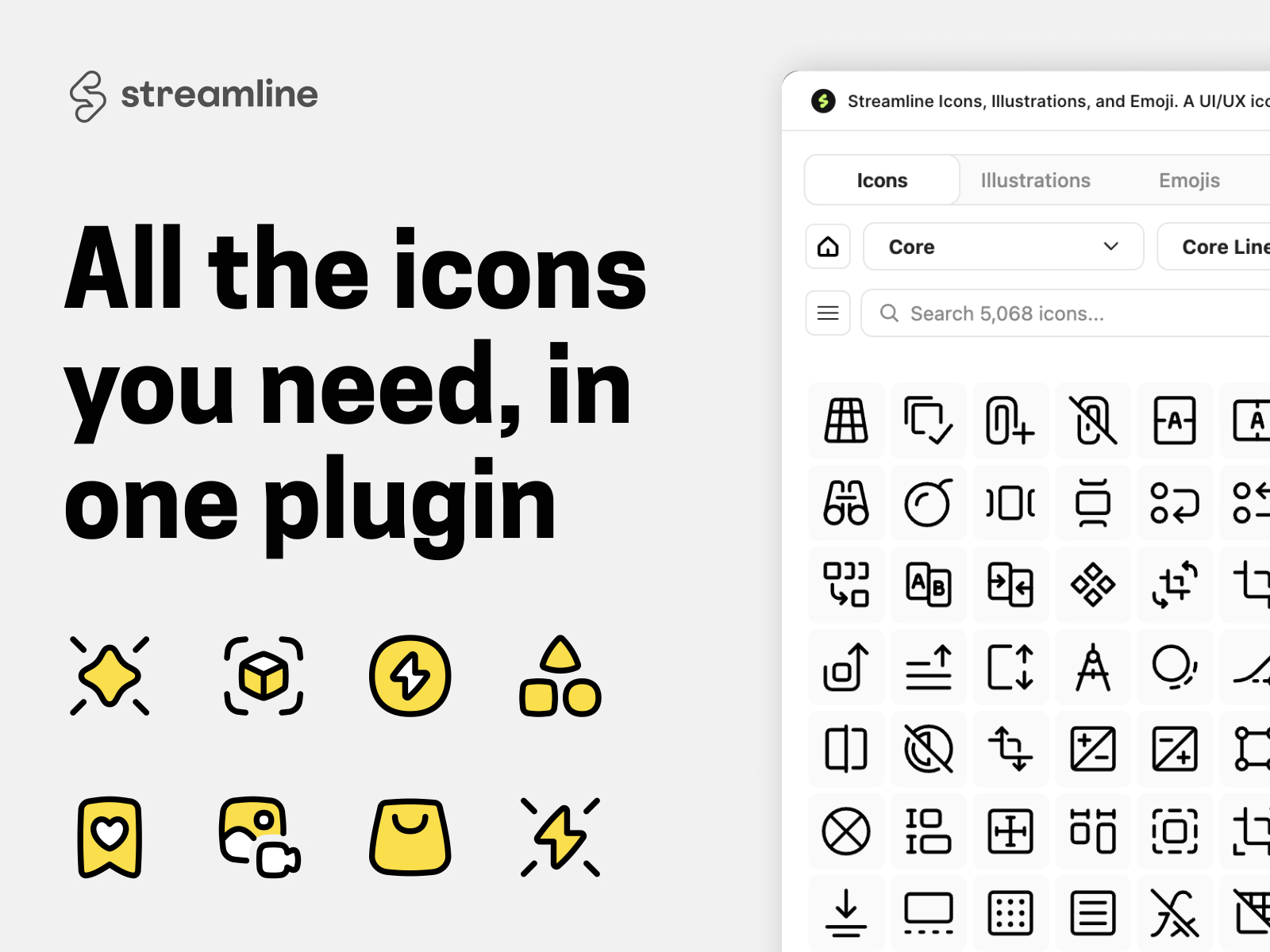
Streamline is the deepest craft-focused library on this list — 100,000 free icons plus 300,000 Pro assets across 20+ families like Core, Sharp, Plump, and Pixel, plus matching illustration sets and 20,000 free emoji vectors. Sets are designed by a single in-house team, so you are not mixing mismatched stroke weights from random GitHub repos. The free tier covers most landing-page needs; Pro subscriptions from 19 USD per month unlock the full encyclopedia when client brands demand pixel-perfect consistency at scale.
- Best for
- Design systems and agency sites that need visual consistency across icons, illustrations, and emoji
Affiliate link — we may earn a commission at no extra cost to you.
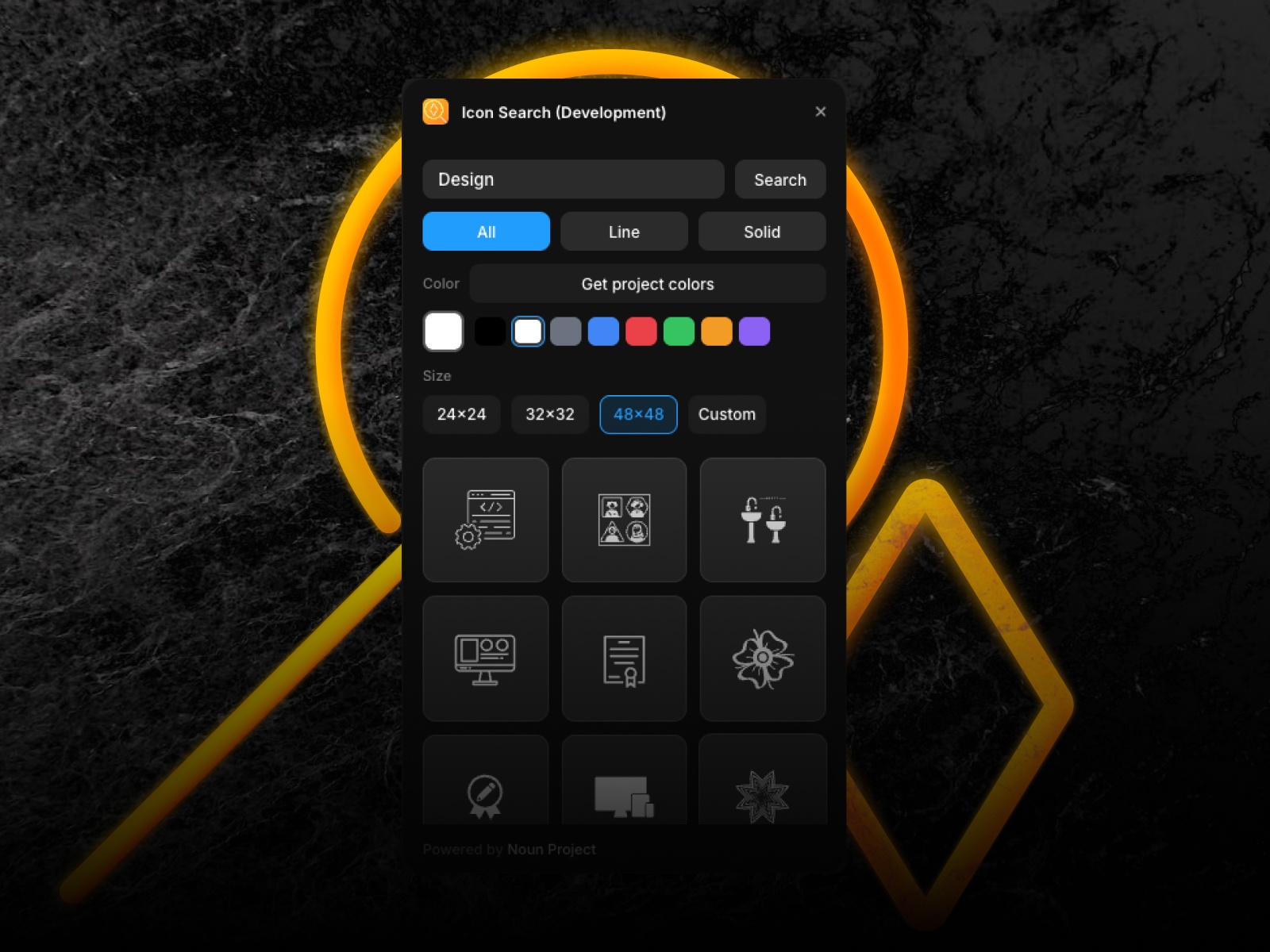
Icon Search — Millions of Noun Project icons with style filters and project color sync
Icon Search connects Framer directly to The Noun Project API, giving you access to millions of royalty-free SVG icons without leaving the canvas. Filter by line or solid style, preset sizes from 24px to 48px, and sync colors to your project palette before inserting fully editable vectors. Recent updates expanded the catalog to 300,000 indexed icons. Review Noun Project licensing for commercial use, but for prototypes and client sites that need character over generic UI glyphs, this plugin finds icons other libraries miss.
- Best for
- Marketing pages and editorial layouts that need distinctive, art-quality icons beyond standard UI sets
Affiliate link — we may earn a commission at no extra cost to you.
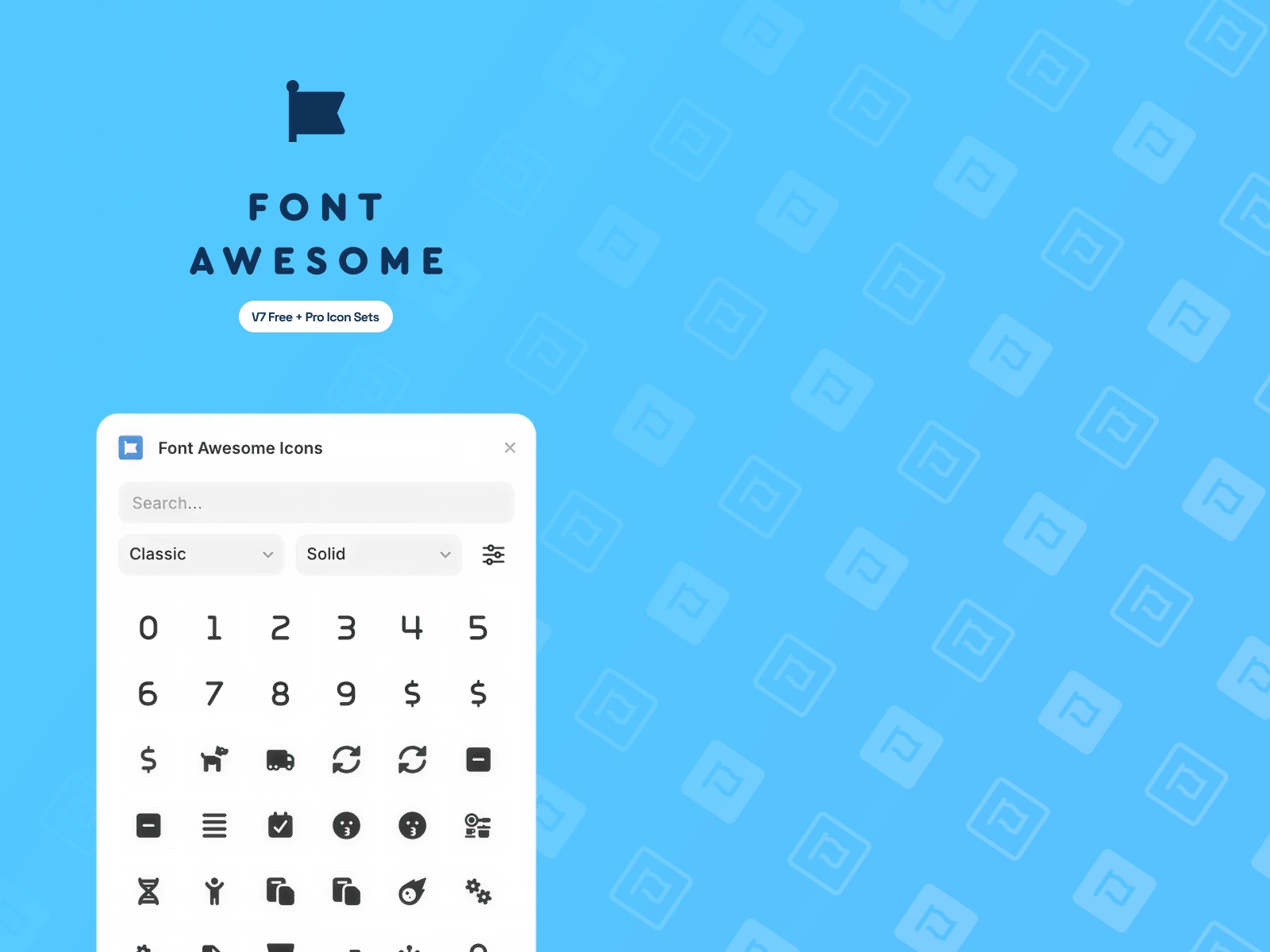
Font Awesome Icons — 30,000+ Font Awesome 7 icons across Classic, Sharp, Duotone, and Brands
by Angie Vella
Font Awesome Icons brings the industry’s most recognized icon system into Framer with API-powered search across Classic, Sharp, Duotone, Sharp Duotone, and Brands families. Free icons insert as clean SVGs using currentColor, so they inherit your text and button colors instantly. Add a Font Awesome Pro API token in settings to unlock the full 30,000+ library including Light and Thin weights. Choose this when your design system documentation already references Font Awesome class names and stakeholders expect that visual language.
- Best for
- Bootstrap-adjacent sites and enterprise dashboards already standardized on Font Awesome
Affiliate link — we may earn a commission at no extra cost to you.
Bootstrap Icons — 2,000+ open-source Bootstrap Icons with fuzzy search and drag-and-drop
Bootstrap Icons is a focused, zero-cost plugin for the 2,000+ icon open-source library from the Bootstrap team. Fuzzy search works by keyword or category, filled and outline variants filter with one click, and drag-and-drop placement beats click-to-insert when you are composing dense navigation rows. Icons ship as MIT-licensed SVGs suitable for commercial projects. Install it when you want a tight, legible icon set without the visual noise of mega-libraries — especially on product UI where Bootstrap’s geometric clarity reads well at small sizes.
- Best for
- Clean, neutral UI icons on SaaS and admin-style layouts without subscription overhead
Affiliate link — we may earn a commission at no extra cost to you.
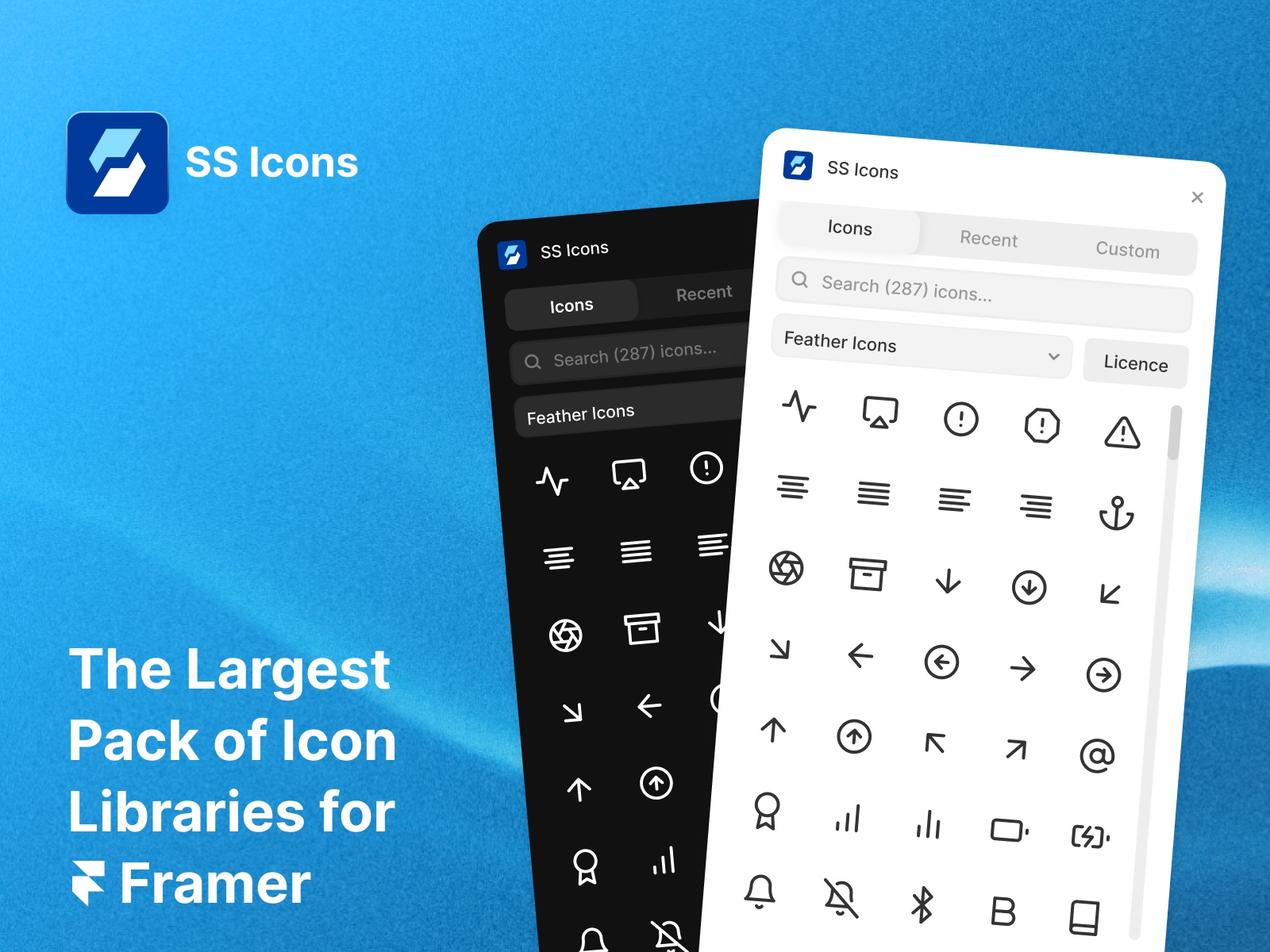
SS Icons — Icon manager with recent-history tracking and custom SVG uploads
by Framer Geeks
SS Icons optimizes the workflow around icon management rather than library size alone. Browse integrated open-source sets, track recently used icons for quick re-insertion, upload custom SVGs, and copy SVG code or drop icons directly onto the canvas. Debounced search keeps the panel responsive on large projects. Pair it with Phosphor or Power Icon when your bottleneck is finding the same chevron for the fifth time this week, not discovering new libraries.
- Best for
- Repeat builders who reuse the same icon set across projects and need upload support for client brand marks
Affiliate link — we may earn a commission at no extra cost to you.
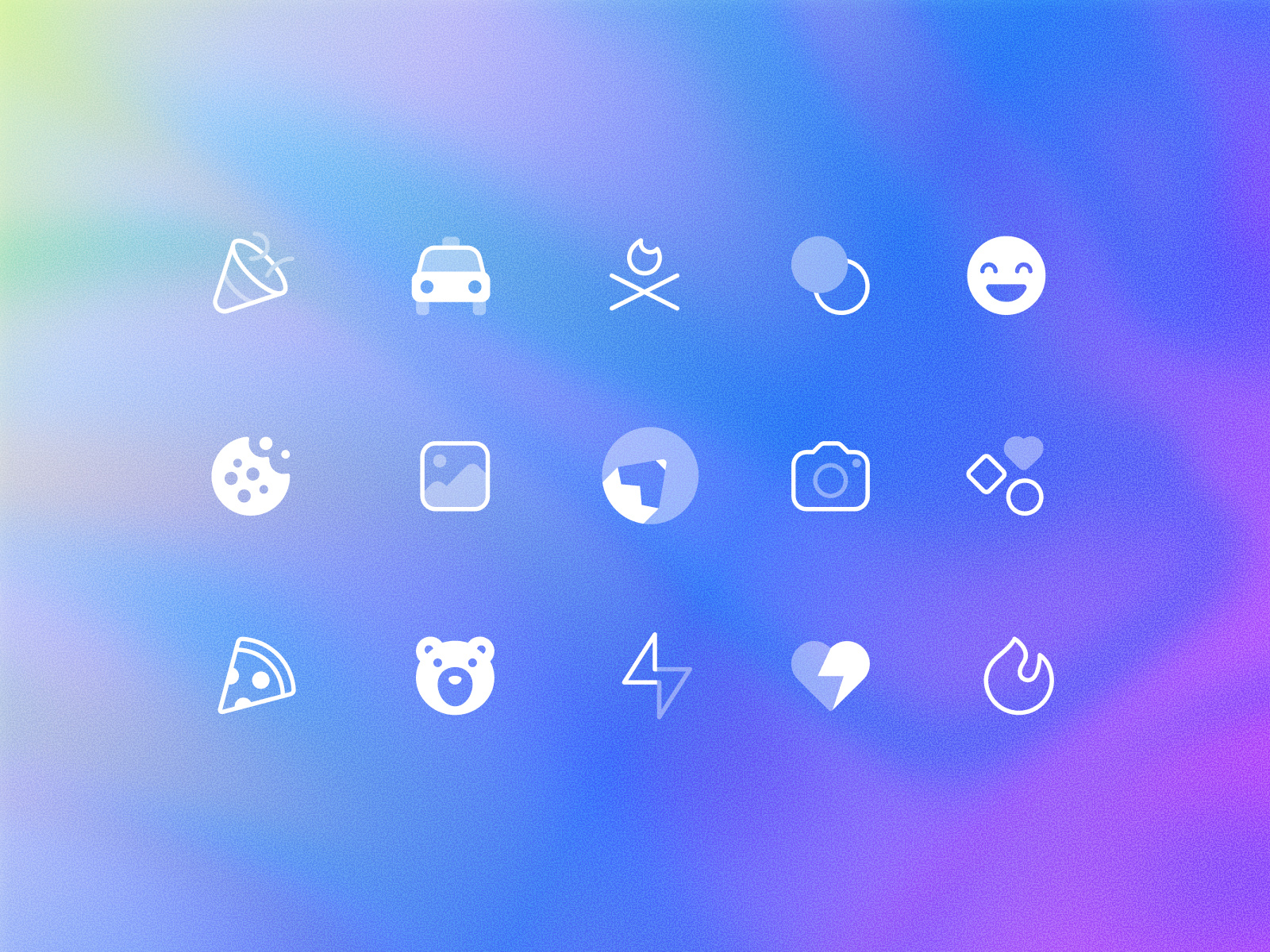
Boxicons — Official 50,000+ icon variations across five packs, three styles, and three weights
Boxicons is the official Framer plugin from the Boxicons team, covering 3,500+ free icons across Basic and Filled packs plus optional Pro access to Duotone, Duotone Solid, and Duotone Mix with Regular, Rounded, and Sharp styles. Customize size, color, rotation, and padding before insertion. Brand logos ship in the same interface, which helps footer social rows and integration pages. Activate a Boxicons Pro token when you need the full 50,000-variation catalog; the free tier handles most navigation and feature-icon needs.
- Best for
- Product and app UI that needs filled, duotone, and brand-logo variants from one consistent system
Affiliate link — we may earn a commission at no extra cost to you.
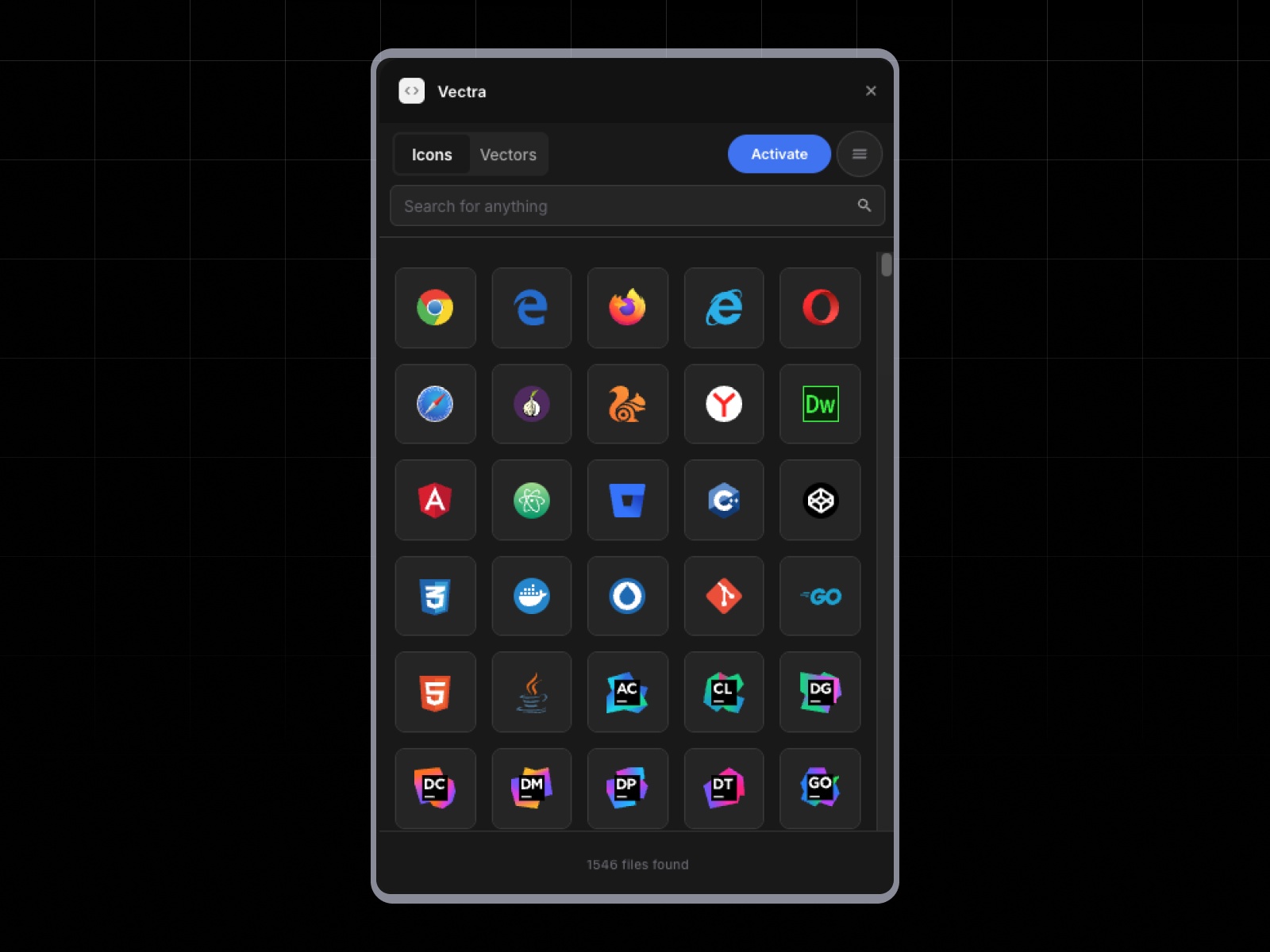
Vectra — Curated icon and vector library with category browse and license-key activation
by PixFold
Vectra takes the opposite approach from aggregators: a curated collection of professional icons and vector graphics organized by category, with instant search, one-click canvas insertion, and adaptive light/dark theming in the plugin panel. Premium access activates via license key — you are paying for editorial selection and workflow speed, not raw catalog size. Choose Vectra when client projects need polished decorative vectors and UI icons that already share a visual point of view, and you would rather browse a tight shelf than grep through 100,000 results.
- Best for
- Designers who want a hand-picked graphic pack instead of searching massive open-source indexes
Affiliate link — we may earn a commission at no extra cost to you.
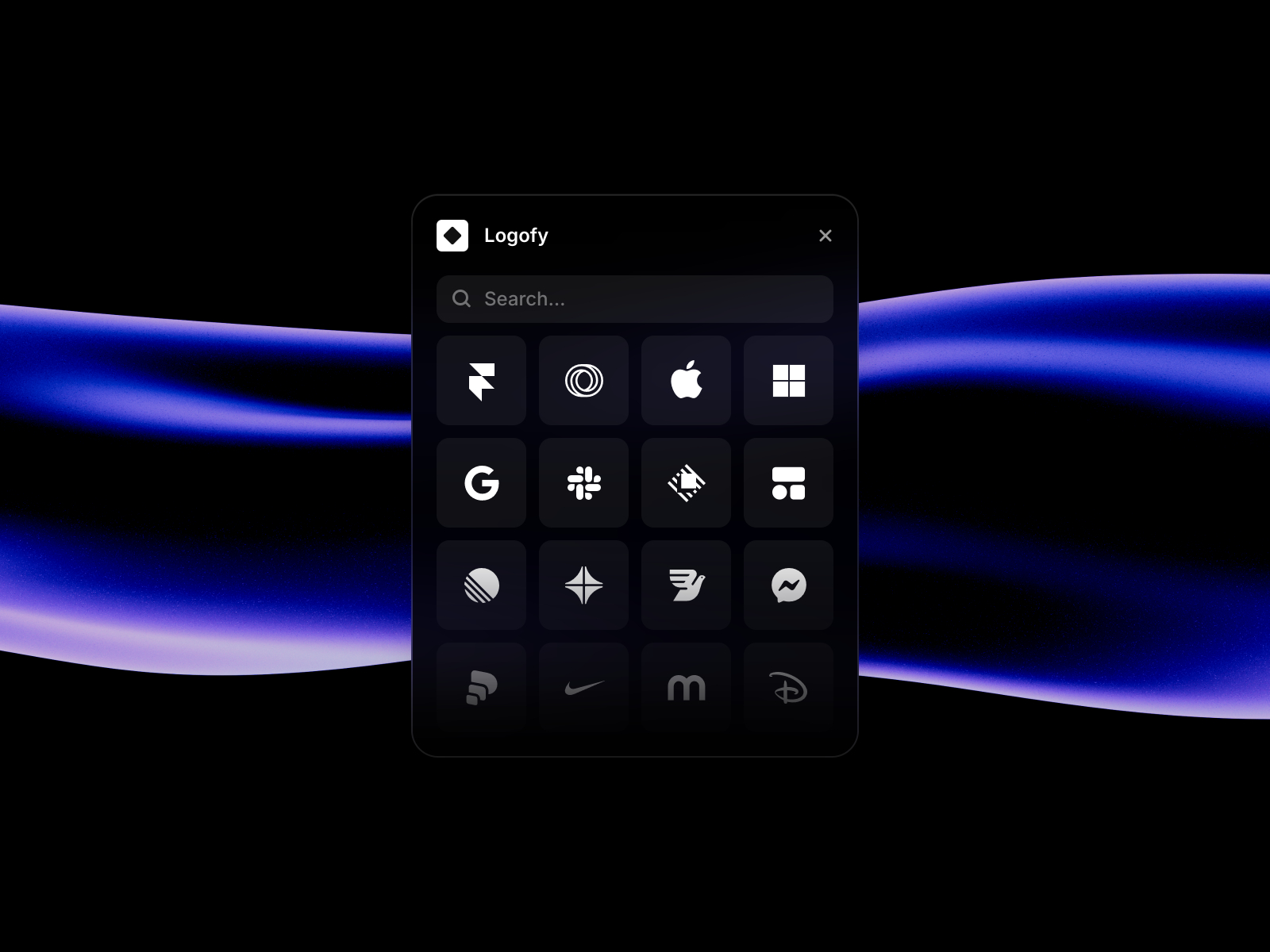
Logofy — Searchable brand and company logo SVGs for integration pages and social proof rows
by traf
Logofy solves a different icon problem: brand logos, not UI glyphs. Search company and product logos, insert clean SVG marks for integration pages, customer logo walls, and press sections without hunting official brand kits or exporting raster PNGs. It complements UI icon plugins rather than replacing them — use Phosphor or Bootstrap Icons for navigation chevrons and Logofy when the hero section needs Stripe, Notion, and Slack marks that actually match brand guidelines. Free access makes it an easy add-on for every SaaS template you ship.
- Best for
- Integration grids, partner logo strips, and footer stacks that need accurate brand marks fast
Affiliate link — we may earn a commission at no extra cost to you.
Quick comparison
| Plugin | Price | Library size | Best for |
|---|---|---|---|
| Phosphor | Free | 9,000+ icons, 6 styles | Default consistent icon system |
| Power Icon | Free; paid Pro | 100,000+ aggregated | Multiple OSS libraries in one search |
| Streamline | Free; Pro from 19 USD/month | 100K free / 300K Pro | Craft-focused design system icons |
| Icon Search | Free | Millions (Noun Project) | Distinctive art-quality icons |
| Font Awesome Icons | Free; FA Pro optional | 30,000+ | Enterprise FA-standard sites |
| Bootstrap Icons | Free | 2,000+ | Clean neutral UI icons |
| SS Icons | Free | OSS sets + uploads | Recent history and custom SVGs |
| Boxicons | Free; Pro optional | 50,000+ variations | Filled, duotone, and brand packs |
| Vectra | Paid | Curated set | Hand-picked vectors and icons |
| Logofy | Free | Brand logos | Integration and partner logo rows |
How to choose the right Framer icon plugin
Start with one UI library, then add specialists. Phosphor or Bootstrap Icons covers 80% of navigation and feature-icon needs. Add Power Icon when you routinely cross-reference Lucide and Tabler, or Streamline when illustrations and emoji must match your icon stroke weight.
Free vs paid follows search volume, not icon quality. Seven plugins on this list are free for commercial use. Pay for Power Icon Pro when monthly search caps block delivery, Streamline Pro when you need the full 300K catalog, Boxicons Pro for duotone packs, or Vectra when curated vectors save more time than mega-library grep.
Brand logos are a separate workflow. Logofy handles partner and integration marks; do not force UI icon plugins to substitute for accurate Stripe or Shopify logos on a pricing page.
Check licensing before client handoff. Noun Project icons via Icon Search and Font Awesome Pro icons require separate license review. Open-source sets from Bootstrap, Phosphor, and Boxicons free tiers are safer defaults for unrestricted commercial sites.
Our top pick for most Framer builders
Install Phosphor first — it is free, official, and covers six style weights without leaving Framer. Add Power Icon when you need Lucide, Tabler, and Material in one panel, and keep Logofy bookmarked for integration logo strips on SaaS landing pages.
Browse Framer templates on yoframer for icon-ready starting points, or read our free UI kits roundup for component libraries that pair well with these plugins. More resource roundups live on the Resources hub.
Updated June 2026. We refresh this list as notable icon plugins ship, reprice, or go stale.


