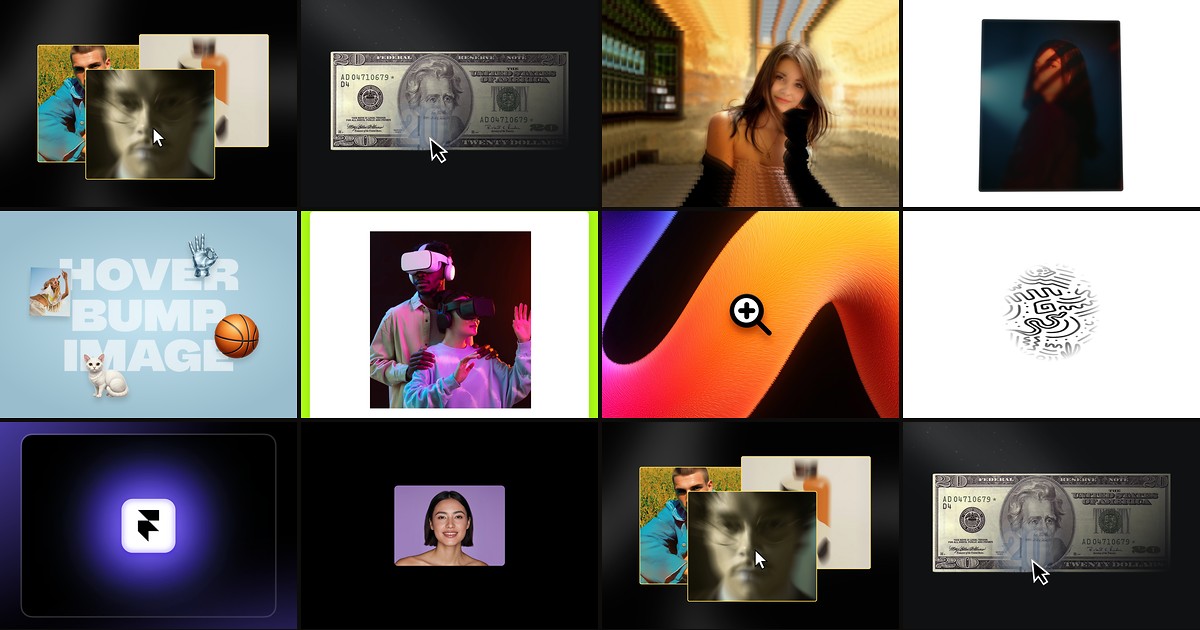
Product grids, portfolio walls, and hero photography all suffer from the same problem: the image looks great at rest, then goes dead on hover. A dedicated framer image hover effect component adds cursor-tracked zoom, dual-image reveals, 3D parallax, or radial spotlights through property panels instead of hand-rolled motion overrides. The best installs stay performant on mobile, expose enough controls to match brand motion, and ship with a live marketplace preview you can test before you buy.
This list ranks ten image hover components verified on the Framer marketplace in August 2026. Every pick has a working link, identifiable creator, and clear pricing. Six are paid marketplace installs and four are free, spanning zoom, reveal, parallax, spotlight, and physics-based motion so you can match effect type to page intent.
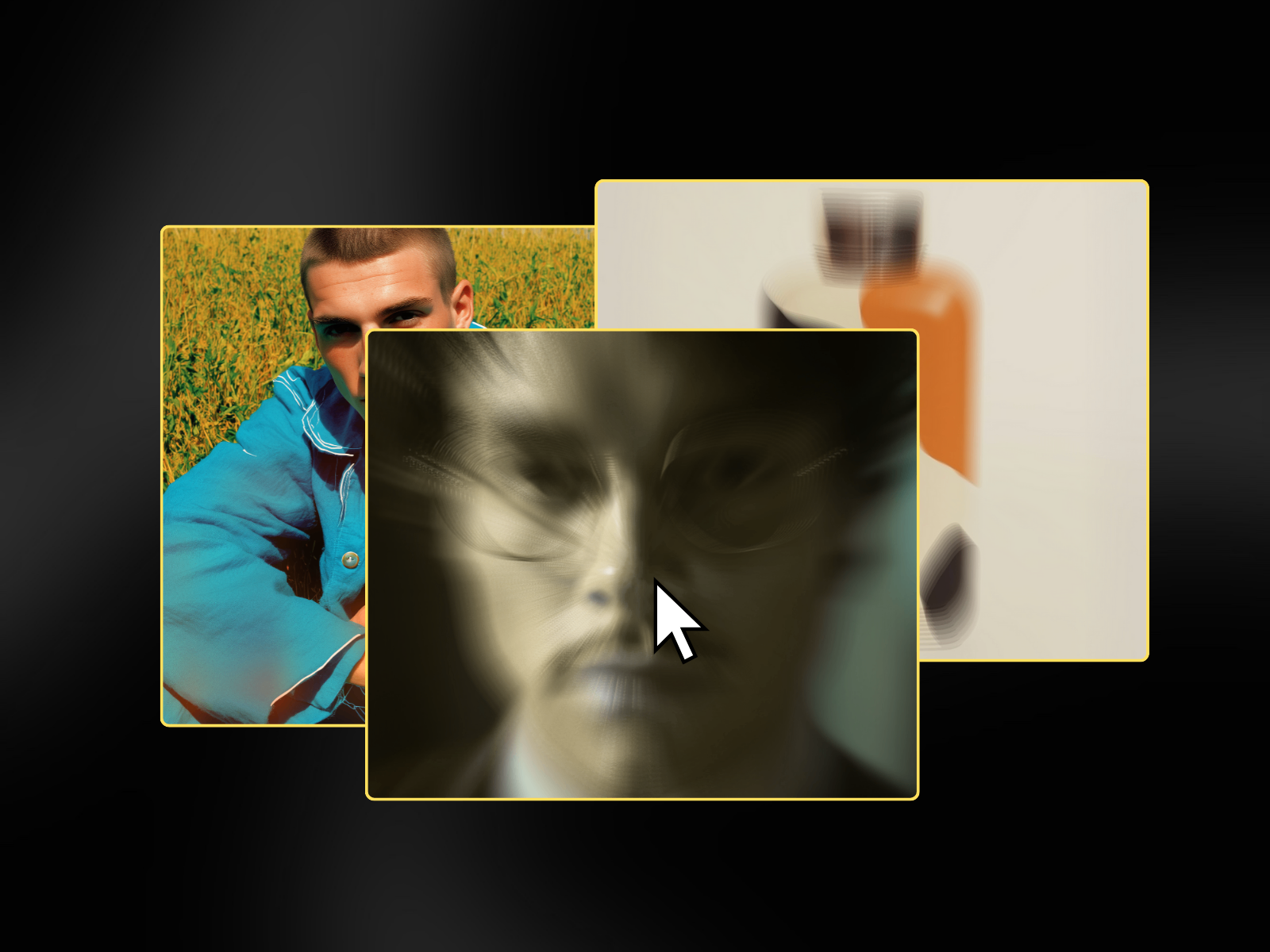
ImageHoverEffect — Six distinct hover styles from wavy distort to RGB split
ImageHoverEffect from Harsh Upadhyay packs six creative styles into one component: Wavy Distort, Liquid Melt, RGB Split, Buttery Smooth, Zoom Blur, and Burning Fire. Intensity, speed, border radius, shadow, and easing all live in the property panel, so you can A/B motion on the same product grid without swapping components. At 10 USD it is the most versatile paid pick when stakeholders want options, not a single locked-in interaction. Skip it if you only need a clean cursor zoom and would rather install Hover Zoom for free.
- Best for
- Product showcases and hero sections that need multiple effect presets in one install
Affiliate link — we may earn a commission at no extra cost to you.
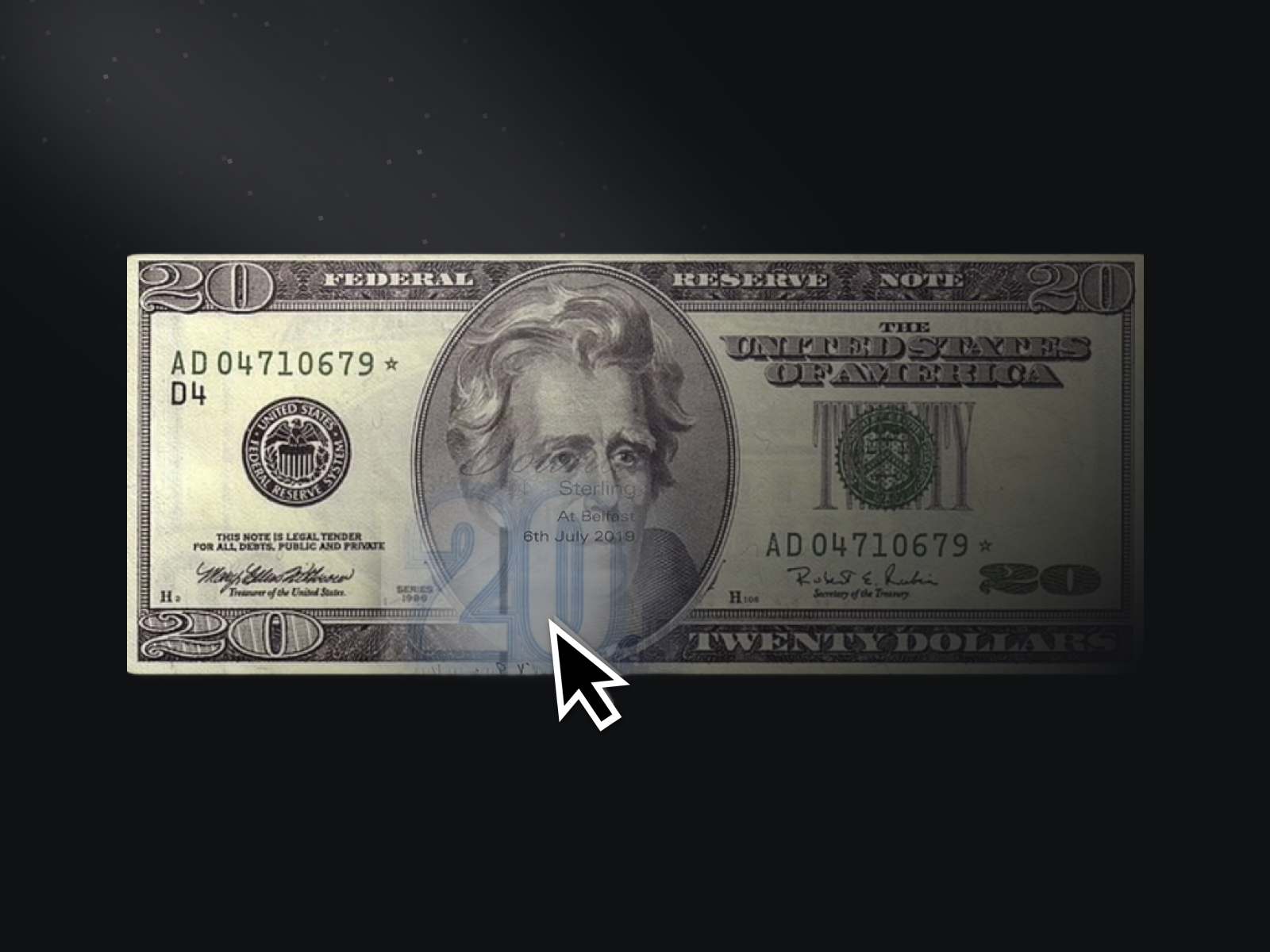
Hover Reveal — CRED-style circular reveal between two stacked images
by Nabeel
Hover Reveal from Nabeel recreates the CRED Money flashlight interaction: a base image stays visible while a second image appears inside a soft circular mask that follows the cursor. Reveal radius and blur amount controls let you dial from a tight spotlight to a wide ambient wash. Nabeel ships reliable interaction components across the marketplace, so this is the safe premium buy when the brief calls for dual-image discovery rather than single-photo distortion. You need two prepared assets per tile, so skip it on CMS grids where editors only upload one image.
- Best for
- Editorial hero sections where a hidden color or texture should appear on cursor movement
Affiliate link — we may earn a commission at no extra cost to you.
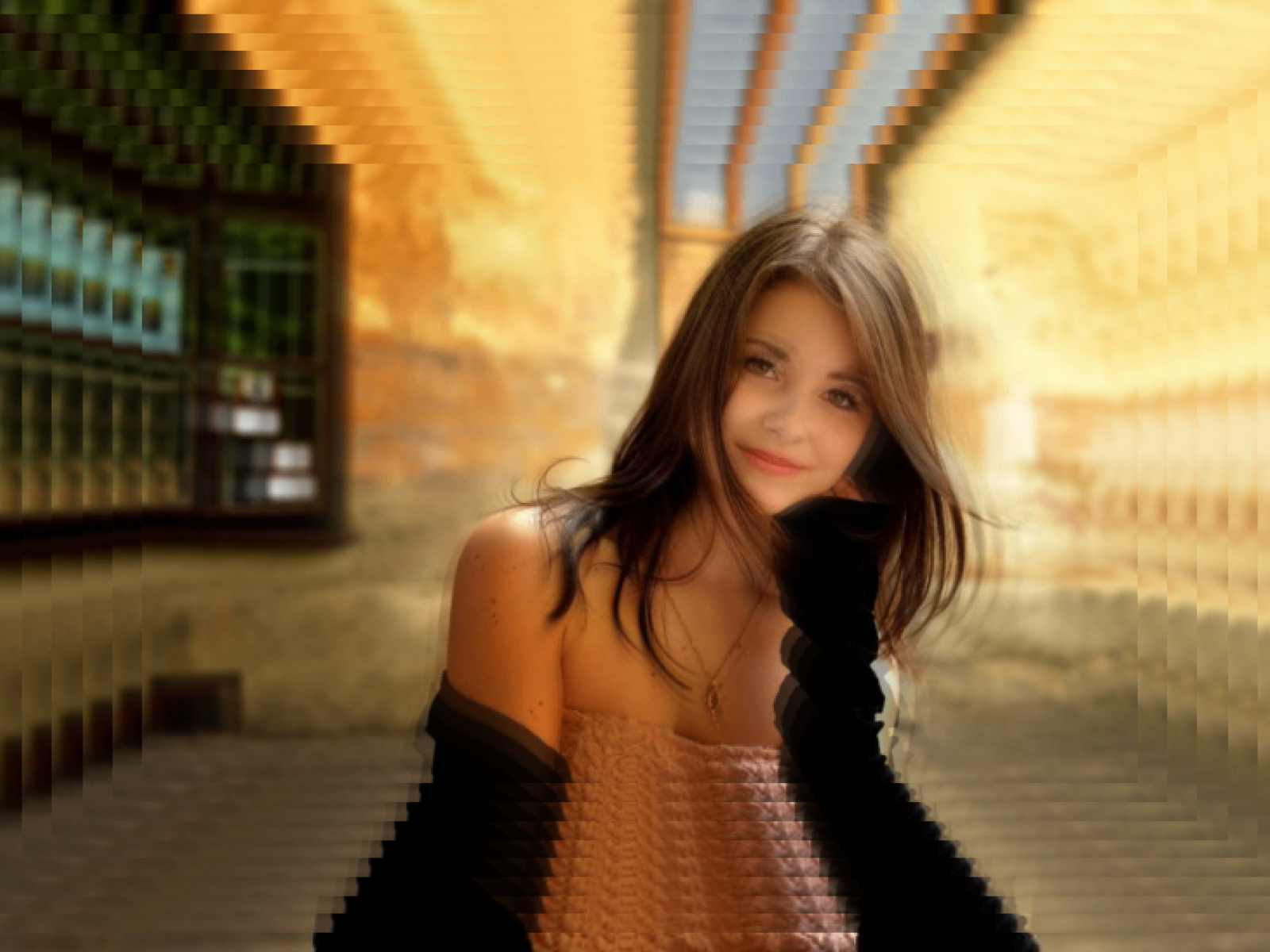
Best Hover Effect — Multi-layer 3D parallax with shape morphing between clip paths
by RAMDIN SINGH
Best Hover Effect from RAMDIN SINGH splits images into multiple layers that tilt, pan, and morph shape on cursor movement using Framer Motion spring physics. Adjust layer count, blur, rotation, saturation, and morph targets between rectangle, circle, diamond, and hexagon from the panel. At 5 USD it delivers cinematic depth cheaper than stacking separate parallax and clip-path components. The tradeoff is visual complexity: restrained corporate grids may feel over-animated unless you dial intensity down.
- Best for
- Interactive galleries and hero banners where layered depth beats a flat zoom
Affiliate link — we may earn a commission at no extra cost to you.
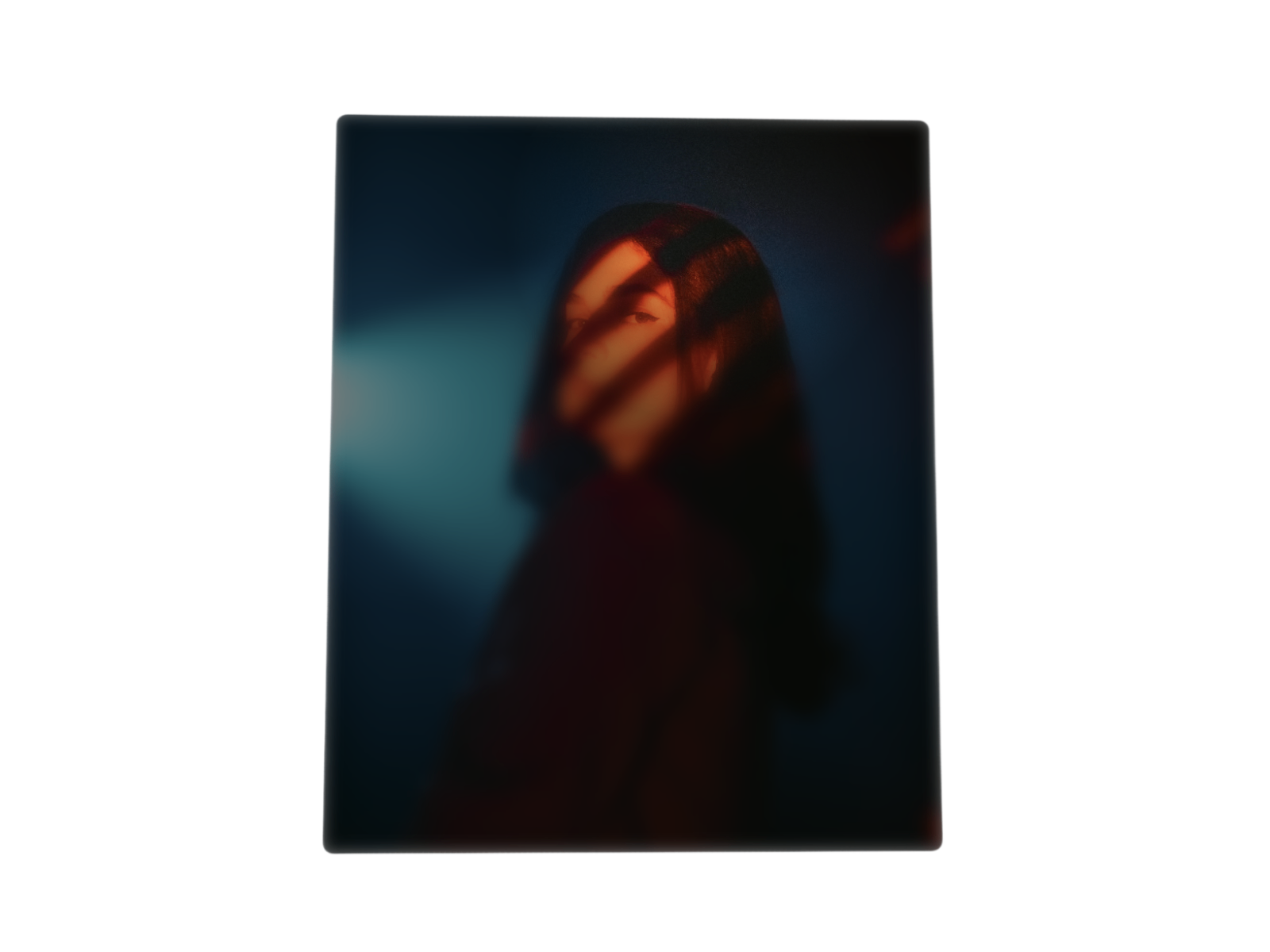
Image Spotlight — Mouse-following radial spotlight with optional 3D perspective tilt
by Launchly
Image Spotlight from Launchly dims the image under a semi-transparent overlay and reveals a sharp radial focus area that tracks cursor position. Optional 3D perspective tilt adds depth without full parallax layer splitting, and spotlight size plus overlay opacity controls keep the effect subtle on editorial layouts. Launchly publishes polished interaction components across the marketplace, making this a dependable pick at 10 USD when the brief reads “cinematic focus” rather than “dual image swap.” It assumes one primary photo per instance, not a before-and-after pair.
- Best for
- Photography portfolios and product galleries where focus should follow the pointer
Affiliate link — we may earn a commission at no extra cost to you.
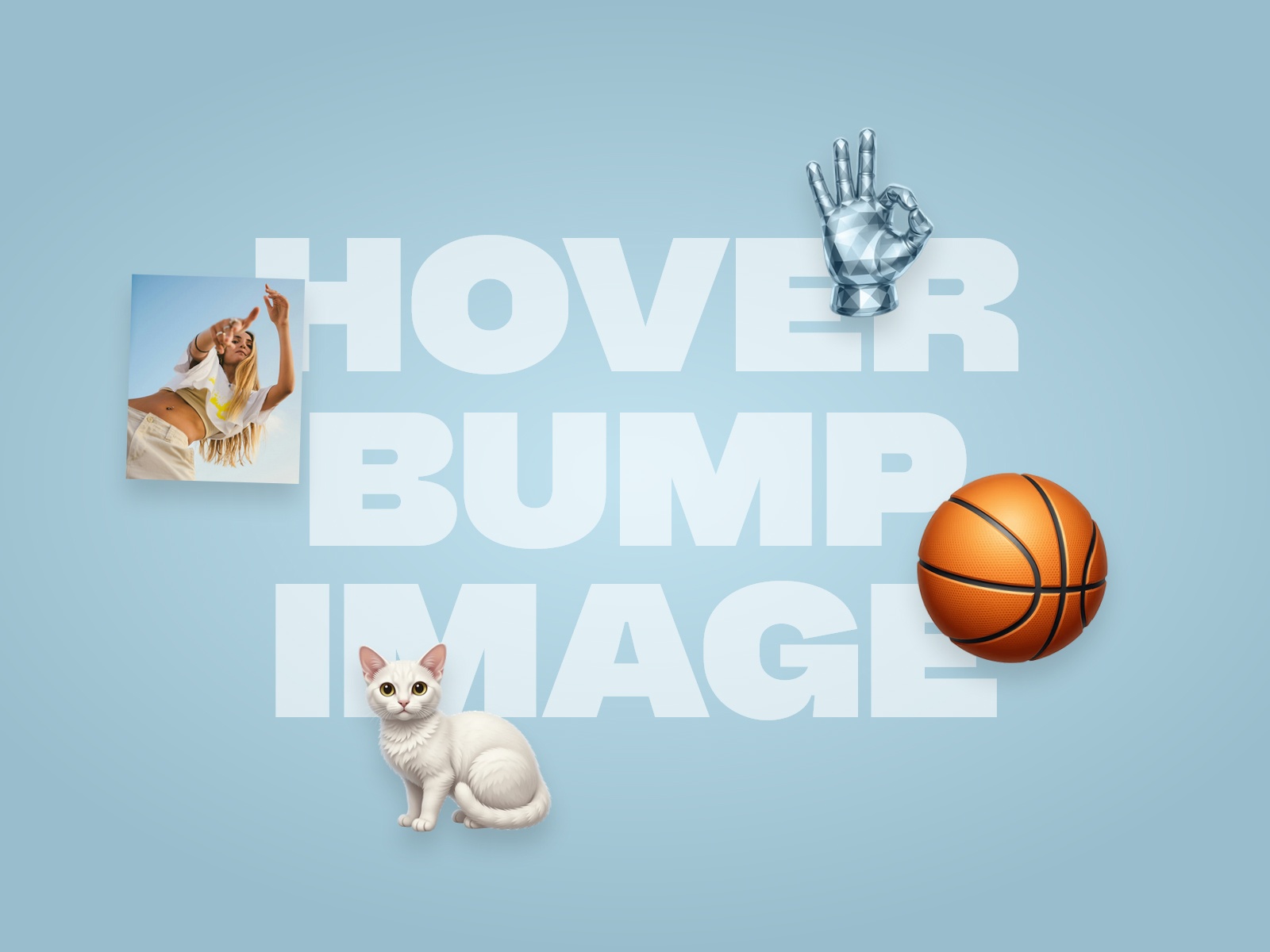
Hover Bump Image — Velocity-reactive image animation that responds to cursor speed
Hover Bump Image from Nostromo Studio ties animation intensity to cursor velocity, so fast sweeps produce bolder displacement than slow hovers. The component targets CMS-bound image fields, which helps portfolio grids where each case study tile shares the same interaction logic. At 9 USD it stands out when standard scale-and-tilt effects feel too predictable on studio landing pages. Skip it for ecommerce product grids where shoppers expect predictable, gentle zoom behavior instead of velocity-driven bumps.
- Best for
- Creative agency homepages where motion should feel reactive, not preset
Affiliate link — we may earn a commission at no extra cost to you.
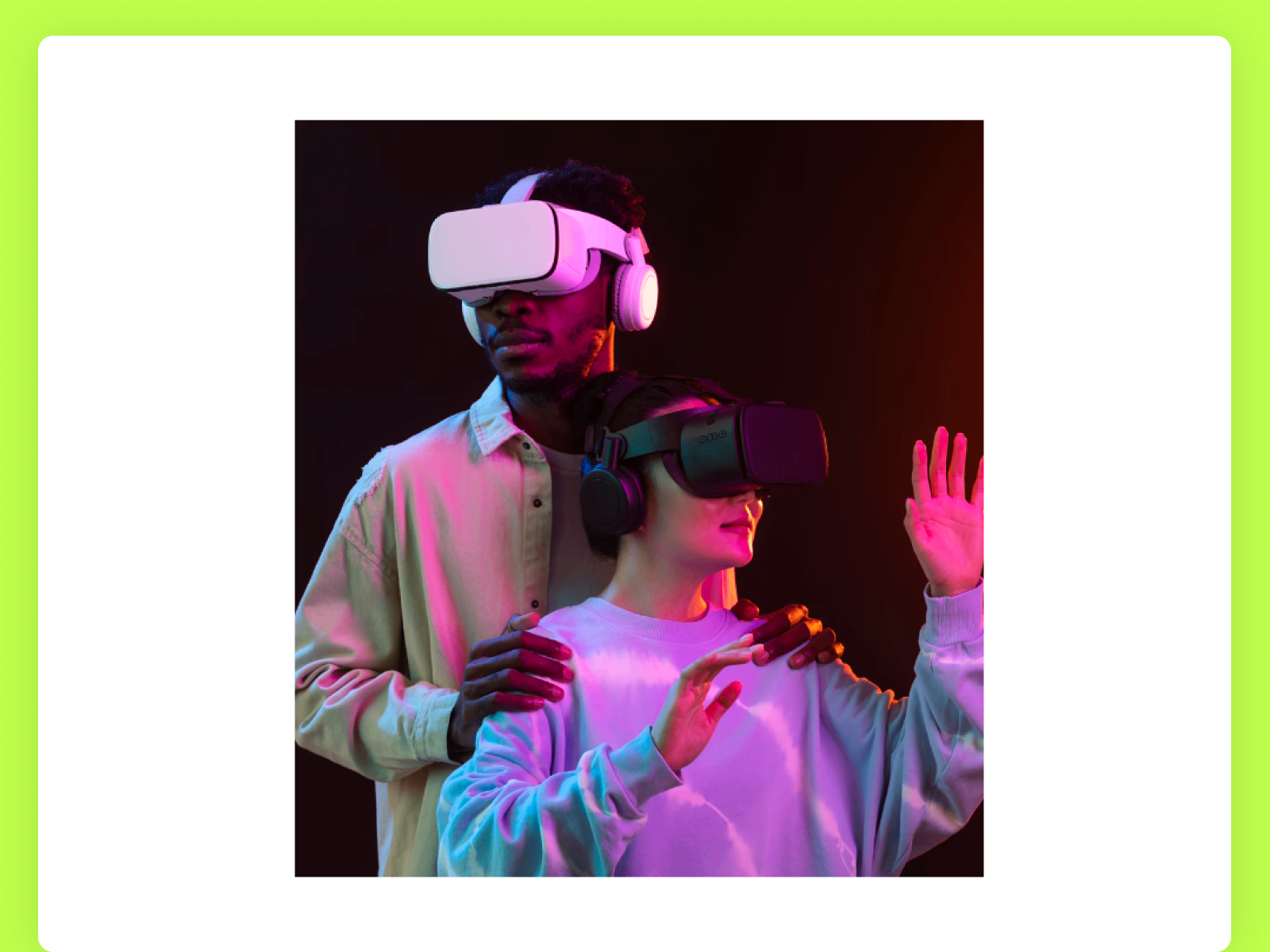
3D Image Hover — Layered 3D tilt with background images that peel forward on hover
3D Image Hover from Template Devs tilts the main photo forward while two background layers slide into view, creating a stacked-card illusion with CSS perspective. Rotation angles, depth, and reveal direction are panel-controlled, and the animation respects reduced-motion preferences automatically. At 5 USD it is the pragmatic mid-tier pick when you want 3D depth without RAMDIN SINGH’s multi-layer morphing. It reacts to hover, not continuous cursor position, so it will not deliver flashlight-style reveals.
- Best for
- Feature sections and product cards where depth illusion matters more than cursor tracking
Affiliate link — we may earn a commission at no extra cost to you.

Hover Zoom — Cursor-tracked transform origin with smooth Framer Motion scaling
by Jurre
Hover Zoom from Jurre magnifies images on hover with the transform origin pinned to cursor position, so the zoom feels centered where the shopper is looking. Scale factor, transition duration, easing, background color, and border radius all ship from the property panel without overrides. As a free install it is the default starting point for any product grid before you spend on distortion or reveal effects. It does one job well and will not add dual-image layers, spotlights, or 3D tilt.
- Best for
- Ecommerce product tiles and lookbook grids that need clean magnification
Affiliate link — we may earn a commission at no extra cost to you.
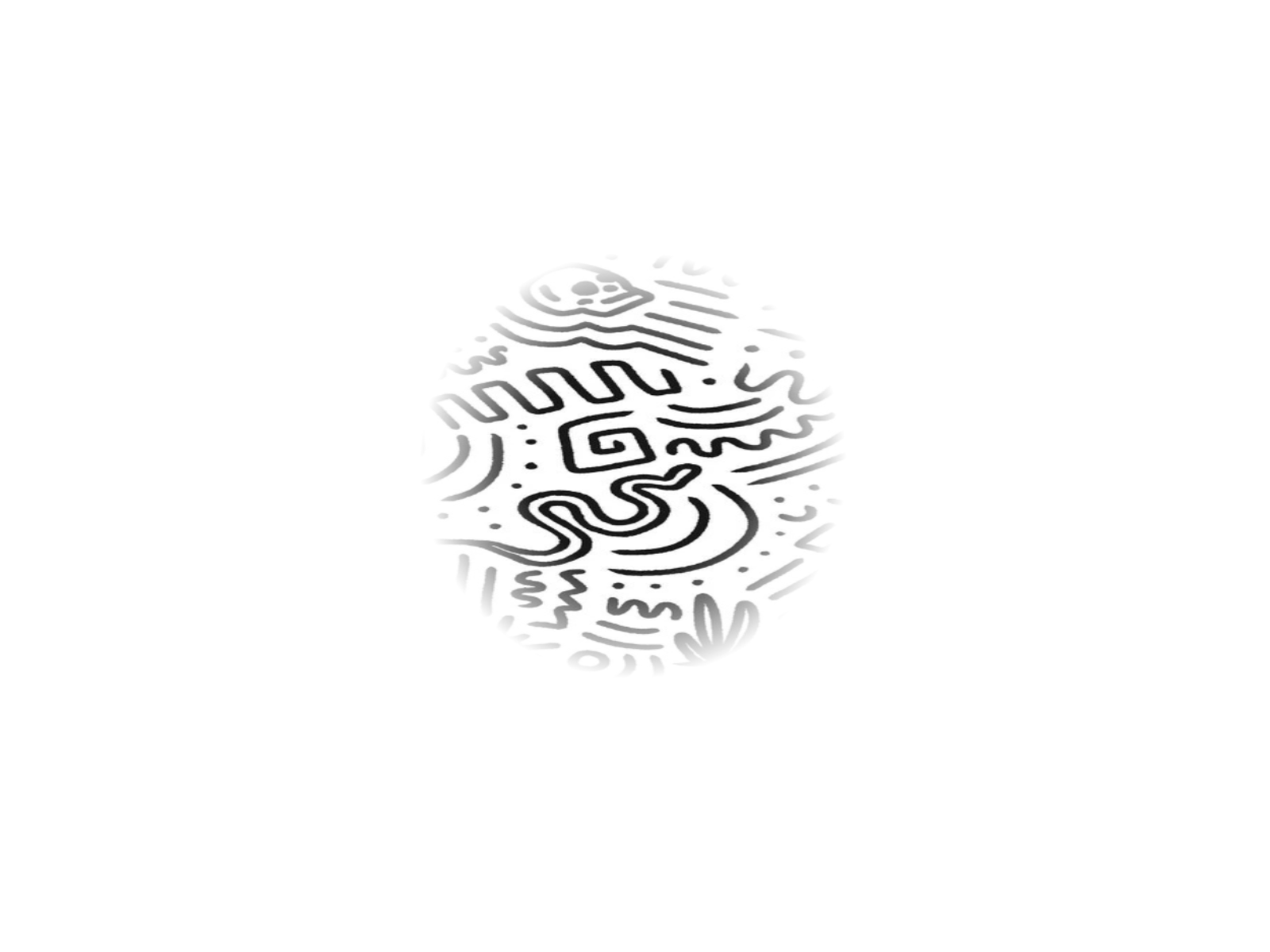
HoverImageReveal — Physics-based cursor mask with blend modes and soft edge control
by Rabyaan Khan
HoverImageReveal from Rabyaan Khan tracks the cursor with spring-loaded trailing motion, uncovering a hidden image layer like a digital flashlight. Mask radius, edge softness, and CSS blend modes (Multiply, Screen, Lighten, Overlay) let you integrate wireframes or hand-drawn textures over photography without harsh circle edges. The component disables cursor tracking in the Framer canvas so it does not fight you while designing, then runs smoothly on publish. Reach for Nabeel’s Hover Reveal when you need tighter CRED-style control and panel polish at a premium price.
- Best for
- Interactive portfolios where hidden sketches or textures should feel discovered
Affiliate link — we may earn a commission at no extra cost to you.
3D Parallax — Layered preserve-3d tilt with independent foreground parallax shift
3D Parallax from Dmytri Ivanov uses CSS preserve-3d to split foreground image and background layers, tilting the whole stack on hover while the image layer shifts opposite the tilt for realistic depth. Max rotation, pop-out depth, parallax XY intensity, and a multi-shadow array on the background layer give you neomorphic lighting without WebGL overhead. Dmytri Ivanov ships dependable free motion components across the marketplace, making this the zero-cost depth pick before you buy Best Hover Effect. It needs a deliberate layer setup, not a single flat CMS image field.
- Best for
- Hero images and feature cards where foreground and background should move at different speeds
Affiliate link — we may earn a commission at no extra cost to you.

Magnetic Image — Spring-physics repulsion with optional 3D tilt and scale shrink
Magnetic Image from Soubhagya Sahu moves the photo in the opposite direction of the cursor with spring physics, optional 3D tilt, scale shrink, and motion blur during movement. Movement amount, speed, and smoothness controls span subtle nudges to dramatic repulsion, and the image returns to center smoothly when the pointer leaves. Soubhagya Sahu also publishes FrameSEO and FrameCharts, so support quality matches his other free marketplace tools. Skip it on conversion-focused product pages where shoppers expect zoom-in, not zoom-away motion.
- Best for
- Creative studio sites where images should feel alive and slightly unpredictable
Affiliate link — we may earn a commission at no extra cost to you.
Quick comparison
| Resource | Price | Type | Best for |
|---|---|---|---|
| ImageHoverEffect | 10 USD | Component | Six preset distortion and glow styles in one install |
| Hover Reveal | 14 USD | Component | CRED-style dual-image circular reveal |
| Best Hover Effect | 5 USD | Component | Multi-layer 3D parallax with shape morphing |
| Image Spotlight | 10 USD | Component | Radial focus spotlight with optional 3D tilt |
| Hover Bump Image | 9 USD | Component | Velocity-reactive CMS image animation |
| 3D Image Hover | 5 USD | Component | Stacked-layer 3D depth on hover |
| Hover Zoom | Free | Component | Cursor-tracked product magnification |
| HoverImageReveal | Free | Component | Physics-based hidden layer discovery |
| 3D Parallax | Free | Component | Foreground and background parallax tilt |
| Magnetic Image | Free | Component | Spring repulsion with optional 3D tilt |
How to choose the right Framer image hover effect
Zoom vs reveal vs depth. Product and ecommerce grids usually need Hover Zoom (free) or ImageHoverEffect when you want preset zoom styles. Editorial and portfolio heroes that hide a second image belong on Hover Reveal or HoverImageReveal. Depth-first layouts should start with 3D Parallax (free) or Best Hover Effect before you add spotlight or distortion layers.
Single image vs dual assets. Hover Reveal, HoverImageReveal, and Best Hover Effect assume you prepared two visuals or multiple layers per tile. CMS grids with one upload field per item should default to Hover Zoom, Magnetic Image, or Image Spotlight on a single photo.
Motion intensity and audience. Velocity-reactive Hover Bump Image and magnetic repulsion read playful on agency sites but feel wrong on checkout flows. Image Spotlight and 3D Image Hover stay closer to premium editorial motion without full distortion presets.
Budget path. Install Hover Zoom and 3D Parallax free first, then upgrade to ImageHoverEffect or Hover Reveal when the effect type is locked and stakeholders sign off on paid motion.
Our top pick for most Framer builders
Start with Hover Zoom on every product or lookbook grid. It is free, cursor-aware, and solves the most common hover brief without performance risk. Upgrade to ImageHoverEffect when you need six distortion presets in one component, or Hover Reveal when the hero must swap between two prepared images on cursor movement.
Browse free Framer templates on yoframer for gallery and portfolio starting points, pair hover motion with our image gallery and lightbox roundup when tiles also need fullscreen viewing, and explore more resource roundups on the Resources hub.
Updated August 2026. We refresh this list as image hover components ship breaking changes, reprice, or go stale.


