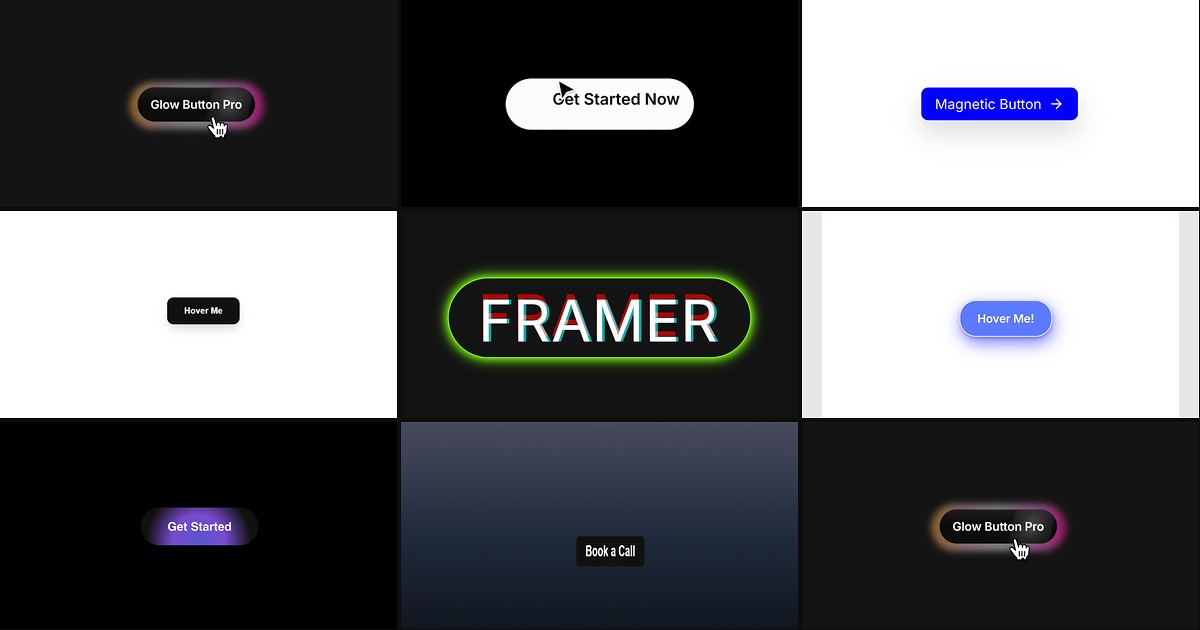
Hero CTAs and nav buttons are where visitors decide whether a Framer site feels premium or template-grade. Native Framer buttons handle color and hover states, but the magnetic pull — that subtle lean toward the cursor before click — requires spring physics, distance thresholds, and return easing that are tedious to wire by hand. A dedicated framer magnetic button component drops those controls into the property panel so you can tune strength, damping, and hover scale without writing overrides.
This list ranks eight magnetic button components on the Framer marketplace in 2026. Every pick has a live listing, identifiable creator, and working preview — four free and four paid, spanning multi-mode glow CTAs, preset magnetic libraries, spotlight lighting, and parallax 3D depth for social icon rows.
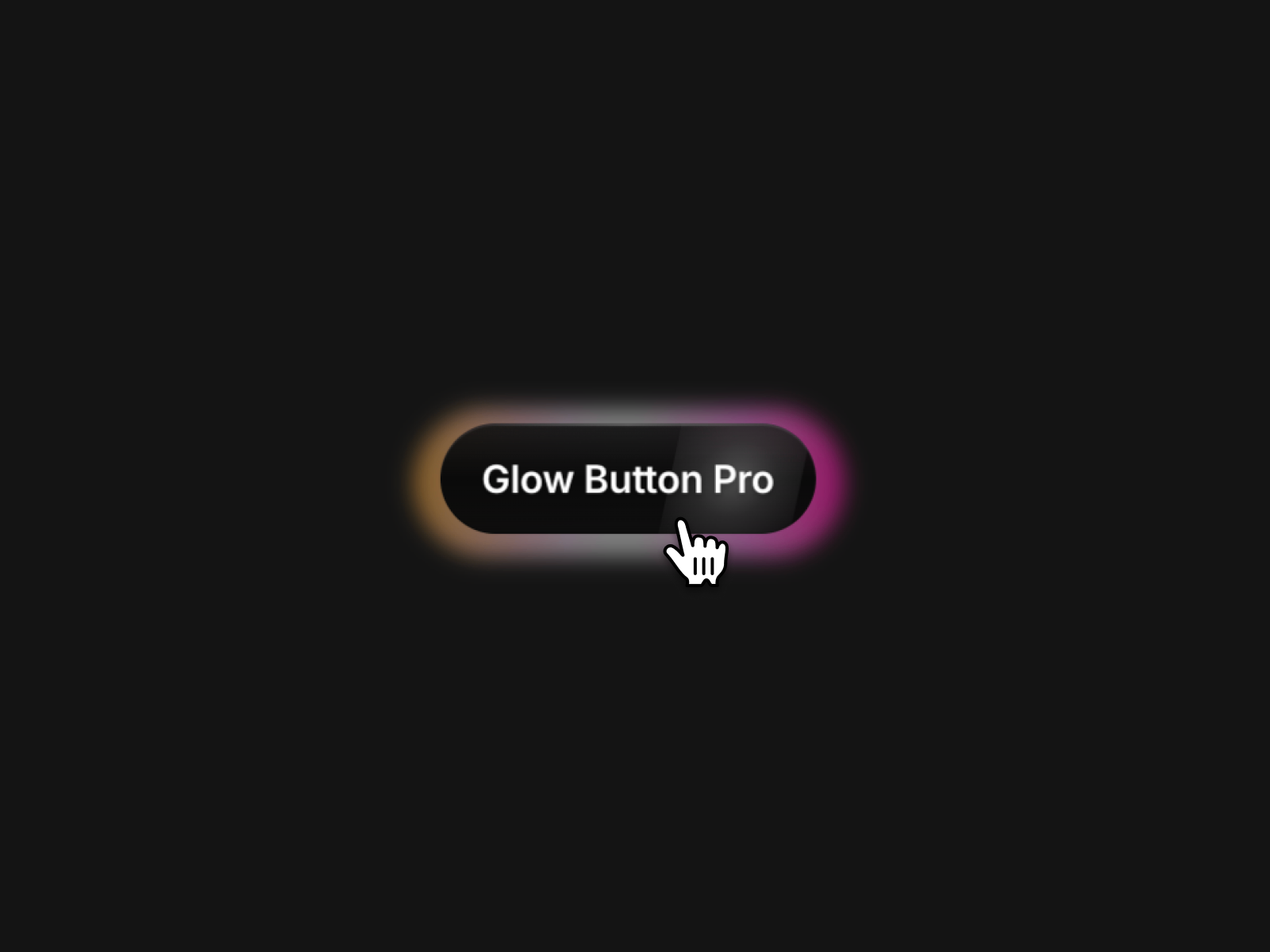
Glow Button Pro — Five glow modes with magnetic pull, glass effects, and cursor-tracked halos
Glow Button Pro is the most complete magnetic CTA on this list. Sanna Granqvist bundles five distinct glow modes — soft halo, conic spin, linear sweep, organic blobs, or flat — with oklch color blending, optional glass blur, depth gradients, and a shimmer sweep on hover. Magnetic strength, glow-follow-mouse, text glow, and spring-based hover and tap scale all route through the panel, so one install replaces a stack of single-purpose buttons. At 12 USD it is the default when the primary conversion button must feel flagship, not afterthought.
- Best for
- SaaS and product launches that need one CTA component to cover multiple glow styles without custom code
Affiliate link — we may earn a commission at no extra cost to you.

MagneticButtons — Four preset styles plus custom-component magnetic wrapping
by FramerHub.io
MagneticButtons from FramerHub.io solves the reuse problem most single-button components ignore. Choose from rounded rectangle, circle fill, pill fill, or circle outline presets — each with full typography and hover color controls — or switch to Custom mode and connect any Framer component so icons, cards, or branded frames inherit the same cursor pull. Magnetic strength, distance threshold, smoothness, and text counter-move depth are all panel-tuned. At 5 USD it is the best paid foundation when one client site needs magnetic behavior across nav CTAs, footer links, and a hero button that does not match the presets.
- Best for
- Agency builds that need consistent magnetic CTAs and the option to magnetize existing button designs
Affiliate link — we may earn a commission at no extra cost to you.
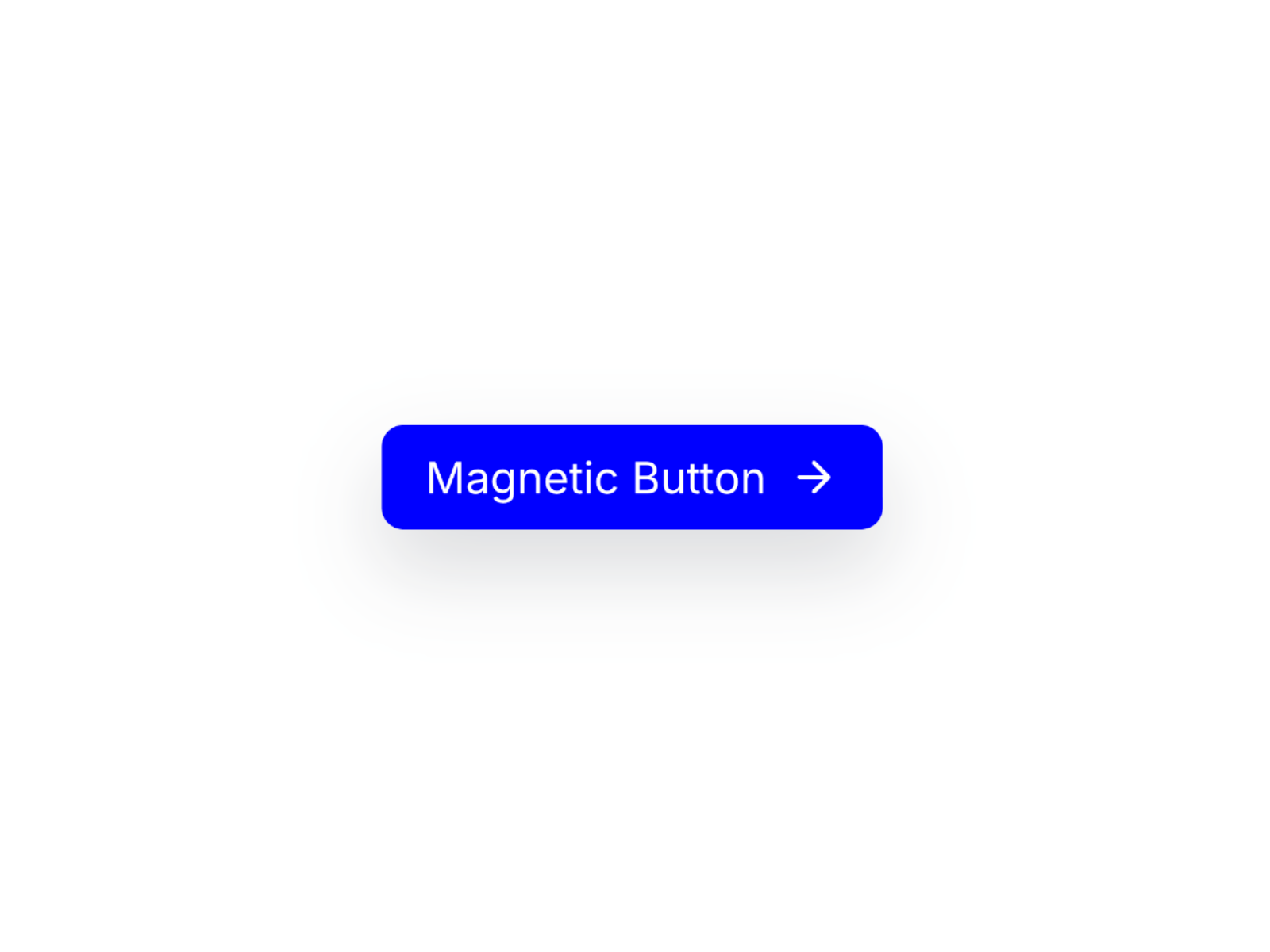
Magnetic Hover Button — Lucide icon support with magnetic hover and full typography control
Magnetic Hover Button targets the classic marketing CTA shape: label, optional Lucide icon, and a magnet-like hover pull that responds before the click registers. Raj Prajapati exposes colors, typography, icon placement, and layout spacing through Framer’s native controls, so the button slots into existing design systems without a glow or particle budget. At 5 USD it is the straightforward paid pick when the brief asks for magnetic motion on a standard pill button — not a cinematic lighting engine.
- Best for
- Landing page CTAs that pair arrow or external-link icons with smooth magnetic motion
Affiliate link — we may earn a commission at no extra cost to you.
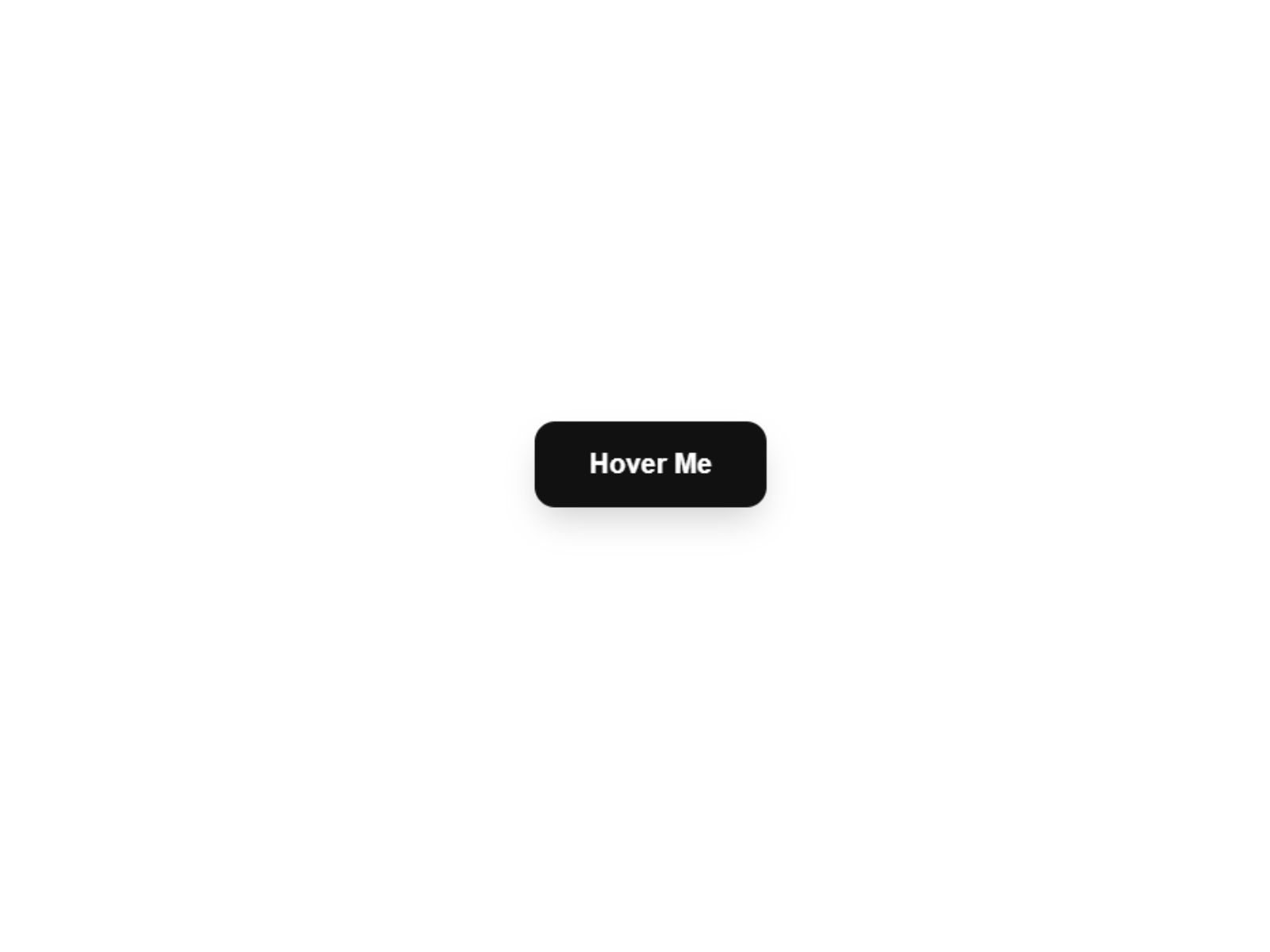
MagneticButtonV1 — Physics-based spring pull with adjustable magnetism slider
MagneticButtonV1 focuses on feel over effects. Noel Dario Andres uses Framer Motion springs so the button fluidly tracks the cursor and snaps back with natural weight — magnet strength, padding, border radius, and brand colors all adjust from the sidebar. Hover and tap scale add tactile feedback without extra visual noise. At 5 USD it pairs well with minimal hero layouts where the magnetic motion itself is the premium detail, not glow or spotlight overlays.
- Best for
- Portfolio and agency sites that want bouncy, Awwwards-style button motion without building springs manually
Affiliate link — we may earn a commission at no extra cost to you.
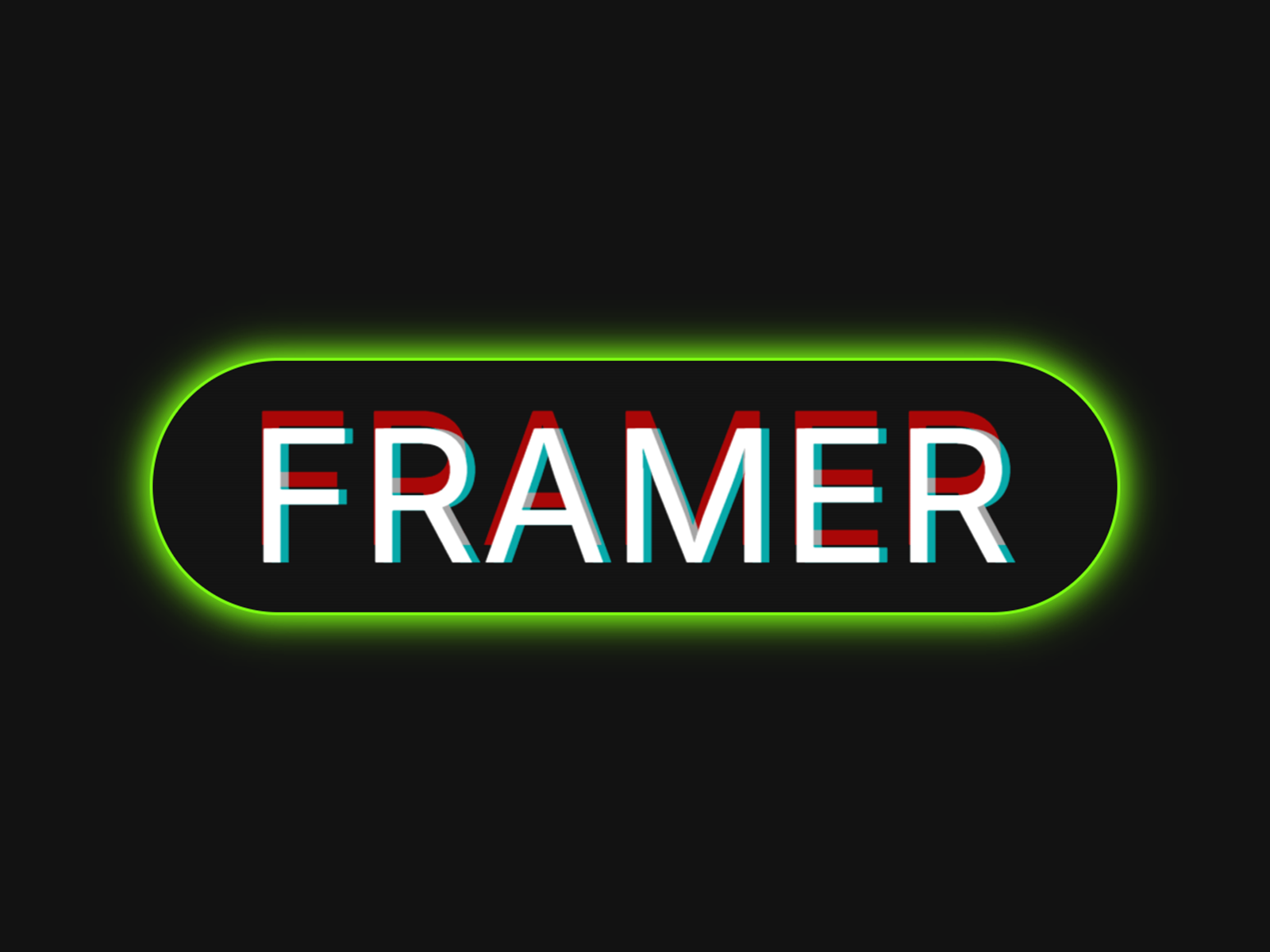
MagnetInteractButton — Magnetic pull with a cursor-tracking spotlight lighting engine
MagnetInteractButton combines coordinate-based magnetic tracking with a radial spotlight that illuminates the button face wherever the cursor sits. Creative Apes exposes magnetic strength, magnetic range, spring mass, stiffness, and damping — plus spotlight size, color, and opacity — so you can dial from subtle luxury pull to neon SaaS pulse. The free install is the strongest visual free option when a hero CTA needs both physics and lighting without a paid marketplace line item.
- Best for
- Creative studios and AI landing pages that want magnetic motion plus dynamic radial glow on hover
Affiliate link — we may earn a commission at no extra cost to you.
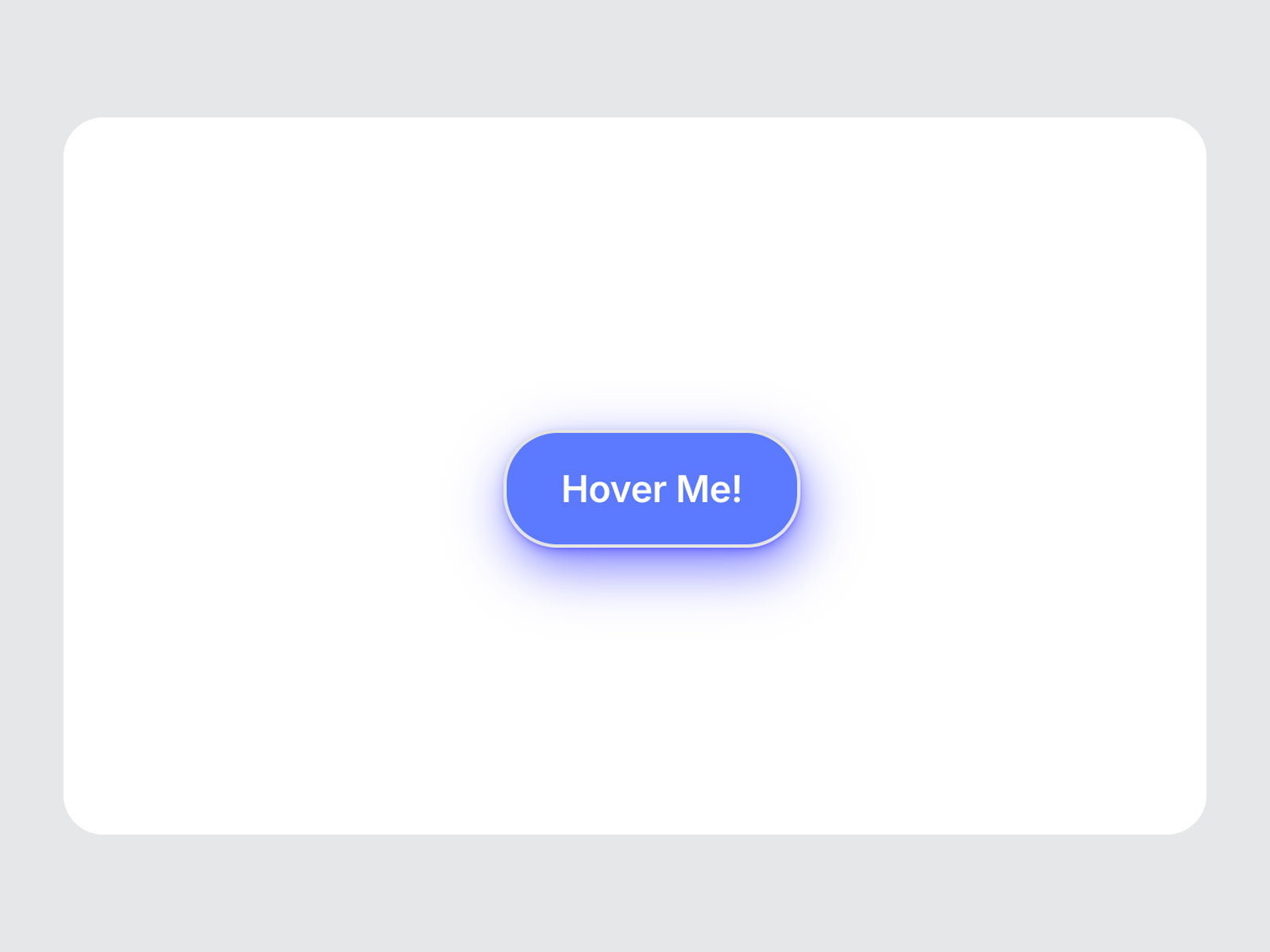
Magnetic Button — Spring physics with 3D tilt, press states, and keyboard accessibility
by Chaman Verma
Magnetic Button from Chaman Verma is the most production-ready free default on this list. Framer Motion springs drive cursor follow and 3D rotation, while stiffness, damping, and magnet strength sliders let you keep motion restrained on corporate layouts or playful on creative portfolios. Links, click events, keyboard focus, and disabled states are built in — rare among free magnetic components that skew purely visual. Start here when accessibility and panel tuning matter as much as the hover effect.
- Best for
- Production marketing sites that need accessible magnetic CTAs with tilt depth and disabled-state support
Affiliate link — we may earn a commission at no extra cost to you.
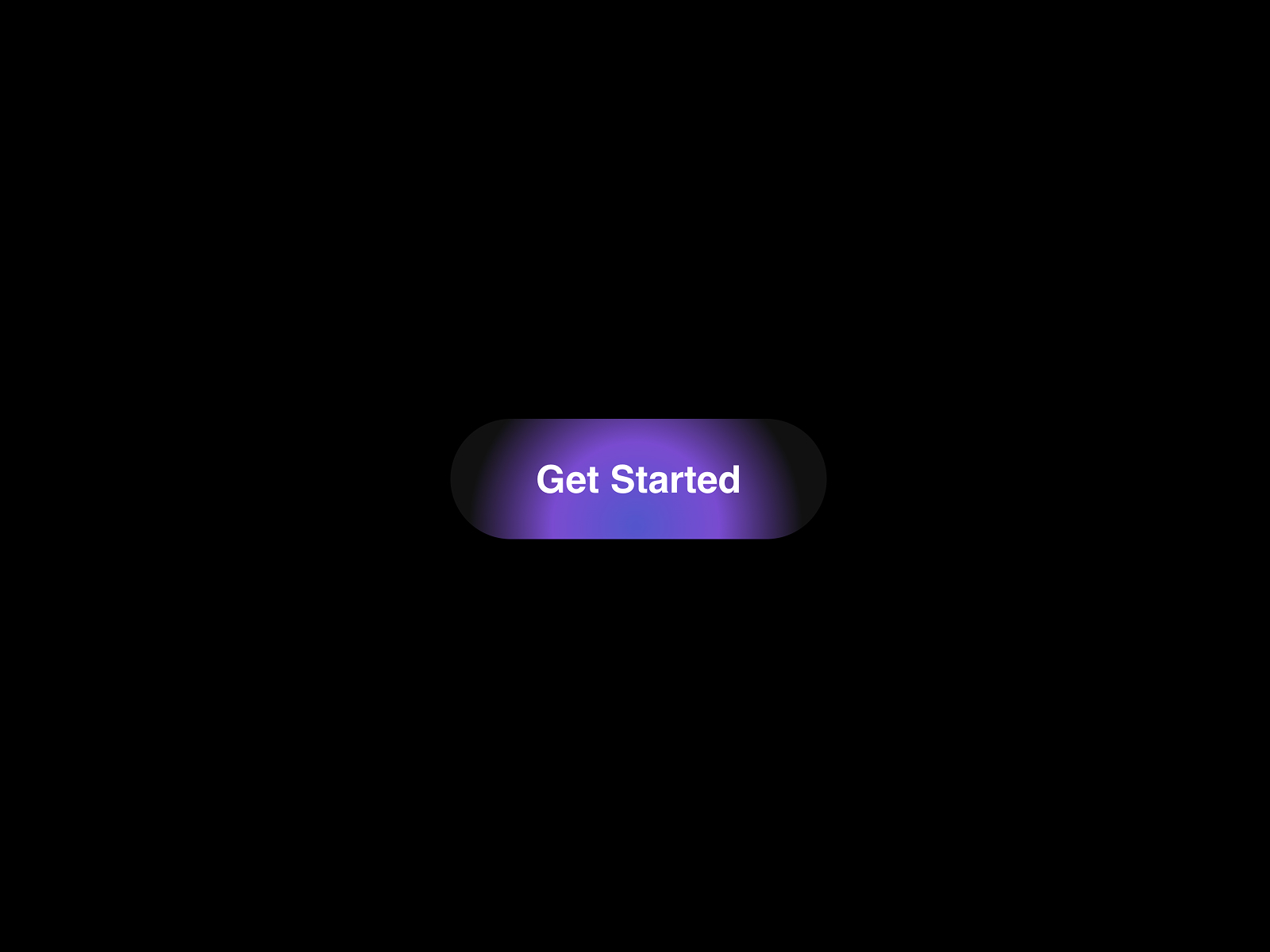
MagnoGlow_Button — Magnetic pull with cursor-tracking gradient glow and floating particles
MagnoGlow_Button layers magnetic hover, a cursor-following radial gradient, and lightweight floating particles into one free component tuned for SaaS and AI interfaces. benjamin stanly keeps controls focused — glow start and end colors, intensity, magnetic strength, border radius, and background — so the effect reads premium without overwhelming a minimal layout. Reach for it when MagnetInteractButton’s spotlight feels too cinematic but Glow Button Pro’s five-mode system is more than the launch budget allows.
- Best for
- AI and startup hero sections that want glow and particle atmosphere on a single CTA
Affiliate link — we may earn a commission at no extra cost to you.

3D Magnetic UI Kit — Parallax magnetic buttons and social icons with independent text depth
by Abdul Sami
3D Magnetic UI Kit goes beyond a single CTA. Abdul Sami ships a primary magnetic button and a circular social icon variant where text and icons move at a different rate than the container — parallax physics that reads as depth rather than flat translation. Strength, sensor range, and spring tuning are panel-controlled, with instant icon swaps for Twitter, Instagram, and LinkedIn. Install it free when the brief covers both a Book-a-Call button and a magnetic social row without buying separate components.
- Best for
- About pages and footers that need matching magnetic CTAs and circular social links in one kit
Affiliate link — we may earn a commission at no extra cost to you.
Quick comparison
| Resource | Price | Type | Best for |
|---|---|---|---|
| Glow Button Pro | 12 USD | Component | Multi-mode glow CTA with magnetic pull and glass |
| MagneticButtons | 5 USD | Component | Presets plus custom-component magnetic wrapping |
| Magnetic Hover Button | 5 USD | Component | Standard pill CTA with Lucide icons |
| MagneticButtonV1 | 5 USD | Component | Bouncy spring physics without extra effects |
| MagnetInteractButton | Free | Component | Magnetic pull with spotlight lighting |
| Magnetic Button | Free | Component | Accessible 3D tilt with keyboard support |
| MagnoGlow_Button | Free | Component | Glow and particles for AI/startup heroes |
| 3D Magnetic UI Kit | Free | Component | Parallax buttons and social icons together |
How to choose the right Framer magnetic button component
Decide whether the button is the visual hero or a subtle polish layer. Glow Button Pro, MagnetInteractButton, and MagnoGlow_Button add lighting and atmosphere — ideal for launch pages where the CTA is the focal interaction. MagneticButtonV1, Magnetic Hover Button, and Magnetic Button keep motion restrained so magnetic pull enhances a clean layout without competing with photography or video.
Match preset breadth to your design system. If every client button looks different, MagneticButtons paid custom mode wraps existing frames with shared physics settings. When one glow style is enough, Glow Button Pro consolidates five visual modes in a single component. Free installs like Magnetic Button and 3D Magnetic UI Kit cover standard pill CTAs and social rows without a marketplace spend.
Tune strength for audience and device. Magnetic effects read best on desktop pointer input — keep strength between 0.3 and 0.5 for corporate sites and push toward 0.7 only on creative portfolios. Magnetic Button and MagneticButtons expose explicit strength sliders; start subtle and increase only when stakeholders ask for more motion in preview.
Plan beyond the primary CTA. 3D Magnetic UI Kit free bundles social icons with the same parallax physics as the main button. MagneticButtons presets include circle and pill variants for secondary actions. One magnetic hero button plus flat secondary links often feels more premium than magnetizing every control on the page.
Our top pick for most Framer builders
If you install one magnetic button for a typical SaaS hero, Magnetic Button free from Chaman Verma balances spring physics, 3D tilt, and accessibility without a budget line. For agencies shipping multiple client CTAs, MagneticButtons at 5 USD adds preset styles and custom-component wrapping that scales across projects. When the conversion button is the centerpiece of a launch, Glow Button Pro at 12 USD delivers glow modes, glass, and magnetic pull in one polished package.
Browse Framer templates on yoframer for landing pages that pair naturally with magnetic hero CTAs, or read our navigation components roundup for scroll-reactive nav bars that often sit above the primary button. More resource roundups live on the Resources hub.
Updated August 2026. We refresh this list as notable magnetic button components ship, reprice, or go stale.


