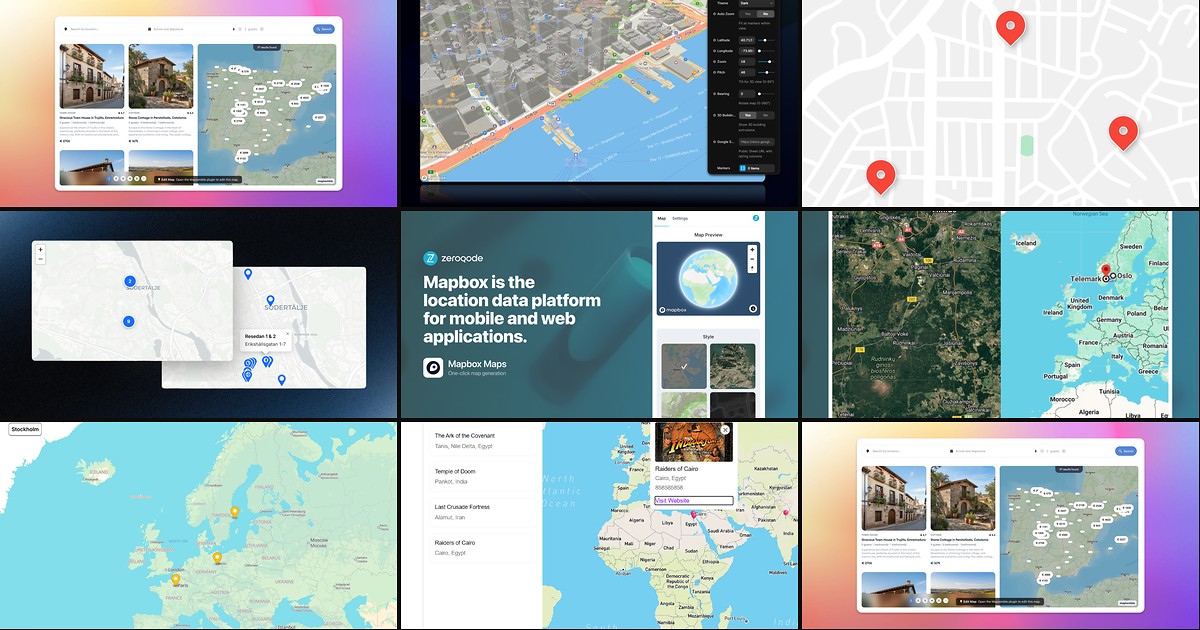
Framer ships a basic map embed, but multi-location sites quickly outgrow it. A proper framer map plugin or code component handles clustering, sidebar search, spreadsheet-driven pins, and branded markers — without forcing you into a separate SaaS dashboard or custom React overrides. The gap between “single office pin” and “searchable dealer network” is where the marketplace ecosystem earns its keep.
This list ranks eight map tools installable from the Framer marketplace today — three plugins and five components spanning Mapbox, Google Maps, and API-free OpenStreetMap stacks. Every pick has a live listing, a working demo or preview, and an identifiable creator. Four options are free or freemium; four are paid one-time purchases or subscriptions worth budgeting when client data lives in spreadsheets or CMS collections.
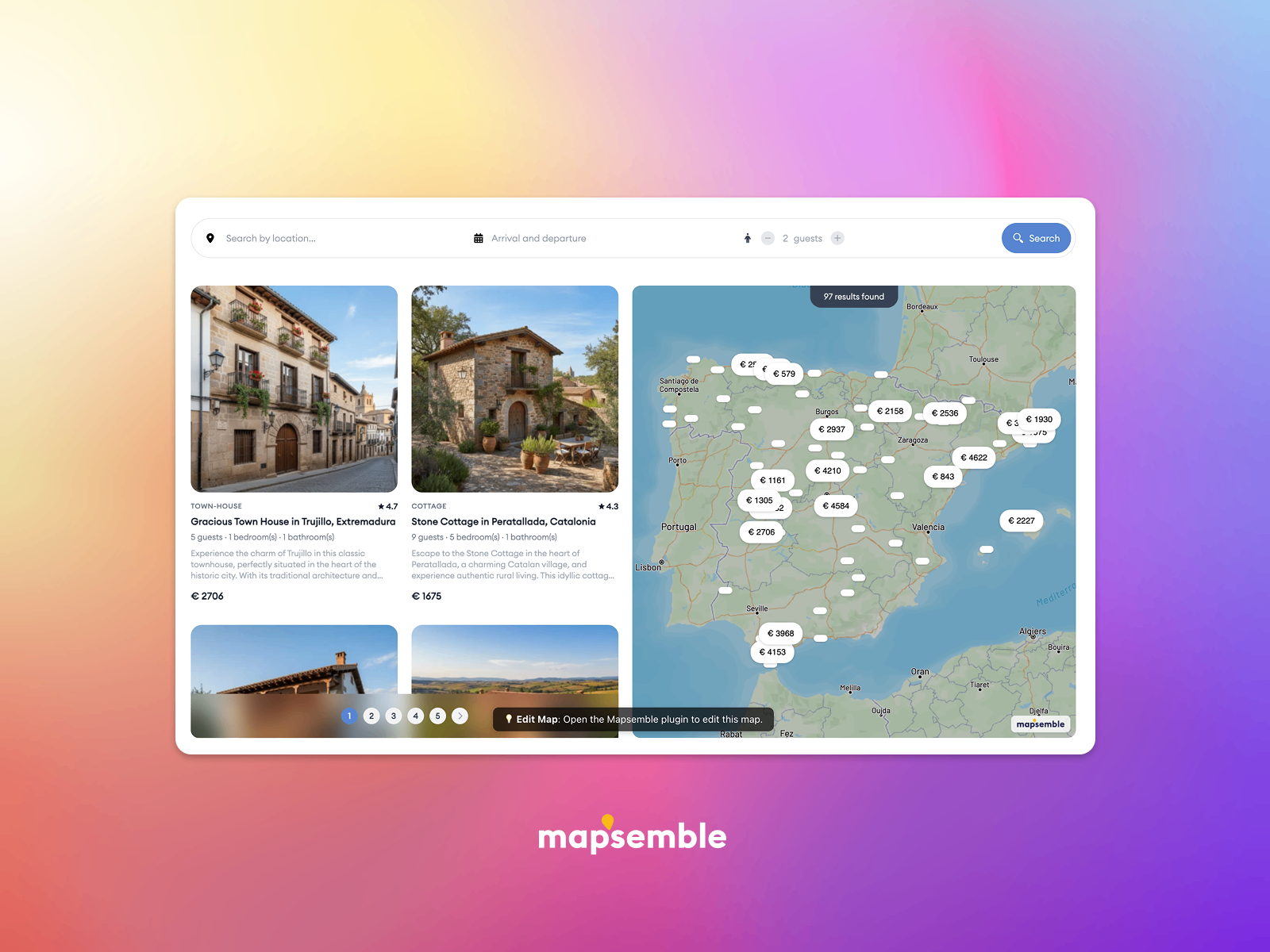
Mapsemble — In-canvas map editor with filters, card sync, and store-locator starter kits
Mapsemble is the most complete dedicated map platform on this list. Its Framer plugin embeds the Mapsemble Content Editor inside your project so you add, edit, and filter locations without leaving the canvas — then drop a responsive component that syncs cards to map pan and zoom. Starter kits cover store locators and property listings out of the box, clustering handles tens of thousands of pins, and Pro plans unlock custom styling and higher location limits from 10 USD per month. Start here when stakeholders expect faceted search, not a handful of manually placed markers.
- Best for
- Retail chains and real-estate portfolios that need Airbnb-style list-to-map browsing at scale
Affiliate link — we may earn a commission at no extra cost to you.
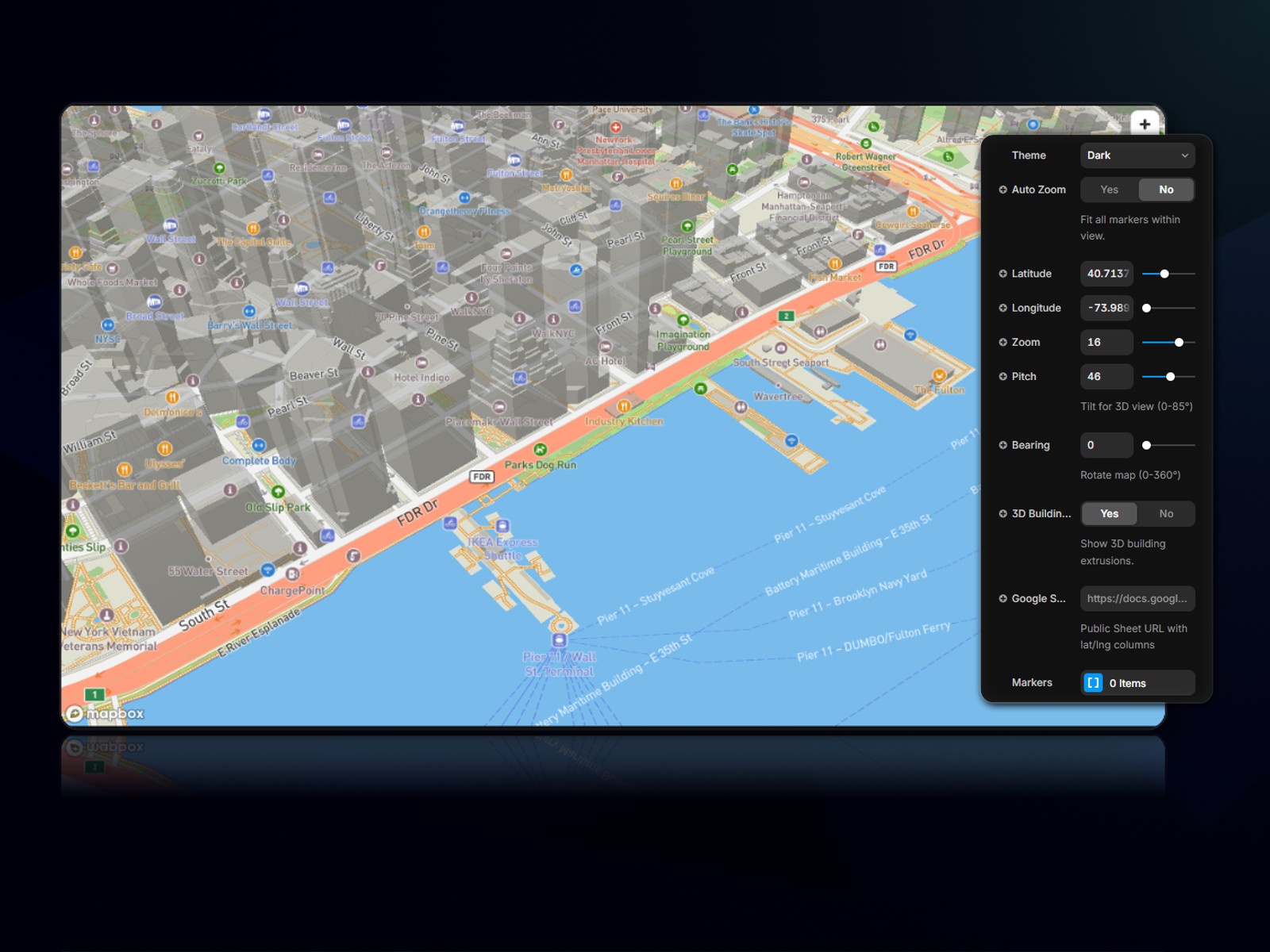
Meridian — Mapbox maps with Google Sheets sync, 3D pitch, and GPX routes
by CodePerfect
Meridian brings full Mapbox GL JS into Framer with a generous free tier — Light theme, manual markers, and auto-zoom work forever once you paste a public Mapbox token. Pro unlocks Google Sheets sync so spreadsheet rows become live pins, plus five premium themes, 3D terrain, adjustable pitch and bearing, and GPX route overlays for travel and trail sites. At 12 USD one-time from CodePerfect, it undercuts most map subscriptions while staying native to the Framer plugin workflow. Choose Meridian when your client already lives in Google Sheets and Mapbox styling beats OpenStreetMap defaults.
- Best for
- Agencies that manage location lists in spreadsheets and want Mapbox polish without monthly map SaaS
Affiliate link — we may earn a commission at no extra cost to you.
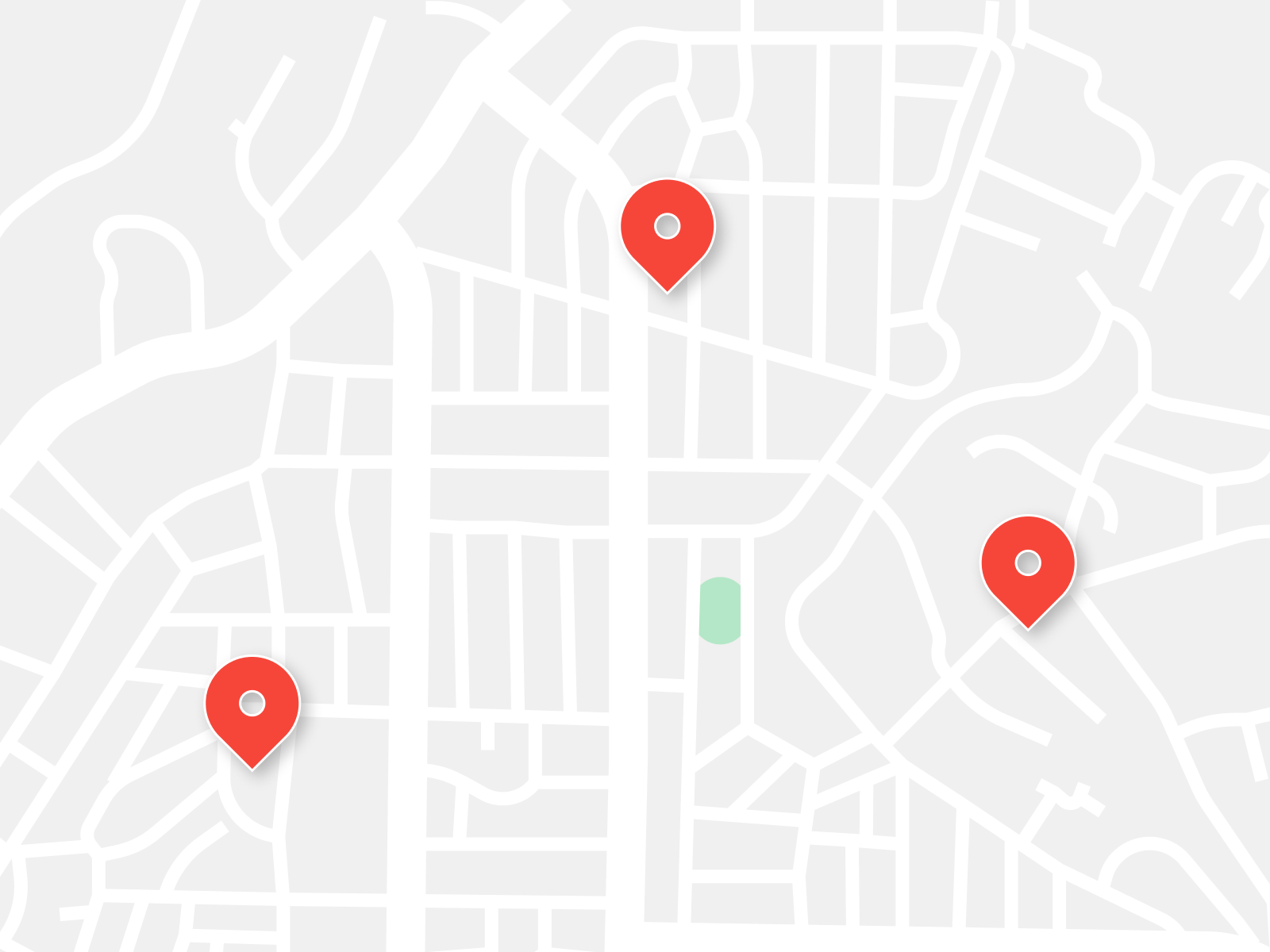
Advanced Google Map — CMS-driven Google Maps with sidebar list, search, and distance sort
by Şafak
Advanced Google Map wraps Google Maps in a polished sidebar-and-map layout you can feed manually or bind directly to Framer CMS collection fields. Visitors search markers by title, sort by distance using browser geolocation, collapse the sidebar on mobile, and tap custom per-marker links including Get Directions. Light, dark, and auto themes keep the chrome on-brand without rebuilding list cards in Framer. At 14 USD it is the strongest pick when the client insists on Google Maps tiles and location data already lives in CMS — not a spreadsheet.
- Best for
- Framer CMS location directories that need Apple-style sidebar UX on Google Maps
Affiliate link — we may earn a commission at no extra cost to you.
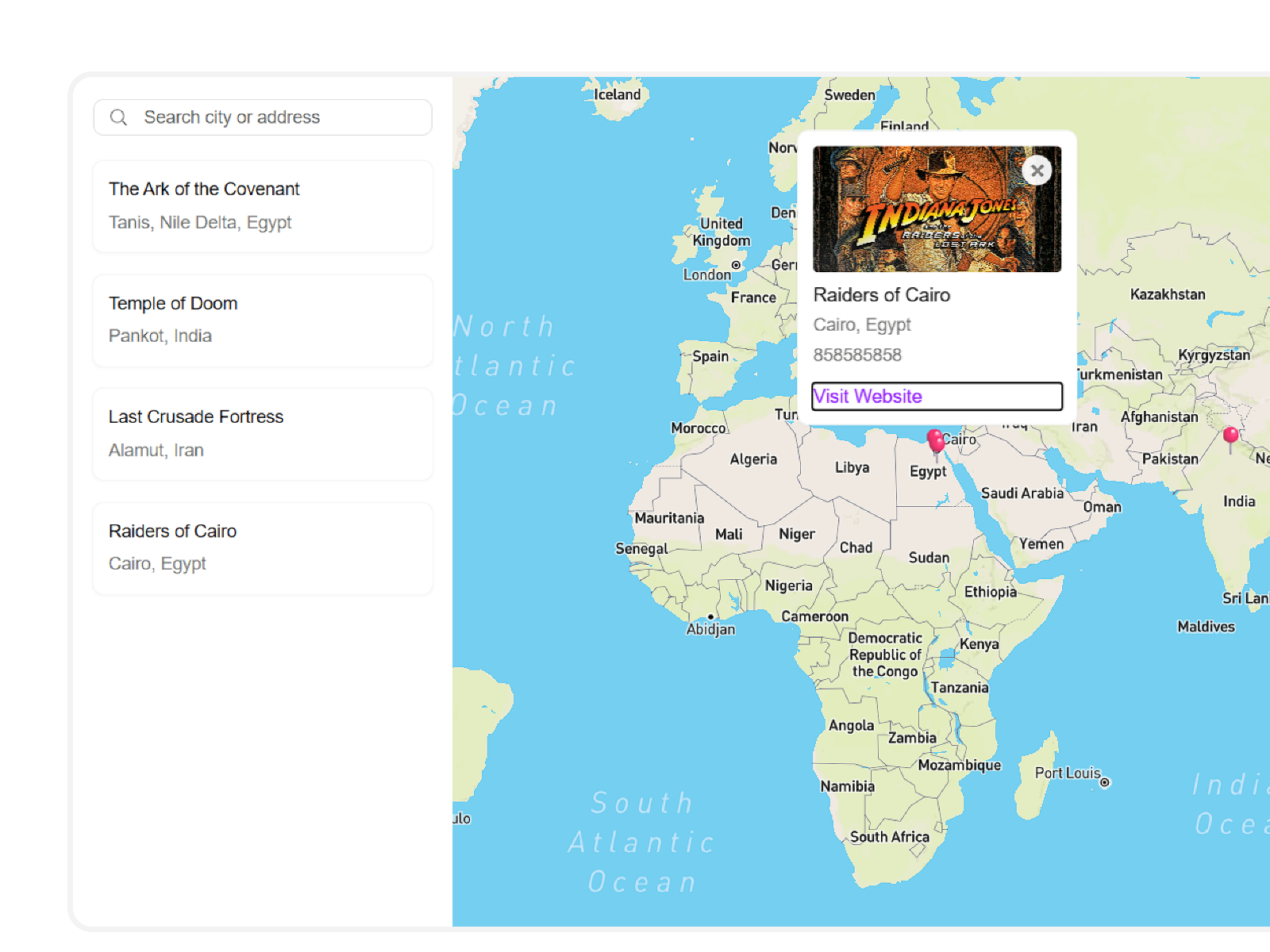
StoreLocator — Mapbox store locator synced to Google Sheets with mobile sidebar
by Bharath
StoreLocator turns a linked Google Sheet into a searchable Mapbox map with list cards, pop-ups, phone links, and custom SVG pins — all free on the Framer marketplace. Paste your Mapbox token and style URL once, map sheet columns to marker fields, and location updates propagate without republishing the site. The mobile-friendly sidebar and fly-to animations cover the core store-finder UX agencies charge thousands to custom-build. Install it when Meridian Pro is overkill but the client still updates locations in Sheets weekly.
- Best for
- Restaurant and retail brands that want a searchable locator without paying for a map platform
Affiliate link — we may earn a commission at no extra cost to you.
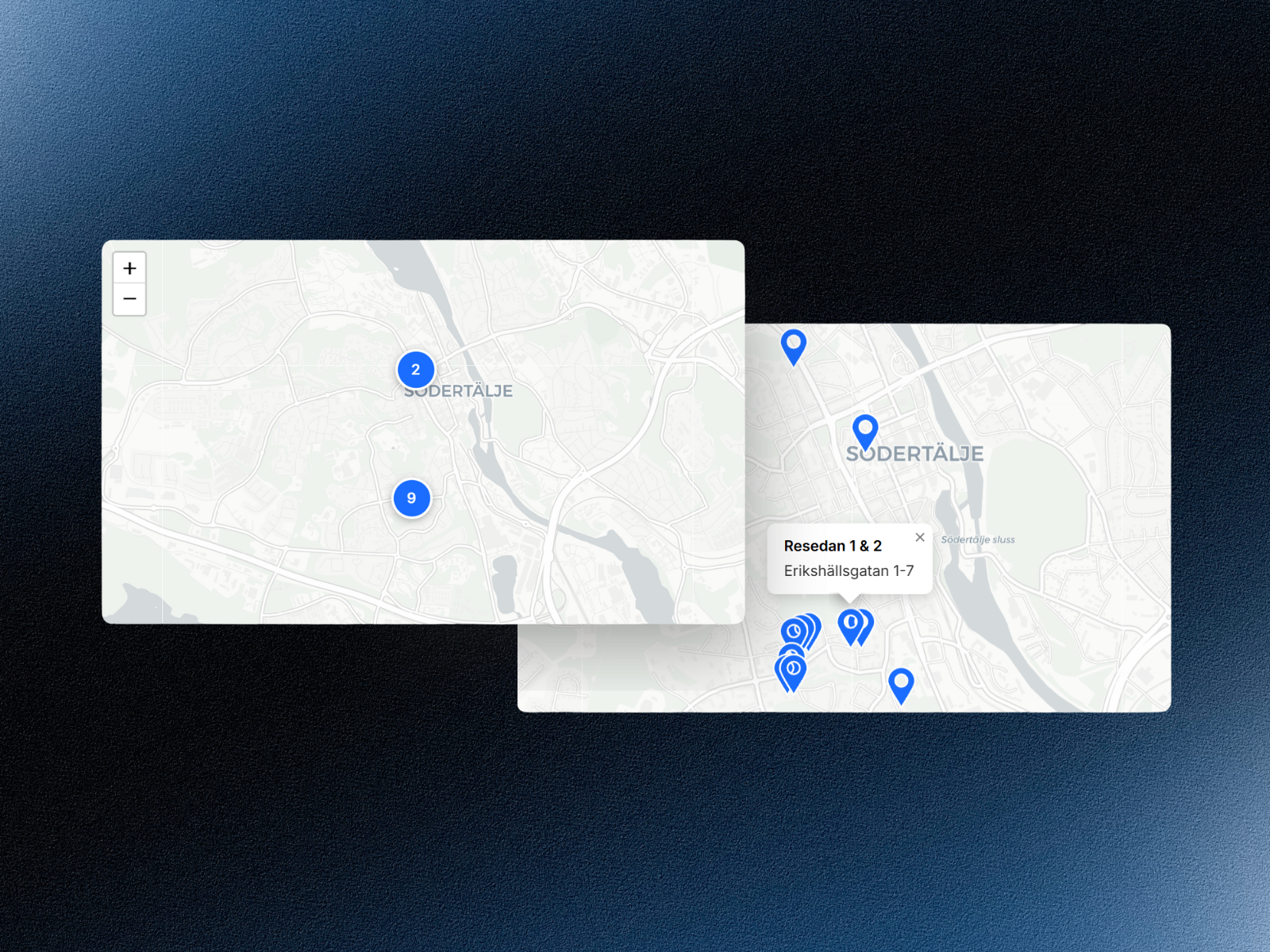
Multi Location Map — Leaflet and OpenStreetMap with clustering — zero API keys
Multi Location Map loads Leaflet.js and OpenStreetMap tiles at runtime with no API keys, usage caps, or Google Cloud console projects. Add unlimited markers through property controls, paste coordinates copied from Google Maps, and let automatic clustering group dense pin sets. Customizable popups, themes, and ARIA labels ship in a free marketplace component updated through 2026. Reach for it on pro-bono builds, internal directories, and any project where map billing approval would delay launch by weeks.
- Best for
- Event maps and small business locators where billing setup is a non-starter
Affiliate link — we may earn a commission at no extra cost to you.
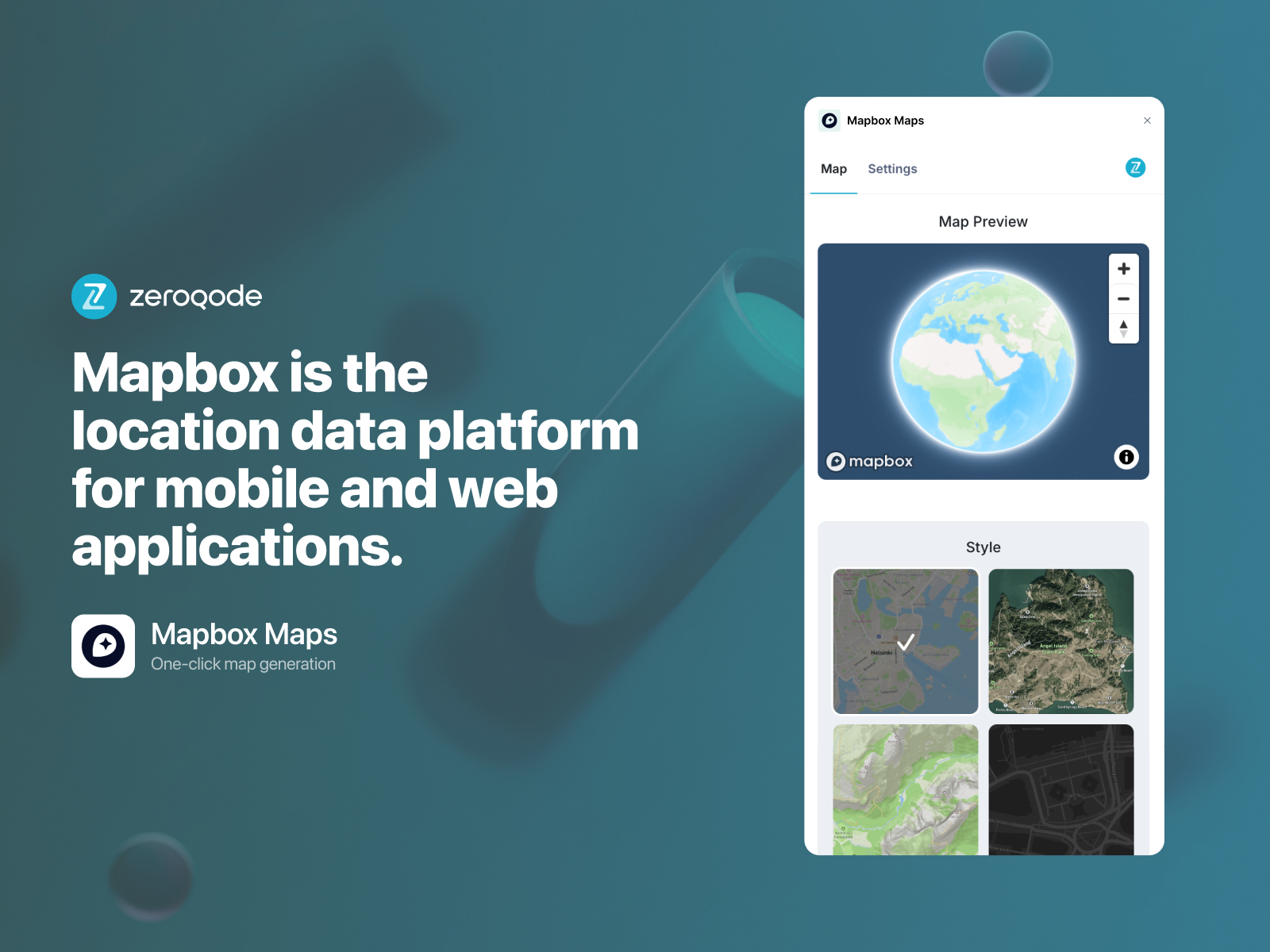
Mapbox Maps — Branded Mapbox embeds with custom styles, 3D buildings, and geolocation
by Zeroqode
Mapbox Maps from Zeroqode is a property-panel-driven embed for custom Mapbox styles, dynamic markers, geolocation, zoom controls, and 3D building layers — all without writing GL JS yourself. Connect your Mapbox API key, pick or upload a style URL, and configure interaction settings from the canvas. The 10 USD one-time price — or Zeroqode’s 10 USD per month all-access subscription — makes it the pragmatic middle ground between free OSM components and full locator platforms. Use it when you need Mapbox branding on a hero map or route showcase, not a 500-location dealer search.
- Best for
- Travel and logistics sites that already have a Mapbox account and need flexible marker control
Affiliate link — we may earn a commission at no extra cost to you.
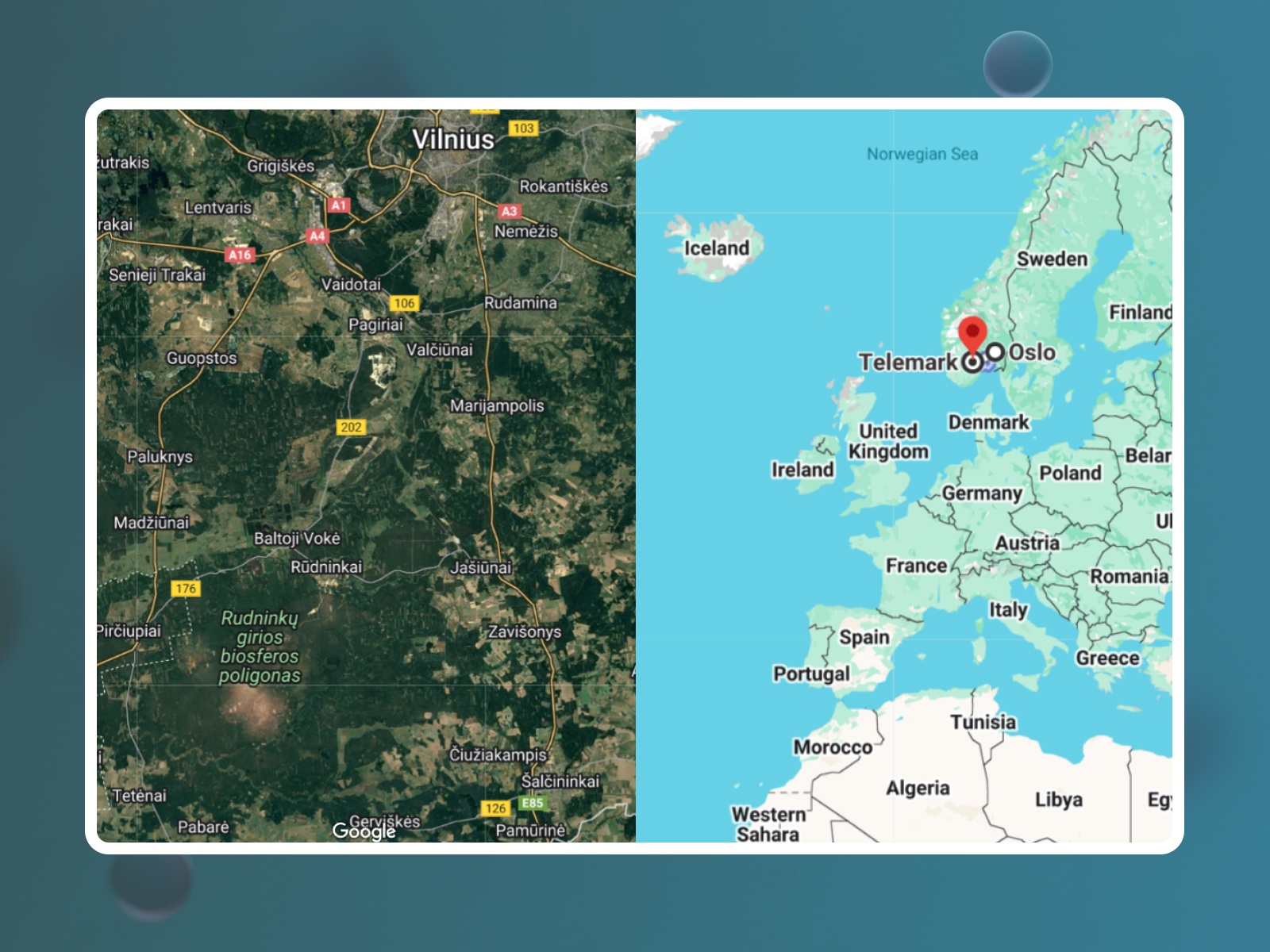
Google Map Frame — Standard, satellite, hybrid, and Street View from one Framer component
by Zeroqode
Google Map Frame embeds fully interactive Google Maps with Standard, Satellite, Hybrid, and Street View modes switchable from the properties panel. Set location by address or coordinates, plot routes, add a custom marker, and connect your Google Maps API key for branded tiles — all at 10 USD one-time. It is the fastest paid path to Google’s familiar map chrome when you do not need CMS binding or sidebar search. Pair it with Framer CMS text fields on listing pages rather than forcing one component to carry an entire directory.
- Best for
- Contact pages and single-venue sites that need routing and Street View in one embed
Affiliate link — we may earn a commission at no extra cost to you.
Free Interactive Map — Simple multi-marker maps with style toggles and button interactions
by Jonas Frei
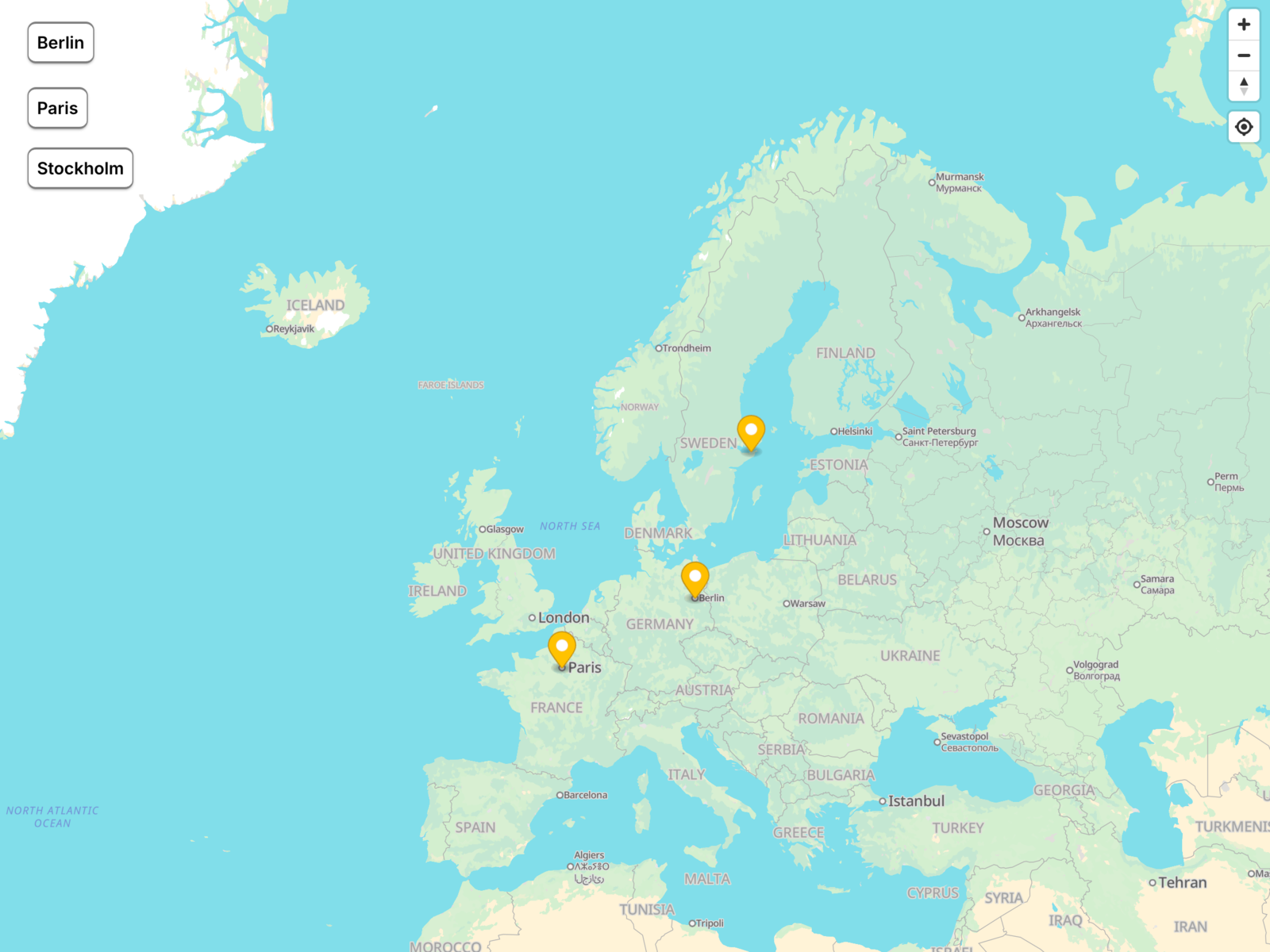
Free Interactive Map is the approachable entry point Jonas Frei built for designers who want markers on canvas without API keys or spreadsheet wiring. Drop the component, add styled pins, switch map styles, toggle zoom controls, and connect map actions to Framer buttons for simple interactive tours. It will not cluster five hundred dealer pins or sync Sheets — but for a handful of offices, pop-up studios, or conference venues it installs in minutes and stays completely free. Keep it in your toolkit for MVPs before upgrading to Meridian or Mapsemble on v2.
- Best for
- Portfolio and startup sites that need a lightweight map section without API setup
Affiliate link — we may earn a commission at no extra cost to you.
Quick comparison
| Resource | Price | Type | Best for |
|---|---|---|---|
| Mapsemble | Free; from 10 USD/month | Plugin | Large store locators with filters and card sync |
| Meridian | Free; Pro 12 USD one-time | Plugin | Spreadsheet-driven Mapbox with 3D themes |
| Advanced Google Map | 14 USD | Component | CMS location directories on Google Maps |
| StoreLocator | Free | Component | Free Mapbox locator synced to Google Sheets |
| Multi Location Map | Free | Component | API-free OSM maps with clustering |
| Mapbox Maps | 10 USD | Component | Custom Mapbox styles and 3D buildings |
| Google Map Frame | 10 USD | Component | Single-location Google Maps with Street View |
| Free Interactive Map | Free | Component | Simple multi-marker maps without API keys |
How to choose the right Framer map plugin
Match the data source first. CMS-driven location pages should start with Advanced Google Map or native collection binding. Spreadsheet workflows fit Meridian Pro, StoreLocator, or Mapsemble. Static pin lists under twenty locations work fine with Multi Location Map or Free Interactive Map — no sync layer required.
API keys vs zero-config. Multi Location Map and Free Interactive Map avoid billing accounts entirely. Mapbox and Google options need tokens — budget client time for cloud console setup and usage monitoring. Meridian and StoreLocator both run on Mapbox’s generous free tier for typical locator traffic.
Free vs paid follows feature depth, not map quality. StoreLocator and Multi Location Map cover real store-finder UX at zero cost. Paid picks unlock CMS binding, 3D pitch, premium themes, or platform-scale filtering. A 10–14 USD component often beats hours of override work on a client hourly rate.
Plugins vs components. Mapsemble and Meridian install as plugins with in-editor data management — better when non-designers update locations. Components drop onto the canvas and configure through the properties panel — faster for one-off contact pages or fixed pin sets.
Our top pick for most Framer builders
Try Multi Location Map or Free Interactive Map first on any project under ten pins with no live data sync. When locations live in Google Sheets, install StoreLocator free or upgrade to Meridian Pro for premium Mapbox themes. Retail and real-estate directories with search and filters should budget for Mapsemble or Advanced Google Map if the client standardizes on Google tiles and Framer CMS.
Browse free Framer templates on yoframer for agency and local-business starting points, or read our form tools roundup for pairing contact flows with store-locator pages. More resource roundups live on the Resources hub.
Updated June 2026. We refresh this list as map plugins ship breaking changes, reprice, or go stale.


