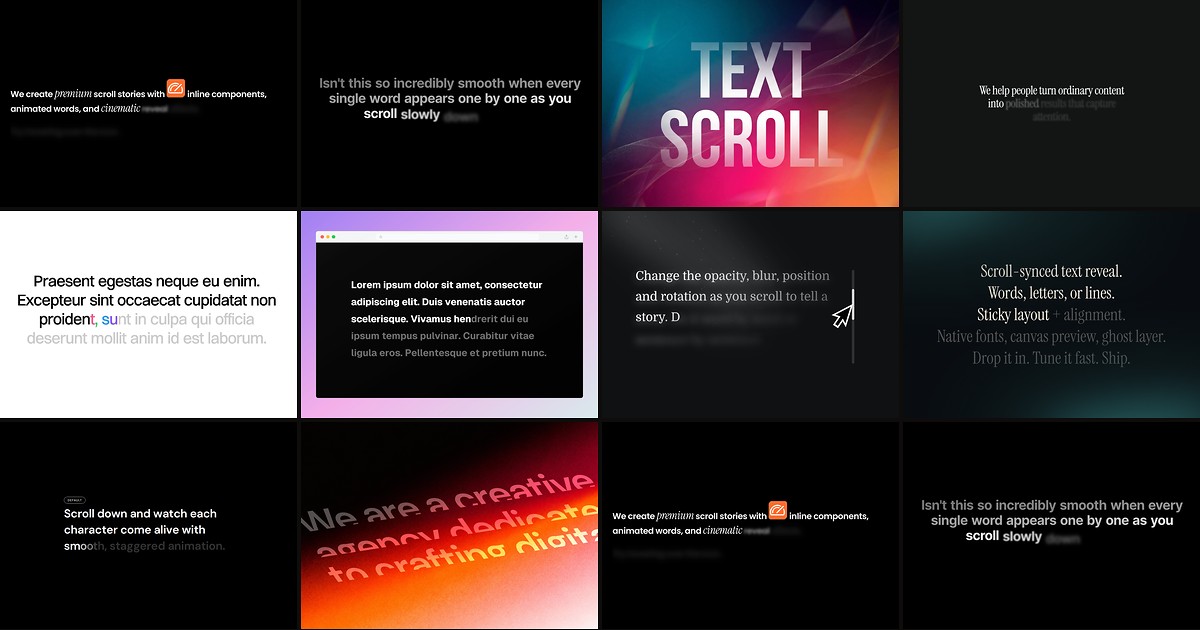
Editorial landing pages, case-study narratives, and mission statements all share the same challenge: visitors scroll faster than they read unless the typography itself creates momentum. A dedicated framer scroll text reveal component pins copy in the viewport, ties blur or color transitions to scroll position, and turns a paragraph into a paced reading experience — without wiring Framer Motion overrides by hand.
This list ranks ten scroll-driven text reveal components from the Framer marketplace in 2026. Every pick has a live listing, identifiable creator, and working preview — five free and five paid, spanning sticky blur reveals, inline component slots, GSAP masked lines, and preset libraries for editorial storytelling.
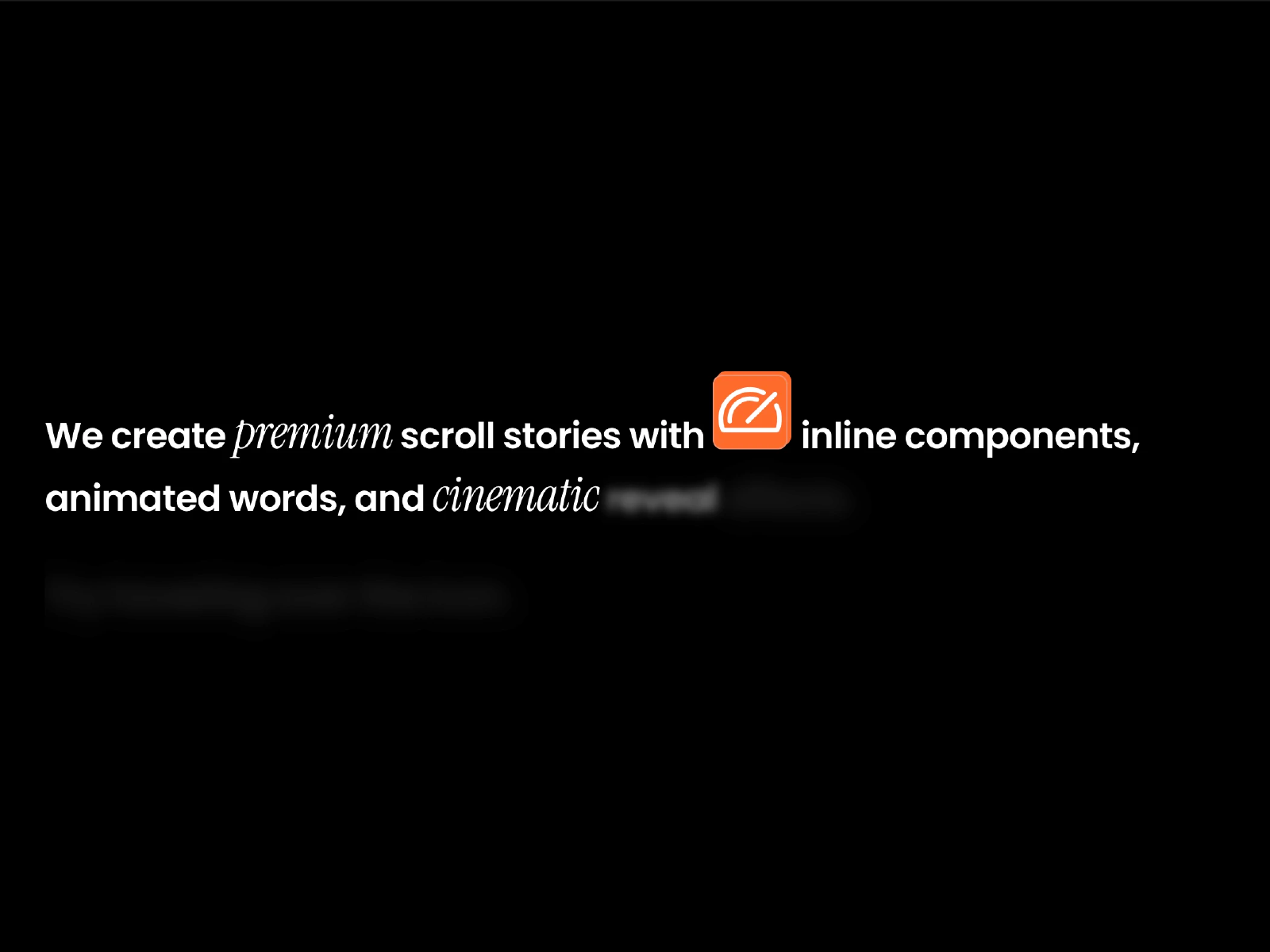
Rich Scroll Reveal — Scroll-reveal storytelling with up to 20 inline Framer component slots
Rich Scroll Reveal goes beyond plain text animation: Abdullah Ahmed lets you drop real Framer components — badges, icons, logos, pills, avatars, or mini cards — directly into scroll-revealed copy using simple slot tokens. Words fade from a default color through optional blur and opacity stages while connected components animate inline at natural reading size. Twenty slot connectors, secondary font controls, and scroll start/end percentages give you editorial pacing without splitting the layout into dozens of layers. At 12 USD it is the top pick when the reveal itself must carry UI elements, not just typography.
- Best for
- Product launch pages and case studies that need badges, logos, or pills embedded inside animated copy
Affiliate link — we may earn a commission at no extra cost to you.
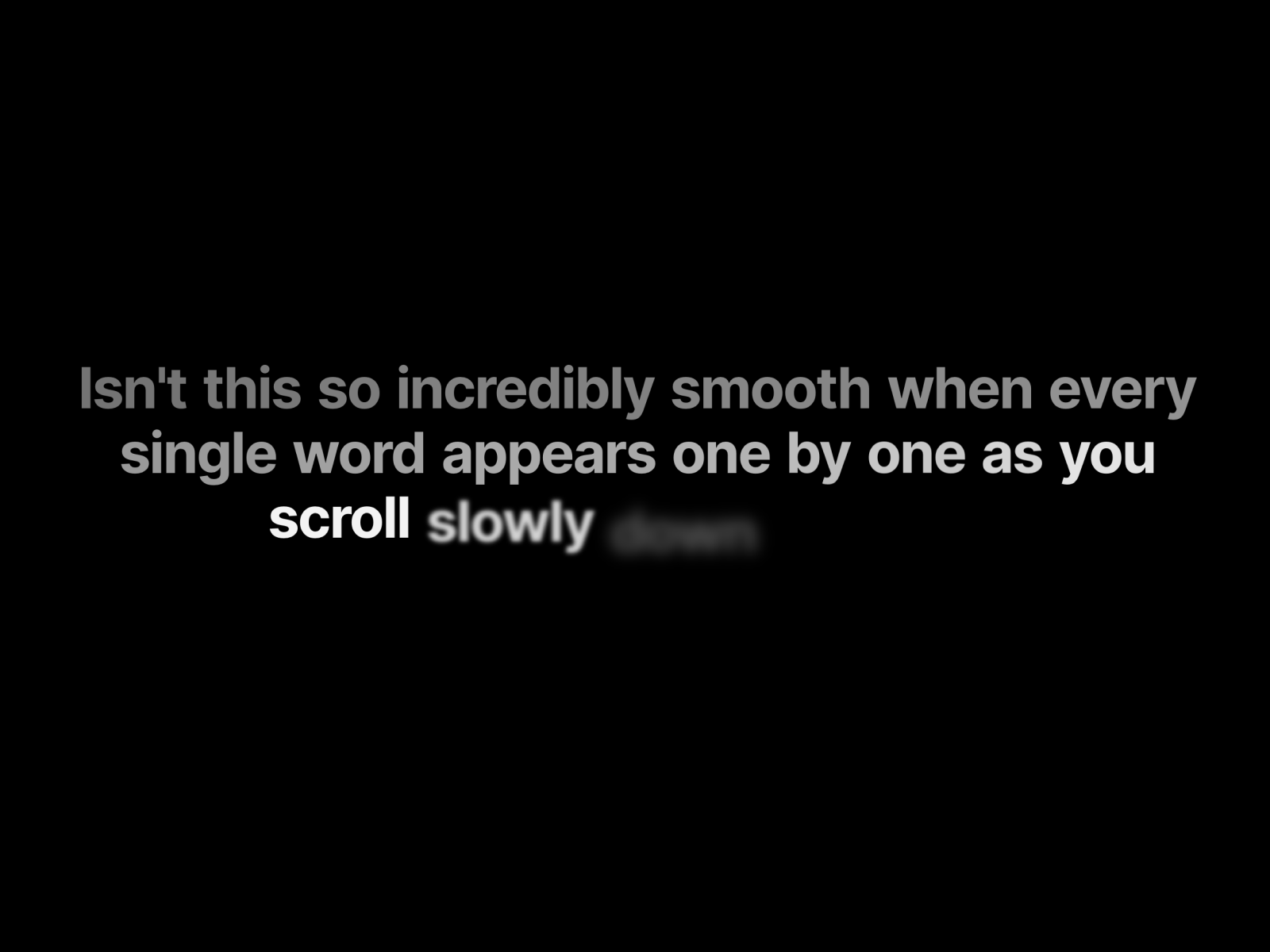
FogType — Cinematic word-by-word blur reveal with sticky zero-layout-shift layout
by Ilyes Ammar
FogType treats each word as an individual blur-to-sharp transition driven by native framer-motion scroll tracking. Ilyes Ammar ships a sticky layout pattern that keeps text centered while the section scrolls behind it — no jumpiness, no reflow, just words emerging from fog one at a time. Reveal speed, blur radius, font controls, and scroll height are all panel-driven, with a transparent background so the effect floats over photography or video heroes. At 5 USD it delivers the most cinematic word pacing on this list when slow editorial motion matters more than character-level gimmicks.
- Best for
- Fashion, editorial, and agency sites that want award-style fog-to-focus typography
Affiliate link — we may earn a commission at no extra cost to you.
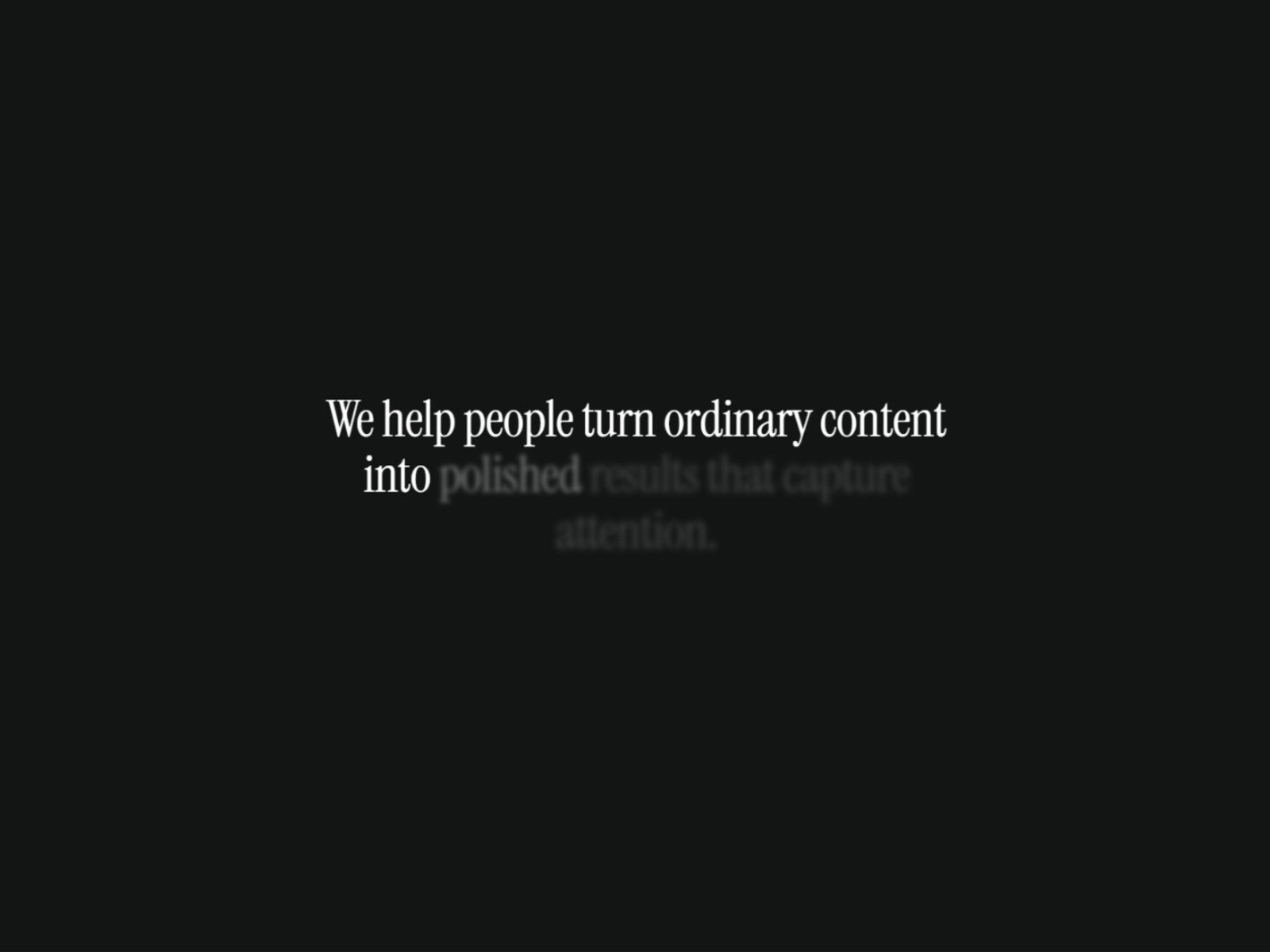
Premium Reveal Text — Apple-style blur and color transition with screen-reader-safe SEO structure
Premium Reveal Text solves the hidden problem with most scroll reveals: splitting text for animation often destroys SEO and screen-reader readability. Víctor Señoráns uses screen-reader-only techniques so Google bots and assistive tech read the full sentence while visitors see a cinematic blur-to-highlight color transition tied to scroll percentage sliders. Native Framer typography controls, GPU-accelerated willChange rendering, and precise start/end viewport thresholds keep the effect smooth on mobile. At 6 USD it is the responsible premium pick when the headline is also your primary H1 and accessibility cannot be an afterthought.
- Best for
- Marketing sites that need premium scroll blur without breaking accessibility or search indexing
Affiliate link — we may earn a commission at no extra cost to you.
Text Scroll Animate — Color highlight, fade-up, and blur modes with per-word scroll control
by Aidan Looker
Text Scroll Animate packs three premium modes — color highlight, fade-up entrance, and blur-to-focus — into one word-level scroll component. Aidan Looker exposes scroll start and end percentages, word stagger, reversible behavior, and a dedicated blur-strength slider so each mode feels tuned for real landing pages rather than demo footage. Inline emphasis via simple markup tokens handles bold and italic without extra layers, and canvas-friendly preview keeps copy readable while you design. At 5 USD it is the versatile mid-tier pick when you want mode switching across sections without a marketplace shelf of single-purpose tools.
- Best for
- SaaS hero sections that need three distinct scroll text styles without buying three components
Affiliate link — we may earn a commission at no extra cost to you.
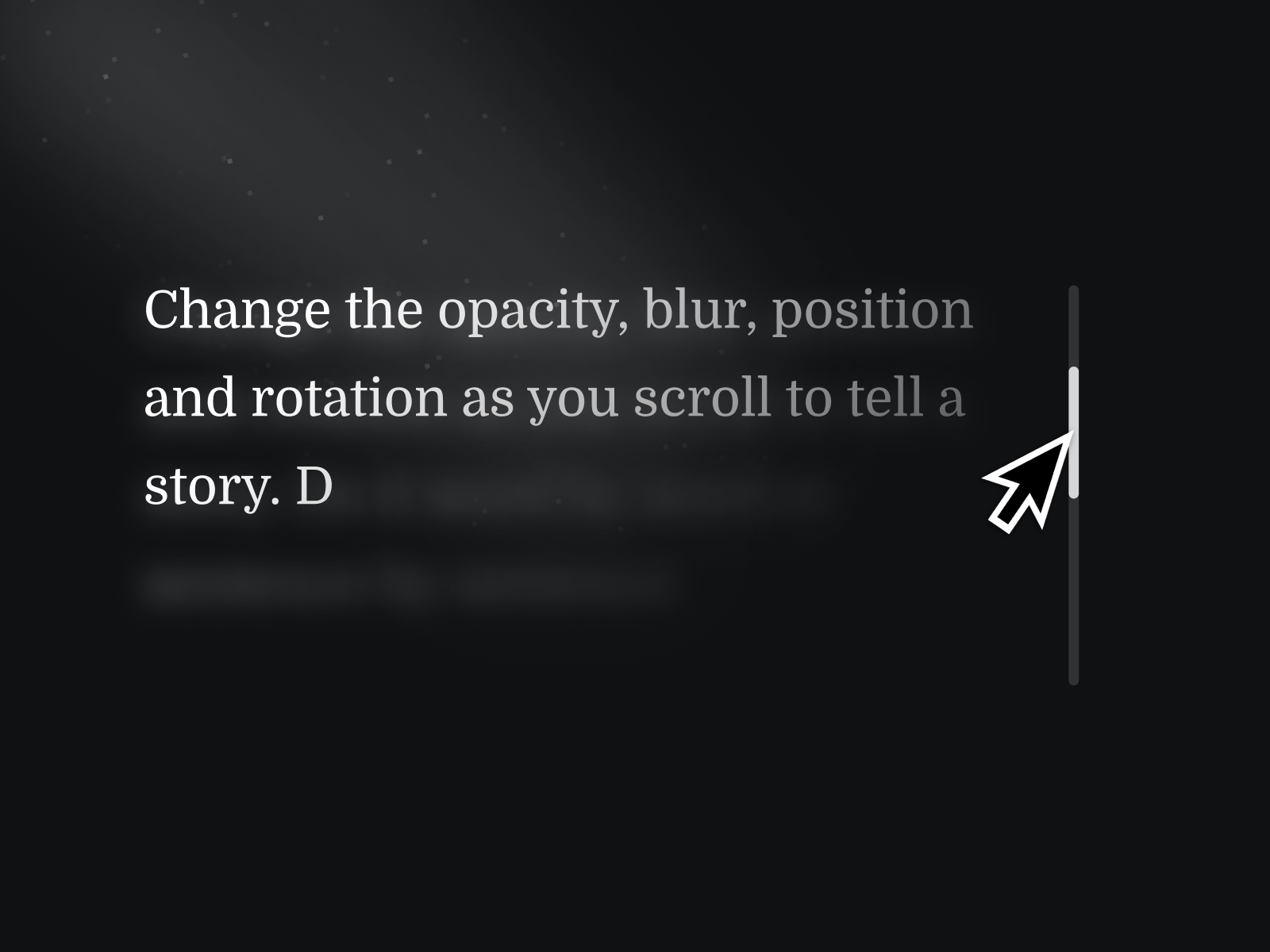
Scroll Text Effects — Sticky blur reveal with opacity, scale, and 3D perspective transforms
by Nabeel
Scroll Text Effects is Nabeel’s StickyBlurReveal component: text starts blurred and scaled down, then sharpens and grows as visitors scroll through a sticky viewport wrapper you size to control duration. Property controls cover typography, initial blur amount, opacity, scale, vertical offset, perspective, and X-rotation — enough range to push from subtle editorial fade to dramatic 3D tilt. Letter and word reveal modes, plus configurable reveal distance, make it the most transform-heavy pick here. At 14 USD it suits experimental studio sites where scroll text should feel spatial, not flat.
- Best for
- Creative portfolios that want dimensional scroll typography with full sticky-stack control
Affiliate link — we may earn a commission at no extra cost to you.
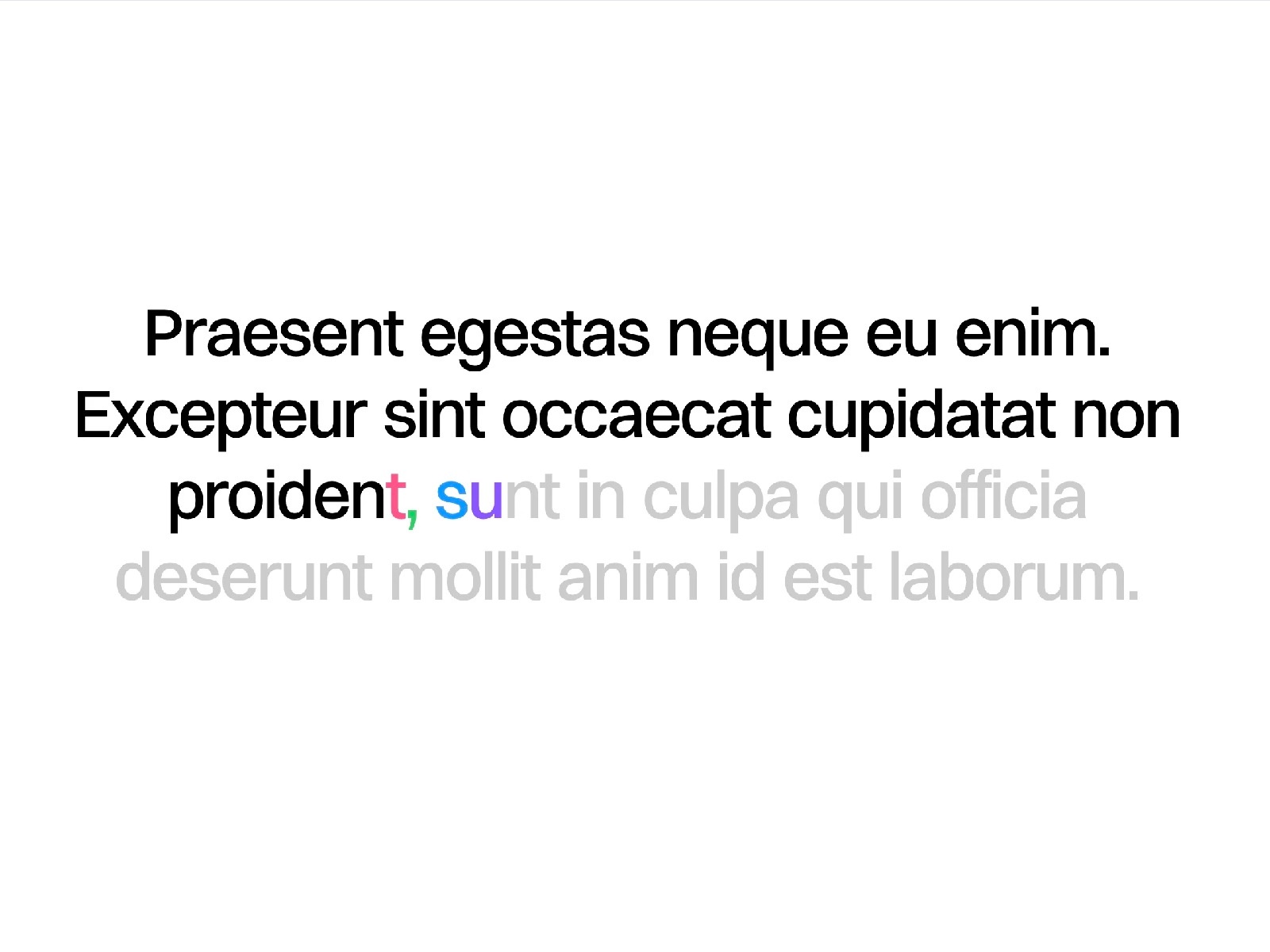
Text Animator — Multi-stage color transitions with sticky layout and smart line detection
Text Animator splits copy by character, word, line, or whole element, then drives blur, opacity, and positional reveals from scroll position or spring physics. Federico Esposito adds multi-stage color transitions — start, intermediate, and final hues — plus a sticky layout that pins text while the animation plays and ResizeObserver-based line detection that stays accurate when headlines reflow on mobile. Left-to-right and right-to-left direction controls cover RTL layouts, and custom scroll triggers can start animation when another section enters view. At 8 USD it replaces custom Framer Motion stacks on narrative pages that need color storytelling, not just blur.
- Best for
- Long mission statements and About pages where color should shift as scroll progresses
Affiliate link — we may earn a commission at no extra cost to you.
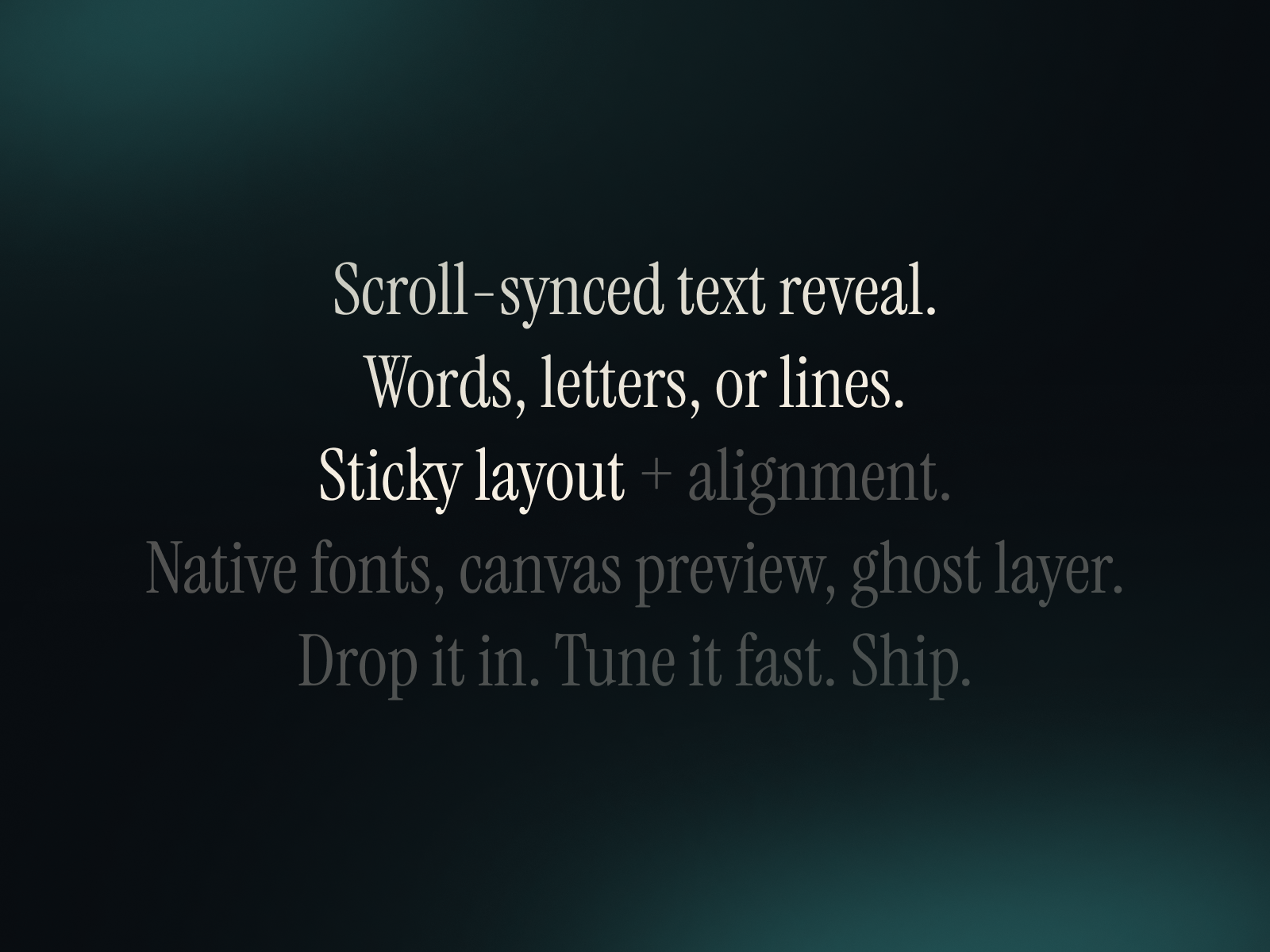
Ultimate Scroll Text — Sticky word, letter, or line reveals with optional ghost layer for depth
Ultimate Scroll Text is a plug-and-play sticky reveal with words, letters, or lines modes, native Framer font controls, and horizontal and vertical alignment from segmented panel inputs. Ayberk Helvacı adds canvas preview options so copy stays visible while designing — critical when sticky scroll effects are invisible on a static canvas — plus an optional ghost layer that renders a low-opacity fully revealed version behind the animated text for subtle depth. Free and production-ready, it is the strongest no-cost foundation when you need sticky scroll pacing without blur complexity.
- Best for
- Builders prototyping scroll storytelling before committing to a paid blur component
Affiliate link — we may earn a commission at no extra cost to you.
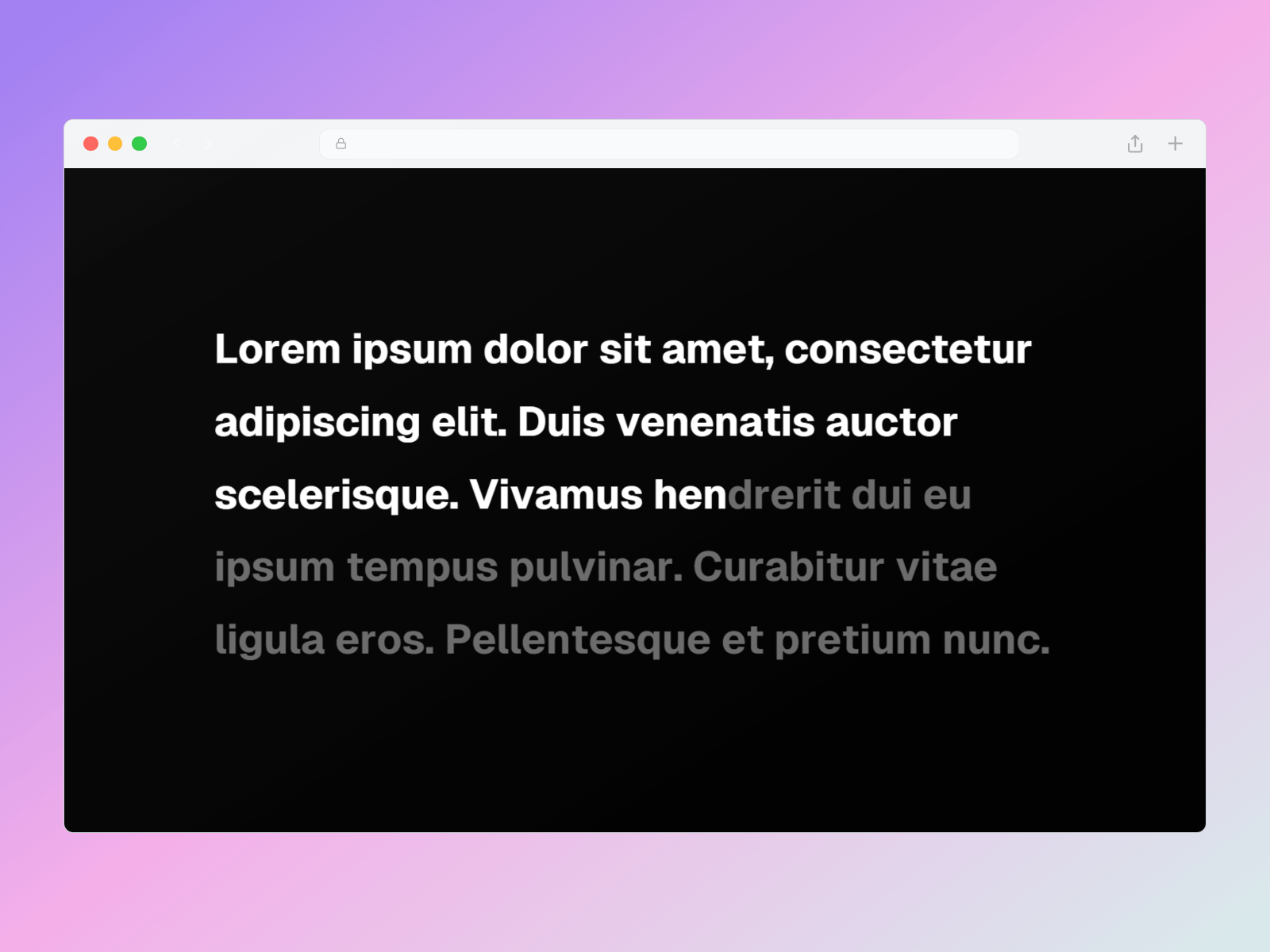
Sticky Text Reveal — Highlight, mask, or fade-in reveals with optional blur in a sticky stack
by Tamzid
Sticky Text Reveal documents the canonical Framer sticky-scroll pattern: a relative container at 200vh or taller wrapping a 100vh sticky stack, with the component placed inside like normal text. Tamzid ships highlight, mask, and fade-in styles with letter, word, or line modes, optional blur, configurable delay and duration in viewport height units, and semantic HTML tag selection for accessibility. An optional disappear mode reverses the effect as visitors scroll past. Free and straightforward, it is the best starting point when you want explicit control over reveal style without paying for cinematic presets.
- Best for
- Documentation-style pages that need semantic HTML tags and three distinct reveal styles
Affiliate link — we may earn a commission at no extra cost to you.
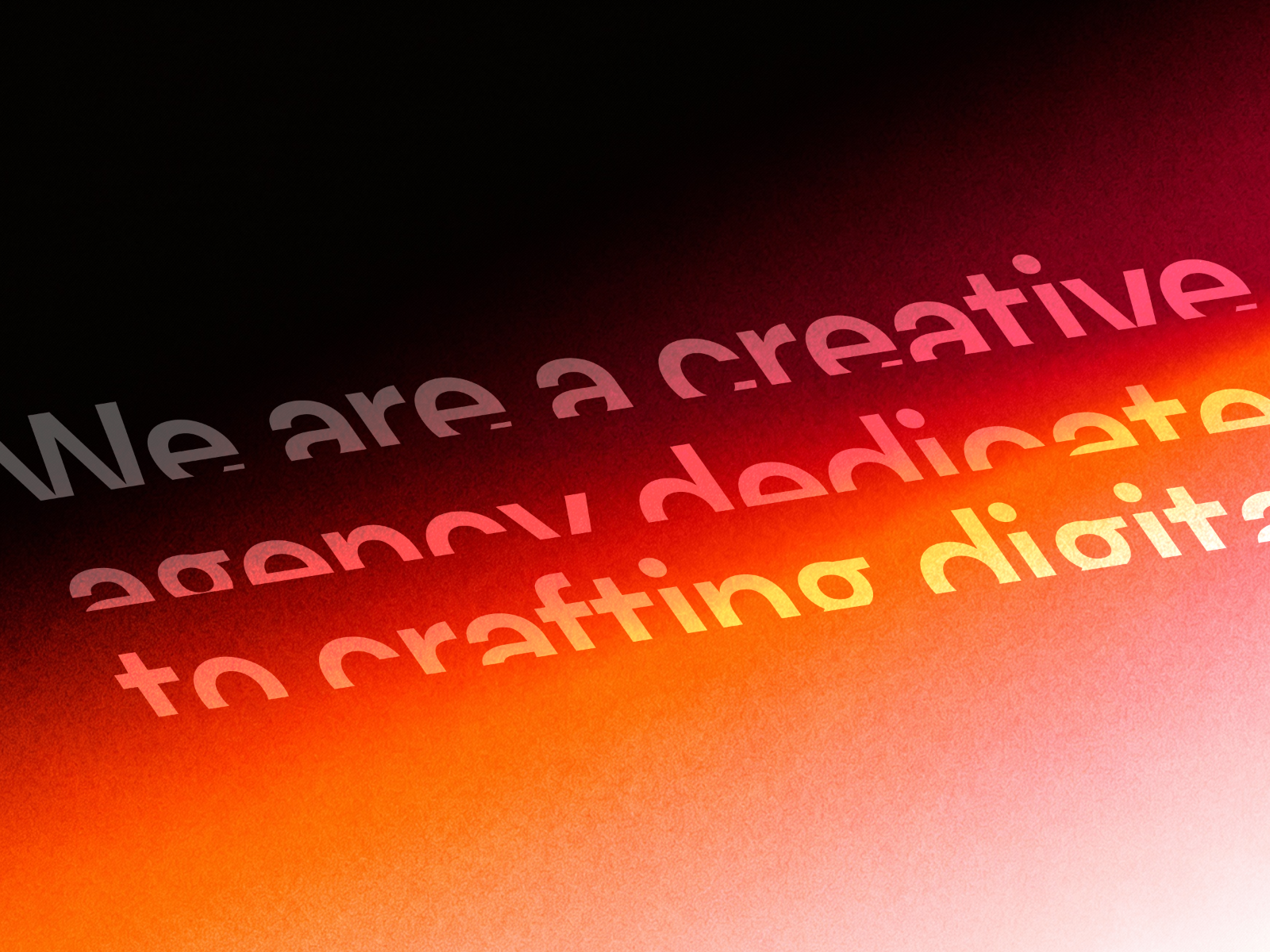
Text Reveal Animated — GSAP masked line reveals with scroll or on-load triggers and motion blur
Text Reveal Animated combines GSAP SplitText with Framer Motion for masked line reveals, word stagger, and per-character entrances — triggered on scroll or on load with replay when elements re-enter view. Daniyal Habib exposes opacity, positional offset, rotation, scale, and motion blur up to 20px with stagger timing between each unit, plus scroll start position at top, center, or bottom of viewport. GPU-accelerated 60fps transforms handle long paragraphs without jank. At 6 USD it is the GSAP-native pick when masked line overflow is the visual language your brand already uses elsewhere.
- Best for
- Hero headlines and CTAs that need classic masked line-by-line scroll entrances
Affiliate link — we may earn a commission at no extra cost to you.
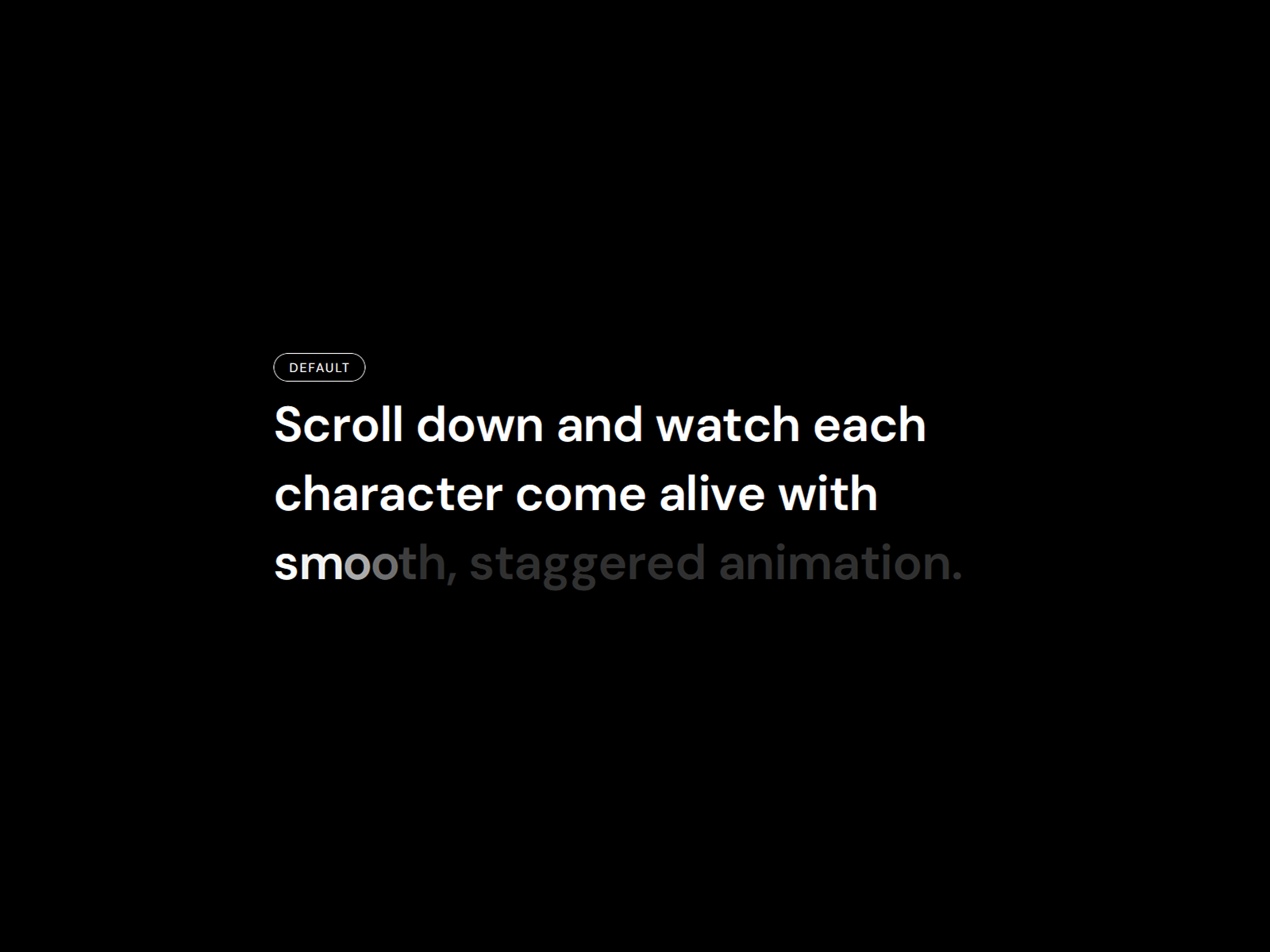
Reveal Text On Scroll — Twelve named presets including blur reveal, cinematic, and typewriter modes
by Ali Themes
Reveal Text On Scroll from Ali Themes ships twelve named presets — Fade In Up, Blur Reveal, Cinematic, 3D Flip, Typewriter, Glitch Rise, and more — plus a Custom mode for stagger, blur, rotateX, and perspective tuning. Split by lines, words, or characters; bind to scroll or fire on load; and pick semantic HTML tags for accessibility. Direct DOM updates during animation avoid React re-render jank on long pages. Install it when you want designer-friendly presets out of the box and may switch reveal styles across sections without buying additional components.
- Best for
- Landing pages that need quick preset-driven scroll text without tuning individual sliders
Affiliate link — we may earn a commission at no extra cost to you.
Quick comparison
| Resource | Price | Type | Best for |
|---|---|---|---|
| Rich Scroll Reveal | 12 USD | Component | Inline component slots inside scroll copy |
| FogType | 5 USD | Component | Word-by-word cinematic blur reveal |
| Premium Reveal Text | 6 USD | Component | SEO-safe Apple-style blur and color |
| Text Scroll Animate | 5 USD | Component | Three scroll modes in one component |
| Scroll Text Effects | 14 USD | Component | 3D sticky blur with perspective |
| Text Animator | 8 USD | Component | Multi-stage color sticky reveals |
| Ultimate Scroll Text | Free | Component | Sticky reveal with ghost layer |
| Sticky Text Reveal | Free | Component | Highlight, mask, or fade sticky styles |
| Text Reveal Animated | 6 USD | Component | GSAP masked line scroll entrances |
| Reveal Text On Scroll | Free | Component | Twelve preset scroll text modes |
How to choose the right scroll text reveal component
Match reveal depth to page length. FogType, Ultimate Scroll Text, and Sticky Text Reveal excel on single sticky sections where one paragraph earns two to four viewport heights of scroll. Rich Scroll Reveal and Text Animator suit longer narratives with inline UI or color shifts across multiple paragraphs. Scroll Text Effects fits when the brief asks for dimensional motion, not flat blur.
Separate sticky scroll from entrance-only animation. Reveal Text On Scroll and Text Reveal Animated also fire on load — useful for above-the-fold heroes. If the goal is pinned copy that progresses with scroll distance, prioritize FogType, Sticky Text Reveal, Ultimate Scroll Text, or Premium Reveal Text. For kinetic type that does not pin — typewriter, scramble, or hover-driven effects — see our typography components roundup instead.
Budget free foundations first. Ultimate Scroll Text, Sticky Text Reveal, and Reveal Text On Scroll cover sticky layouts, three reveal styles, and twelve presets at zero cost. Spend 5–14 USD when you need inline component slots, SEO-safe blur, GSAP masked lines, or 3D perspective that free utilities do not ship.
Test accessibility before launch. Premium Reveal Text leads on screen-reader-safe structure; Sticky Text Reveal and Reveal Text On Scroll expose semantic HTML tags. Preview with keyboard navigation and a screen reader on any scroll reveal that splits text — broken sentence order erodes trust faster than a static headline.
Our top pick for most Framer builders
If you ship one scroll text section per landing page, FogType at 5 USD is the balanced default — cinematic word-by-word blur with sticky zero-layout-shift behavior and panel-driven speed control. Pair Rich Scroll Reveal at 12 USD when badges, logos, or pills must animate inside the copy itself, and reserve Premium Reveal Text at 6 USD when the reveal headline is also your primary SEO H1. For zero marketplace spend, Ultimate Scroll Text free delivers sticky word, letter, or line reveals with a ghost layer that adds depth without blur complexity.
Browse Framer templates on yoframer for editorial layouts that benefit from scroll-driven copy, or read our horizontal scroll roundup when the motion brief is gallery pacing rather than typography. More resource roundups live on the Resources hub.
Updated August 2026. We refresh this list as notable scroll text reveal components ship, reprice, or go stale.


