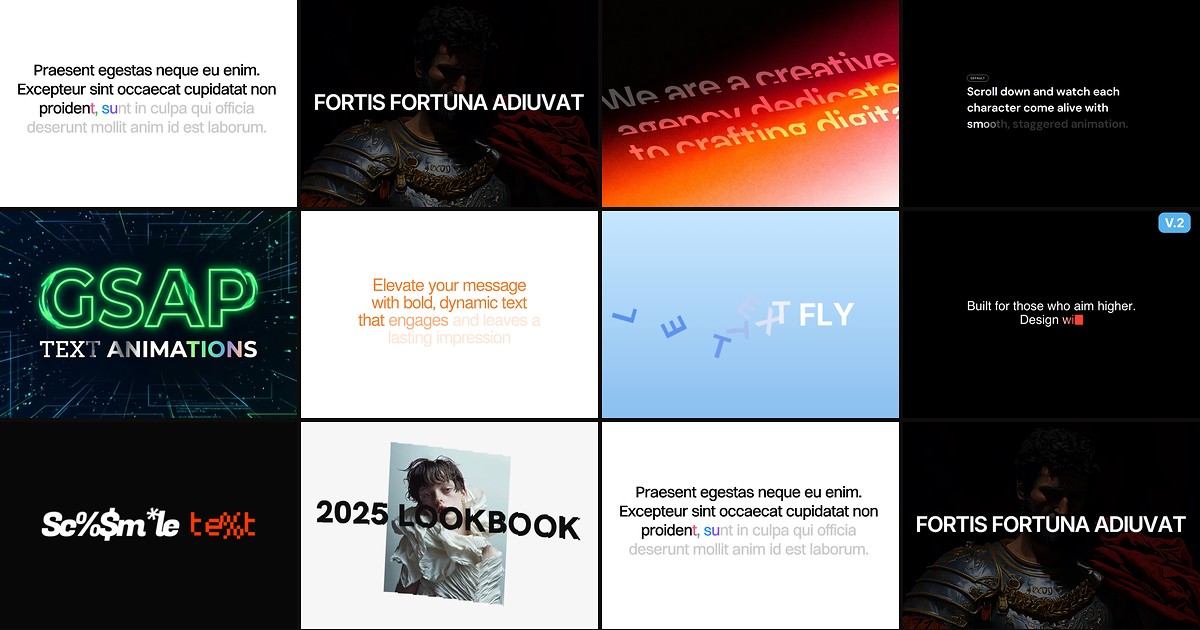
Hero headlines set the tone for every Framer landing page, but native text layers only animate on load — they cannot scrub with scroll, scramble on hover, or split into kinetic letter blocks without custom code. The best framer typography components close that gap with property-panel controls for stagger timing, semantic HTML tags, and reduced-motion fallbacks baked in.
This roundup ranks ten text-animation components installable from the Framer marketplace today — scroll-driven reveals, GSAP engines, typewriter loops, and glitch scrambles. Every pick has a live listing, a working preview, and an identifiable creator. Five are completely free; five are one-time purchases between 6 and 10 USD when you need production-grade scroll scrubbing or multi-effect libraries.
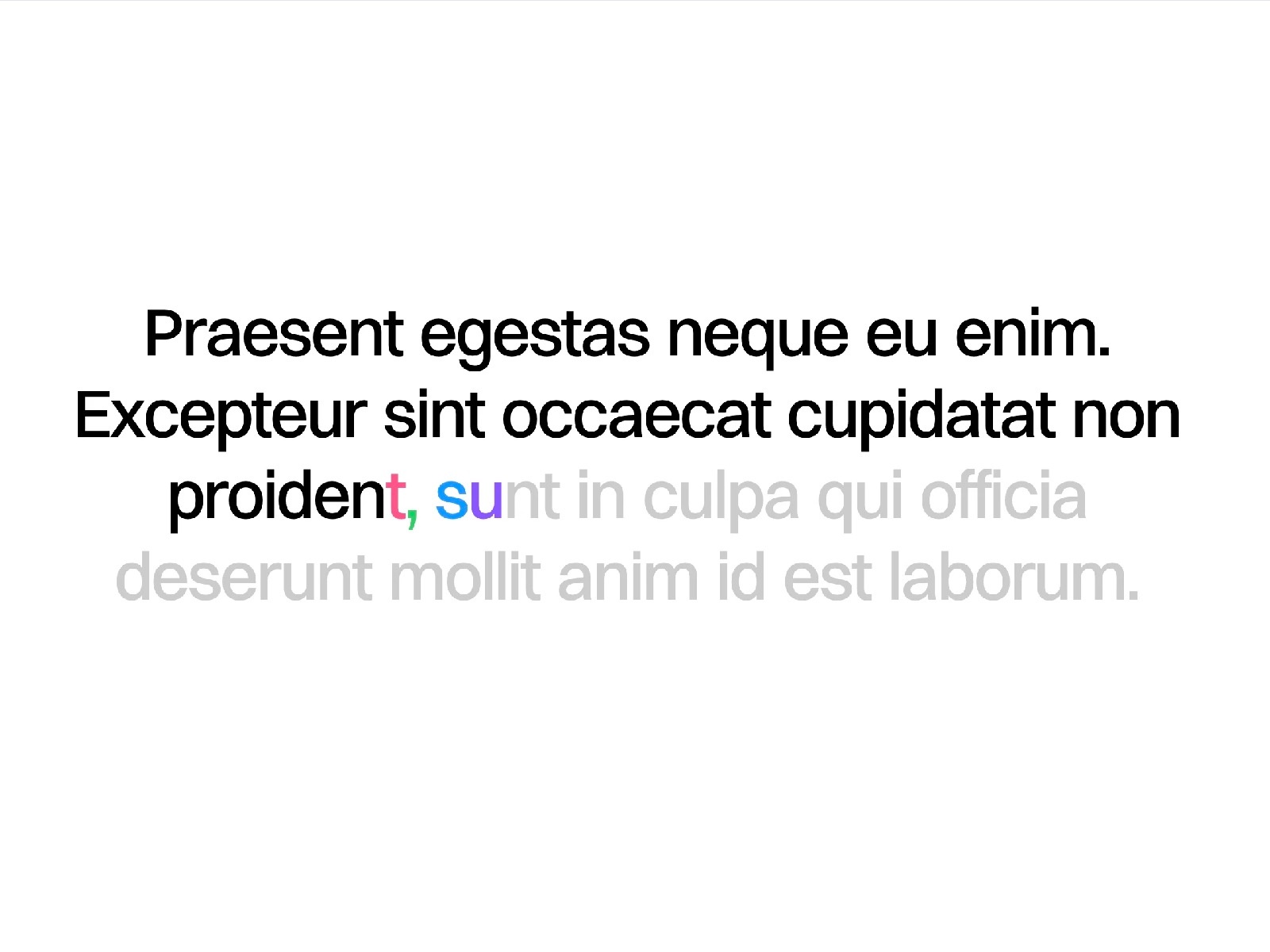
Text Animator — Scroll-driven character, word, and line reveals with color stages and sticky layouts
Text Animator is the most complete scroll-native typography tool on this list. It splits copy by character, word, line, or whole element, then drives blur, opacity, and positional reveals from scroll position or spring physics — with optional multi-stage color transitions and a sticky layout that pins text while the animation plays. Smart line detection via ResizeObserver keeps long headlines accurate on mobile, and semantic tag support (h1 through p) preserves SEO structure. At 8 USD one-time from Federico Esposito, it replaces hours of Framer Motion override work on narrative hero sections.
- Best for
- Agency landing pages that need cinematic scroll storytelling on h1 and h2 headlines
Affiliate link — we may earn a commission at no extra cost to you.
GSAP Text Engine — 40-plus GSAP presets with scroll scrub, hover, mount, and split modes
GSAP Text Engine packs more animation modes into one free component than most paid libraries sell separately. Choose from forty-plus presets — fade, slide, blur, mask reveal, wave, typewriter, scramble, glitch, neon flicker, and cascade fall — then fine-tune triggers for mount, viewport entry, scroll scrub, or hover. Character, word, and line split modes, inline gradient and stroke styling, and reduced-motion support ship in a single property panel. Start here when you need to prototype three different headline treatments on one page before committing to a paid specialist component.
- Best for
- Motion designers who want award-site typography breadth without paying per effect
Affiliate link — we may earn a commission at no extra cost to you.
Text Reveal Animated — GSAP masked line reveals with per-character stagger and replay on scroll
Text Reveal Animated (listed as mask-text-reveal on the marketplace) combines GSAP and SplitText for masked line reveals, word stagger, and per-character entrances — all configurable from Framer’s canvas. Trigger on page load or when the layer enters the viewport, set scroll start position, and enable replay so animations reset when users scroll away and return. Opacity, Y and X offset, rotation, scale, motion blur, and stagger delay cover the standard agency motion brief at 6 USD. It is the strongest mid-price pick when you want GSAP fidelity without learning timeline syntax.
- Best for
- Portfolio and SaaS sites that animate headlines on load and re-trigger when scrolling back
Affiliate link — we may earn a commission at no extra cost to you.
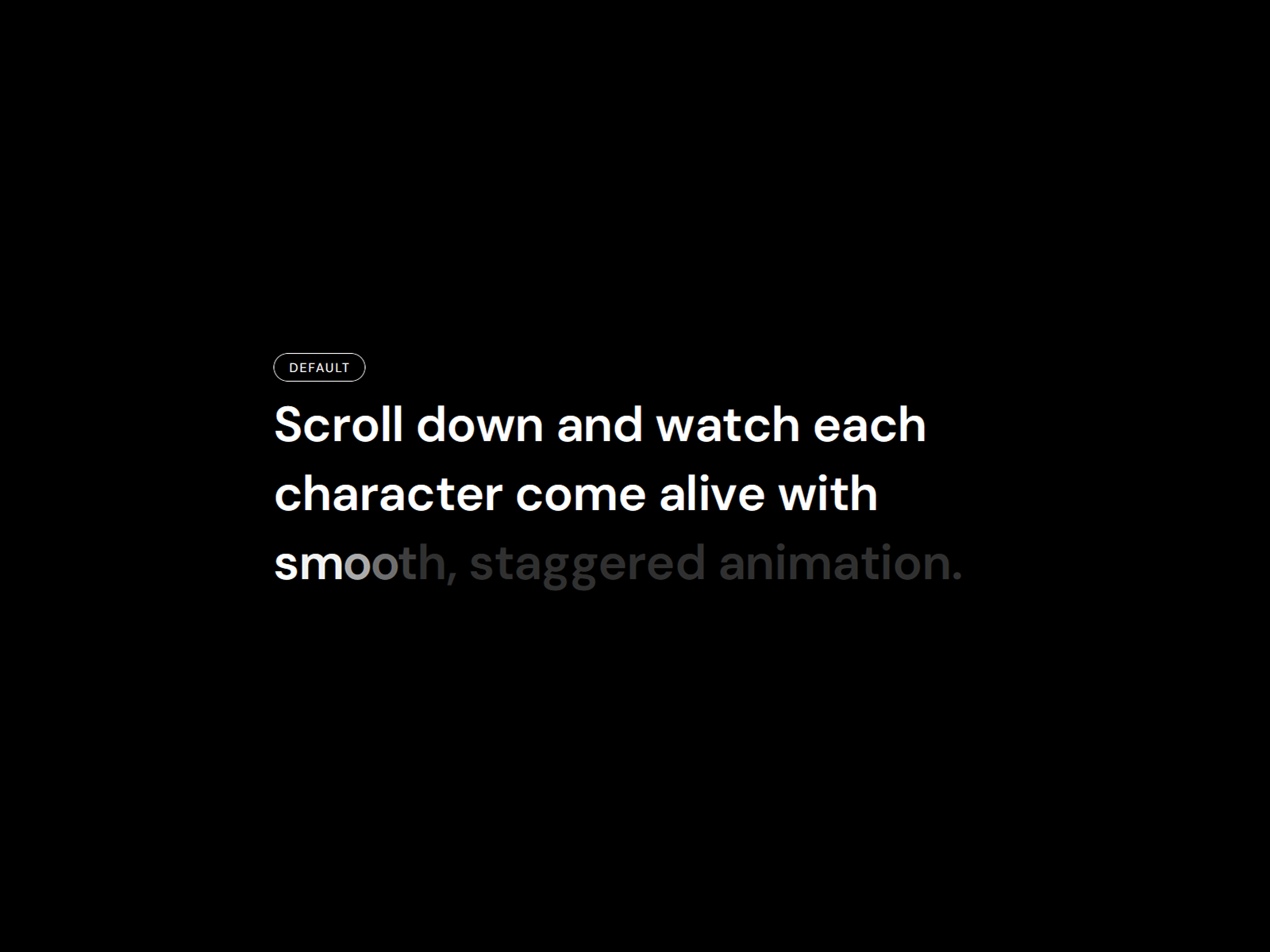
Reveal Text On Scroll — Twelve scroll presets with lines, words, characters, and 3D flip modes
by Ali Themes
Reveal Text On Scroll from Ali Themes ships twelve named presets — Fade In Up, Blur Reveal, Cinematic, 3D Flip, Typewriter, Glitch Rise, and more — plus a Custom mode for stagger, blur, rotateX, and perspective tuning. Split by lines, words, or characters; bind to scroll or fire on load; and pick semantic HTML tags for accessibility. Direct DOM updates during animation avoid React re-render jank on long pages. Install it when GSAP Text Engine’s forty presets feel overwhelming and you want designer-friendly presets out of the box.
- Best for
- Fast client launches that need polished scroll typography from a preset dropdown
Affiliate link — we may earn a commission at no extra cost to you.
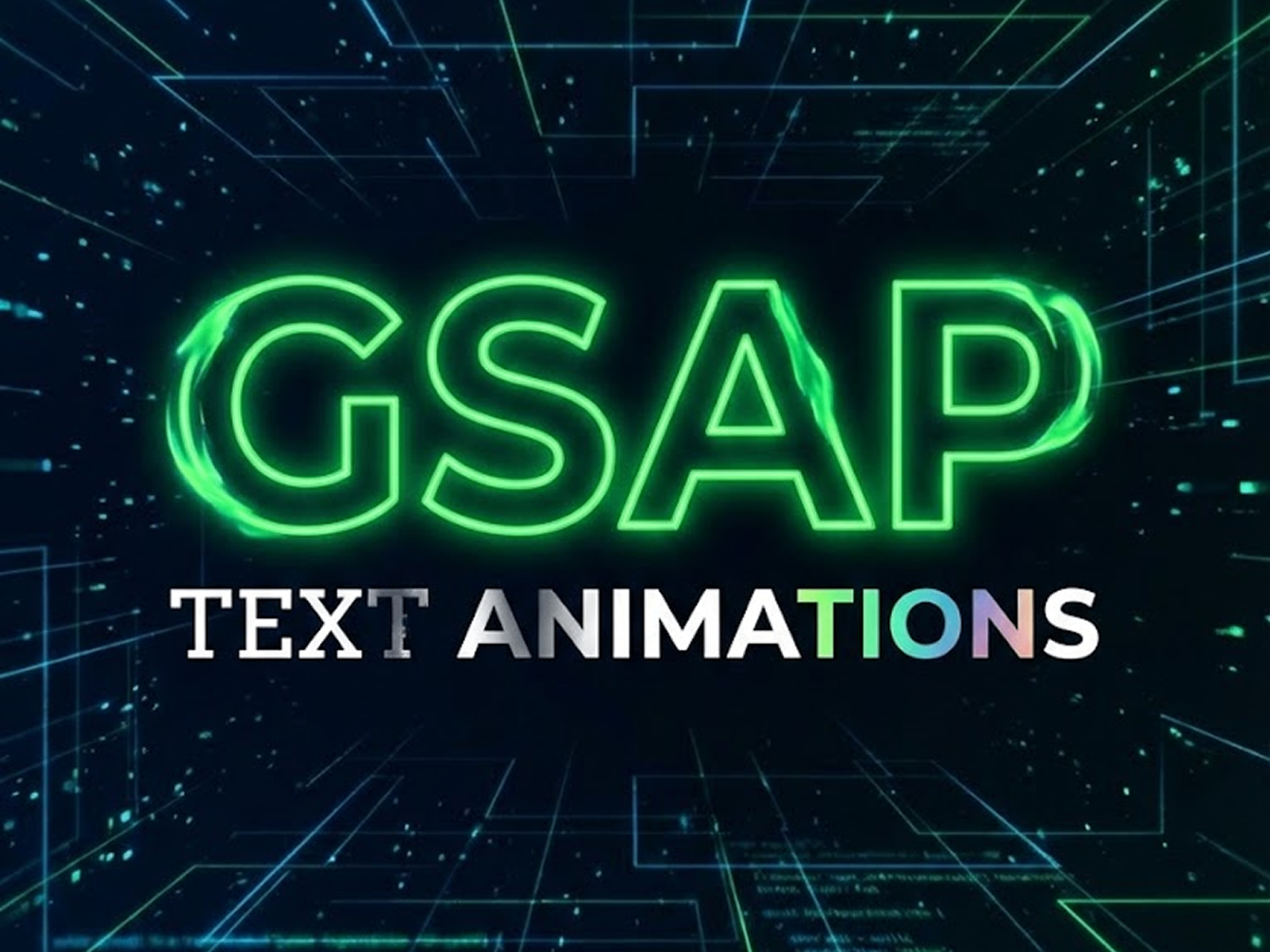
GSAP Text Effects — Nine GSAP modes including scroll scrub highlighting for long-form copy
GSAP Text Effects focuses on nine curated animation modes tuned for editorial layouts — stagger up and down, slide from left and right, and a scroll scrub mode that transitions text from a base opacity to a highlight color based on viewport position. Percentage sliders define exactly where scrubbing starts and ends, making it ideal for long mission paragraphs that should feel interactive without splitting into dozens of layers. Native Framer text properties control fonts and colors, and optimized GSAP context keeps frame rates above 60fps on content-heavy pages — all free from Victor Adekunle.
- Best for
- Mission statements and about pages where text should illuminate as users read downward
Affiliate link — we may earn a commission at no extra cost to you.
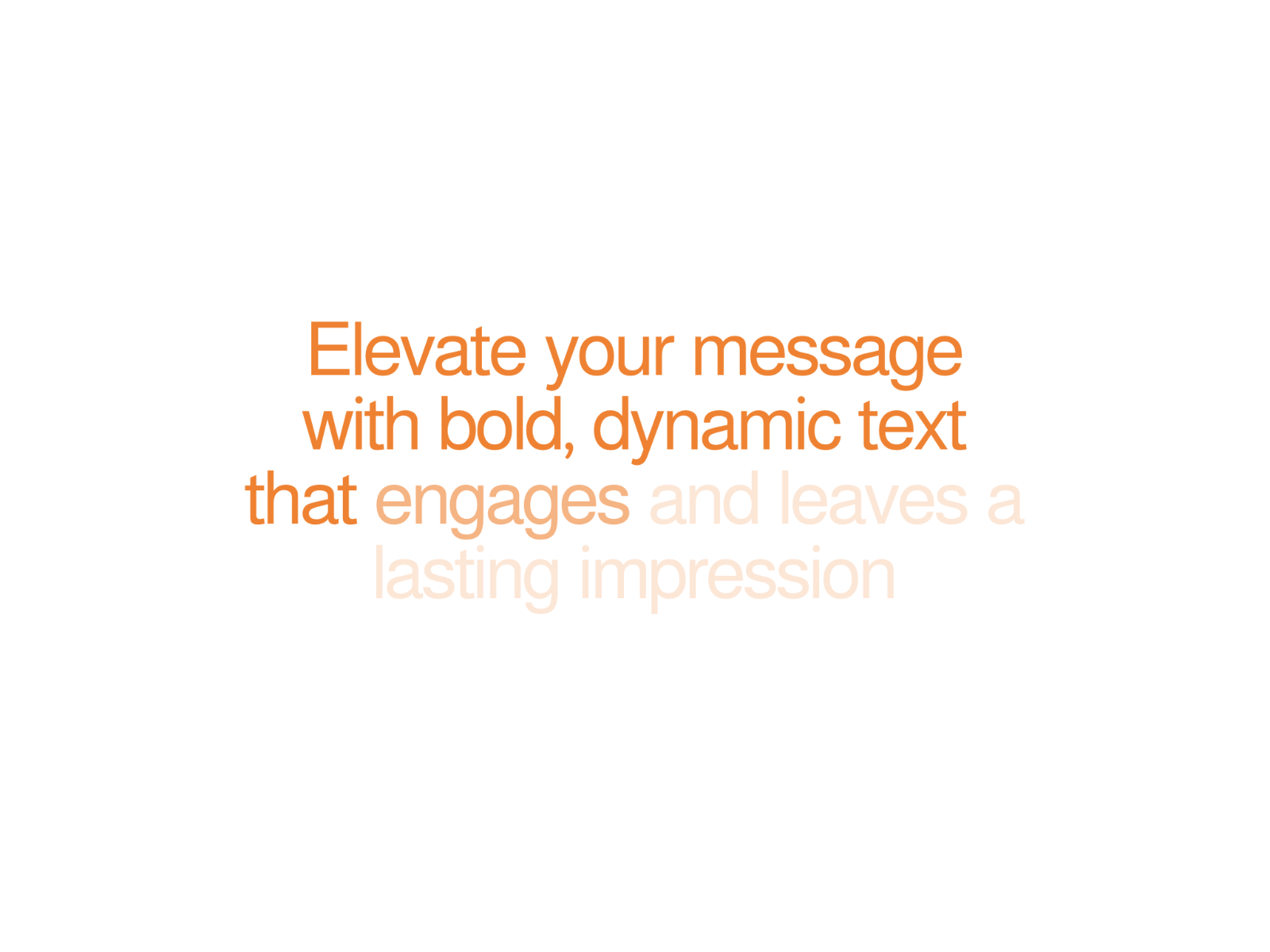
Animated Text Reveal — Word-by-word scroll blur fade with customizable reveal distance
by Launchly
Animated Text Reveal from Launchly takes a focused approach: each word in a sentence transitions from blurred and transparent to sharp and fully visible as the user scrolls. Full Reveal Distance, Initial Blur, Initial Opacity, fade delay, duration, and easing are all exposed in the property panel — no timeline editing required. Typography controls cover font family, size, color, line height, letter spacing, and alignment. Reach for it on testimonial quotes, feature subheads, and any copy block where subtle readability beats spectacle.
- Best for
- Marketing one-liners that need a soft, readable scroll fade rather than aggressive motion
Affiliate link — we may earn a commission at no extra cost to you.
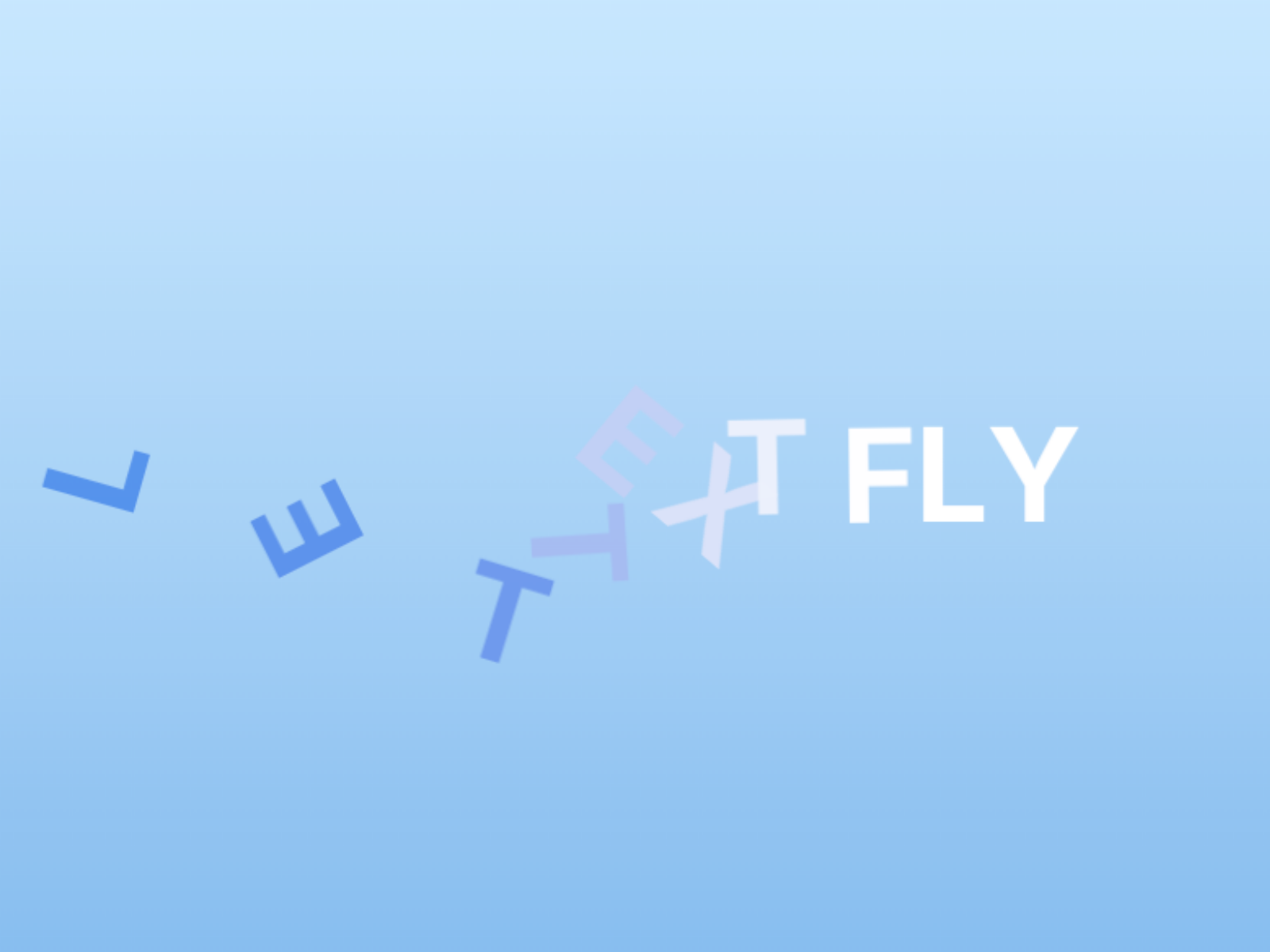
Kinetic Text — Explode, wave, and scramble modes with letter or word granularity
Kinetic Text turns short headlines into living type by fragmenting text into letters or words, animating them independently, then reforming the phrase with staggered motion. Explode and Reform, Wave, and Scramble and Resolve modes trigger on scroll, hover, or page load, with controls for speed, scatter distance, color transitions, and typography. Reduced-motion users get a subtle fade fallback automatically. It is the free pick when a single hero line needs to land with energy — conference sites, product launches, and portfolio taglines included.
- Best for
- Bold hero statements and event landing pages that need high-energy type on first paint
Affiliate link — we may earn a commission at no extra cost to you.
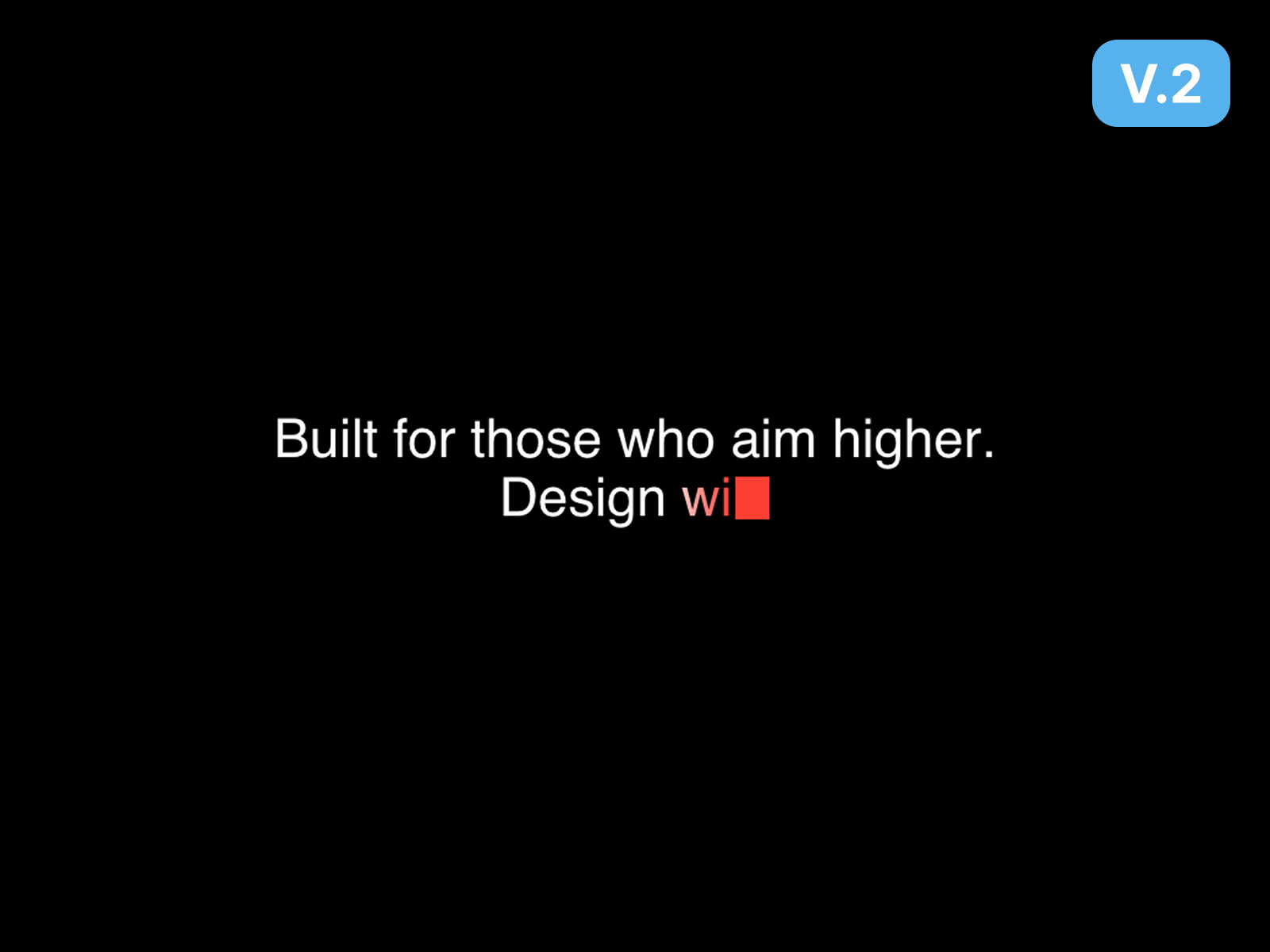
Pro Typewriter Text — Paragraph-aware typewriter with smart pauses, caret styles, and scramble typing
by justmehul
Pro Typewriter Text goes beyond single-line clichés with paragraph mode that respects line breaks, smart pauses at commas and periods, and two loop styles — delete or fade. Choose character or word typing, pick bar, block, or underscore carets with optional glow, and layer gradient text, highlight flashes, or scramble typing for extra flair. Stable height and max line clamp prevent layout shift while copy cycles. At 10 USD from justmehul, it is the professional typewriter when free alternatives cannot handle multi-line product descriptions.
- Best for
- Dev-tool and AI product sites that rotate taglines with typewriter loops and gradient text
Affiliate link — we may earn a commission at no extra cost to you.
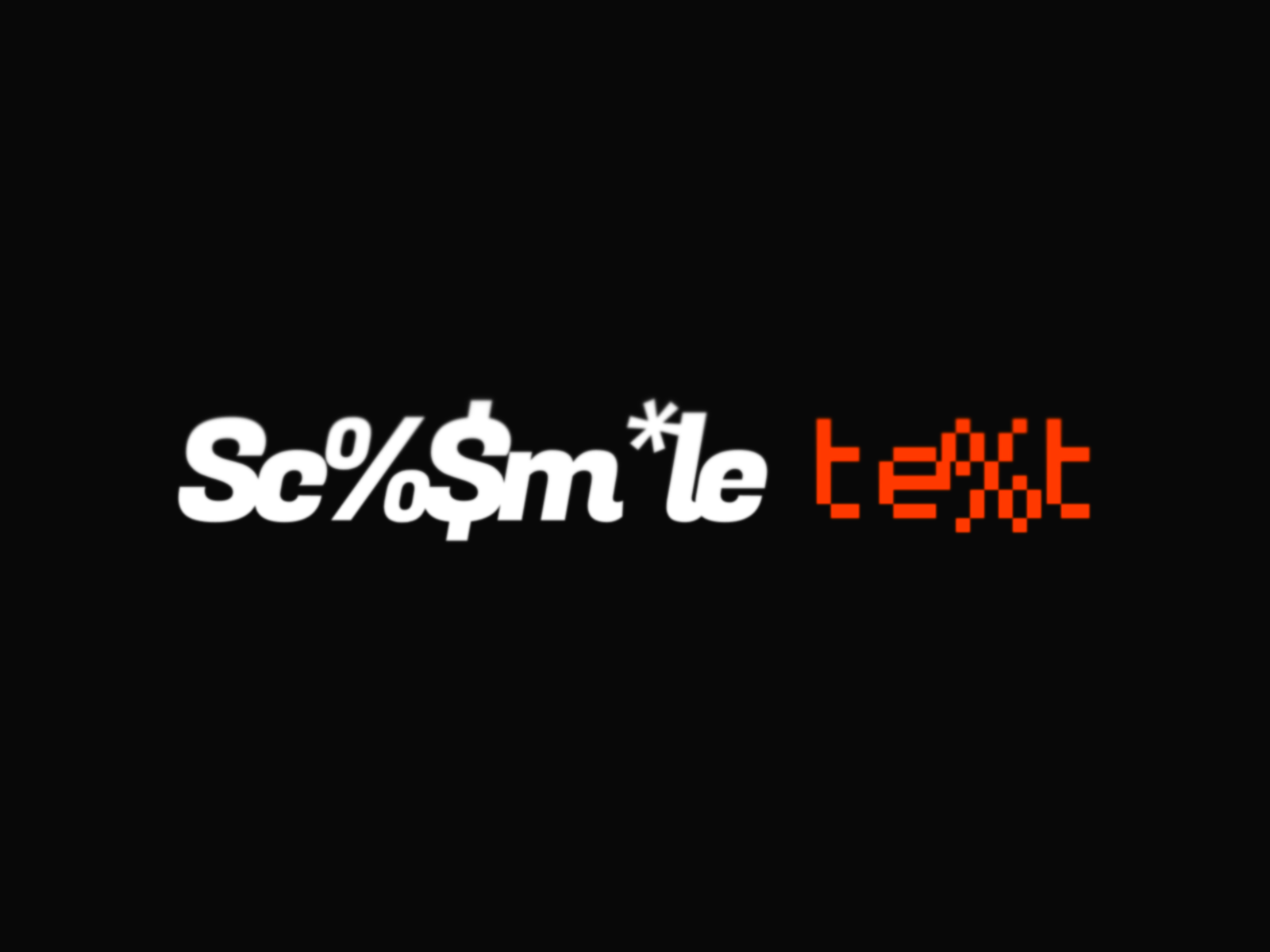
Scramble Text — Glitch-style character scramble with gradient support and loop control
Scramble Text from Fabian Albert adds a character-level scramble animation that resolves into readable copy — perfect for loading states, hero titles, and edgy visual identities. Control scramble percentage, speed, duration, trigger delay, gradient overlays, and looping from the property panel while keeping native Framer font styling intact. Subtle settings work for fintech “decrypting data” metaphors; aggressive settings suit gaming and security landing pages. The 10 USD one-time price beats custom GSAP scramble overrides on most agency hourly rates.
- Best for
- Cybersecurity, gaming, and tech brands that want decoded-text hero effects
Affiliate link — we may earn a commission at no extra cost to you.
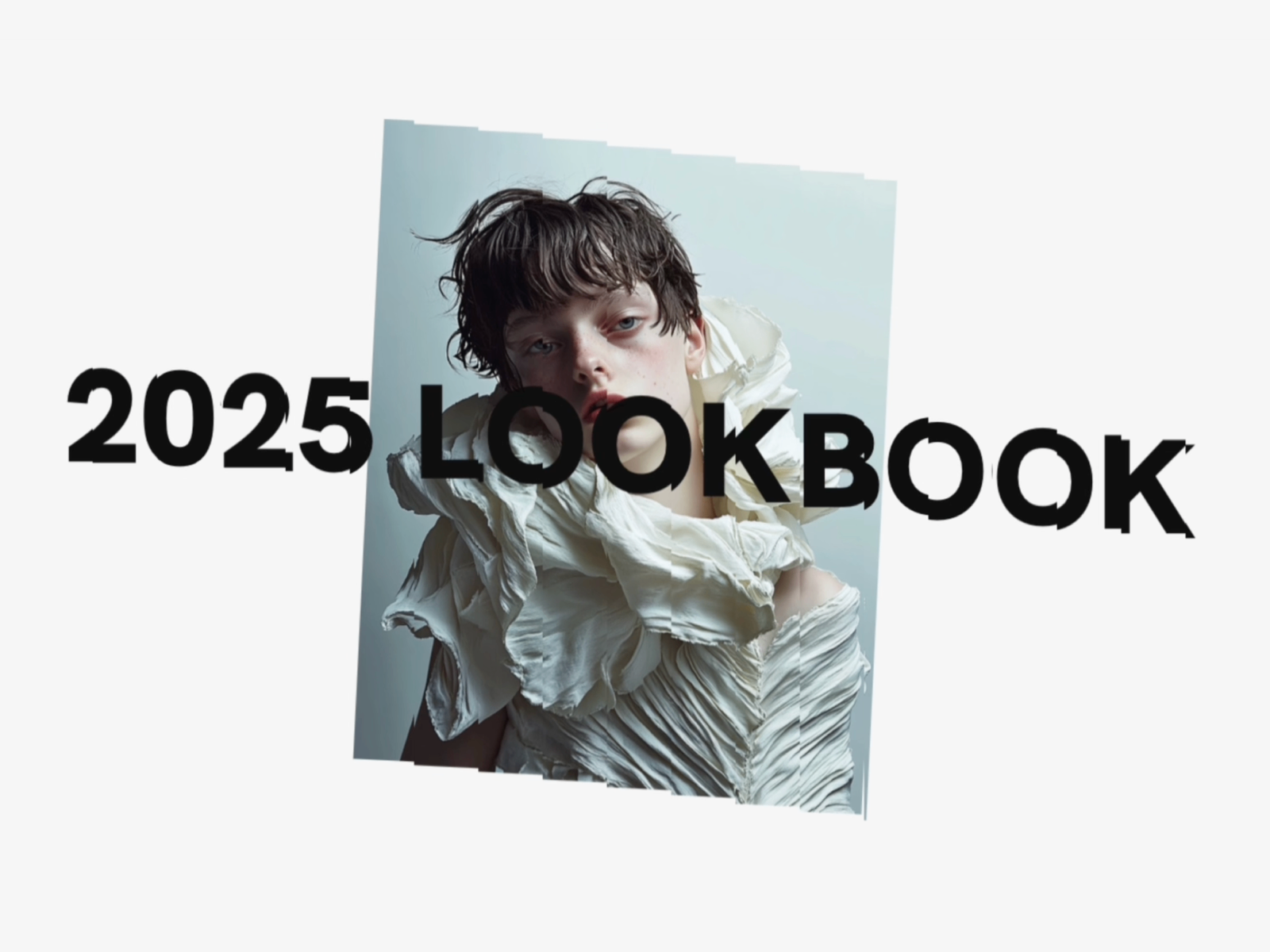
Kinetic Type — Twenty auto-animate styles including wave, ripple, spiral, and glitch
by Lee Black
Kinetic Type is the expressive counterweight to scroll-scrub utilities — twenty animation styles from wave and ripple to spiral, shatter, mosaic, and tunnel, with optional background imagery for immersive hero blocks. Adjust wave speed, horizontal and vertical block timing, and invert colors for dark or light sections without touching code. Auto-animate or trigger per style. At 10 USD from Lee Black’s 1042 Studio, it is the pick when the headline itself is the art direction, not just a container for words.
- Best for
- Creative studios and fashion portfolios that treat typography as a motion centerpiece
Affiliate link — we may earn a commission at no extra cost to you.
Quick comparison
| Resource | Price | Type | Best for |
|---|---|---|---|
| Text Animator | 8 USD | Component | Scroll-driven character, word, and line reveals |
| GSAP Text Engine | Free | Component | 40-plus GSAP presets in one panel |
| Text Reveal Animated | 6 USD | Component | Masked GSAP reveals with scroll replay |
| Reveal Text On Scroll | Free | Component | Twelve scroll presets with 3D and blur modes |
| GSAP Text Effects | Free | Component | Scroll scrub highlighting on long copy |
| Animated Text Reveal | Free | Component | Soft word-by-word blur fade on scroll |
| Kinetic Text | Free | Component | Explode, wave, and scramble hero headlines |
| Pro Typewriter Text | 10 USD | Component | Multi-line typewriter with gradient and loop |
| Scramble Text | 10 USD | Component | Glitch decode effects for tech brands |
| Kinetic Type | 10 USD | Component | Twenty expressive auto-animate styles |
How to choose the right Framer typography component
Match the trigger to the story. Scroll-scrub components like Text Animator and GSAP Text Effects suit long pages where copy unfolds with reading progress. On-load and hover triggers from Kinetic Text and SplitType-style tools work better when the hero should animate immediately — before the user scrolls.
Free vs paid follows depth, not quality. GSAP Text Engine, Reveal Text On Scroll, and Kinetic Text cover most agency briefs at zero cost. Paid picks between 6 and 10 USD add sticky scroll layouts, paragraph typewriters, or specialized glitch aesthetics that would take a developer half a day to replicate.
One library vs many specialists. GSAP Text Engine and Reveal Text On Scroll consolidate presets when you want one component across a whole site. Text Animator, Pro Typewriter Text, and Scramble Text excel when a single hero section needs a signature motion identity.
Accessibility matters on every install. Prefer components that honor prefers-reduced-motion and expose semantic HTML tags — Text Animator, Kinetic Text, and Reveal Text On Scroll all ship fallbacks. Test with reduced motion enabled before client handoff.
Our top pick for most Framer builders
Install GSAP Text Engine or Reveal Text On Scroll first — both free, both broad enough for hero headlines, section titles, and feature copy. When scroll storytelling is the brief, upgrade to Text Animator at 8 USD. Rotating product taglines belong on Pro Typewriter Text; cyber and gaming brands should budget Scramble Text or Kinetic Type for signature motion.
Browse free Framer templates on yoframer for landing-page starting points with typography-ready hero sections, or read our animation components roundup for scroll effects beyond text. More curated lists live on the Resources hub.
Updated July 2026. We refresh this list as typography components ship breaking changes, reprice, or go stale.


