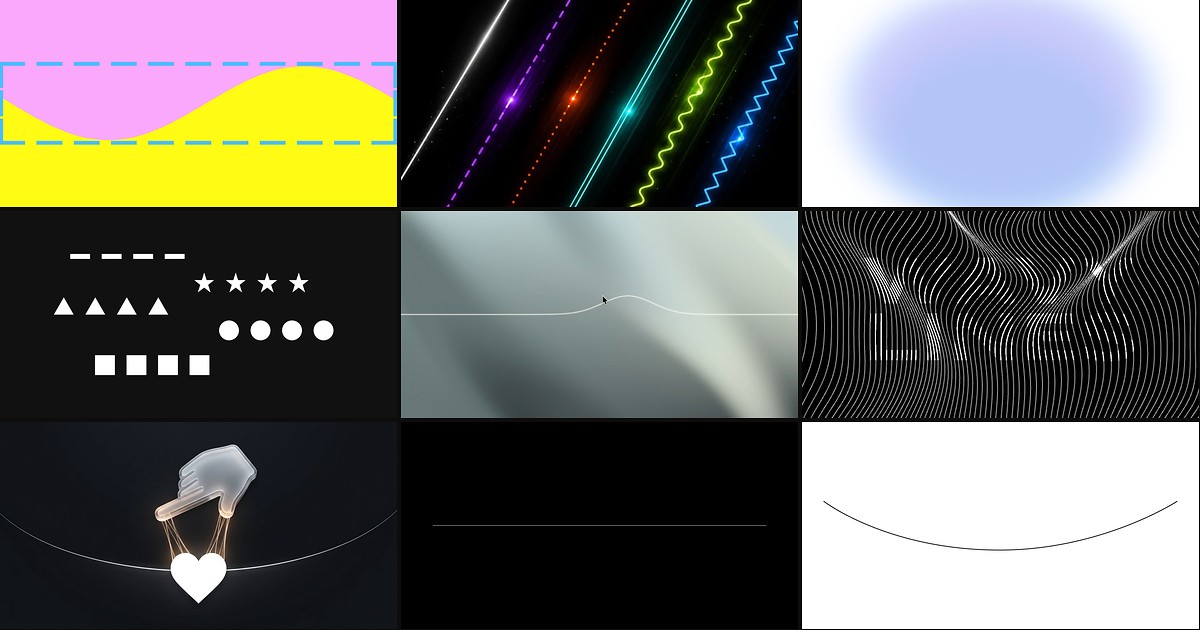
Framer stacks sections cleanly, but it does not ship a native divider. Most teams either drop a static SVG between frames or stretch a path until the stroke warps on mobile. A framer section divider component solves that in one insert: full-width curves, animated lines, and parametric waves that respect container width without manual viewBox tuning.
This list ranks nine divider and section-transition components verified on the Framer marketplace in August 2026. Every pick has a working listing, identifiable creator, and live preview. Four are free and five are paid, spanning filled curve transitions, line-style separators, and interactive physics dividers.
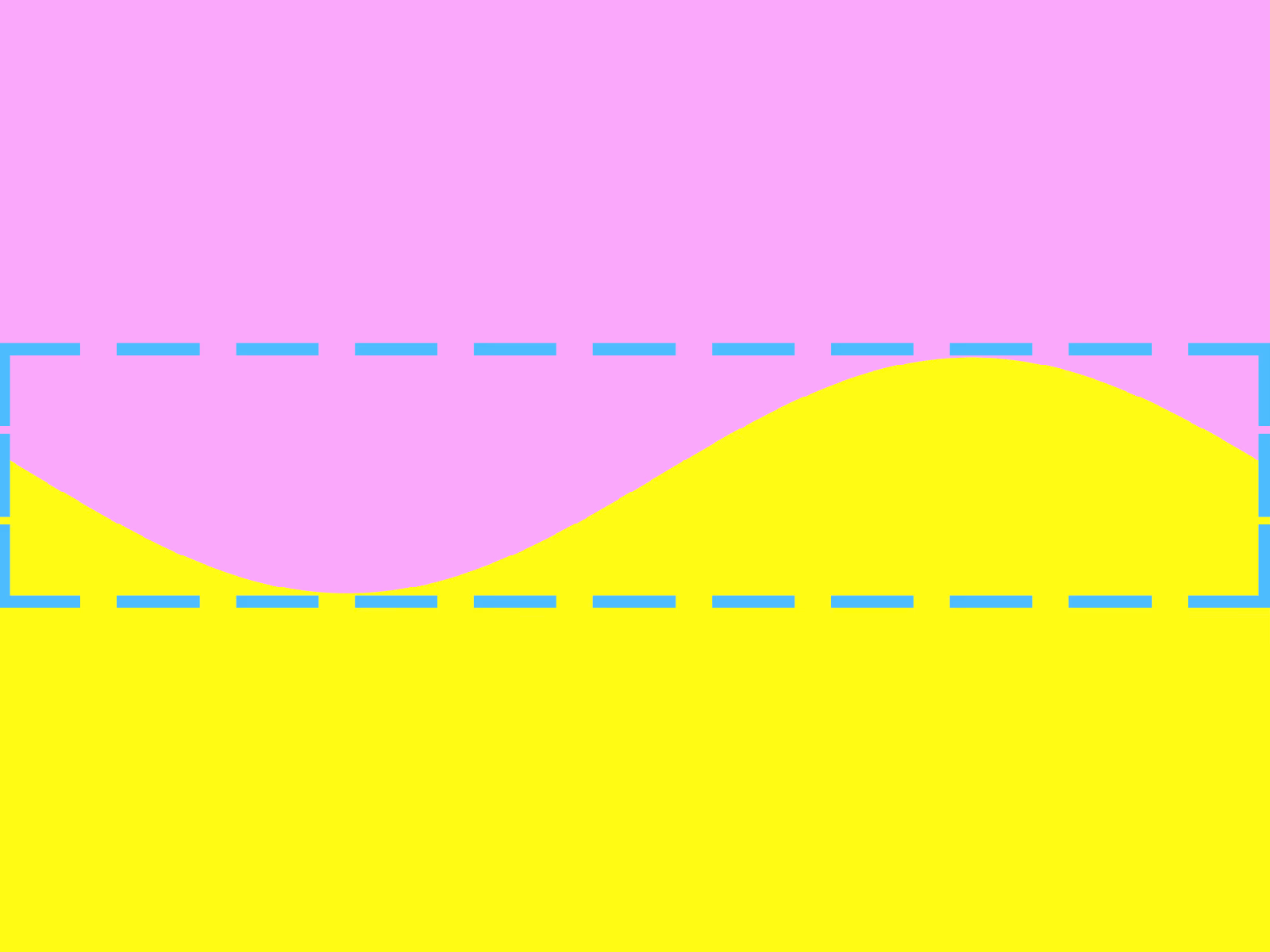
Curved Divider Pro — Seven parametric curve presets for filled section transitions
by SOSOTAR
Curved Divider Pro from SOSOTAR generates section inserts from amplitude, density, and sharpness controls instead of a fixed SVG asset you resize by hand. Locked Shape mode keeps the curve stable across breakpoints, while Adaptive mode recomputes the path when you need procedural variation on wide layouts. At 10 USD with source code included, it is the strongest pick when the divider must fill the gap between two background colors, not just draw a stroke. Skip it if you only need a thin horizontal rule; Divider Pro or Dashed Divider Pro handle line separators better.
- Best for
- Landing pages that need smooth color-block transitions between hero, feature, and footer bands
Affiliate link — we may earn a commission at no extra cost to you.
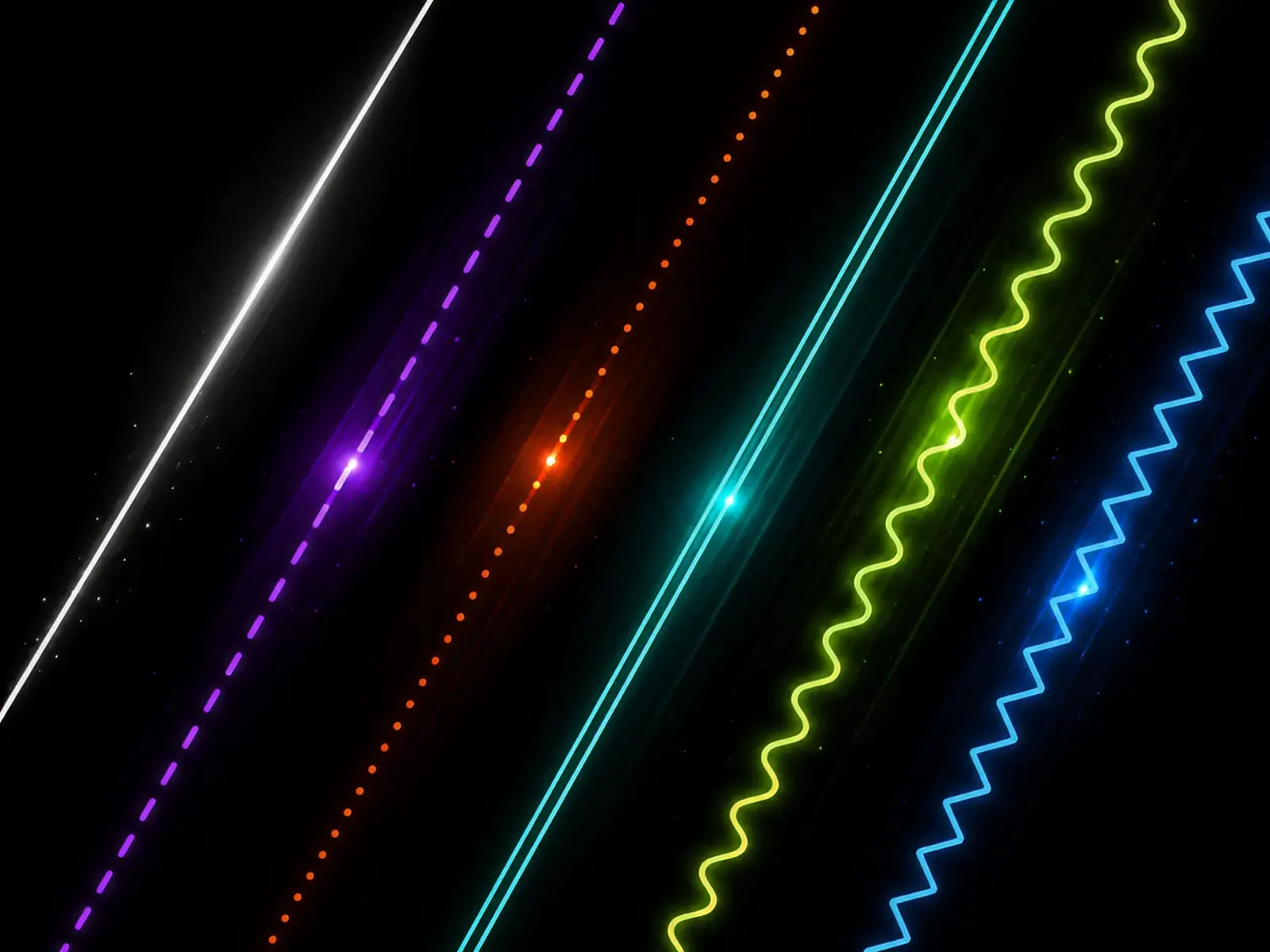
Divider Pro — Six line styles with wavy, zig-zag, gradient, and scroll animation
by Utkarsh Arya
Divider Pro from Utkarsh Arya addresses the gap Framer leaves open: paths that actually fill frame width, dashed patterns that stay readable, and wavy or zig-zag lines with adjustable amplitude and unit width. Gradient fills, cap styles, and forward or reverse animation on dashed and wavy modes give editorial pages motion without building custom code overrides. At 5 USD it replaces the stack of SVG imports most agencies keep in a shared folder. It draws strokes and patterns, not filled curve silhouettes, so pair it with Curved Divider Pro when sections need a soft color blend.
- Best for
- Marketing sites that need one divider component covering straight rules, waves, and animated dashes
Affiliate link — we may earn a commission at no extra cost to you.

Shape Divider Pro — Eighteen SVG section transition shapes in one install
Shape Divider Pro from Anwaar Ansari packs eighteen preset SVG section transitions into a single free component, covering the wave and angle silhouettes teams usually export from external generators. Drop it between color blocks, pick a shape from the panel, and tune fill colors to match each band without redrawing paths in Figma. Free makes it the fastest way to test divider direction before committing to a paid parametric tool. Presets are fixed shapes, not procedurally generated curves, so extreme aspect ratios may need a different preset rather than slider tweaks.
- Best for
- Agency builds that need quick wave, angle, and blob transitions without paying per shape
Affiliate link — we may earn a commission at no extra cost to you.
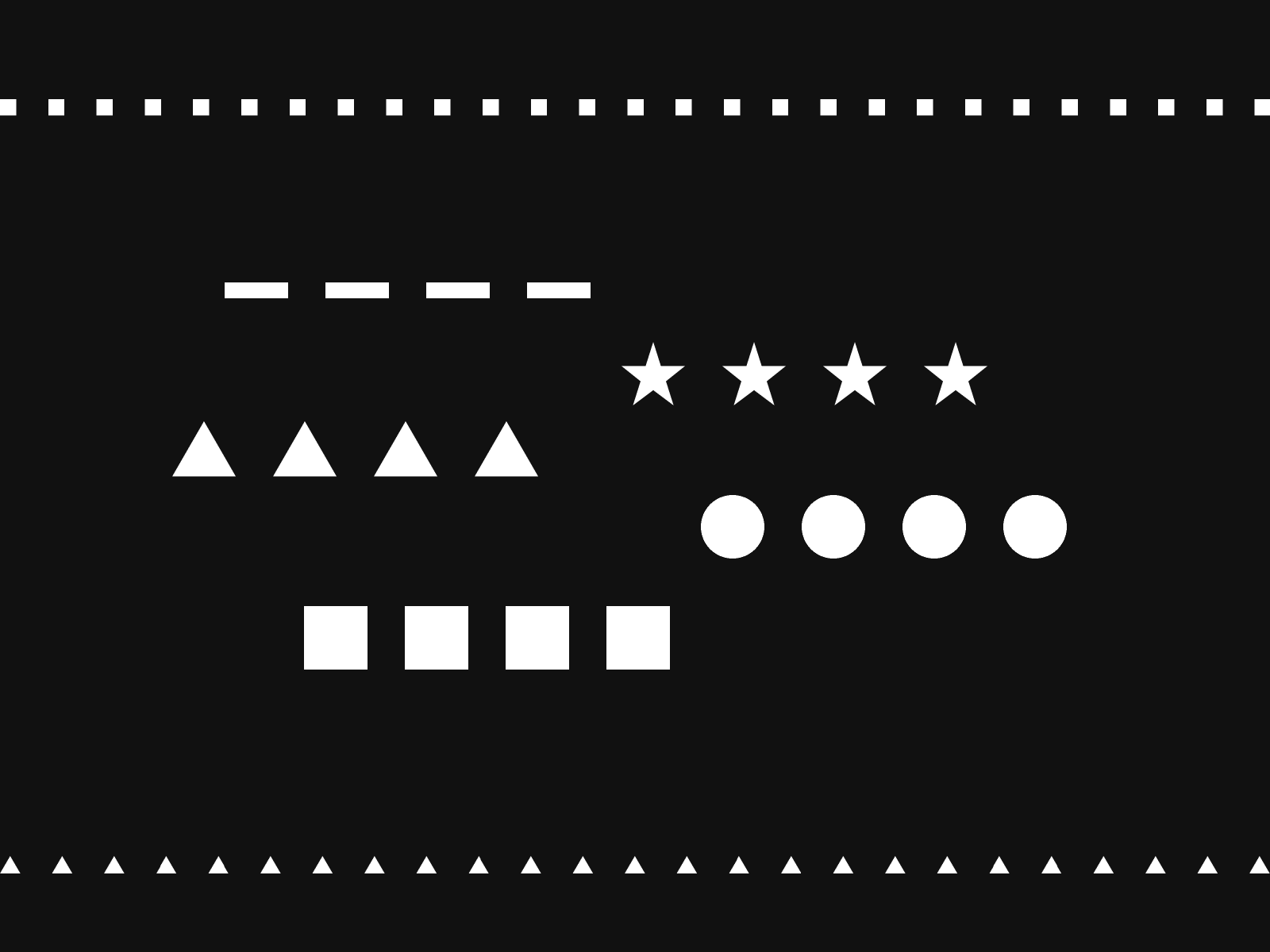
Dashed Divider Pro — Fixed-size dash units that stay crisp at any width
by SOSOTAR
Dashed Divider Pro from SOSOTAR keeps dash geometry pixel-locked so dots, stars, and triangles do not elongate when the frame grows on desktop. Five dash styles, horizontal and vertical orientation, and gap controls cover feature grids and sidebar separators where native paths distort spacing. At 5 USD it is the specialized pick when Divider Pro’s general styles are close but dashes still look uneven at full bleed width. It is a line divider, not a filled section transition, so skip it for hero-to-footer color blends.
- Best for
- Editorial layouts and documentation pages that need decorative dashed rules without stretched dots
Affiliate link — we may earn a commission at no extra cost to you.

Kinetic Line — Physics-based string divider that bends where the cursor plucks
by BuiltByKern
Kinetic Line from BuiltByKern runs a spring simulation along a horizontal or vertical stroke so pointer movement bends the divider with physical weight instead of a generic scale hover. Tension, damping, spread, and segment count tune from the properties panel without editing TypeScript, and decorative ARIA mode keeps the interaction accessible when the line is purely ornamental. At 5 USD it is the interactive capstone when a static wave feels too passive for a portfolio homepage. The effect reads best on pointer devices; keep a simpler divider as fallback on touch-only layouts where pluck physics are less discoverable.
- Best for
- Creative studio sites that want editorial section breaks visitors can play with
Affiliate link — we may earn a commission at no extra cost to you.
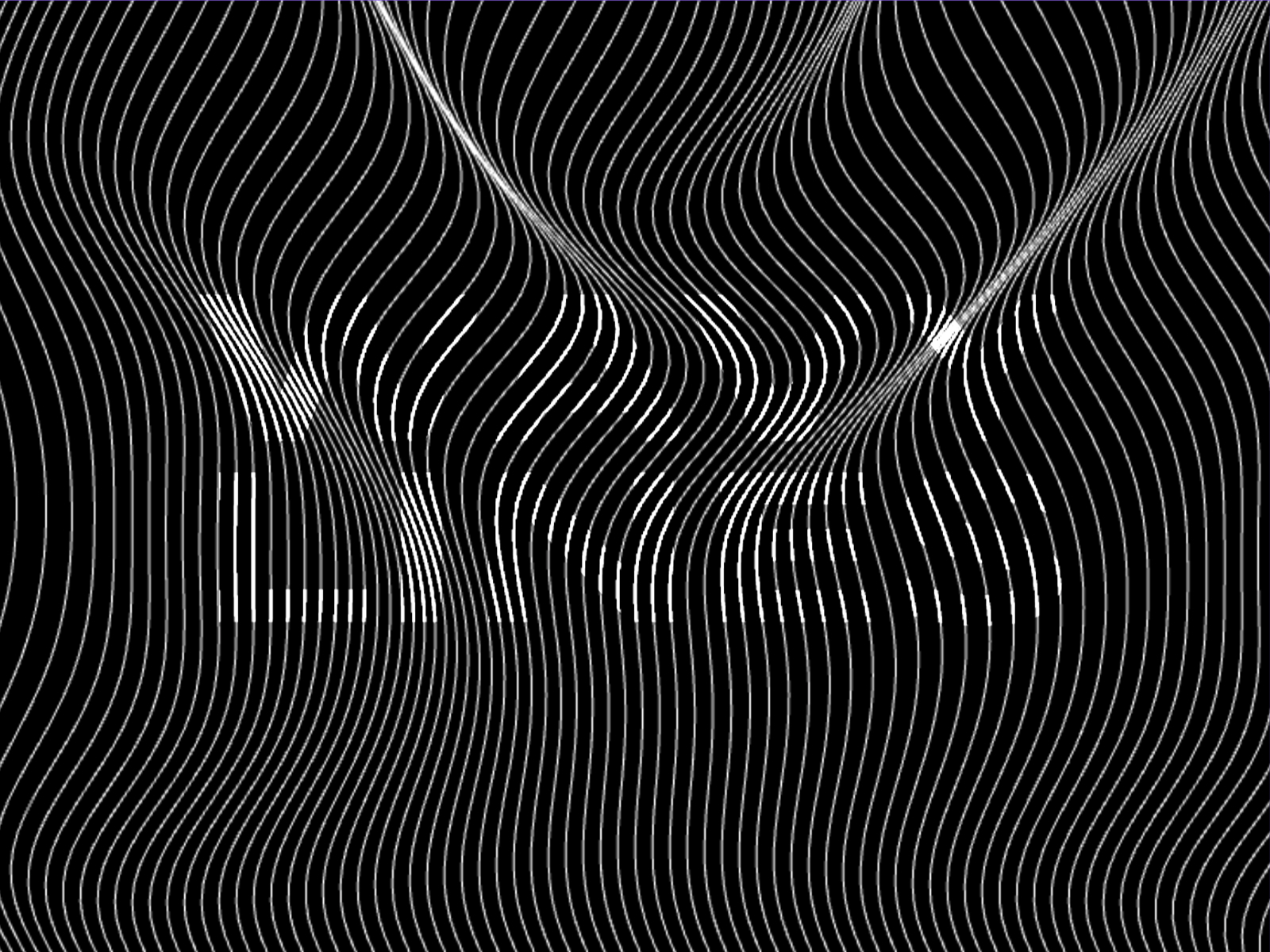
Wavy Lines — Interactive animated wave lines for section rhythm
Wavy Lines from Lauri Lännenmäki focuses on animated wave strokes that respond to interaction, giving long landing pages a rhythmic break between dense copy blocks. Lauri Lännenmäki ships consistently across the marketplace, so the property panel follows the same predictable layout as his rating and tab components. At 10 USD it suits expressive marketing pages where divider motion is part of the brand story, not a one-pixel hairline. It emphasizes animated lines over filled curve transitions, so use Curved Divider Pro or Shape Divider Pro when two background colors must merge seamlessly.
- Best for
- Brand sites that want motion-led separators between content bands
Affiliate link — we may earn a commission at no extra cost to you.

WavePath — Elastic string divider with a center icon slot
WavePath from Orxan Qasimov treats the divider as a rubber band: hover stretches the path and spring physics snap it back, with an optional icon or element locked to the center of the string. Stroke color, width, and tension controls stay in the properties panel, and the path scales to container width for hero-to-content breaks. Free makes it an easy A/B against static waves when you want one memorable interaction on an otherwise minimal page. The bounce reads playful, not corporate, so skip it on enterprise SaaS sites that need quiet separators.
- Best for
- Playful landing pages that want a bouncy separator with a logo or emoji anchored mid-line
Affiliate link — we may earn a commission at no extra cost to you.
Animated Line — Customizable motion dividers with direction and speed controls
Animated Line from Adeyemo Ademola adds direction, speed, thickness, and color motion to simple section breaks so static layouts gain rhythm without importing SVG loops. The component targets headline adjacency and feature bands where a thin animated rule guides the eye between blocks. Free and lightweight, it fits agency sites testing motion dividers before buying Divider Pro or Wavy Lines. Motion stays linear and decorative; it does not replace filled curve transitions or interactive pluck physics when those are the brief.
- Best for
- Portfolios and product pages that need subtle animated separators without physics overhead
Affiliate link — we may earn a commission at no extra cost to you.
Elastic Line — Minimal elastic line separator for quick section breaks
Elastic Line from KIBERU YAHAYA delivers a responsive elastic stroke divider with springy hover feedback in a compact free package. KIBERU YAHAYA also publishes sound and interaction components on the marketplace, so teams already using his motion tools get consistent panel patterns. It is the free entry point when Kinetic Line’s physics tuning feels like overkill for a single About-page separator. Expect fewer controls than Kinetic Line or WavePath; treat it as a lightweight accent, not a full section transition system.
- Best for
- Small business sites that want a free elastic divider before investing in Kinetic Line
Affiliate link — we may earn a commission at no extra cost to you.
Quick comparison
| Resource | Price | Type | Best for |
|---|---|---|---|
| Curved Divider Pro | 10 USD | Component | Filled parametric curve transitions |
| Divider Pro | 5 USD | Component | All-in-one line, wave, and zig-zag styles |
| Shape Divider Pro | Free | Component | Eighteen preset SVG section shapes |
| Dashed Divider Pro | 5 USD | Component | Pixel-locked dashed and dotted rules |
| Kinetic Line | 5 USD | Component | Physics pluck interactions on dividers |
| Wavy Lines | 10 USD | Component | Animated interactive wave strokes |
| WavePath | Free | Component | Elastic string with center icon slot |
| Animated Line | Free | Component | Simple motion dividers with speed control |
| Elastic Line | Free | Component | Lightweight free elastic separator |
How to choose a section divider component
Match the divider type to the visual job. Curved Divider Pro and Shape Divider Pro solve filled transitions where two background colors meet. Divider Pro, Dashed Divider Pro, Animated Line, and Elastic Line solve stroke separators between content blocks. Kinetic Line, Wavy Lines, and WavePath add interaction when the divider itself is part of the brand moment.
Free picks (Shape Divider Pro, WavePath, Animated Line, Elastic Line) cover most agency landing pages if you accept preset shapes or simpler motion. Paid components earn their price when parametric curves, pixel-locked dashes, or physics simulations would take hours to rebuild with static SVG imports and overrides.
Before publishing, test dividers at mobile widths. Filled curves need enough vertical padding that text does not collide with the wave peak. Line dividers need contrast against both adjacent section backgrounds.
For scroll-driven layout motion beyond dividers, browse our sticky scroll components roundup. When the page shell still needs a starting point, pick a layout from free Framer templates and drop in the divider that matches your section rhythm. The full resource grid lives on /resources/.


