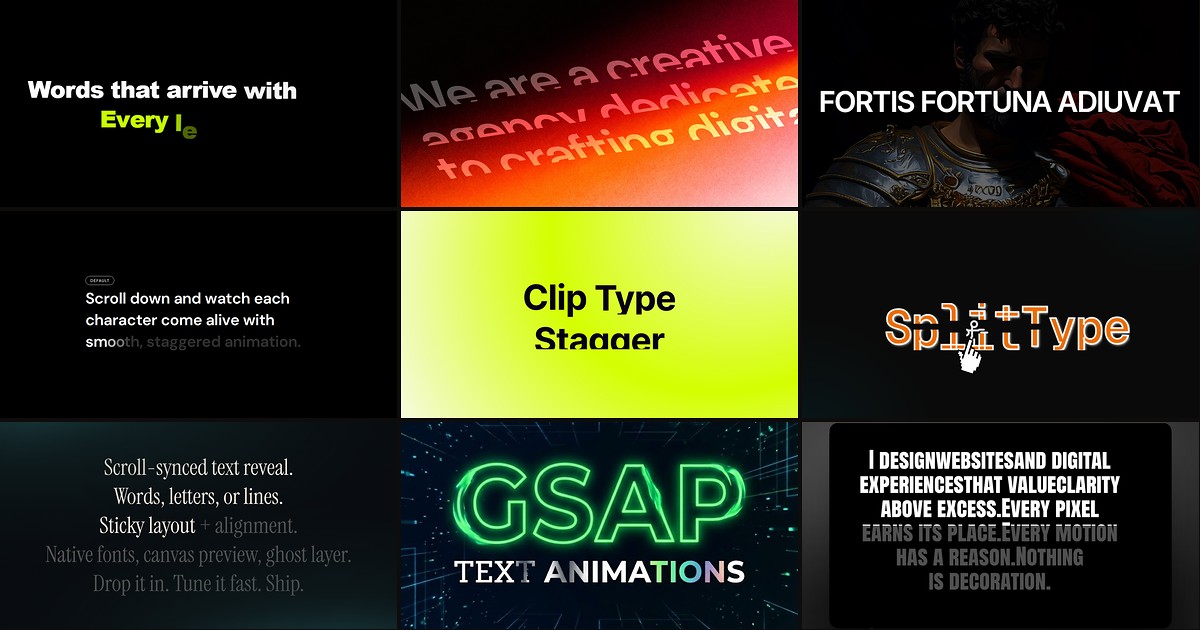
Hero headlines and section titles need motion that feels intentional — not a whole paragraph fading in as one block. A dedicated framer split text component breaks copy into characters, words, or lines, wraps each unit in its own animated span, and staggers the entrance with scroll triggers, viewport thresholds, or on-load timing. That is the difference between a generic fade and the letter-by-letter polish visitors associate with award-style sites.
This roundup ranks nine split-text components from the Framer marketplace in 2026. Every pick has a live listing, identifiable creator, and working preview — four free and five paid, spanning GSAP-powered engines, clip-mask reveals, preset libraries, and scroll-locked ink fills.
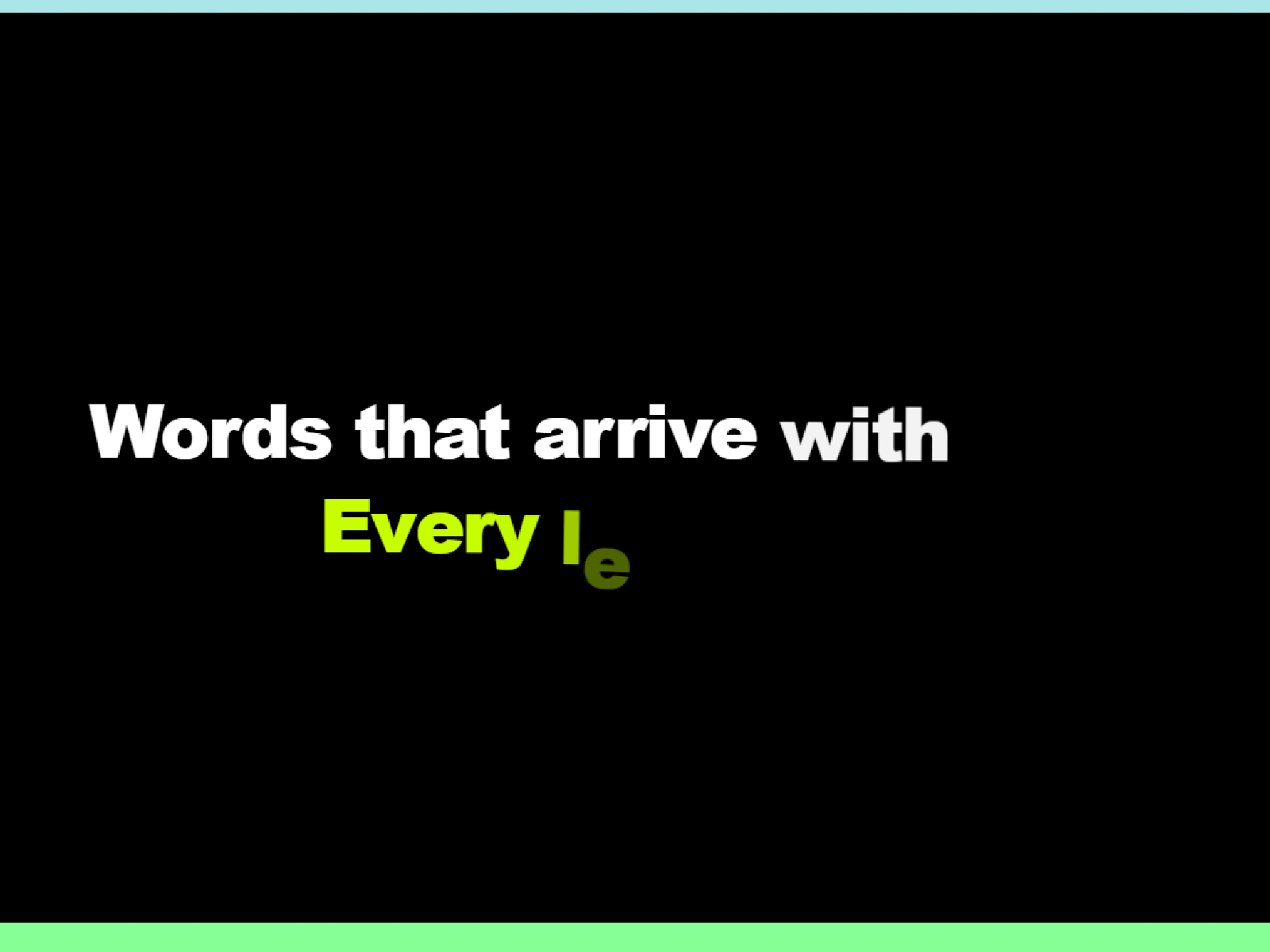
SplitTextRevealPro — Character or word stagger on scroll with rotation, threshold, and replay controls
by Abdul Sami
SplitTextRevealPro does one job exceptionally well: split any text layer into characters or words, then stagger them in as the section crosses a configurable viewport threshold. Abdul Sami exposes four entrance directions, rotation, duration, easing, and a play-once or repeat-on-scroll toggle — all panel-driven with CMS text support. Framer cannot replicate per-character spans natively; this component fills that gap without importing a full animation suite. At 12 USD it is the default when the brief is specifically split-and-stagger on scroll, not masked line overflow or ink-fill highlights.
- Best for
- Agency landing pages that need precise scroll-triggered letter stagger without GSAP wiring
Affiliate link — we may earn a commission at no extra cost to you.
GSAP Text Engine — Forty-plus GSAP presets with character, word, and line split modes
GSAP Text Engine is the broadest free split-text toolkit on this list. Zlatko Marjanović ships more than forty named presets — Fade, Slide, Blur, Mask Reveal, Wave, Typewriter, Scramble, Glitch, and more — each with character, word, or line split modes and viewport, scroll, or hover triggers. Stagger, easing, duration, gradient fills, stroke styling, and reduced-motion fallbacks are all exposed in the property panel. Install it when you need split typography across multiple sections with different motion languages but do not want a separate component per effect.
- Best for
- SaaS marketing sites that want one install covering fade, blur, typewriter, scramble, and mask reveals
Affiliate link — we may earn a commission at no extra cost to you.
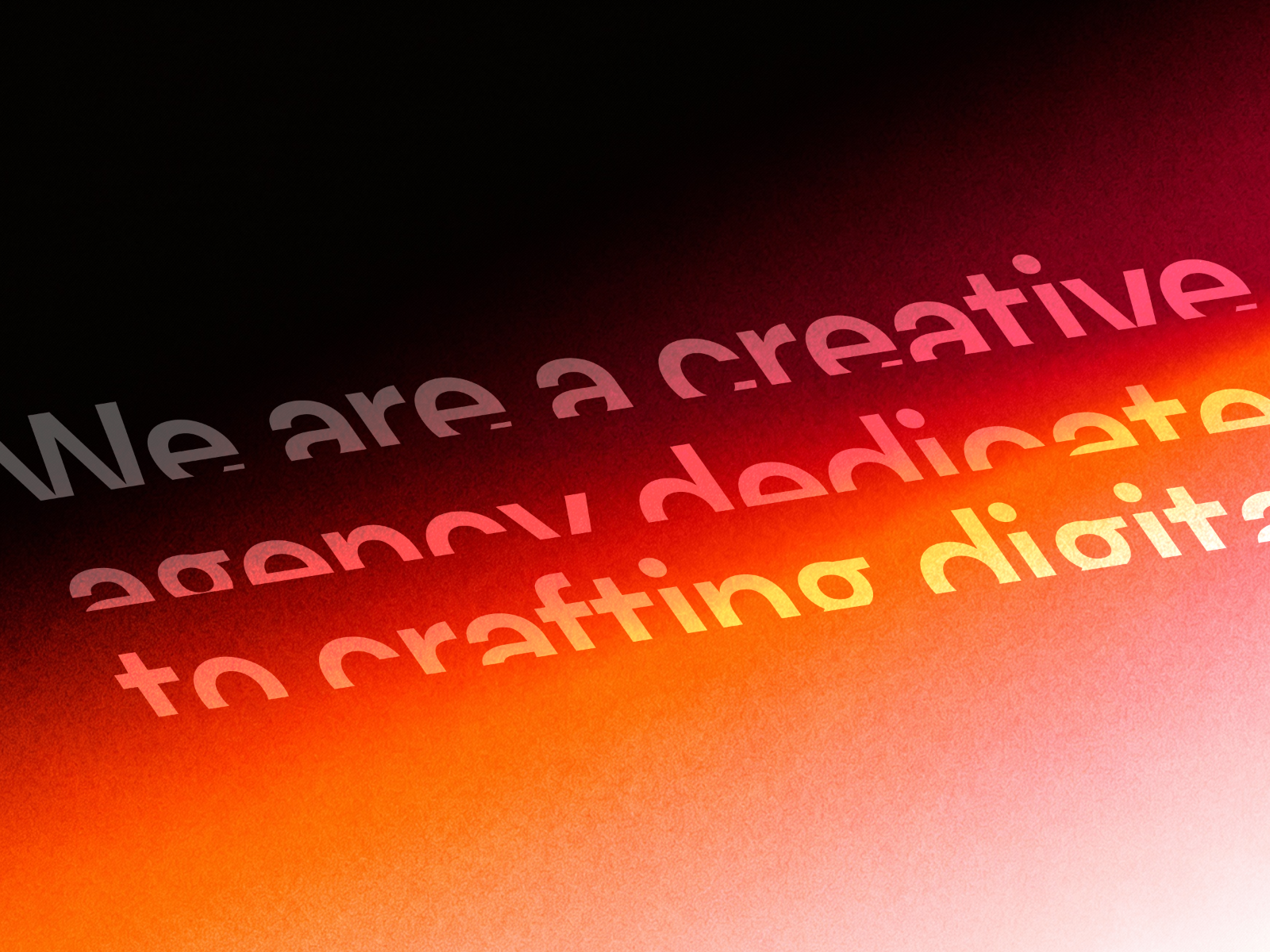
Text Reveal Animated — GSAP SplitText with masked lines, word stagger, and per-character blur or rotation
Text Reveal Animated merges GSAP SplitText with Framer Motion for three split modes: masked line reveals, word stagger, and per-character entrances. Daniyal Habib lets you trigger on scroll or on load, replay when elements re-enter view, and tune opacity, positional offset, rotation, scale, and motion blur up to 20 pixels between each unit. GPU-accelerated transforms keep long paragraphs smooth at 60fps. At 6 USD it is the paid pick when clip-masked line overflow is part of the visual language, not just bare character stagger.
- Best for
- Portfolio and product pages that combine split units with overflow-hidden line masks
Affiliate link — we may earn a commission at no extra cost to you.
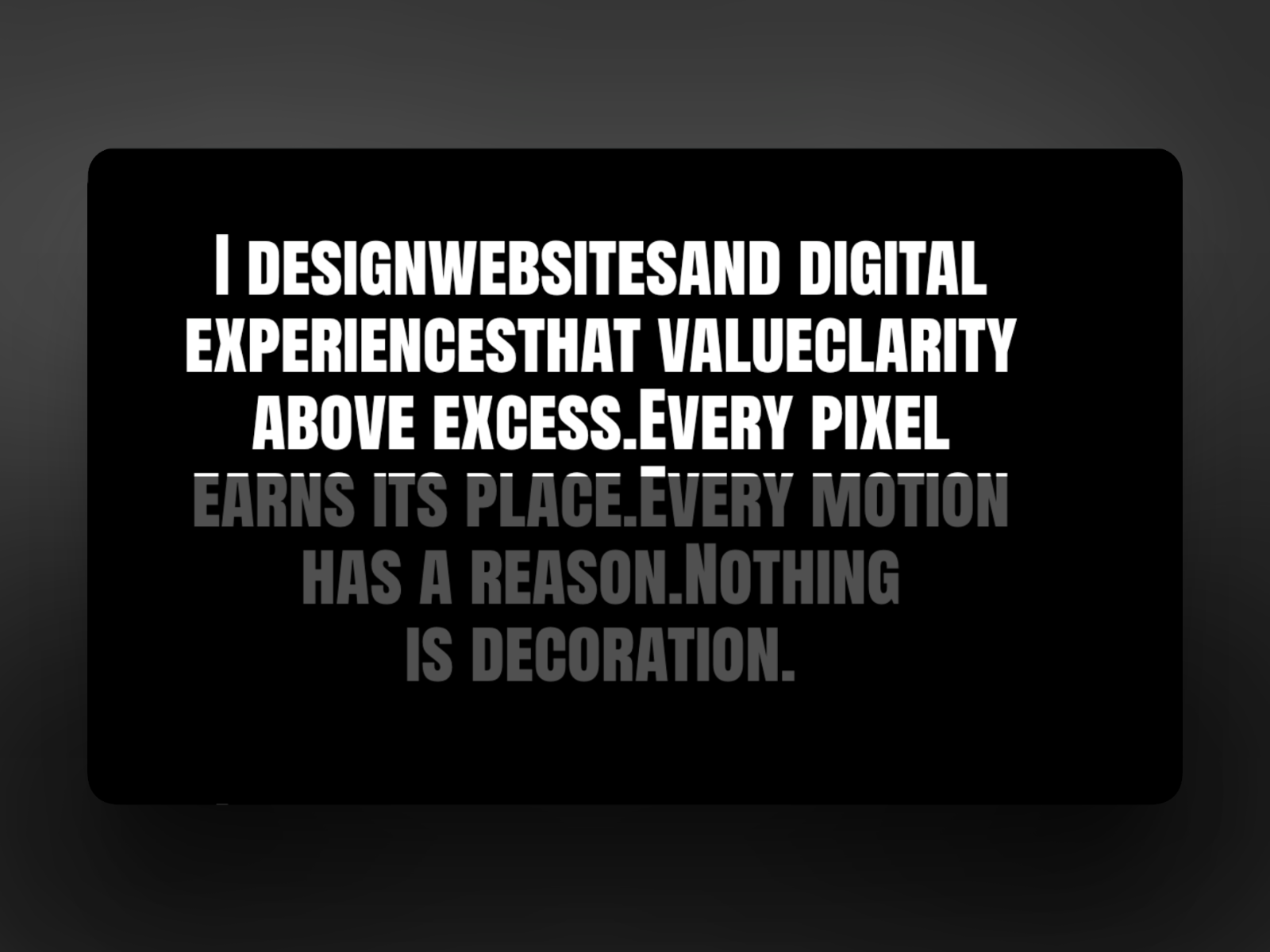
InkFill — Scroll-driven ink-fill highlight with optional pin-section cinematic mode
by Aman Qureshi
InkFill splits text into characters or words, then animates a smooth ink-fill highlight tied to scroll position — with five reveal directions and an optional pin-section mode that locks the frame while lines reveal one by one. Aman Qureshi built it on GSAP and SplitType with native Framer font controls and a ResizeObserver that re-splits lines when the viewport changes. Pin Start and Pin Length sliders give precise control over scroll-locked storytelling. At 2 USD it is the strongest value on the list when the split effect should feel like a highlighter moving through copy, not units flying in from off-screen.
- Best for
- Mission statements and hero copy that should fill word-by-word as visitors scroll
Affiliate link — we may earn a commission at no extra cost to you.
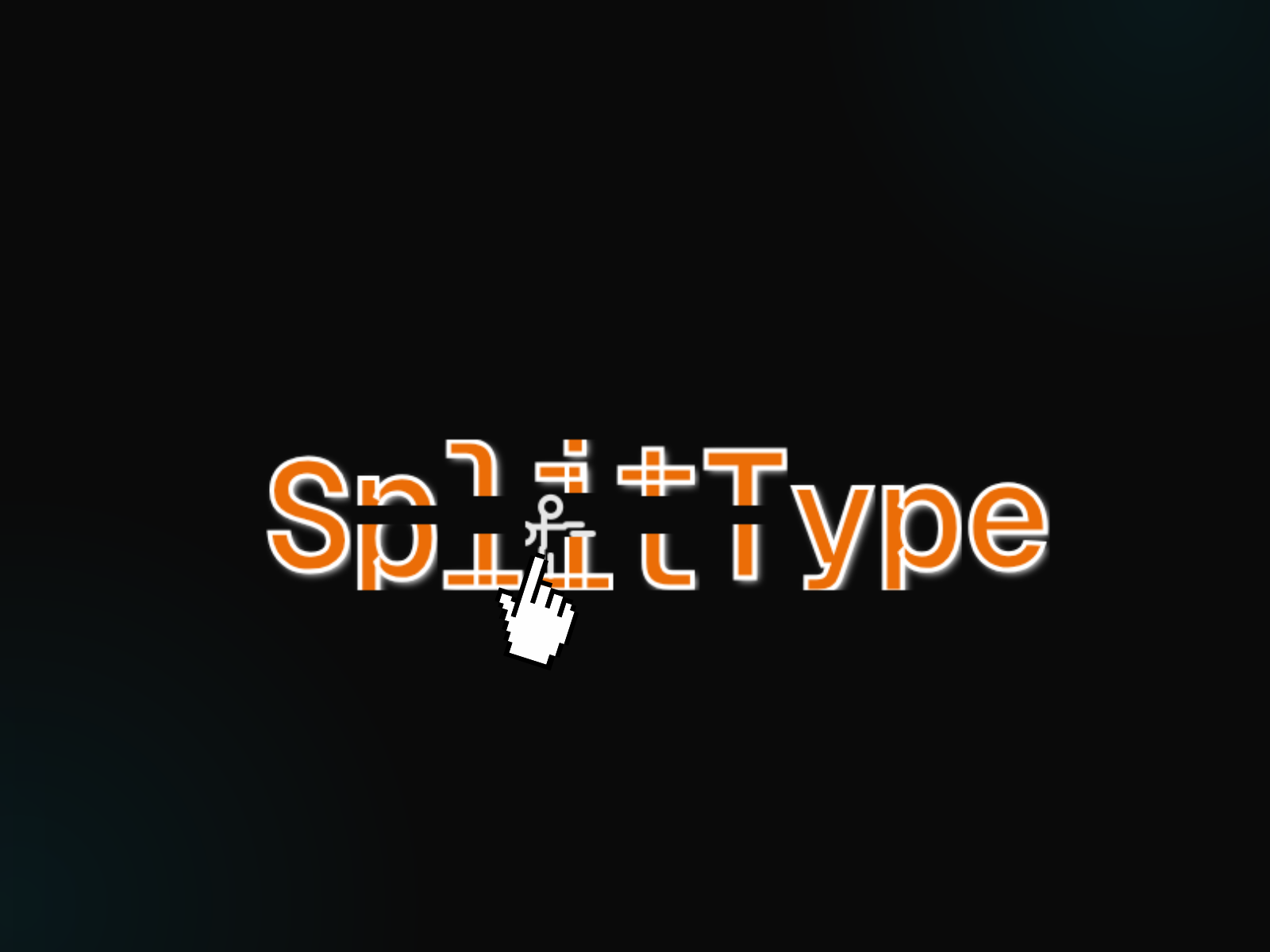
SplitType — Premium SplitType integration with granular stagger and trigger tuning
by Snoweirdo
SplitType from Snoweirdo wraps the industry-standard SplitType library into a production Framer component with full property-panel control over split granularity, stagger timing, trigger thresholds, and animation direction. It targets teams already familiar with SplitType semantics from hand-coded projects who want the same precision inside Framer without maintaining custom overrides. At 15 USD it costs more than focused scroll stagger tools, but pays off when split text is a recurring deliverable across client builds and you need a stable, well-documented engine rather than preset variety.
- Best for
- Studios shipping multiple client sites that need a reliable SplitType foundation
Affiliate link — we may earn a commission at no extra cost to you.
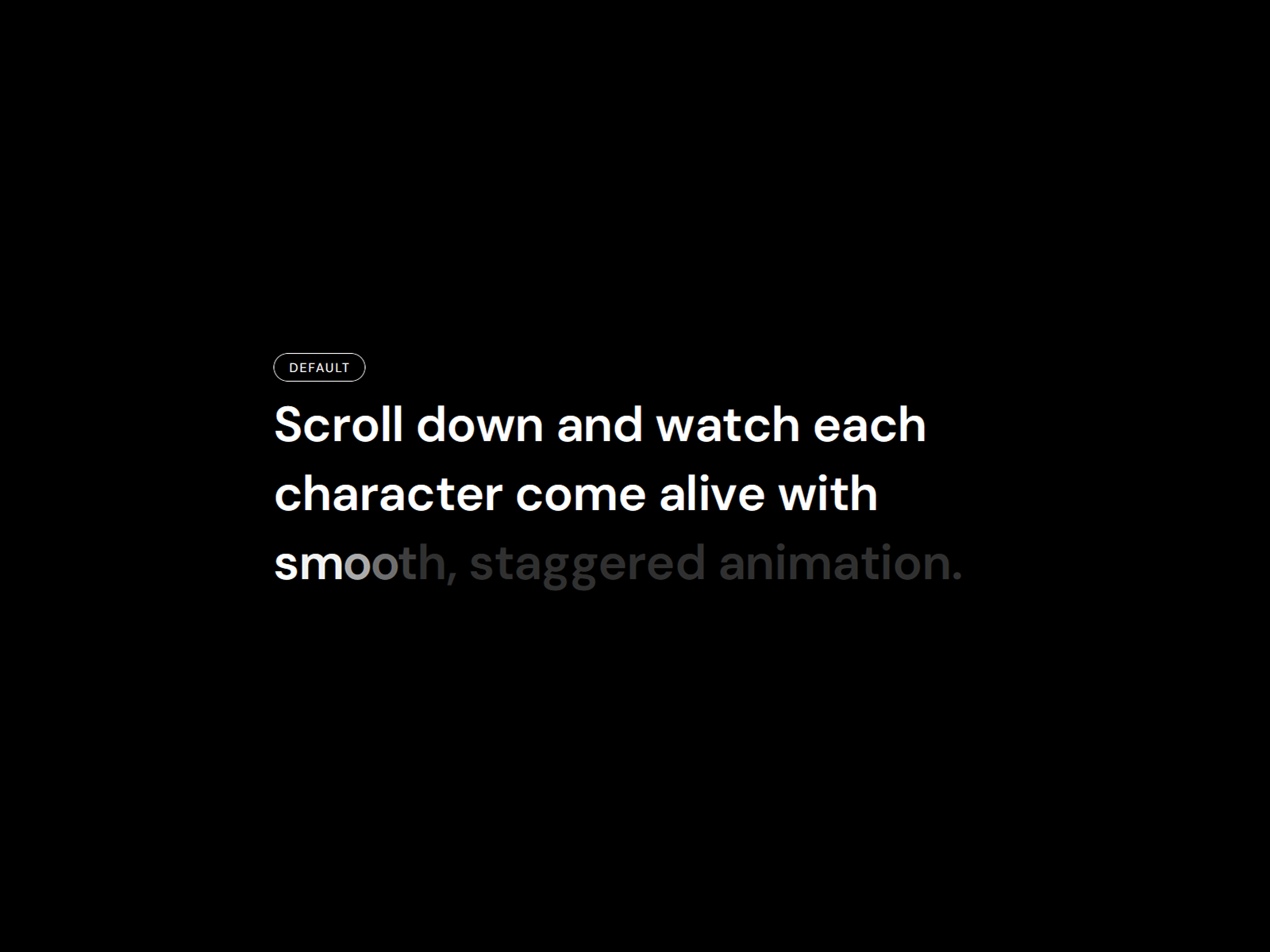
Reveal Text On Scroll — Twelve named presets with line, word, and character split modes
by Ali Themes
Reveal Text On Scroll ships twelve named presets — Fade In Up, Blur Reveal, Cinematic, 3D Flip, Typewriter, Glitch Rise, and more — plus a Custom mode for stagger, blur, rotateX, perspective, and scale. Ali Themes splits by lines, words, or characters; binds to scroll or fires on load; and outputs semantic HTML tags for SEO. Direct DOM updates during animation avoid React re-render jank on content-heavy pages. Install it free when GSAP Text Engine’s forty presets feel overwhelming and you want to swap reveal styles across sections from a dropdown.
- Best for
- Freelancers who want designer-friendly presets without tuning GSAP parameters
Affiliate link — we may earn a commission at no extra cost to you.
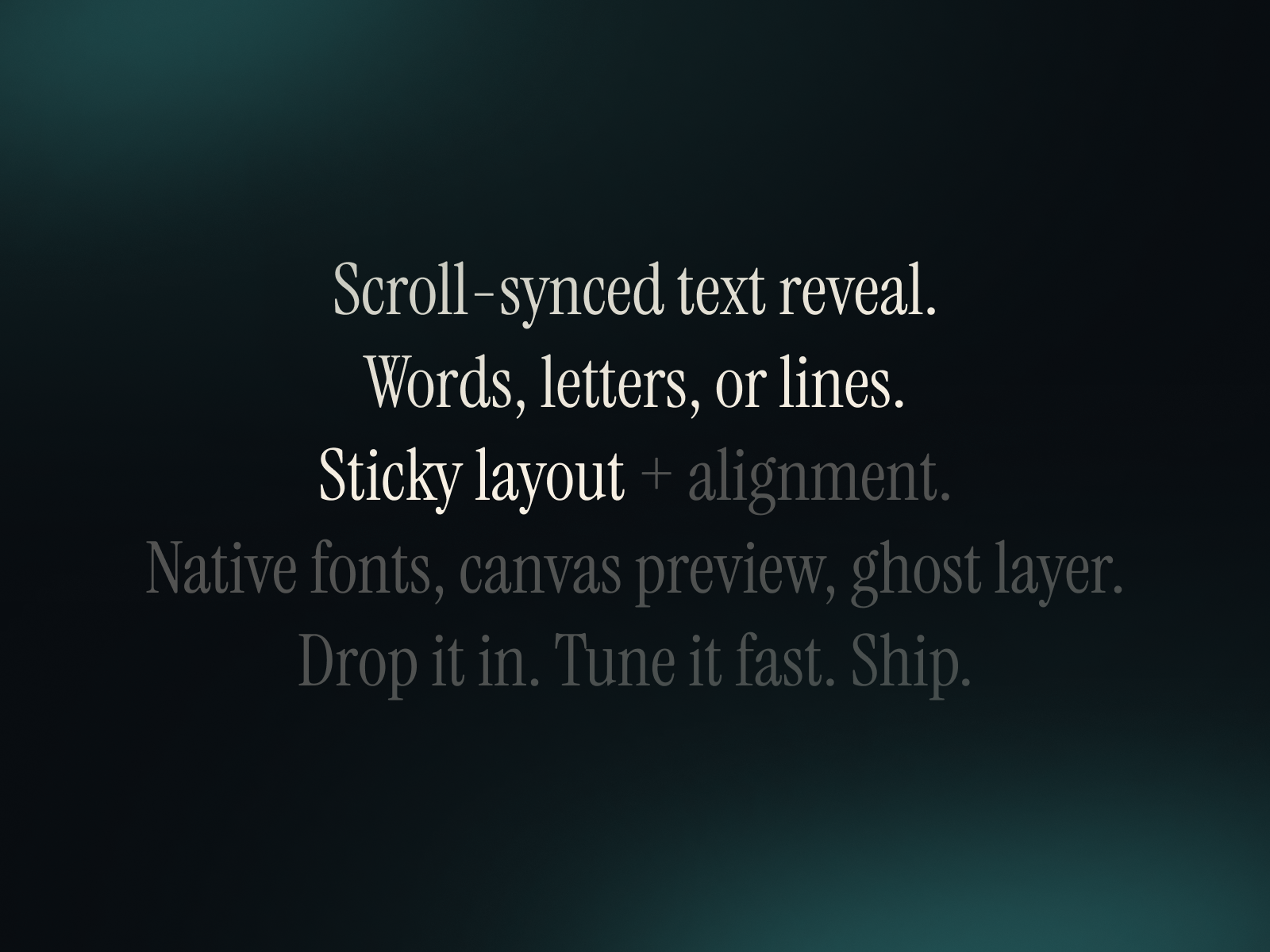
Ultimate Scroll Text — Sticky scroll reveal by words, letters, or lines with canvas preview
Ultimate Scroll Text combines split modes — words, letters, or lines — with a sticky layout that keeps the text block pinned while the section scrolls behind it. Ayberk Helvacı adds canvas preview options so copy stays visible while designing, plus an optional ghost layer that renders a low-opacity fully revealed version behind the animated text for subtle depth. Native Framer font controls and alignment inputs mean you style it like any text layer. Free and production-ready, it is the no-cost pick when split pacing should follow scroll rhythm in a sticky frame rather than a single viewport threshold.
- Best for
- Editorial long-form pages that pace copy with sticky word-by-word reveals
Affiliate link — we may earn a commission at no extra cost to you.
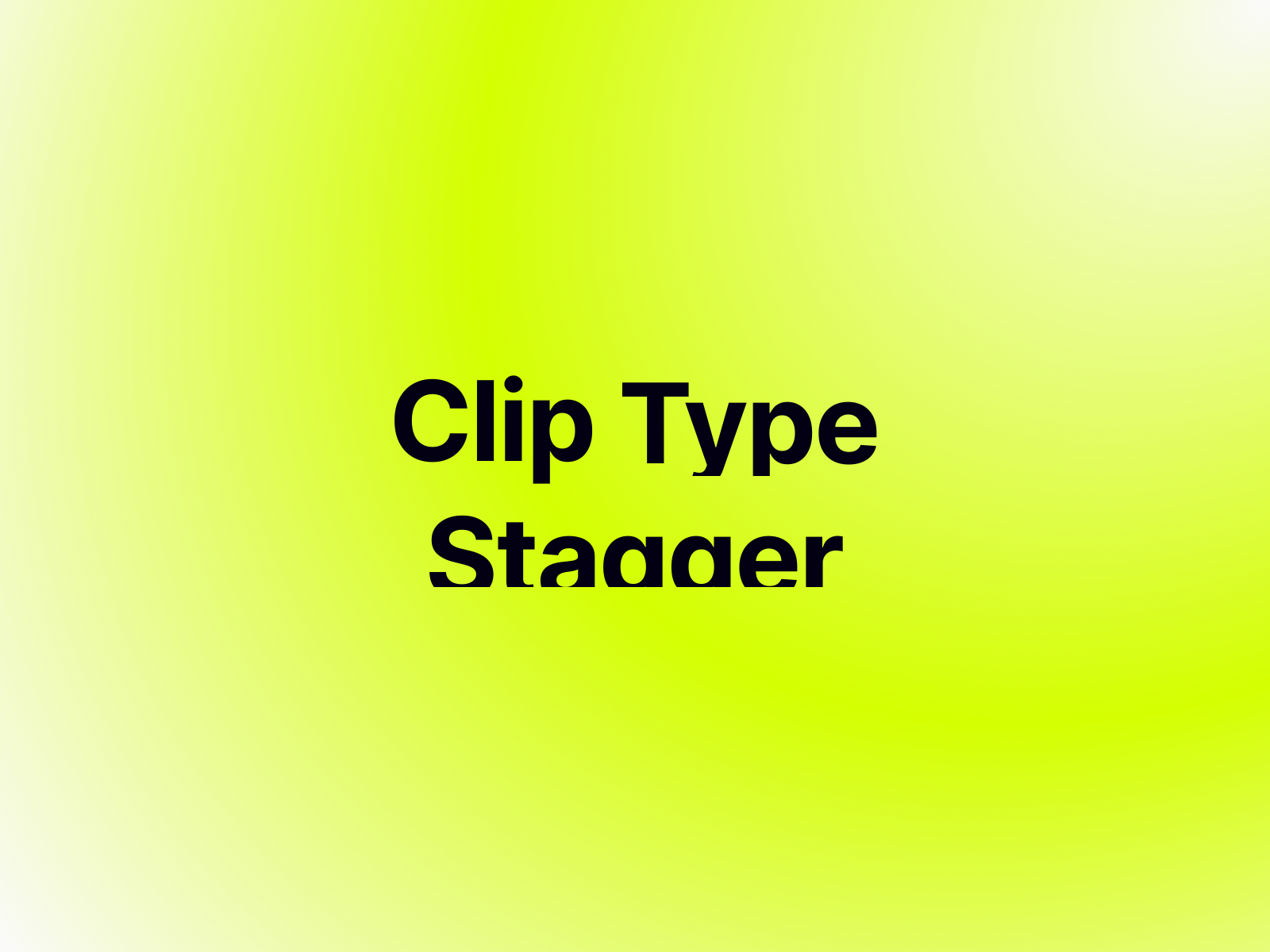
Clip Type Stagger — Clip-path mask reveals with line, word, or character splitting
Clip Type Stagger wraps each text segment in a dynamic clip-path mask so copy appears to emerge from invisible boundaries — the agency-standard masked reveal rather than units sliding from off-screen. Matheus Brandão supports line, word, or character splitting with a resize-aware line engine, spring-powered stagger, and triggers via scroll, section ID, hover, or layer-in-view. Install it free when the split animation should feel like typography being uncovered, not typography flying in, and you want clip masking without buying a GSAP suite.
- Best for
- Agency sites that want the emerging-from-nothing clip-mask look on headers
Affiliate link — we may earn a commission at no extra cost to you.
GSAP Text Effects — Nine curated GSAP modes with intelligent character and word splitting
GSAP Text Effects curates nine professional animation modes — stagger up and down, slide left and right, and scroll-reveal scrubbing — with an engine that switches between character and word splitting based on the selected mode. Victor Adekunle exposes base and highlight opacity for scroll scrubbing, percentage sliders for scrub start and end, and native Framer text property integration so fonts and colors stay in familiar panels. Optimized GSAP context keeps frame rates above 60fps on content-heavy pages. Install it free when you want cinematic split-text motion with fewer knobs than GSAP Text Engine but more polish than a single-preset component.
- Best for
- Award-style landing pages that need stagger, scrub, or slide reveals from one install
Affiliate link — we may earn a commission at no extra cost to you.
Quick comparison
| Resource | Price | Type | Best for |
|---|---|---|---|
| SplitTextRevealPro | 12 USD | Component | Scroll-triggered character or word stagger |
| GSAP Text Engine | Free | Component | Forty-plus presets with split modes |
| Text Reveal Animated | 6 USD | Component | Masked line reveals with GSAP SplitText |
| InkFill | 2 USD | Component | Scroll-locked ink-fill word highlights |
| SplitType | 15 USD | Component | Premium SplitType foundation for studios |
| Reveal Text On Scroll | Free | Component | Twelve named preset reveals |
| Ultimate Scroll Text | Free | Component | Sticky word-by-word scroll pacing |
| Clip Type Stagger | Free | Component | Clip-path mask emerging reveals |
| GSAP Text Effects | Free | Component | Nine curated GSAP split modes |
How to choose the right Framer split text component
Match split granularity to copy length. Character stagger reads best on short headlines — one to eight words. Word stagger suits medium-length subheads. Line splitting works for paragraphs and mission statements where pacing should follow natural line breaks. InkFill and Ultimate Scroll Text both handle longer copy; SplitTextRevealPro shines on punchy hero lines.
Pick your trigger model. Scroll-threshold components like SplitTextRevealPro fire when a percentage of the element enters view. Scroll-scrubbed tools like InkFill tie animation progress directly to scroll position. On-load presets from Reveal Text On Scroll and GSAP Text Engine suit above-the-fold heroes that should animate immediately. Sticky layouts from Ultimate Scroll Text need taller parent sections — plan section height before dropping them on canvas.
Free breadth vs paid focus. GSAP Text Engine and Reveal Text On Scroll cover the widest preset range at zero cost. Paid picks earn their price when you need one polished behavior — SplitTextRevealPro for threshold-controlled stagger, Text Reveal Animated for masked lines, InkFill for scroll-locked ink at 2 USD, or SplitType for a studio-grade SplitType wrapper.
Test reduced motion and CMS binding. GSAP Text Engine and SplitTextRevealPro both respect accessibility constraints or offer static fallbacks. If headlines come from CMS collections, confirm the component documents CMS text support before committing — SplitTextRevealPro and Text Reveal Animated both advertise CMS compatibility.
Our top pick for most Framer builders
For a typical SaaS hero with scroll-triggered letter stagger and no mask effects, SplitTextRevealPro at 12 USD from Abdul Sami is the most focused install on this list. Teams on zero budget should start with GSAP Text Engine free from Zlatko Marjanović — one component covers dozens of split modes across a whole site. When the brief calls for scroll-locked ink filling through a pinned mission statement, InkFill at 2 USD from Aman Qureshi delivers the most cinematic split effect per dollar.
Browse Framer templates on yoframer for landing pages that pair naturally with animated hero copy, or read our scroll text reveal roundup for sticky blur and color-transition typography beyond character splitting. More resource roundups live on the Resources hub.
Updated August 2026. We refresh this list as notable split text components ship, reprice, or go stale.


