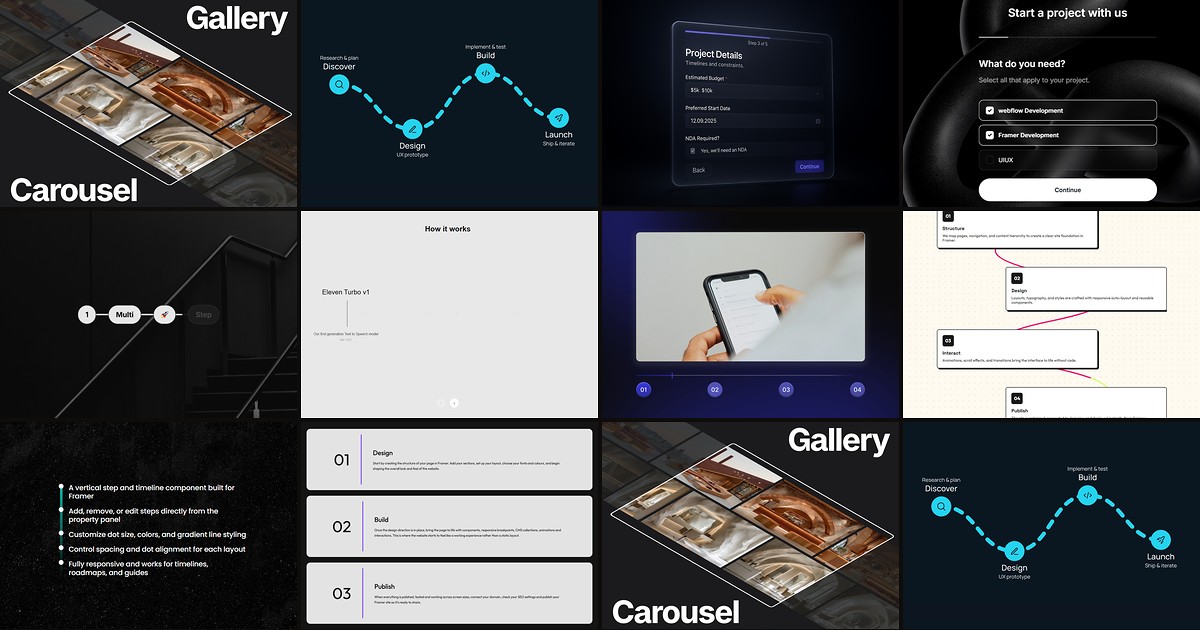
Product onboarding, checkout flows, and how-it-works sections all share the same UX problem: visitors need to know where they are in a sequence before they commit to the next action. Framer does not ship a native stepper block — you either wire progress states by hand or install a dedicated framer stepper component that handles path animation, step labels, and responsive layout from the property panel.
This list ranks ten stepper and progress components from the Framer marketplace in 2026. Every pick has a live listing, identifiable creator, and working preview — three free and seven paid, spanning animated process paths, multi-step form progress bars, vertical numbered lists, and scroll-driven step reveals.

StepProgress — Up to 12 animated steps with icons, check states, and mobile auto-layout
by Filip Banasiak
StepProgress is the most complete free stepper on this list. Filip Banasiak supports up to twelve steps, each with its own title, description, number style, and uploaded icon — plus independent toggles for every text layer. Loop or once playback, linear ease or spring motion, and a canvas state preview let you style any stage directly on the canvas. Completed steps animate into a customizable check icon, and the layout switches from horizontal desktop to vertical mobile with dedicated spacing controls. Start here when the brief asks for a flagship process indicator and the budget is zero.
- Best for
- Product journeys and order-tracking sections that need a polished horizontal-to-vertical stepper without a paid install
Affiliate link — we may earn a commission at no extra cost to you.
AdvancedStepper — Wave or straight path with canvas icons and scroll-section triggers
by Can Girgin
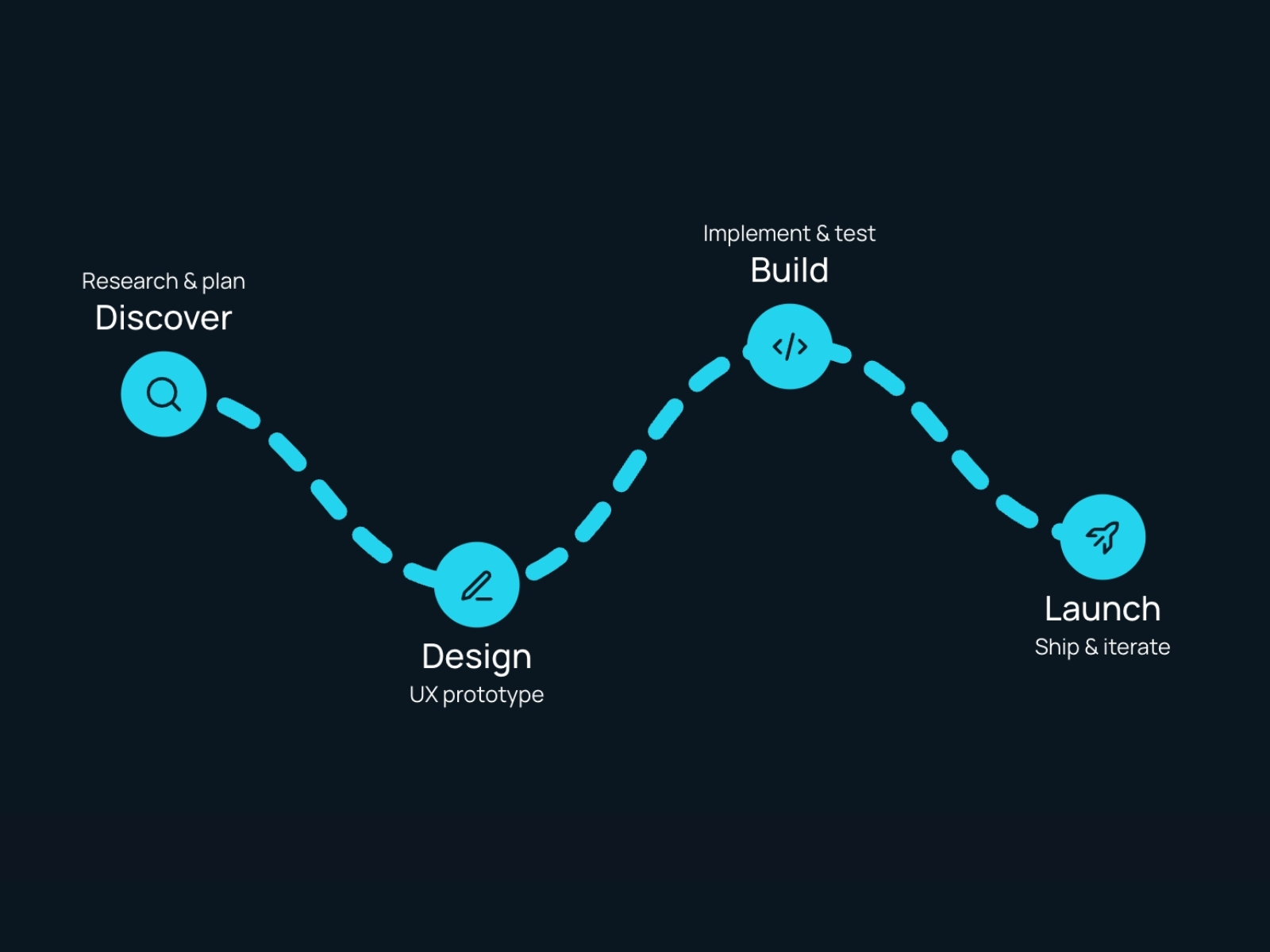
AdvancedStepper turns a flat step list into a motion-driven timeline. Can Girgin draws either a smooth wave or a straight connector, reveals each dot on load or when a target section enters view, and accepts canvas icons dropped in step order. Labels auto-flip to avoid overlapping curved paths, line styles switch between solid shimmer and dashed, and optional click handlers make steps interactive. At 10 USD it is the strongest visual pick when the stepper is a hero section — not a compact form header — and you want scroll-triggered choreography without building SVG paths manually.
- Best for
- Feature roadmaps and service timelines that need curved paths and icon-ready milestone dots
Affiliate link — we may earn a commission at no extra cost to you.
MultiStep Form Pro — Production multi-step form with animated progress bar and validation
by Can Girgin
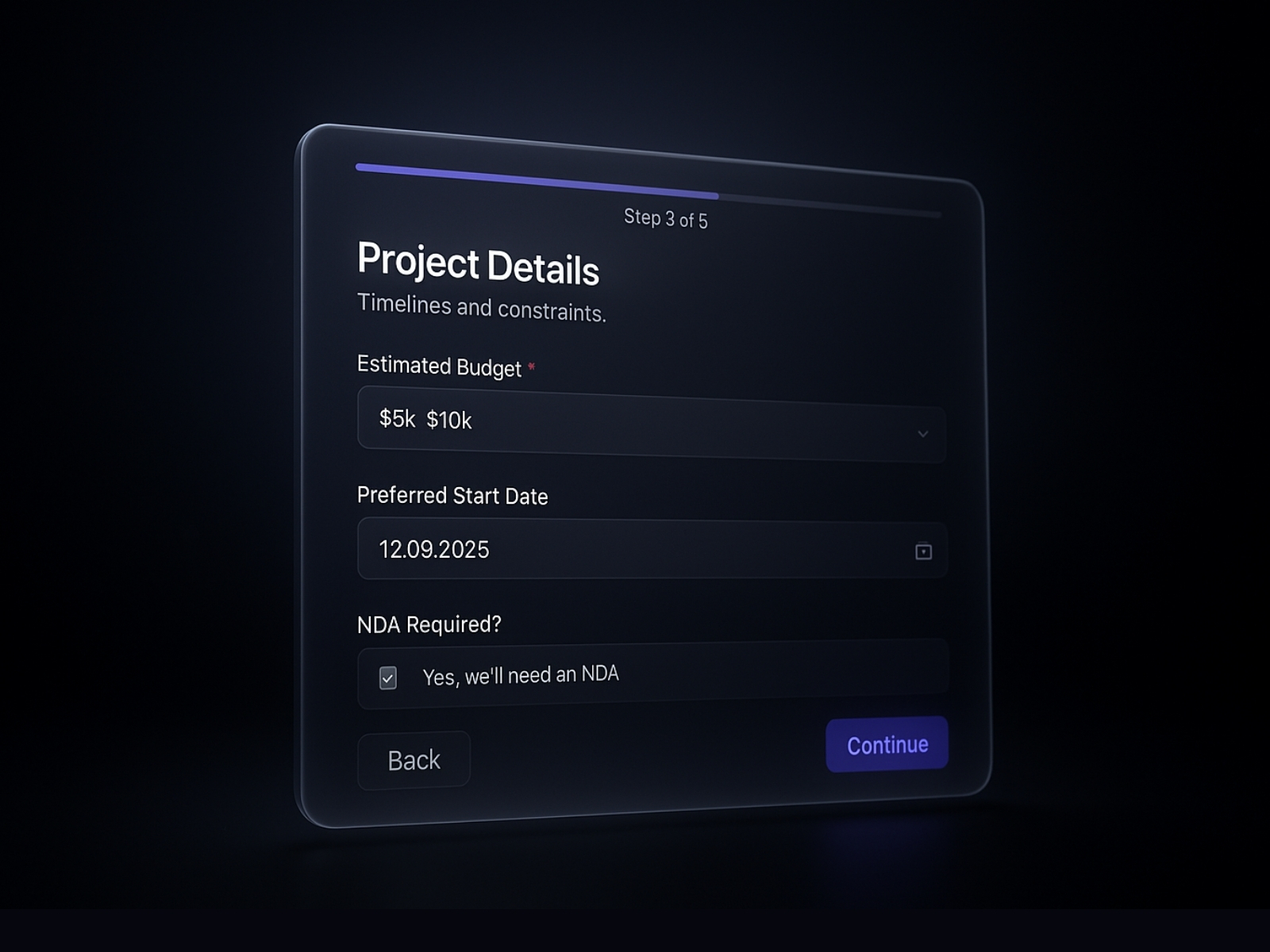
MultiStep Form Pro is the functional heavyweight on this list. Can Girgin bundles step-by-step question progression, animated transitions, field validation, and a smooth progress bar that tracks completion percentage — all wired for webhook or email submission without leaving Framer. Theme presets cover light, dark, glass, and solid UI styles, and typography, button radius, and accent colors route through the sidebar. At 15 USD it is the default when the stepper must collect data, not just display a process — pair it with your ESP or CRM webhook and skip building form state from scratch.
- Best for
- Lead qualification and client onboarding flows that need real form logic behind the step indicator
Affiliate link — we may earn a commission at no extra cost to you.
Formspark Multi-step — Formspark-native multi-step form with progress bar and redirect support
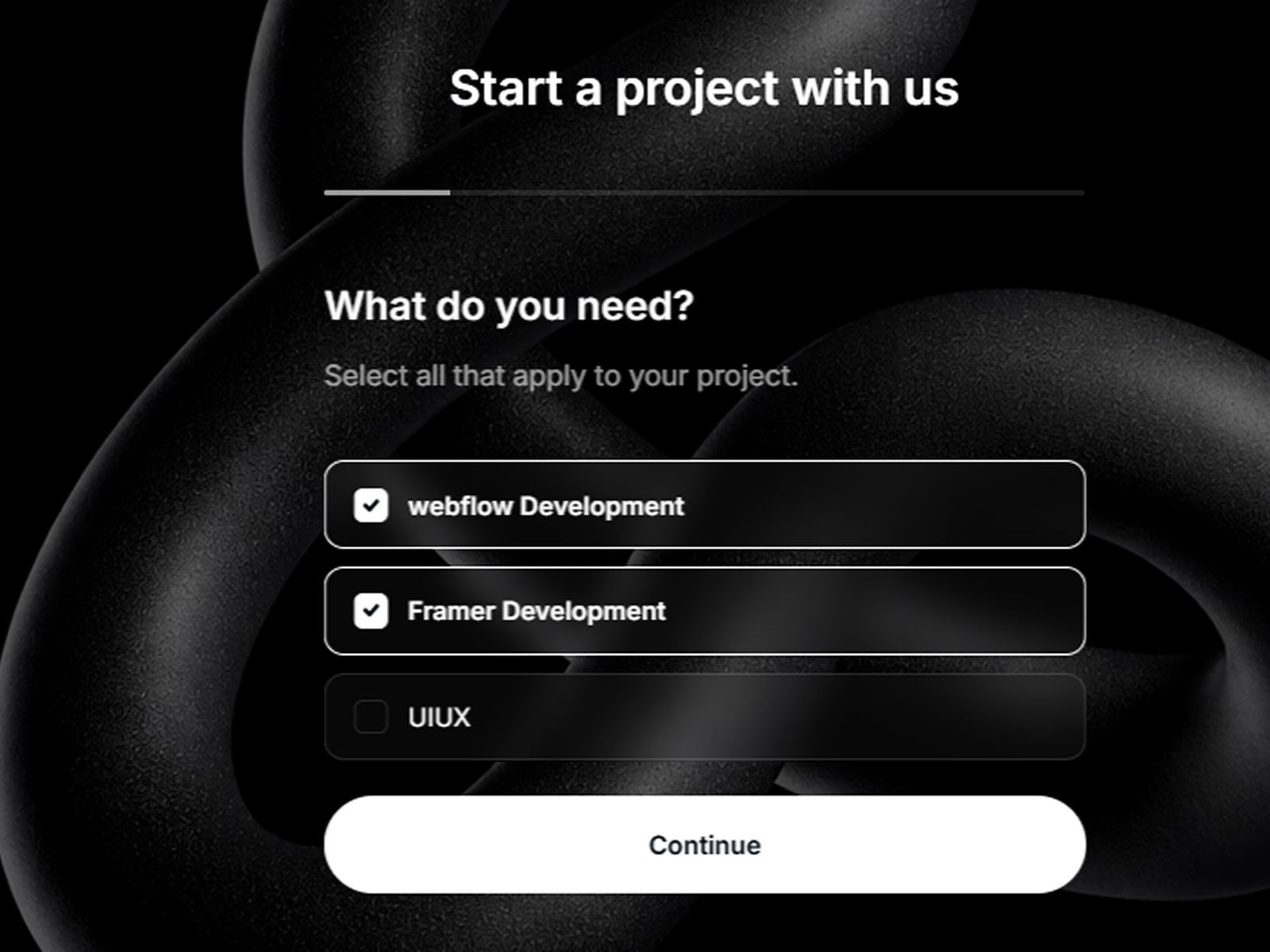
Formspark Multi-step targets teams already paying for Formspark submissions. Victor Adekunle connects your Formspark ID in the sidebar, then layers step-by-step question progression, smart validation for email and phone fields, disabled-state logic, and an animated progress bar on top. Redirect to a thank-you page, custom success messaging, and tracking ID support keep attribution intact. Light and dark mode, glass styling, and independent border controls make it easy to match brand palettes. At 10 USD it is the fastest path to a live multi-step lead form when MultiStep Form Pro’s webhook flexibility is more than you need.
- Best for
- Marketing sites already on Formspark that want a conversion-optimized wizard with minimal backend setup
Affiliate link — we may earn a commission at no extra cost to you.
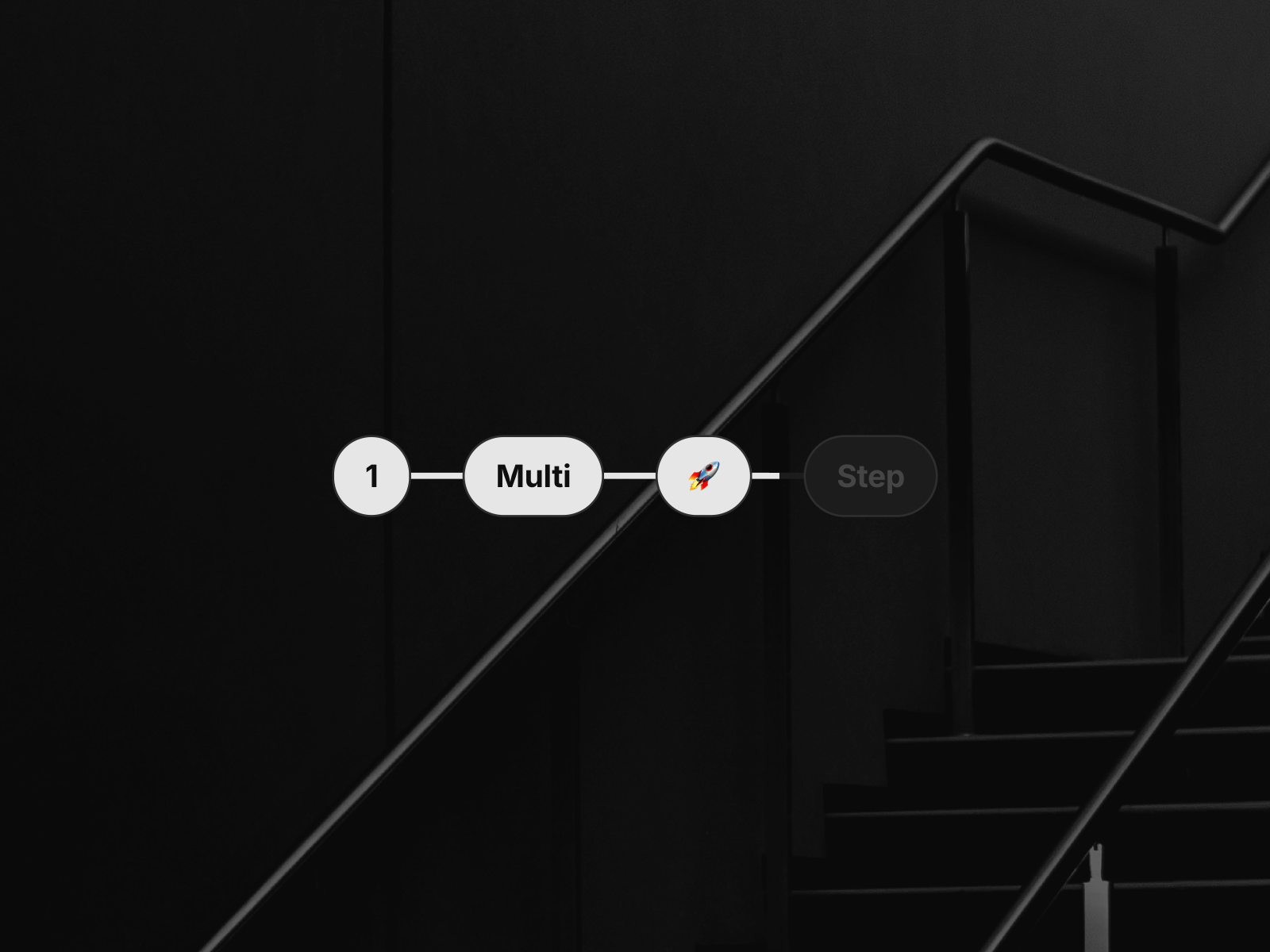
Multistep Path — Animated connecting path with unlimited steps and emoji support
by Luis Rincon
Multistep Path focuses on visual flow over form logic. Luis Rincon connects unlimited steps through a single animated path that fills progressively — choose horizontal or vertical direction, text or emoji labels, and fine-tune pill radius, line length, border colors, and animation speed from the panel. The loading effect gives each step a sense of arrival without overwhelming a clean landing page. At 5 USD it is the best value for purely presentational onboarding sections where you do not need field validation behind the indicator.
- Best for
- Tutorial checklists and setup guides that need a minimal pill-and-line aesthetic with loading animation
Affiliate link — we may earn a commission at no extra cost to you.
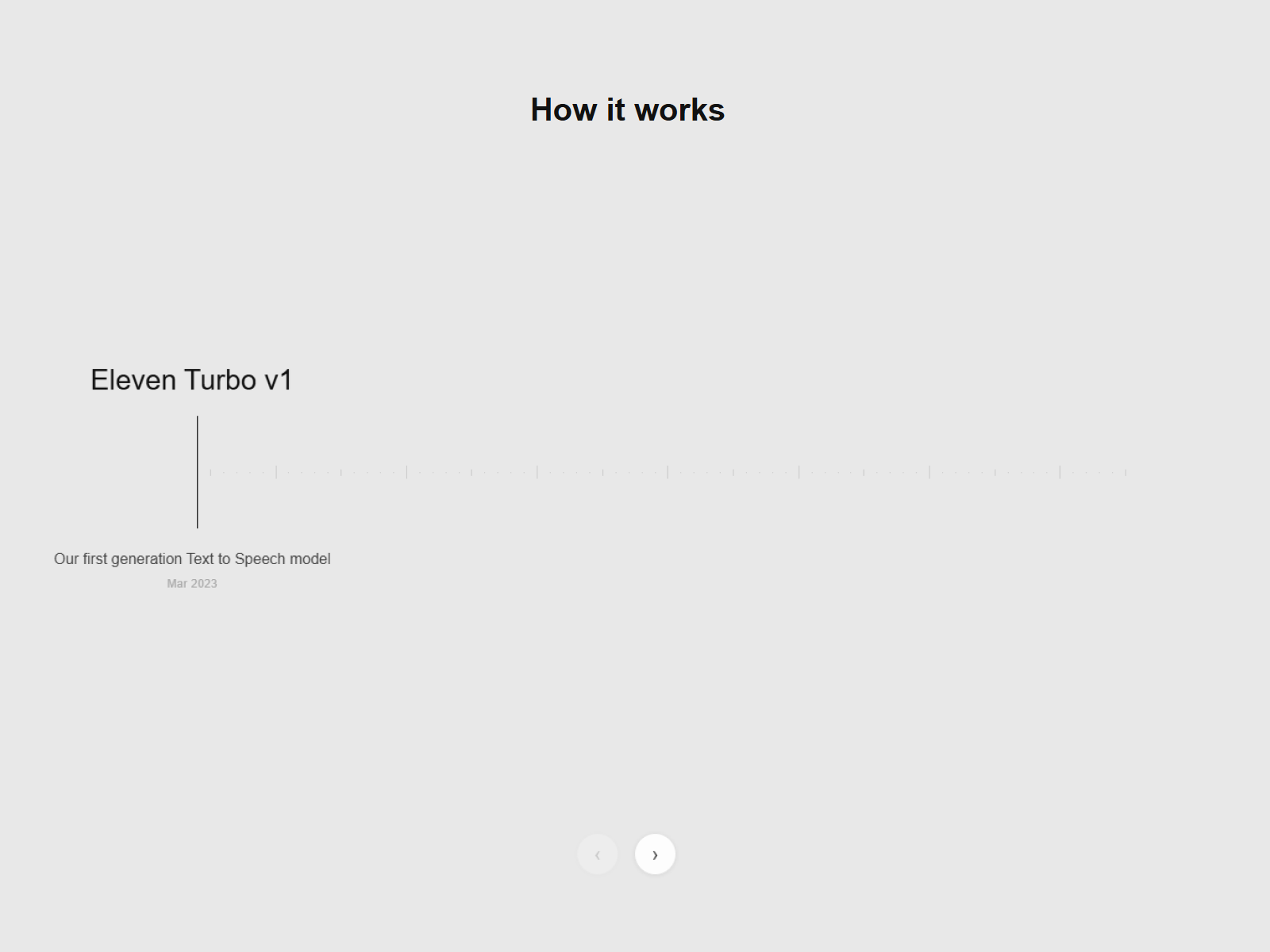
Stepper — Timeline stepper section with interactive step transitions
by RoHaiL Shaheen
Stepper from RoHaiL Shaheen ships as a complete section component rather than a bare progress strip. Steps connect through a timeline layout with interaction states that respond to hover and selection — useful when each stage should preview content or highlight a feature before visitors scroll further. Panel controls cover typography, spacing, and color so the block drops into existing design systems without custom overrides. At 5 USD it fits agency builds that need a turnkey how-it-works section with built-in stepper motion, not a widget to embed inside a form card.
- Best for
- Marketing pages that need a full-width stepper section with hover and click interactions between stages
Affiliate link — we may earn a commission at no extra cost to you.
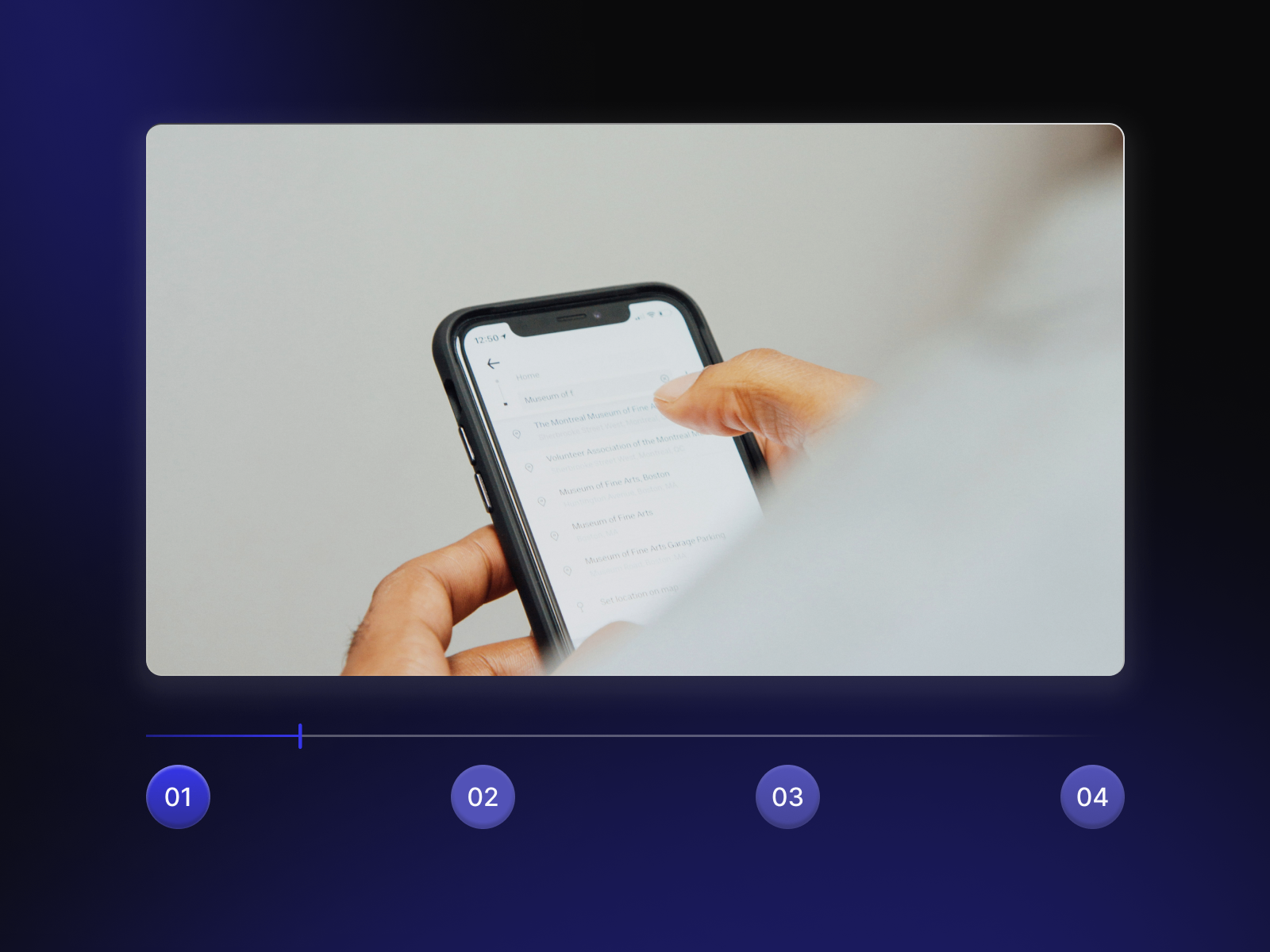
Video Steps — Step navigation tied to video timestamps and key moments
by João Saraiva
Video Steps solves a niche but high-intent use case: step indicators that control video playback. João Saraiva lets you define steps linked to timestamp markers so clicking a milestone jumps the embedded player to that moment — ideal for walkthrough pages where text steps and video proof should stay synchronized. Styling controls keep the stepper readable over dark hero backgrounds common on SaaS launch pages. At 12 USD it is the specialized pick when your onboarding story is told through video chapters, not static illustrations.
- Best for
- Product demo pages and course landing sections where each step jumps to a specific video segment
Affiliate link — we may earn a commission at no extra cost to you.
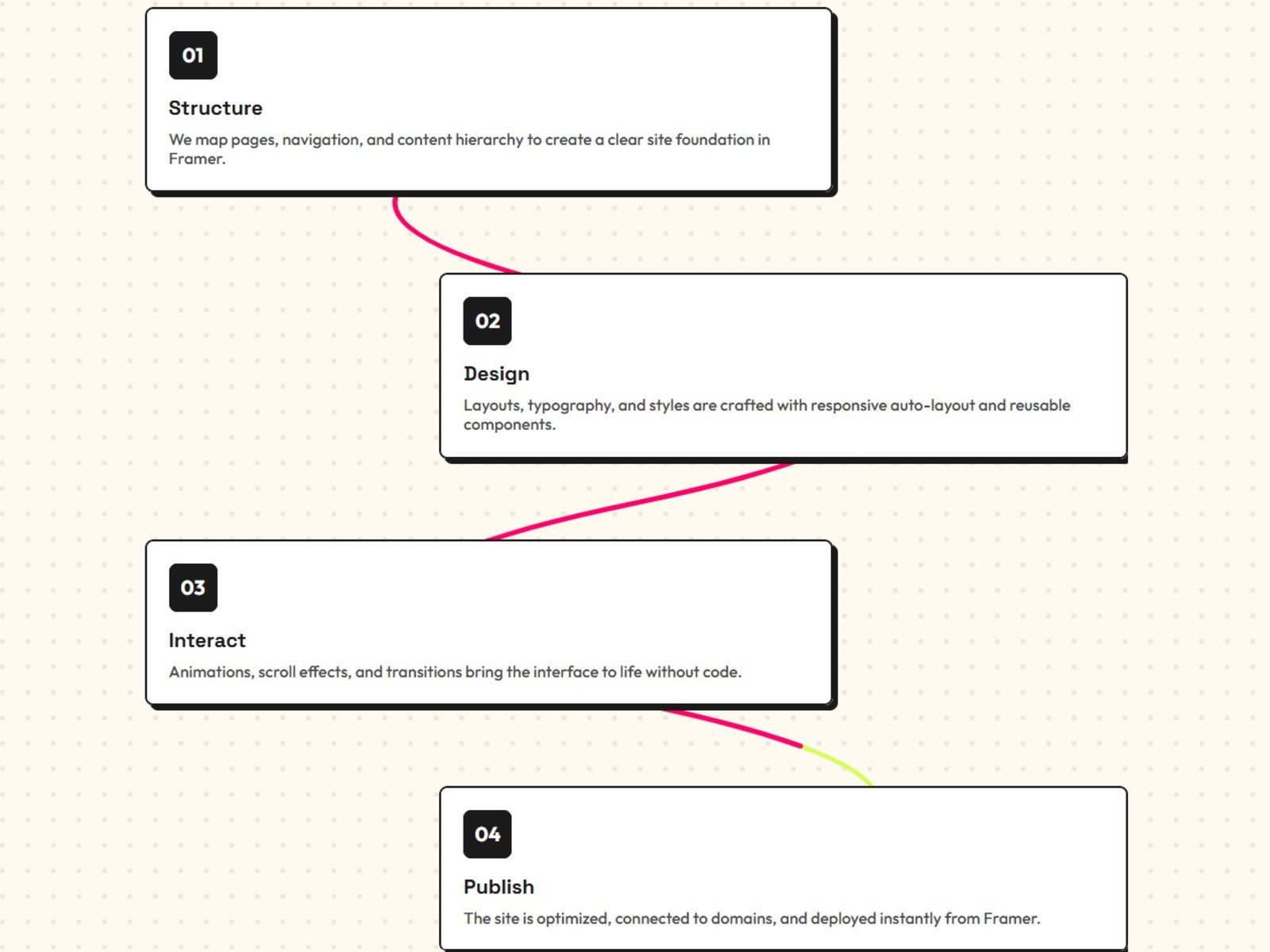
Scroll Curve Cards — Scroll-driven process steps connected by an animated curve path
by J S
Scroll Curve Cards combines a curved connector path with card-based step content that activates on scroll. J S alternates layout positions so long process descriptions stay readable while the path draws attention through the sequence — stronger for storytelling than a static horizontal bar. Responsive behavior keeps the curve and cards aligned across breakpoints without manual breakpoint overrides. At 8 USD it bridges the gap between a decorative stepper and a scroll-synced timeline when you want motion tied to reader progress.
- Best for
- Editorial process sections where steps should reveal progressively as visitors scroll
Affiliate link — we may earn a commission at no extra cost to you.
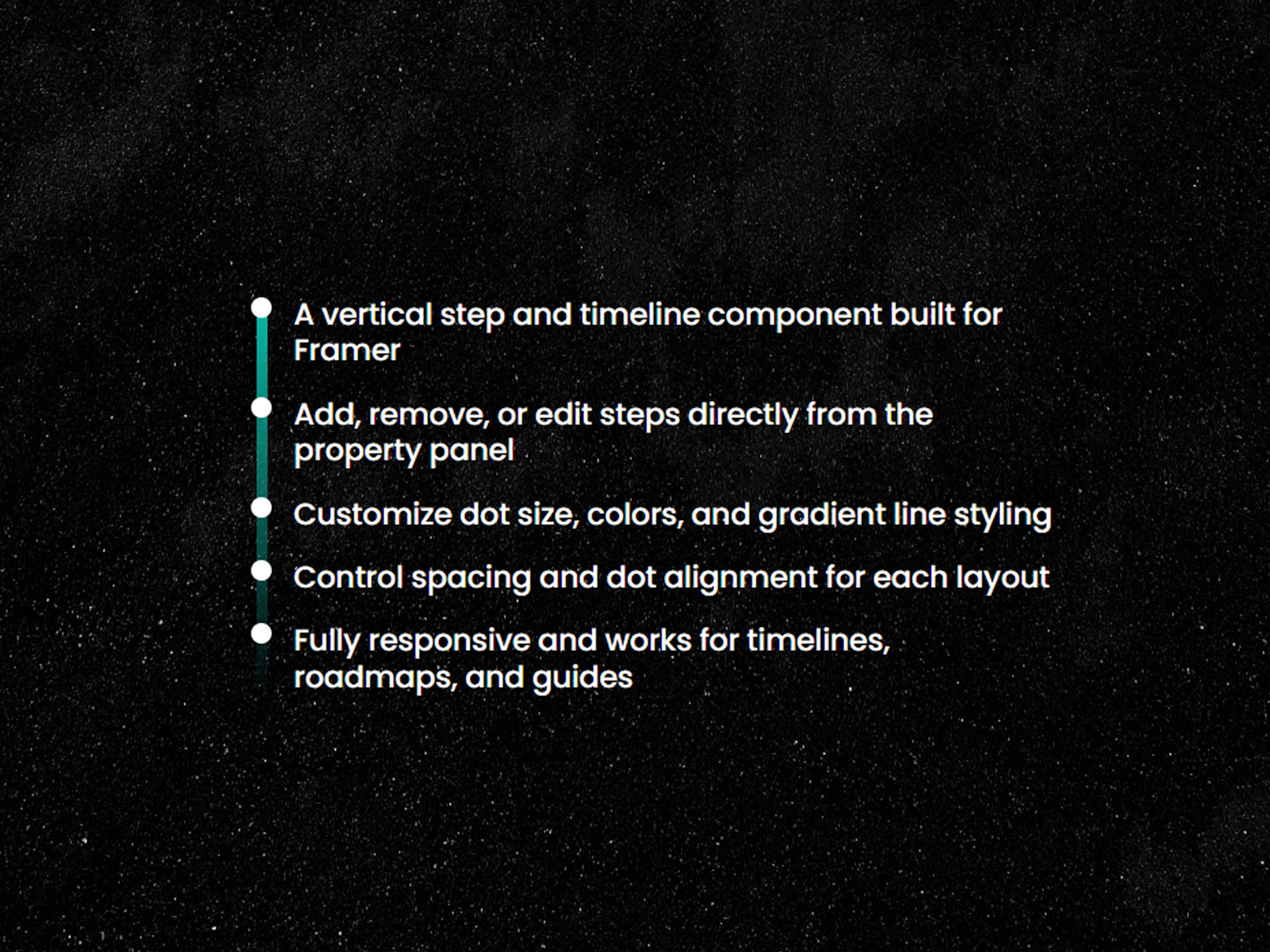
StepPoint — Vertical gradient timeline with adjustable dot alignment
by Sadman Alam
StepPoint is Sadman Alam’s vertical timeline stepper: dots connected by a gradient line, with panel controls for dot size, line width, text styling, spacing, and dot alignment relative to copy blocks. Steps add and remove directly from the property panel, and text wraps naturally on narrow widths. It is less cinematic than AdvancedStepper but faster to configure when the layout is a straightforward top-to-bottom process list. At 8 USD it pairs well with About pages and service breakdowns that need structure without wave-path animation.
- Best for
- Roadmaps and phase breakdowns that need a clean vertical stepper with gradient connector lines
Affiliate link — we may earn a commission at no extra cost to you.
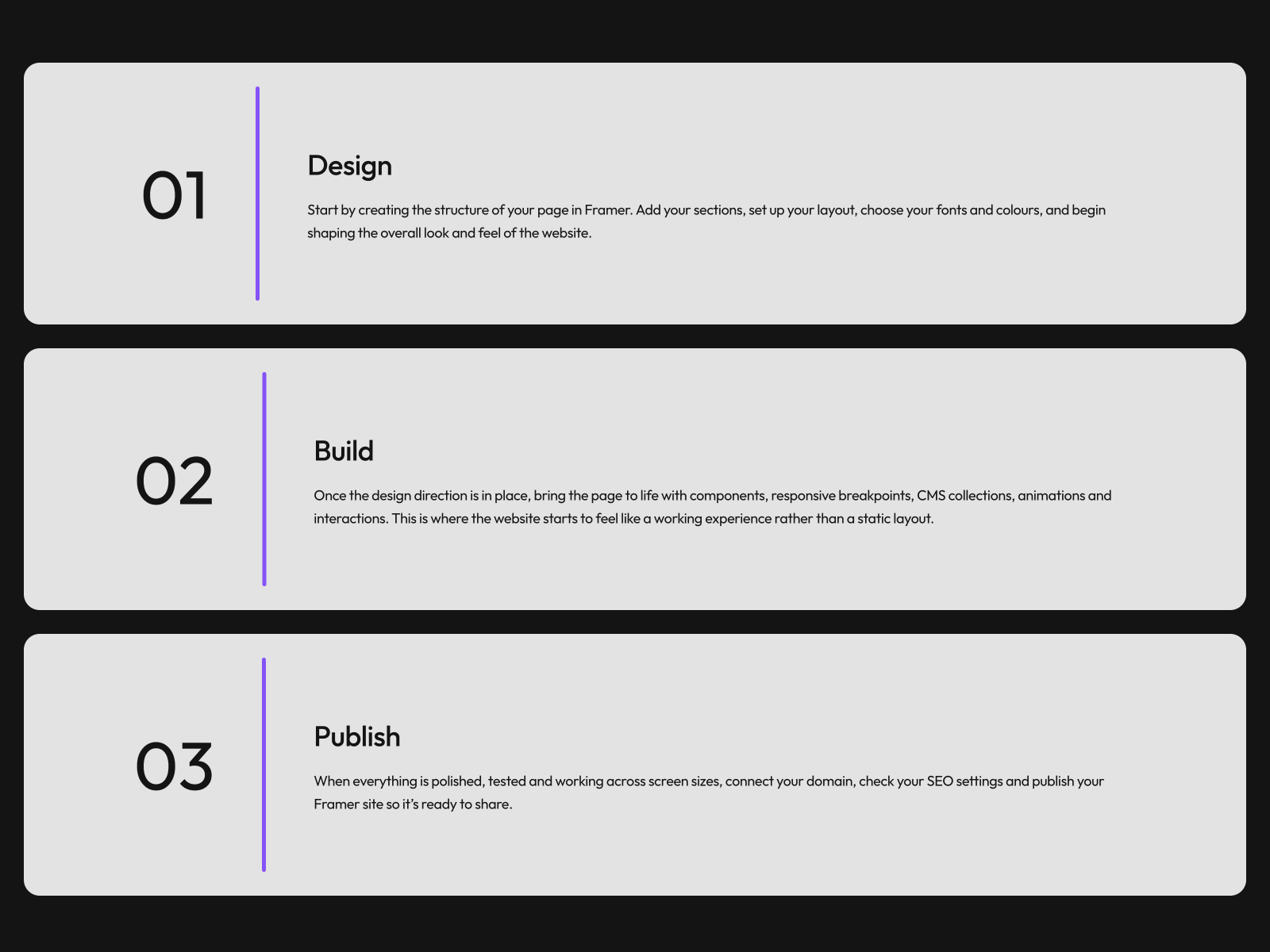
Progress Steps — Scroll-linked sliding progress bar across multi-step sections
by Beth
Progress Steps from Beth takes a different approach than numbered milestone steppers: a sliding progress bar that advances as visitors scroll through connected sections. Install it when the process is already laid out as full-width blocks and you only need a persistent indicator showing how far through the sequence the reader has moved — no step labels or icon slots required. The free listing makes it an easy add-on for launch pages that already have copy written per stage and just need a lightweight progress cue along the side or top edge.
- Best for
- Long landing pages where step completion should track scroll position through stacked sections
Affiliate link — we may earn a commission at no extra cost to you.
Quick comparison
| Resource | Price | Type | Best for |
|---|---|---|---|
| StepProgress | Free | Component | Full-featured animated stepper with icons and mobile layout |
| AdvancedStepper | 10 USD | Component | Curved or straight icon timelines with scroll triggers |
| MultiStep Form Pro | 15 USD | Component | Multi-step forms with validation and progress bar |
| Formspark Multi-step | 10 USD | Component | Formspark-integrated lead wizard |
| Multistep Path | 5 USD | Component | Animated pill-and-path process visualization |
| Stepper | 5 USD | Component | Interactive timeline stepper section |
| Video Steps | 12 USD | Component | Video timestamp step navigation |
| Scroll Curve Cards | 8 USD | Component | Scroll-driven curve path with step cards |
| StepPoint | 8 USD | Component | Vertical gradient timeline stepper |
| Progress Steps | Free | Component | Scroll-linked sliding progress bar |
How to choose the right Framer stepper component
Separate display steppers from functional wizards. StepProgress, AdvancedStepper, Multistep Path, and StepPoint communicate process stages visually — ideal for how-it-works sections, roadmaps, and order tracking. MultiStep Form Pro and Formspark Multi-step add field validation, submission handling, and completion logic behind the progress indicator. Pick display components when content is static; pick form steppers when each step collects user input.
Match animation complexity to page role. AdvancedStepper, Scroll Curve Cards, and Video Steps invest in motion and scroll choreography — worth the install when the stepper is a hero or demo section. StepPoint, Multistep Path, and Progress Steps stay restrained for sidebar indicators and compact onboarding strips where readability beats spectacle.
Plan mobile layout early. StepProgress auto-switches from horizontal to vertical with dedicated mobile spacing controls. Vertical-first components like StepPoint and Scroll Curve Cards need less breakpoint tuning than wide horizontal bars with long step labels. Preview every stepper at phone width before locking copy — truncated titles break the progress metaphor faster than any animation glitch.
Budget free installs against paid depth. StepProgress and Progress Steps cover most presentational needs at zero cost. Paid picks earn their price when you need Formspark integration, video timestamp control, curved path animation, or production form validation in one component instead of wiring overrides across three separate installs.
Our top pick for most Framer builders
For a typical how-it-works or onboarding section without form logic, StepProgress free from Filip Banasiak delivers the deepest step customization — icons, check states, spring motion, and responsive layout — without a marketplace spend. When the stepper must collect leads or qualify clients, MultiStep Form Pro at 15 USD bundles validation, progress tracking, and webhook submission in one install. For scroll-synced feature roadmaps with icon milestones, AdvancedStepper at 10 USD is the visual standout.
Browse Framer templates on yoframer for landing pages that pair naturally with multi-step onboarding sections, or read our timeline components roundup for scroll-driven milestone layouts that complement step indicators. More resource roundups live on the Resources hub.
Updated August 2026. We refresh this list as notable stepper and progress components ship, reprice, or go stale.


