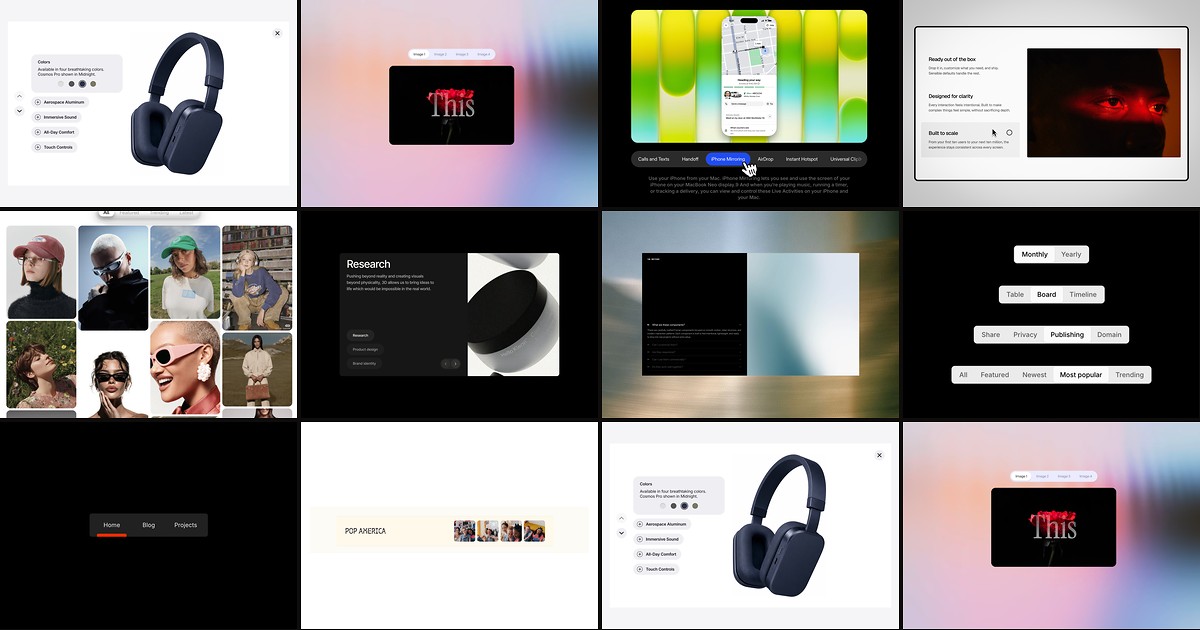
SaaS feature grids, product detail pages, and dashboard settings all share one interaction pattern: visitors need to explore multiple content panels without leaving the frame. Framer does not ship a native tab layer with connected panels — you wire visibility toggles, spring animations, and responsive overflow yourself, or you drop in a dedicated framer tabs component that handles panel sizing, active states, and motion from the property panel.
This list ranks ten tab and content-switching components available on the Framer marketplace in 2026. Every pick has a live listing, identifiable creator, and working preview — seven paid and three free, covering panel-connected tabs, image galleries, parallax transitions, accordion reveals, and hover-driven switchers for product pages, agency sites, and editorial layouts.
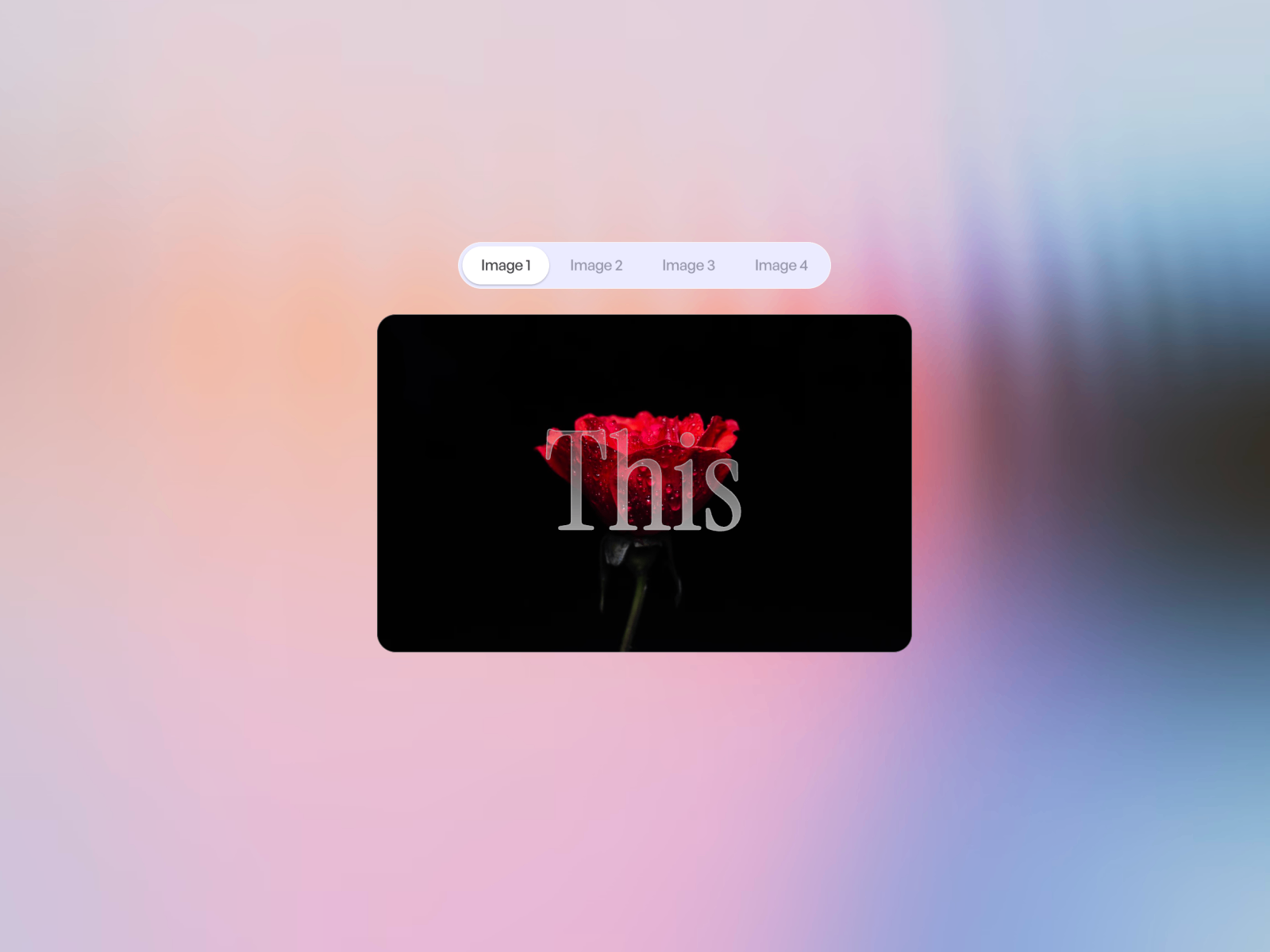
SmoothTabs — Spring-driven pill tabs with canvas-connected panels and overflow scroll
by Framer Lists
SmoothTabs is the strongest free starting point on this list: connect tab labels to canvas panels, pick Hug or Fill sizing, and let the spring-driven highlight pill animate between active states while overflow tabs scroll horizontally on narrow viewports. Proper ARIA tab roles, instance-safe layout scoping, and separate Bar and Tabs style groups mean you get polished motion without writing overrides. Install it first when the brief calls for a general-purpose tab block — FAQs, onboarding steps, product spec switchers, or dashboard category filters.
- Best for
- Documentation, pricing comparisons, and feature switchers that need accessible tab roles out of the box
Affiliate link — we may earn a commission at no extra cost to you.
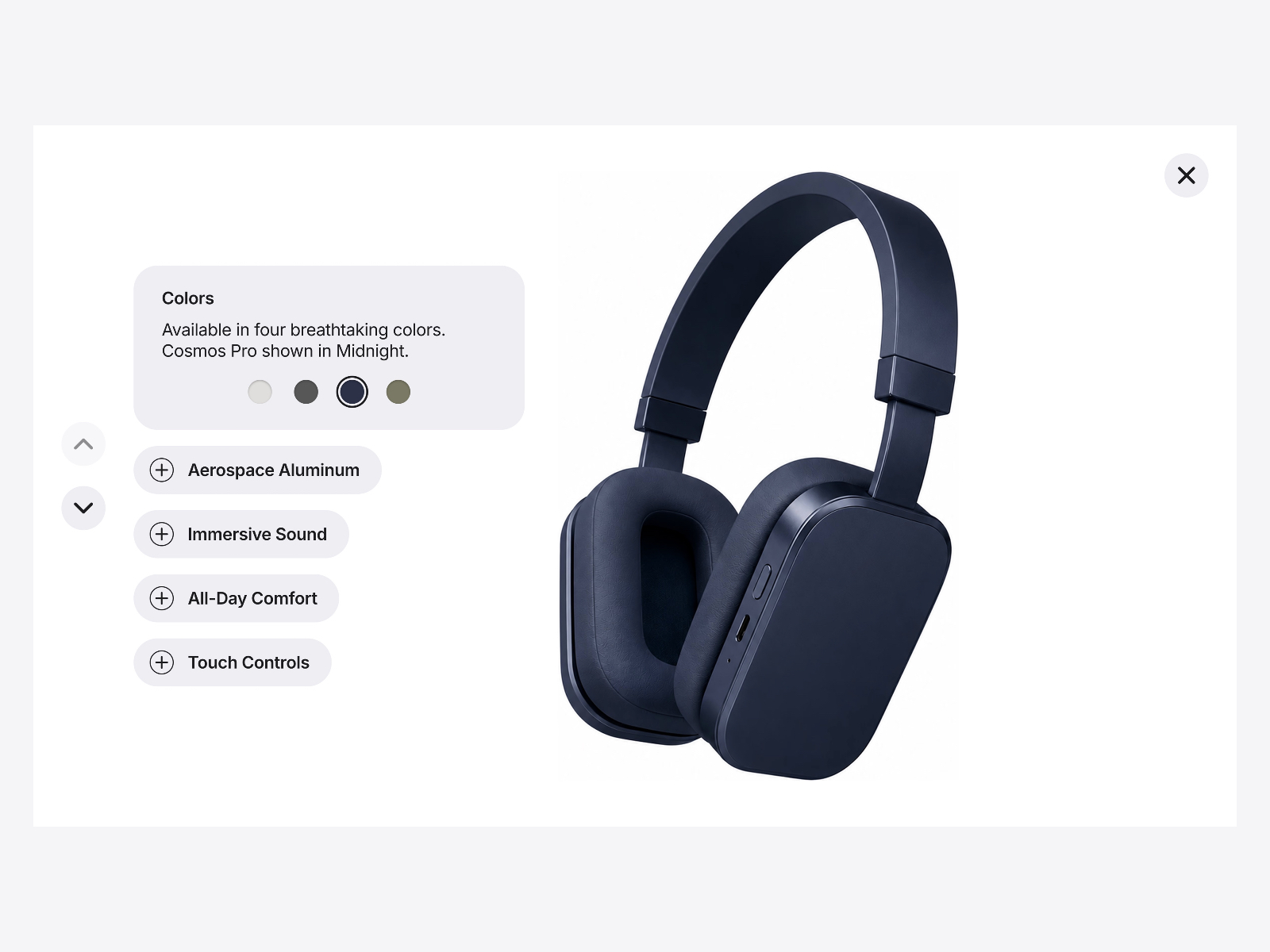
Feature Explorer — Apple-inspired expandable tabs with synced product imagery and CMS variables
by Omer Mirza
Feature Explorer recreates the Apple product-page pattern: a minimal base state expands on click to reveal feature copy, navigation arrows, and a background image that crossfades to match the active tab. Color-option swatches, close controls, and CMS-bindable variables let marketing teams manage product features without rebuilding the component. At 14 USD it is the premium pick when the page hero is the product itself and each tab must feel like a guided tour rather than a static accordion.
- Best for
- Hardware and SaaS product pages that need one-feature-at-a-time exploration with color variants
Affiliate link — we may earn a commission at no extra cost to you.

Dynamic Tab Masonry — CMS-powered masonry gallery with glass tabs and fullscreen popups
by Mohd Mehraj
Dynamic Tab Masonry goes beyond simple panel switching: animated glassmorphism tabs filter a responsive masonry grid of images and videos pulled from CMS collections, with parallax scroll, hover zoom, grayscale transitions, and a fullscreen popup viewer. Category-based filtering, spring tab animations, and mixed media support make it the most capable paid option when tabs control a visual archive rather than text blocks. The 20 USD price reflects CMS depth that free tab components cannot replicate.
- Best for
- Portfolio and SaaS sites that filter image-and-video galleries by category with cinematic motion
Affiliate link — we may earn a commission at no extra cost to you.

Tab Gallery — Image-driven tabs with sliding pill, crossfade media, and smart scroll arrows
by Feux Design
Tab Gallery targets image-first tab interfaces: a shared active pill slides between labels while the media frame crossfades to the selected tab’s image at a fixed aspect ratio. Horizontal overflow scrolls with edge fades and directional arrows on smaller breakpoints, and per-tab descriptions sit below the navigation row with full typography controls. At 9 USD it is the right buy when your tab section is really a guided gallery — product angles, case-study screenshots, or feature illustrations — not a text panel swap.
- Best for
- Feature showcases where each tab must swap a hero image with per-tab descriptions
Affiliate link — we may earn a commission at no extra cost to you.
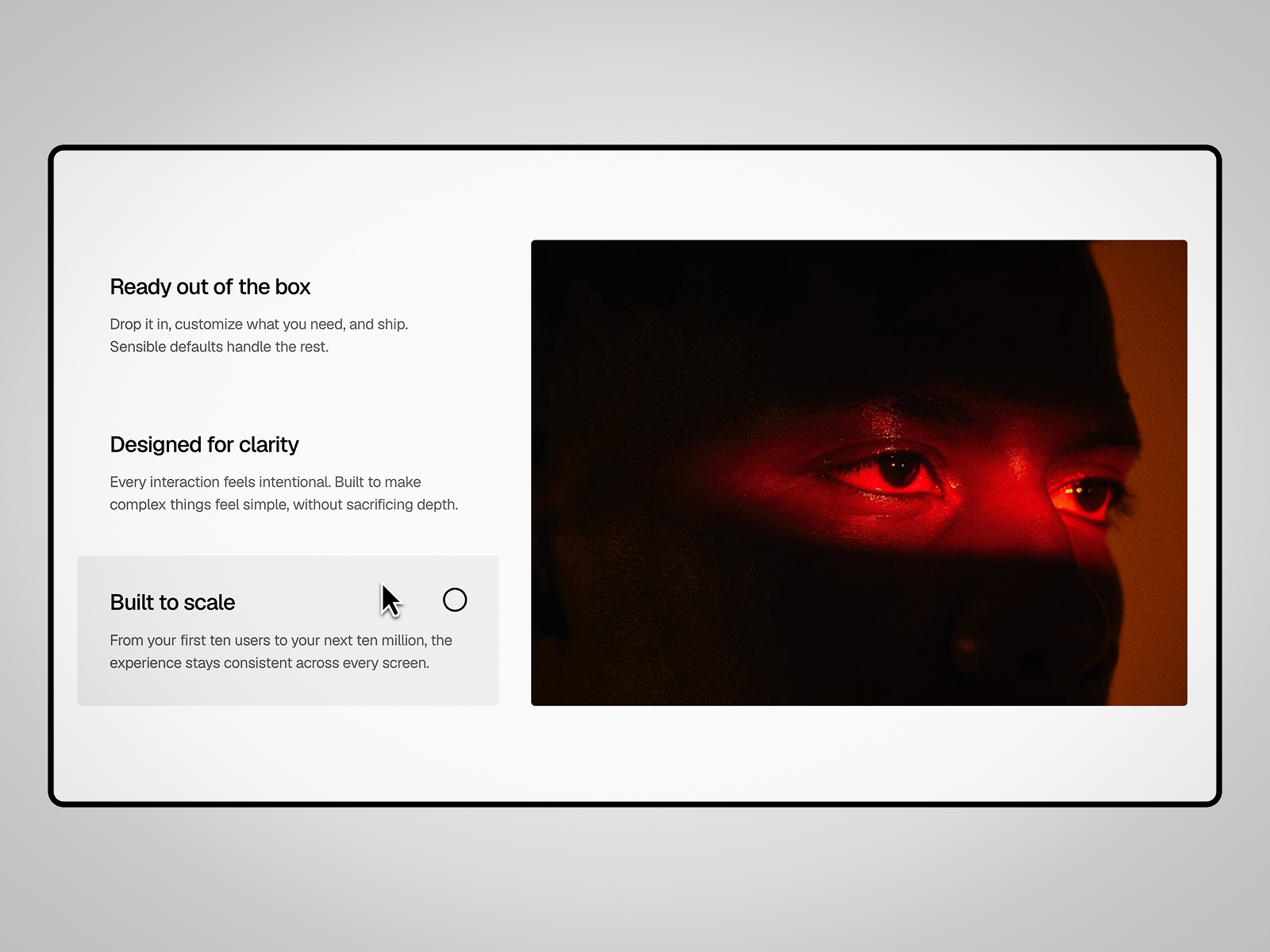
FocusTabs — Vertical feature tabs with parallax media, autoplay, and circular progress timer
FocusTabs pairs a vertical feature list with a synced media panel: the active card glides between rows, images swipe in with parallax, and a circular progress indicator ticks through autoplay cycles that pause on hover. Click any row to jump instantly, and the layout stacks cleanly on mobile. Choose FocusTabs when the design brief calls for magazine-style feature presentation with motion that continues even when visitors do not click — common on AI and productivity SaaS homepages.
- Best for
- SaaS landing pages that want editorial vertical tabs with hands-free autoplay cycling
Affiliate link — we may earn a commission at no extra cost to you.
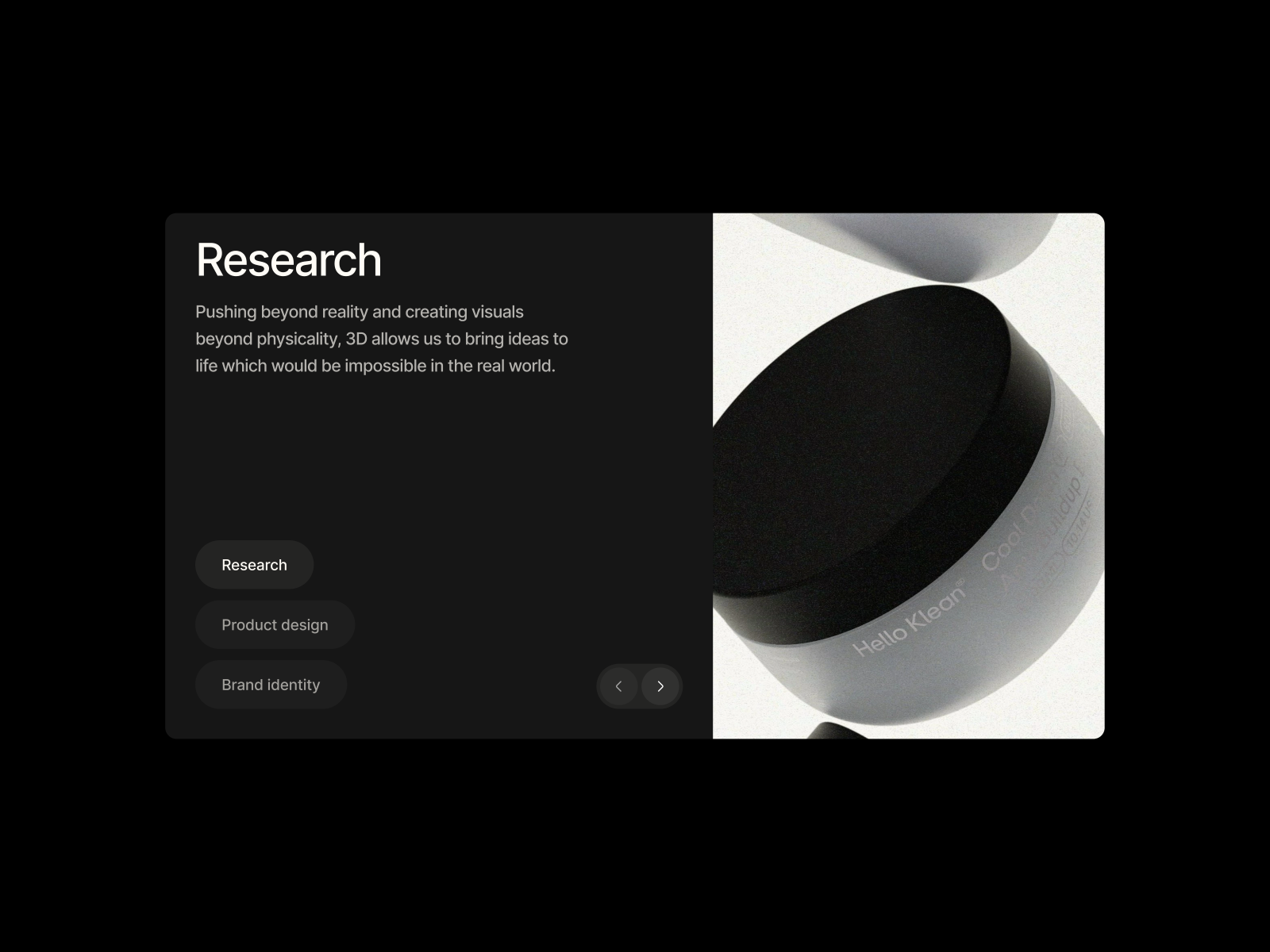
Parallax Tab Section — Tab or arrow navigation with masked parallax image transitions
by Bob Torfs
Parallax Tab Section from Bob Torfs switches title, body copy, and imagery via tabs or arrow controls, animating text with fade-and-slide while images move through a masked parallax transition that adds depth without WebGL overhead. The editorial motion suits service breakdowns, architecture portfolios, and case-study spotlights where each tab deserves a cinematic reveal. Purchase runs through Gumroad at 12 USD — the marketplace listing hosts the preview and install path.
- Best for
- Agency case-study sections where image depth matters more than panel density
Affiliate link — we may earn a commission at no extra cost to you.
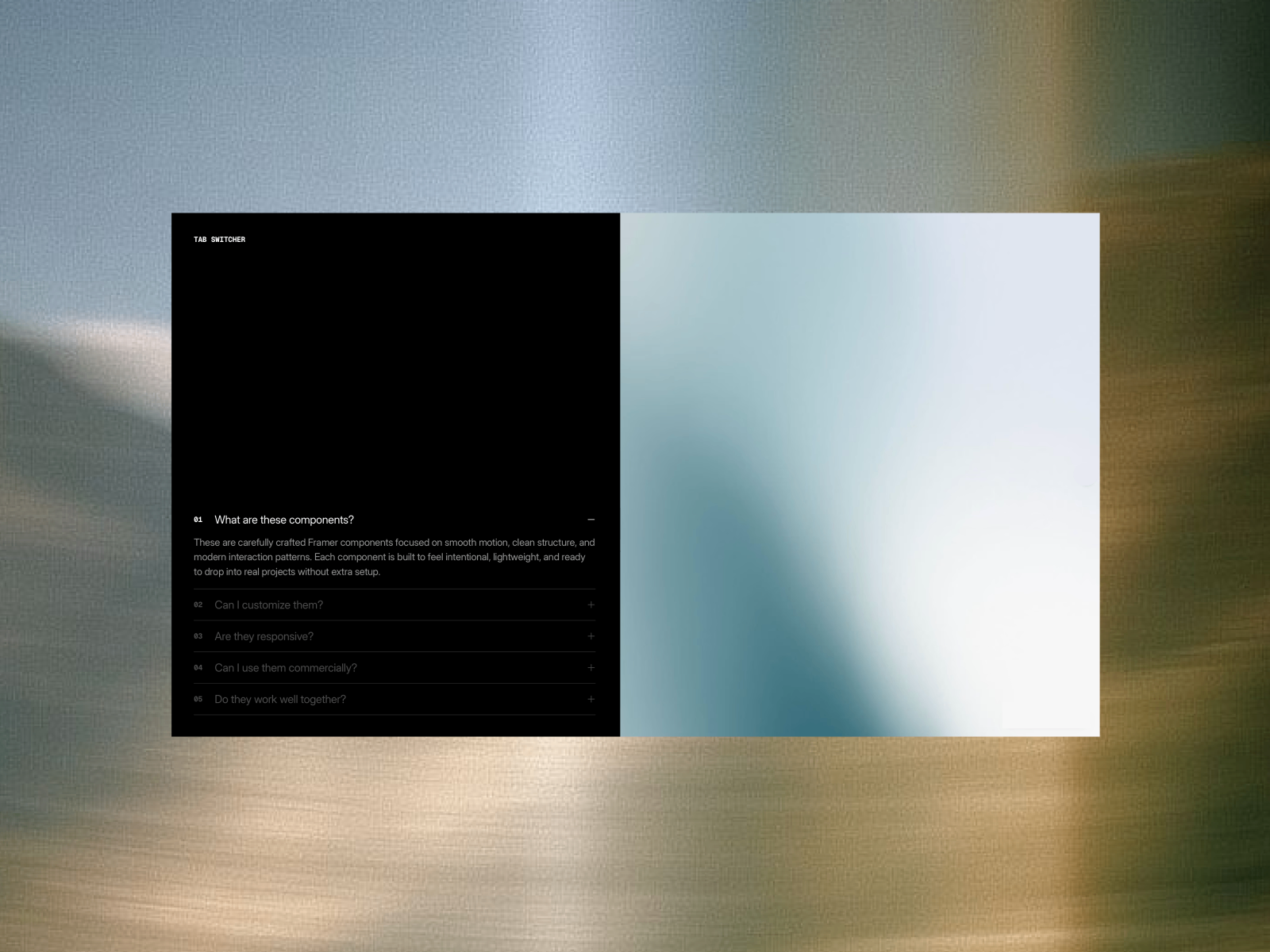
Accordion Tab Switch — Tab navigation with accordion content expansion and dynamic image switching
by Bob Torfs
Accordion Tab Switch merges two patterns: clicking a tab updates the hero image instantly while the text block expands accordion-style to reveal supporting detail. The combination keeps layouts informative without stacking separate accordion and tab components on the same page. Bob Torfs ships the same polished editorial motion as his parallax section — ideal for agency capability menus, SaaS feature breakdowns, and FAQ-style editorial pages at 12 USD via Gumroad.
- Best for
- Service menus and capability decks that need inline detail without leaving the tab frame
Affiliate link — we may earn a commission at no extra cost to you.
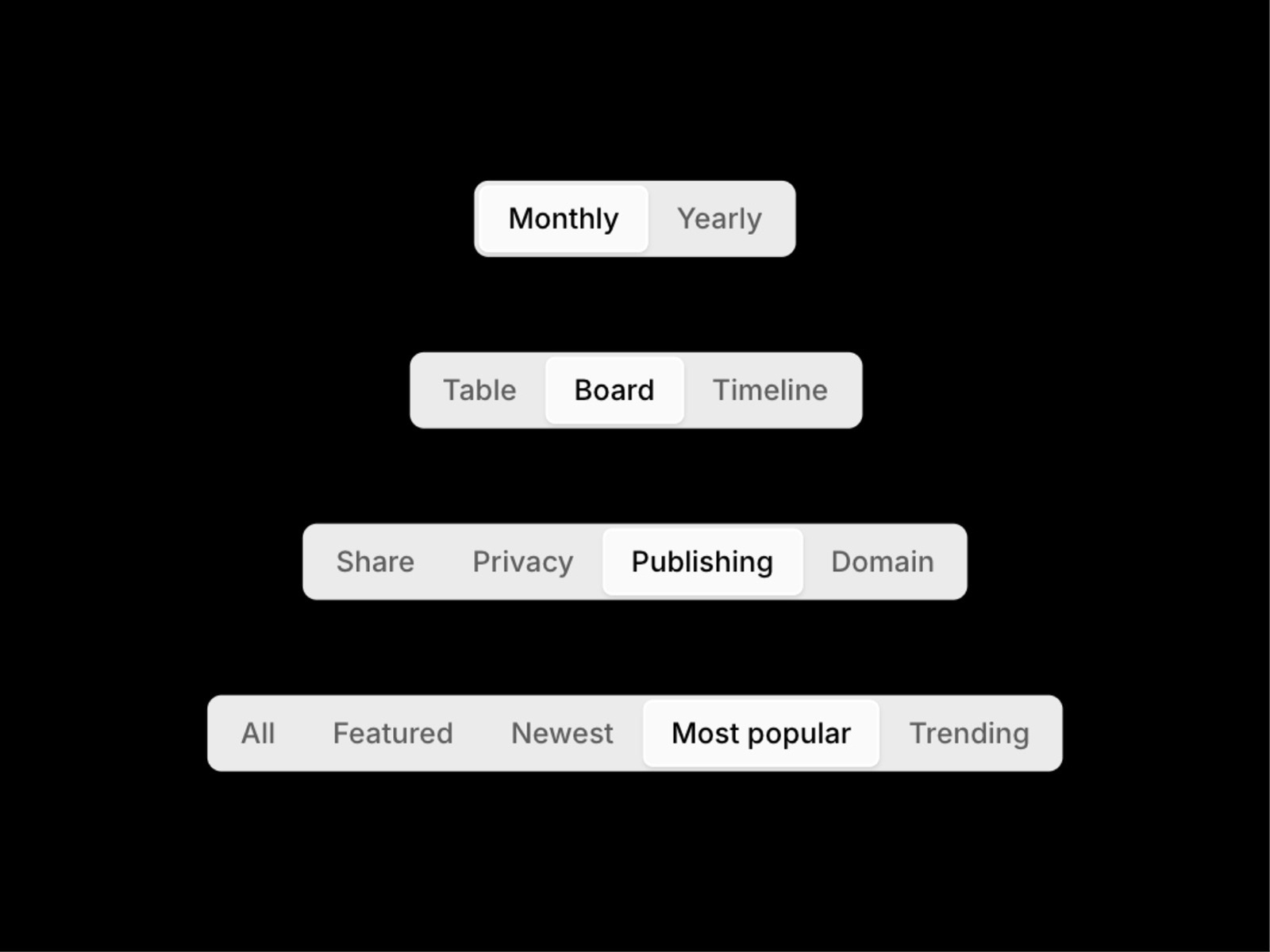
Tabs (Segmented) — Lightweight segmented control for two to five tabs with link support
Tabs (Segmented) is the budget paid pick at 5 USD: a clean segmented control supporting two to five tabs with fit, fill, relative, and fixed width modes. Tabs can link to internal pages with smooth scroll or open in new tabs, and background colors, padding, border radius, and shadows tune from the panel. Install it when the design system already handles content panels and you only need a polished tab bar — pricing toggles, view-mode filters, or simple category switches.
- Best for
- Compact plan toggles and filter bars that need a native iOS-style segmented control
Affiliate link — we may earn a commission at no extra cost to you.
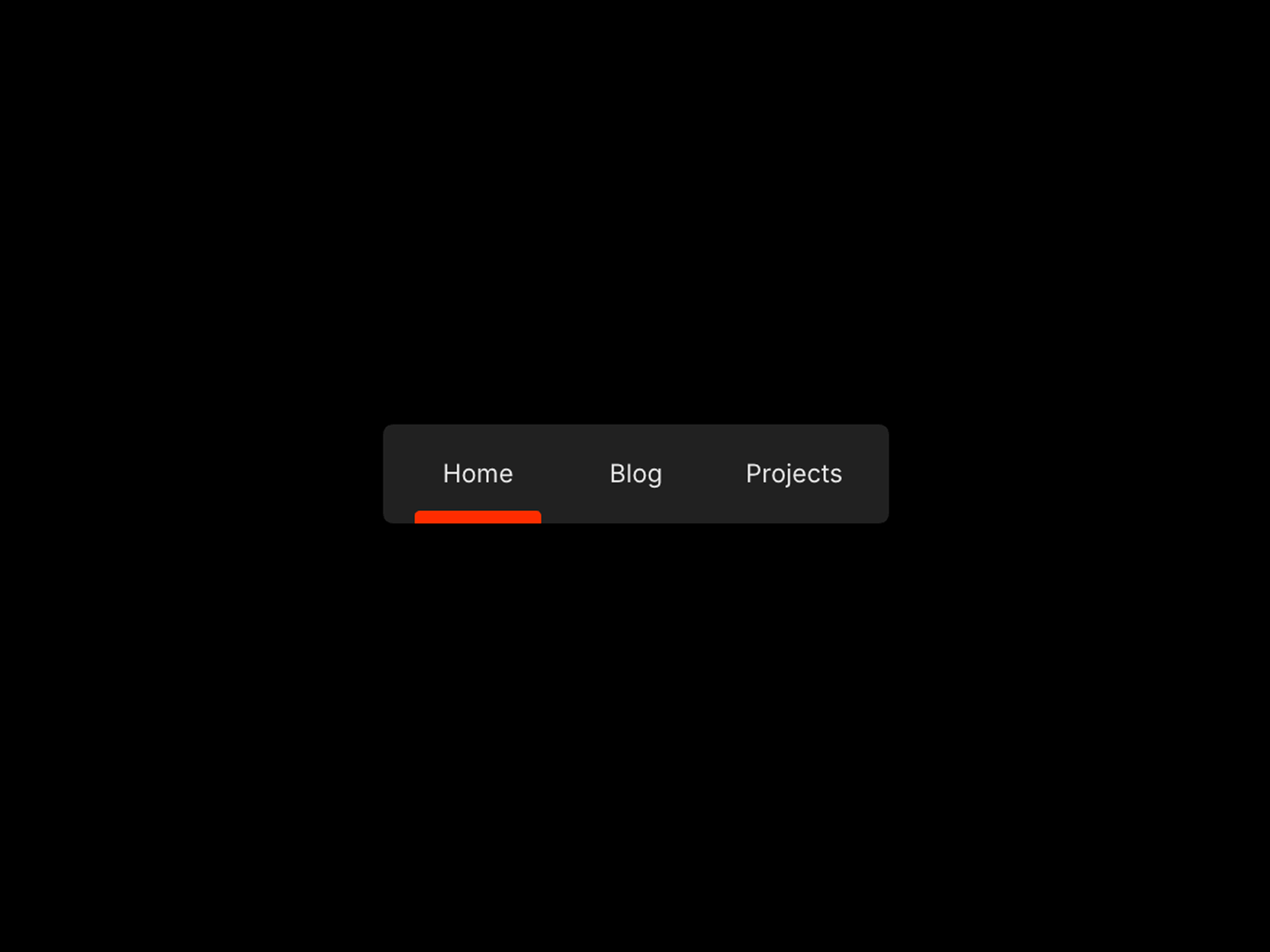
Sliding Tab Nav — Page-connected tab bar with spring-animated sliding active indicator
by Wael Tamzouk
Sliding Tab Nav differs from panel-connected tabs: it wires tab labels directly to Framer pages, sliding a spring-animated indicator to the active route. The result is a functional top navigation bar — not a visual prototype — with customizable colors and labels across all screen sizes. Use it free when tabs mean site sections (Home, Work, About) rather than content panels within a single scroll, or when a dashboard shell needs app-style tab routing.
- Best for
- Multi-page Framer sites and app-style layouts that need real navigation, not in-frame panels
Affiliate link — we may earn a commission at no extra cost to you.
Hover Tab Effect — Hover-driven content and image switching without click friction
Hover Tab Effect removes the click step: hovering a tab label swaps the associated content or image with configurable transition speed, colors, and layout. The pattern works well on desktop-first portfolio and service pages where visitors scan options quickly, though you should provide a click fallback or duplicate content for touch devices where hover does not exist. Template Devs ships it free — pair it with SmoothTabs on the same site only when mobile and desktop need different interaction models.
- Best for
- Portfolio and service showcases where desktop users should preview content on hover
Affiliate link — we may earn a commission at no extra cost to you.
Quick comparison
| Resource | Price | Type | Best for |
|---|---|---|---|
| SmoothTabs | Free | Component | Panel-connected tabs with accessibility |
| Feature Explorer | 14 USD | Component | Apple-style product feature tours |
| Dynamic Tab Masonry | 20 USD | Component | CMS gallery filtering with glass tabs |
| Tab Gallery | 9 USD | Component | Image tab galleries with sliding pill |
| FocusTabs | 9 USD | Component | Vertical feature tabs with autoplay |
| Parallax Tab Section | 12 USD | Component | Masked parallax image transitions |
| Accordion Tab Switch | 12 USD | Component | Tabs plus accordion content expansion |
| Tabs (Segmented) | 5 USD | Component | Compact iOS-style segmented control |
| Sliding Tab Nav | Free | Component | Multi-page navigation with sliding indicator |
| Hover Tab Effect | Free | Component | Hover-driven content preview on desktop |
How to choose the right Framer tabs component
Decide whether tabs switch panels or routes. SmoothTabs, Tab Gallery, and FocusTabs control content inside one frame — ideal for feature sections and product detail blocks. Sliding Tab Nav connects to Framer pages and suits multi-page sites or app shells. Mixing both on the same viewport confuses visitors unless the visual treatment clearly differs.
Match interaction model to device. Hover Tab Effect rewards desktop exploration but needs a touch-friendly alternative. Feature Explorer and FocusTabs work on click and tap equally. Test tab overflow on mobile: SmoothTabs and Tab Gallery both scroll horizontally, but dense label sets still need shortened copy.
Weigh CMS depth against panel simplicity. Dynamic Tab Masonry earns its 20 USD when tabs filter CMS-driven image and video galleries. For static feature copy with three panels, SmoothTabs or Tabs (Segmented) ship faster. Feature Explorer adds CMS variables for product pages that marketing teams update weekly.
Budget for motion complexity. Bob Torfs’ parallax and accordion-tab components at 12 USD deliver editorial transitions Gumroad purchasers expect on agency sites. Tab Gallery and FocusTabs at 9 USD cover most SaaS feature sections. Tabs (Segmented) at 5 USD is the minimum paid upgrade when free segmented controls feel too basic.
Our top pick for most Framer builders
If you install one free tab component, SmoothTabs covers the widest range — panel-connected tabs, accessible roles, and responsive overflow without a license fee. For product pages that mimic Apple’s feature explorer, Feature Explorer at 14 USD is the most complete paid section. For CMS-driven gallery filtering, Dynamic Tab Masonry at 20 USD is the only pick that combines tabs with masonry, popups, and mixed media.
Browse Framer templates on yoframer for landing pages with tab-ready feature sections, or read our navigation components roundup for header and menu patterns that pair with in-page tabs. More resource roundups live on the Resources hub.
Updated July 2026. We refresh this list as notable tab components ship, reprice, or go stale.


