Framer CMS collections render fast on the published site, but the database itself is not exposed to the browser at runtime. That is why framer cms search still depends on plugins and workarounds: something must index your titles, tags, and body fields client-side, or wire search inputs to collection lists through overrides and shared filter state.
CMS Dynamic Filters added native Search Fields, tabs, and dropdowns — a solid free baseline. When you need fuzzy typo tolerance, cross-collection search, faceted directories, or searchable data tables, the marketplace and creator ecosystem fill the gap. This list ranks eight options you can install or enable today, four free or freemium and four paid, all actively maintained in 2026 with working links and clear install paths.
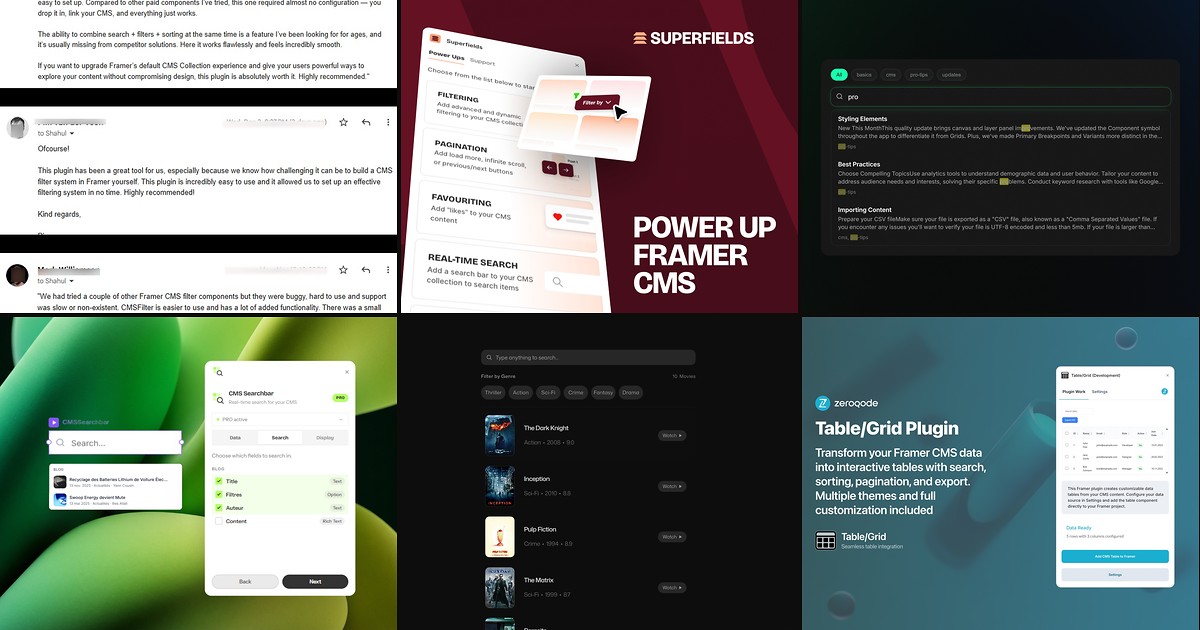
Framer CMS Filter — Directory-grade search, sort, facets, and synchronized filter groups
by FramerHub.io
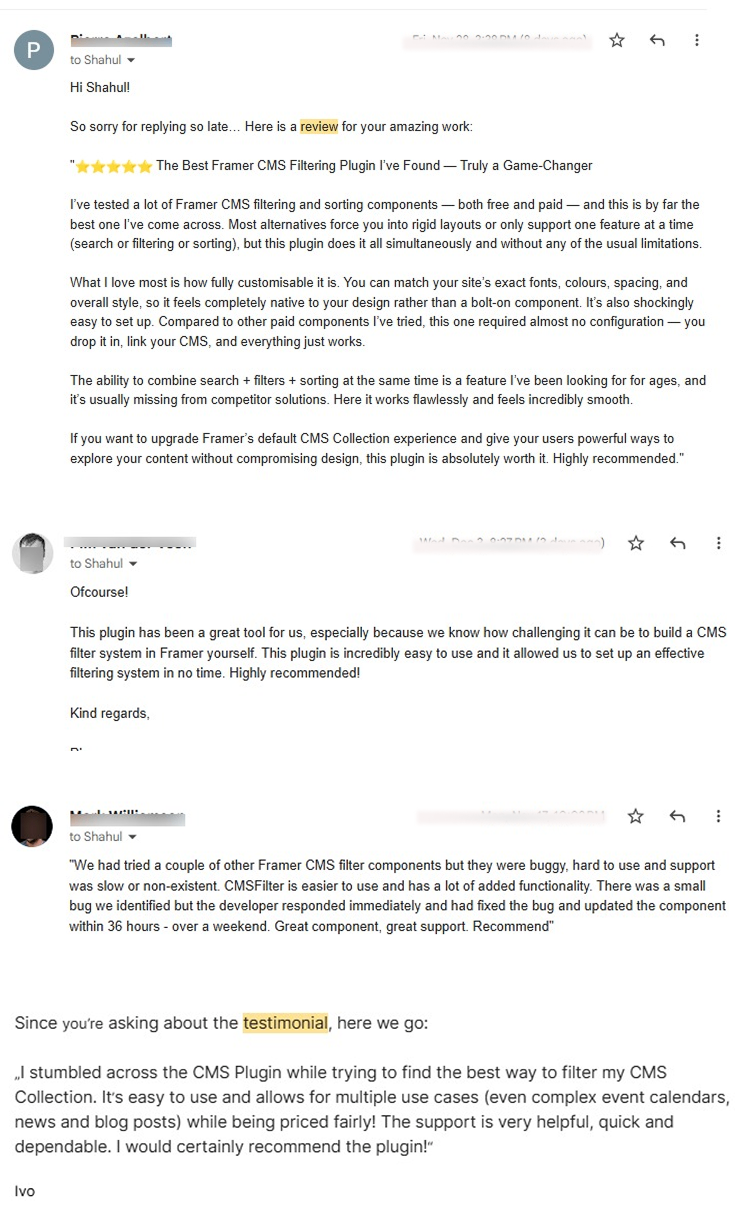
Framer CMS Filter is the most complete visitor-facing discovery stack on this list. Insert a debounced search bar that queries titles, tags, and descriptions simultaneously, then layer range sliders, multi-select facets, sort controls, live result counts, and clear-all buttons that share one filter state across top bars, sidebars, and mobile layouts. Personal licenses start at 79 USD one-time for your own sites; Agency and Creator tiers cover client work with lifetime updates. If your brief reads like “Airbnb filters for our CMS catalog,” start here before stitching overrides by hand.
- Best for
- Real estate listings, job boards, and template stores where visitors need multi-field discovery
Affiliate link — we may earn a commission at no extra cost to you.
Superfields — Real-time search bundled with filtering, pagination, and favouriting
by Insert Frame
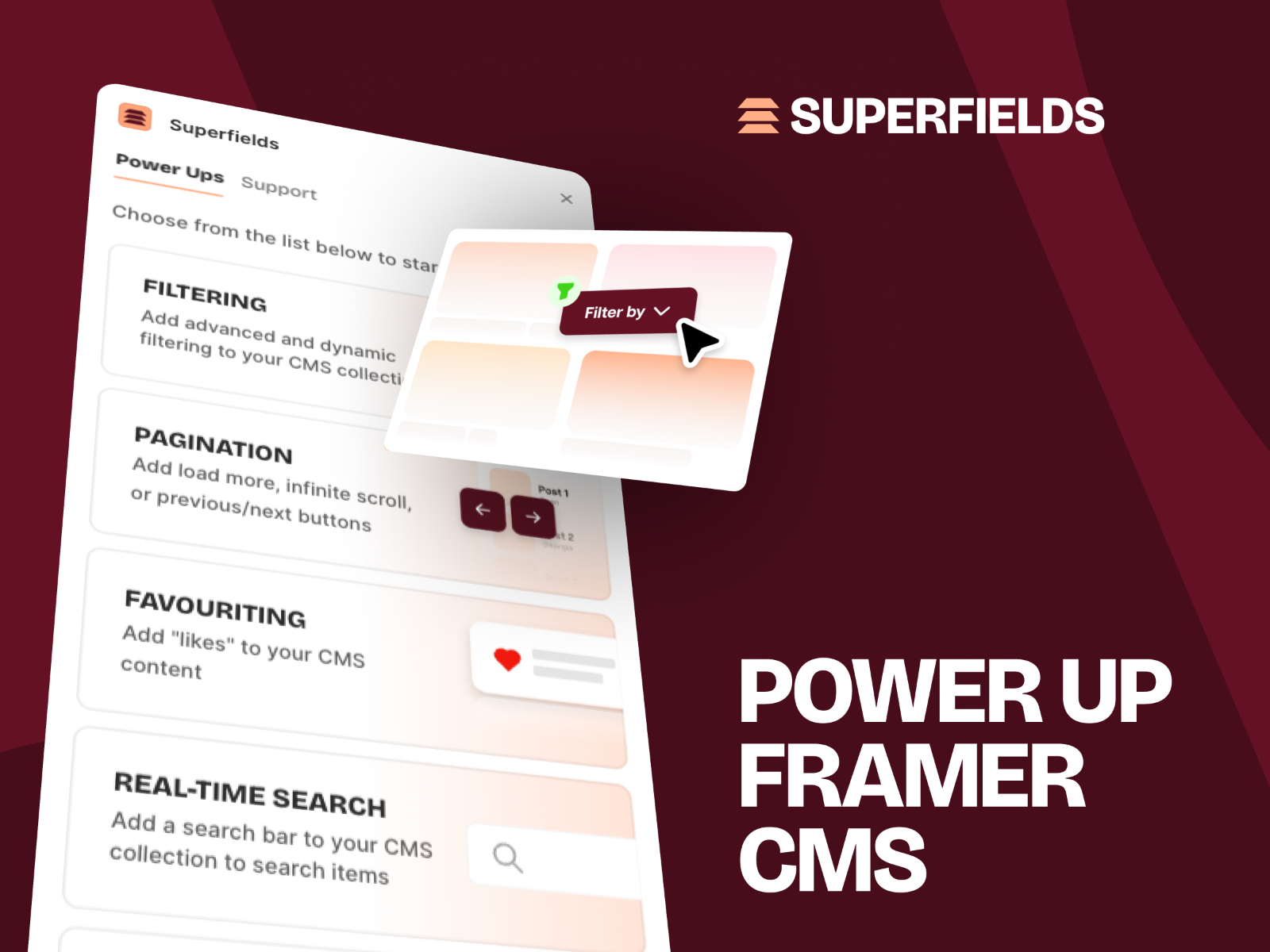
Superfields treats search as one component inside a broader CMS toolkit. Connect your collection list, drop in the Real-Time Search input, choose which fields are searchable — titles, descriptions, tags, even references — and combine results with dynamic filters, sorting, item counts, masonry layouts, and pagination without mixing vendors. Basic plans run 68 USD one-time for personal sites; Commercial covers unlimited client projects at 109 USD. Pick Superfields when search is table stakes but you also need favourites, social sharing, or advanced pagination on the same launch.
- Best for
- Agencies that want one plugin for search plus CMS power-ups on client builds
Affiliate link — we may earn a commission at no extra cost to you.
CMS Search — Fuse.js fuzzy search with a design-time JSON index
by CodePerfect
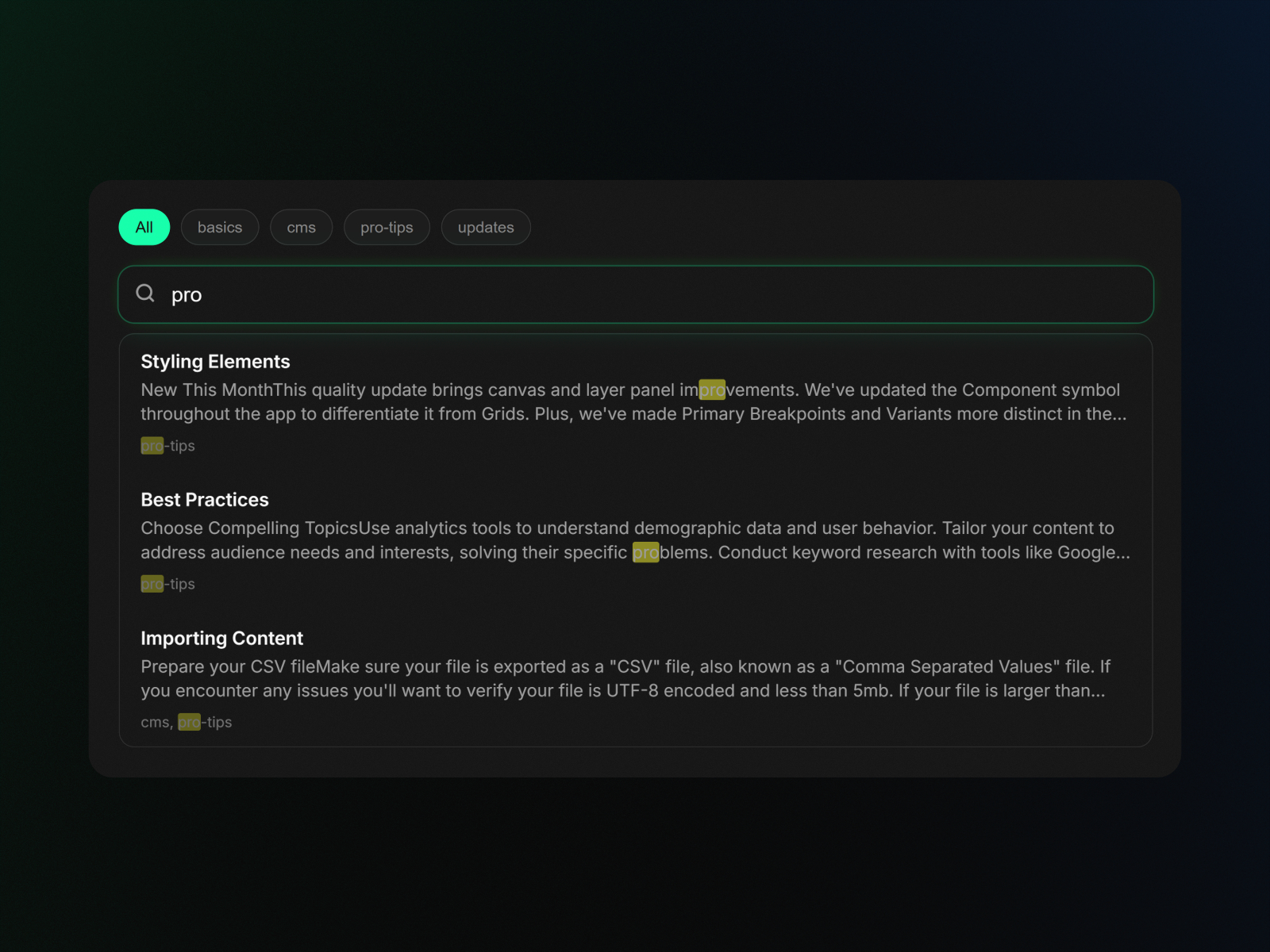
CMS Search solves the static-site constraint directly: at design time the plugin reads your collection through the Framer Plugin API, generates a lightweight JSON index on the component, and serves instant results entirely in the browser — zero API calls, zero latency on publish. The free tier covers fuzzy matching and full styling control; the 15 USD Pro unlock adds tag chips, rich result previews, and polished dropdown micro-interactions. Regenerate the index whenever CMS content changes. It is the leanest dedicated search plugin when you do not need faceted filters or multi-collection grouping.
- Best for
- Blog and docs sites that need typo-tolerant search without monthly fees
Affiliate link — we may earn a commission at no extra cost to you.
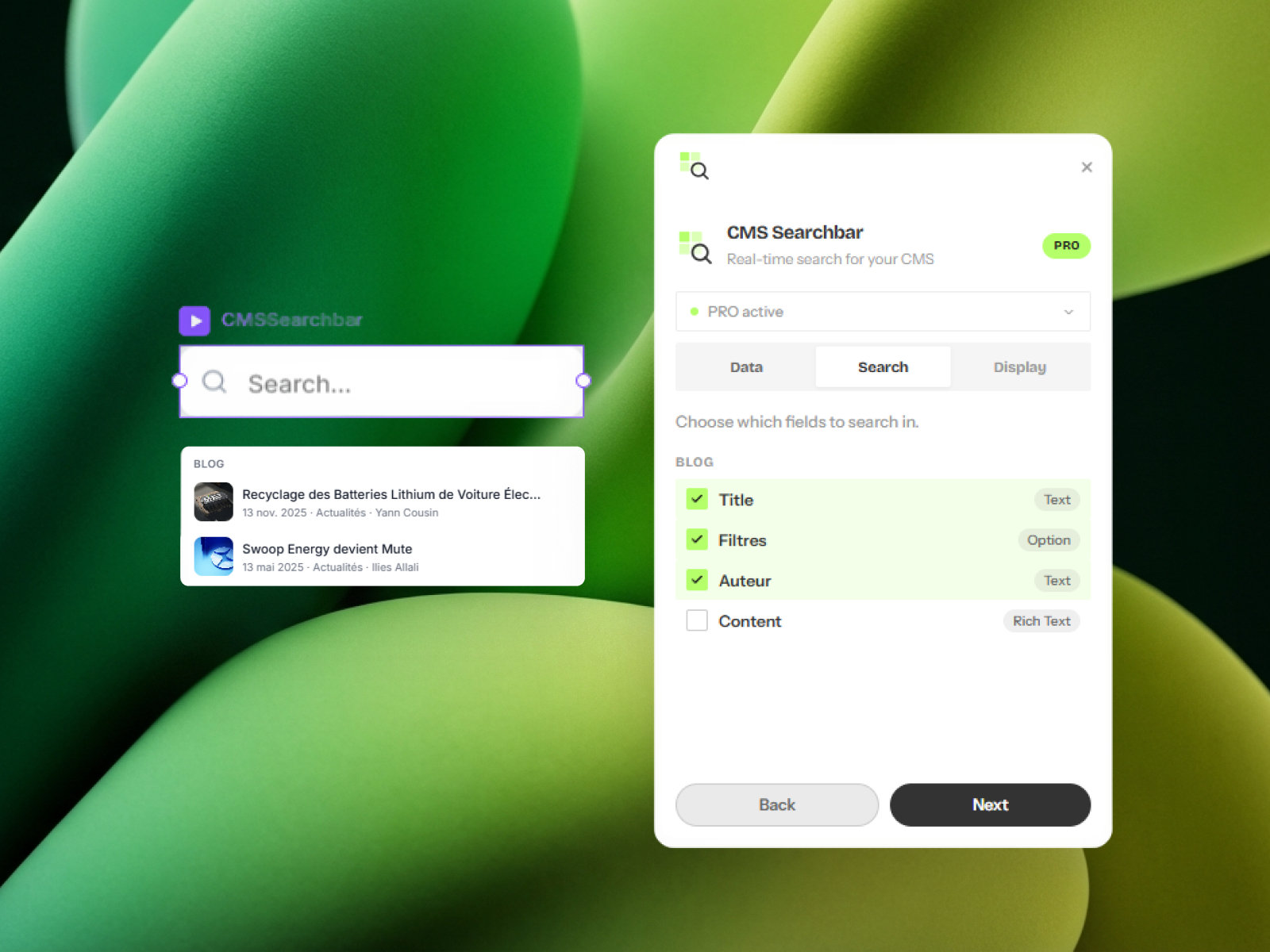
CMS Searchbar — Multi-collection search with grouped results and keyboard navigation
by Ilies Allali
CMS Searchbar focuses on a polished search-as-you-type experience with optional scope across multiple collections. Configure fields to query, pick what appears in each result row — image, title, metadata — and generate a native Framer search component you style like any canvas layer. The free tier handles one collection, tag search, and up to three results; Pro at 15 EUR one-time removes limits, adds full-text field search, fuzzy matching, grouped results with counts, and arrow-key navigation. Choose it over CMS Search when cross-collection grouping matters more than Fuse.js indexing alone.
- Best for
- Sites that search across several CMS collections from one input
Affiliate link — we may earn a commission at no extra cost to you.

Sift — Override-driven search and multi-filter logic on existing layouts
by Zain Malik
Sift uses a lightweight Logic Component plus Framer overrides instead of replacing your collection layout. Wire search inputs, filter controls, result counters, and clear buttons to the CMS items you already designed — including hidden text fields for search-only data — while keeping typography and spacing native to your file. Multi-select filters, live counts, and nested collections are supported, and Sift works on non-CMS lists when needed. Version 4 shipped in 2026 with continued marketplace updates. Install Sift when you want maximum layout control and are comfortable applying overrides to search inputs and list items.
- Best for
- Designers who already built a CMS grid and need search without rebuilding the page
Affiliate link — we may earn a commission at no extra cost to you.
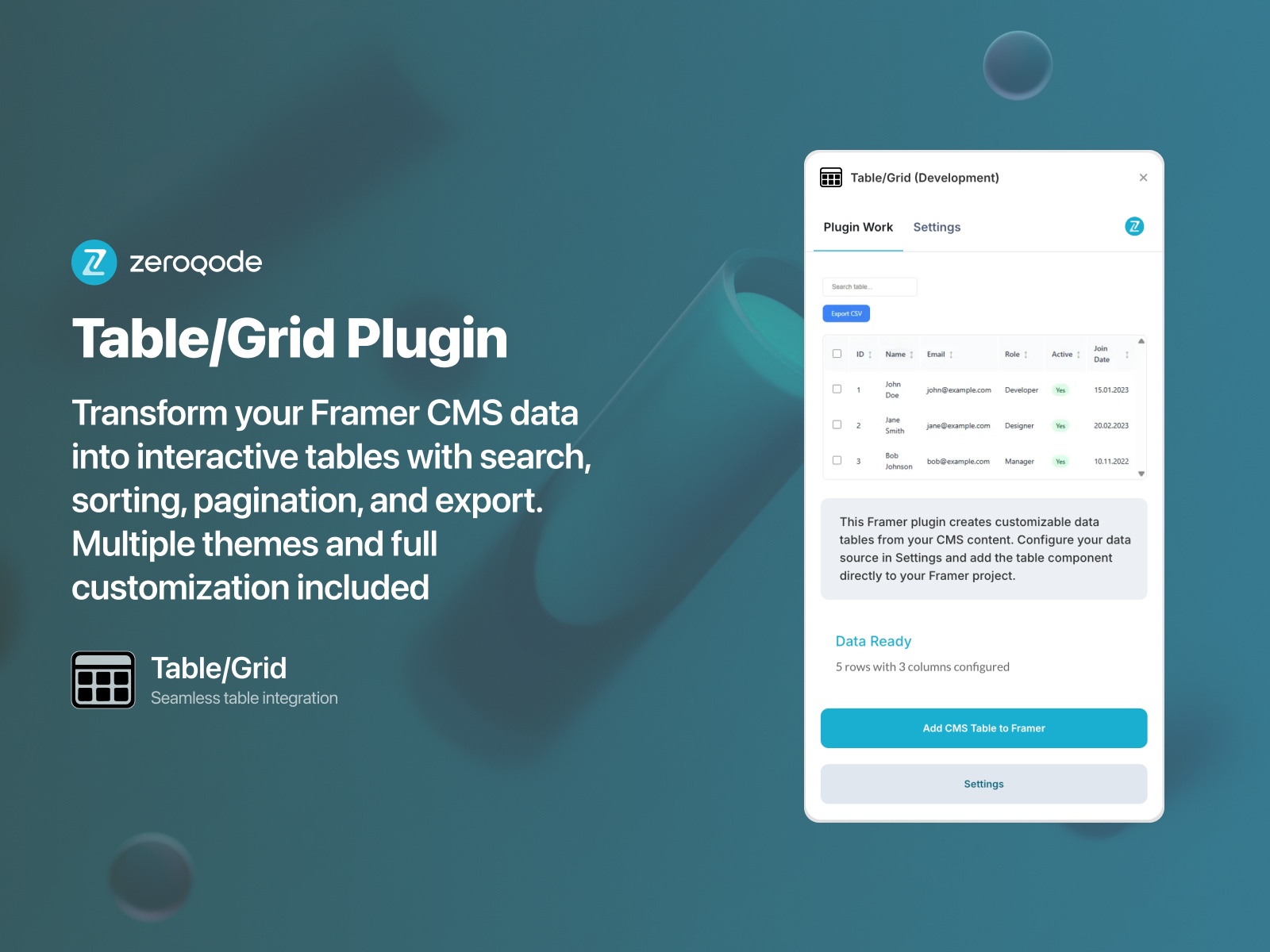
Table/Grid — Searchable, sortable CMS data tables with export controls
by Zeroqode
Table/Grid transforms Framer CMS collections into interactive tables with column sorting, pagination, search across rows, and CSV-style export — a different UX pattern from card-based collection lists. Map CMS fields to columns, theme the table to match your brand, and let visitors filter large datasets without scrolling endless grids. Zeroqode bundles the plugin into a 10 USD/month subscription with other AI tools. Reach for it when stakeholders expect spreadsheet-like findability on top of CMS data, not another hero search bar above a masonry layout.
- Best for
- Dashboards, product catalogs, and directories where tabular search beats card grids
Affiliate link — we may earn a commission at no extra cost to you.
Framer CMS Dynamic Filters — Native Search Fields, tabs, toggles, and dropdowns on collection lists
by Framer
Dynamic Filters ship inside Framer: select a collection list, open the Filters panel, add a Search Field plus tabs, toggles, dropdowns, or checkboxes bound to auto-created page variables. Controls can live anywhere on the canvas, reset with a Clear Filters interaction, and cooperate with Empty States and Pagination. Search Fields filter bound text columns in real time — enough for blogs, team directories, and simple catalogs on Pro plans. Treat this as the free baseline every project should try before buying plugins; upgrade when you need fuzzy matching, cross-field indexes, or directory-grade facets.
- Best for
- Marketing sites that need basic CMS search without installing a third-party plugin
Affiliate link — we may earn a commission at no extra cost to you.
SegmentUI CMS Search & Filter — Override kit for sorting, multi-filter dropdowns, and optional search inputs
by SegmentUI
SegmentUI bundles a Sorting + Search + Filter component with code overrides and ARIA-label conventions that connect dropdown filters, sort controls, and an optional search input to any CMS collection. Setup requires applying the sortCMS override, labeling CMS items and field wrappers (filter-{{name}}, sort-{{name}}), and previewing combined filter-plus-search behavior — ideal for small-to-medium collections where native pagination is not required. Pro access starts at 99 USD one-time for the full Framer UI kit including 300+ components and CMS upgrades. Choose it when you already subscribe to SegmentUI and want search inside a unified override system rather than a standalone marketplace plugin.
- Best for
- Template creators and agencies already using SegmentUI for CMS power-ups
Quick comparison
| Resource | Price | Type | Best for |
|---|---|---|---|
| Framer CMS Filter | from 79 USD one-time | Plugin | Faceted directory and marketplace UX |
| Superfields | from 68 USD one-time | Plugin | Search plus pagination, filters, and favourites |
| CMS Search | Free; Pro 15 USD | Plugin | Fuzzy indexed search with minimal setup |
| CMS Searchbar | Free; Pro 15 EUR | Plugin | Multi-collection grouped search results |
| Sift | Paid | Plugin | Search on existing layouts via overrides |
| Table/Grid | from 10 USD/month | Plugin | Searchable CMS tables and dashboards |
| Framer CMS Dynamic Filters | Free | Built-in | Native search fields on collection lists |
| SegmentUI CMS Search & Filter | from 99 USD one-time | Kit | Override-based search inside SegmentUI Pro |
How to choose the right Framer CMS search plugin
Match search depth to site type. Resource libraries and marketplaces need faceted browsing — Framer CMS Filter or Superfields cover search plus filters, counts, and sort in one stack. Blogs and documentation sites often only need a fuzzy bar; CMS Search or CMS Searchbar delivers that without directory overhead.
Try native filters before you pay. Dynamic Filters are free on eligible Framer plans and integrate with pagination. Install a Search Field, publish, and test with real CMS volume. Buy a plugin when fuzzy typos, hidden search fields, cross-collection queries, or table layouts expose native limits.
Free vs paid follows scope, not quality. CMS Search and CMS Searchbar ship meaningful free tiers for single-collection builds. Pro unlocks on both cost roughly 15 USD or EUR — trivial next to client budgets. Superfields, Sift, Framer CMS Filter, and SegmentUI target agencies shipping repeatable directory patterns where one-time licenses amortize across projects.
Overrides vs plug-and-play components. Sift and SegmentUI assume comfort with overrides and ARIA labels. CMS Search, CMS Searchbar, Superfields, and Framer CMS Filter insert ready-made inputs. Pick the workflow your team will actually maintain after handoff.
Our top pick for most Framer builders
Enable Framer CMS Dynamic Filters first on every CMS list page. For typo-tolerant blog search, add CMS Search free and upgrade to Pro only when you need tag filters and rich previews. Directory and marketplace builds should budget for Framer CMS Filter or Superfields — both cover search and faceted filtering without custom code.
Browse free Framer templates on yoframer for CMS-ready starting points, or read our CMS plugins roundup for editorial sync and bulk-editing tools that pair with visitor search. More resource roundups live on the Resources hub.
Updated June 2026. We refresh this list as CMS search plugins ship breaking changes, reprice, or go stale.


