Product launches, agency portfolios, and SaaS dashboards all borrowed the same visual language in 2026: translucent surfaces that bend light like fluid glass rather than flat frosted panels. Framer handles backdrop blur natively, but true framer liquid glass component work — chromatic separation, cursor-reactive refraction, multi-layer specular highlights — lives in marketplace code components built on WebGL, SVG displacement, or stacked filter stacks. The gap between a blur rectangle and convincing liquid glass is where these picks earn their license fees.
This list ranks eleven liquid-glass components on the Framer marketplace in 2026. Every entry has a live listing, identifiable creator, and working preview. We prioritized items that market and deliver liquid refraction specifically — not generic glassmorphism backgrounds covered in our glassmorphism roundup — spanning hero lenses, media shaders, Apple-style controls, and navigation chrome. Eight paid and three free.
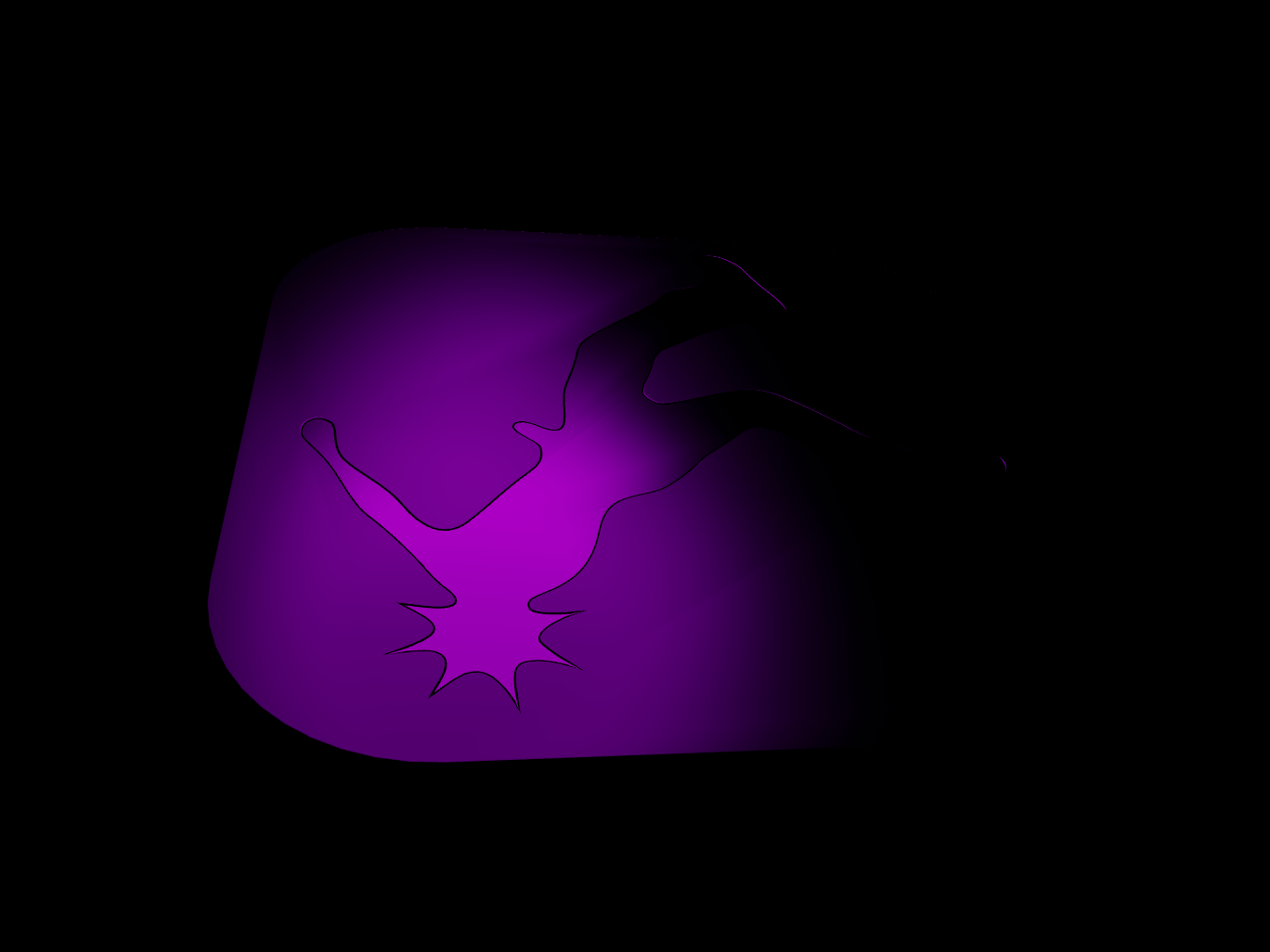
LiquidGlass — WebGL liquid lens with merge physics, reflections, and touch tracking
by Inam
LiquidGlass is the most capable liquid-glass engine on this list. Inam’s WebGL component turns any frame into an interactive lens — up to sixty floating bubbles that merge like water droplets, a reflection engine for surface smears, and fisheye or edge-pinch distortion modes with chromatic aberration. Native touch tracking and a placeholder system keep mobile and first-load experiences stable. At 9 USD it replaces custom GLSL work when the brief calls for cursor-reactive refraction across a full hero, not a static frosted card.
- Best for
- Hero sections where content must distort and follow the cursor like fluid glass
Affiliate link — we may earn a commission at no extra cost to you.
True Liquid Glass — Production-ready liquid glass refraction for Framer layouts
by Lee Black
True Liquid Glass from Lee Black targets builders who want convincing refraction inside Framer without owning a WebGL pipeline. The component focuses on realistic liquid-glass distortion over live layout content — the kind of effect that reads as Apple-inspired translucency rather than a simple blur stack. Property controls stay accessible from the panel, so you can drop it onto hero frames or feature blocks and tune intensity without overrides. At 15 USD it is the premium pick when the client names liquid glass explicitly and the timeline does not allow custom shader development.
- Best for
- Agency builds that need a dedicated liquid-glass layer without building shader code
Affiliate link — we may earn a commission at no extra cost to you.
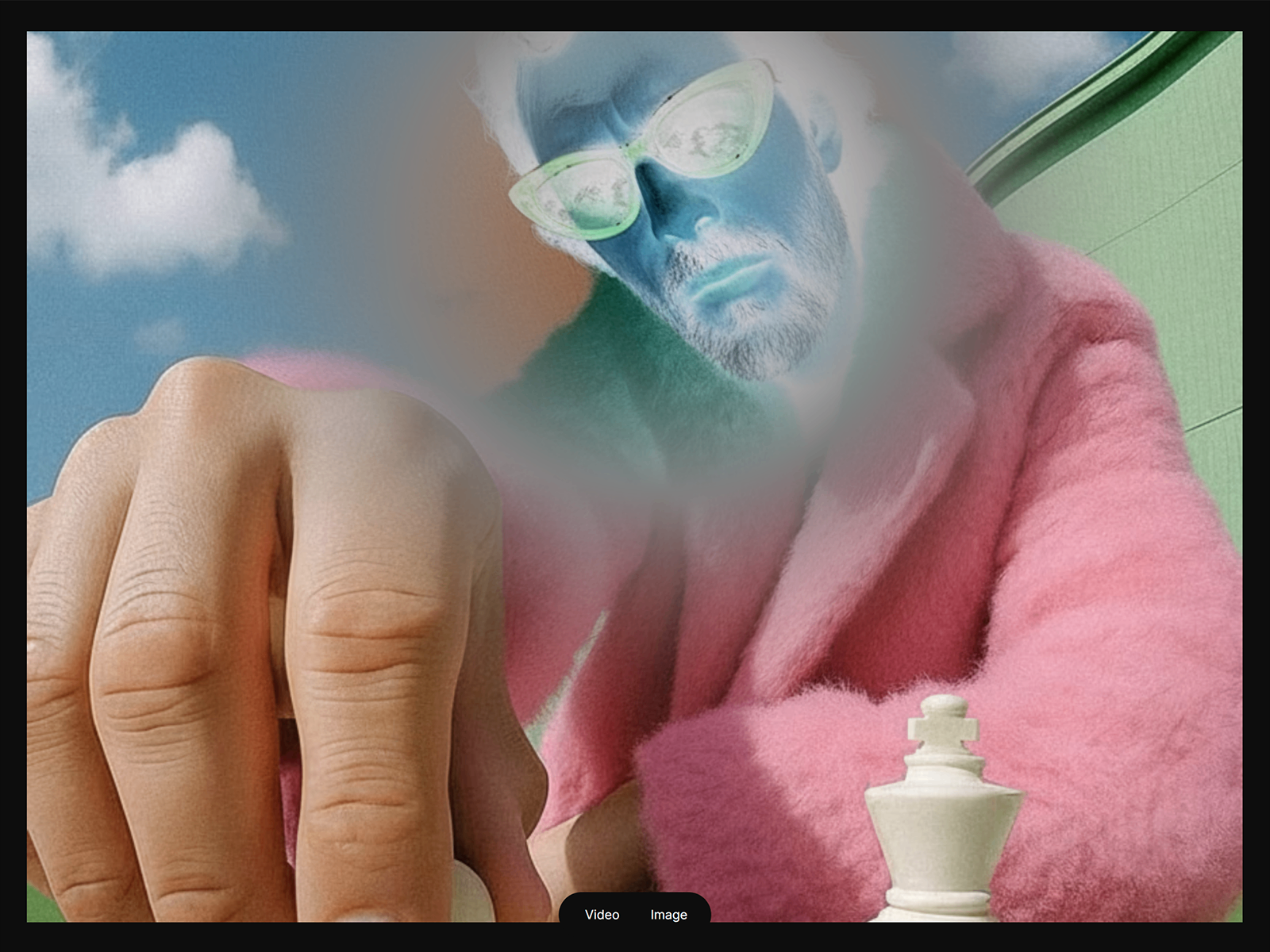
Nebula Liquid Media — Gravitational vortex shader with 3D tilt over images and video
by Studio Apes
Nebula Liquid Media applies a gravitational vortex engine to images and MP4 video — pixels spiral toward the pointer while displacement math mimics thick distorted glass. Studio Apes adds interactive 3D spatial tilt, a negative-mode inversion slider, and damping controls that shift the feel from sharp tracking to heavy atmosphere. Autoplay and play-on-hover modes cover both ambient loops and intentional interaction. At 6 USD it is the strongest media-focused liquid-glass pick when still photography or video must feel like it sits behind moving fluid.
- Best for
- Portfolio grids and hero media that should spiral and refract around the cursor
Affiliate link — we may earn a commission at no extra cost to you.
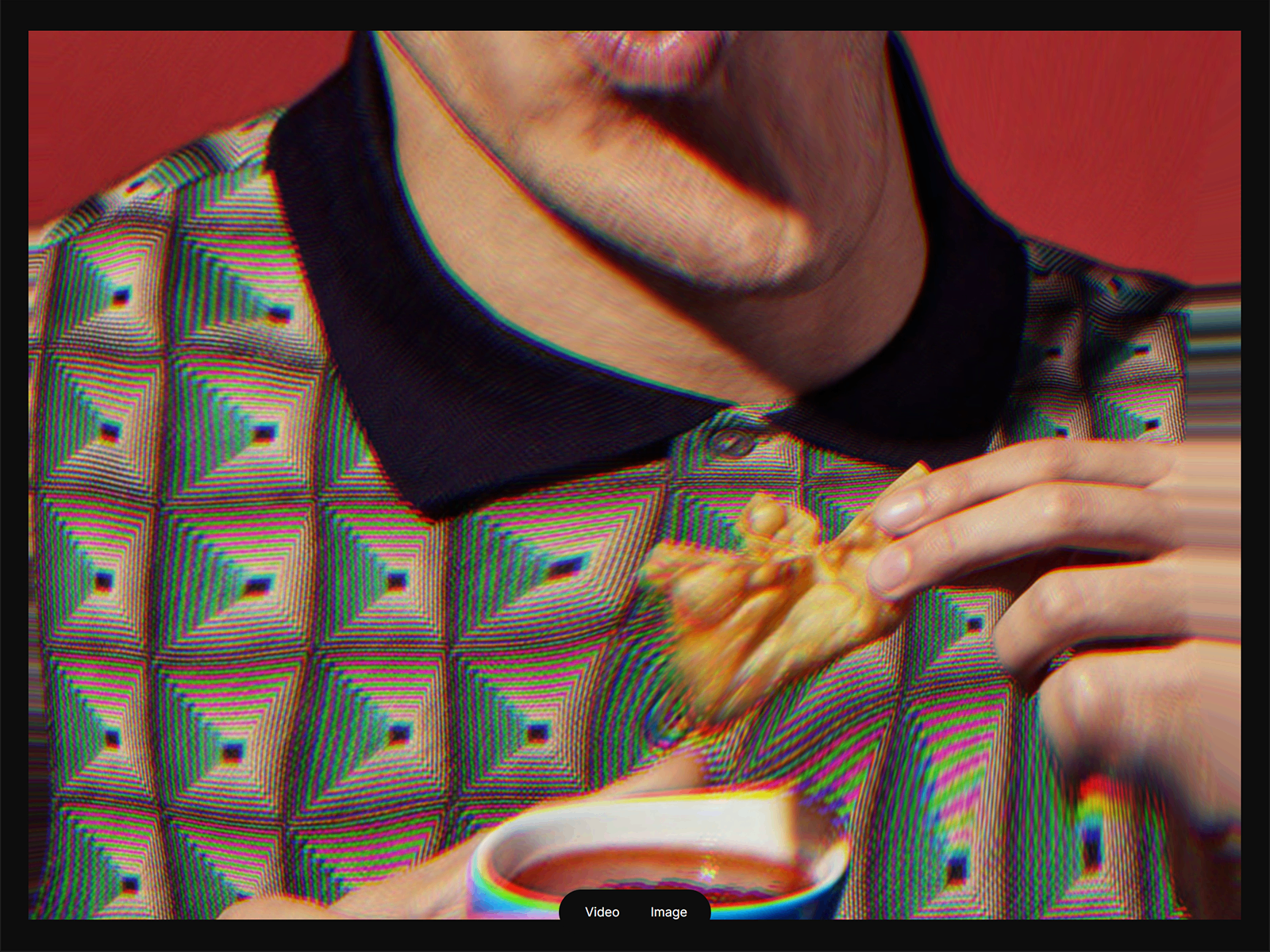
Liquid Card Shader — WebGL card with water ripples, prismatic chromatic shift, and 3D tilt
by Studio Apes
Liquid Card Shader wraps images or video in a THREE.js environment where cursor position drives water-like ripples, prismatic RGB separation, and pro-grade 3D tilt with adjustable damping. Native Framer link picker support means each card routes to pages, anchors, or external URLs without extra wiring. Smart video logic toggles autoplay or play-on-hover with thumbnail fallbacks for performance. At 6 USD it pairs naturally with Nebula Liquid Media — cards for grid density, vortex for full-bleed hero moments — from the same creator ecosystem.
- Best for
- Project showcase cards and interactive hero tiles that need cinematic liquid motion
Affiliate link — we may earn a commission at no extra cost to you.
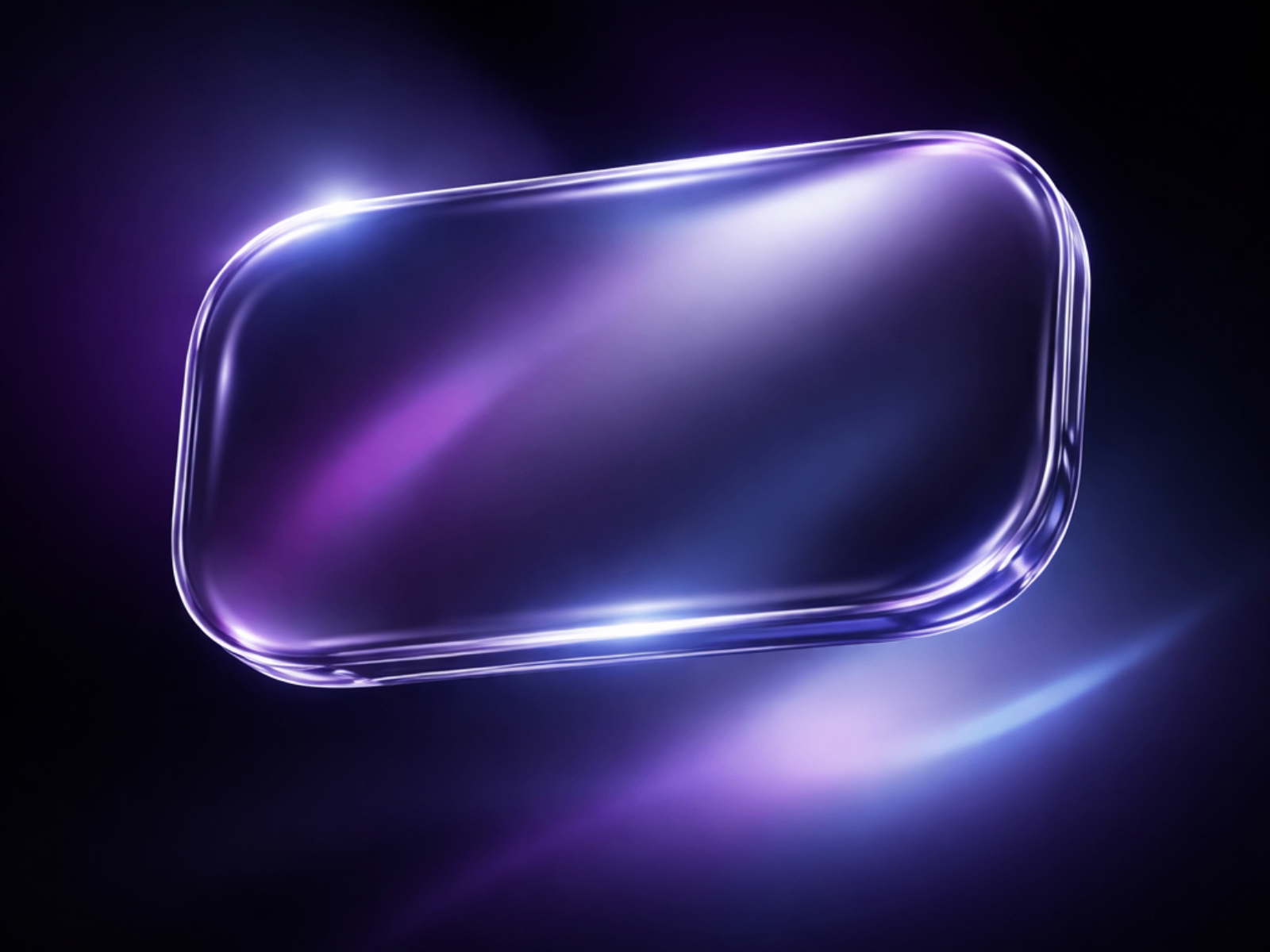
Liquid Glass Surface — SVG displacement with chromatic edge separation for UI surfaces
by Erfan K.
Liquid Glass Surface uses SVG-powered displacement and color separation instead of blur alone, so backgrounds gently bend through the panel like fluid glass. Strength scales from subtle frost to bold refraction — one component covers CTAs, dashboard cards, and header bars without the GPU overhead of a full hero shader. Erfan K. keeps the control set focused on production UI rather than experimental backgrounds. At 4 USD it is the pragmatic liquid-glass layer when you need Apple-style refraction on interactive elements across a content-heavy page.
- Best for
- Glass buttons, floating cards, and nav pills that need refraction without WebGL cost
Affiliate link — we may earn a commission at no extra cost to you.
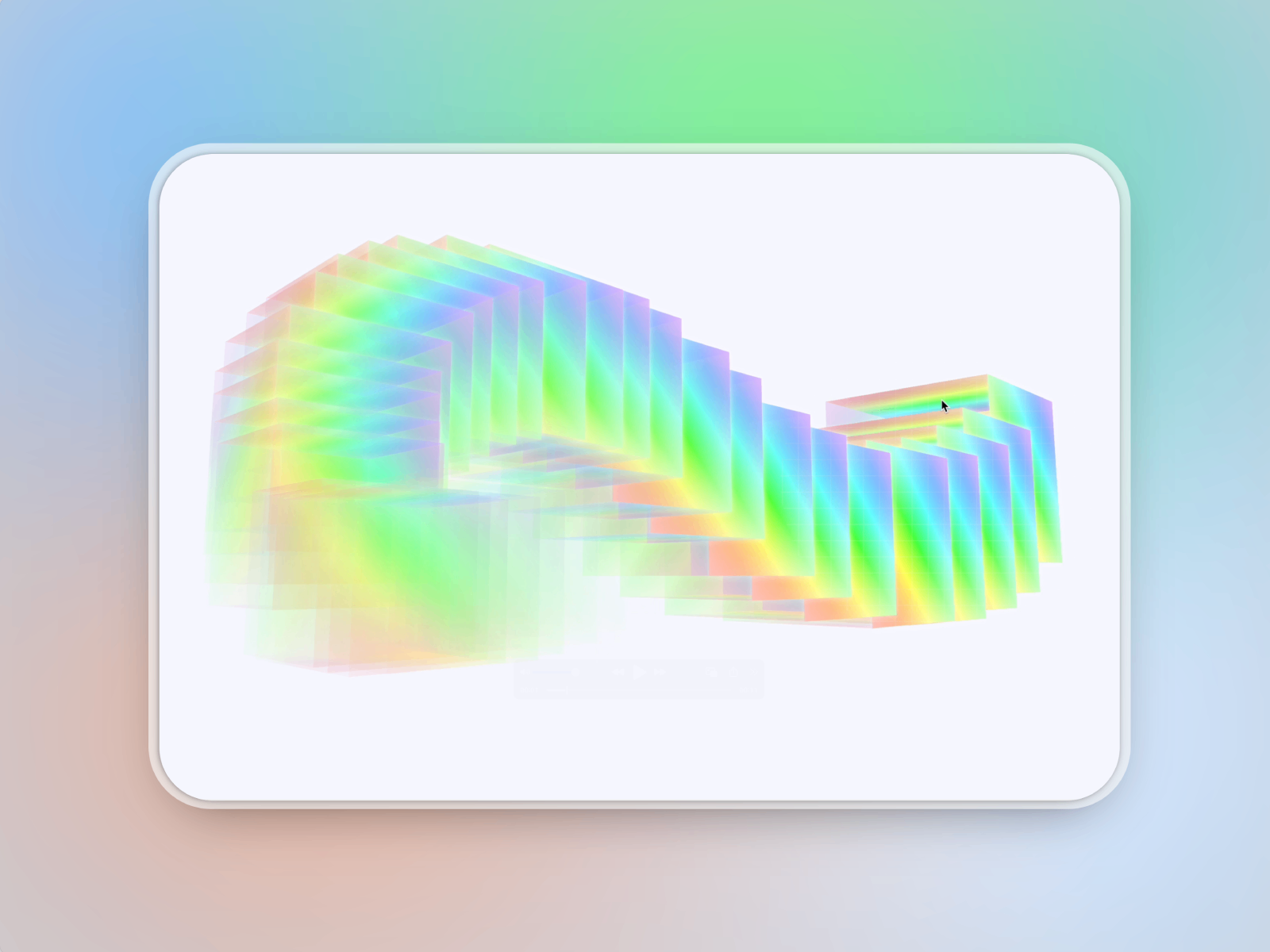
Liquid Glass Cube — Interactive 3D cube with liquid glass material and motion
by Veronica G
Liquid Glass Cube from Veronica G turns liquid glass into a spatial object — a three-dimensional form visitors can explore rather than a background layer they scroll past. The component suits product launches and creative portfolios where a single interactive centerpiece must demonstrate craft without importing a full 3D pipeline. Pair it with flat SVG surfaces like Liquid Glass Surface when the page mixes hero spectacle with usable UI chrome. At 10 USD it earns its place when the brief asks for liquid glass as sculpture, not atmosphere alone.
- Best for
- Feature sections and portfolio moments that need a tactile glass object, not a flat panel
Affiliate link — we may earn a commission at no extra cost to you.
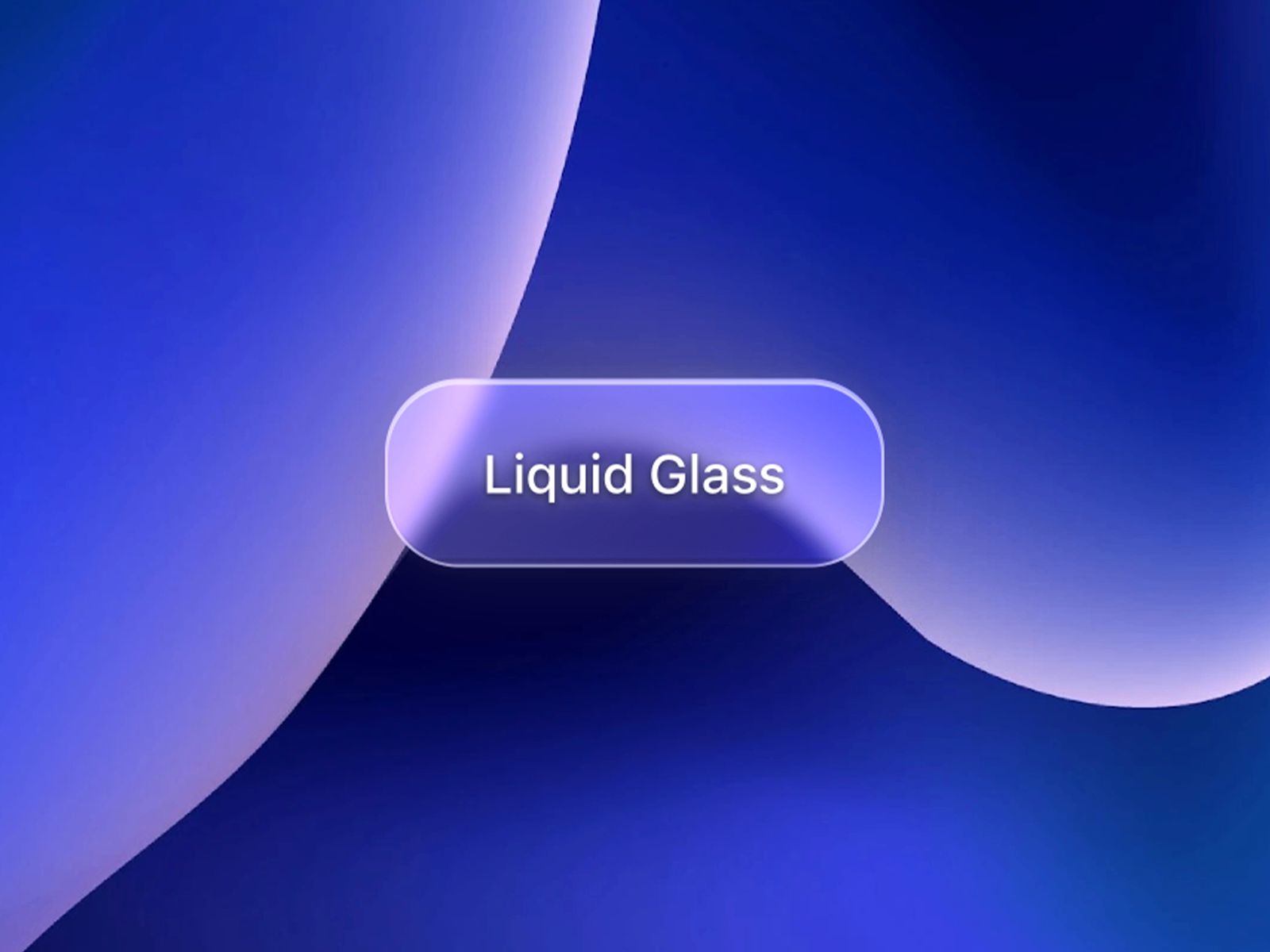
AppleLiquidButton — Apple-accurate glass CTA with 20+ icons and chromatic aberration
by Syed Saboor
AppleLiquidButton recreates macOS- and iOS-inspired liquid glass on a production CTA — backdrop filters with saturation and brightness controls, multi-directional specular highlights, chromatic aberration, and a built-in icon library with twenty presets. Syed Saboor designed it to adapt across light and dark backgrounds without rebuilding variants. Drop it where the main button must feel flagship: pricing pages, app promos, and settings panels that reference Apple’s latest interface direction. At 5 USD it is the most complete Apple-style button on this list.
- Best for
- Primary conversion buttons on dashboards and hero sections that must match Apple's translucent language
Affiliate link — we may earn a commission at no extra cost to you.
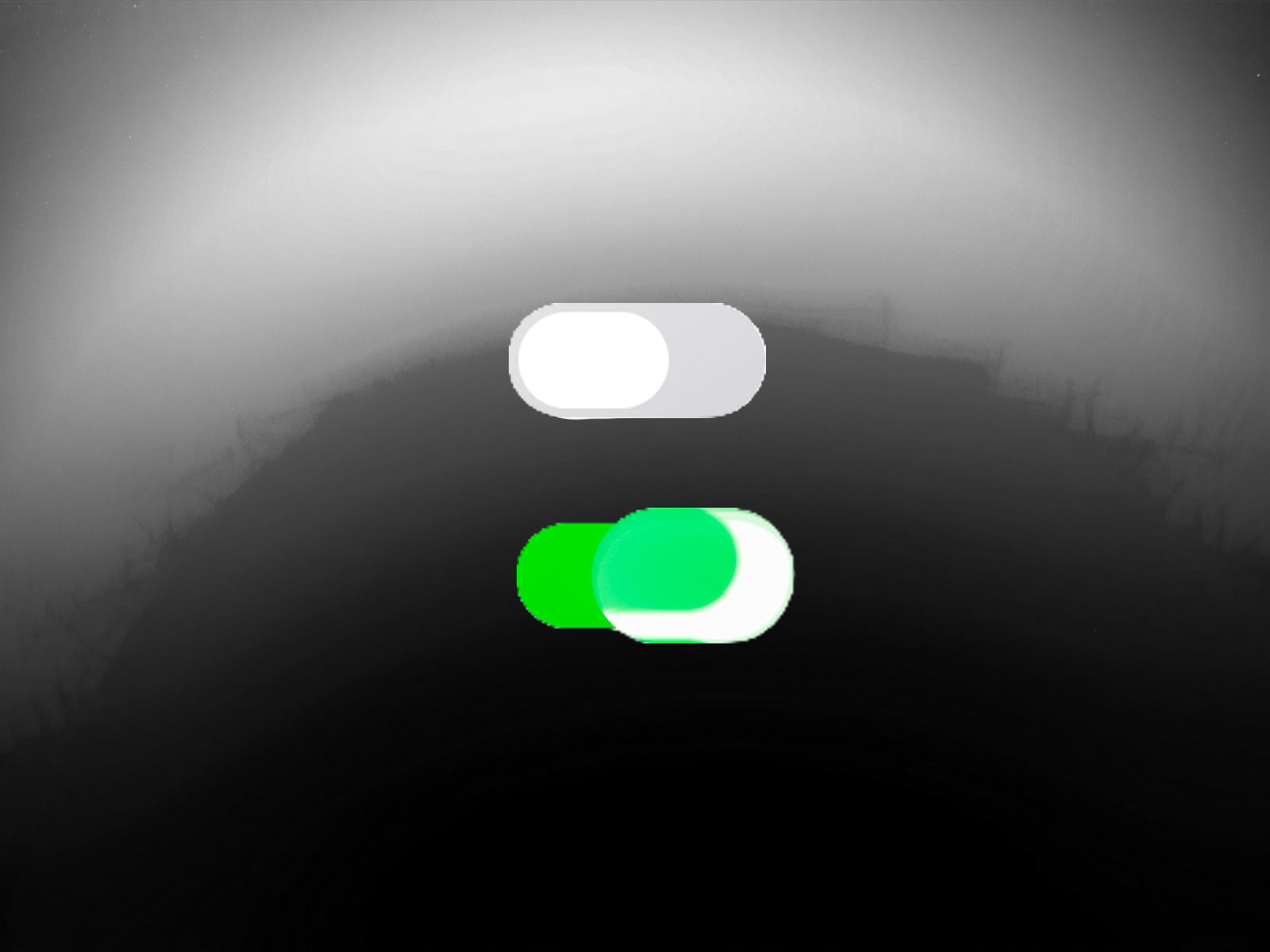
Liquid Glass Switch — Toggle switch with 3D perspective animation and glass morphing
by Syed Saboor
Liquid Glass Switch extends Syed Saboor’s liquid-glass system to binary controls — dynamic refraction, chromatic separation, and 3D perspective rotation during toggle transitions with smooth cubic-bezier easing. Specular highlights and backdrop-filter morphing keep the control readable on both light and dark themes. Use it beside AppleLiquidButton when a settings or onboarding flow must feel cohesive with Apple’s translucent controls rather than default Framer toggles. At 5 USD both components share the same design vocabulary at button and switch scale.
- Best for
- Settings panels, preference controls, and form UIs that need Apple-style translucent toggles
Affiliate link — we may earn a commission at no extra cost to you.
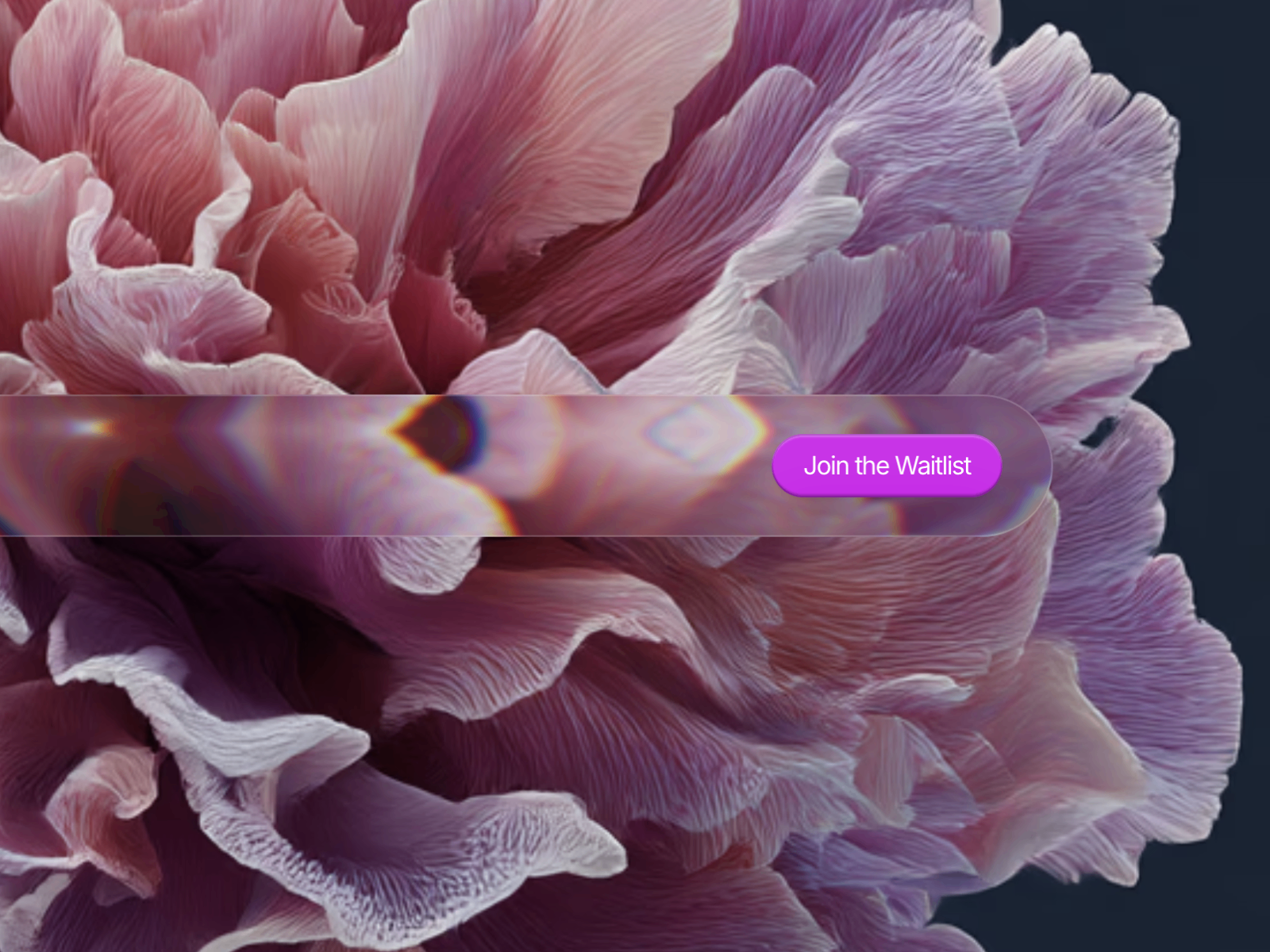
Glass Navigation — SVG turbulence and optional chromatic refraction for sticky nav bars
by Veronica G
Glass Navigation creates a glass-style background layer sized for navigation bars — SVG turbulence and displacement produce rippled, warped-glass texture with optional chromatic aberration and a subtle border for pane definition. Veronica G built it for sticky headers on upscale SaaS and agency sites where the nav must float above photography without looking like a flat blur strip. Place your link row above the component and tune turbulence from the panel. At 10 USD it solves the specific chrome problem that hero lenses and button components do not address.
- Best for
- Sticky headers and glassmorphism layouts that need rippled glass behind navigation links
Affiliate link — we may earn a commission at no extra cost to you.
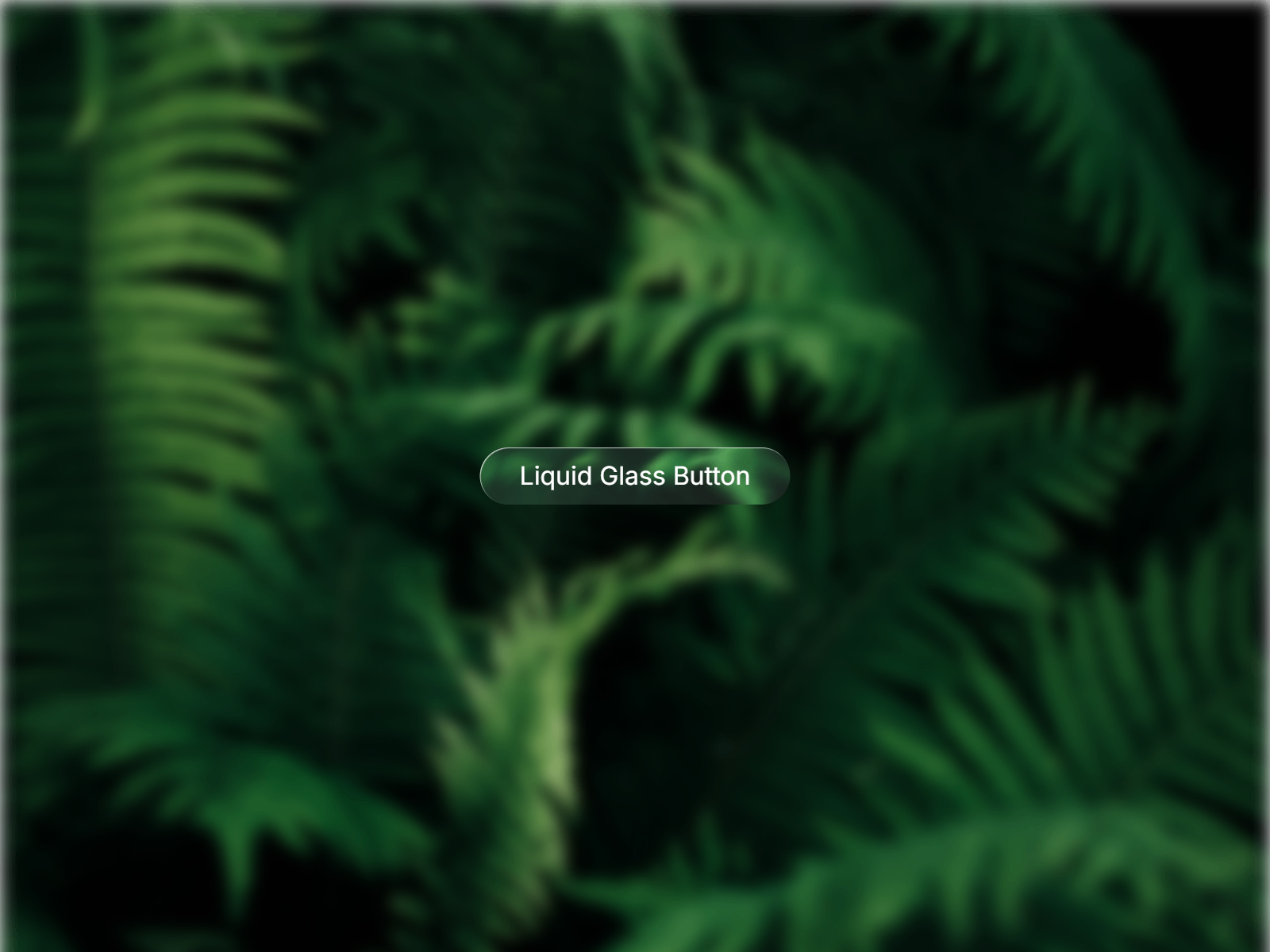
Liquid Glass Button — Layered blur and gradient glass CTA with Framer Motion hover states
by Danyal Asif
Liquid Glass Button from Danyal Asif delivers Apple’s liquid-glass button aesthetic through layered transparency, blur, and gradient lighting with Framer Motion hover and press animations. Color, blur intensity, glow strength, and corner radius are all panel-controlled — copy-paste ready without code edits. It trades AppleLiquidButton’s icon library and aberration depth for a lighter, motion-forward CTA that still reads premium on gradient heroes. At 5 USD choose it when you need one or two glass buttons fast and Syed Saboor’s fuller control set is more than the page requires.
- Best for
- Secondary CTAs and marketing buttons that need liquid-glass depth at a lower complexity tier
Affiliate link — we may earn a commission at no extra cost to you.
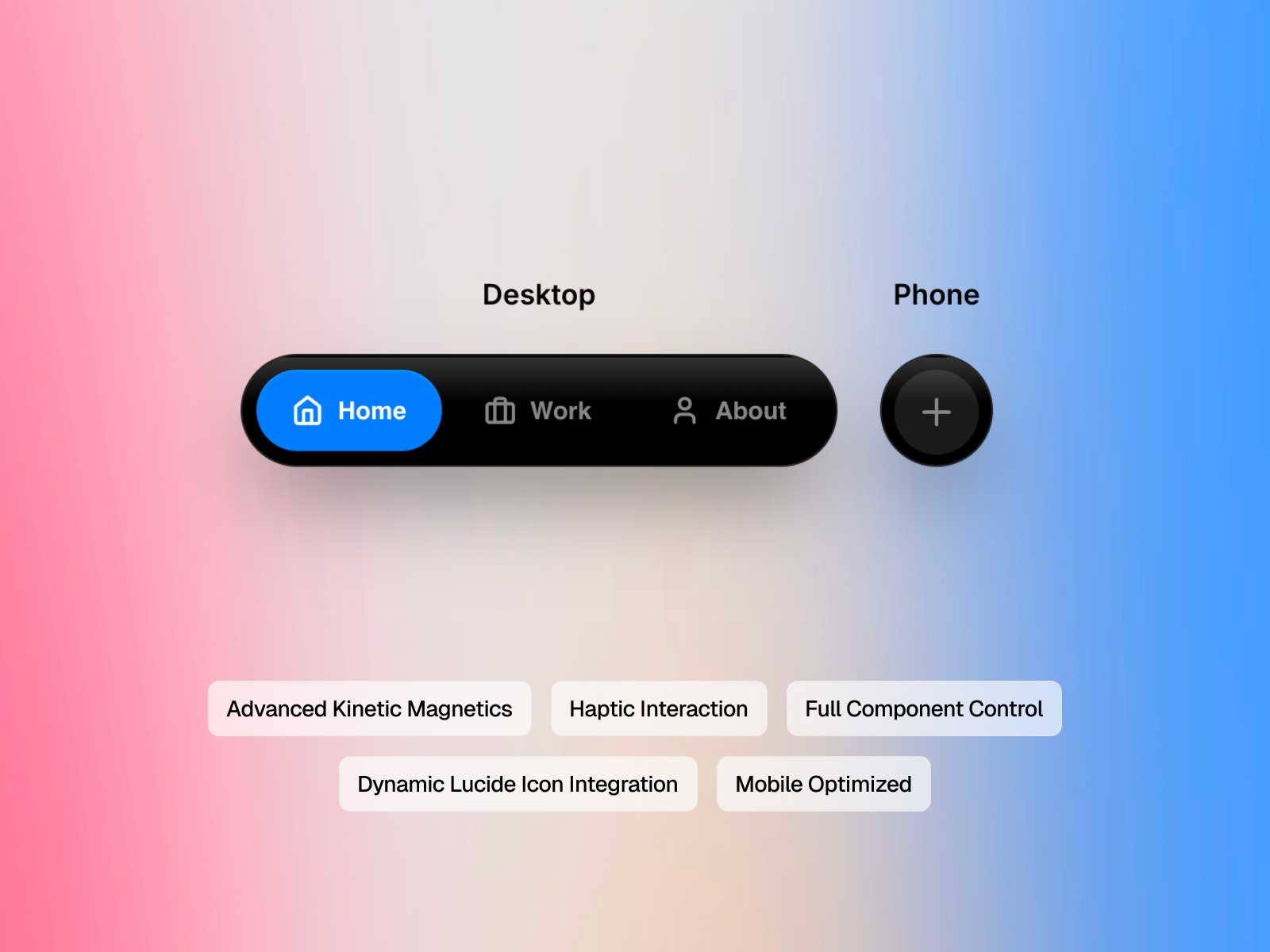
Liquid Kinetic Nav — Apple-inspired liquid glass nav with magnetic items and thumb-zone mobile layout
by Abishek M
Liquid Kinetic Nav ships a full navigation component with GPU-accelerated multi-layer glassmorphism, magnetic pull on desktop items, haptic scale feedback on click, and a thumb-zone mobile expansion layout. Abishek M includes WCAG 2.1 contrast logic, Lucide icon integration by name, and a low-power mode that reduces backdrop blur on mobile to protect battery. Native Framer linking covers internal pages and external URLs. It is free — start here when the entire header must feel liquid-glass native before buying Glass Navigation or custom button components.
- Best for
- Production sites that need a complete liquid-glass navigation system at zero cost
Affiliate link — we may earn a commission at no extra cost to you.
Quick comparison
| Resource | Price | Type | Best for |
|---|---|---|---|
| LiquidGlass | 9 USD | Component | Cursor-reactive WebGL hero lenses |
| True Liquid Glass | 15 USD | Component | Dedicated liquid refraction layer |
| Nebula Liquid Media | 6 USD | Component | Vortex distortion over images and video |
| Liquid Card Shader | 6 USD | Component | Interactive liquid showcase cards |
| Liquid Glass Surface | 4 USD | Component | SVG refraction on buttons and cards |
| Liquid Glass Cube | 10 USD | Component | 3D liquid-glass centerpiece |
| AppleLiquidButton | 5 USD | Component | Apple-style primary CTAs with icons |
| Liquid Glass Switch | 5 USD | Component | Translucent toggle controls |
| Glass Navigation | 10 USD | Component | Rippled glass behind sticky nav |
| Liquid Glass Button | 5 USD | Component | Motion-forward glass CTAs |
| Liquid Kinetic Nav | Free | Component | Full liquid-glass nav system |
How to choose the right Framer liquid glass component
Separate hero spectacle from UI chrome. LiquidGlass, True Liquid Glass, Nebula Liquid Media, and Liquid Glass Cube own above-the-fold moments where distortion is the story. Liquid Glass Surface, AppleLiquidButton, Liquid Glass Switch, and Glass Navigation handle buttons, toggles, and headers where readability matters more than spectacle. Mixing one WebGL hero with SVG or filter-based UI keeps long pages performant.
Match rendering cost to interaction depth. WebGL picks — LiquidGlass, Nebula Liquid Media, Liquid Card Shader — justify GPU use when the section reacts to cursor or scroll. Liquid Glass Surface and Syed Saboor’s button and switch components stay lighter for dense pages with many glass elements. Test on mid-range phones before stacking multiple WebGL blocks on one route.
Decide between Apple UI fidelity and media distortion. AppleLiquidButton, Liquid Glass Switch, and Liquid Kinetic Nav target Apple’s translucent control language. Nebula Liquid Media and Liquid Card Shader bend photography and video. True Liquid Glass and LiquidGlass sit in the middle — full-frame refraction that works over any content you place beneath the component.
Budget free navigation first, then buy the hero. Liquid Kinetic Nav covers an entire header at zero cost. Spend license fees on the one centerpiece visitors remember — LiquidGlass for cursor lenses or Nebula Liquid Media for portfolio grids — rather than buying three mid-tier shaders that compete on the same viewport.
Our top pick for most Framer builders
If you need one liquid-glass hero that reacts to the cursor, LiquidGlass at 9 USD is the most complete WebGL engine on this list — merge physics, reflections, and touch support in a single install. For Apple-style controls without shader complexity, pair AppleLiquidButton and Liquid Glass Switch from Syed Saboor at 5 USD each. On a zero budget, install Liquid Kinetic Nav first, then add Liquid Glass Surface at 4 USD for matching button and card chrome.
Browse Framer templates on yoframer for landing pages with glass-ready hero sections, or read our 3D and WebGL components roundup when liquid distortion needs to go beyond UI surfaces. More resource roundups live on the Resources hub.
Updated August 2026. We refresh this list as notable liquid-glass components ship, reprice, or go stale.


