
TL;DR — On March 18, 2026, Framer shipped Custom Distribution for built-in A/B tests — set custom traffic splits so a redesign or copy variant reaches a smaller slice of visitors first before you commit to a full rollout. The same analytics drop adds CMS page A/B testing, tracking-ID filters, sidebar folders, extended history on Pro, and sharper bounce-rate and session calculations that include activity across the whole visit.
This yoframer guide lives at /framer-updates/framer-custom-distribution-analytics-update/ and translates Framer’s Custom Distribution announcement for marketers, founders, and agencies who run Convert experiments on Framer-hosted sites — when to throttle variant traffic, how CMS pages fit the model, and what the metric recalculations mean for dashboards you already watch.
Custom distribution at a glance
| Feature | What it does | Why it matters |
|---|---|---|
| Custom Distribution | Set non-50/50 splits for A/B variants | Test bold redesigns on 10–30% of traffic before risking conversion on everyone |
| CMS page A/B tests | Run experiments on collection-driven pages | Blog landings, programmatic SEO pages, and CMS heroes join static-page tests |
| Tracking-ID filters | Slice analytics by tagged links or campaigns | Separate paid traffic from organic when you judge a variant |
| Sidebar folders | Organize sites and projects in Analytics | Less scroll when you manage multiple client properties |
| Extended Pro history | Longer lookback on Pro-plan sites | Compare experiments across full sales cycles, not just launch week |
| Bounce + session fixes | Count on-page interactions and multi-page activity | Dashboards reflect real engagement, not first-click artifacts |
| Before March 2026 | After Custom Distribution |
|---|---|
| Even splits or manual guesswork on rollout risk | Configurable splits tuned to how confident you feel |
| CMS detail pages harder to experiment on | Native CMS A/B support in the same Convert workflow |
| Campaign traffic mixed into headline metrics | Tracking-ID filters for cleaner reads |
| Bounce rate ignored meaningful on-page clicks | Recalculated bounce and session metrics |
What Framer Custom Distribution changes
1. Custom traffic splits for A/B tests
The headline feature is Custom Distribution: instead of sending half your visitors to a variant on day one, you choose how much traffic each arm gets. Framer positions this for teams that want to validate a redesign quietly — measure click-through, form starts, or scroll depth on a slice — before promoting the winner to 100%.
That matters when the variant is visually loud (new hero, different pricing layout) or when your baseline already converts well and a bad test week is expensive.
2. A/B testing on CMS pages
Framer extended experiments to CMS pages, so collection-backed routes — blog posts, case-study templates, localized landings — can participate without cloning entire sites by hand. Pair this with CMS 3.0 table workflows when you are refreshing many rows before a test.
3. Analytics workspace polish
Several quality-of-life additions landed in the same release:
- Filtering by tracking IDs — isolate UTM-tagged or custom-ID traffic when you read results.
- Folders in the Analytics sidebar — group client sites or brand properties without losing context.
- Extended history on Pro — longer retention when you need more than a fortnight to judge B2B cycles.
- System languages in geography — clearer locale reads when you run multilingual sites.
4. Metric accuracy improvements
Framer recalculated bounce rate to include all on-page interactions, not just the first navigation event. Average session duration now reflects activity across every page in a visit. If your March dashboards look different from February, re-baseline trends instead of chasing ghosts — the numbers are likely more honest, not broken.
Framer also improved Convert add-on availability on Pro plans and overall analytics accuracy per the official notes. Treat this drop as both a testing tool and a measurement cleanup.
How to use Custom Distribution in Framer
Use this checklist when you set up your first throttled test:
- Open Analytics / Convert for the site you publish from Framer (confirm your plan includes the experiments you need).
- Create or duplicate the variant page — static route or CMS-backed page depending on the hypothesis.
- Start the A/B test and open distribution controls — set a conservative split (e.g. 80% control / 20% variant) for week one.
- Tag outbound or paid links with tracking IDs if campaign traffic would pollute the read; filter by those IDs when you review results.
- Watch primary metrics (conversion, form submit, CTA click) for the sample size Framer recommends — do not promote early on vanity lifts.
- Increase variant share only after the variant wins on your guardrail metrics; publish when you are ready to call the test.
- Re-check bounce and session charts knowing March 2026 recalculations may shift historical comparisons — note the change in client reports.
If you are new to Framer experiments entirely, read Framer Convert product docs alongside the official update page.
Three workflow recipes to try this week
Cautious homepage hero redesign
Your SaaS homepage converts at 3.2% and leadership wants a bolder hero — but nobody wants to tank February pipeline on day one.
- Duplicate the homepage, change only the hero band, and launch an A/B test at 85% control / 15% variant.
- Filter results by tracking IDs if paid search sends hotter traffic than organic.
- After two weeks of stable variant wins on demo clicks, ramp to 50/50 before declaring the redesign live.
CMS landing page experiment
You publish programmatic SEO landings from a CMS collection and want to test a shorter form on one template.
- Create a variant CMS item or alternate template binding — Framer now supports A/B tests on CMS pages.
- Keep distribution at 70/30 until form-submit volume is statistically meaningful for your traffic tier.
- Document the winning field layout in your CMS style guide so editors do not reintroduce the losing pattern.
Agency multi-site analytics hygiene
You manage six client sites in Framer Analytics and campaign reports keep mixing launch-week spikes with evergreen traffic.
- Create sidebar folders per client so experiments and baselines stay grouped.
- Require tracking IDs on every paid campaign link before the test goes live.
- When you export March metrics, footnote the bounce-rate methodology change so clients do not panic about week-over-week deltas.
Framer templates for conversion experiments
These remix-friendly files give you CMS-backed marketing structure — useful sandboxes when you want pages to split traffic against without building from an empty project.
 Live Preview
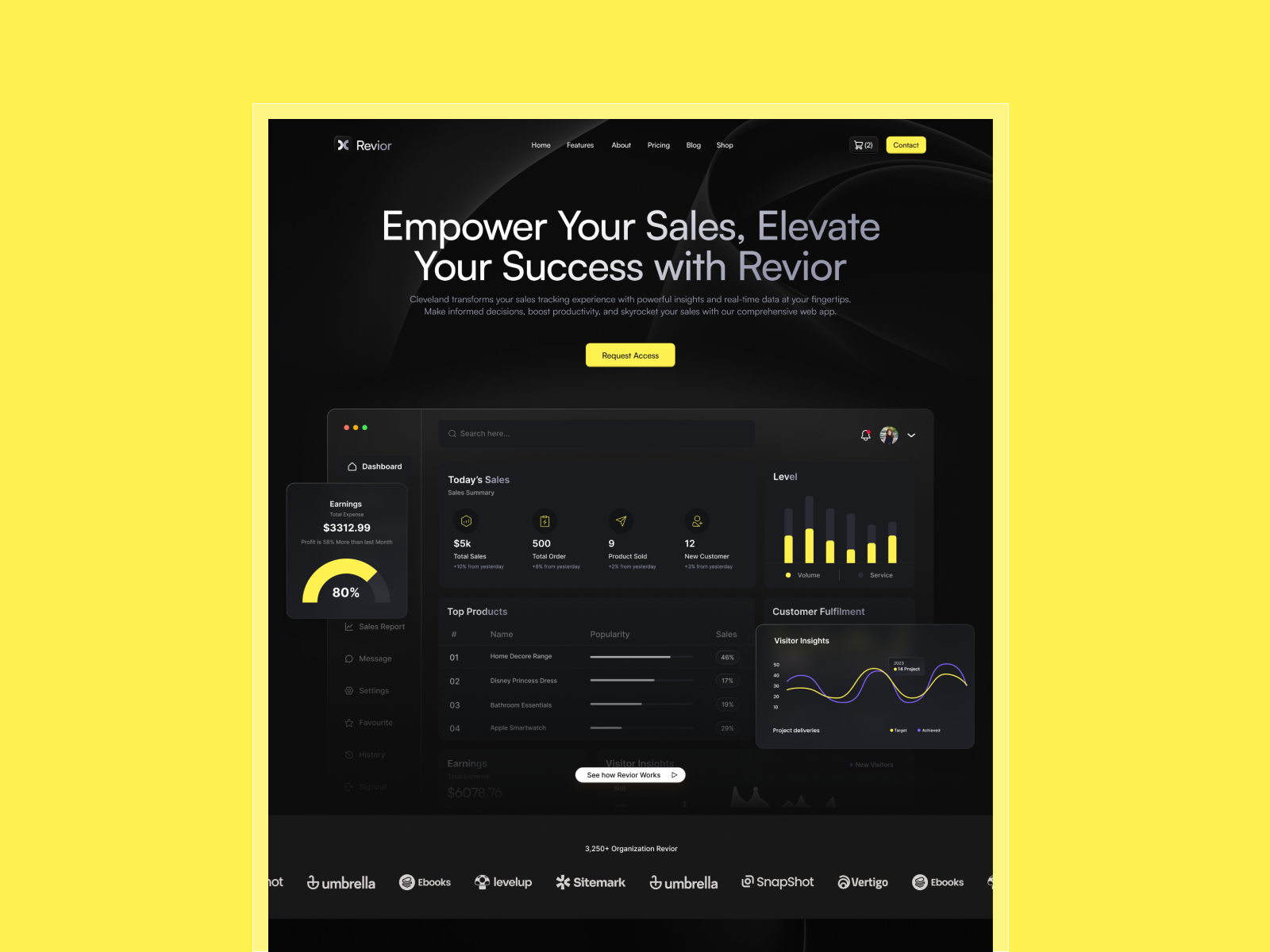
Revior · CMS-heavy SaaS marketing skeleton
by OneFramer
Revior is a go-to yoframer pick for CMS depth — clone it when you want Custom Distribution experiments on realistic SaaS page maps instead of a one-section stub.
- Best for
- Teams testing hero, pricing, or blog landings with multiple collections already wired
 Live Preview
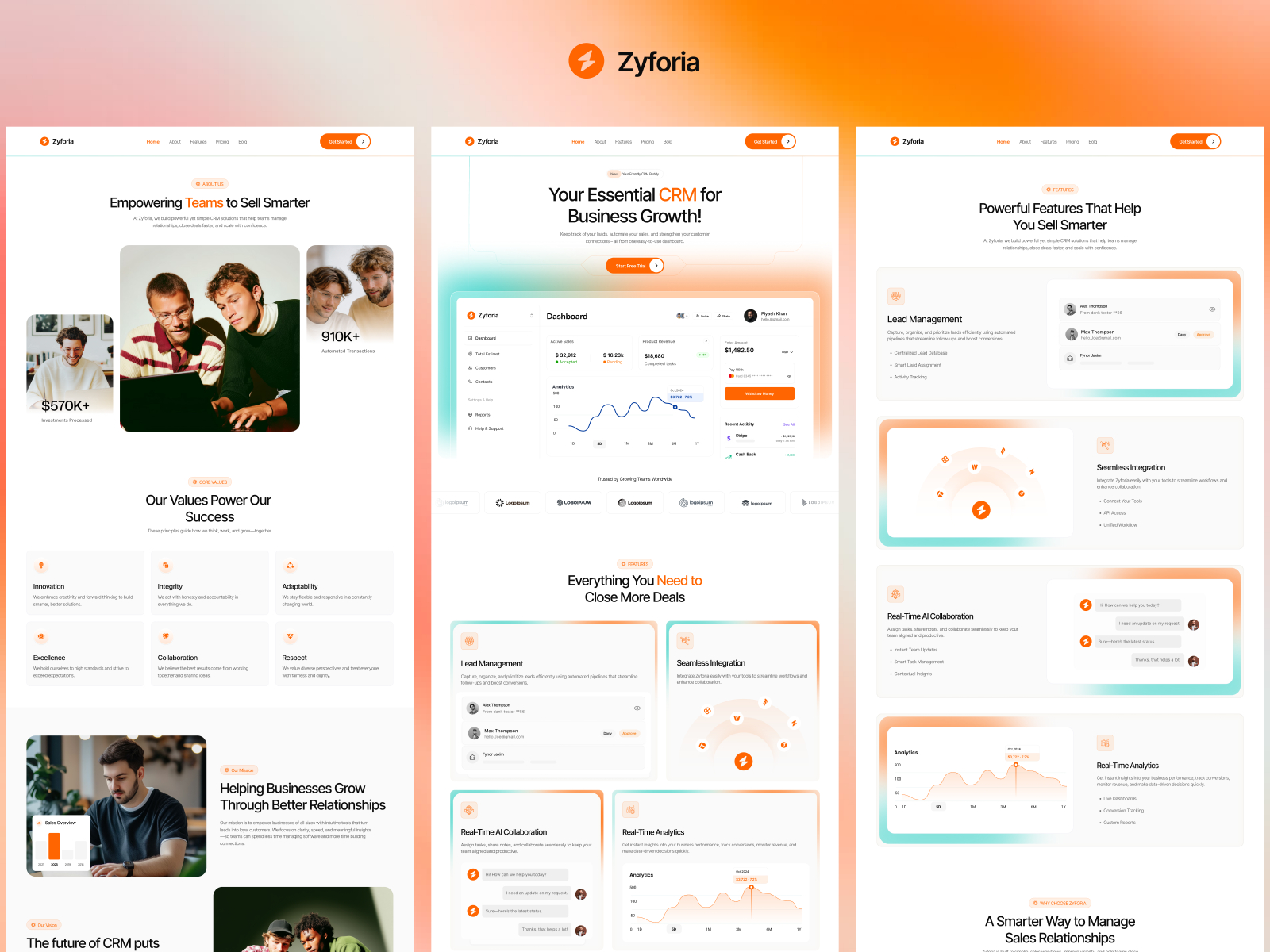
Zyforia · SaaS site with dedicated Contact and pricing routes
by SF
Zyforia’s Contact and product routes mirror how SaaS teams actually measure conversion — a strong file for 20% variant rollouts before you touch the live domain’s main funnel.
- Best for
- Founders comparing CTA and form variants on high-intent pages
 Live Preview
Arcadia · Agency-grade marketing with CMS collections
by OneFramer
Arcadia balances visual polish with CMS collections — handy when you pitch cautious A/B tests to clients who fear redesign risk.
- Best for
- Studios running client experiments who need polished baselines and variant pages fast
Browse more starting points in the template directory or our best free SaaS Framer templates in 2026 roundup.
Official Framer resources worth bookmarking
- Custom Distribution release notes — canonical changelog (March 18, 2026).
- Framer Convert — product overview for experiments and optimization.
- Framer Analytics — built-in measurement on published sites.
- All Framer updates — adjacent releases including Forms Antispam and CMS 3.0.
More reading on yoframer
- Framer updates hub — editorial coverage of platform releases.
- Framer CMS 3.0 deep dive — editorial workflows that pair well with CMS page experiments.
- Submit a template or tool — if you ship experiment playbooks for Framer agencies.
The bottom line
Custom Distribution turns Framer’s built-in A/B tests into a risk-managed rollout tool: throttle variant traffic, extend experiments to CMS pages, and read results through cleaner metrics and tracking-ID filters. Start conservative, footnote the March analytics recalculations in client reports, and promote winners only when your primary conversion metric agrees — not when the variant merely looks prettier in preview.